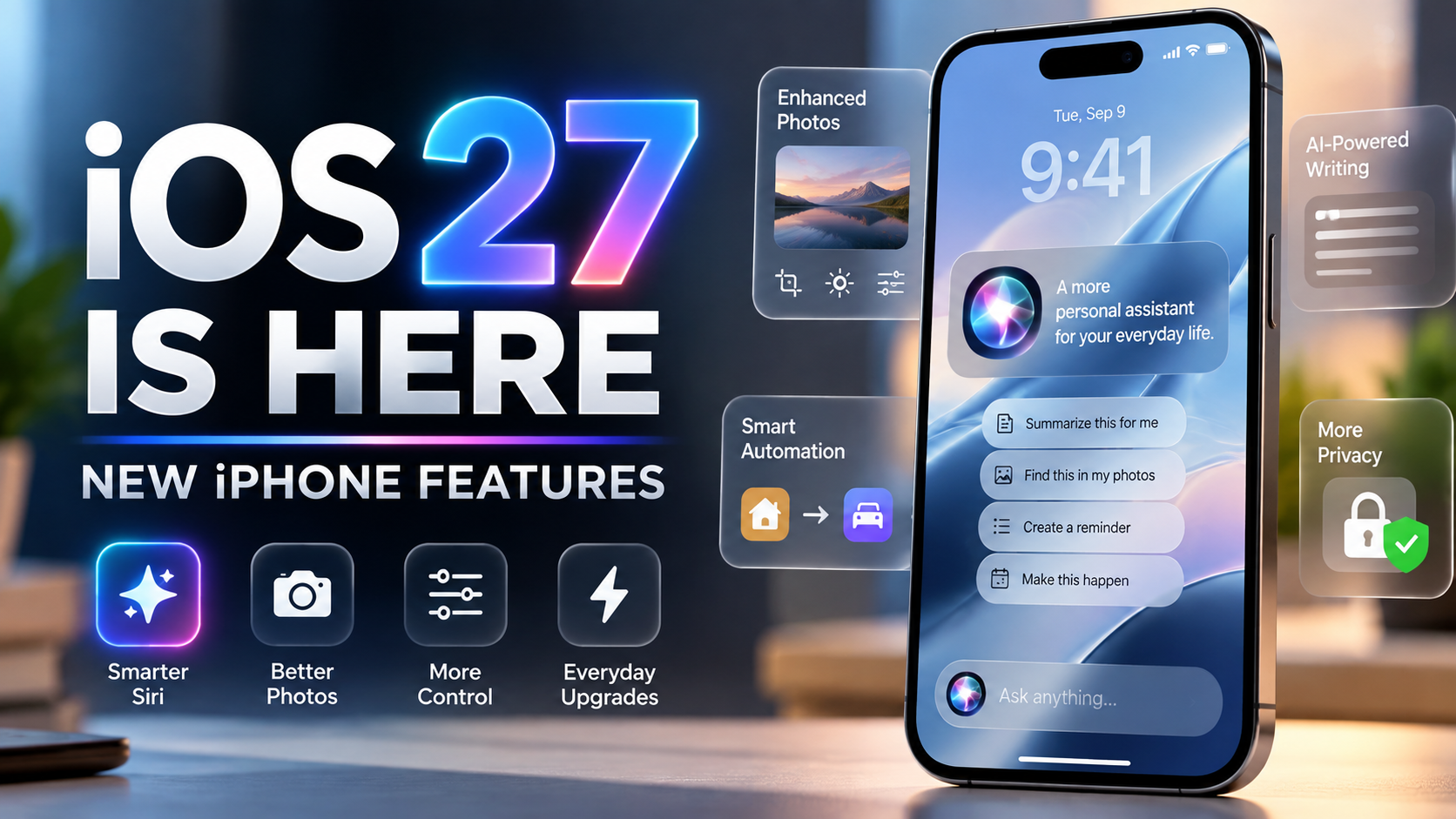
Apple has officially released iOS 27, bringing one of the biggest Siri upgrades in years alongside new Apple Intelligence features, photo-editing tools, design controls, parental protections, and performance improvements. The update began rolling out September 14, 2026, and is available for supported iPhones.
The headline feature is Siri AI, Apple’s reimagined assistant. But iOS 27 is more than an AI update. There are useful changes throughout the system that can make an iPhone feel smarter, more customizable, and easier to use.
Here are the iOS 27 features worth trying first, plus what you need to know about compatibility.
Siri AI Is the Star of iOS 27
Apple describes Siri AI as a more capable and conversational assistant built on the next generation of Apple Intelligence. Instead of handling only simple commands, the new Siri is designed to understand personal context, what is currently on your screen, and follow-up questions.
For example, Siri can surface relevant information from messages, emails, photos, and other personal content when responding to a request. Apple also says Siri can perform more actions across apps, such as helping draft an email or working with information already visible on the screen.
A dedicated Siri app is another major change. It gives users a place to revisit conversations, while iCloud can privately sync Siri conversation history across supported Apple devices.
Siri AI is initially rolling out in beta in English. Apple says French, Japanese, Korean, Portuguese, and Spanish support is coming next.
Try the New Photo Editing Tools
iOS 27 expands Apple Intelligence inside Photos. New tools include Spatial Reframing and improvements to Clean Up, giving compatible iPhones additional ways to adjust images after they have been captured.
Spatial Reframing can intelligently extend or reposition a photo to better fit a composition or wallpaper. This could be particularly useful when a favorite image does not naturally fit the iPhone Lock Screen.
Clean Up has also been improved for removing distracting objects or elements from an image. These features make the Photos app increasingly capable without requiring a separate editing app for quick fixes.
Siri Can Understand What’s on Your Screen
Onscreen awareness is one of the most practical parts of Siri AI. When something is displayed on your iPhone, you can ask Siri questions about it or request an action related to that content.
That could reduce the need to copy information between apps manually. Apple’s examples show Siri using information from webpages and personal content to answer questions and perform tasks.
This is one of the features that could make the new Siri feel substantially different from the older voice assistant, especially once more third-party apps support Siri’s expanded app actions.
More Control Over the Liquid Glass Look
iOS 27 continues Apple’s Liquid Glass design while giving users more control over its appearance. One notable addition is the ability to adjust the visual effect, making the interface easier to personalize.
For anyone who liked the overall design direction but wanted more control over transparency and readability, this is a small but welcome improvement.
Shortcuts Gets Smarter With Natural Language
Apple is also making automation easier. iOS 27 expands intelligence in Shortcuts, allowing users to create and work with automations using more natural language.
This has the potential to make Shortcuts more approachable for people who previously found building multi-step automations complicated. Instead of understanding every action in advance, users can describe more of what they want to accomplish and let the system help construct the workflow.
Better Writing Assistance Across iPhone
Apple Intelligence is more deeply integrated into everyday apps in iOS 27. Writing tools can help users compose, rewrite, and proofread text in places such as Mail and Messages.
The goal is not simply to generate text, but to make assistance available within the apps where people are already communicating. That can be useful for polishing an email, changing tone, or quickly improving a message without switching to another application.
New Parental Controls and Child Safety Features
iOS 27 also includes expanded tools for families. Apple has added stronger parental controls, including more options around age-appropriate apps, web browsing approvals, Screen Time, and communication safety.
These improvements are designed to give parents more control over what younger users can access while making those controls easier to manage from Apple devices.
Performance Improvements Matter Too
Not every meaningful upgrade needs to be flashy. Apple says its latest software releases include broader platform improvements intended to make devices more responsive and easier to use.
Apple highlights broad performance improvements in iOS 27, including up to 30% faster app launches, up to 70% faster loading of new captures in Photos, and up to 80% faster AirDrop transfers. Apple also lists more seamless switching between Wi‑Fi and cellular networks. Actual gains can vary by device and task.
Which iPhones Support iOS 27?
iOS 27 is available for iPhone 11 and later, as well as iPhone SE (2nd generation and later). However, installing iOS 27 does not mean every device receives every feature.
Apple Intelligence has stricter hardware requirements. Apple lists iPhone 15 Pro and iPhone 15 Pro Max, all iPhone 16 models, and later compatible iPhones among the supported devices for Apple Intelligence. Siri AI also requires an Apple Intelligence-capable device and is beginning its public rollout as a beta.
That distinction is important for owners of older supported iPhones: they can still receive iOS 27 and many of its system improvements, but the biggest AI features require newer hardware.
Should You Install iOS 27 Now?
For most users with a supported iPhone, iOS 27 is a significant update worth considering, especially if you own a device capable of running Apple Intelligence. Siri AI is the biggest reason to explore the release, but the photo tools, customization changes, family features, and system refinements make the update broader than Siri alone.
As with any major operating-system release, users who depend on critical work apps may prefer to verify app compatibility first. It is also sensible to back up important data before installing a major iOS update.
For compatible iPhones, the update can be found under Settings > General > Software Update.
The Bottom Line
iOS 27 marks a major step in Apple’s effort to make the iPhone more context-aware and useful through Apple Intelligence. Siri AI finally moves Siri toward richer conversations, personal context, onscreen understanding, and deeper app actions, while Apple has also added improvements that benefit users outside the AI experience.
If you have an Apple Intelligence-compatible iPhone, Siri AI and the new Photos features should be near the top of your list to try. On older supported iPhones, the design, safety, and performance changes still give iOS 27 plenty to explore.
Sources
Apple Newsroom — Major updates for Apple’s software platforms are now available
Apple — iOS 27 features, compatibility, and availability
Apple Support — Apple security releases and iOS 27 compatibility