
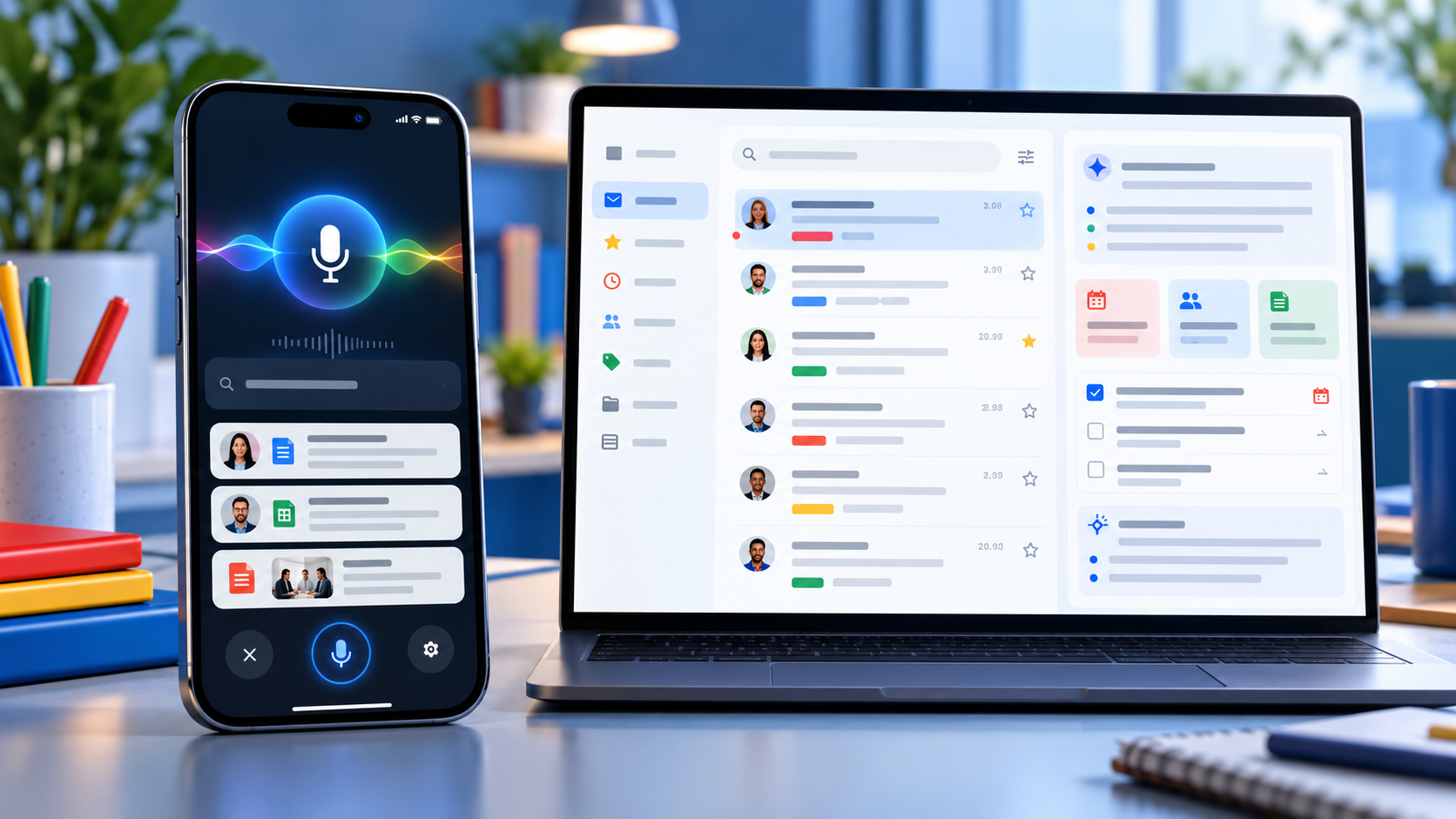
Google is bringing two of Gmail’s most ambitious Gemini features to more paid Workspace accounts. Gmail Live turns inbox search into a spoken conversation on Android and iPhone, while AI Inbox builds a separate view of priority topics, deadlines and suggested to-dos drawn from email.
The October 2026 expansion can save time, but availability is unusually specific. Both features are currently limited to the United States and English, require eligible plans and depend on Gmail smart-feature settings. Google also labels both experiences as beta, so readers should verify important answers against the original messages.
Gmail Live and AI Inbox at a glance
- Gmail Live lets users ask spoken questions about their email and hear synthesized answers on supported Android phones and iPhones.
- Each Gmail Live turn can show an email source card, giving users a path back to the messages behind an answer.
- AI Inbox extracts suggested to-dos, deliverables and deadlines, then summarizes priority topics across conversations.
- Both features currently require U.S. availability, English language settings, eligible plans and Gmail smart features.
- Google is using gradual rollouts, so an eligible account may wait as long as 15 days—or longer for some editions—before the features appear.
Gmail Live turns inbox search into a conversation
Gmail Live is designed for questions that would otherwise require several searches or long email threads. A user can ask for a flight gate, an order update, a training deadline or the latest message from a manager, then interrupt, refine the question or follow up without starting a new search.
Google says the feature uses current Gemini models to provide low-latency, inbox-aware voice search. Answers are spoken aloud, making the experience useful when typing is inconvenient. The feature is available inside the Gmail mobile app rather than on the desktop web interface.
This is not a hands-free license to trust every response. Email can contain old reservations, revised deadlines or several messages with similar subjects. Before acting, open the cited message and confirm that the sender, date, attachment status and latest reply match the answer.
Source cards make Gmail Live answers easier to audit
Google now surfaces an email source card prominently at each conversational turn. Users can tap a link inside a response to open the exact email or open the Sources card to see all cited messages. Selecting an email ends the Live session, while a View search page option returns the user to Gmail’s standard results.
That source path is the most important reliability feature in the update. If Gmail Live says a payment is due or a flight leaves from a certain gate, the original message remains the authoritative record. The source card also helps reveal when an answer blended details from more than one thread.
Google’s rollout post says users can choose a preferred Gmail Live voice. At publication time, Google’s Android help page still says the voice cannot be changed. That documentation mismatch likely reflects a staged interface update, so do not assume the voice selector has reached every account yet.
How to start Gmail Live
- Open the Gmail app on a supported Android phone or iPhone and sign in to an eligible account.
- Look for the Gmail Live entry point near the top of the app or in the search area.
- Grant microphone permission the first time Gmail asks, then accept the displayed terms.
- Ask a question aloud, interrupt to refine it or select a suggested prompt.
- Use the Sources card to inspect the messages behind the response before acting.
Google’s help page says Gmail Live does not currently work on Android tablets. Work and school users also depend on their administrator allowing Gemini beta access, while personal accounts need Google AI Plus, Pro or Ultra. Smart features in Workspace and other Google products must be enabled.
AI Inbox builds a prioritized view of work and deadlines
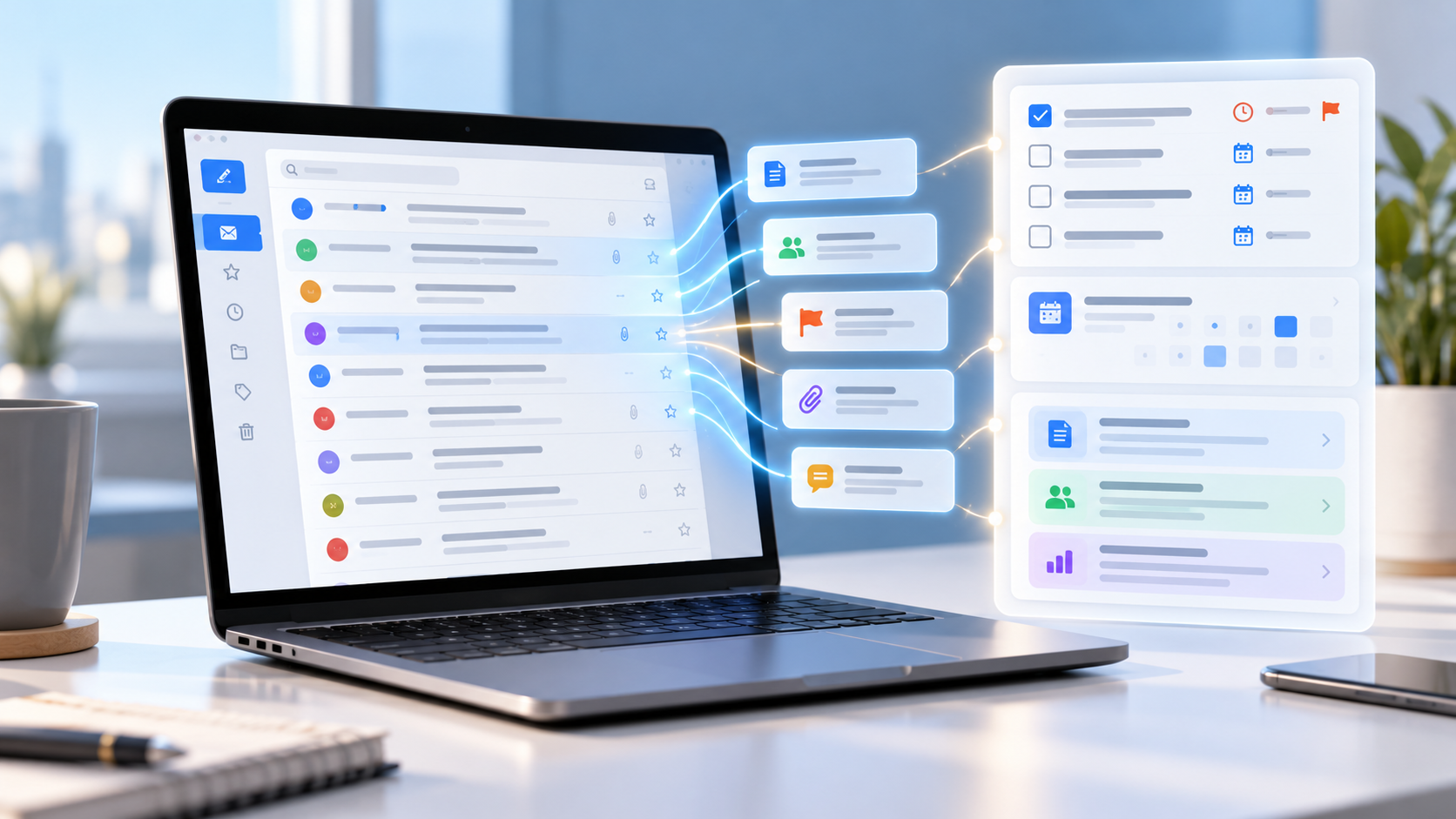
AI Inbox appears as a separate destination in Gmail’s menu. Its Suggested to-dos section extracts high-priority tasks from incoming messages and can emphasize a deadline or required action. Topics to catch up on summarizes important projects, travel plans, reservations, purchases and other threads that may be scattered across the inbox.
Users can open the related message, reply, mark a to-do complete or remove an inaccurate item. Feedback controls allow a positive or negative rating, and Google includes a report-abuse option for unsafe suggestions.
The feature may take time to populate. Google says the first set of to-dos and topics can take a few hours after smart features are enabled and, in some cases, as long as seven days. A quiet account may show an empty AI Inbox.
What AI Inbox includes—and what it misses
AI Inbox currently focuses on Gmail’s Primary tab. It does not use messages filed under Social or Promotions, and it filters out spam plus messages that are archived, deleted, muted or snoozed. That means a valid deadline can be absent simply because the message sits outside Primary.
Google’s help documentation also says AI Inbox does not support attachments, delegated inboxes or encrypted email. A task described only in a PDF, a shared mailbox or a client-side encrypted message may therefore be invisible to the feature.
The practical rule is simple: treat AI Inbox as a triage layer, not a complete task manager. Continue checking labels, calendar events, shared mailboxes and any project system that holds obligations outside ordinary Gmail messages.
Availability and rollout timing
Gmail Live began a gradual rollout to Rapid Release and Scheduled Release domains on October 15, with Google allowing up to 15 days for visibility. Eligible editions include Business and Enterprise plans, Frontline Plus, Workspace for Nonprofits, several Gemini add-ons, Google AI Pro for Education and Google AI Plus, Pro and Ultra consumer plans.
AI Inbox started reaching Rapid Release domains on October 12 and is scheduled to begin for Scheduled Release domains on October 26, also with a gradual rollout of up to 15 days. Google lists Business, Enterprise, Frontline Plus and AI Pro for Education availability, but separately notes that Starter and Education editions will receive the feature later. That means plan eligibility does not guarantee the same launch date.
Both features currently require a U.S. account experience with English set to EN-US. App version, administrator settings, account type and rollout stage can all explain why one eligible user sees the new menu while another does not.
Privacy and history controls deserve a review
Gmail Live saves transcripts in the user’s Gemini in Workspace conversation history. Google says users can review and delete that history from a web browser. The microphone can be muted during a session, and Gmail cannot start Live if microphone permission is denied.
AI Inbox generates its recommendations from content and activity across Workspace apps. Google notes that some to-dos or topics may be generated for optimization without appearing in the visible AI Inbox. Users can open View all on the web to inspect more of that generated data.
For work accounts, administrators control several Gemini and smart-feature settings, but Google says AI Inbox itself currently has no dedicated admin control. Organizations handling regulated or confidential information should review Workspace’s data-protection terms, retention policies and beta-feature settings before treating either feature as a standard workflow.
Five checks before relying on Gmail’s AI features
- Open the cited email and confirm the latest date, sender and thread before acting.
- Check attachments manually because AI Inbox does not support them.
- Look outside Primary for deadlines that may be in Promotions, an archived label or a delegated inbox.
- Review Gemini in Workspace conversation history and delete sensitive transcripts when appropriate.
- Keep important tasks in a real calendar or project system instead of assuming AI Inbox is complete.
A practical device for Gmail Live
Gmail Live is built for mobile use, so a current Android phone with strong battery life and reliable microphones is the most natural fit. Readers comparing compatible hardware can view the unlocked Google Pixel 11 on Amazon.
ReaderSpice may earn a commission from qualifying purchases made through affiliate links, at no additional cost to you.
Bottom line
Gmail Live and AI Inbox make Gmail more proactive in two different ways: one answers spoken questions with source cards, while the other organizes tasks and priority topics before the user searches. For busy inboxes, both can reduce the time spent opening threads.
Their limits matter as much as their convenience. U.S.-only availability, English requirements, beta status, rollout delays and unsupported message types mean neither feature should be treated as a complete record. The safest workflow is to use Gemini for triage, then verify every consequential detail in the original email.
Sources
Google Workspace Updates: Gmail Live rollout for Workspace users
Gmail Help: Talk naturally with Gmail Live
Google Workspace Updates: Gmail AI Inbox rollout
Gmail Help: Manage to-dos and topics with AI Inbox
Google: Gmail is entering the Gemini era