

Google has started rolling out Skills in the Gemini app, giving users a way to save reusable instructions instead of rebuilding the same prompt for every chat. The feature can combine focused directions with reference files and can be called manually or applied when Gemini decides a skill matches the task.
The broader workplace launch is not moving on the same schedule. Google’s October 13 update says Skills in Workspace Studio and Workspace apps are delayed until further notice, replacing the earlier plan to finish Rapid Release deployment by October 12 and begin Scheduled Release on October 19. That distinction matters: seeing Skills in the Gemini app does not mean they are ready inside Docs, Gmail or Workspace Studio.
Gemini Skills rollout at a glance
- Skills began a gradual Gemini-app rollout on October 13, 2026, with completion expected by mid-November.
- Google says the Workspace rollout for both Rapid Release and Scheduled Release domains is delayed until further notice.
- A skill stores reusable instructions and can include reference files, reducing repeated setup for recurring tasks.
- Gemini-app Skills and Workspace Skills do not currently sync; users must create them separately on each surface.
- Gems remain available during the transition, but Google plans to replace them with Skills on a staged timeline.
- Sharing and Google Drive integration for Gemini-app Skills are still promised for the coming weeks, not available everywhere today.
What Gemini Skills actually do
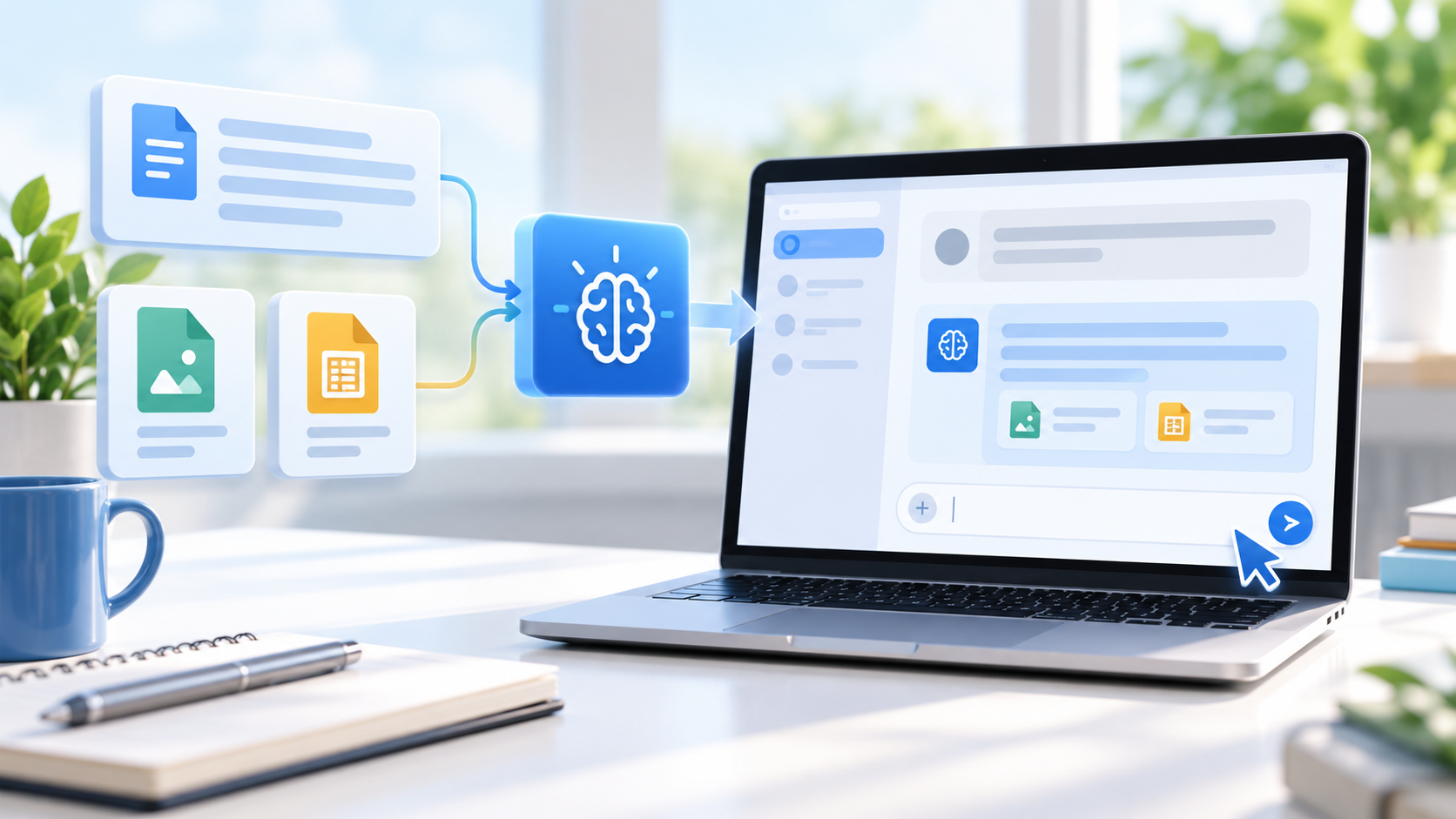
A Skill is a reusable set of instructions that tells Gemini how to handle a particular kind of work. Instead of pasting a brand voice, formatting checklist or analysis method into every conversation, a user can save that guidance once and invoke it again. Google’s help pages compare Skills to focused cheat sheets: they should capture the process, preferences, output format and common mistakes for one recurring job.
Skills can be created from a chat, from the Skills page or from a template. They can also include supported reference files such as text documents, PDFs or images. Gemini can apply a relevant Skill automatically, or the user can choose one directly. Multiple Skills can be combined in a single task, which is the biggest functional difference from a standalone Gem.
The underlying format is Markdown-based and uses a SKILL.md file. That open structure is designed to make a Skill portable and inspectable, although Google’s products still control where it can run and which account features are available.
How to create and run a Skill in the Gemini app
- Open Gemini on the web, in the mobile app or in the Mac app, then find Customize in the sidebar and choose Skills.
- Select Create with Gemini, start from a recommended template, use a blank template or upload a folder containing a SKILL.md file and optional references.
- Give the Skill a narrow, action-oriented name and a description that makes its trigger clear.
- Write short instructions covering the steps, required format and errors Gemini should avoid.
- Test the Skill on a real task, inspect the result and revise instructions that are vague or easy to misread.
- Invoke the Skill from the prompt interface or allow Gemini to use it when the task matches.
The rollout is gradual, so the Skills menu may not appear immediately. Google’s Gemini help page also says the feature is currently reaching personal Google Accounts first, even though the Workspace announcement lists eventual Gemini-app availability for all Workspace customers. That documentation mismatch is a strong reason to treat account access as phased rather than guaranteed on a specific day.
Why the Workspace launch is delayed
Google has not identified a bug, security incident or revised launch date. Its official explanation is that more work is needed to launch Skills in Workspace safely and reliably. The status applies to both Rapid Release and Scheduled Release domains, and the company says it will publish an updated timeline when one is confirmed.
That means administrators should discard the old October 12 and October 19 milestones when planning training or migration. A domain that does not show Skills in Workspace is not necessarily misconfigured. The feature may simply not be available yet, even if a personal Gemini account on the same device already has it.
The delay also affects workflows that expected to build or share Skills inside Workspace Studio or Workspace apps. Teams can prepare instructions and test the Gemini-app version, but should avoid promising a production Workspace launch date until Google posts a replacement schedule.
Gemini-app and Workspace Skills are separate
Google says Skills do not currently synchronize between the Gemini app and Workspace apps. A Skill created in Gemini chat will not automatically appear in Docs, Gmail or Workspace Studio. If a team wants the same behavior in both environments, it must recreate the Skill separately after Workspace support becomes available.
The separation has practical consequences. Changes made to one copy will not automatically update the other, reference files may need to be attached again and access controls can differ. Teams should keep a canonical set of instructions in a controlled document or repository so that both versions can be rebuilt consistently.
Sharing is also incomplete in the initial Gemini-app rollout. Google says sharing and Google Drive integration are coming in the weeks after launch. Until those features arrive, an individual Skill should not be mistaken for a centrally managed Workspace asset.
What happens to Gems
Gems are not disappearing immediately. Users can continue creating and using them in the Gemini app during the transition, but new Workspace Studio flows can no longer be created with the “Ask a Gem” step. Existing flows using that step continue to work for now.
Google plans to auto-migrate remaining Gemini-app Gems into draft Skills when Gem support ends. Users who want to move earlier can manually recreate a Gem as a Skill. Because Gemini-app Skills do not sync to Workspace, an early manual migration does not create a Workspace copy.
The transition dates that still matter
- November 17, 2026: Gems move to the Settings panel in the Gemini app, while creation, editing and use continue.
- No sooner than March 1, 2027: Business and enterprise users lose the ability to create, edit or use Gems; remaining Gems are converted to draft Skills.
- No sooner than June 1, 2027: The corresponding Gems shutdown applies to education users, including supported Classroom and Gemini LTI experiences.
Google says administrators will receive at least 30 days’ notice before automatic migration. These are earliest dates rather than promises that every change will occur on the first possible day.
Admin controls, eligibility and age limits
The Gemini-app rollout is designed for personal accounts and Workspace customers, but Google says there are no administrator controls for Skills inside the Gemini app. Workspace Skills will have separate administrative controls once they launch. That difference can matter for organizations that allow Gemini access but need to govern reusable instructions or shared reference material.
Google lists future Workspace Skills availability for Business Starter, Standard and Plus; Enterprise Starter, Standard and Plus; Google AI Pro for Education; and AI Expanded Access. Workspace Skills are limited to users over 18, while the Gemini-app announcement says Skills will be available to users of all ages.
Administrators should review who can access Gemini, which data may be attached as references and how reusable instructions fit retention and confidentiality policies. A Skill can make a workflow more consistent, but it can also repeat a bad rule or expose a reference file to the wrong audience if governance is unclear.
Three practical Skills worth building first
A repeatable document reviewer
Create a Skill that checks a draft for missing evidence, unclear claims, inconsistent terminology and a required output structure. Keep it focused on review rather than asking it to rewrite everything automatically.
A meeting-to-action converter
Use a Skill to turn pasted meeting notes into decisions, owners, deadlines and unresolved questions. Require the output to distinguish explicit commitments from inferred next steps so reviewers can spot uncertainty.
A consistent research brief
Define the sources to prioritize, the date range to check, the fields to capture and the format for separating confirmed facts from assumptions. This is more reliable than repeatedly asking for “a summary” without a standard.
Start with one narrow workflow, test it against several examples and revise the instructions when the output fails. Google’s own guidance recommends short, focused Skills rather than large manuals covering unrelated jobs.
A practical device for Gemini Skills
Skills are rolling out in Gemini on mobile as well as the web, so a current Android phone can be useful for testing reusable instructions away from a desk. Readers comparing compatible hardware can view the unlocked Google Pixel 11 on Amazon.
ReaderSpice may earn a commission from qualifying purchases made through affiliate links, at no additional cost to you.
Bottom line
Gemini Skills are now a real product rollout, but only part of Google’s original schedule is active. Personal Gemini users may begin seeing reusable, stackable instructions through mid-November, while Workspace customers must wait for a new launch timeline.
The safest plan is to experiment without forcing a migration. Keep Gems working where they are still needed, document reusable instructions in a neutral source, and do not assume a Skill in Gemini chat exists in Workspace. When Google resumes the Workspace rollout, teams can recreate tested Skills with clearer governance instead of rebuilding them under deadline pressure.
Sources
Google Workspace Updates: Skills rollout status and Workspace delay
Google Workspace Updates: Introducing Skills and the Gems transition
Google Blog: Let Skills in Gemini tackle repetitive tasks
Gemini Apps Help: Create and manage Skills
Gemini Apps Help: Write effective Skills