
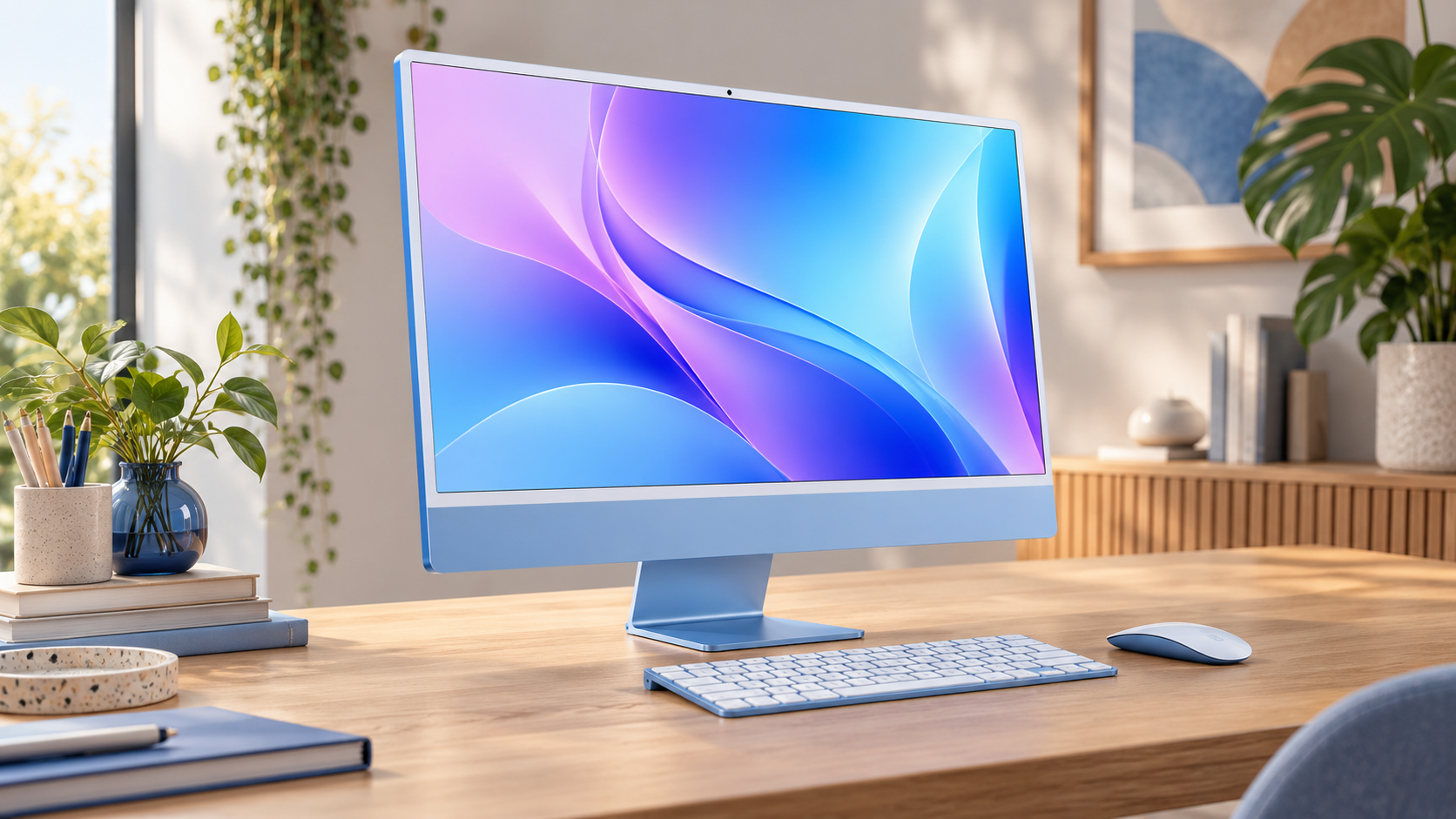
Apple has updated the 24-inch iMac with its M6 chip, faster storage and newer wireless connectivity. The desktop starts at $1,499 in the United States, opens for preorder on October 28 and reaches customers and stores on November 6.
This is a performance and connectivity refresh rather than a redesign. The colorful enclosure, 24-inch 4.5K display, camera, speakers and basic desk-friendly concept remain familiar. That makes the buying decision unusually straightforward: the M6 iMac is most compelling for people replacing an Intel model or building an all-in-one workspace, while recent M4 owners have fewer reasons to move.
M6 iMac price and release date
Apple is selling two main processor and port configurations. Memory, storage, nano-texture glass and accessories can raise the final price, so the starting figure should not be treated as the likely total for every buyer.
- The 10-core CPU and 10-core GPU model starts at $1,499.
- The 12-core CPU and 12-core GPU model starts at $1,699.
- Preorders begin Wednesday, October 28, 2026.
- Retail availability begins Friday, November 6, 2026.
- Seven colors remain available: blue, green, pink, yellow, purple, orange and silver.
- Both starting configurations include 16GB of unified memory and a 256GB SSD.
The entry model can be configured with up to 24GB of memory and 1TB of storage. The higher configuration can reach 32GB and 2TB. Anyone planning to edit large photo libraries, keep local video projects or run on-device models should price the memory and storage they actually need before comparing the iMac with a Mac mini and separate display.
What the M6 chip changes
The new chip is the center of the update. Apple offers a 10-core CPU and GPU in the entry version and a 12-core CPU and GPU in the higher model. Both include a dual 16-core Neural Engine, Neural Accelerators in the GPU cores, hardware ray tracing and a media engine for H.264, HEVC, ProRes, ProRes RAW and AV1 playback.
Apple claims up to twice the graphics performance of the M4 iMac and up to five times faster on-device AI performance in selected tests. Those figures come from Apple-controlled comparisons and will not translate evenly to every app. Short office tasks may feel only modestly different, while GPU-heavy editing, games and local AI workloads have more opportunity to benefit.
The company also says SSD read and write performance can be up to twice as fast as the previous generation. Faster storage can improve app launches, large project loading and swap-heavy work, but capacity still matters. A fast 256GB drive can fill quickly when a machine is used for video, RAW photos or local model files.
The display and design barely change
The 24-inch 4.5K Retina display remains one of the iMac’s strongest reasons to exist. Apple lists a 4480-by-2520 resolution, 500 nits of brightness, P3 color and True Tone. The actual diagonal measurement is 23.5 inches. Nano-texture glass is available only on the higher processor configuration.
The limitation is that buyers do not get a larger screen, mini-LED, OLED or higher refresh rate. The enclosure, colors and most exterior hardware are also essentially unchanged from the M4 generation. That is good for a clean desk and predictable accessories, but it means the M6 model does not solve requests for a 27-inch Apple all-in-one.
The 12-megapixel Center Stage camera, six-speaker system and three-microphone array continue. Those integrated parts are useful for family calls, remote work and a simple office setup, yet they are not a new reason for an M4 owner to upgrade.
Port count matters more than the color
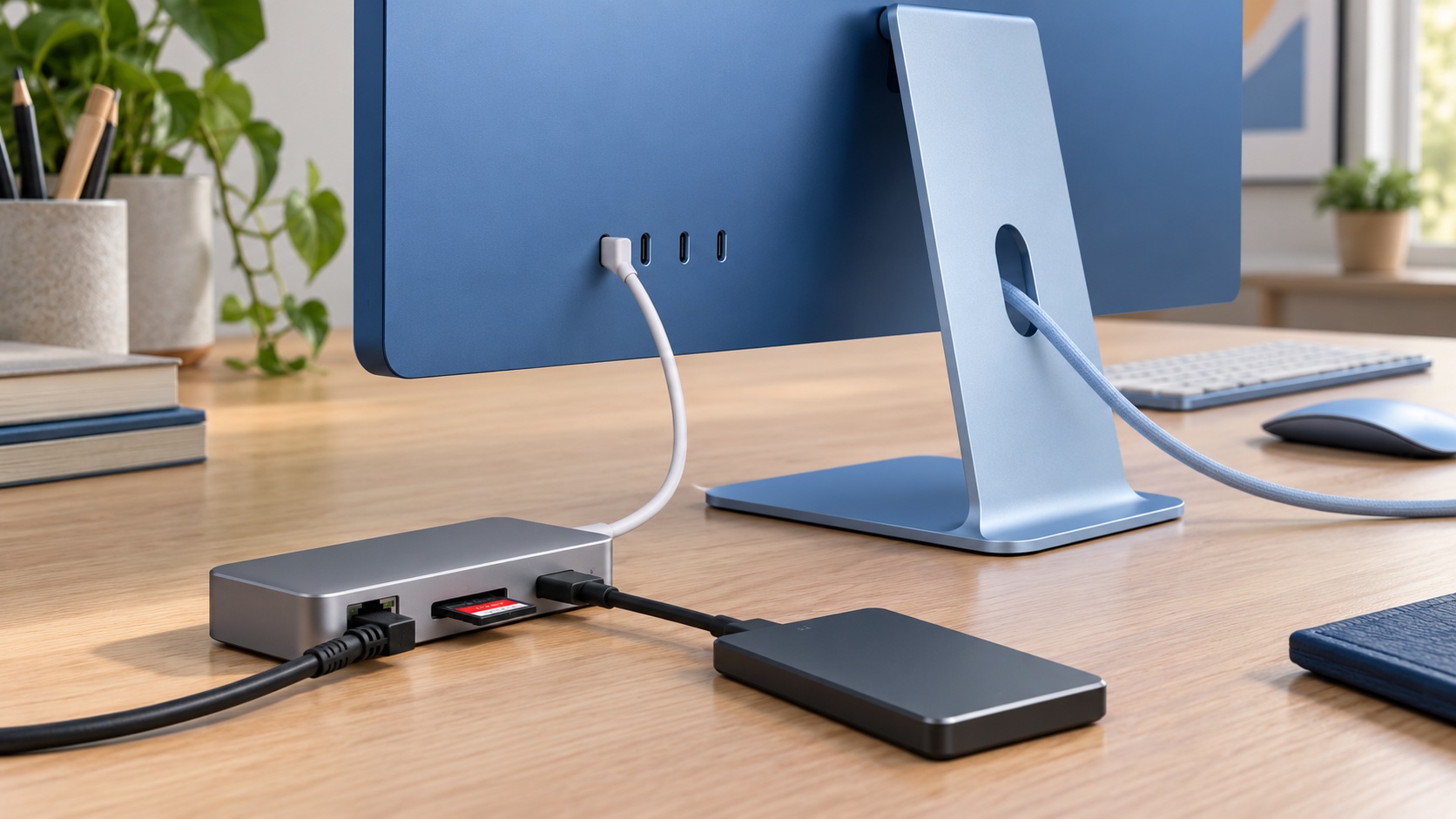
The entry configuration has two Thunderbolt ports. The higher model has four Thunderbolt 4 ports and is the more flexible choice for external storage, capture hardware, docks and multiple displays. Both keep a 3.5mm headphone jack.
Apple also adds its N1 wireless chip with Wi-Fi 7, Bluetooth 6 and Thread. The practical value depends on compatible routers, accessories and network conditions. A Wi-Fi 7 label cannot make an older router faster, and Thread support matters mainly when the iMac is used around compatible smart-home devices.
Apple lists 2.5 Gigabit Ethernet as available in the lineup. Verify the exact store configuration because wired networking and port count differ by model. Creators moving large files to a NAS should confirm that the computer, switch, cabling and storage system all support the intended speed; one slower component can cap the connection.
The inline image above is an editorial illustration of a multi-port desktop using a hub, Ethernet, SD card and external storage. It is not a manufacturer diagram, and actual accessories are sold separately.
Who should upgrade from an Intel iMac
Intel-based owners receive the clearest benefit. Apple claims performance can be up to 18 times faster than its comparison Intel system, but the more dependable reasons to upgrade are broader: current macOS support, Apple silicon efficiency, faster media engines, modern wireless standards and a quieter integrated workspace.
Before replacing an Intel iMac, audit software and peripherals. Older plug-ins, drivers, printers, audio interfaces and specialized business tools may need updates or replacements. Rosetta can help with many Intel applications, but it does not guarantee compatibility with every driver or workflow.
Move to the M6 iMac if the old machine no longer receives required updates, struggles with current creative work or has become unreliable. If it still handles the workload and remains secure, the new model is an upgrade opportunity rather than an emergency.
Should M1 or M3 iMac owners upgrade?
An M1 owner can expect a meaningful jump in CPU, graphics, connectivity and supported memory. The case becomes stronger when 8GB of memory or limited storage is already constraining the machine. The unchanged display and enclosure mean the experience will still feel familiar, so performance needs should drive the decision.
M3 owners should be more selective. M6 is faster, but ordinary browsing, documents, streaming and video calls may not expose enough difference to justify replacing a relatively recent computer. Upgrade when a specific workload, memory limit or network requirement is costing time.
Why most M4 owners should wait
The M4 iMac already has the same overall design, display size, camera concept and color choices. The M6 improves processor performance, storage speed and wireless connectivity, but it does not transform the everyday all-in-one experience.
An M4 owner should upgrade only when independent testing shows a meaningful gain in a workload that is already slow, or when a required configuration such as faster wired networking, additional external-display capability or more memory changes the job. Otherwise, keeping the M4 avoids spending $1,499 or more for improvements that may be difficult to notice in routine use.
Magic Mouse and accessory costs
Apple includes color-matched input devices, but configuration choices can change the total. A buyer who prefers a trackpad, needs more USB-A ports, imports SD cards or keeps large local media libraries should budget for those accessories before ordering.
The current white Apple Magic Mouse with USB-C charging is available on Amazon under ASIN B0DL72PK1P. It is compatible with Mac and uses a rechargeable battery and Multi-Touch surface. Confirm the seller, model number and return terms because pricing and availability can change, and do not buy it merely because an iMac already includes a mouse.
Disclosure: ReaderSpice may earn a commission from qualifying Amazon purchases made through the link above, at no additional cost to you.
Which configuration makes sense
- Choose the $1,499 model for family use, schoolwork, office apps, streaming and light photo editing when two Thunderbolt ports are enough.
- Choose the $1,699 model when four ports, higher CPU and GPU counts, more memory or larger storage ceilings matter.
- Add memory before storage when long-term multitasking and creative workloads are the priority, but remember that neither can be upgraded internally later.
- Budget for external storage if 256GB will not hold the local library; a fast external SSD can be more economical than a large internal upgrade.
- Verify Ethernet and display support in the exact configuration before checkout rather than assuming every M6 iMac has the same connections.
- Wait for independent tests if sustained performance, fan noise, gaming or local AI speed is central to the purchase.
The bottom line
The M6 iMac keeps the all-in-one formula intact and improves the parts that affect heavy work: processor speed, graphics, AI acceleration, storage and networking. The $1,499 starting price is unchanged from the prior entry point, but the base 256GB storage and two-port layout still require careful configuration.
For Intel owners, small businesses and families that want one clean desktop package, the M6 iMac is a strong modern replacement. M1 and M3 owners should upgrade for a specific bottleneck. Most M4 owners can wait, because the screen, enclosure and everyday experience remain too similar to make this an automatic purchase.
Sources
Apple Newsroom: Apple unveils new iMac with M6 — October 27, 2026
Apple: iMac technical specifications
The Verge: Apple refreshes the iMac with M6 chips — October 27, 2026
Ars Technica: Apple refreshes the iMac and entry-level MacBook Pro with M6 — October 27, 2026
Macworld: iMac gains M6 performance boost but little else changes — October 27, 2026
Amazon: Apple Magic Mouse USB-C (ASIN B0DL72PK1P)