Microsoft Maia 300 AI Chip: 7x More Rack Throughput and 2027 Rollout

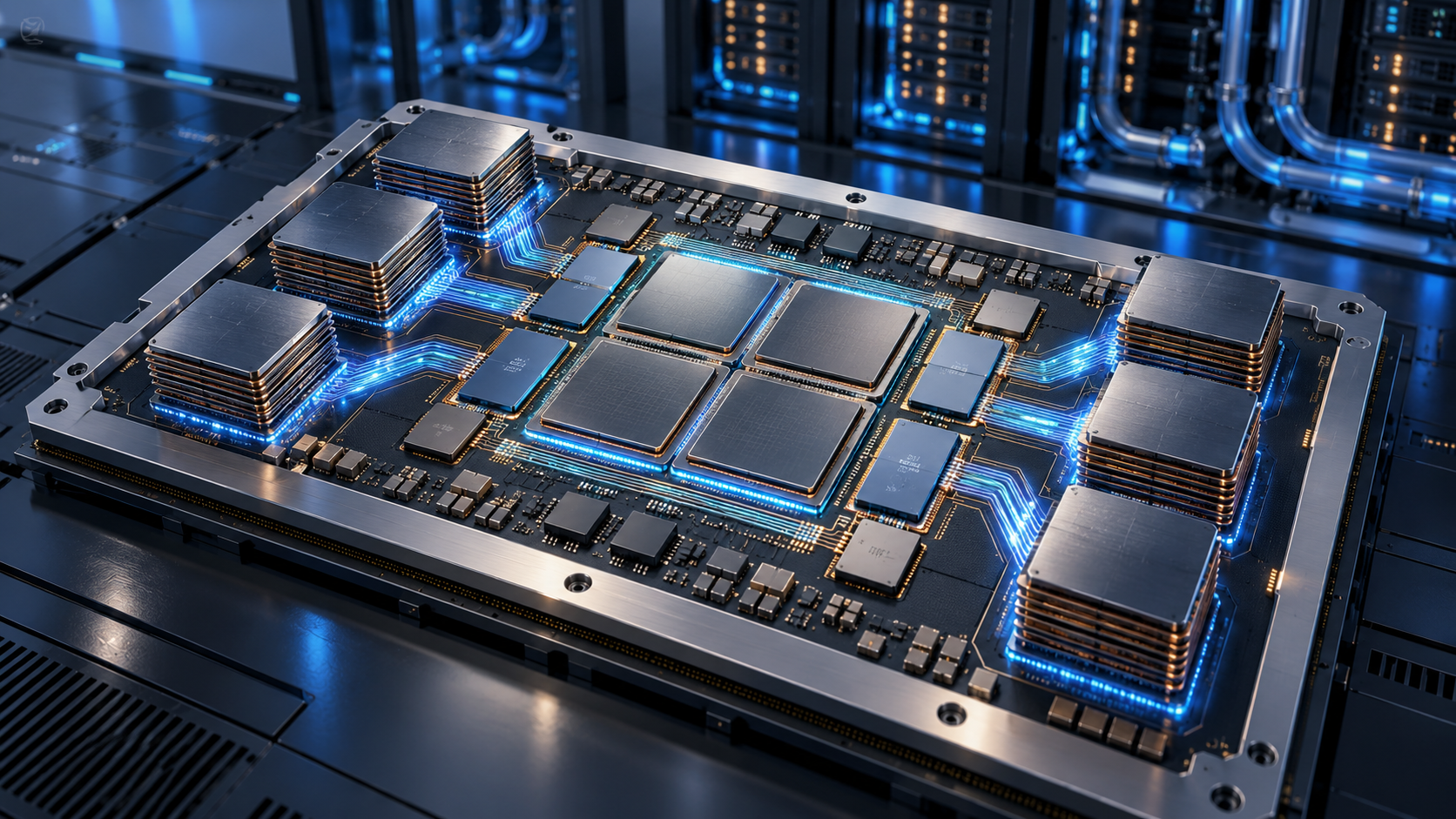
Concept visualization of a chiplet-based AI accelerator inside a liquid-cooled datacenter

Microsoft has announced Maia 300, a third-generation custom AI accelerator that the company expects to become its primary inference system across Microsoft products and services. Production deployments are scheduled to begin in 2027 as Azure expands the Maia platform to multi-gigawatt scale.

The numbers are substantial, but the most important detail is what this chip is—and what it is not. Maia 300 is cloud infrastructure built to serve AI models after they have been trained. It is not a processor consumers will buy for a PC, and Microsoft’s performance figures are forward-looking claims rather than independent benchmark results.

Maia 300 at a glance
Maia 300 at a glance

Microsoft’s official specifications and projections include:

  • Production deployments beginning in 2027, with Maia planned as the primary inference platform for Microsoft products and services.
  • Up to seven times the rack-scale token throughput of Maia 200 in a full 96-accelerator configuration.
  • An expected 40% increase in tokens per megawatt compared with leading GPU-based systems.
  • Eight HBM4 stacks per accelerator, providing 288GB of memory and 18TB/s of peak bandwidth within a 950-watt TDP.
  • A 96-accelerator rack using a 167-kilowatt power envelope, with 27.6TB of HBM capacity and 1.7PB/s of aggregate memory bandwidth.
  • A two-tier Ethernet-based scale-up network designed to connect as many as 12,288 accelerators in a superpod.

Microsoft says Maia 300 is optimized for long-context reasoning, latency-sensitive conversations and sustained multi-step agent workloads. Those tasks can be bottlenecked by memory movement and networking as much as raw arithmetic, which is why the design focuses heavily on data locality, memory bandwidth and rack-scale communication.

Why the chiplet design matters

Maia 300 splits major functions across several chiplets instead of building every component on one monolithic die. Microsoft says the compute chiplets use TSMC’s N2P process, while memory-controller and I/O functions sit on dies chosen for bandwidth, connectivity and cost.

That separation lets Microsoft spend its most advanced manufacturing budget where it produces the largest performance-per-watt benefit. Software then manages locality across the package so model data can stay closer to the compute engines that use it. Microsoft attributes a 36% increase in compute FLOPs, 2.5 times the HBM bandwidth and 14% more scale-up bandwidth to the new approach compared with Maia 200.

The accelerator also supports enhanced MXFP4 and sub-3-bit storage formats. Lower-precision formats can reduce the amount of memory and bandwidth required for inference, although actual answer quality and workload performance depend on how a model and its software stack use those formats.

Microsoft’s efficiency claims need independent proof

Microsoft’s headline comparisons are useful directional targets, not neutral test results. The company expects Maia 300 to produce 40% more tokens per megawatt than leading GPU-based systems and more than 2.5 times the performance per watt of Maia 200, but it has not published a broad set of third-party application benchmarks.

The comparison is also system-level. A Maia 300 rack combines accelerators, hosts, switches, networking, power delivery, cooling and software. Microsoft says liquid cooling removes more than 80% of the rack’s thermal load. That integrated design may improve efficiency, but it means a simple chip-to-chip comparison cannot capture the whole result.

The careful conclusion is that Maia 300 looks technically ambitious and purpose-built for Microsoft’s own workloads. Whether its real-world economics outperform the newest Nvidia and AMD platforms across many models will require deployment data and independent testing after systems enter production.

What Maia 300 could change for Copilot and Azure users

Most people will never see a Maia 300 chip, but they may use services running on it. Microsoft says Maia 200 already supports production workloads including Microsoft Copilot and the company’s MAI model team, with GitHub Copilot and Microsoft Foundry support planned by the end of 2026.

Maia 300 is intended to scale those experiences further. Higher inference capacity could help Microsoft serve more simultaneous requests, support longer context windows and run multi-step agents with less pressure on power and datacenter space. For users, the visible benefits could be faster responses, more reliable availability during demand spikes and lower operating costs that make advanced features easier to offer at scale.

None of those outcomes is guaranteed to appear as an immediate product upgrade. Microsoft has not promised that Maia 300 will reduce subscription prices, and cloud efficiency savings can be absorbed by larger models, more users or new features. The rollout begins in 2027 and will expand over time rather than switch every Microsoft AI service at once.

Does Maia 300 replace Nvidia GPUs?

No. Microsoft describes Azure as an open, heterogeneous platform, and Reuters reports that the company continues to buy large quantities of Nvidia and AMD hardware. Maia gives Microsoft another option for workloads it understands well and may reduce its dependence on any single supplier, but it does not eliminate the need for general-purpose GPUs.

That distinction matters because Maia 300 is designed primarily for inference. Training frontier models, supporting many customer frameworks and handling unusual workloads can favor different hardware. Microsoft’s advantage is the ability to co-design chips, racks and software around its own high-volume services, then choose other accelerators where they remain a better fit.

What readers should do now

There is nothing to preorder and no consumer Maia 300 device to wait for. If you use Copilot, Teams, GitHub Copilot or Azure AI services, the practical move is to judge those products on current price, privacy, speed and usefulness rather than on a 2027 infrastructure promise.

Shoppers who want Microsoft’s current on-device AI experience can browse Microsoft Copilot+ PCs on Amazon. Those computers use consumer processors from companies such as Qualcomm, Intel and AMD; they do not contain Maia 300, which remains a datacenter accelerator.

ReaderSpice may earn a commission from qualifying purchases made through affiliate links, at no additional cost to you.

Bottom line

Maia 300 shows how aggressively Microsoft is moving from buying AI accelerators to designing a larger share of its own inference stack. The combination of chiplets, 288GB of HBM4 per accelerator, 96-accelerator racks and a planned 12,288-accelerator superpod is built for a future in which long-context agents run continuously at enormous scale.

The 2027 rollout could make Microsoft’s AI services faster and more power-efficient, but the strongest claims still belong to Microsoft. Treat the architecture as confirmed, the deployment plan as official and the performance advantages as projections that need real-world validation.

Sources

Microsoft official blog: Azure Maia 300 announcement and 2027 deployment plan

Microsoft Azure Blog: Deep dive into Maia 300 architecture

Microsoft Maia 300 media resources and product imagery

Reuters: Microsoft’s deployment scale, cost strategy and supplier context

The Verge: Maia 300 rollout and Microsoft’s custom-chip strategy

Inline image: Concept visualization of a chiplet-based AI accelerator with high-bandwidth memory stacks


OpenAI Dots Are Always-On AI Agents: Availability, Privacy and What They Can Do

Abstract always-on AI agent connecting work apps with visible security and approval controls

OpenAI has introduced dots, a new class of always-on AI agents designed to keep working toward a goal even when you are not actively chatting. The pitch is bigger than a smarter chatbot: each dot gets a cloud computer and browser, can connect to thousands of apps, and can return with progress as a project changes.

For readers, the useful question is not whether dots sound futuristic. It is whether the new agents are available on your plan, what they can safely access, and where human approval still matters. Here is the practical version.

What are OpenAI dots?

A dot is a persistent agent inside the OpenAI ecosystem. OpenAI says dots are powered by GPT-6 Astra and can be assigned ongoing work rather than a single prompt. A user might ask one to track a developing sales opportunity, research a purchase, organize a trip, update a proposal as requirements change, or build a working software demo for review.

Each dot has its own cloud computer and browser. It can also connect to more than 4,000 apps through plugins, which gives it a way to gather context and act across the services a person or team already uses. OpenAI says people can communicate with dots in ChatGPT, Slack and Microsoft Teams, with text-message access planned later.

That persistent setup is the main distinction. A dot is meant to notice new information, continue a task in the background and bring back a useful result without making the user reopen the same conversation and restate the entire job.

Who can use dots now?

The rollout is gradual, so two people on the same plan may not see the feature at the same time. OpenAI says access is beginning for eligible Pro, Business Premium and Enterprise customers in supported markets. Enterprise access is controlled by workspace administrators and is off by default.

OpenAI is initially including one primary dot with eligible Pro and Business Premium plans at no additional charge. The company also describes a launch-period allowance for deeper work, but work delegated by a dot to Codex or ChatGPT Work can count against those products’ usage limits. That makes the included dot different from unlimited background labor.

If the feature is absent from your account, the most likely explanation is the staged rollout or a workspace setting—not necessarily an unsupported device. Enterprise users should check with an owner or administrator before assuming the account is ineligible.

What dots can actually do

OpenAI’s examples position dots as general-purpose project workers rather than simple reminders. Depending on the connected apps and permissions, a dot can:

  • Monitor a changing project and revise a deliverable when new information arrives.
  • Research across the web and connected sources, then summarize findings.
  • Prepare documents, presentations and analysis for review.
  • Use Codex to build or update software and return a working demo.
  • Coordinate through ChatGPT, Slack or Teams instead of requiring one permanent browser tab.
  • Remember feedback about how the user wants recurring work handled.

The reader benefit is continuity. Instead of asking for isolated outputs, you can define a result and let the dot keep the project moving. That can be useful for travel planning, competitive research, recurring reporting, launch preparation and other jobs where the inputs change over time.

How dots differ from a normal ChatGPT conversation

A standard conversation is usually reactive: you ask, ChatGPT answers, and the next step waits for another message. A dot is designed to be proactive and persistent. It can keep a project open, observe permitted sources, and decide when new information is important enough to act on or report.

Dots also have a dedicated cloud environment. That separation matters because the agent is not simply taking over your personal computer by default. OpenAI says local computer access requires permission, while the cloud computer remains a separate workspace unless you explicitly connect more capabilities.

That does not make a dot infallible. It changes the operating model from ‘answer this prompt’ to ‘work toward this goal,’ which increases both usefulness and the need for careful rules.

Privacy, permissions and human approval

Privacy, permissions and human approval

OpenAI gives users and administrators several controls intended to limit what a dot can do. Custom Rules can allow an action, require approval before it happens, or block it entirely. An Activity View provides a record of what the dot has been doing, while automatic review systems are intended to check consequential actions.

OpenAI says especially sensitive actions—such as changing passwords or permanently deleting data—require explicit consent. Business customer data is not used to train OpenAI models by default. Personal-plan users can manage whether conversations and dot activity are used to improve models through their data controls.

These protections are meaningful, but they do not remove the need for review. A dot can still misunderstand a goal, use stale information or produce an incorrect draft. The safest starting point is a narrow task with clear approval rules and a result that a person can inspect before it reaches customers, colleagues or the public.

Read-only research has an important boundary

When a dot is proactively researching while you are away, OpenAI says connected-app tools are restricted to read-only access. In that mode, the agent can inspect available information but cannot send messages, change content, or control a browser or computer.

That boundary is reassuring, but it is also easy to misunderstand. A dot may gain broader abilities when you are actively working with it and approve an action, or when workspace rules explicitly permit one. Users should review both the current task and the configured rules instead of assuming every dot interaction is permanently read-only.

A sensible first configuration is to allow reading and drafting, require approval for messages or file changes, and block destructive actions unless there is a compelling reason to enable them.

What enterprise teams should know

Enterprise workspaces do not automatically gain an unrestricted agent. Owners can decide whether dots are available, whether Slack or Teams connections are allowed, whether local computer access is permitted, and which Custom Rules apply.

That makes deployment a governance decision as much as a productivity decision. Teams should identify the systems a dot may read, the actions it may propose, who approves consequential changes, and how Activity View records will be reviewed. Regulated teams should also confirm that their existing data-handling and retention requirements match the chosen configuration.

OpenAI’s administration guide says phone messaging is not available for Enterprise at launch. The company also cautions that the rollout is gradual and that individual capabilities may not appear immediately.

Limits and questions to watch

The launch leaves several practical questions that only real-world use will answer. Long-running agents can consume more compute than a short chat, so allowance details and delegated-tool limits matter. Reliability also matters: Reuters reported that some voice-update demonstrations encountered problems during the live launch event.

Users should also watch how well a dot distinguishes a useful update from noise, how clearly it explains the actions it took, and how easily a project can be handed back to a person. An always-on agent that requires constant correction is not much of a time-saver.

Finally, availability remains uneven. OpenAI has announced the product, but the feature is still rolling out. Treat broad demos as examples of the intended experience, not a guarantee that every integration and channel is already enabled on every account.

Who should try a dot first?

Dots make the most sense for people who already have a recurring, multi-step workflow with clear inputs and a reviewable output. Strong first experiments include a weekly market brief, a monitored travel itinerary, a product-research watchlist, a draft status report or a software prototype that must be reviewed before release.

Avoid starting with high-stakes or irreversible work. Do not make the first test a password change, a public announcement or an unsupervised customer message. Begin with read access, drafting and explicit approval. Expand permissions only after the dot has shown that it understands the job.

A practical setup for voice updates and calls

If you plan to communicate with an agent through frequent calls or voice updates, a comfortable USB headset for computer calls can make long sessions easier and keep audio more consistent than a laptop microphone.

ReaderSpice participates in the Amazon Associates program and may earn a commission from qualifying purchases made through affiliate links, at no extra cost to you.

The bottom line

OpenAI dots are a significant shift from on-demand chat toward persistent software that can keep working across apps. The most compelling features are the dedicated cloud computer, broad plugin connectivity and the ability to maintain a project as conditions change.

The tradeoff is that persistence raises the stakes. Availability is limited, usage is not boundless, and permissions deserve careful attention. Readers who get access should start with a narrow, reversible workflow, keep approval gates around consequential actions, and judge the product by the quality of its Activity View and finished work—not by the promise of an agent that is always on.

Sources

Google Home MCP Lets AI Agents Control Your Smart Home: What It Can and Can’t Do

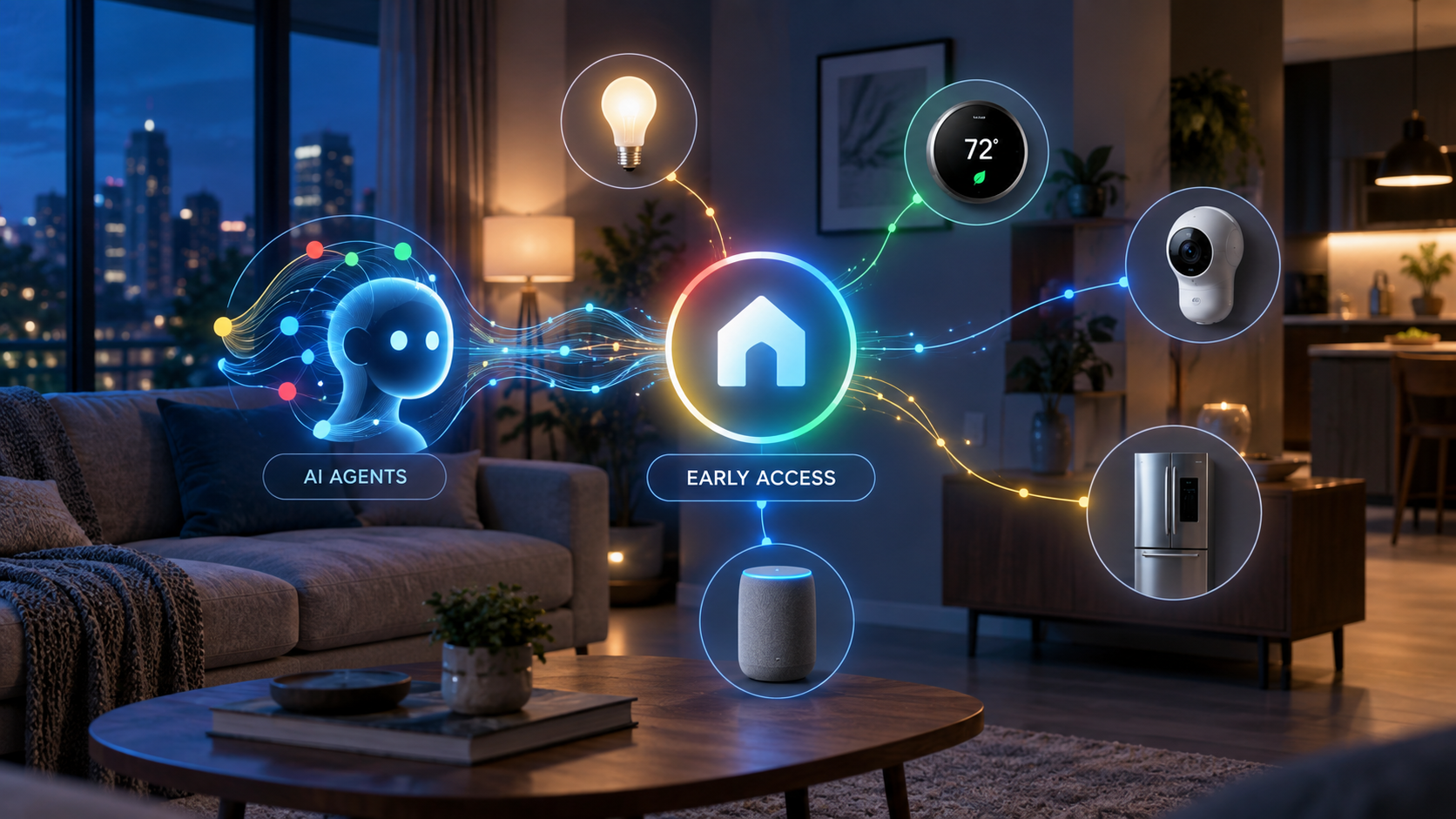
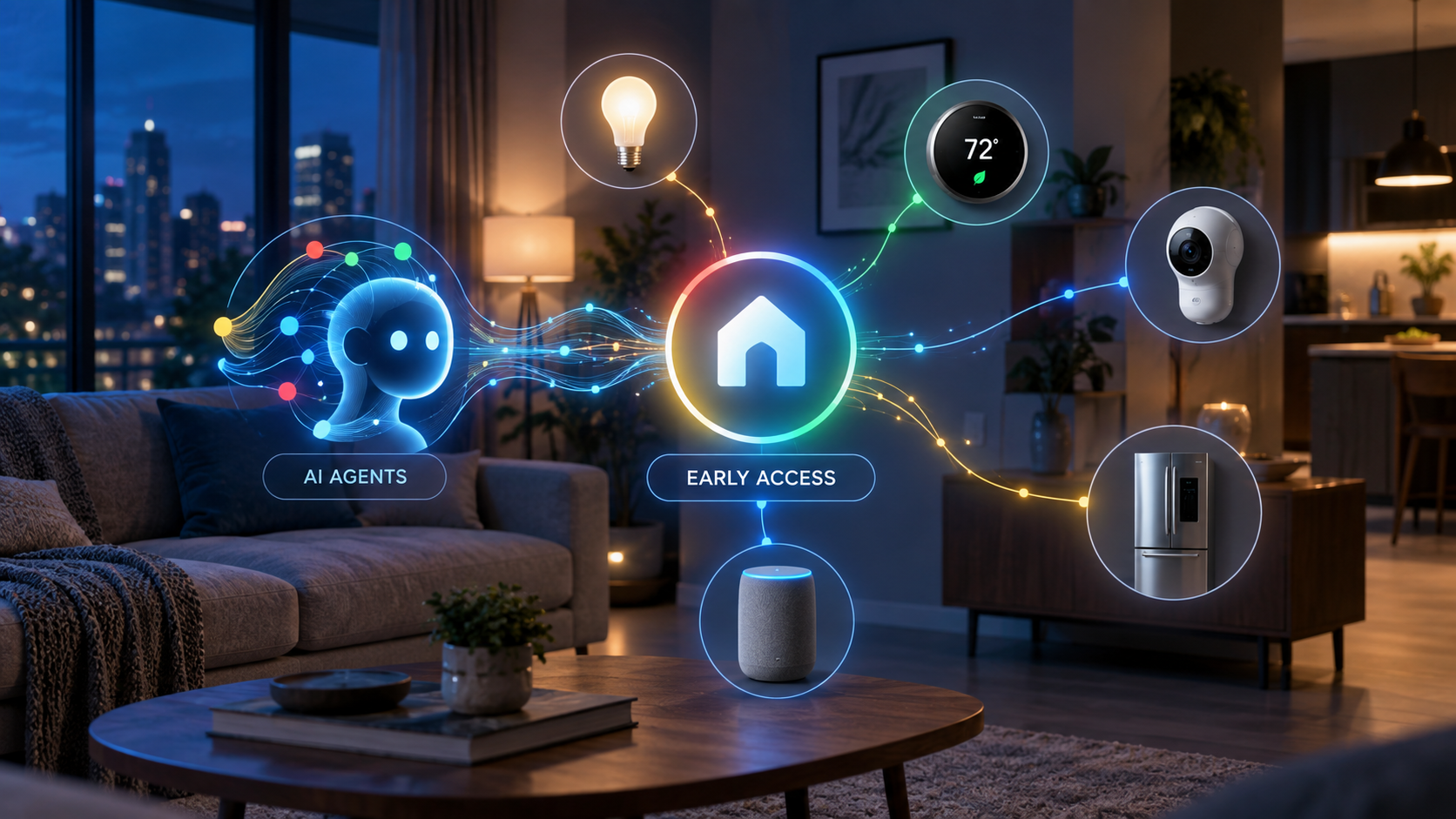
Concept illustration of AI agents securely connecting to Google Home smart lights, thermostat, camera, speaker and appliance controls during early access

Google is opening its smart-home platform to a new class of AI assistants. The early-access Google Home Model Context Protocol server lets compatible agents inspect connected devices, monitor their status, review event history and carry out supported actions through Google Home.

This is a meaningful step beyond asking a voice assistant to switch off a light. Home MCP gives an AI client a structured way to understand the layout and history of a home, reason across that information and perform permitted tasks. It also introduces serious privacy and safety questions because an external AI agent may receive access to sensitive household data.

Google Home MCP is an early-access bridge

Google Home MCP is an early-access bridge

MCP, or Model Context Protocol, is a standard that allows an AI application to connect with outside tools and data sources. Google’s Home MCP server acts as a controlled bridge between an MCP-compatible assistant and the devices already connected to a Google Home structure.

Google lists Google Antigravity, Claude Cowork and OpenClaw as compatible examples. The integration does not replace Gemini for Home or the normal Google Home app. Instead, it adds another route through which an approved AI client can read information and issue supported commands.

The service remains labeled Early Access. That matters: setup is aimed at technically comfortable users, some traits are experimental, and Google acknowledges that latency can be longer than expected.

What the Home MCP server can access

Google’s official documentation divides the server’s current capabilities into five areas:

  • Structure discovery: retrieve the homes and structures that the signed-in account has authorized.
  • Resource discovery: list devices, rooms, supported traits, attributes and available command schemas.
  • State monitoring: check whether devices are connected and read their current trait states.
  • Device control: run supported actions on a selected device, such as turning compatible lights off.
  • Historical analysis: examine state changes and event logs across a selected period.

That combination is what makes the feature more interesting than a typical voice-command integration. An agent can potentially connect information across several devices instead of handling each one as an isolated command.

What you need before it will work

Home MCP is not a one-tap feature for every Google Home user. Google says the prerequisites include an active Google Home setup, a Google Home Premium Advanced subscription, access to a Google Cloud project and an MCP-compatible AI client.

Setup requires enabling the Home API in Google Cloud, configuring an OAuth consent screen, creating credentials and authorizing the chosen AI client. Google’s guide includes connection instructions for Antigravity, Claude Cowork and OpenClaw.

The Verge reports that Premium Advanced costs $20 per month or $200 per year in the United States and that access is rolling out gradually. Availability can therefore differ between accounts even when the subscription and technical prerequisites are satisfied.

What AI agents can do with it

Google’s sample prompts show the practical direction. A connected agent can count lights, check whether a home is secure, turn off outdoor lighting or summarize what happened while the homeowner was away. Because the server can expose both live status and historical events, more advanced uses could include investigating why a device stopped responding or identifying patterns in energy and appliance use.

The system can also support more contextual experiences. The Verge describes possibilities such as cross-camera analysis, reviewing device-state history and creating a custom smart-home dashboard through natural-language instructions. These examples should be treated as use cases rather than a promise that every AI client or device combination will behave identically.

If you already use Google Home hardware, you can compare currently available devices such as the Google Nest Hub (2nd Gen) on Amazon. As an Amazon Associate, ReaderSpice earns from qualifying purchases.

Important safety and privacy limits

The most important part of Google’s documentation is its warning. Connecting a real home to an AI agent allows that agent to control devices and access home data on the user’s behalf. Google applies rate limits and blocks sensitive actions such as unlocking doors, but it still cautions that an agent may behave unexpectedly or undesirably.

Users should review exactly which home structure they authorize, understand the permissions requested by the AI client and tell other household members that an agent may access device information. Google also suggests creating a separate home with test devices for development instead of immediately connecting a primary household.

Access can be revoked from the Google Home app or the user’s Google Account. Familiar-face information requires a separate consent process and compatible Nest camera or doorbell hardware with the appropriate subscription and feature enabled.

What it cannot do yet

The early-access server has meaningful boundaries. Google says creating and managing Google Home automations through MCP is not currently supported. Some experimental device traits may fail, and response latency may be noticeable. Safety policies also prevent certain high-risk commands.

Those restrictions are sensible, but they mean Home MCP should not be viewed as a fully autonomous household manager. It is better understood as a developer-oriented connection layer that can read, analyze and control supported parts of a home under defined permissions.

Who should try it now

Home MCP is most compelling for smart-home enthusiasts, developers and advanced users who already understand Google Cloud projects, OAuth credentials and MCP clients. It could be especially useful for troubleshooting complex homes, exploring device history or prototyping dashboards and assistants.

Most households should wait for simpler consumer controls and broader availability. Early adopters should begin with low-risk devices such as lights and test plugs, review every permission and avoid granting access to a primary home until they understand the agent’s behavior.

The bottom line

Google Home MCP turns the smart home into a data and control layer that outside AI agents can understand. Its real promise is not merely switching devices on and off—it is allowing an agent to reason across live status, history and multiple connected products.

The tradeoff is equally clear: more capable access increases the consequences of incorrect commands, weak permission choices or unpredictable agent behavior. Home MCP is an important early look at agent-powered homes, but its Early Access label and Google’s own warnings deserve as much attention as the headline features.

Sources

Google Home Developers — Google Home MCP Server user guide

The Verge — Google will now let any AI agent run your smart home