
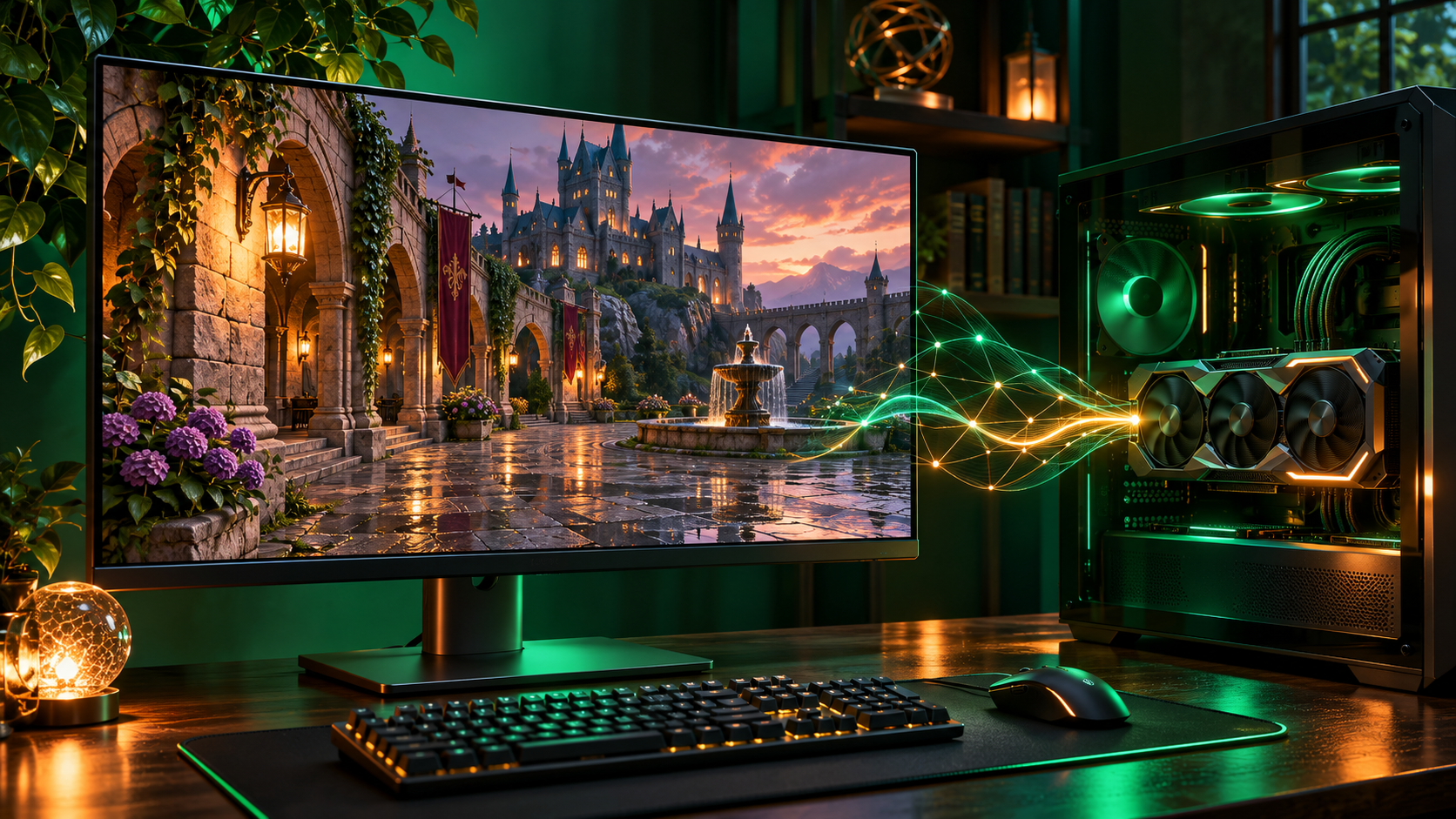
NVIDIA confirmed on November 3 that Hogwarts Legacy will receive DLSS 5 with 3D-Guided Neural Rendering on November 5. A matching Game Ready Driver is scheduled to arrive through the NVIDIA app on November 4, giving supported PCs a day to prepare before the game update lands.
This is primarily an image-quality update, not simply another frame-generation setting. Neural Rendering uses information from the game engine to add detail to lighting, materials, shadows and reflections, while the familiar DLSS performance features remain separate controls. Avalanche Software tuned the implementation for Hogwarts Legacy.
The important limit is hardware. Hogwarts Legacy can run on much older PCs, but the new Neural Rendering feature is restricted to GeForce RTX 50 Series desktop and laptop GPUs, RTX Spark PCs, and GeForce NOW Ultimate sessions running on an RTX 5080-class server. This guide explains who is eligible, how to install the update, which companion settings NVIDIA recommends and what to check when the toggle is missing.
DLSS 5 update at a glance
- Game update: Hogwarts Legacy adds DLSS 5 with 3D-Guided Neural Rendering on November 5, 2026.
- Driver timing: NVIDIA says a new Game Ready Driver launches November 4 through the NVIDIA app.
- Local hardware: the Neural Rendering feature supports GeForce RTX 50 Series desktop and laptop GPUs plus RTX Spark PCs.
- Cloud option: GeForce NOW Ultimate members can use DLSS 5 when the session is assigned an RTX 5080 server.
- In-game control: install the update, open the graphics options and enable Neural Rendering.
- Next announced games: War Thunder is due in mid-November and Where Winds Meet is scheduled for November 23.
The dates above come from NVIDIA’s November 3 announcement. Game patches, drivers and cloud rollouts are separate releases, so a driver becoming available does not mean the game-side feature is already active. Wait for the November 5 Hogwarts Legacy patch before treating a missing option as a fault.
What 3D-Guided Neural Rendering changes
Traditional rendering still produces the scene geometry, animation and a normal game frame. DLSS 5 then uses a real-time neural model plus engine data such as surface properties and lighting information to refine the image. NVIDIA describes the result as more detailed material response, richer lighting, improved shadows and reflections, and more convincing indirect light.
The feature is guided by information that the game already knows about its scene. That makes it different from a generic post-processing filter applied after the image is complete. It also explains why DLSS 5 needs to be integrated and tuned by the developer for each game rather than enabled globally for every title.
Neural Rendering does not replace character models, quest assets or the game’s art direction. It operates inside the supported rendering path. Whether the visual difference is worthwhile will depend on the scene, display, resolution and the performance headroom of the system running it.
Who can use Neural Rendering
NVIDIA lists every GeForce RTX 50 Series desktop and laptop GPU as supported for DLSS 5 3D-Guided Neural Rendering. RTX Spark PCs are also included. A laptop carrying an RTX 50-series name still operates within the power and thermal limits chosen by its manufacturer, so it should not be expected to match a desktop card with the same family number.
The official Hogwarts Legacy PC requirements are much broader. The base game supports older GeForce GTX and Radeon hardware at its lower tiers, and its published presets specify Windows 10 and 16 GB of RAM. Those requirements describe the game, not eligibility for DLSS 5. A PC can meet the game’s requirements and still lack the Neural Rendering toggle.
Before troubleshooting, confirm the exact GPU in Windows Task Manager, Device Manager or the NVIDIA app. A system advertised only as an ‘RTX gaming PC’ may contain an RTX 20-, 30- or 40-series GPU, none of which is on NVIDIA’s Neural Rendering compatibility list.
What RTX 40 and older RTX owners still get
The DLSS feature family is not all-or-nothing. NVIDIA lists Multi Frame Generation for RTX 50 Series GPUs, Frame Generation for RTX 40 and 50 Series GPUs, and Super Resolution, Ray Reconstruction, Deep Learning Anti-Aliasing and Reflex across all GeForce RTX generations when the game supports them.
That means an RTX 40-series owner can still use the established Frame Generation and upscaling controls in Hogwarts Legacy, but cannot enable the new DLSS 5 Neural Rendering option. RTX 20- and 30-series owners can continue to use supported Super Resolution and Ray Reconstruction features without gaining Frame Generation.
Do not download unofficial DLL replacements or mods that claim to bypass the hardware gate. They are outside the supported update path, can create crashes or visual artifacts and may complicate troubleshooting. The safest baseline is the official game patch, current Game Ready Driver and controls exposed by the game.
How to install the update and enable Neural Rendering
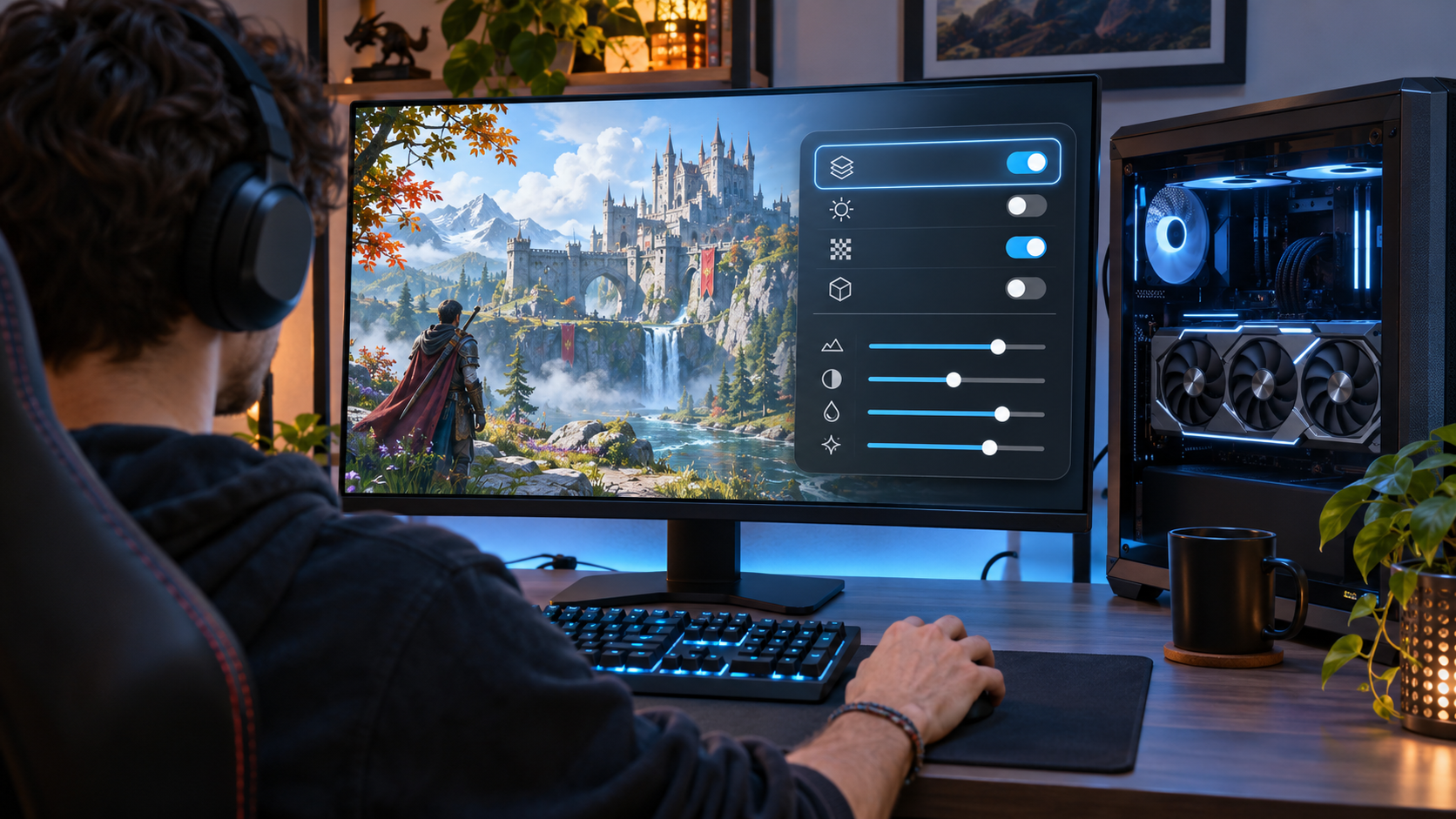
- Open the NVIDIA app, select Drivers and install the Game Ready Driver that NVIDIA makes available on or after November 4. Confirm the displayed release date and notes rather than relying on an assumed version number.
- On November 5, let Steam, Epic Games Store or the relevant launcher finish downloading and installing the Hogwarts Legacy game update.
- Close and relaunch the game after both updates. If the driver installer requests a restart, restart Windows before testing.
- Open the in-game graphics options and turn on Neural Rendering. Menu wording or placement may vary slightly with the final patch and storefront build.
- Load a familiar scene, watch frame rate and image stability, and compare the result with Neural Rendering off before changing several other settings at once.
A clean comparison matters because DLSS 5 works alongside other DLSS settings. If Super Resolution mode, ray tracing, Frame Generation and Neural Rendering are all changed together, it becomes difficult to identify which control caused a quality improvement, performance change or visual problem.
Which settings NVIDIA recommends
NVIDIA recommends pairing Neural Rendering with DLSS Super Resolution, Multi Frame Generation, Reflex and Ray Reconstruction when ray tracing is enabled. In Hogwarts Legacy, these controls may appear under labels such as Upscale Type, Frame Generation and Low Latency Mode rather than under one combined DLSS 5 switch.
- Start with DLSS Super Resolution in Quality mode at 1440p or 4K when the GPU has enough headroom, then move toward Balanced or Performance only if more speed is needed.
- Use Multi Frame Generation only on RTX 50 Series hardware and keep Reflex enabled to reduce the latency added by generated frames.
- Enable Ray Reconstruction when using ray-traced reflections or shadows, because it replaces separate hand-tuned denoisers with a DLSS model.
- Monitor VRAM use, frame pacing and temperatures during a representative gameplay sequence rather than judging only from a static menu.
Generated frames can raise the displayed frame rate without increasing the underlying simulation rate by the same amount. A responsive base frame rate remains important, especially on a lower-powered laptop or when ray tracing is set aggressively.
Performance claims need context
NVIDIA says a GeForce RTX 5090 can exceed 300 frames per second at 4K with maximum settings, full ray tracing and its complete DLSS feature suite. That is a vendor benchmark for the fastest consumer GPU in the supported family, not a general promise for every RTX 50-series desktop or laptop. ReaderSpice has not independently benchmarked this update.
Actual performance will vary with GPU model, laptop power limit, CPU, memory, scene complexity, display resolution, Super Resolution mode, Frame Generation multiplier, ray-tracing settings and driver version. A frame counter also does not measure image stability, input response or the visibility of temporal artifacts.
NVIDIA says the shipping model is about 24 percent smaller than its earlier version, contains roughly 118 million parameters, uses 20 percent less VRAM at 4K and runs twice as fast. Those efficiency comparisons are against NVIDIA’s prior DLSS 5 model, not against native rendering or an earlier public Hogwarts Legacy patch.
GeForce NOW is the cloud route
A local RTX 50-series GPU is not the only way to try the feature. NVIDIA says GeForce NOW Ultimate members can use DLSS 5 on an RTX 5080-class cloud rig. The membership level and assigned server matter: lower tiers and sessions placed on different hardware do not meet the stated requirement.
Cloud streaming also requires access to a supported copy of the game and a supported service region, device and storefront. Network quality changes the result. NVIDIA recommends at least 45 Mbps for 4K at 120 frames per second, 25 Mbps for 1080p at 60 frames per second, and a wired Ethernet or 5 GHz Wi-Fi connection with latency below 80 ms to a data center.
GeForce NOW can be a lower-commitment route for someone who wants to see the new rendering without buying a GPU, but it is not equivalent to local rendering. Video compression, network latency, queue policies and the available server can affect image quality and responsiveness.
If the Neural Rendering toggle is missing
- Confirm that the November 5 Hogwarts Legacy update finished installing and that the launcher has no pending patch.
- Open the NVIDIA app and verify that the November 4 Game Ready Driver or a newer compatible driver is installed.
- Check that the active GPU is an RTX 50 Series desktop or laptop model, not an RTX 40-series or older card.
- On GeForce NOW, confirm an Ultimate membership and inspect the session statistics to verify an RTX 5080-class rig.
- Exit and restart the game after changing the driver or patch; restart Windows if the installer requested it.
- Remove unsupported DLL swaps or graphics mods before judging the official implementation.
If every requirement is met and the option is still absent, check NVIDIA’s driver notes, the game’s official support channels and any known-issue notices before reinstalling the entire game. A staged patch rollout or a version mismatch is more plausible than a hardware failure.
A GPU buying note
Readers comparing current RTX 50-series hardware can use the GIGABYTE GeForce RTX 5070 WINDFORCE OC SFF 12G listing on Amazon (ASIN B0DTQMLX4F) as a model and price reference. The listing is relevant because the RTX 5070 belongs to the supported family, but it is not a performance endorsement or a guarantee of a particular Hogwarts Legacy frame rate.
Before buying, verify the seller, return policy, current price, power-supply capacity, power connectors, case clearance, motherboard compatibility and warranty. A laptop cannot normally be upgraded with a desktop card, and a small-form-factor system may have physical or cooling limits even when its power supply is adequate.
Existing RTX 40-series owners should weigh the visual feature against the cost of replacing otherwise capable hardware. GeForce NOW Ultimate may be the more sensible trial route, while players satisfied with current image quality can continue using the DLSS features their GPU already supports.
Affiliate disclosure: ReaderSpice may earn a commission from qualifying Amazon purchases made through the link above, at no additional cost to you.
What comes after Hogwarts Legacy
NVIDIA says War Thunder will add DLSS 5 in mid-November, followed by Where Winds Meet on November 23. Those are separate game integrations with their own patches and settings. Support in one title does not automatically install or unlock the feature in another.
The rollout gives NVIDIA and developers more opportunities to tune the model across different engines and visual styles. It also gives players a better basis for comparing the feature than a single showcase scene. Exact release dates can move, so check each game’s official update notes before scheduling a download or hardware test.
Bottom line
Hogwarts Legacy becomes the first major shipping test of DLSS 5 on November 5. The practical sequence is straightforward: install the November 4 Game Ready Driver, wait for the November 5 game patch, confirm an RTX 50-series or other eligible platform, enable Neural Rendering and compare it in a familiar scene.
The hardware restriction is the detail most likely to cause confusion. Older RTX cards still retain their supported DLSS tools, but they do not gain 3D-Guided Neural Rendering. Treat NVIDIA’s headline frame-rate result as a top-end vendor demonstration, evaluate image quality and latency for yourself, and avoid buying hardware until the complete system requirements and alternatives make sense.
Sources
NVIDIA: Hogwarts Legacy and more add DLSS 5 3D-Guided Neural Rendering — November 3, 2026
NVIDIA: DLSS technology, compatibility and features
NVIDIA: NVIDIA app download and driver management
NVIDIA: GeForce driver downloads
NVIDIA: GeForce NOW frequently asked questions
Hogwarts Legacy: Official PC specifications
Amazon: GIGABYTE GeForce RTX 5070 WINDFORCE OC SFF 12G (ASIN B0DTQMLX4F)