
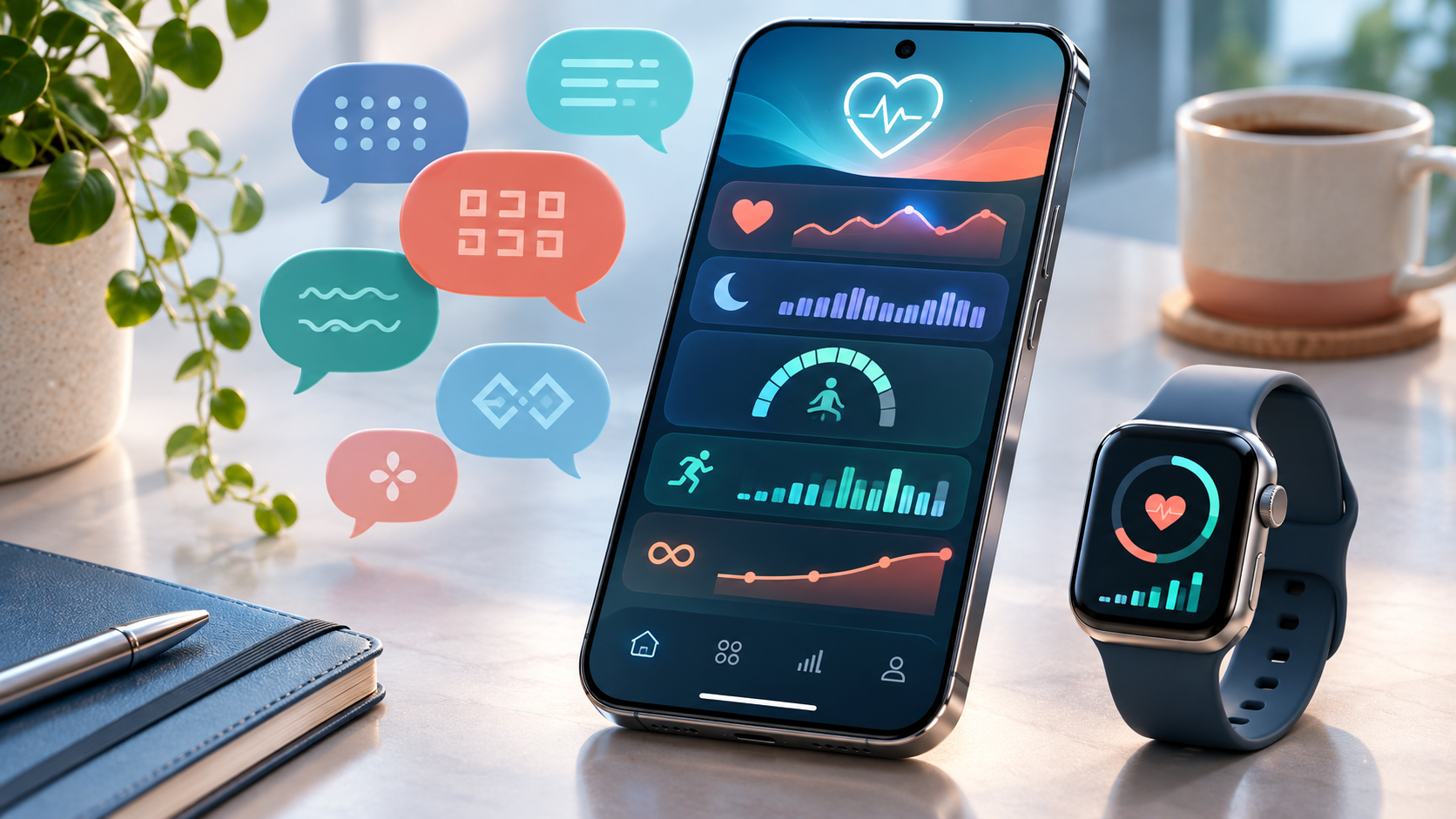
Apple is widening access to its redesigned Health app just as the next iPhone software update enters testing. On November 3, 2026, the company announced support for global English, Simplified and Traditional Chinese, French, Japanese, Korean, Norwegian, Portuguese, Spanish, Turkish and Vietnamese. That is 11 language options when the two Chinese variants are counted separately.
The update is more than a translation package. Apple is preparing a new Insights tab, personalized recommendations, a Longevity view built around Health Age, and camera-assisted movement evaluations. The redesigned experience is available first in the iOS 27.3 developer beta and is scheduled to reach users later in 2026 as a free software update.
Availability is narrower than the headline may suggest. The main experience requires an Apple Intelligence-enabled iPhone or iPad with current software, several features are restricted by device, age, language or region, and Health Age requires Apple Watch data. This guide separates what Apple has confirmed from what users should still verify before relying on the new tools.
The redesigned Health app at a glance
- Beta timing: available to developers in iOS 27.3 beta as of November 3, 2026.
- Public timing: Apple says the redesign will arrive later in 2026, without announcing an exact release date.
- Languages: global English, Chinese (Simplified and Traditional), French, Japanese, Korean, Norwegian, Portuguese, Spanish, Turkish and Vietnamese.
- Core additions: Insights, For You recommendations, Longevity, Health Age and at-home movement evaluations.
- Hardware gate: an Apple Intelligence-enabled iPhone or iPad is required for the redesigned app; some features are iPhone-only.
- Watch gate: Health Age requires Apple Watch, while the VO2 max evaluation needs a compatible heart-rate source.
Apple calls the public release a free software update. A developer beta is not the same as a finished consumer build, so people who depend on their phone for work, travel, accessibility or health-related routines should wait for the supported public release unless they have a separate test device and understand beta risks.
Which languages are being added?
The expanded interface covers a broad group of languages rather than only regional versions of English. Apple lists the following options for the redesigned experience:
- Global English
- Chinese (Simplified)
- Chinese (Traditional)
- French
- Japanese
- Korean
- Norwegian
- Portuguese
- Spanish
- Turkish
- Vietnamese
A supported interface language does not guarantee that every feature is available in every country. Apple says local law, regional approvals, hardware availability and feature-specific language support can create differences. Users should check the feature on their own device after the public release instead of assuming that a translated screen means every measurement or recommendation is enabled.
Insights and For You turn data into daily summaries
The new Insights tab is designed to combine signals that previously lived in separate categories. Apple says it can surface summaries covering heart data, sleep, readiness, fitness, vitals and cycle tracking throughout the day. The goal is to make patterns easier to notice without requiring someone to inspect every chart individually.
A For You section adds personalized recommendations based on habits and recent data. Apple gives the example of adjusting a wind-down routine after several nights of interrupted sleep. The app will also include educational videos and articles involving Apple Health clinical experts.
A summary is only as reliable as the data behind it. Gaps in watch wear, manually entered information, a loose sensor fit, missing permissions or a recently changed device can alter what the app sees. Before acting on a surprising recommendation, review the underlying measurements and their dates rather than treating the generated explanation as a complete medical record.
Health Age and the new Longevity tab
The Longevity tab brings together longer-term trends across heart health, sleep, mental wellbeing, movement, metabolic health, hearing and nutrition. Its headline metric is Health Age, which compares selected health signals with a person’s chronological age to describe how the body appears to be tracking over time.
Apple says Health Age can use Apple Watch measurements including VO2 max, resting heart rate, sleep and heart-rate variability. A user can also add clinical laboratory values such as A1c and LDL cholesterol to enrich the view. Health Age requires Apple Watch, and some features may require the user to be 18 or older.
The result should be read as a trend-oriented wellness metric, not a diagnosis or a prediction of lifespan. A single number can compress several inputs with different levels of completeness. If a value conflicts with symptoms, laboratory results or professional advice, the appropriate next step is a healthcare provider, not repeated attempts to improve the app score.
At-home movement evaluations use the camera and watch

Apple is also adding guided movement evaluations that use an iPhone camera and Apple Watch to assess flexibility, strength, balance, movement mechanics and VO2 max. The experience provides visual and audio feedback so a person can perform the assessment without specialized gym or clinic equipment.
Apple says the vision-based analysis runs entirely on the device and that video is not recorded, stored or shared. That is an important privacy boundary, but it does not remove ordinary safety considerations. A balance or mobility exercise should be done in a clear area, near stable support when needed, and stopped if it causes pain, dizziness or unusual shortness of breath.
The VO2 max test has an additional sensor requirement. Apple says it needs Apple Watch, AirPods Pro 3 or a compatible third-party heart-rate sensing device. The exact test, supported hardware and regional availability should be confirmed in the public software release because beta behavior and requirements can change.
What happens to Health data and AI requests?
Apple’s Health privacy notice says many intelligence features run entirely on the device. When a request needs a model with more computing power, certain information—such as a health insight—may be processed through Private Cloud Compute. Apple says that data is used only to fulfill the request, is not retained by Private Cloud Compute and is not made accessible to Apple.
When an iPhone or iPad is locked with a passcode, Touch ID or Face ID, Health and fitness data is encrypted and inaccessible by default, except for Medical ID. Users control which apps and people can receive Health data and can review or stop sharing from the Sharing tab.
Those protections do not extend automatically to every third-party destination. If a user exports Health data, shares a screenshot, grants a third-party app access or sends a report to another person, the recipient’s privacy practices also matter. Review Data Access & Devices and the Sharing tab before enabling a new service.
Device, account and regional limits to check
- Use an Apple Intelligence-enabled iPhone or iPad with Apple Intelligence turned on.
- Install the latest supported software after the public release; the current build is a developer beta.
- Set the device and Siri or Apple Intelligence language to supported options when required.
- Expect some redesigned features to remain iPhone-only even when the Health app is used on iPad.
- Use Apple Watch for Health Age and an approved heart-rate source for the VO2 max evaluation.
- Check age limits, region availability and local regulatory restrictions for the specific feature.
If a promoted feature does not appear, first confirm the installed iOS or iPadOS version, device model, Apple Intelligence status, language and region. Restarting or reinstalling should not be the first response when the missing capability may simply be unavailable for that configuration.
How to prepare for the public rollout
- Back up the iPhone or iPad before installing a major point update.
- Review Health Details for correct age, sex and other profile information used by supported features.
- Open Health, tap the profile picture and review Data Access & Devices for old apps or devices.
- Confirm that Apple Watch is updated, paired and collecting the measurements needed for the desired feature.
- Check the Sharing tab and remove recipients or organizations that no longer need access.
- After updating, compare the first summaries with the underlying measurements before changing a routine.
Do not install a developer beta merely to obtain the new Health interface on a primary device. Beta software can contain battery, compatibility or data-sync problems, and Apple has not promised that every announced feature will remain unchanged before the public release.
An Apple Watch buying note
Health Age requires Apple Watch data. Readers comparing watch hardware can review the Apple Watch Series 11 GPS 42mm listing on Amazon (ASIN B0FQFPB851). This link is a price and model reference, not a guarantee that every redesigned Health feature will work with that exact configuration. Verify the watch model, band size, seller, return policy and feature compatibility with Apple before buying.
Buying a watch does not unlock the redesign on an unsupported phone or tablet. The experience still depends on the Apple Intelligence device requirement, current software, language, region and feature-specific restrictions. Existing Apple Watch owners should test the public software before replacing otherwise functional hardware.
Affiliate disclosure: ReaderSpice may earn a commission from qualifying Amazon purchases made through the link above, at no additional cost to you.
What the new metrics should not replace
Apple’s redesign may make health trends easier to understand, but it does not turn a phone or watch into a complete clinical assessment. Apple’s own support guidance for Health features repeatedly directs users to professional medical judgment when making health decisions.
Treat Health Age, readiness, movement evaluations and personalized suggestions as informational tools. Seek qualified medical advice for symptoms, medication decisions, abnormal laboratory results, injury risk or a sudden change in heart, sleep or mobility data. Emergency symptoms require emergency services, not troubleshooting an app.
Bottom line
The redesigned Apple Health app is moving from a data repository toward an interpretation layer. Expanded language support makes the new Insights, For You and Longevity experiences accessible to more users, while Health Age and at-home movement evaluations give Apple Watch and iPhone data a more visible role.
The useful approach is to wait for the public iOS 27.3 release, confirm device and regional eligibility, review privacy permissions, and judge each recommendation against its underlying measurements. The new features can organize trends and prompt better questions; they should not replace medical care or careful review of the source data.
Sources
Apple Newsroom: Redesigned Health app expands language support — November 3, 2026
Apple Developer: iOS 27.3 beta release — November 3, 2026
Apple Developer Documentation: iOS and iPadOS 27.3 beta release notes
Apple Support: Get started with Health on iPhone
Apple Support: Track your medications in Health on iPhone
Amazon: Apple Watch Series 11 GPS 42mm (ASIN B0FQFPB851)