
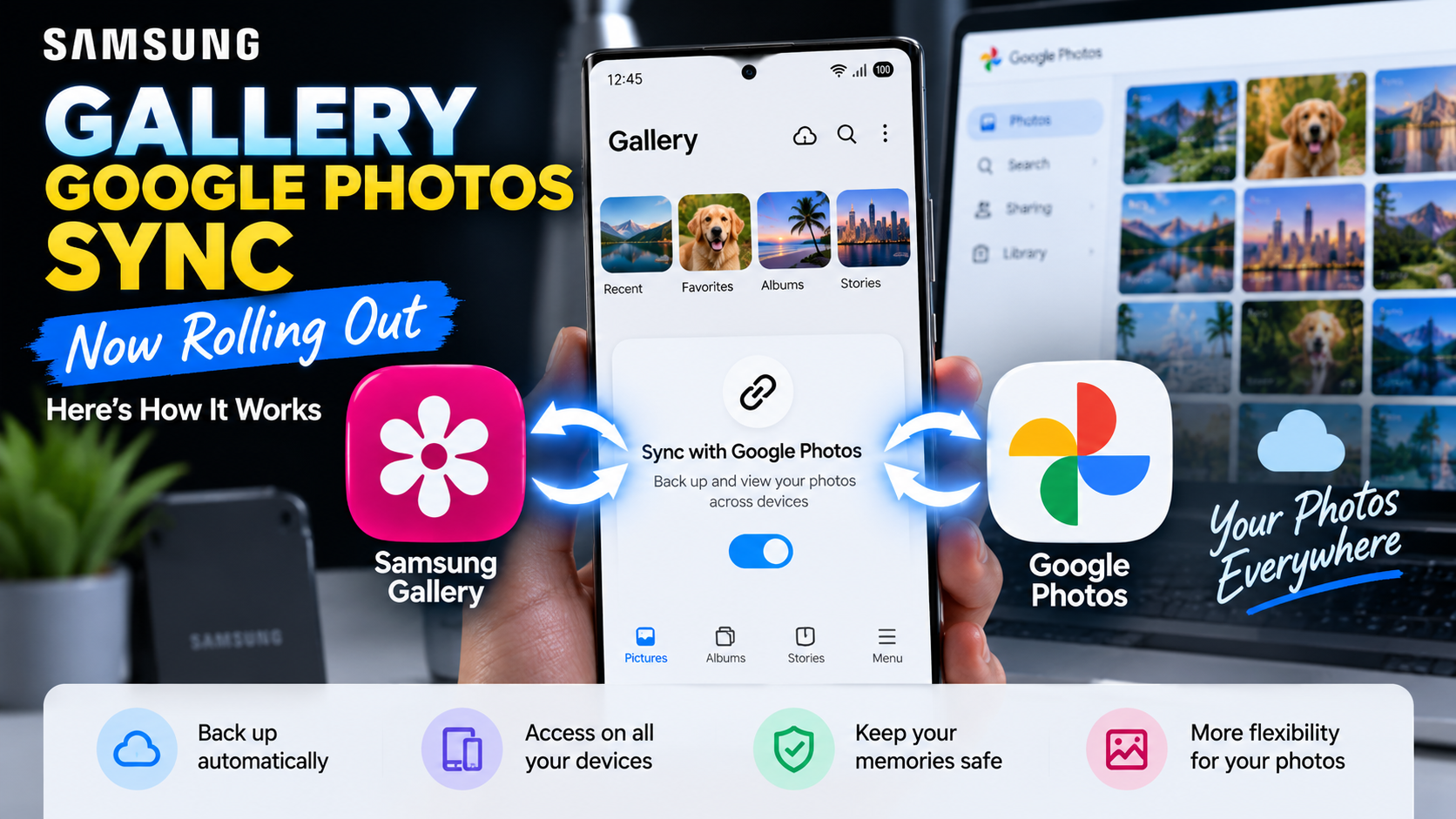
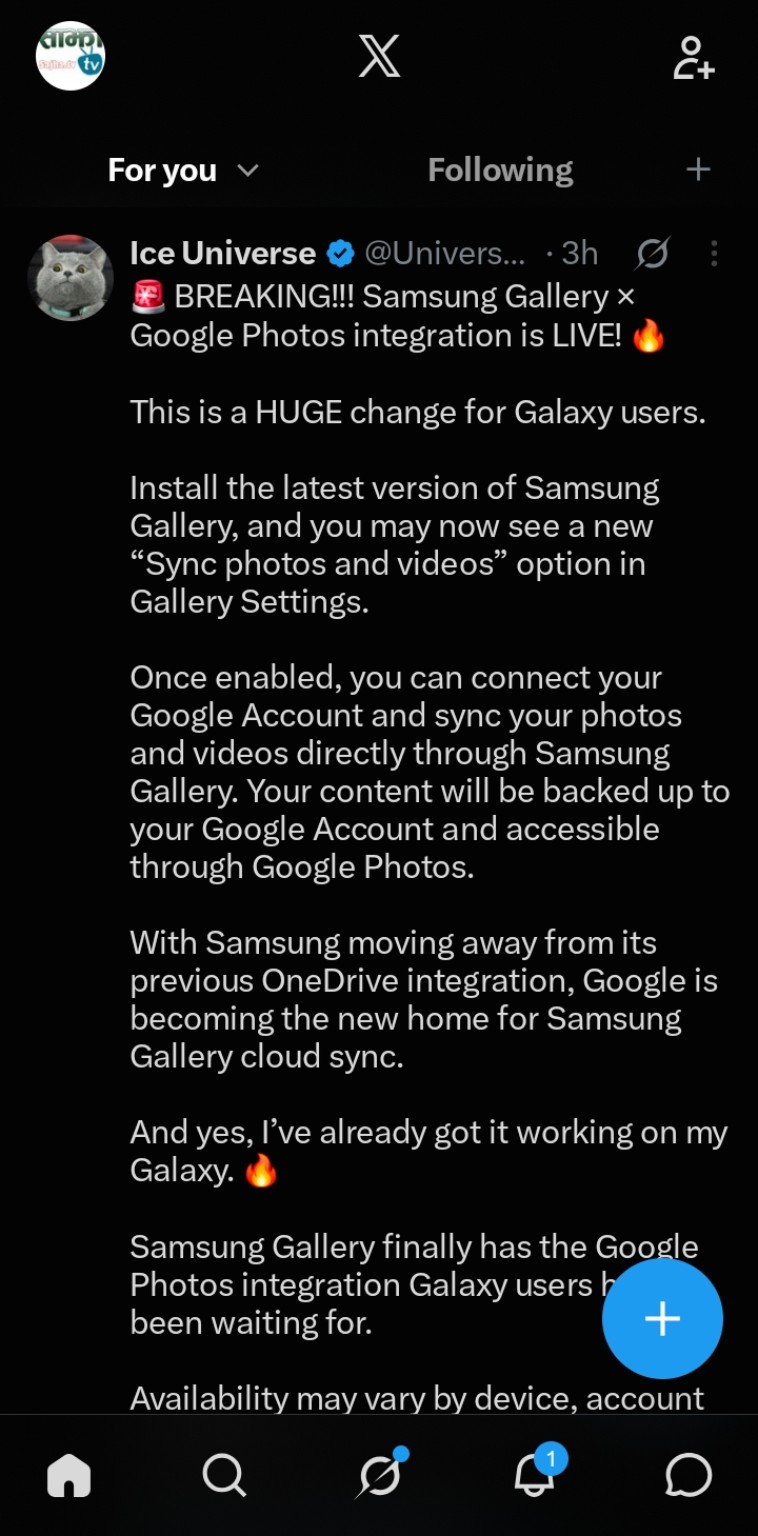
Samsung is beginning to roll out a major change to its Gallery app: direct syncing with Google Photos. New screenshots shared by Ice Universe on X show the feature working on a Galaxy device, including a new “Sync photos and videos” option inside Samsung Gallery settings.
The timing is important. Microsoft has confirmed that direct Samsung Gallery-to-OneDrive syncing ends on September 30, 2026. Google has published official documentation explaining how Samsung Gallery Cloud Sync works with a Google Account, confirming that synced photos and videos are stored in Google Photos.
Samsung Gallery’s Google Photos Sync Is Now Appearing for Users
Ice Universe shared screenshots showing Samsung Gallery version 15.9.01.7 with the new sync option available. The setup screen says users can keep photos and videos available across devices by syncing Gallery with Google.
Source: Ice Universe (@UniverseIce) on X
Source: Ice Universe (@UniverseIce) on X
Users choose a personal Google Account and continue through the setup process. The screenshots also indicate that a Samsung account is required on the device. Samsung says using the same Samsung account on other supported devices can provide access to synced photos and videos.
Source: Ice Universe (@UniverseIce) on X
Source: Ice Universe (@UniverseIce) on X
Source: Ice Universe (@UniverseIce) on X
Google Confirms How Samsung Gallery Cloud Sync Works
Google’s official Photos support documentation confirms that compatible Samsung devices can sync their native Gallery with a personal Google Account. Google says the feature requires a supported Samsung device, Android 13 or newer, and a personal Google Account. Google Workspace accounts and supervised accounts are not supported.
Once enabled, photos and videos can be backed up from Samsung Gallery to the user’s Google Account and accessed through Google Photos. Users can choose specific device folders such as Camera, Screenshots, or Downloads.
Important Differences From Normal Google Photos Backup
Google says media uploaded through Samsung Gallery Cloud Sync uses the user’s Google Account storage and is backed up in original quality. Deletions also synchronize: deleting a synced item in Samsung Gallery or Google Photos can remove it from both apps and cloud storage.
There is an important limitation. Photos backed up only through Samsung Gallery Cloud Sync are not automatically included in every Google Photos feature. Google says those items may not appear in Memories and highlights, Live albums, or Search unless they are also backed up through the Google Photos app.
Why Samsung Is Moving Away From OneDrive
Samsung Gallery has relied on Microsoft OneDrive for integrated cloud syncing for years. Microsoft says that integration ends September 30, 2026. Photos already stored in OneDrive will remain there, but after the cutoff they will no longer appear through Samsung Gallery’s direct OneDrive integration.
Users who want to remain with Microsoft can continue using OneDrive’s own camera backup. For Galaxy owners already invested in Google services, the new Gallery integration provides a more native path to keep Samsung Gallery backed up while accessing those files through Google Photos.
How to Check If You Have the New Feature
Open Samsung Gallery → Menu → Settings and look for “Sync photos and videos.” If it appears, select a personal Google Account and follow the on-screen permissions and setup steps.
The rollout appears gradual and may depend on device, account, software version, and region. Google notes that Gallery Cloud Sync availability can vary, so not seeing the option yet does not necessarily mean your Galaxy device will not receive it.
Shopping for a Galaxy S26 Ultra?
If you’re shopping for Samsung’s Galaxy S26 Ultra, you can check its current price and availability on Amazon.
Check the Samsung Galaxy S26 Ultra price on Amazon.
As an Amazon Associate, ReaderSpice may earn from qualifying purchases at no additional cost to you.
What This Means for Galaxy Users
The biggest change is convenience. Galaxy owners will no longer need Samsung Gallery’s old OneDrive connection to get integrated cloud syncing. Samsung Gallery can remain the primary gallery interface while Google handles cloud storage behind the scenes.
At the same time, Samsung Gallery Cloud Sync and conventional Google Photos backup are not completely identical. Anyone who relies heavily on Google Photos Search, Memories, or Live Albums should review Google’s documentation before changing an existing backup setup.
Sources
Google Photos Help — Sync your Samsung Gallery with your Google Account
Microsoft Support — Changes to Samsung Gallery sync and OneDrive
9to5Google — Samsung Gallery adds Google Photos backup support