
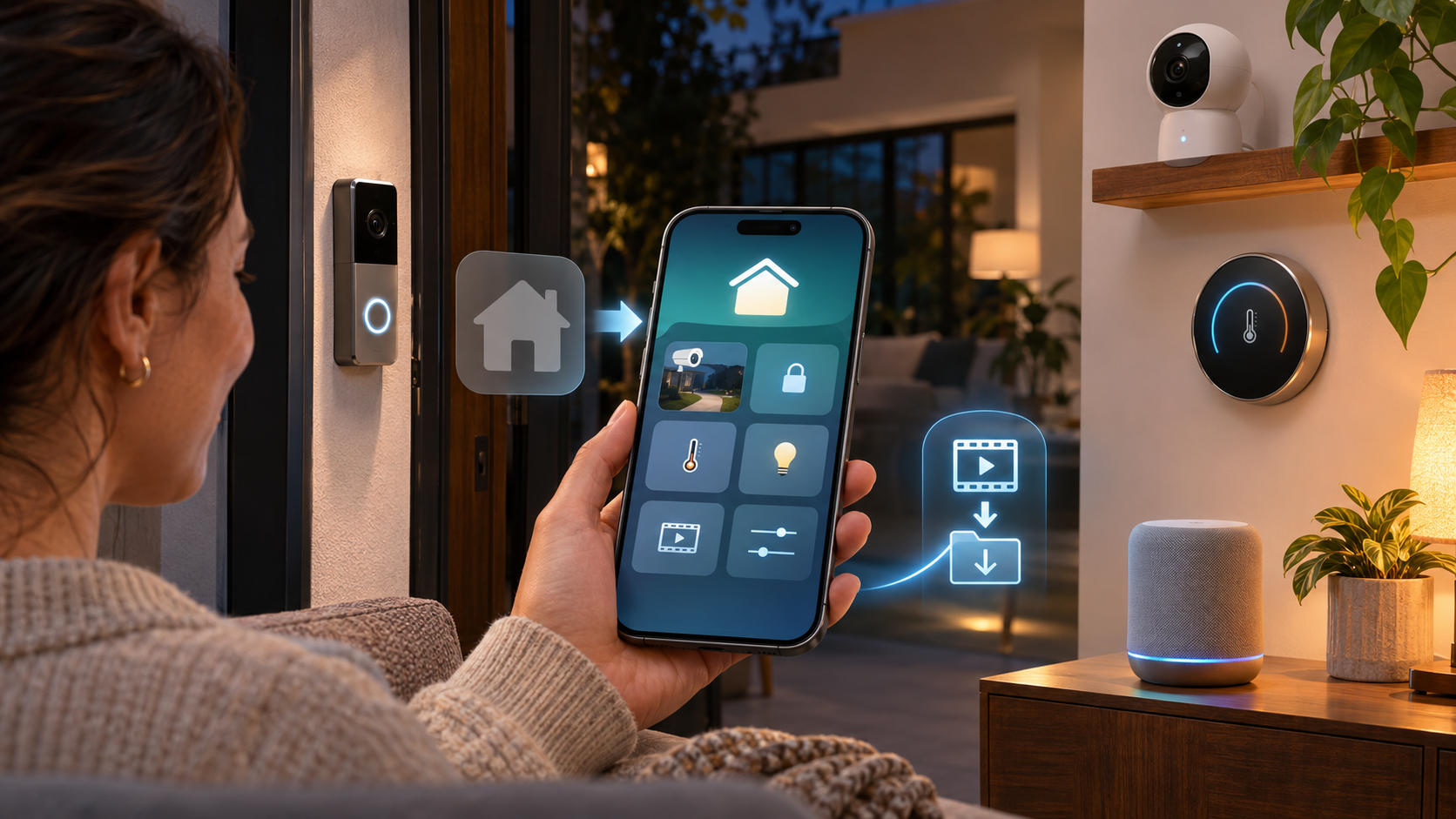
Google will retire the Nest app on January 25, 2027, ending access on Android, iOS, TV and the web at home.nest.com. The hardware is not being abandoned: supported Nest thermostats, cameras, doorbells, smoke and carbon-monoxide alarms, locks and camera history are moving to the Google Home app. The urgent work is narrower but important—confirm the account, save manually created clips that will not transfer and understand which legacy features are not available in Google Home.
Two more dates belong on the same checklist. Google says it will begin processing deletion of unmigrated Nest accounts and associated data after March 25, 2027. Separately, Google Assistant will be discontinued on speakers and smart displays beginning August 2, 2027; owners must actively accept the free Gemini for Home upgrade because that voice transition is not automatic.
This guide separates automatic transfers from manual tasks. It uses Google’s current help pages and November 20 announcement, and it focuses on older Nest households that may still sign in with a Nest account, use the saved Clip Library or depend on Nest-app-only controls. Google can revise the rollout, so recheck the official transition pages before each deadline.
The three deadlines every Nest household should record
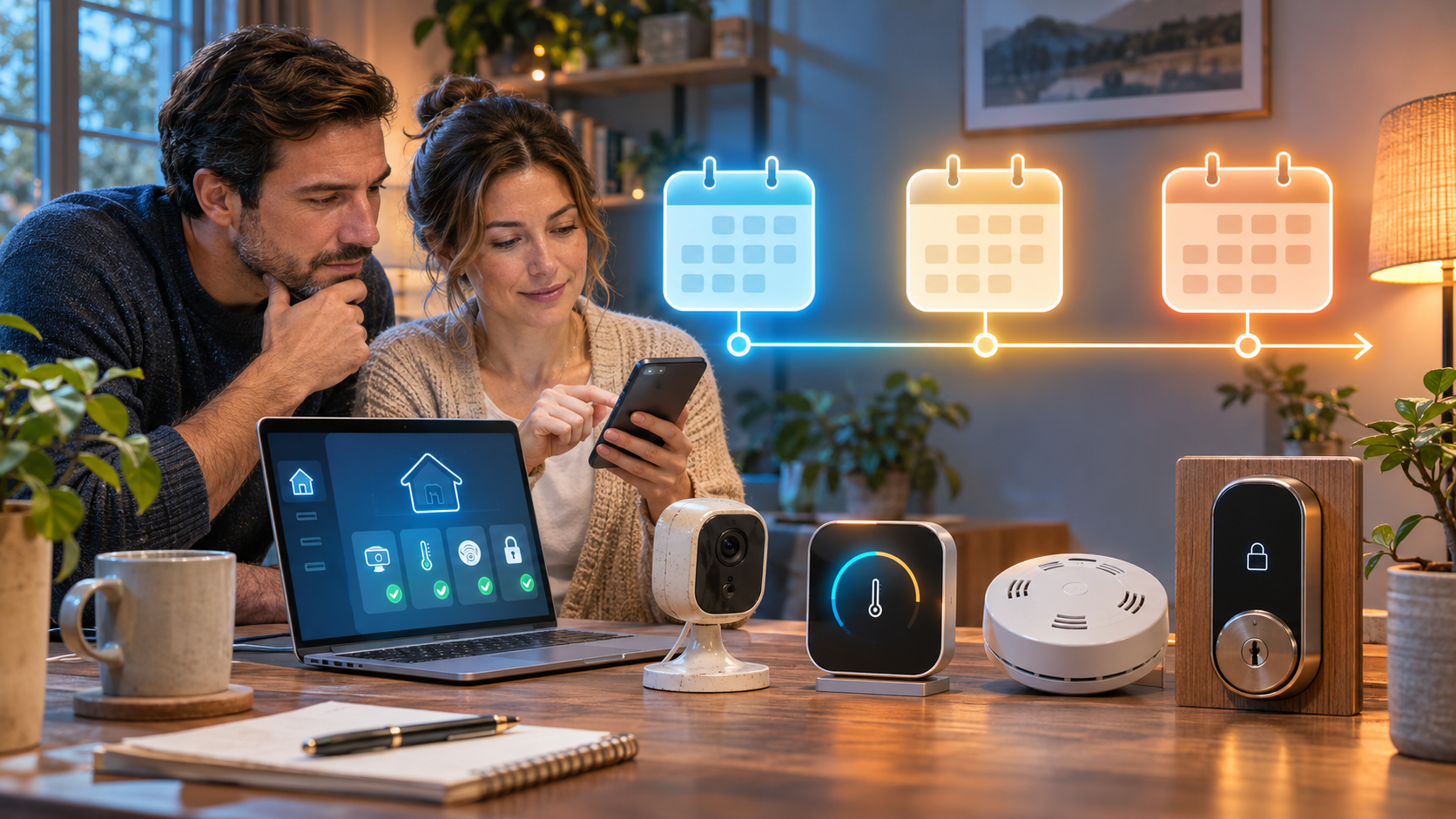
The app shutdown, legacy-account deadline and voice-assistant transition require different actions. Illustration: ReaderSpice.
- January 25, 2027: the Nest app and home.nest.com retire; supported devices and ordinary camera history begin transferring to Google Home.
- March 25, 2027: Google says it will begin processing deletions for Nest accounts that have not been linked to a Google Account, including associated data and subscriptions.
- August 2, 2027: Google Assistant begins permanent discontinuation on smart speakers and displays; an owner must opt in to Gemini for Home to keep voice features working.
These are not three versions of the same cutoff. January is the app and saved-clip deadline. March is the last backstop for a legacy account that was never migrated. August concerns voice control on speakers and displays, including compatible third-party models.
January 25: the Nest app stops working, but supported hardware stays
Google says supported devices from the last decade will continue to work through Google Home. The published list includes the third- and fourth-generation Nest Learning Thermostats, Nest Thermostat E, the 2020 Nest Thermostat, first- and second-generation temperature sensors, first-generation wired Nest cameras, Nest Cam IQ models, the first-generation wired Nest Doorbell, newer Nest cameras and doorbells, second-generation Nest Protect devices through their printed expiration date, Nest Hub Max camera and Nest x Yale Lock with Nest Connect.
The automatic process is designed to preserve the important day-to-day state. Google says supported devices, settings, schedules, Activity Zones, notification settings and eligible event or 24/7 camera history transfer. Recent recordings keep their normal expiration windows rather than becoming permanent archives. Nest Aware (1st gen) subscribers are scheduled to move to Google Home Premium Advanced at no additional cost on January 25, with no credit-card re-entry required at that time.
Do not reset hardware just because only live video appears
An older camera can already show a live feed in Google Home while its event history, timeline scrubbing and notifications still remain in the Nest app. Google says that state means the camera has not fully transferred. Owners can wait for the automatic January transfer or start a supported manual transfer; a factory reset is not the first troubleshooting step.
Eligible manual camera transfers require the Nest-home owner, Google Home app version 3.26 or later, a migrated Google Account and a supported camera with no subscription or Google Home Premium. Google says the software update can take up to 25 minutes. After the transfer, new live video and history move to Google Home and Google Home for web, while old Nest-app history remains available only until the shutdown.
Presence sensing needs separate attention
Google says camera settings, Activity Zones, notifications and schedules transfer, but Presence sensing must be set up again after a manual camera move. Test Home and Away behavior, automations, household notifications and member access before depending on the migrated setup for security or energy control.
Download saved clips before the Clip Library disappears
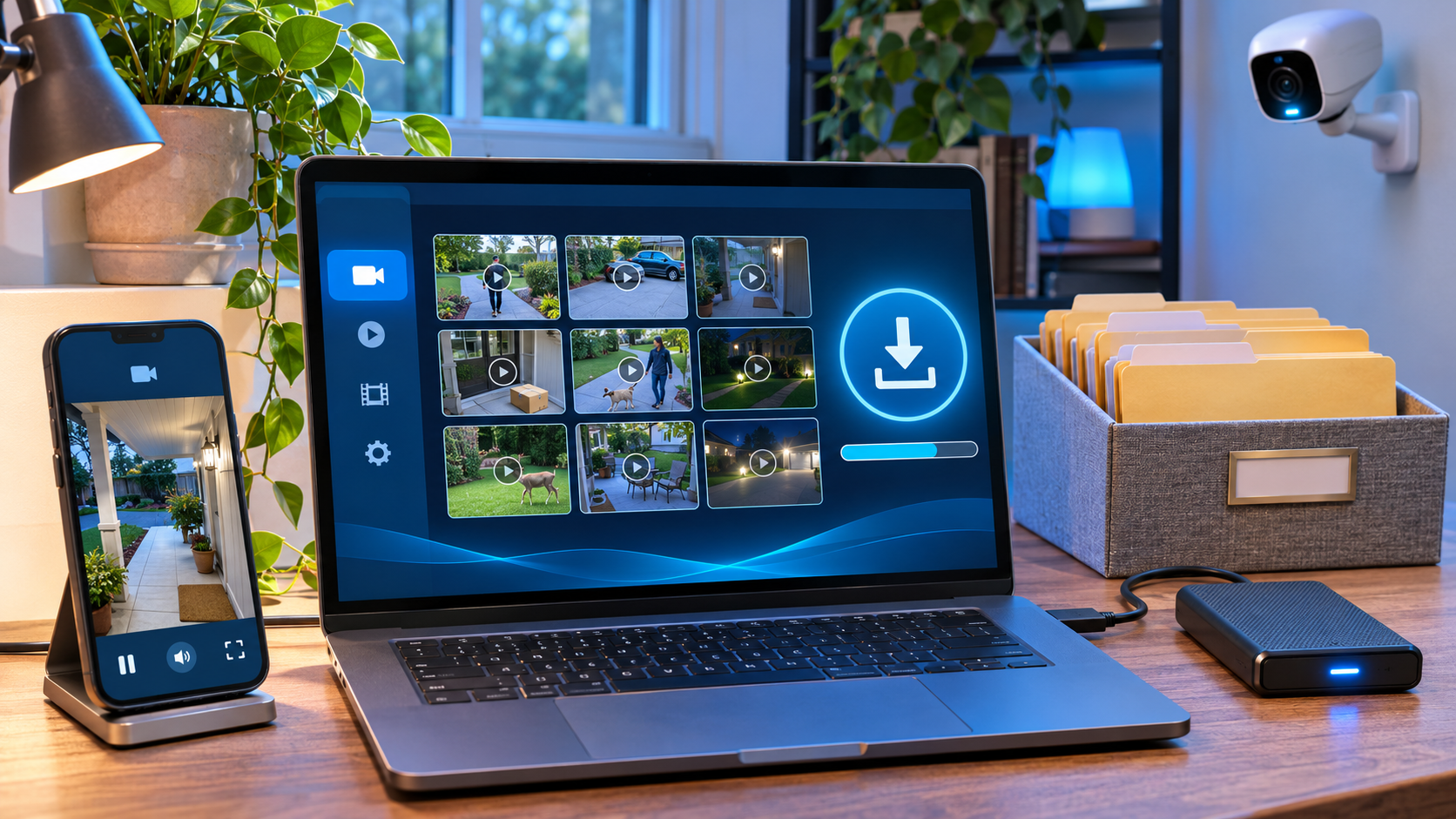
Manually saved Clip Library videos need a separate backup before the Nest web app retires. Illustration: ReaderSpice.
The most important exception to automatic transfer is the old saved Clip Library. Google distinguishes those manually created clips from normal event and 24/7 video history. Recent history moves to Google Home for eligible accounts, but saved clips accessed through the Nest web app do not.
- Sign in at home.nest.com with the account that owns the Nest home before January 25, 2027.
- Open the saved clip library and use Google’s one-click Download All option.
- Save the export to a local folder with enough free space; do not rely on the browser’s Downloads folder as the only copy.
- Open several files from different cameras and dates to confirm that video and audio play correctly.
- Copy irreplaceable evidence or family footage to a second location, such as encrypted external storage or a trusted cloud backup.
- Record which account and home the clips came from, then recheck the library for late additions before the deadline.
Do not treat the ordinary 30- or 60-day camera-history window as an archive. A clip relevant to an incident, warranty claim or insurance matter should be downloaded promptly and preserved with its original filename and a note about date, camera and context. ReaderSpice is not giving legal evidence-handling advice; important footage may require professional guidance.
Legacy Nest accounts need a Google Account before March 25
People who started using Nest after August 19, 2019 already sign in with Google and generally do not have a legacy Nest account to migrate. Older users can check the Nest app: if “Migrate to a Google Account” appears in Settings, the account is still separate. Using a Gmail address as the Nest username does not prove migration is complete.
Google recommends a personal Google Account for full consumer-home functionality. A Workspace account can be linked, but its administrator may have access to the joined home, and losing the work or school account can also mean losing access to the home. Account migration is not reversible, and one Google Account can link to only one Nest account.
Review household access before confirming migration
Nest home members with Full Access can lose access during account migration and may need to be reinvited through Google Home. Before completing the move, list current household members, verify the intended personal Google Account, read the privacy and terms changes and plan how invitations will be restored. After migration, confirm every intended person can view the correct home—and remove access that is no longer appropriate.
Google says unmigrated accounts with cameras can continue background recording until deletion processing begins on March 25, 2027. That is an emergency backstop, not a reason to wait: the Nest app is already unavailable after January 25, and clip-library downloads belong before the earlier date.
What transfers—and what is still missing from Google Home
Expected to transfer
- Supported thermostats, cameras, doorbells, alarms and locks.
- Camera event and eligible 24/7 history until each recording reaches its normal expiration.
- Camera settings, Activity Zones, notification settings and schedules.
- Nest Aware (1st gen) coverage to Google Home Premium Advanced, according to Google’s current transition terms.
Not transferred or not currently supported
- Manually saved clips in the Nest web Clip Library.
- Change Wi-Fi without resetting the device, Talk and Listen Tone and adjustable microphone sensitivity.
- Public or password-protected livestream sharing, social clip sharing and email notifications.
- Google Assistant on cameras, Zoom & Enhance, Safety Clip, timelapses and Supersight close-up tracking.
- Presence sensing after a manual camera transfer; Google says it must be configured again.
Google describes these as Nest-app-only features that are not currently available in Google Home. “Currently” leaves room for later changes, but owners should plan around the feature set available now rather than assume every legacy control will arrive by January.
August 2: Gemini replaces Assistant on speakers and displays
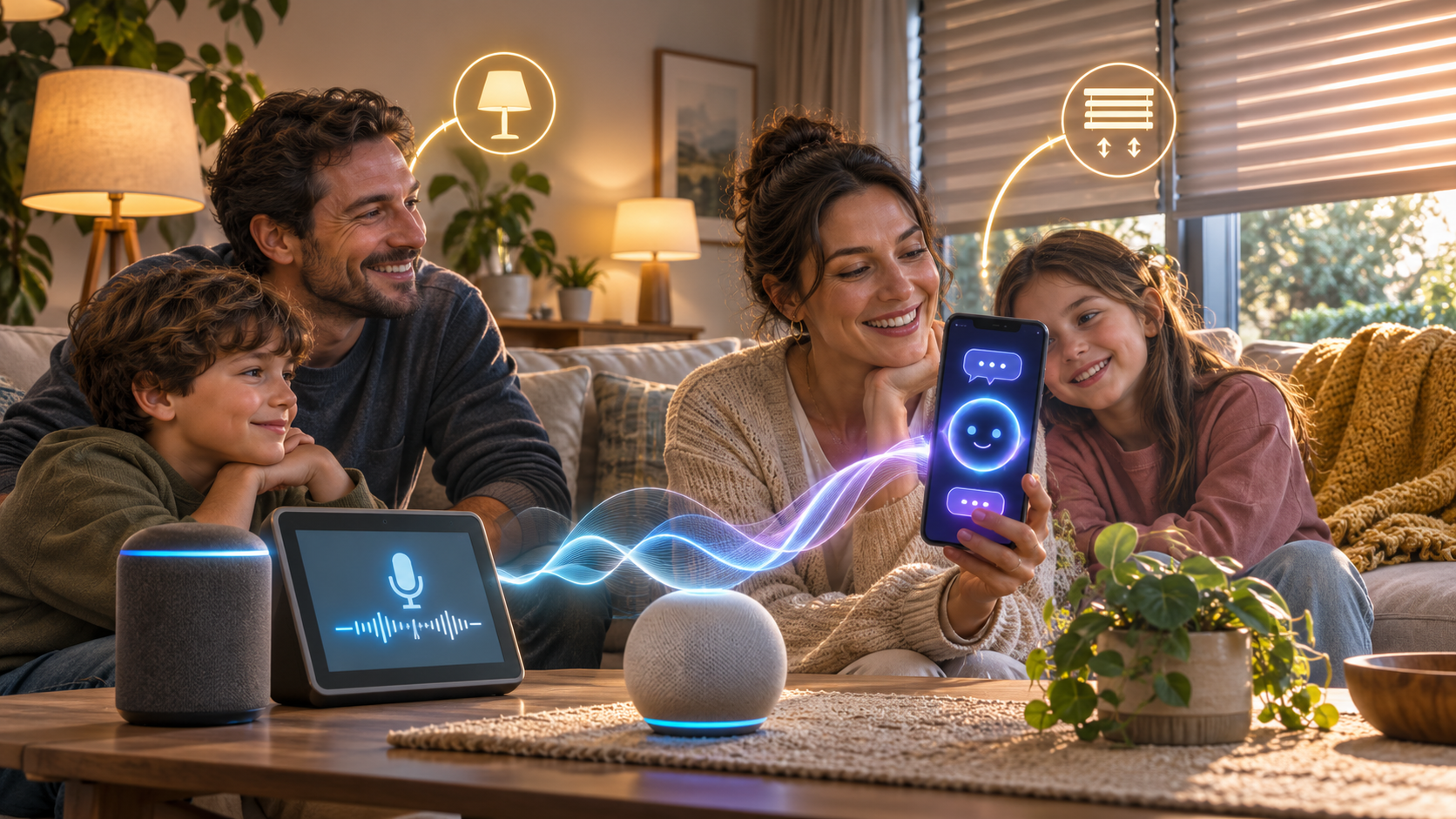
The voice transition is free for basic use but requires an owner to accept the new experience. Illustration: ReaderSpice.
The voice-assistant transition is separate from the Nest app shutdown. Google says Assistant will begin permanent discontinuation on speakers and smart displays on August 2, 2027, with the rollout potentially taking several weeks. Existing Google Assistant-enabled speakers and displays—including supported third-party devices—remain eligible for Gemini for Home.
The change is not automatic because the owner must accept the new experience, disclosures and terms. Google says the basic Gemini for Home voice assistant is available at no additional cost. Premium features, including Gemini Live and natural-language search of camera history, can require Google Home Premium.
- Open the current Google Home app and select the profile picture or initial.
- Open Home settings.
- Choose Get started on the “Set up Gemini for Home” banner when it appears.
- Review disclosures, response filtering and the devices included in the home before accepting.
- Test lights, thermostats, timers, routines and household voice access after the upgrade.
If the owner does not upgrade, Google says Assistant will stop responding after discontinuation and the device will prompt for the Gemini setup. The upgrade can still be completed later to reactivate voice functionality. Do not replace otherwise supported speakers solely because the old assistant name is retiring.
A migration checklist that avoids unnecessary resets
- Confirm whether the Nest app uses Sign in with Google or a separate legacy Nest password.
- Install and sign in to the latest Google Home app with the intended personal account.
- Inventory devices, names, rooms, schedules, Activity Zones, automations and current home members.
- Download all saved Clip Library videos from home.nest.com and verify the exported files.
- Complete the account migration if required, then reinvite household members who lost access.
- Move eligible cameras manually only when useful; otherwise allow the January automatic transfer.
- Rebuild Presence sensing after any manual camera transfer and test Home/Away behavior.
- Compare the features you depend on with Google’s current Nest-app-only list before the shutdown.
- Handle the Gemini for Home voice upgrade separately before the August deadline.
A current thermostat option—not a migration requirement
Owners do not need new hardware merely because the Nest app is retiring. If an existing thermostat is already due for replacement after HVAC compatibility checks, one verified current listing is the Google Nest Learning Thermostat (4th gen) with Nest Temperature Sensor (2nd gen), ASIN B0D5BBYRJM. Google’s product page says this model is set up and controlled in Google Home and includes one second-generation temperature sensor.
Confirm the exact model, seller, condition, included sensor, HVAC compatibility, wiring, current price and return policy before purchase. Some systems can require a C wire, Nest Power Connector or professional installation. A new thermostat will not recover saved camera clips, migrate a legacy account or replace the separate Gemini acceptance step.
Affiliate disclosure: ReaderSpice may earn a commission from qualifying Amazon purchases made through this link, at no additional cost to you.
How this differs from the earlier Google Home update
ReaderSpice previously covered the Fall 2026 Google Home feature update, including camera audio descriptions, thermostat savings estimates, third-party sensors and faster Gemini responses. This guide covers a different owner task: app retirement, account and clip preservation, legacy-feature gaps and the 2027 voice deadline.
The bottom line
The Nest app shutdown is a software consolidation, not a mass hardware cutoff. Most supported devices, settings and normal camera history are designed to move automatically to Google Home. The work owners cannot delegate is checking the sign-in method, preserving saved Clip Library videos, confirming household access and deciding how to replace any Nest-app-only feature they still use.
Finish saved-clip downloads before January 25, migrate a legacy account well before March 25 and treat the August Gemini change as a separate opt-in. Back up first, verify each stage and avoid factory resets unless Google’s device-specific support instructions actually require one.
Sources
- Google Home & Nest Community — Nest app and Google Assistant retirement announcement, November 20, 2026
- Google Home Help — Nest app transition, supported devices, January and March deadlines
- Google Home Help — Transfer Nest devices, Clip Library downloads and Nest-app-only features
- Google Home Help — Nest account migration steps, household access and account cautions
- Google Home Help — Google Assistant transition to Gemini for Home, August 2027
- Google Store — Nest Learning Thermostat (4th gen) controls and compatibility overview
- ReaderSpice — Google Home Fall 2026 feature update and requirements
- Amazon — Google Nest Learning Thermostat (4th gen), ASIN B0D5BBYRJM (affiliate link)