Google Home October 2026 Update: Matter Energy Data, Nest Camera Fixes and Wi-Fi 7 Support

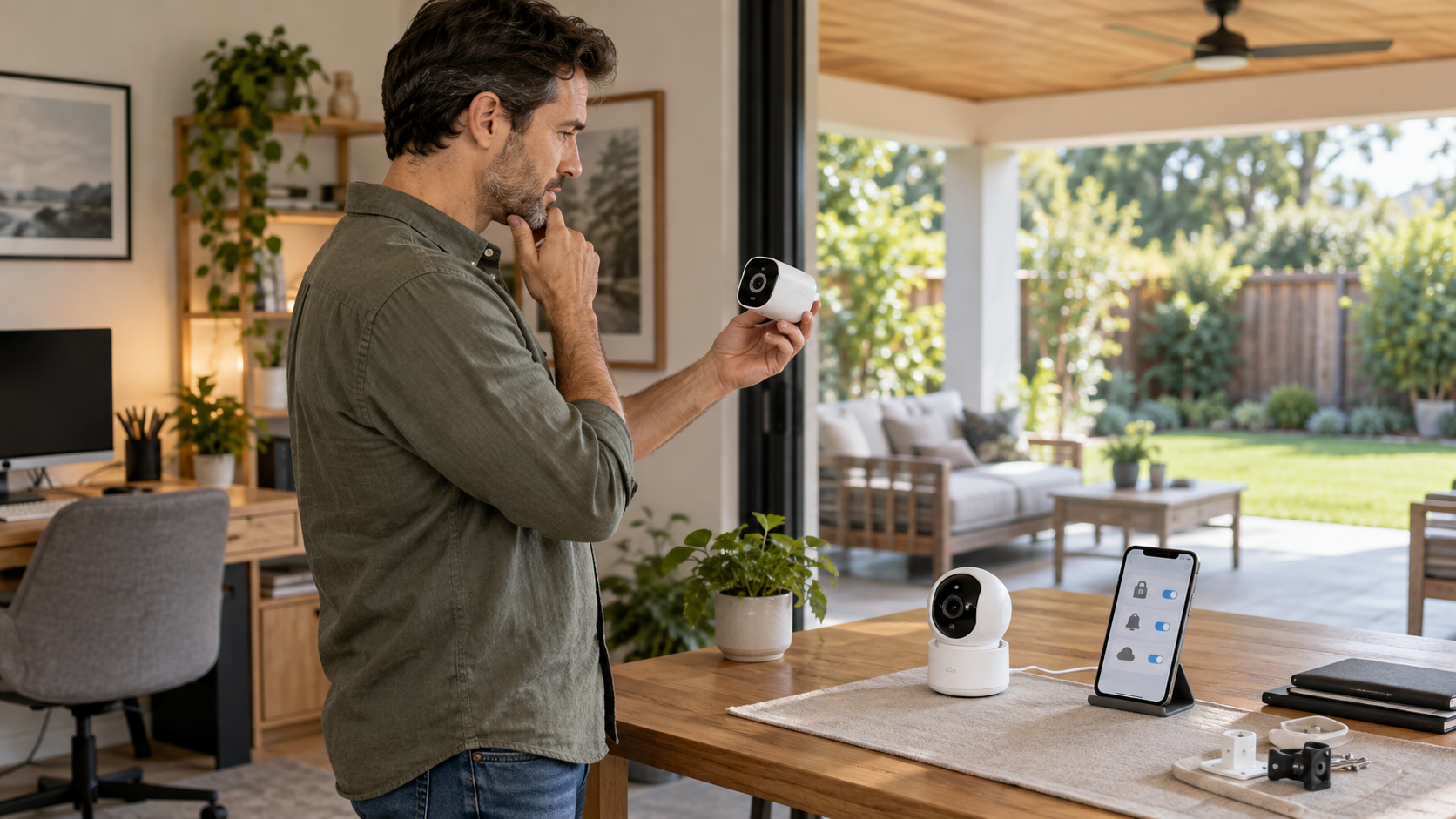
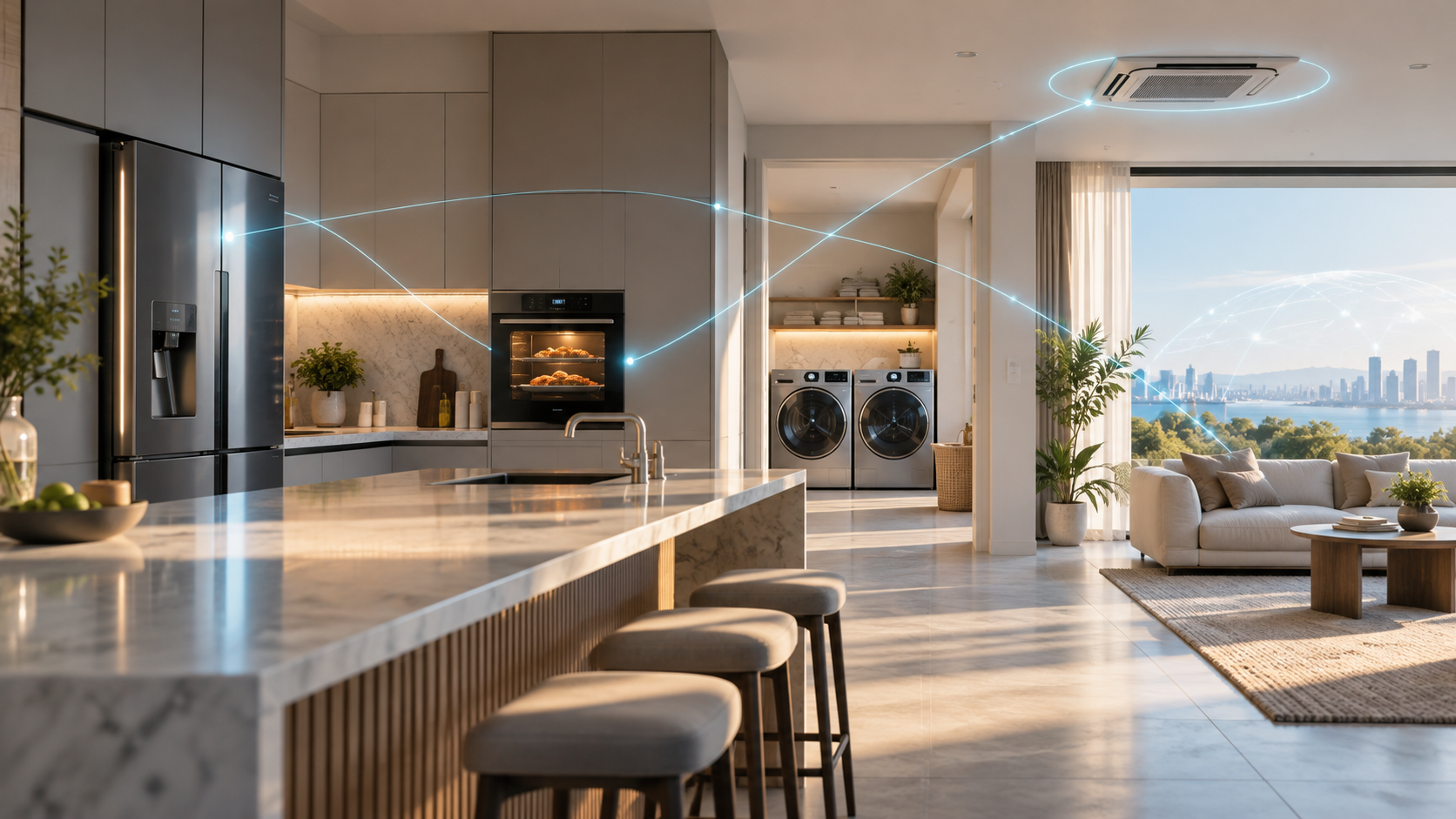
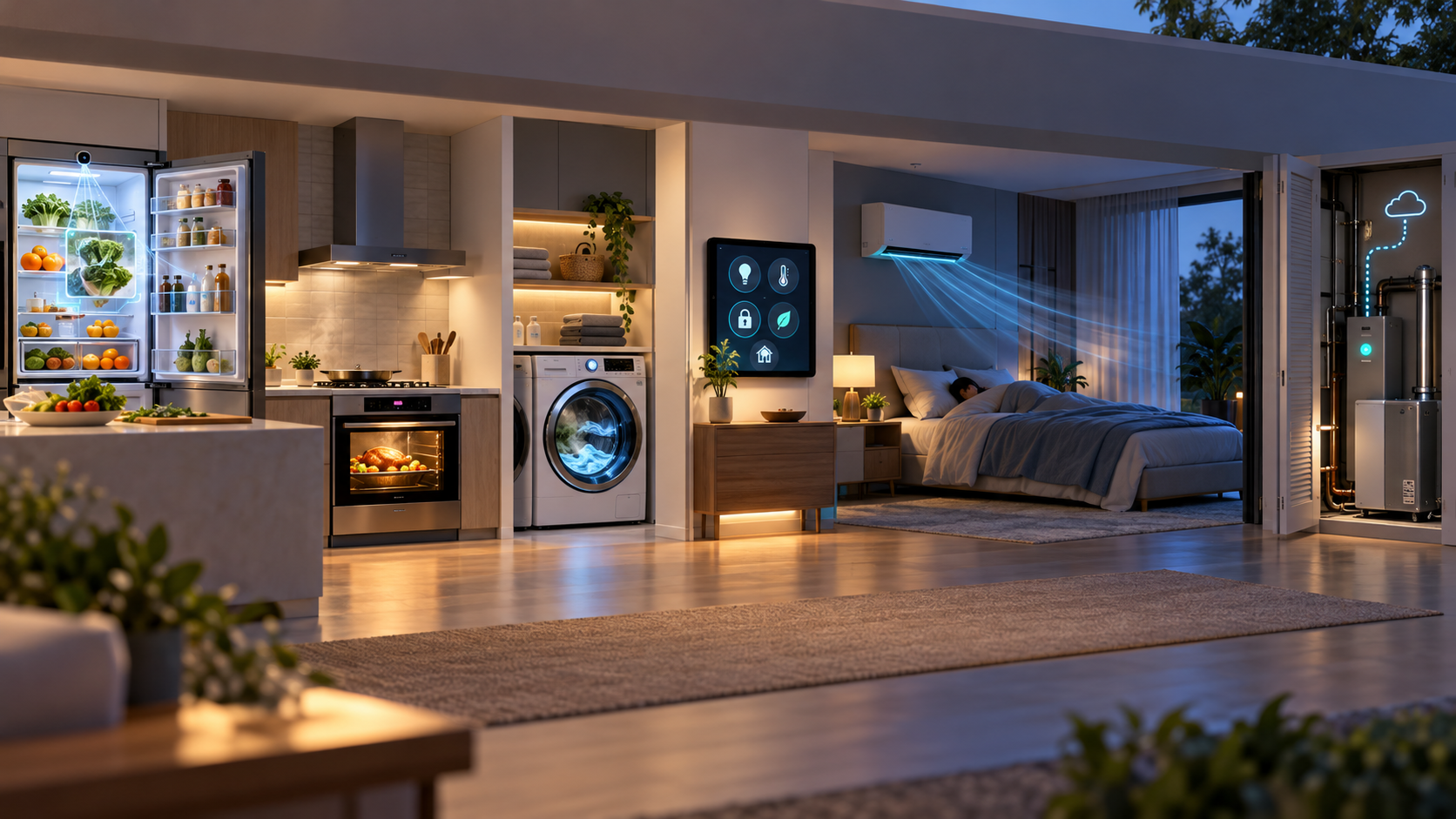
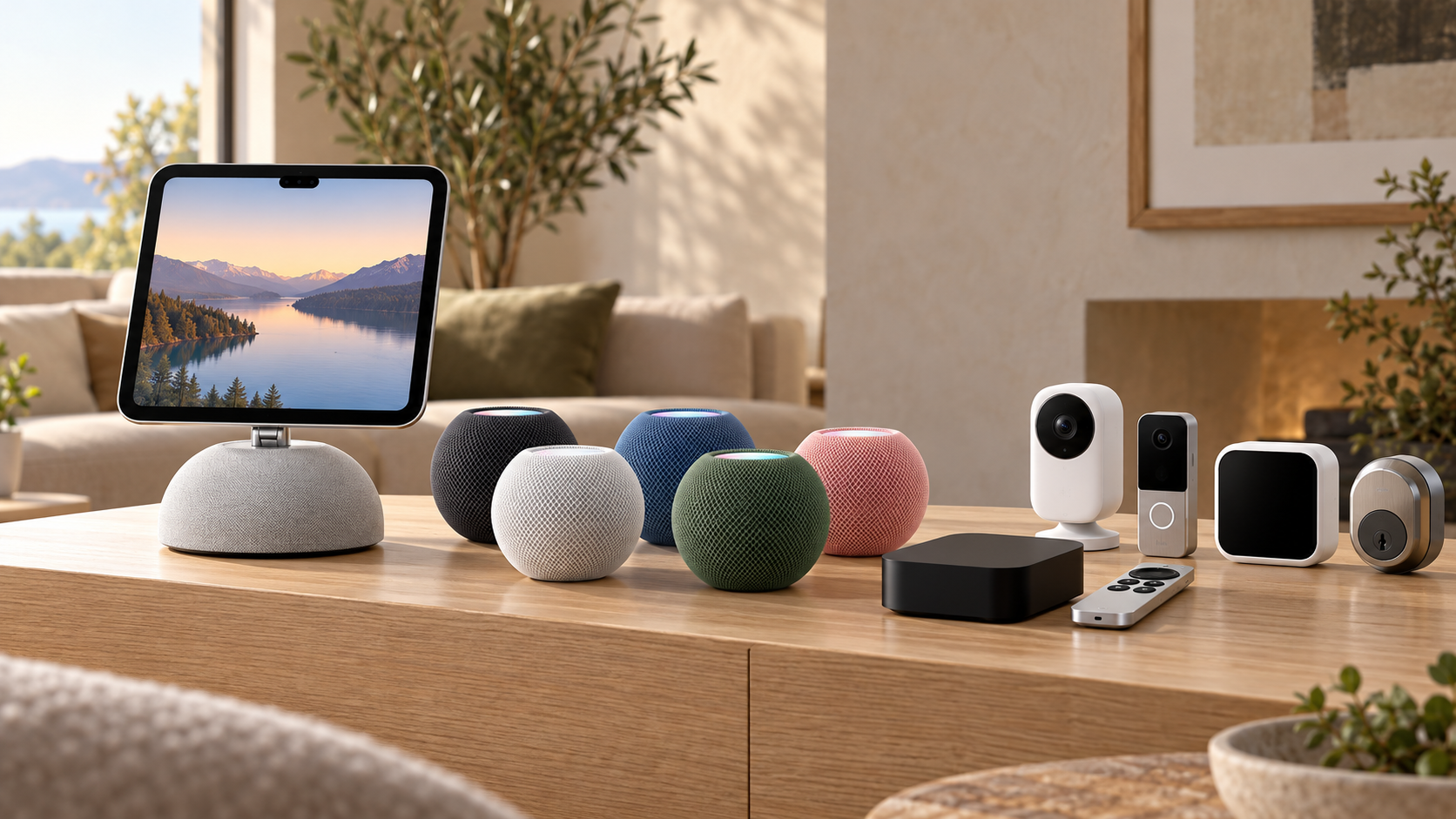
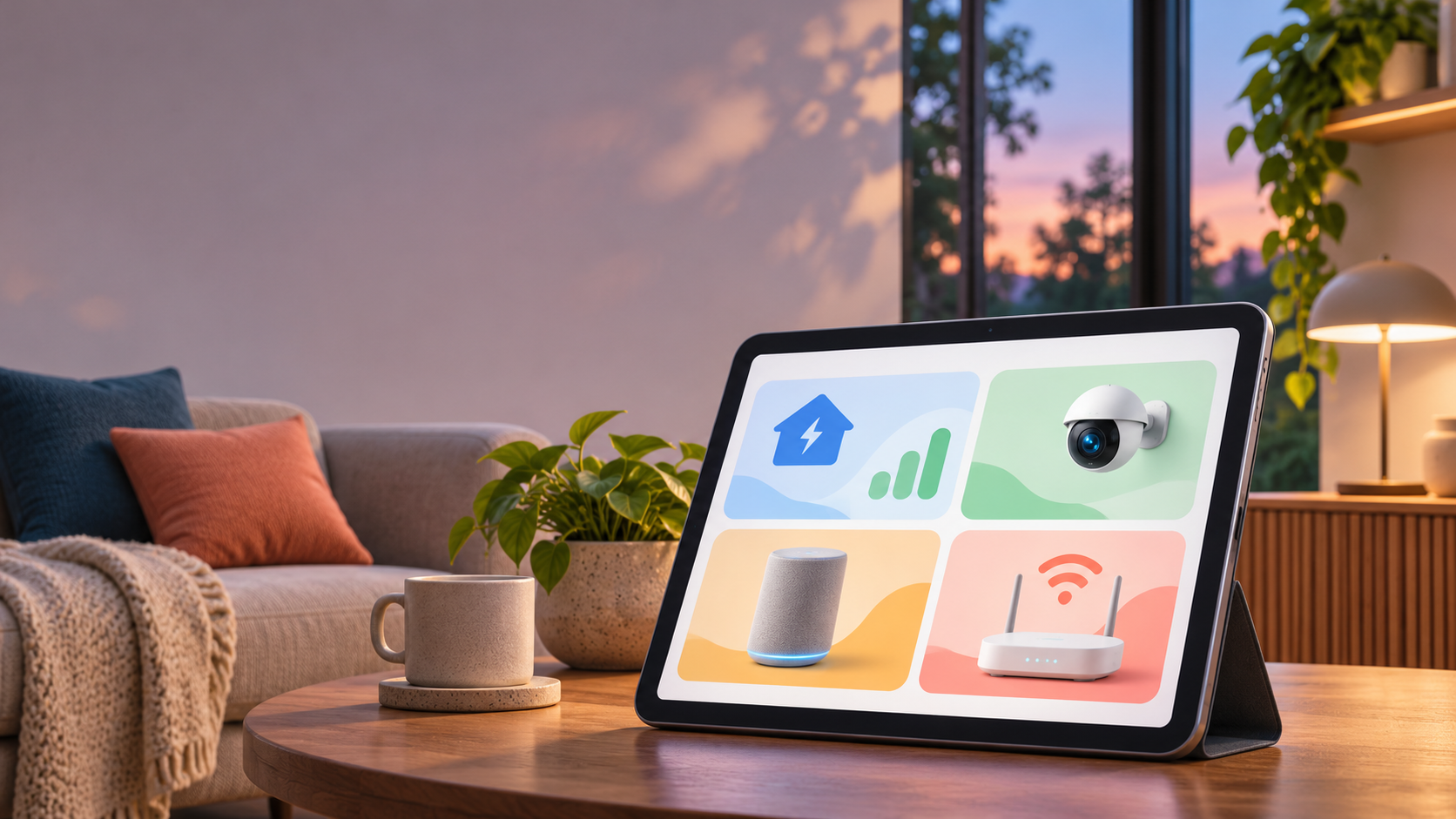
Google Home dashboard showing energy monitoring, a security camera, smart speaker and Wi-Fi router in a modern living room.

Google’s October 29, 2026 Google Home release is more useful than its modest label suggests. On supported Android devices, compatible Matter smart plugs and energy monitors can now surface live power and cumulative energy data. The same release also fixes several Nest camera and doorbell problems, improves older Nest hardware, and addresses a Wi-Fi 7 setup issue affecting speakers.

This is a phased, device-dependent update rather than one universal feature switch. What appears in your app will depend on your phone platform, Google Home app version, device firmware, hardware capabilities, account region and, for some camera features, a Google Home Premium plan.

The practical takeaway: update the Google Home app and the affected devices, then check the exact controller or history view described below. If a feature is absent, that does not automatically mean the rollout failed; the hardware may not expose the needed Matter measurement cluster, or Google may still be staging the change.

What changed in the October 29 Google Home update

  • Android can show real-time power in milliwatts and cumulative energy in kilowatt-hours for supported Matter smart plugs and energy-monitoring devices.
  • Google Home recognizes more Matter closure types—including garage doors, gates, windows, blinds and cabinets—with more accurate icons and controls.
  • An iOS camera-timeline bug that could show ‘Video Not Available’ at the end of an event or across a gap has been fixed.
  • Foldable Android phones should no longer get stuck on a loading spinner when the device is folded or unfolded during a full-screen camera view.
  • The first-generation wired Nest Doorbell gets better person and Familiar Face detection at distance and from wider angles.
  • Legacy Nest cameras receive Wi-Fi reconnect, night-vision, audio/video sync and status-light fixes, depending on model.
  • Speakers gain reliability fixes for playback, stereo pairs, Bluetooth resume, groups and Wi-Fi 7 WPA3 setup.

Matter energy data arrives on Android
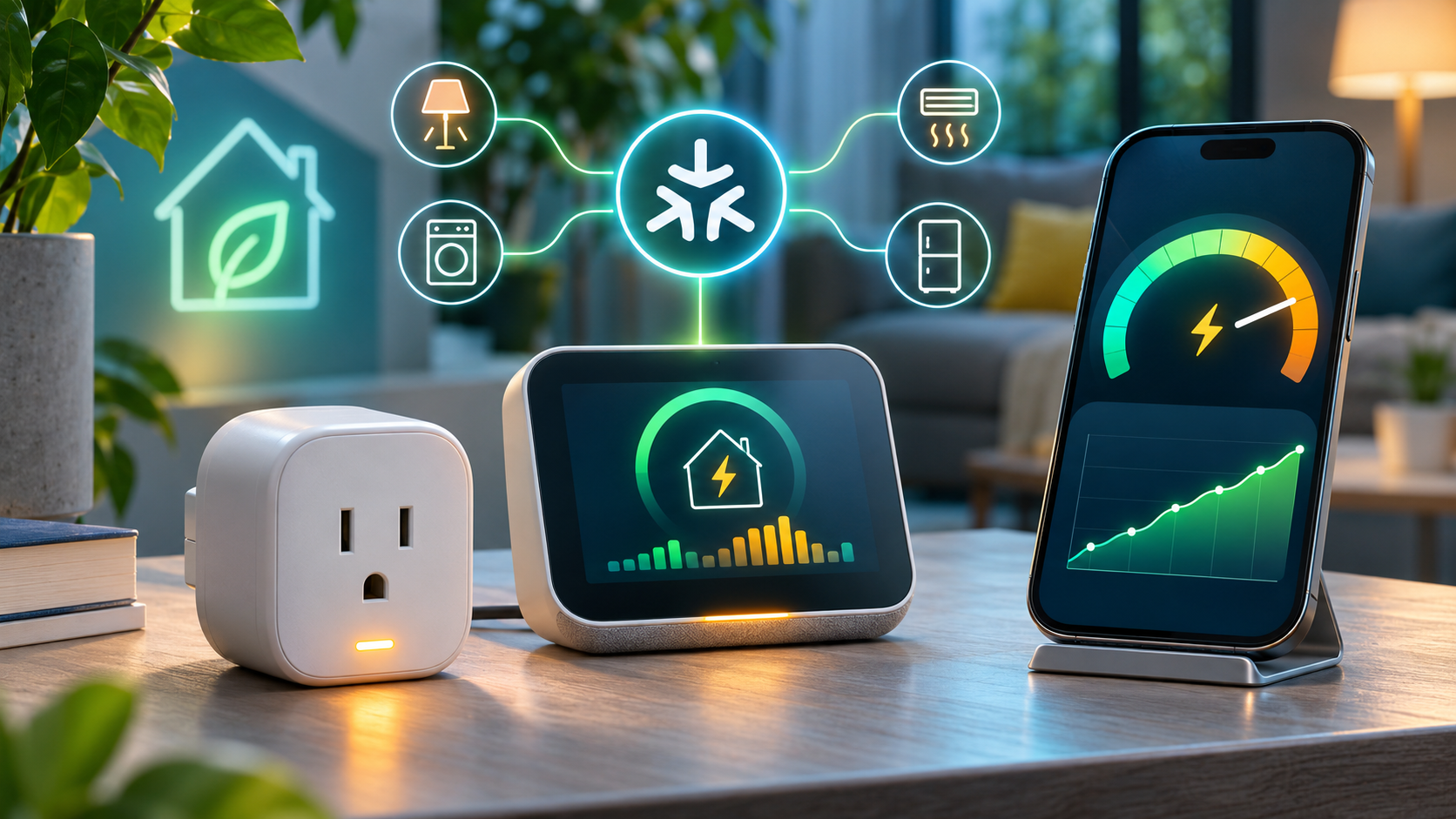
Matter energy data arrives on Android

Supported Matter energy devices can expose live power and cumulative energy inside Google Home on Android.

For compatible hardware, Google says Android device tiles and controllers can display two distinct measurements. Real-time power is reported in milliwatts (mW), a snapshot of what the device is drawing now. Cumulative energy is reported in kilowatt-hours (kWh), the running total that is more useful for comparing appliances over time.

The distinction matters. Power answers ‘how much is this using right now?’ while energy answers ‘how much has it used across a period?’ A kettle can have high instantaneous power but little total energy if it runs for only a few minutes; a lower-power device can consume more energy if it stays on all day.

This feature does not turn every Matter outlet into a meter. The device must implement and expose the relevant electrical measurement and energy-management capabilities, and its manufacturer firmware must report them correctly. Treat the figures as a household troubleshooting and comparison tool unless the manufacturer explicitly states that the hardware is revenue-grade or suitable for billing.

How to check energy readings in Google Home

  • Update the Google Home app from the Play Store and install any available firmware update for the Matter device or its hub.
  • Open Google Home on Android, select the compatible smart plug or energy monitor, and inspect its device tile or controller.
  • Look for live power in mW and cumulative energy in kWh. If only on/off controls appear, confirm the device’s specifications actually list energy monitoring—not merely Matter support.
  • Compare a known load, such as a lamp, in both the manufacturer app and Google Home. Large or persistent discrepancies should be investigated with the device maker.
  • Record a baseline before changing routines. A single live reading is less useful than comparing cumulative energy across similar days or weeks.

Nest camera and doorbell fixes

The iOS timeline should stop throwing false errors

On iPhone and iPad, scrolling to the end of an event or into a normal gap could incorrectly produce a ‘Video Not Available’ message. Google says that condition is fixed. In Google Home, recorded history sits below the live camera view and can be displayed as a timeline or an event list. Normal gaps remain expected when an account uses event-only history and nothing was recorded.

Foldable Android live view gets unstuck

Google also fixed a full-screen live-view problem on foldable Android phones. Folding or unfolding the device could leave the camera stream stuck behind an indefinite loading spinner. The fix is narrow but valuable for owners who use a foldable as a portable camera monitor.

First-generation wired Nest Doorbell detection improves

The wired first-generation Nest Doorbell gets improved person and Familiar Face detection, especially when visitors are farther away or viewed at an angle. Familiar Face alerts still depend on compatible hardware, account eligibility and a Google Home Premium subscription. Face recognition also carries local privacy and consent obligations; Google notes that the feature is unavailable for cameras based in Illinois.

Older Nest cameras get reliability updates

Google’s legacy-device notes cover several specific annoyances rather than a single blanket update:

  • More stable reconnection after a Wi-Fi interruption on affected older cameras.
  • Faster switching between normal and night vision, with the transition shortened by roughly 15 to 20 seconds on supported models.
  • Improved audio/video synchronization on the first-generation wired Nest Doorbell.
  • A status-light correction for Nest Cam IQ hardware.

Because these changes are model-specific, the safest test is simple: note the exact camera model, confirm its firmware is current, reproduce the old failure once, then compare behavior after the update. Avoid factory-resetting a working camera solely because a release note exists; resets can add setup risk without accelerating a server-side rollout.

Wi-Fi 7 speaker compatibility and audio fixes

The speaker update addresses a setup and connection problem involving some Wi-Fi 7 networks using WPA3. That does not mean every speaker becomes a Wi-Fi 7 radio; it means affected Google speakers should work more reliably with the security and compatibility behavior of newer routers.

Google also lists fixes for intermittent playback, stereo-pair tuning, local device discovery, resuming after Bluetooth use, speaker-group visibility and ending Google Meet calls. If a speaker group is still missing, first confirm all devices are on the same household network and Google account, then restart the router and speakers before rebuilding the group.

Other useful app, router and streaming changes

  • Matter closures: More accurate icons and controls for garages, gates, windows, blinds and cabinets on Android.
  • Thermostats: A one-tap energy-saving shortcut where supported.
  • Nest Wifi: Reliability work including DNS fallback improvements.
  • Google TV Streamer / Chromecast: Security and performance updates; capabilities still vary by device generation.
  • Google Home Premium: Features are accessible from the profile area, but availability depends on plan and region.

What the update does not guarantee

  • Immediate availability on every account. Google commonly phases app, firmware and server-side changes.
  • Energy data from every Matter device. The hardware must expose the relevant measurement capability.
  • Billing-grade accuracy. Use a utility meter or certified instrument for financial or safety-critical decisions.
  • Unlimited camera history. Retention depends on the applicable Google Home Premium plan and camera configuration.
  • Familiar Face availability everywhere. Hardware, subscription, account settings and local law can all limit it.
  • A reason to replace working hardware. Test the update against a real problem before buying anything.

Optional thermostat upgrade

Google’s one-tap energy-saving shortcut may make a connected thermostat more convenient, but it is not evidence that every thermostat exposes the new Matter energy readings. A relevant, established retail example is the Google Nest Thermostat on Amazon (ASIN B08HRPDYTP). Confirm HVAC compatibility, regional availability and supported Google Home features before buying; current price and stock can change.

Affiliate disclosure: ReaderSpice may earn a commission from qualifying purchases made through the Amazon link above, at no extra cost to you.

Bottom line

Google Home’s October 29 update is a collection of small changes with unusually broad practical reach. Matter energy readings make compatible devices more informative, while the camera, doorbell, speaker and network fixes remove friction from products people already own. The right response is to update, verify the specific capability on your hardware, and measure the result—not to assume every feature applies to every device.

Sources

Amazon’s 2026 Alexa Lineup: Prices, Privacy Tradeoffs and Which Echo Fits

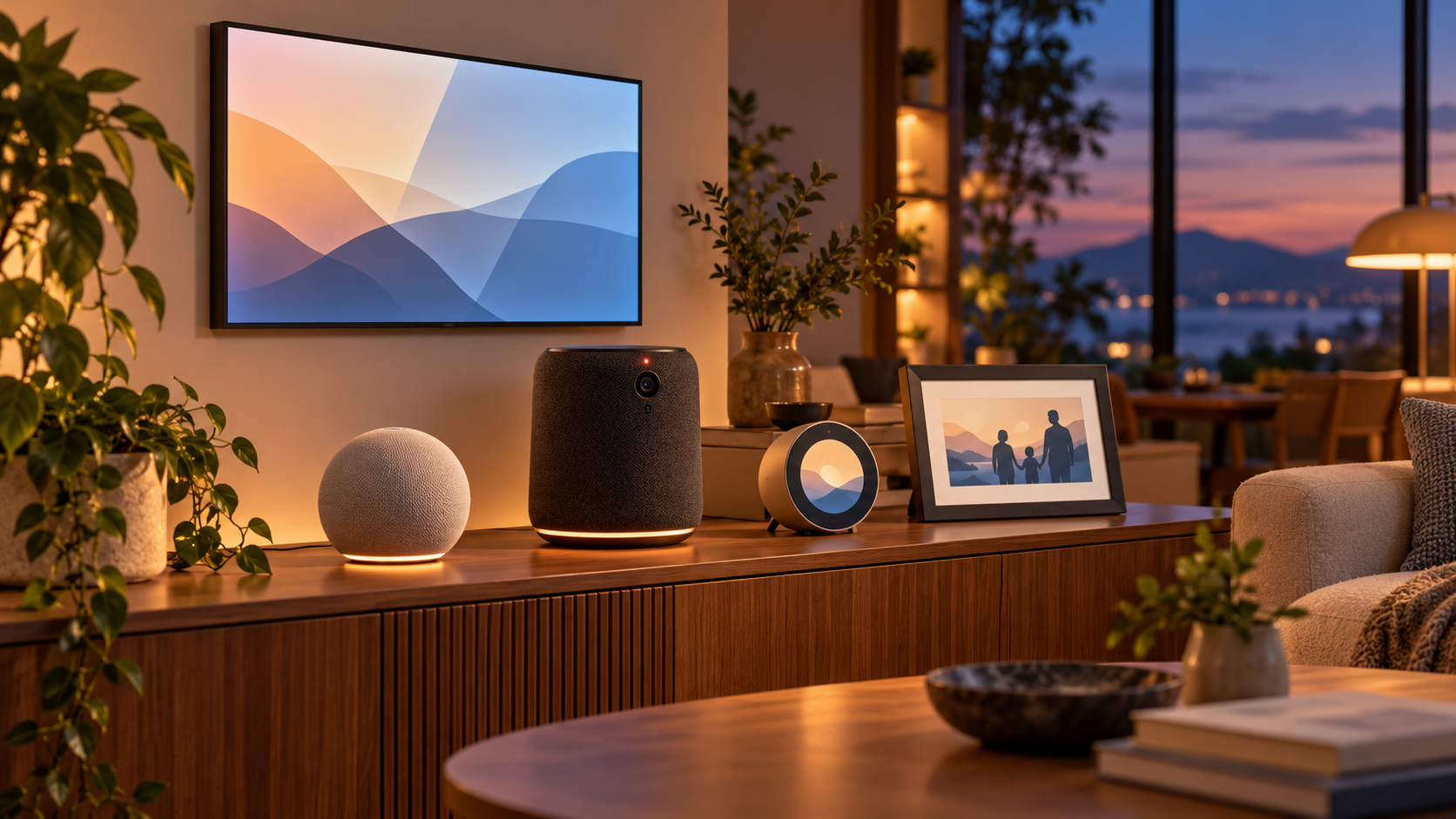
Five smart-home device types arranged in a warm modern living room, including a smart display, compact speaker, premium speaker, bedside clock and photo frame

Amazon has launched five Alexa devices that cover very different jobs: a $99.99 Echo Dot, a $249.99 Echo Studio with Home Camera, a $199.99 Echo Time bedside clock, a $199.99 Alexa Photo Frame and a $499.99 Echo Show 16. Four are on sale in the United States now; the Echo Show 16 is available for preorder and is due later in 2026.

The useful story is not simply that Amazon made Alexa hardware faster. The company is turning entry-level speakers into smart-home infrastructure, putting cameras into premium audio products, using ultrasound for sleep sensing and moving its largest display closer to a wall-mounted family dashboard. Those changes make the buying decision more practical—and more privacy-sensitive—than a list of specifications suggests.

Amazon’s five new Alexa devices at a glance

  • Echo Dot — $99.99; on sale now. Adds a built-in Zigbee, Matter and Thread smart-home hub, an eero Wi-Fi extender, AZ3 silicon, four microphones and 50 percent more bass than the previous generation.
  • Echo Studio with Home Camera — $249.99; on sale now. Combines Dolby Atmos audio, room adaptation, Live View and visual intelligence. The camera-free Echo Studio remains available for $219.99.
  • Echo Time — $199.99; on sale now. A camera-free 3.2-inch circular smart clock with optional sleep sensing, sunrise-style wake-up lighting and a smart alarm window of 10 to 60 minutes.
  • Alexa Photo Frame — $199.99 in black or $229 in birch or walnut; on sale now. Uses a 10-inch anti-glare touchscreen, Amazon Photos sync and Alexa-assisted photo search and selection.
  • Echo Show 16 — $499.99, or $569.99 with a Nanomatte display; preorder now with a $100 launch discount. Adds a 16-inch screen, Fire TV, night vision, a 13-megapixel camera and new family, photo and smart-home Screen Styles.

Amazon’s U.S. announcements say certain functions require Alexa+, which is included with Prime. International availability and pricing were not announced consistently across the launch pages, so buyers outside the United States should wait for a local listing rather than convert U.S. prices.

Which new Alexa device fits your room?

Which new Alexa device fits your room?

Echo Dot: the best value if you are building a smart home

The new Echo Dot is the most consequential upgrade for the broadest group of buyers. Its built-in hub supports Zigbee, Matter and Thread, which can reduce the need for a separate bridge when adding compatible bulbs, plugs, locks and sensors. The built-in eero extender can add up to 1,000 square feet of coverage, but that benefit applies to an existing compatible eero network—not every Wi-Fi setup.

At twice the traditional $50 entry price of many older Dots, it is no longer an impulse speaker. It makes the strongest case when the hub or eero function replaces something you would otherwise buy. If you only want timers, weather and background music, compare sale prices on earlier Echo models before paying $99.99.

Echo Studio with Home Camera: premium audio with a bigger trust decision

The camera-equipped Studio is the most unusual product in the lineup. Amazon says the camera enables Live View, object recognition, visual questions and future Fire TV video calling. Advanced Room Adaptation continuously tunes audio for the space, while Adaptive Volume adjusts playback as a listener moves around the room.

That combination may make sense in a living room where one device can serve as a music system, room monitor and Alexa interface. It is a poor fit for anyone who is uncomfortable with an always-present camera in an audio-first product. Amazon keeps the standard $219.99 Echo Studio in the range, so camera-free buyers do not need to accept the sensor to get the premium speaker.

Echo Time: a bedside choice for people who want no camera

Echo Time is deliberately camera-free and uses Omnisense sensors plus ultrasound to estimate sleep and breathing patterns. Its optional smart alarm can wake a user during lighter sleep within a selected 10- to 60-minute window before the target time. The screen can dim below typical daytime brightness and gradually brighten like a sunrise alarm.

The limitation is fundamental: sleep-stage estimation from a nightstand is not the same thing as a clinical sleep study. Treat it as a convenience feature, not a diagnosis or medical measurement. Couples and people with pets should also wait for independent testing to see how reliably it distinguishes the intended sleeper from movement nearby.

Alexa Photo Frame: best for households already using Amazon Photos

The Photo Frame is the simplest device to understand. It syncs with Amazon Photos, can surface images based on people, time and context, and accepts voice requests for a person, pet or trip. Prime members receive unlimited full-resolution photo storage, while every frame includes 90 days of Alexa+ according to Amazon.

Its value depends on the photo library you already maintain. A household using Google Photos, Apple Photos or a local server should consider the work and lock-in involved before switching. Because facial and contextual search touches personal memories, owners should review shared albums, household access and voice-note permissions before gifting a preconfigured frame.

Echo Show 16: the family dashboard and Fire TV option

Echo Show 16 is the most capable—and most expensive—device. The 16-inch display is larger than the Echo Show 15, while the redesigned chassis is nearly 40 percent thinner. Its 13-megapixel camera adds night vision and a wider field of view, and the audio system uses eight micro woofers and two tweeters. Fire TV and a remote are included.

The new Screen Styles are the reason to buy it: a family organizer, a photo display or a smart-home dashboard with Alexa Home Map. Amazon says Home Map can show connected devices in their rooms and, with compatible cameras, surface activity around a property. Some camera-map functions require additional Ring subscriptions, and the map preview is scheduled to roll out later rather than arrive fully formed on day one.

At $499.99 before stands, this is closer to a small TV or household control panel than a countertop assistant. The $100 preorder discount is meaningful, but independent testing of the Nanomatte screen, night vision and Home Map would be more useful than buying simply to secure the discount.

What Alexa+ changes—and what still costs extra

Amazon says the latest Alexa can hold more natural conversations, reason across several sources, ask clarifying questions and organize ongoing topics into Cards. The Echo Show 16 can generate visual layouts during a conversation, while the speaker products rely on voice responses. Alexa+ is included with Prime, but Amazon repeatedly notes that only certain features require it.

That wording matters because the hardware purchase does not guarantee every advertised experience forever or in every country. Prime membership, Ring plans, Kids+ and optional accessories can all change the real cost. Before ordering, list the functions you expect to use and confirm which subscription, account and compatible hardware each one needs.

Camera and sleep-sensing privacy questions to answer first

Amazon says camera-equipped Echo devices include a button that disables microphones and cameras, plus visible indicators when a camera stream is active. Echo Time sleep sensing is opt-in and can be disabled in the Alexa app or by muting the microphones. Those controls are useful, but they do not replace household consent and account security.

  • Decide whether every person using the room is comfortable with the camera, Live View, Visual ID or sleep sensing before enabling it.
  • Review every phone and household profile that can access the Alexa account, and remove devices that no longer need control.
  • Use a unique Amazon password and multi-factor authentication, then audit voice history, camera settings and saved profiles.
  • For Echo Time, start with the shortest acceptable alarm window and verify that ultrasound sensing works reliably in the actual bedroom.
  • For Echo Show 16 and Studio, place the device so the camera does not cover private areas or neighboring property.
  • Prefer the camera-free Echo Studio or Echo Time when the visual features do not solve a problem you actually have.

A verified Amazon option

The new Echo Dot is the most broadly useful entry in this lineup because its hub and networking functions may replace separate hardware. Readers can check the 2026 Echo Dot on Amazon (ASIN B0FXN2JWST) for current color, stock and shipping details. Confirm that the listing identifies the 2026 model before ordering.

Affiliate disclosure: ReaderSpice may earn a commission from qualifying Amazon purchases made through the link above, at no additional cost to you.

Should you buy now?

The Echo Dot is the clearest day-one recommendation for households that need a smart-home hub or already use eero. Echo Time is a reasonable camera-free bedside option for people who value a smart wake-up window and accept that consumer sleep sensing needs real-world validation. The Alexa Photo Frame is strongest for families already committed to Amazon Photos.

The Echo Studio with Home Camera and Echo Show 16 deserve more caution. Both add cameras to rooms where people may not expect them, and their most ambitious functions depend on Alexa+, account permissions or future software. Buy either for the audio, display and controls available now—not for a promised feature you cannot test yet.

Sources

Birdbuddy Home vs Nook: The $99 Smart Feeder May Be the Better Buy

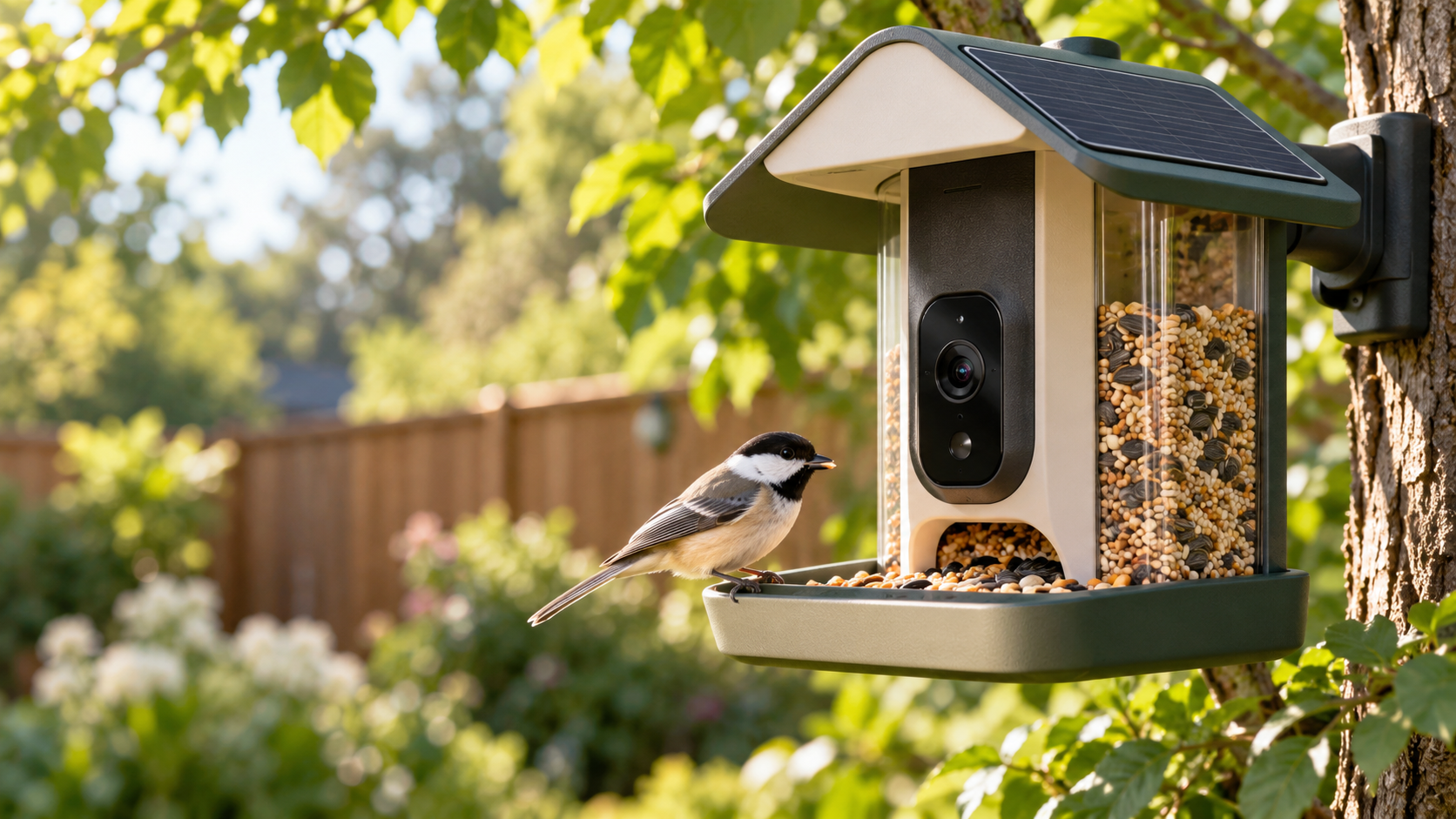
A modern smart bird feeder with an integrated camera and solar roof attracting a colorful backyard bird

Birdbuddy expanded its smart-feeder lineup on October 22, 2026, with two products built around the same new 2K HDR camera: the $99 Nook and the $219 Home. That shared camera makes the cheaper model unusually compelling. Most buyers are paying the extra $120 for a larger seed reservoir, integrated solar charging, tougher weather protection and a few convenience upgrades—not a better core bird-identification experience.

After comparing the specifications with early hands-on coverage and a long-term Home test, the value case is straightforward: buy Nook if you want Birdbuddy’s current camera and app at the lowest price; buy Home if minimizing refills and charging matters more than the upfront cost.

Quick verdict

  • Best value: Nook at $99. It gets the 2K HDR camera, 135-degree field of view, fast wake-up and Birdbuddy’s AI-assisted species recognition.
  • Best for lower maintenance: Home at $219. Its six-cup reservoir, dual integrated solar panels and longer perch are designed for less frequent attention.
  • Best middle ground: Nook Solar at $159, although the $60 solar premium narrows the gap to Home.
  • Existing Pro owners: do not assume either new model is an automatic image-quality upgrade. Independent hands-on testing found tradeoffs as well as speed improvements.

Price and configurations

Nook starts at $99 with a 3.8-cup seed reservoir and no built-in solar charging. Nook Solar costs $159 and adds the matching solar roof. Home costs $219 and includes a six-cup reservoir, dual integrated solar panels, a perch extender, dual-band Wi-Fi and an IP67 rating.

Those prices position Nook as the entry point, but it is not a stripped-down camera. Birdbuddy says both new feeders use the same 2K HDR imaging system, 135-degree view, instant wake-up and continuous capture. Both can record in portrait or landscape orientation, and both work with the same Birdbuddy app.

What both feeders share

The common camera is the most important detail in this comparison. It can capture higher-resolution clips than the previous generation, while the wider framing gives a bird more room to move without immediately leaving the shot. Birdbuddy’s app turns visits into notifications and uses computer vision to suggest the species it sees.

The hardware is also modular. The camera can be removed from the feeder body, which helps with charging, cleaning and future accessories. Neither model requires a paid plan just to receive visits, but some advanced identification and cloud features sit behind Birdbuddy’s membership tiers.

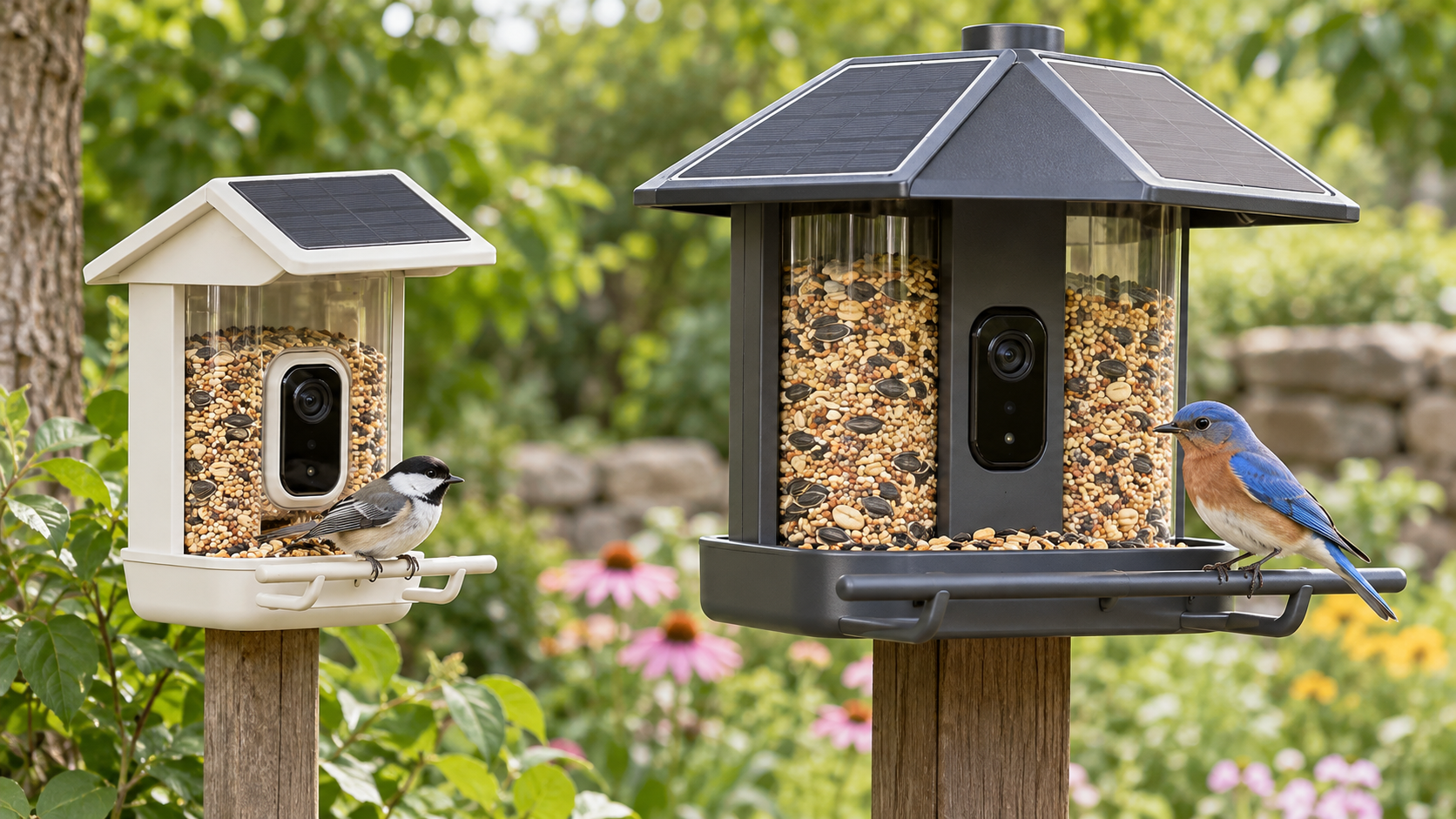
Nook vs Home: the hardware differences

Nook vs Home: the hardware differences

Nook keeps the essentials small

Nook is the simpler design. Its 3.8-cup reservoir should be sufficient for a modest backyard setup, and the smaller body is easier to place where a bulky feeder would look intrusive. The base $99 package relies on periodic wired charging. If the location receives dependable sun, the $159 Nook Solar package can reduce that chore.

The key compromise is capacity. Active feeders can empty quickly, particularly in colder weather or where several species visit. Nook owners should expect to refill more often than Home owners. That may be an acceptable exchange for a lower price and a smaller visual footprint.

Home is built around fewer interventions

Home’s six-cup reservoir holds roughly 58 percent more seed than Nook’s 3.8 cups. Its dual solar panels are integrated rather than optional, and its perch extender offers more room for larger birds. Dual-band Wi-Fi adds 5GHz support alongside 2.4GHz, which can be useful close to a modern router, while the IP67 rating gives Home the clearest on-paper weather-resistance advantage.

Home therefore makes the most sense when the feeder will be inconvenient to reach, when bird traffic is heavy, or when the owner simply values fewer refills and charging sessions. The camera experience alone does not justify the price difference; the maintenance savings might.

Why Nook is the better value for most yards

At $99, Nook costs less than half as much as Home while preserving the features that make a smart feeder interesting: a capable camera, fast capture, visit notifications and species suggestions. For a first-time buyer who does not yet know how much use a backyard feeder will get, the lower entry price reduces the risk.

The Verge’s hands-on testing also found that a Nook livestream opened in under eight seconds, compared with roughly 30 seconds for the older Bird Buddy Pro. That is a practical improvement: a slow live view often means the bird has already flown away when the video appears.

Nook Solar is a less obvious bargain. Its $159 price is still $60 below Home, but buyers who already know they want solar power should decide whether another $60 is worth the larger reservoir, integrated dual-panel roof, longer perch, IP67 rating and dual-band Wi-Fi. In a busy yard, Home can earn back that difference in convenience.

When Home is worth $219

Choose Home when access is awkward or bird traffic is consistently high. A six-cup reservoir can materially extend the interval between refills, and built-in solar charging avoids the decision of whether to add an accessory later. Home is also the safer specification choice for exposed locations because Birdbuddy lists an IP67 rating.

The premium is harder to defend for a feeder mounted near a door or window, where refilling and charging are easy. In that setting, Home’s main benefits become comfort rather than necessity. Nook delivers the same generation of camera for substantially less.

Real-world issues the spec sheet does not solve

Squirrels remain the first adversary

Tom’s Guide used an early Home unit for about 10 months and found that squirrels still required active countermeasures. A smart camera does not make a feeder squirrel-proof. Placement, pole guards and seed choice can matter as much as the feeder body, so budget for a baffle if squirrels are common.

Weather resistance and lens moisture deserve attention

The same long-term test reported moisture inside the removable lens cover after rain. The reviewer noted that the issue may have been specific to an early unit, but it is worth inspecting the camera after storms. Home’s IP67 specification is reassuring, yet no outdoor camera should be treated as maintenance-free.

The new camera is faster, not unambiguously better

The Verge praised the speed of the new platform but found the image more distorted near the edges than on the outgoing Pro, with a viewpoint that can feel more like looking down on the bird. That does not erase the value of 2K HDR capture, but existing Pro owners should compare real samples before replacing a working feeder.

What the Birdbuddy membership costs

Birdbuddy’s current membership page lists Premium at $69.99 per year. The Verge also reports a $7.99 monthly option. Paid features include automatic species identification and additional cloud or app capabilities; availability can change by plan and region.

Treat that fee as part of the total cost if automatic identification is a must-have. Over two years, a $99 Nook plus two annual Premium renewals reaches about $239 before tax—already more than the Home hardware by itself. Buyers who are comfortable reviewing visits without every premium feature can keep the ownership cost lower.

A relevant Amazon alternative for existing inventory

Birdbuddy says the outgoing Pro is being removed from its own store, with remaining inventory expected to continue through Amazon through the end of 2026. That makes the Birdbuddy Pro Solar a relevant price-check for shoppers who prefer the older camera perspective or find it discounted.

Check the current Birdbuddy Pro Solar price on Amazon. This is an affiliate link; ReaderSpice may earn a commission from qualifying purchases at no extra cost to you. Prices and availability can change.

Bottom line

Nook is the smarter default. It preserves the new 2K HDR camera and app experience at $99, leaving enough room in the budget for seed, a squirrel baffle or a membership. Home is the better tool for a specific buyer: someone with a busy feeder, an exposed installation or a strong preference for fewer refills and charging sessions.

The most important buying question is not which feeder takes better pictures—they share the same camera. It is how often you are willing to service the feeder. If the answer is “whenever needed,” choose Nook. If the answer is “as little as possible,” Home’s larger, solar-equipped body can justify the premium.

Sources

Inline image: Side-by-side comparison of a compact smart bird feeder and a larger solar smart bird feeder

Inline alt text: Compact smart bird feeder beside a larger model with dual solar panels, a bigger seed reservoir and a longer perch

Baseus PrimeSentinel U2 Pro Tracks Intruders With a Spotlight: Specs, Privacy and Buying Risks

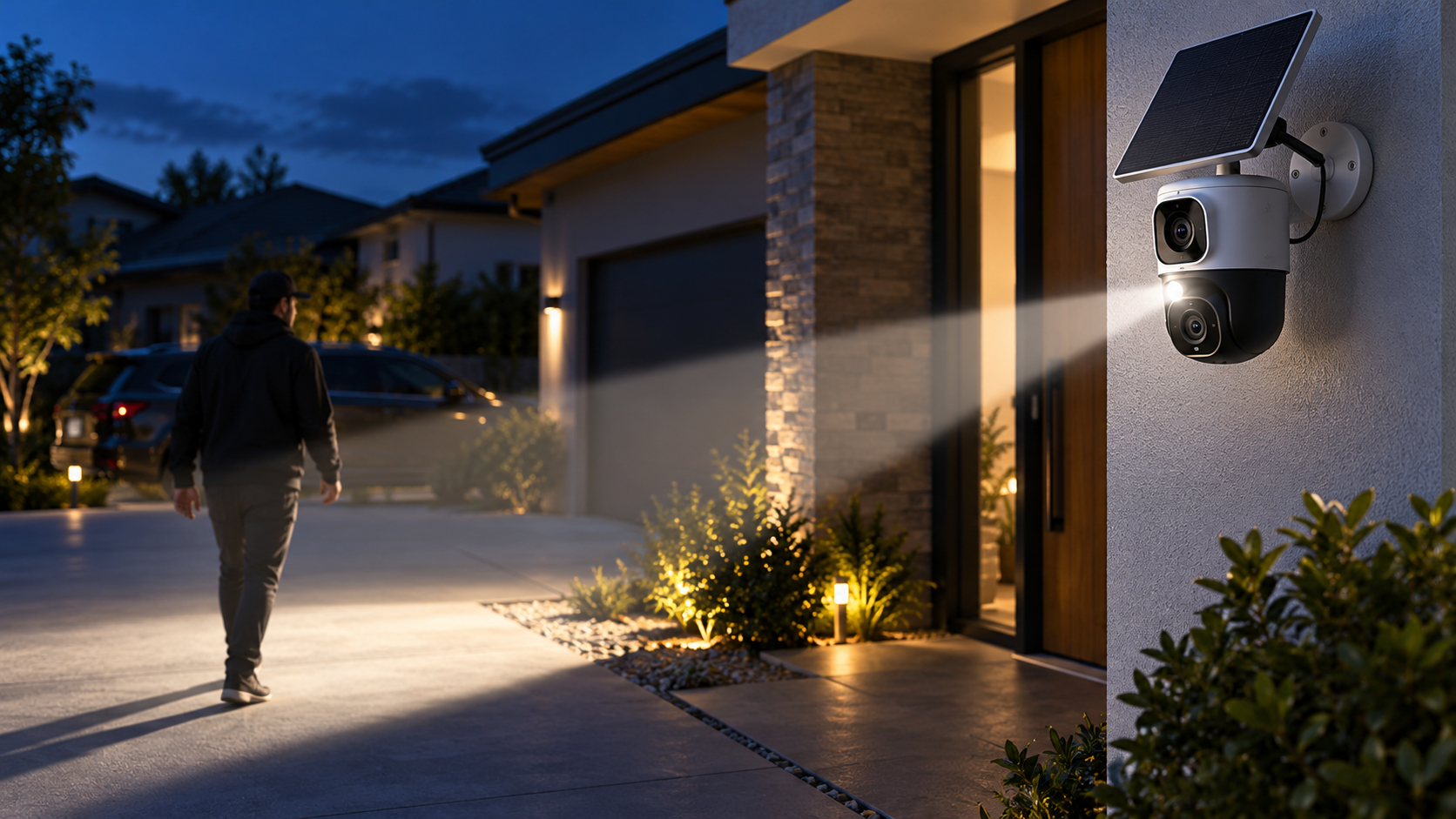
Editorial illustration of a dual-lens outdoor security camera using a focused spotlight to track a person approaching a home

Baseus has launched an outdoor security camera with a deliberately conspicuous idea: instead of flooding an entire yard with light, the PrimeSentinel U2 Pro aims a narrow motorized spotlight at a detected person and follows that person as they move.

The $269.99 camera pairs two 3K views, local storage, a rechargeable battery and a small solar panel. Its tracking light could make a visitor or intruder immediately aware that the property is watching, but buyers should understand the feature’s range, privacy implications and subscription questions before treating it as a replacement for a mature wired surveillance system.

This launch guide separates Baseus’s performance claims from the practical decisions that determine whether the U2 Pro will work at a particular front door, driveway or side yard.

The quick take

  • The PrimeSentinel U2 Pro launched in the United States on October 20, 2026, with Amazon availability around $270.
  • A fixed 3K camera watches the main scene while a second 3K motorized camera pans and tilts through 360 degrees.
  • Its signature feature is a focused spotlight beam that follows detected people rather than illuminating the entire area.
  • Baseus says tracking is processed on the camera, while recorded video can be stored on a microSD card up to 512GB.
  • Battery life is advertised at up to 150 days, but frequent detection, cold weather, weak Wi-Fi and limited sunlight can shorten that estimate.
  • The main risks are placement-dependent tracking, uncertain long-term software support, possible cloud-AI charges and the privacy impact of aiming a visible beam at people near the property boundary.

What launched and what it costs

The full product name is Baseus Security PrimeSentinel U2 Pro Outdoor 3K Dual Camera. The Verge reported U.S. Amazon availability at $269.99 on October 20, while other launch coverage rounded the preorder price to $280 and pointed to early-November shipping. Prices, stock and delivery windows can change, so the Amazon checkout page—not a launch headline—should be treated as the current offer.

The retail package is reported to include the battery-powered camera and a 3W solar panel. A microSD card is not included. Buyers should also confirm whether the mounting hardware, charging cable and any extended warranty shown on the product page are part of the exact seller’s package.

The verified listing is the Baseus U2 Pro (ASIN B0HHCGXDZ4) on Amazon. ReaderSpice may earn a commission from qualifying purchases made through this link, at no additional cost to you.

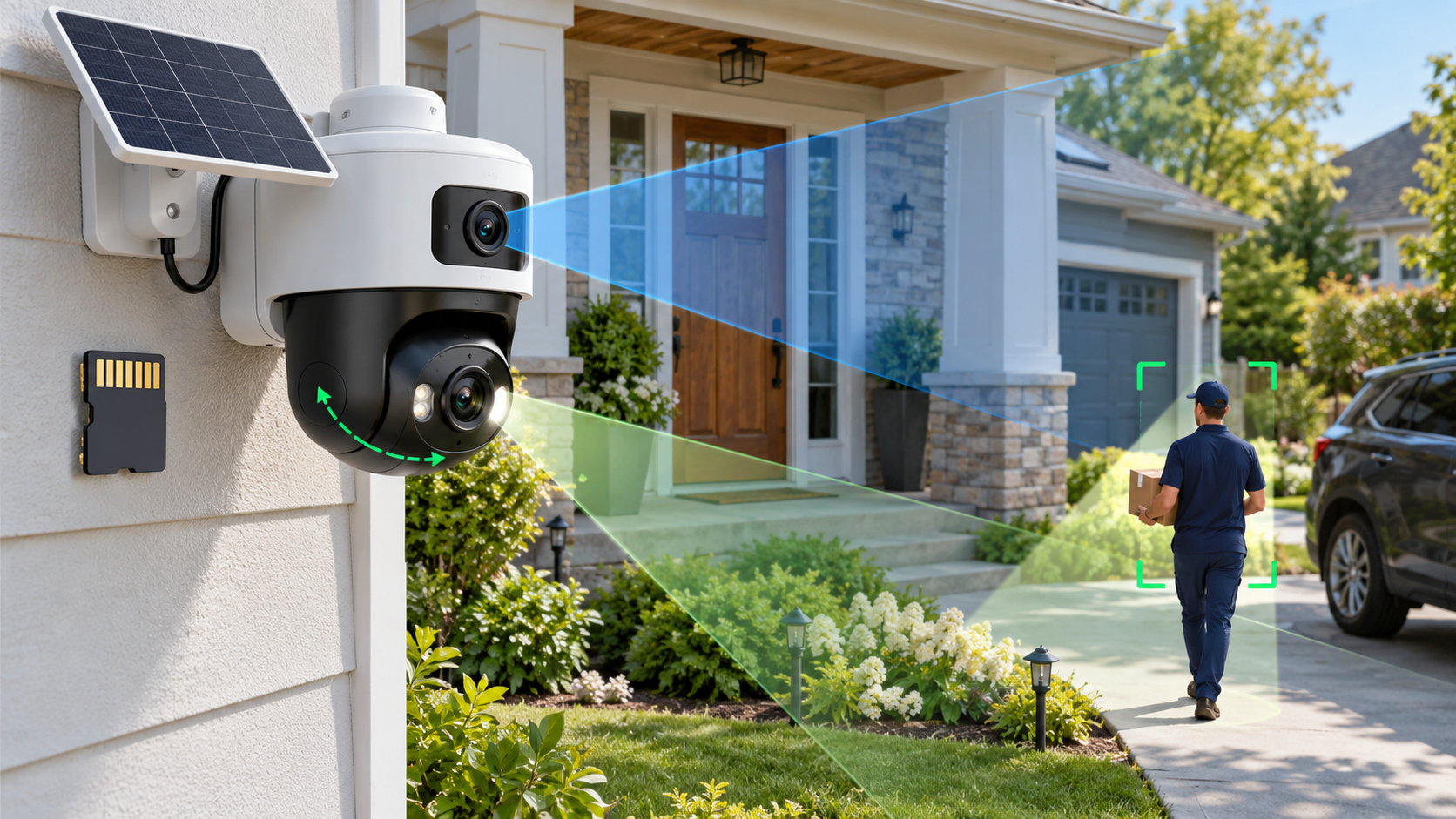
How the dual-camera system covers the scene

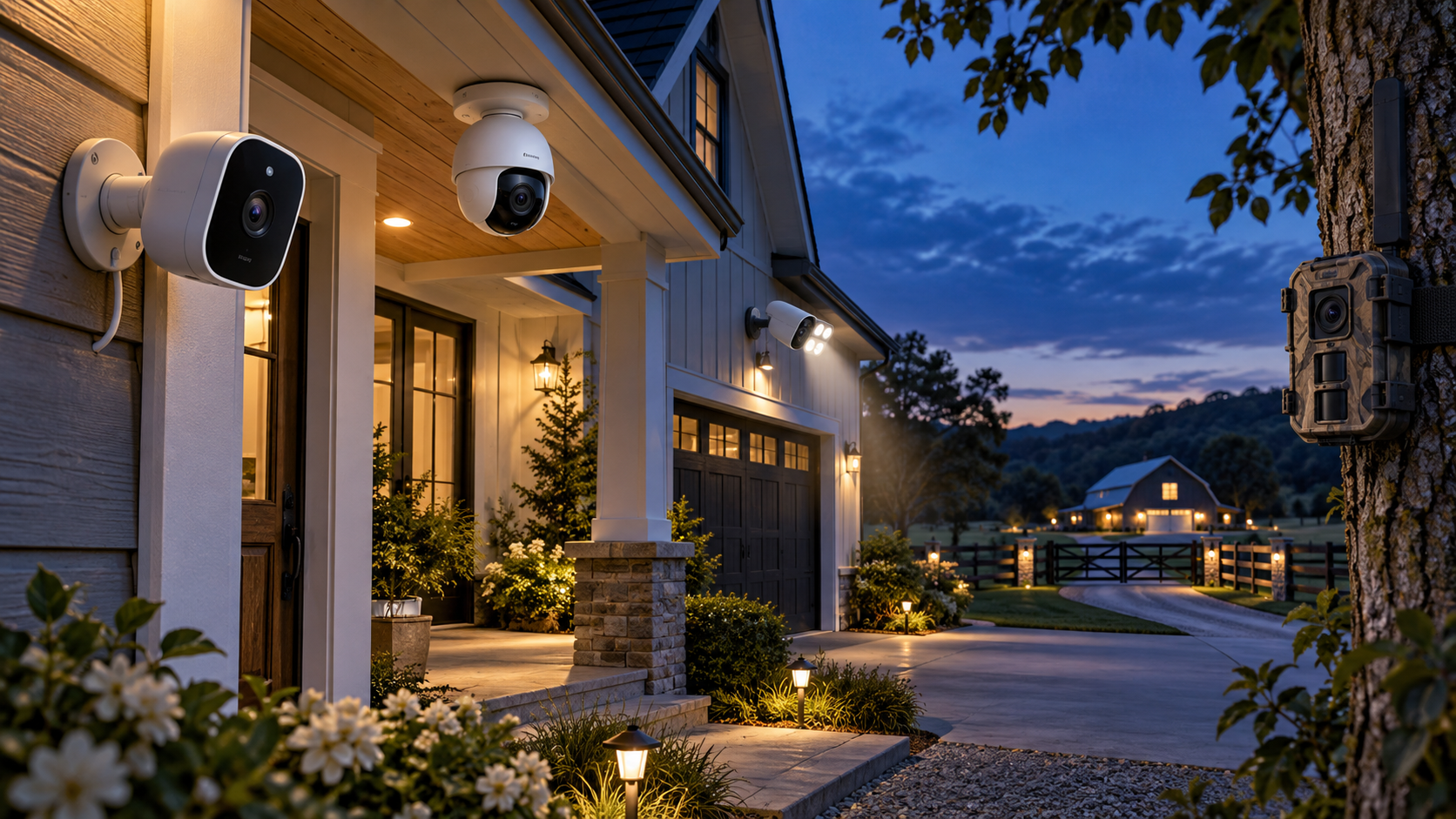
How the dual-camera system covers the scene

The upper camera is a fixed 3K view intended to keep a doorway, gate or driveway continuously framed. Launch coverage lists a 130-degree field of view and 8x digital zoom. The lower 3K camera is motorized, allowing it to pan and tilt while following activity outside the fixed frame.

That two-camera layout matters because a moving camera can otherwise abandon the original scene while tracking. The fixed lens preserves a wide reference view, while the lower lens can concentrate on a person or vehicle. The arrangement should still be tested from the final mounting position; a wide specification does not eliminate blind corners created by walls, eaves, trees or parked vehicles.

Reported hardware and platform features include:

  • Dual 3K cameras with a fixed upper view and a motorized lower view.
  • A 130-degree primary field of view and up to 8x digital zoom.
  • Full-color night vision, a built-in siren and two-way audio.
  • Dual passive infrared sensors plus AI-assisted person, pet and vehicle detection.
  • 2.4GHz and 5GHz Wi-Fi support, according to the product listing and launch coverage.
  • Live-view support on compatible Alexa and Google Home displays.
  • A weather-resistant IP65 enclosure for outdoor placement.

What the target-tracking spotlight actually changes

Most outdoor cameras either use infrared illumination that people cannot see or switch on a broad floodlight after motion is detected. The U2 Pro instead projects a sharply defined beam and steers it with the motorized lower camera. The person being followed can see that the system has noticed them.

That visibility is the deterrence argument. A broad floodlight may look like ordinary porch lighting, while a moving beam feels intentional. The same light may also improve color and subject detail in nighttime footage because illumination is concentrated where the camera is looking.

The feature is not a guarantee that an intruder will leave, and it should not be described as a substitute for locks, alarms or professional monitoring. A person can move behind an obstruction, outside the motor’s range or beyond the detection zone. Heavy rain, insects, reflective surfaces and backlighting can also affect any camera’s detection and image quality.

Owners should decide whether the spotlight activates for every detected person, only during certain hours or only inside selected zones. A delivery driver approaching a marked front door is different from someone crossing a private side yard, and the automation should reflect that distinction.

Tracking limits matter more than the headline claim

Baseus’s published test figures, as reported by Gizmodo and T3, describe person tracking from roughly three to eight meters. The company says the system can follow someone moving about 1.8 meters per second within that range, while faster subjects require more distance for the mechanism to keep up.

Those numbers are controlled test results, not a promise for every property. Camera height, downward angle, Wi-Fi quality, detection sensitivity and the direction of travel all matter. A person moving directly toward the camera may be easier to keep centered than someone cutting quickly across the edge of the frame.

The reported vehicle-tracking figure—close to 19 mph at about eight meters—should be interpreted carefully. It does not turn the camera into a traffic-monitoring system, and digital zoom does not create optical detail that was never captured. License-plate legibility will depend on distance, lighting, shutter behavior and motion blur.

Before relying on the feature for a long driveway, buyers should measure the real distance from the proposed mounting point to the detection area and compare it with the three-to-eight-meter person-tracking range.

What runs on-device and what may reach the cloud

Gizmodo asked Baseus directly whether the tracking feature depends on cloud processing. The company said moving-object detection and pan-and-tilt control run on the device, that tracking data does not need to be sent to the cloud and that no tracking-related data is stored; only recorded video is saved.

That answer is useful but narrow. A camera can process motion locally while still using the internet for remote viewing, notifications, account authentication, firmware updates or optional AI summaries. Users should distinguish the mechanics of following a person from every other data flow in the app.

Launch reports describe AI alerts that can differentiate people, pets and vehicles and can generate contextual event summaries. T3 reports that cloud-based AI analysis and summaries require a subscription. Before buying, confirm which classifications run locally, which features remain free and whether a paid plan is required for package-related descriptions or extended history.

Privacy-conscious owners should review the Baseus Security app’s permissions, account-security options, retention settings and any cloud toggle during setup. A local microSD card does not prevent remote access if the account itself is compromised.

Storage, encryption and subscriptions

The U2 Pro supports microSD cards up to 512GB, according to multiple launch reports. Footage is motion-triggered rather than described as continuous 24/7 recording. Actual retention will vary with event frequency, clip length, resolution, audio settings and the card’s endurance.

T3 reports AES and RSA protections for stored footage and communications. Those terms indicate that encryption is part of the design, but they do not answer every operational question. Buyers should still ask whether the card can be read outside the camera, how encryption keys are recovered after a reset and whether exported clips remain protected.

Use a high-endurance card rated for security-camera workloads if the manufacturer allows it. Consumer cards can wear out under repeated writes. Format the card through the official app, test playback after setup and check periodically for recording gaps or card-health warnings.

Because launch coverage is not fully consistent about free cloud video versus paid cloud AI, do not assume “no subscription required” means every feature is free forever. Confirm the current plan table for remote history, downloads, detection categories and AI summaries in the user’s country.

Battery and solar claims need real-world context

Baseus advertises a 7,800mAh battery and up to 150 days of operation without solar assistance. That is a best-case estimate. A busy sidewalk, frequent live viewing, long clips, repeated spotlight use, weak signal strength and cold temperatures can materially increase power consumption.

The included 3W solar panel is claimed to generate roughly one day of power from about 40 minutes of suitable sunlight. That does not mean forty minutes of shade, winter sun or indirect light will deliver the same energy. Rooflines, trees and seasonal sun angles should be checked before drilling the mount.

Place the panel where it can receive direct sun while keeping the camera at the height and angle needed for detection. If those goals conflict, use the panel’s extension placement rather than compromising the camera view.

Owners should watch the battery trend during the first two weeks instead of trusting a single percentage reading. If charge declines daily, shorten recordings, reduce unnecessary zones, improve Wi-Fi coverage or reposition the panel before bad weather makes the deficit worse.

Installation and coverage planning

Baseus says the U2 Pro can be installed quickly, but the physical mounting may be the easiest part. A useful setup begins with a coverage plan: identify the approach path, expected detection distance, property boundary, Wi-Fi signal and available sunlight.

Mount high enough to discourage tampering but not so high that faces become the tops of heads. Avoid pointing the fixed lens directly at the rising or setting sun, and leave enough clearance for the lower camera and spotlight to rotate without hitting a wall, gutter or eave.

Use the live view to walk every important path at daytime and night. Test a slow approach, a brisk cross-frame movement and a vehicle entering the driveway. Check whether the fixed lens keeps the whole scene while the lower lens tracks.

A wireless camera still depends on the home network. Test both Wi-Fi bands at the installation point and do not assume the faster 5GHz band will be stronger outdoors. A stable 2.4GHz connection may be more reliable through exterior walls.

After setup, confirm that alerts arrive when the phone is locked, clips are actually written to the card and two-way audio is understandable. A camera that looks connected in the app but misses recordings is not ready for security duty.

Privacy and neighbor considerations

A visible beam that follows people is more intrusive than a stationary porch light. Aim the camera and spotlight inside the property boundary whenever possible. Avoid tracking public sidewalks, neighboring windows, shared driveways or areas where people reasonably expect privacy.

Local laws can regulate audio recording, video surveillance, notice requirements and the use of cameras in rental or shared properties. Homeowner-association and landlord rules may impose additional limits. ReaderSpice is not offering legal advice; owners should check the rules that apply where the camera is installed.

If the app offers activity zones, privacy masks or spotlight zones, configure them before enabling aggressive tracking. Test from the neighbor’s perspective at night to see whether the beam reaches beyond the intended area.

Do not enable audio simply because the microphone exists. Two-way talk can be useful at a door, but continuous audio capture may raise different consent questions than video. Use the least intrusive setting that still meets the security goal.

Tell household members how the camera works, who can access it and how long clips are retained. Remove old phones and shared accounts promptly, use a unique password and enable multi-factor authentication if Baseus offers it.

How it compares with a conventional floodlight camera

The U2 Pro’s focused beam may draw a subject’s attention more effectively than a broad floodlight, and the dual-camera layout keeps a reference view while the lower lens moves. Its battery-and-solar design also avoids running mains power to the installation point.

A hardwired floodlight camera can provide brighter area lighting and continuous power. It may be better for a driveway that doubles as a work area, a high-traffic entrance or a location where winter sunlight is unreliable. Some wired models also support continuous recording through a compatible recorder.

The U2 Pro is more compelling where active visual deterrence, flexible placement and local microSD storage matter more than maximum illumination. It is less compelling for buyers who want optical zoom, verified 24/7 recording, PoE networking or integration with an existing network video recorder.

Compare total ownership cost rather than launch price alone: add a high-endurance microSD card, any cloud plan, a Wi-Fi extender if needed and the possibility of replacing the battery-powered unit earlier than a wired camera.

Who should buy—and who should wait?

Consider the U2 Pro if:

  • You want a visible deterrent that clearly signals when a person has been detected.
  • A dual-camera view is more useful than a single pan-and-tilt camera for the property layout.
  • Battery and solar power solve a real installation problem.
  • Local microSD storage is sufficient and you are comfortable checking card health.
  • The three-to-eight-meter reported tracking range matches the area you need to protect.

Wait or choose another system if:

  • You need continuous 24/7 recording, PoE, optical zoom or guaranteed NVR compatibility.
  • The camera must cover a public sidewalk or shared space where a tracking beam could create privacy conflicts.
  • Your installation point has weak Wi-Fi, heavy shade or extreme winter weather.
  • You need a mature, independently tested ecosystem with a clearly documented long-term support policy.
  • You are unwilling to pay for cloud AI if the free detection features prove too limited.

Checklist before ordering

  • Verify that ASIN B0HHCGXDZ4 is sold by an authorized seller and matches the U.S. warranty.
  • Confirm the current price, shipping date, return window and exact package contents.
  • Measure the distance from the mounting point to every intended tracking zone.
  • Check that the camera can be aimed inside the property boundary.
  • Identify a solar-panel location with direct sun across different seasons.
  • Review the current Baseus subscription table for AI summaries and cloud history.
  • Budget for a compatible high-endurance microSD card up to 512GB.
  • Confirm Wi-Fi signal, alert delivery, clip recording and battery trend during the return period.

The bottom line

The Baseus PrimeSentinel U2 Pro is a distinctive outdoor camera because its light behaves like part of the tracking system rather than a simple motion-triggered floodlight. Two 3K views, local storage and solar-assisted power make the $269.99 package attractive for a front entrance or compact driveway where the reported tracking range fits.

Its most important feature is also its biggest responsibility. A spotlight that follows people must be aimed carefully, configured with sensible zones and evaluated against privacy rules. Buyers should treat the battery, solar and AI claims as starting points to test during the return window—not as guarantees for every property.

Sources

The Verge: Baseus U2 Pro launch, pricing and core specifications — October 20, 2026

Gizmodo: On-device tracking, data handling and preorder details — October 20, 2026

T3: Tracking range, storage encryption and cloud-AI notes — October 21, 2026

Digital Camera World: Battery, weather rating and launch specifications — October 20, 2026

Amazon: Baseus U2 Pro 3K dual-lens outdoor security camera (ASIN B0HHCGXDZ4)

Inline image 1: Editorial illustration of dual fixed-and-moving camera coverage with a solar panel and local microSD storage

UGREEN HomeAgent HA100 Is a $799 Local-AI NAS: Specs, Smart-Home Limits and Risks

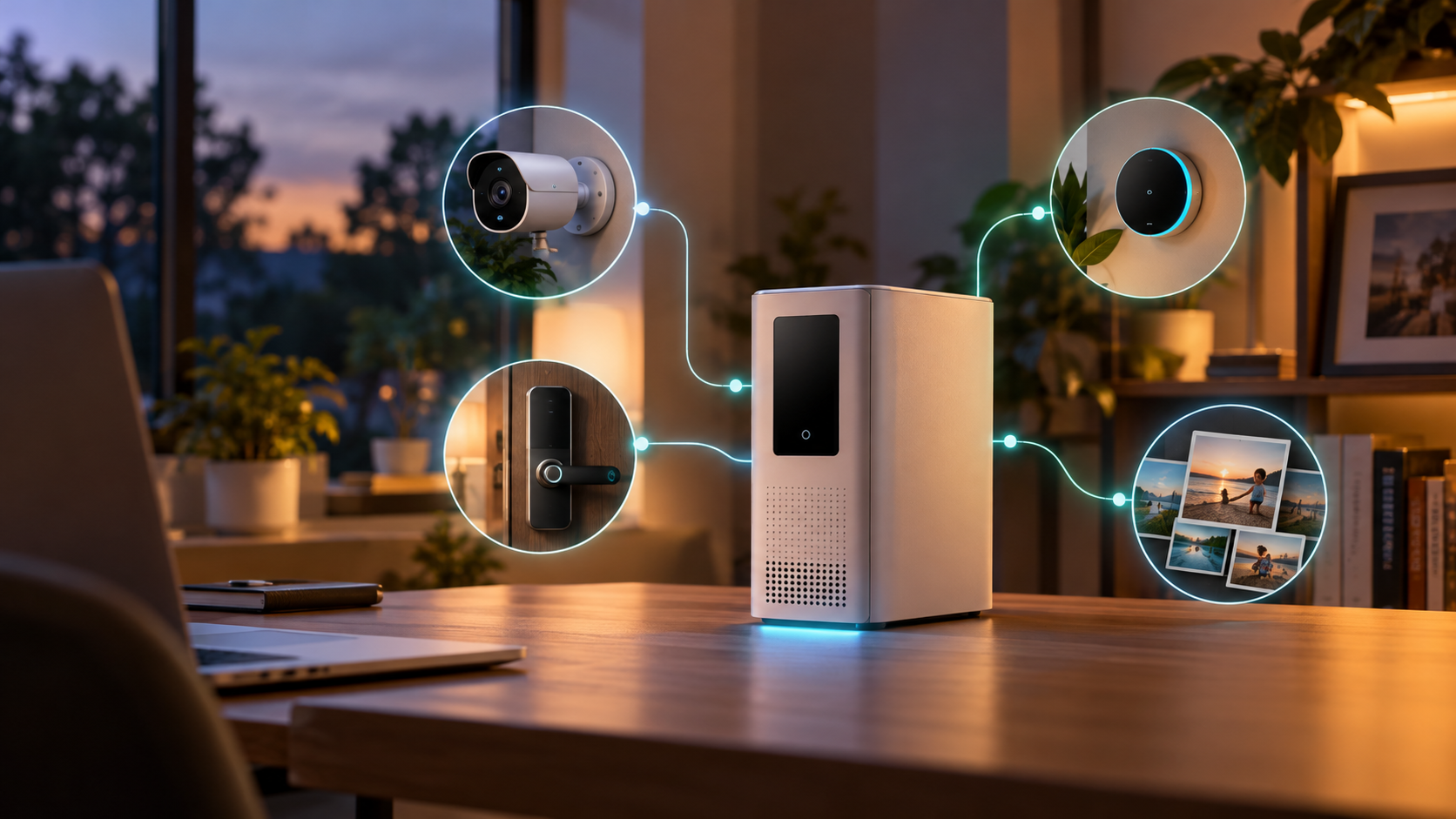
Editorial illustration of a white local-AI NAS hub connecting a home security camera, smart lock, thermostat and family photo library

UGREEN’s HomeAgent HA100 is an unusual pre-retail product: part network-attached storage system, part local AI computer, part surveillance recorder and part smart-home hub. Reservations are open ahead of a Kickstarter campaign scheduled for November 17, 2026, with a promoted $799 offer against a stated $1,599 MSRP.

That price sounds aggressive for a device with 26 TOPS of local AI performance, 16GB of memory and storage expansion. The tradeoff is that HomeAgent is not simply a discounted conventional NAS. Its drive layout, networking, supported devices and still-developing software make it a more specialized—and riskier—purchase.

This preview separates UGREEN’s current claims from independent hands-on findings so buyers can decide whether to reserve early or wait for retail hardware and finished software.

The quick take

  • UGREEN lists the HA100 at $799 for reservation customers, with a $50 deposit required to secure the promoted offer.
  • The Kickstarter campaign is scheduled to begin November 17, 2026; hands-on reporting points to February 2027 shipping, not immediate delivery.
  • Its advertised 26 TOPS combines the Rockchip platform and a removable T20 AI accelerator.
  • The box combines two NAS data-drive bays, a dedicated surveillance-drive bay, an M.2 slot, a four-port PoE switch and smart-home radios.
  • Local AI can analyze camera activity, search events and control supported devices without making cloud processing the default.
  • The biggest cautions are beta software, limited present-day compatibility, non-expandable memory and no simple upgrade path to the faster HomeAgent models.

What the $799 reservation actually buys

UGREEN’s current campaign page lists the HomeAgent HA100 at $799, reduced from a stated $1,599 MSRP. A $50 reservation is required. The company also shows a $2,699 HA100 Pro and a $9,999 MasterAgent MA100 at promoted prices, making the entry model the only one likely to interest a mainstream enthusiast.

A reservation is not the same as buying a finished retail product. Kickstarter timelines, specifications and software can change, and the balance is still a large commitment after the deposit. Buyers should save screenshots of the exact package, refund terms, shipping estimate and included accessories shown when they reserve.

TechRadar’s October 19 hands-on says the HA100 and HA100 Pro reservation package includes a SynCare ID500 Pro camera, but UGREEN’s official campaign page also says some camera accessories are not sold separately and are unlocked only with a HomeAgent purchase. Confirm the bundle in the final pledge tier rather than assuming every early promotion will remain available.

HA100 hardware at a glance

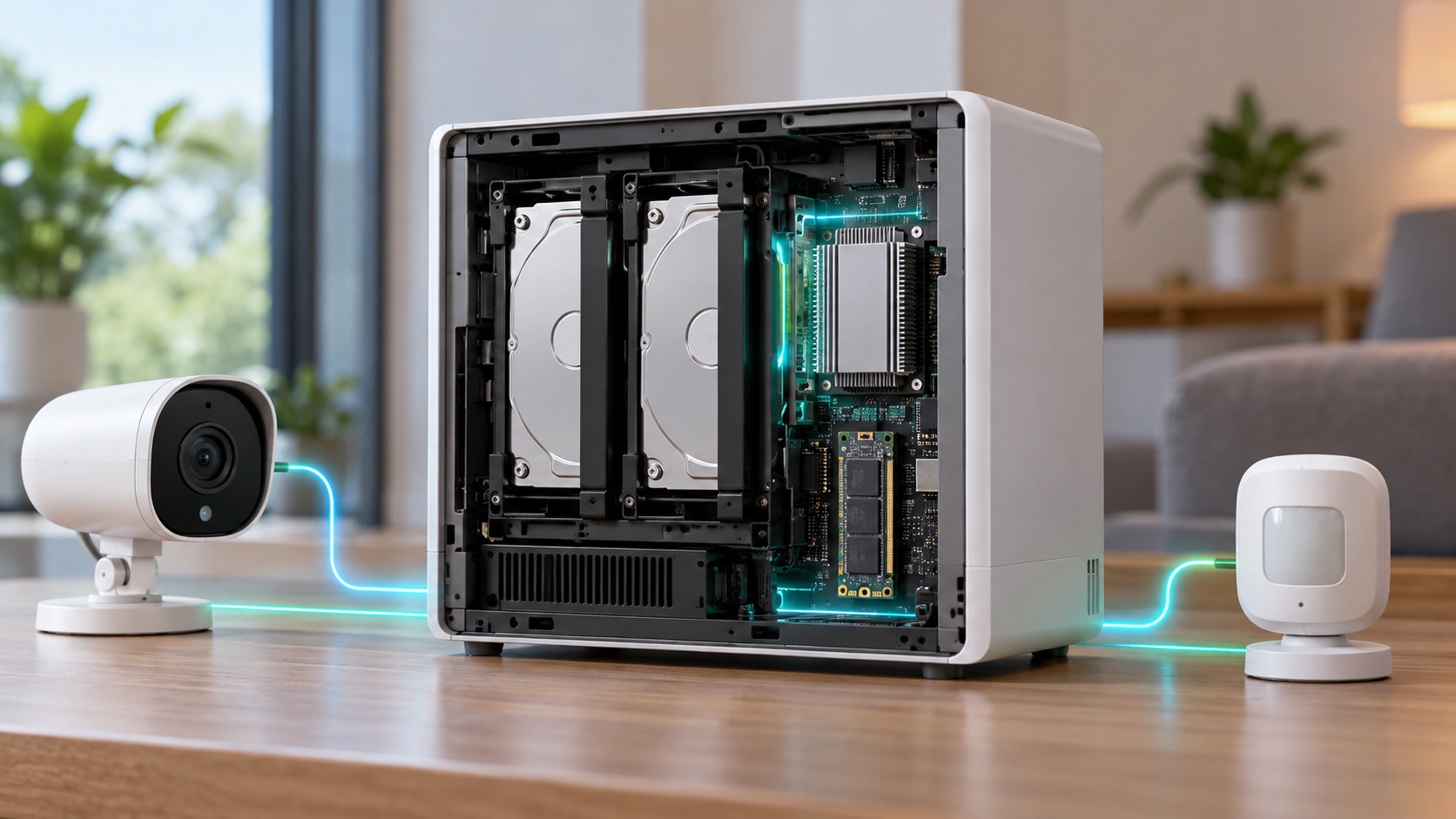
HA100 hardware at a glance

The entry HomeAgent is built around a Rockchip RK3588 processor, 16GB of non-expandable LPDDR5 memory and a T20 accelerator. UGREEN markets 26 TOPS of total local-AI performance—20 TOPS from the accelerator plus 6 TOPS from the platform.

  • Rockchip RK3588 with four Cortex-A76 and four Cortex-A55 CPU cores.
  • 16GB LPDDR5 memory that is not user-expandable.
  • Two SATA bays for ordinary NAS storage plus one SATA bay allocated to surveillance storage.
  • One M.2 NVMe PCIe Gen 3 x1 slot for storage, cache or AI models.
  • One 2.5GbE network port for the main LAN connection.
  • Four integrated 10/100Mbps PoE ports with up to 65W total power for compatible cameras.
  • USB-C, two USB-A ports, HDMI and a front SD card slot.
  • Thread 1.4, Zigbee 3.0 and Bluetooth radios for smart-home connectivity.
  • A four-microphone array, dual 5W speakers and a touch-sensitive front display.
  • UGOS Pro with EXT4 and Btrfs support; the two general-purpose bays support Basic, JBOD, RAID 0 and RAID 1.

The capacity number needs clarification before backing

UGREEN’s campaign page currently advertises “up to 96TB storage.” TechRadar’s hands-on specification table instead describes 68TB as two 30TB SATA drives plus one 8TB M.2 drive, while separately identifying the third SATA bay as surveillance storage. Those figures may be counting different pools or updated drive qualifications.

Because the HA100 does not present three ordinary data bays, buyers should not assume they can build a conventional three-disk RAID 5 array. The hands-on unit supports RAID 0 or RAID 1 across its two main storage bays, while surveillance footage is assigned to a separate drive.

Ask UGREEN to confirm the maximum qualified drive size, whether the surveillance bay can ever join the primary pool, how camera retention is calculated and whether the M.2 slot can be used simultaneously for AI models and general storage. Capacity marketing is not a substitute for a usable-volume plan.

What local AI and Uliya are supposed to do

HomeAgent’s central idea is to keep supported recognition and automation work inside the home. UGREEN says local AI can identify people, vehicles, pets and packages, create event summaries, search footage by keyword and generate alerts without making a cloud subscription the default.

The system’s Uliya assistant can receive spoken questions through the hub, compatible cameras or UGREEN’s smart speaker. In the hands-on software, a locally running Qwen 3.5 4B model handled the basic assistant layer while modular recognition components watched for selected people, pets or parcels.

Local processing can reduce the amount of sensitive camera footage and household activity sent to remote servers, but “local” should not be treated as an absolute privacy guarantee. Remote access, optional cloud AI connections, mobile notifications and third-party integrations can still move data outside the box depending on settings.

Owners should review every connected account, disable cloud-model API keys they do not need, use unique credentials and keep backups separate from the HomeAgent. A locally stored copy is still vulnerable to theft, drive failure, accidental deletion and ransomware.

Matter support and the camera ecosystem

UGREEN says HomeAgent works with its own SynCare cameras and compatible Matter devices. Thread and Zigbee radios are built in, but protocol hardware alone does not guarantee that every device or feature will pair correctly.

TechRadar found the pre-release Smart Home app limited mainly to UGREEN peripherals and Matter accessories. Older devices without Matter pairing codes were not easy to bring into the system, which matters for households already invested in Philips Hue, Tapo, Smart Life, Google Home or Amazon Alexa hardware.

The integrated PoE switch is convenient for cameras because a single Ethernet cable can provide power and data. Its ports are only 10/100Mbps, though. That is adequate for many compressed camera streams, but it is not a substitute for the main 2.5GbE connection and could become a constraint with multiple high-bitrate cameras.

UGREEN’s camera lineup includes the indoor ID500 Pro, the wired outdoor OD600 Pro and a battery-and-solar OD800 Pro. Confirm which cameras can record continuously, which AI functions require HomeAgent, whether ONVIF or third-party cameras are supported and whether a camera can operate after the campaign bundle ends.

What still looks unfinished

The HA100 hardware shown to reviewers appears close to production, but the software is still beta. TechRadar reported a special mobile application for the hands-on unit, limited assistant behavior and a smart-home catalog that needs broader compatibility.

The current local model is designed for focused household tasks, not broad conversational intelligence. That may be a sensible privacy and performance choice, but buyers should not expect a private equivalent of a large cloud chatbot from 16GB of shared memory and a 26-TOPS appliance.

There is also no simple upgrade path from the HA100 to the HA100 Pro or MA100. The models use different processors, accelerators and expansion interfaces. If the entry model feels slow later, the path appears to be replacing the entire hub rather than swapping in a Pro-class module.

Before launch, UGREEN still needs to prove:

  • Reliable everyday operation after power failures, network interruptions and app updates.
  • Clear backup and restore procedures for the hub, camera database and AI configuration.
  • Broader compatibility beyond UGREEN accessories and basic Matter onboarding.
  • Predictable support periods for UGOS Pro, security patches and AI models.
  • Useful local voice responses without sending routine requests to a cloud model.

Reservation risk and the real total cost

The $799 hub price excludes the storage drives needed for a practical NAS and surveillance system. Add two NAS-rated data drives, a surveillance-rated drive, optional NVMe storage, cameras, network cabling and a backup destination before comparing HomeAgent with a standard NAS or cloud subscription.

A sensible budget should also account for:

  • Sales tax, shipping and any import charges shown during the final pledge.
  • At least two matching NAS drives if RAID 1 protection is required.
  • A separate backup drive or second NAS; RAID is not a backup.
  • A UPS or supported battery backup for clean shutdowns during outages.
  • Replacement-camera flexibility if proprietary accessories are discontinued.

Kickstarter campaigns can deliver late or change specifications. Treat the reservation as early-adopter hardware funding, not as a risk-free retail preorder. Use a payment method with appropriate consumer protections and read the campaign’s refund language before the final charge.

How it differs from a conventional NAS

A conventional four-bay NAS usually prioritizes flexible storage pools, mature backup tools, containers and third-party apps. HomeAgent prioritizes local event recognition, dedicated surveillance storage, voice control and first-party smart-home accessories. Neither approach is automatically better; they solve different problems.

Readers who mainly need centralized storage, Docker, media serving and broader drive configurations can compare the UGREEN DXP4800 Plus (ASIN B0D22JRHZB) on Amazon. It is a current four-bay, diskless NAS rather than a HomeAgent substitute, but it shows what buyers give up when they choose a specialized two-data-bay smart-home appliance.

Affiliate disclosure: ReaderSpice may earn a commission from qualifying purchases made through the Amazon link above, at no additional cost to you.

Choose HomeAgent if local camera intelligence and voice-controlled automations are the main goal. Choose a conventional NAS if storage flexibility, app maturity, media workflows or an existing Home Assistant setup matter more.

Who should reserve—and who should wait?

Reserve early if:

  • You are comfortable testing first-generation hardware and beta software.
  • Your smart home already uses Matter devices or you plan to buy UGREEN’s cameras.
  • Local video analysis and reduced cloud dependence matter more than maximum NAS flexibility.
  • You can absorb delays and still maintain separate backups and security coverage.

Wait for retail if:

  • You need proven compatibility with an existing mix of non-Matter devices.
  • You require RAID 5, four general-purpose drive bays, 10GbE or expandable memory.
  • You want independent long-term tests of recognition accuracy, noise, thermals and power use.
  • You need a guaranteed delivery date, simple returns and mature support documentation.

Checklist before paying the deposit

  • Verify that the November 17 campaign date and your regional shipping window are still current.
  • Save the exact pledge-tier description, included camera and early-bird price.
  • Confirm supported drive models, maximum capacity and the role of the surveillance bay.
  • List every existing smart-home device and check Matter compatibility one by one.
  • Ask whether third-party ONVIF cameras, Home Assistant bridges and cloud assistants are supported.
  • Price two data drives, a surveillance drive, backup storage and power protection.
  • Review privacy controls for remote access, camera recognition, stored faces and optional cloud AI.
  • Wait for final campaign specifications if any essential answer is missing.

The bottom line

UGREEN HomeAgent HA100 is one of the most ambitious home-storage products of 2026 because it tries to combine a NAS, NVR, local AI server and smart-home controller in one appliance. The $799 reservation price makes that experiment tempting, especially with a camera bundle.

The same integration creates its biggest risks. Two ordinary data bays limit storage options, compatibility is narrow in the beta software, memory is fixed and faster HomeAgent models require a new machine. For households that already use Matter and want local camera intelligence, the HA100 could become a useful private hub. Everyone else should wait for the Kickstarter specification, retail software and independent tests before treating it as a replacement for a mature NAS or smart-home platform.

Sources

UGREEN: HomeAgent crowdfunding page — pricing, memory, storage and local-AI claims

UGREEN: Smart Living launch event — HomeAgent lineup and accessories — September 9, 2026

UGREEN: Smart home hub with local storage — September 14, 2026

TechRadar: UGREEN HomeAgent HA100 hands-on — October 19, 2026

Kickstarter: UGREEN HomeAgent campaign page

Amazon: UGREEN DXP4800 Plus four-bay NAS (ASIN B0D22JRHZB)

Google and Voltus Plan a 1-Gigawatt Virtual Power Plant: What PJM Customers Should Know

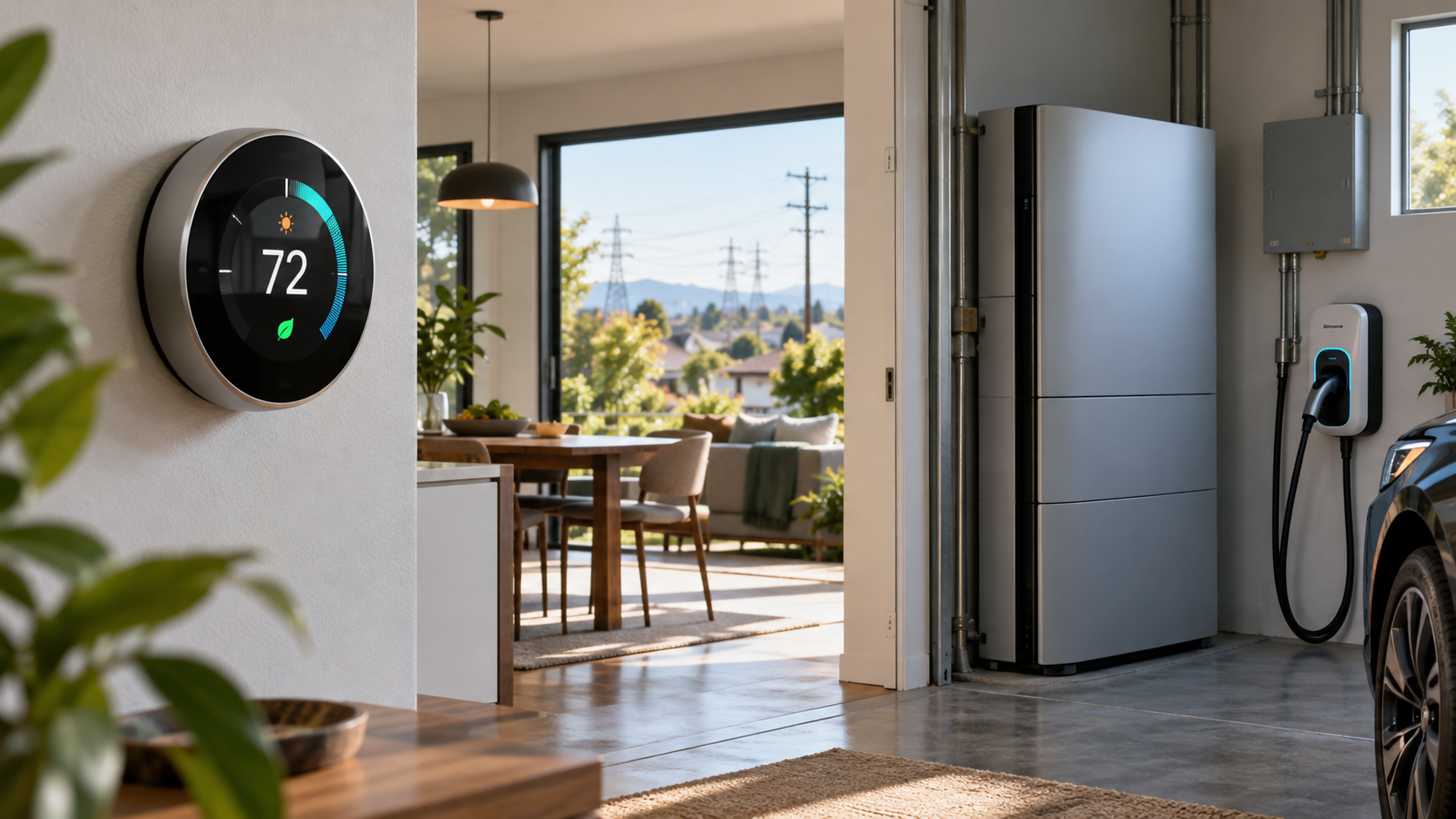
Smart homes with solar panels and batteries connected to the power grid and a distant data center at dusk

Google and Voltus announced a gigawatt-scale virtual power plant for the PJM electric grid on October 22, 2026. Instead of building one giant generating station, the project will coordinate thousands of smaller resources—such as smart thermostats, home batteries and flexible commercial equipment—so they can reduce demand or supply stored electricity when the grid is strained.

The headline sounds distant from everyday life, but the practical effects could reach households and businesses across parts of 13 states and Washington, D.C. Eligible participants may receive bill savings or cash payments. The tradeoff is that they allow an approved program to adjust connected equipment during a limited number of high-demand events, subject to the program’s rules.

What Google and Voltus announced

  • Google’s October 22 post describes an expanded 1-gigawatt virtual power plant across the PJM region, which serves about 67 million people.
  • Voltus says the system will aggregate flexible capacity from homes and businesses, including thermostats, batteries and industrial equipment.
  • When demand is high, participating assets can temporarily reduce electricity use, shift it to another time or discharge stored power.
  • Google is funding the capacity, while Voltus will aggregate and operate the resources and deliver financial benefits to participating customers.

This is an expansion of a June agreement that targeted up to 100 megawatts of flexible capacity each year under a three-year arrangement. Google says the new plan is a tenfold expansion and one of the largest known distributed-capacity portfolios funded by a hyperscaler.

The business logic is straightforward. A data center or other large new load needs dependable grid capacity, but traditional generation and transmission projects can take years. Paying many customers to make small, coordinated adjustments during peak periods can free capacity faster while sending some of the project’s value back to the homes and businesses providing that flexibility.

The two announcements describe the scale differently

Readers should not treat every number in the announcements as interchangeable. Google calls the expanded project a 1-gigawatt virtual power plant and a tenfold increase from the original 100-megawatt deal. Voltus’s October release says the announcement adds 1,070 megawatts after the initial 100 megawatts, wording that could imply a larger combined figure.

Neither company’s public announcement reconciles those descriptions. The safest interpretation is that this is a roughly gigawatt-scale expansion, not a promise that a precise amount of capacity will be active immediately. Aggregated capacity still has to be enrolled, qualified and available under the applicable PJM and utility rules.

How a virtual power plant works

How a virtual power plant works

A virtual power plant is software-coordinated capacity rather than a single physical site. PJM describes VPPs as connected groups of distributed energy resources that respond together to provide load flexibility or generation. The individual devices remain spread across homes, offices, warehouses and industrial sites.

  • Enrollment: A household or business joins an eligible demand-response or distributed-energy program and connects a qualifying device or controllable load.
  • Forecasting: The operator monitors grid conditions, market signals and the availability of enrolled resources.
  • Event: During a peak period, the operator sends a signal that can slightly adjust thermostats, pause flexible equipment, shift EV charging or discharge batteries.
  • Measurement and payment: The program measures the verified response under its rules and sends the promised bill credit, incentive or direct payment.

No single thermostat is powering a neighborhood. The value comes from coordinating many small actions at the same time. A two-degree thermostat adjustment or delayed charging session may be minor in one home, but thousands of synchronized changes can reduce the amount of generation the grid must call on during its most expensive and stressed hours.

What this could mean for homes and small businesses

The announcement does not automatically enroll everyone in PJM territory, and owning a smart thermostat or battery does not guarantee eligibility. Participation depends on the local utility, device, aggregator, service address and the rules of a specific program. Google and Voltus have not published one universal residential sign-up page, payment schedule or device list for the full expansion.

Potential benefits

  • Cash payments or utility bill credits for verified participation.
  • Lower energy use during costly peak periods, which may add savings beyond the program incentive.
  • Better use of existing thermostats, batteries, solar-plus-storage systems, EV chargers and other flexible equipment.
  • A larger pool of flexible capacity that can reduce grid stress during extreme weather or other supply constraints.

Important tradeoffs

  • Comfort can change temporarily if a thermostat is adjusted during an event.
  • Payments may depend on measured performance, enrollment dates, event participation and device connectivity.
  • An internet outage, dead battery, changed Wi-Fi password or disconnected account can make a device unavailable.
  • The operator, utility or device partner may receive energy-use, device-status and event-response data.
  • Program terms may allow opt-outs but reduce or eliminate incentives after repeated nonparticipation.

A good program should state the temperature limits, event length, expected number of events, opt-out method, payment formula and data-sharing terms before enrollment. Save those terms, because marketing summaries can omit conditions that decide the real value.

Where PJM operates—and why your address still matters

PJM coordinates wholesale electricity across all or parts of Delaware, Illinois, Indiana, Kentucky, Maryland, Michigan, New Jersey, North Carolina, Ohio, Pennsylvania, Tennessee, Virginia, West Virginia and Washington, D.C. Being in one of those jurisdictions is only the first filter. PJM’s footprint follows utility territories, not state borders.

A household should identify its electric utility and rate plan before assuming it can participate. For example, an earlier Voltus and Resideo program served eligible ComEd customers in Illinois and used Honeywell Home, ecobee or Google Nest thermostats. That history shows the type of consumer hardware that can join a VPP, but it does not prove those same devices or incentives will be available at every address in the new project.

Questions to answer before enrolling

  • Is the offer from your utility, a recognized device partner or an aggregator authorized for your service territory?
  • Which exact thermostat, battery, EV charger or equipment models qualify?
  • What is the enrollment payment, ongoing payment and performance requirement?
  • How many events may occur, how long can they last and what limits apply to temperature or battery discharge?
  • Can you override an event immediately, and does overriding affect payment?
  • What data is collected, who receives it, how long is it retained and can it be used for marketing?
  • What happens if you move, replace the device, change utilities or leave the program?

Do not pay an unfamiliar company merely to join a grid program. Confirm the offer through the utility or program operator using contact information obtained independently, and be skeptical of urgent calls asking for account credentials or remote access to a thermostat.

A relevant smart-thermostat example

The Google Nest Thermostat, ASIN B08HRPDYTP, is a verified retail example of the device category used in residential demand-response programs. Readers can check the Google Nest Thermostat on Amazon for current availability and confirm HVAC compatibility before buying. The listing notes that some systems require a C wire or another compatible power accessory.

Buying the thermostat is not the same as enrolling in the Google–Voltus project. Check your utility’s current program list first; otherwise, treat the thermostat as an energy-management purchase rather than a guaranteed source of payments.

Affiliate disclosure: ReaderSpice may earn a commission from qualifying Amazon purchases made through the link above, at no additional cost to you.

Will the project lower everyone’s electric bill?

The announcements promise financial benefits for participating customers, not an automatic bill reduction for every PJM customer. VPPs can reduce the need to build or run expensive capacity for short peak periods, and Google and Voltus argue that better use of existing grid resources can improve affordability. The size and timing of system-wide savings depend on market rules, program performance and how costs are allocated.

For an individual household, the math is simpler: compare the promised annual incentive with any equipment cost, installation expense, comfort impact and data-sharing tradeoff. A free enrollment program using hardware you already own may be attractive. Buying a battery solely for a modest demand-response payment is a much larger decision that requires a payback calculation, warranty review and backup-power assessment.

Bottom line

The Google–Voltus agreement is notable because it treats connected homes and businesses as grid infrastructure rather than passive electricity customers. If Voltus can enroll and coordinate the promised scale, the project could show how data-center growth and customer-owned devices can share economic value instead of competing only for scarce capacity.

For consumers, the useful action is not to buy hardware immediately. Identify your utility, wait for a verified local offer, read the event and privacy terms, and calculate the net payment using equipment you already own. The project is real, but household eligibility and savings will be local, conditional and program-specific.

Sources

Google: 1-gigawatt virtual power plant announcement, October 22, 2026

Voltus: One Gigawatt Bring Your Own Capacity agreement details

Voltus: Original 100-megawatt Google agreement from June 2026

Voltus and Resideo: Residential thermostat VPP program example

PJM: Territory served across 13 states and Washington, D.C.

PJM: Advanced Technology Initiative virtual power plant explainer

Amazon: Google Nest Thermostat (ASIN B08HRPDYTP)
Google and Voltus Plan a 1-Gigawatt Virtual Power Plant: What PJM Customers Should Know

Smart homes with solar panels and batteries connected to the power grid and a distant data center at dusk

Google and Voltus announced a gigawatt-scale virtual power plant for the PJM electric grid on October 22, 2026. Instead of building one giant generating station, the project will coordinate thousands of smaller resources—such as smart thermostats, home batteries and flexible commercial equipment—so they can reduce demand or supply stored electricity when the grid is strained.

The headline sounds distant from everyday life, but the practical effects could reach households and businesses across parts of 13 states and Washington, D.C. Eligible participants may receive bill savings or cash payments. The tradeoff is that they allow an approved program to adjust connected equipment during a limited number of high-demand events, subject to the program’s rules.

What Google and Voltus announced

  • Google’s October 22 post describes an expanded 1-gigawatt virtual power plant across the PJM region, which serves about 67 million people.
  • Voltus says the system will aggregate flexible capacity from homes and businesses, including thermostats, batteries and industrial equipment.
  • When demand is high, participating assets can temporarily reduce electricity use, shift it to another time or discharge stored power.
  • Google is funding the capacity, while Voltus will aggregate and operate the resources and deliver financial benefits to participating customers.

This is an expansion of a June agreement that targeted up to 100 megawatts of flexible capacity each year under a three-year arrangement. Google says the new plan is a tenfold expansion and one of the largest known distributed-capacity portfolios funded by a hyperscaler.

The business logic is straightforward. A data center or other large new load needs dependable grid capacity, but traditional generation and transmission projects can take years. Paying many customers to make small, coordinated adjustments during peak periods can free capacity faster while sending some of the project’s value back to the homes and businesses providing that flexibility.

The two announcements describe the scale differently

Readers should not treat every number in the announcements as interchangeable. Google calls the expanded project a 1-gigawatt virtual power plant and a tenfold increase from the original 100-megawatt deal. Voltus’s October release says the announcement adds 1,070 megawatts after the initial 100 megawatts, wording that could imply a larger combined figure.

Neither company’s public announcement reconciles those descriptions. The safest interpretation is that this is a roughly gigawatt-scale expansion, not a promise that a precise amount of capacity will be active immediately. Aggregated capacity still has to be enrolled, qualified and available under the applicable PJM and utility rules.

How a virtual power plant works

How a virtual power plant works

A virtual power plant is software-coordinated capacity rather than a single physical site. PJM describes VPPs as connected groups of distributed energy resources that respond together to provide load flexibility or generation. The individual devices remain spread across homes, offices, warehouses and industrial sites.

  • Enrollment: A household or business joins an eligible demand-response or distributed-energy program and connects a qualifying device or controllable load.
  • Forecasting: The operator monitors grid conditions, market signals and the availability of enrolled resources.
  • Event: During a peak period, the operator sends a signal that can slightly adjust thermostats, pause flexible equipment, shift EV charging or discharge batteries.
  • Measurement and payment: The program measures the verified response under its rules and sends the promised bill credit, incentive or direct payment.

No single thermostat is powering a neighborhood. The value comes from coordinating many small actions at the same time. A two-degree thermostat adjustment or delayed charging session may be minor in one home, but thousands of synchronized changes can reduce the amount of generation the grid must call on during its most expensive and stressed hours.

What this could mean for homes and small businesses

The announcement does not automatically enroll everyone in PJM territory, and owning a smart thermostat or battery does not guarantee eligibility. Participation depends on the local utility, device, aggregator, service address and the rules of a specific program. Google and Voltus have not published one universal residential sign-up page, payment schedule or device list for the full expansion.

Potential benefits

  • Cash payments or utility bill credits for verified participation.
  • Lower energy use during costly peak periods, which may add savings beyond the program incentive.
  • Better use of existing thermostats, batteries, solar-plus-storage systems, EV chargers and other flexible equipment.
  • A larger pool of flexible capacity that can reduce grid stress during extreme weather or other supply constraints.

Important tradeoffs

  • Comfort can change temporarily if a thermostat is adjusted during an event.
  • Payments may depend on measured performance, enrollment dates, event participation and device connectivity.
  • An internet outage, dead battery, changed Wi-Fi password or disconnected account can make a device unavailable.
  • The operator, utility or device partner may receive energy-use, device-status and event-response data.
  • Program terms may allow opt-outs but reduce or eliminate incentives after repeated nonparticipation.

A good program should state the temperature limits, event length, expected number of events, opt-out method, payment formula and data-sharing terms before enrollment. Save those terms, because marketing summaries can omit conditions that decide the real value.

Where PJM operates—and why your address still matters

PJM coordinates wholesale electricity across all or parts of Delaware, Illinois, Indiana, Kentucky, Maryland, Michigan, New Jersey, North Carolina, Ohio, Pennsylvania, Tennessee, Virginia, West Virginia and Washington, D.C. Being in one of those jurisdictions is only the first filter. PJM’s footprint follows utility territories, not state borders.

A household should identify its electric utility and rate plan before assuming it can participate. For example, an earlier Voltus and Resideo program served eligible ComEd customers in Illinois and used Honeywell Home, ecobee or Google Nest thermostats. That history shows the type of consumer hardware that can join a VPP, but it does not prove those same devices or incentives will be available at every address in the new project.

Questions to answer before enrolling

  • Is the offer from your utility, a recognized device partner or an aggregator authorized for your service territory?
  • Which exact thermostat, battery, EV charger or equipment models qualify?
  • What is the enrollment payment, ongoing payment and performance requirement?
  • How many events may occur, how long can they last and what limits apply to temperature or battery discharge?
  • Can you override an event immediately, and does overriding affect payment?
  • What data is collected, who receives it, how long is it retained and can it be used for marketing?
  • What happens if you move, replace the device, change utilities or leave the program?

Do not pay an unfamiliar company merely to join a grid program. Confirm the offer through the utility or program operator using contact information obtained independently, and be skeptical of urgent calls asking for account credentials or remote access to a thermostat.

A relevant smart-thermostat example

The Google Nest Thermostat, ASIN B08HRPDYTP, is a verified retail example of the device category used in residential demand-response programs. Readers can check the Google Nest Thermostat on Amazon for current availability and confirm HVAC compatibility before buying. The listing notes that some systems require a C wire or another compatible power accessory.

Buying the thermostat is not the same as enrolling in the Google–Voltus project. Check your utility’s current program list first; otherwise, treat the thermostat as an energy-management purchase rather than a guaranteed source of payments.

Affiliate disclosure: ReaderSpice may earn a commission from qualifying Amazon purchases made through the link above, at no additional cost to you.

Will the project lower everyone’s electric bill?

The announcements promise financial benefits for participating customers, not an automatic bill reduction for every PJM customer. VPPs can reduce the need to build or run expensive capacity for short peak periods, and Google and Voltus argue that better use of existing grid resources can improve affordability. The size and timing of system-wide savings depend on market rules, program performance and how costs are allocated.

For an individual household, the math is simpler: compare the promised annual incentive with any equipment cost, installation expense, comfort impact and data-sharing tradeoff. A free enrollment program using hardware you already own may be attractive. Buying a battery solely for a modest demand-response payment is a much larger decision that requires a payback calculation, warranty review and backup-power assessment.

Bottom line

The Google–Voltus agreement is notable because it treats connected homes and businesses as grid infrastructure rather than passive electricity customers. If Voltus can enroll and coordinate the promised scale, the project could show how data-center growth and customer-owned devices can share economic value instead of competing only for scarce capacity.

For consumers, the useful action is not to buy hardware immediately. Identify your utility, wait for a verified local offer, read the event and privacy terms, and calculate the net payment using equipment you already own. The project is real, but household eligibility and savings will be local, conditional and program-specific.

Sources

Google: 1-gigawatt virtual power plant announcement, October 22, 2026

Voltus: One Gigawatt Bring Your Own Capacity agreement details

Voltus: Original 100-megawatt Google agreement from June 2026

Voltus and Resideo: Residential thermostat VPP program example

PJM: Territory served across 13 states and Washington, D.C.

PJM: Advanced Technology Initiative virtual power plant explainer

Amazon: Google Nest Thermostat (ASIN B08HRPDYTP)
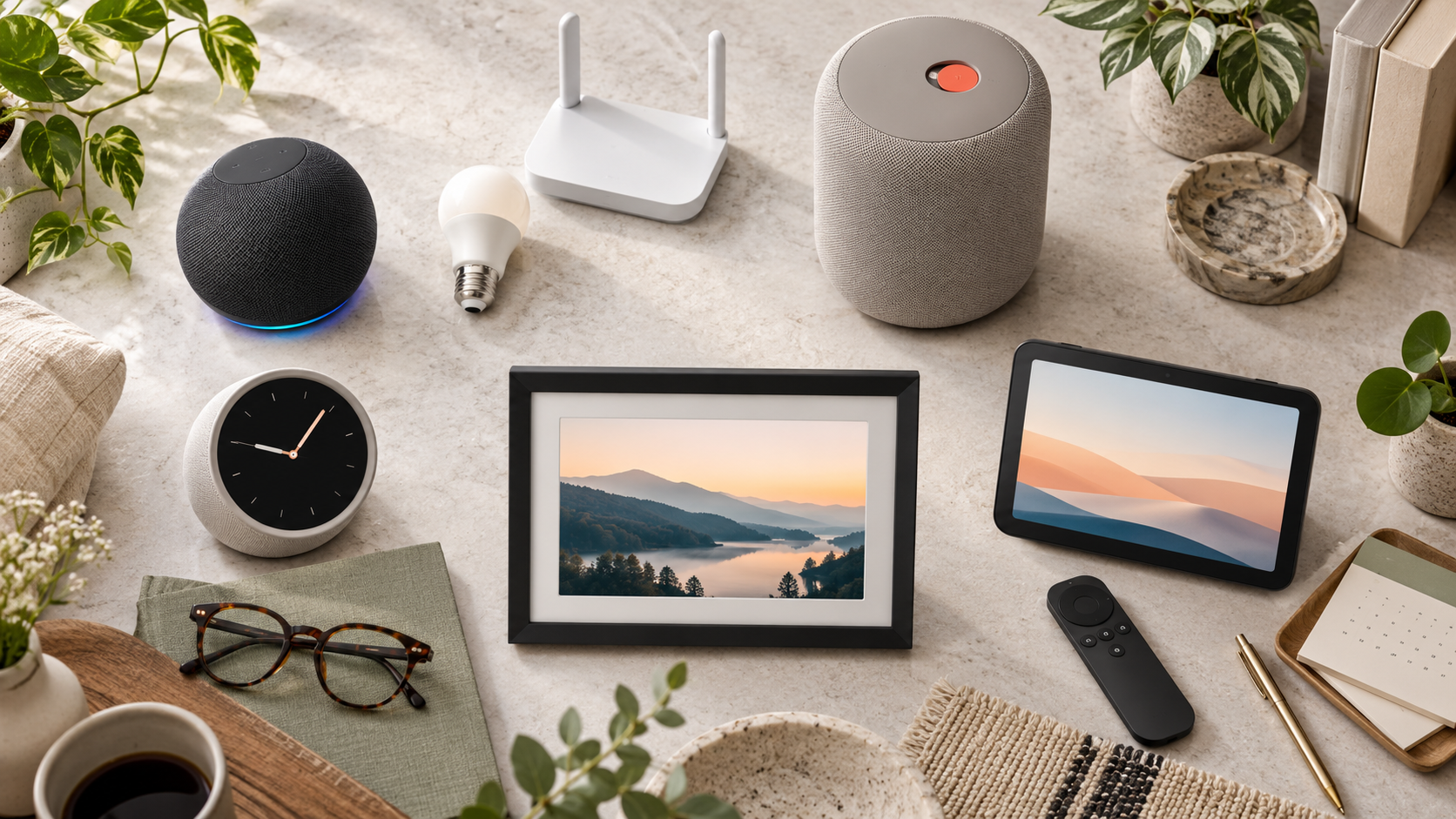
Blink Launches Five New Cameras With 4K, Pan-Tilt and 7,000-Foot Range: Which One Fits?

Five smart security camera styles monitoring a home, driveway and distant property at blue hour

Blink has announced five security cameras that fill very different roles: a 4K compact camera, a low-cost pan-tilt model, a battery-powered spotlight camera and two extended-range systems for large properties. All five opened for U.S. preorder on October 21, 2026, with prices ranging from $49.99 to $199.99.

The range is more useful than a simple resolution upgrade because Blink is addressing places normal home Wi-Fi and fixed-angle cameras do not cover well. But the headline numbers need context. The longest-range model requires a Sync Module XR+, the strongest AI features require compatible subscriptions, and video quality can fall at maximum range.

The five new Blink cameras at a glance

  • Blink Frontier XR+: $199.99 for a one-camera system with Sync Module XR+; designed for remote gates, fields, equipment and large properties; up to 7,000 feet with a clear line of sight.
  • Blink Outdoor 2K XR+: $149.99 for a one-camera system with Sync Module XR+; 2K video at normal distances, a 115-degree field of view and extended reach for driveways, detached garages and outbuildings.
  • Blink Mini 4K+: $79.99; Blink’s first 4K camera, with a 115-degree horizontal field of view, dual-band Wi-Fi 6, IP65 weather resistance and two-way audio.
  • Blink Spotlight Cam 2K+: $109.99; Blink’s first battery-powered spotlight camera, combining 2K video, motion-activated lighting, night vision and wire-free placement.
  • Blink Mini Pan-Tilt 2K+: $49.99; 350-degree pan, 115-degree tilt, night vision and two-way audio; outdoor use requires a separately sold Blink Camera Outdoor Adapter.

The Mini 4K+ and Mini Pan-Tilt 2K+ are also available for preorder in Canada, the United Kingdom, Germany, France, Italy, Spain, the Netherlands, Belgium, Australia and New Zealand. Blink says the three XR+ and spotlight models will come to Canada later, but it has not supplied a firm Canadian sale date for those products.

Frontier XR+ is built for acreage, not a typical front porch

Frontier XR+ is the most unusual model. Blink positions it as a trail-style camera for pastures, remote gates, equipment areas and job sites that may sit far beyond a home router. The advertised 7,000-foot figure applies only when the outdoor-mounted Sync Module XR+ and camera have open air between them with no obstruction.

That distinction matters. Trees, walls, vehicles, terrain and radio interference can reduce practical range. Blink’s own support material describes shorter ranges when obstructions are present, so buyers should treat 7,000 feet as a best-case ceiling rather than a guaranteed installation distance.

Before ordering, map the proposed hub and camera positions, confirm that the hub can remain powered and connected to the home network, and test the route before permanently mounting anything. A distant camera is only useful if its connection is stable enough to deliver alerts and clips when needed.

Outdoor 2K XR+ trades resolution for reach at maximum range

Outdoor 2K XR+ is the more conventional extended-range option. Blink lists up to 800 feet when some trees or structures interrupt the path and up to 2,700 feet with a clear line of sight. It records up to 2K under normal conditions but drops to as low as 1080p at maximum-range settings.

That tradeoff is reasonable if the alternative is no camera at all, but it changes how the product should be evaluated. A wide overview of a long driveway or detached garage may still be valuable at 1080p. Buyers who need facial or license-plate detail at long distance should wait for independent testing instead of assuming the 2K label applies in every mode.

Mini 4K+ is the detail-first option

Mini 4K+ is Blink’s first 4K security camera and its sharpest model on paper. The compact unit supports a 115-degree horizontal field of view, dual-band Wi-Fi 6, two-way talk and an IP65 rating, allowing indoor or outdoor placement when power and network coverage are available.

More pixels can make digital zoom and identification easier, but 4K also raises bandwidth and storage demands. Check upload speed at the intended location rather than only testing beside the router. If the camera will watch a small room or narrow doorway, a lower-resolution model with better placement may provide more useful evidence than a badly positioned 4K camera.

Blink also advertises person and vehicle detection through compatible subscription plans. For eligible AI-plan subscribers in the United States, Canada and the United Kingdom, Video Descriptions can generate short summaries of camera activity. Blink says that feature is not available to customers in Illinois because of state-specific legislation, and language support is limited.

Spotlight Cam 2K+ and Mini Pan-Tilt 2K+ solve placement problems

Spotlight Cam 2K+ is the straightforward choice for a dark side yard, gate or garage area where running power would be difficult. Its battery design allows flexible placement, while the motion-activated light can improve nighttime visibility and act as a visible deterrent. The practical questions are battery life in the chosen activity zone and whether frequent motion will create too many alerts.

Mini Pan-Tilt 2K+ focuses on coverage instead of maximum resolution. It can rotate through 350 degrees and tilt 115 degrees, making it useful for pets, playrooms or a patio where activity crosses a wide area. A moving camera still has blind moments: it can face the wrong direction, lose a fast-moving subject or miss an event outside the active tracking area.

Although Blink calls the model indoor/outdoor, outdoor installation requires the separately sold Outdoor Adapter. Include that accessory, a protected power route and weather exposure in the real cost. A $49.99 camera is not a $49.99 outdoor installation if the adapter and mounting work are essential.

Subscriptions change the real price

Blink cameras provide motion notifications and Live View without a subscription, but recording, cloud history and smart detection depend on the plan and device. Blink’s current plan material lists cloud storage for up to 60 days in the United States and several other markets, while some regions receive shorter retention.

Person and vehicle detection is a paid feature for compatible cameras. Video Descriptions also sits in eligible AI tiers rather than the basic hardware purchase. Plan names, pricing and device eligibility can change, so compare the current subscription table on the day you buy and calculate at least one year of service before deciding which camera is cheaper.

What buyers should check before installing

What buyers should check before installing

  • Confirm the camera’s power source, mounting height, weather exposure and Wi-Fi or XR+ path before drilling holes.
  • Test day and night framing. A porch light, reflective wall or nearby branch can ruin motion clips even when daytime video looks sharp.
  • Set narrow motion zones and review sensitivity before enabling frequent notifications.
  • Use a strong, unique Blink password and keep multi-factor authentication enabled.
  • Review every phone with account access and remove devices that no longer need control.
  • Decide how long clips should be retained and who in the household may view, download or share them.
  • Avoid aiming cameras into neighbors’ windows, private yards or areas where visitors reasonably expect privacy.

A verified Amazon preorder option

One verified listing is the Blink Mini Pan-Tilt 2K+ two-camera package, ASIN B0HMVJYPFZ. Readers can check the Blink Mini Pan-Tilt 2K+ on Amazon for current preorder availability, package color and shipping estimates. Confirm that the listing includes the exact camera count and any outdoor adapter you need before ordering.

Affiliate disclosure: ReaderSpice may earn a commission from qualifying Amazon purchases made through the link above, at no additional cost to you.

Which new Blink camera fits which buyer?

Choose Frontier XR+ if:

  • You need coverage across acreage, a farm, a long private drive or a remote work site.
  • You can install the required Sync Module XR+ outdoors with a reliable network and power connection.
  • You understand that maximum range requires clear line of sight and real-world obstructions will reduce it.

Choose Outdoor 2K XR+ if:

  • You need more range than standard Wi-Fi but want a conventional home-security camera rather than a trail-style unit.
  • A 1080p fallback at the farthest settings is acceptable for overview coverage.

Choose Mini 4K+ if:

  • Detail, digital zoom and a compact weather-resistant design matter most.
  • The installation point has strong dual-band Wi-Fi and dependable power.

Choose Spotlight Cam 2K+ if:

  • You need battery-powered nighttime coverage with a visible light around a garage, gate or side yard.

Choose Mini Pan-Tilt 2K+ if:

  • You want the lowest price and a motorized view for pets, rooms or a covered outdoor space.
  • You are willing to add the Outdoor Adapter for exposed installations.

Should you preorder?

Mini Pan-Tilt 2K+ is the easiest model to understand at $49.99: it offers wide motorized coverage at a low entry price, although outdoor use adds cost. Mini 4K+ is more compelling for buyers who know exactly where extra detail will help and have enough network capacity for 4K video.

The XR+ products deserve more caution. Their range claims address a real problem, but performance will depend heavily on terrain, obstructions and hub placement. Owners of large properties should wait for independent range, battery and image-quality tests unless they can buy with a flexible return policy and test the full installation path immediately.

Blink’s five-camera launch is broad enough that there is no universal best model. Start with the location, power and connection problem, then choose resolution and smart features. That approach is more reliable than buying the camera with the largest number on the specification sheet.

Sources

Amazon Devices: Blink five-camera launch, specifications, pricing and availability

Blink Support: Subscription plan features and cloud-storage limits

Blink Support: Frontier XR+ range and installation FAQ

Blink Support: Multi-factor authentication for Blink accounts

Blink Support: Personal-data privacy and security guidance

Amazon: Blink Mini Pan-Tilt 2K+ two-camera package (ASIN B0HMVJYPFZ)

Samsung Takes AI Appliances Global: AI Vision, Family Care, Energy Savings and 7-Year Updates

Connected kitchen, laundry and air conditioning appliances linked by subtle blue smart-home signals

Samsung is turning its appliance AI pitch into a regional strategy rather than one universal product bundle. At its October 20, 2026 “The Brief” events, the company outlined different priorities for North America, Europe, Latin America, Southwest Asia and Southeast Asia—from cameras that identify groceries to energy-saving built-ins, sleep-aware cooling and remote service tools.

The common thread is SmartThings, but the details matter. Many of the headline features require specific appliance models, a Samsung account, Wi-Fi, regional service availability or other Samsung devices. Several are previews rather than products you can buy everywhere today. Here is what Samsung actually announced, what is already relevant in the United States and which claims need a careful reading.

What Samsung announced

Samsung’s global appliance plan has five practical themes:

  • North America: more automated food recognition and camera-assisted cooking.
  • Europe: lower energy consumption and more integrated built-in appliances.
  • Latin America: one SmartThings control layer across refrigerators, washers and air conditioners.
  • Southwest Asia: cooling that reacts to sleep data, plus family check-in tools.
  • Southeast Asia: AI-equipped appliances, remote diagnostics and a preview of 2027 air conditioners.

Samsung says roughly 270 media and industry participants from 23 countries attended the regional sessions. That makes the event useful as a statement of direction, but it is not a single worldwide launch date or a promise that every feature will reach every market.

Five regions, five different priorities

Five regions, five different priorities

United States: AI Vision and AI Pro Cooking

In the United States, Samsung emphasized the kitchen. AI Vision on compatible Bespoke AI Family Hub refrigerators can recognize selected groceries and container labels, then add them to a Food List. AI Pro Cooking uses an oven camera to recognize certain ingredients, suggest settings and watch changes in the food’s appearance while it cooks.

That can reduce small chores, but neither camera replaces a person checking food safety, doneness or expiration. Samsung’s U.S. refrigerator information says AI Vision Inside recognizes and labels 37 unobscured fresh-food items under supported conditions. Other items may need manual names, and recognition can vary with placement and visibility.

Europe: energy efficiency and built-ins

Samsung’s European presentation focused on appliances that fit into a connected kitchen and on energy claims that can be compared against European labels. The company says a Bespoke AI Washer uses 65% less energy than the minimum threshold for EU Energy Efficiency Class A, while an announced dishwasher is up to 20% more efficient than that threshold.

Those percentages are relative to a regulatory baseline, not a promise that every cycle will cut a household’s bill by the same amount. Program choice, load, water temperature, local tariffs and older equipment all affect real savings. Samsung also highlighted its Extractor Induction Hob and AI Precise Cooling as parts of an integrated built-in lineup.

Latin America: SmartThings as the control layer

For Latin America, the story was less about a new appliance category and more about putting refrigerators, washing machines and air conditioners in one SmartThings experience. That approach is useful when the app exposes energy use, maintenance alerts and routines without requiring a different interface for every room.

It also raises the usual platform questions: which functions work locally, which depend on the cloud, how long a model receives updates and what happens if someone changes ecosystems. Buyers should check the exact model page and SmartThings compatibility before assuming every appliance shown at a briefing offers the same controls.

Southwest Asia: sleep-aware cooling and Family Care

Samsung highlighted Motion Wind air conditioners with five airflow modes and a WindFree Wearable Good Sleep feature that can use sleep and body-temperature signals from a Galaxy Watch or Galaxy Ring to adjust cooling. The same regional presentation also connected SmartThings Now and Family Care to household routines.

Family Care is best treated as a consent-based check-in feature, not medical monitoring. Samsung describes notifications based on connected-device activity and reminders for medication or hospital appointments, along with optional location-related alerts. A quiet home or inactive device can have harmless explanations, so a notification should prompt a human check rather than an emergency conclusion.

Southeast Asia: 2027 previews and remote service

In Southeast Asia, Samsung previewed 2027 air conditioners with AI Energy Mode, AI Vision and Bixby-related functions while also stressing longer software support. It says eligible Wi-Fi-enabled appliances can receive software updates for up to seven years after launch, starting with models introduced in 2024.

The phrase “up to” is important. Eligibility, update content and timing vary by product and region. Samsung’s Home Appliance Remote Management program can also use appliance data for diagnostics and guidance, including preventive recommendations, but availability and service scope are not uniform worldwide.

AI Vision still needs human checking

Computer vision is most useful when it shortens inventory work without pretending the inventory is perfect. A refrigerator camera can miss food hidden behind another item, misunderstand packaging or retain an outdated label after something is moved. Samsung’s own material says recognition results vary, and items outside the supported set require manual handling.

Use the Food List as a shopping aid, not a safety record. Confirm allergens, dates and spoiled food yourself. In the oven, verify internal temperature with an appropriate thermometer when it matters; a camera watching browning cannot measure whether the center of every food is safe.

Seven-year updates are useful but conditional

Longer software support matters because a connected appliance can remain in a home far longer than a phone. Seven years of eligible updates could reduce the risk of a still-functional refrigerator or washer losing integrations early. It may also give Samsung time to improve security, accessibility and service tools.

However, the commitment does not mean every old appliance gets seven more years starting today. Samsung says the policy begins with eligible Wi-Fi products launched in 2024, and the maximum period is measured from the product’s launch. Buyers should keep the model number, confirm the original launch year and ask what kinds of updates—security fixes, interface changes or new features—are covered in their country.

What U.S. shoppers can actually buy

Samsung already sells Family Hub and AI Vision Inside refrigerator configurations in the United States, but the global briefing mixes current products, regional demonstrations and future previews. A feature shown in Europe or Southeast Asia should not be treated as a confirmed U.S. feature until it appears on Samsung’s U.S. product or support page for the exact model.

Before buying, check four things:

  • The full model number, not only the series name used in marketing.
  • Whether the feature runs on the appliance, in SmartThings or through a cloud service.
  • Which phone, wearable, hub or Samsung account is required.
  • The written warranty and stated software-support window for your country.

That checklist is especially important for appliance bundles. A refrigerator screen, wearable-linked air conditioner and remote diagnostic service may belong to the same ecosystem but still follow different support schedules.

Relevant SmartThings hardware

A separate hub is not required for every Wi-Fi-connected Samsung appliance, and a hub does not add AI Vision or camera features to an appliance that lacks them. For households expanding into Zigbee, Thread or Matter accessories, the Aeotec Smart Home Hub 2 on Amazon is a current SmartThings-compatible option. It does not include Z-Wave, so owners of older Z-Wave locks, switches or sensors should verify migration needs before replacing an existing hub.

As an Amazon Associate, ReaderSpice earns from qualifying purchases.

The bottom line

Samsung’s regional appliance briefings show a more practical AI strategy than a single chatbot pasted onto every screen. Food recognition, energy management, unified control, sleep-aware cooling and remote diagnostics each solve different household problems, and the regional focus makes that clearer.

The tradeoff is fragmentation. Model numbers, accounts, wearables, cloud services and country-specific rollouts decide what actually works. Treat the October 20 announcement as a roadmap, verify the precise product in your market, and keep safety, caregiving and essential appliance controls usable without relying on an AI prediction.

Sources

Samsung Global Newsroom: The Brief global AI appliance announcement

Samsung U.S.: Bespoke refrigerators and AI Vision Inside

Samsung Global Newsroom: SmartThings Family Care update

Samsung Global Newsroom: Seven-year appliance software updates

Samsung Global Newsroom: CES 2026 home companion and remote management

Apple HomeView, HomePod mini 2 and New Apple TV 4K: Prices, Features and Release Dates

Apple HomeView, HomePod mini 2, Apple TV 4K and smart-home accessories arranged in a modern living room

Apple has turned its long-rumored smart-home push into a real product lineup. On October 13, 2026, the company introduced the $299 Apple HomeView smart display, the $149 HomePod mini 2, a $299 fourth-generation Apple TV 4K and Apple Home Collection accessories built with LG Electronics and Schneider Electric.

The announcements replace months of speculation with firm prices, specifications and release windows. They also create a more complicated buying decision: the least expensive new device arrives first, while some of the most ambitious Siri AI features will still depend on software updates, compatible Apple Intelligence devices or an eligible iCloud+ plan.

Prices and release dates at a glance

  • Apple HomeView: $299; preorders open October 13; available November 13.
  • Apple HomeView (Wall Mounted): $299; preorders open October 13; available November 13. Mounts cost extra.
  • HomePod mini 2: $149; preorders open October 13; available October 30.
  • Apple TV 4K (4th generation): $299; preorders open October 13; available November 13.
  • Apple Home Collection: accessories start arriving in December, with selected products following in early 2027.

Apple HomeView: a $299 screen for the center of the home

Apple HomeView: a $299 screen for the center of the home

HomeView is Apple’s new shared household screen. The tabletop model combines a 7-inch Liquid Retina display, a tilting stainless-steel hinge and a domed speaker base. It comes in silver, starlight, rose pink and space gray. A separate wall-mounted model uses the same 7-inch display and sells for the same $299 starting price in silver or space gray.

The display automatically adjusts from 500 nits down to 0.3 nits and changes the amount of information shown based on how far away a user is. It can recognize up to six household members by their faces, then present each person’s own Home Screen, widgets and private information. Personal content in apps such as Messages and Calendar appears only when the recognized person’s paired iPhone or iPad is nearby and was recently unlocked.

HomeView is also a FaceTime device, digital photo frame, music player, recipe assistant and smart-home dashboard. Its camera uses Center Stage during calls, while the Home Camera face can show as many as nine live camera feeds. With supported cameras and an eligible iCloud+ subscription, Apple says it can recognize people, pets, packages and vehicles and produce descriptions of HomeKit Secure Video clips.

The tabletop model has two full-range drivers in the display, a down-firing woofer and two force-cancelling passive radiators. The wall model uses two drivers tuned for on-wall placement. Both go on sale November 13 in the United States, United Kingdom, Canada, Australia, India and New Zealand, while Singapore preorders begin October 15. Apple says HomeView will not initially be sold in the European Union because Siri AI is not available in iOS there.

Wall buyers should include the mount in their budget. Schneider Home’s USB-C wall connector starts at $59.95, the AC-wired mount starts at $79.95 and a $129.95 Power over Ethernet mount is scheduled for early 2027.

HomePod mini 2: better audio, new colors and Siri AI later

HomePod mini 2: better audio, new colors and Siri AI later

HomePod mini 2 is the first major hardware refresh of Apple’s compact speaker. It keeps the familiar spherical shape but moves to the S10 chip, adds new pink, green, blue, white and midnight finishes, and introduces Sound Glow: the top surface can pulse in colors derived from album artwork and react to bass and treble.

Apple says the speaker uses computational audio to optimize dynamic range, loudness and acoustic performance in real time. A single unit can fill a room, two can form a stereo pair and multiple units can join a multiroom setup. It can also act as a Mac speaker on compatible Macs with Wi-Fi 6E or later.

The biggest new home-theater feature requires more hardware. Four HomePod mini 2 speakers—matching front and rear pairs—can work with the new Apple TV 4K to create a calibrated surround setup. The devices determine speaker position and automatically adjust timing and levels for the room.

Siri AI is a key part of the pitch, but it will not be available on HomePod mini 2 at launch. Apple says it is coming in a free future software update. Personal-context requests will require the home owner to use a compatible Apple Intelligence-enabled iPhone or iPad with Siri AI turned on.

New Apple TV 4K: A19, hands-free Siri and a smarter remote

New Apple TV 4K: A19, hands-free Siri and a smarter remote

The fourth-generation Apple TV 4K is a larger performance upgrade than its unchanged exterior suggests. Apple says the A19 chip delivers up to 50 percent faster CPU performance and up to twice the GPU performance of the previous model. A dedicated AV1 decoder should make high-quality streams more efficient and reduce bandwidth use for services that support the format.

Three built-in far-field microphones let viewers speak to Siri without holding the remote. Apple says echo cancellation can isolate a voice while audio is playing. Siri AI appears in a full-screen discovery interface, can answer follow-up questions about a show and can draw on personal context from a compatible iPhone for requests such as playing a recommendation mentioned in a message.

The Siri Remote keeps its established shape but adds stronger Find My features. Precision Finding can guide users to the remote when paired with supported recent iPhones, and the newest remote can play a sound. Apple says the remote remains compatible with Apple TV HD and earlier Apple TV 4K models.

For smart-home use, the box includes Wi-Fi and Thread, runs automations, supports guest access and processes HomeKit Secure Video locally. With compatible cameras and iCloud+, Apple Intelligence can generate camera activity descriptions and summarize notifications. The new Apple TV 4K costs $299 and arrives November 13.

Apple Home Collection: cameras, locks and climate controls

Apple Home Collection: cameras, locks and climate controls

Apple Home Collection is not a set of Apple-manufactured accessories. The products are designed with LG Electronics and Schneider Electric, sold through Apple and built for one-tap iPhone setup, Home app control and Siri. No separate manufacturer account or companion app is required, and Apple says Home app data remains end-to-end encrypted.

The first wave includes four LG cameras with video up to 2.5K, a smart deadbolt, thermostats and room sensors. Each accessory supports Thread, can receive updated network credentials when home Wi-Fi changes and can work alone or as part of an Apple Home scene.

  • LG Video Doorbell Wired starts at $249.95; LG Floodlight Cam starts at $399.95; LG Outdoor Cam Plug-In starts at $299.95; and LG Indoor Cam Plug-In starts at $199.95.
  • LG Smart Deadbolt Lock starts at $349.95 and supports hands-free unlocking with Ultra Wideband, Home Key, a PIN pad and a hidden backup key slot.
  • LG Smart Thermostat and Schneider Home Smart Thermostat each start at $199.95. Compatible temperature and room sensors start at $39.95.

Camera footage can be processed locally on a compatible Apple home hub or through Private Cloud Compute. Eligible iCloud+ plans store event video history for 10 days and add natural-language search and automatic video descriptions. Availability starts in December, although Apple says selected accessories will not arrive until early 2027.

Siri AI is not identical across the new lineup

The shared Siri AI branding hides important differences. HomeView launches with Siri AI in beta in HomeView software 27.2. Apple TV 4K launches with the beta in supported English-language markets, and Apple says second-generation and newer Apple TV 4K models can also receive access. HomePod mini 2 owners must wait for a future update.

Broad world-knowledge answers and more conversational exchanges can work without each person owning an Apple Intelligence device. Personalized requests that use messages, calendars or other private context require a paired compatible iPhone or iPad. Apple also notes that some server-based Apple Intelligence features have daily limits and that expanded access may carry a fee in the future.

What should buyers do?

HomeView is the most distinctive new product, and $299 is competitive for a display, speaker, FaceTime terminal and home hub in one device. Its value will depend on whether a household already uses Apple Home, iCloud+, Apple Music and compatible iPhones. Buyers in mixed Android and Apple households should study the setup and personalization requirements before ordering.

HomePod mini 2 is easier to recommend for new Apple households than as an automatic upgrade for every existing owner. The S10 chip, Sound Glow and four-speaker home theater support are meaningful additions, but the headline Siri AI feature arrives later. Existing HomePod users should wait for final software compatibility details before replacing multiple speakers.

The new Apple TV 4K has the clearest performance story, yet its $299 price is unusually high for a streaming box. The A19 chip, microphones, smarter remote and home-hub features may justify the cost for committed Apple users, but casual streamers should compare it with less expensive alternatives. Readers who need a streamer now can compare the current Apple TV 4K on Amazon while checking Apple’s new-model preorder terms and return policy.

Disclosure: ReaderSpice may earn a commission from qualifying Amazon purchases made through the link above, at no additional cost to you.

Sources

Apple announces Apple HomeView

Apple unveils the fourth-generation Apple TV 4K

Apple announces HomePod mini 2

Apple introduces Apple Home Collection