
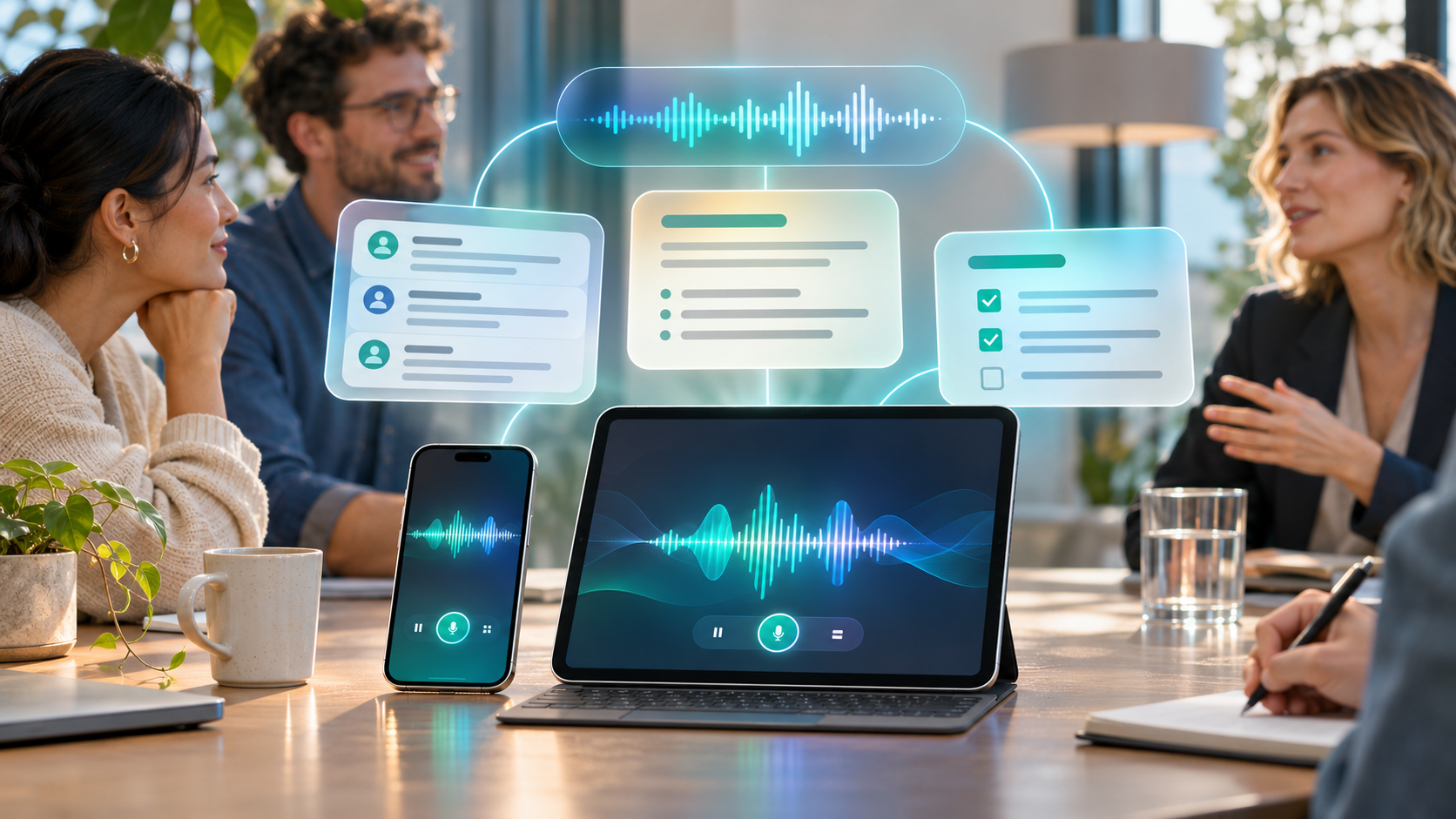
Readdle has added Voice Notes to Documents for iPhone and iPad, turning one recording into a summary, follow-ups and a full transcript while keeping the original audio inside the same note file. It is a practical meeting and lecture tool, but the feature also introduces subscription, consent and cloud-processing questions that matter before the first recording starts.
The feature is part of Documents Plus. Readdle says existing Plus subscribers get it at no additional charge, there is no recording-minute limit, and new users can try Plus for seven days. Those claims describe access to the recording feature, not unlimited device or cloud storage, and they do not remove the need to review who can hear a recording or how AI processing works.
This guide is based on Readdle’s November 23 announcement, its step-by-step help page and the Documents Privacy Notice updated November 2, 2026. It explains what Readdle states today and adds practical safeguards; it is not a hands-on accuracy benchmark or legal advice.
Readdle Documents Voice Notes at a glance
- Devices: Documents says Voice Notes is available on iPhone and iPad.
- Start points: tap the + button and choose Voice Notes, or use the Action button.
- Outputs: original audio, a summary, follow-ups and a full transcript in one Voice Note file.
- Exports: the transcript can also be saved as a separate .txt file.
- Languages: the transcript preserves the languages spoken; the summary and follow-ups use the most frequently spoken language.
- Plan: Voice Notes is included with Documents Plus; Readdle advertises no recording-minute limit and a seven-day trial for new users.
- Privacy: processing can use local models and/or third-party AI providers, with different retention periods for normal processing, provider monitoring and feedback cases.
How to start a Voice Note in Documents

Place the device close to the speakers, reduce room noise and get everyone’s permission before recording.
- Update Documents on the iPhone or iPad so the latest Voice Notes release is installed.
- Open Documents, tap the + button and select Voice Notes. The Action button is the other documented entry point.
- Allow microphone access when iOS asks. If access was denied earlier, review Documents under iOS Privacy & Security settings.
- Tell everyone that recording and AI transcription will occur, then obtain the permission required by your location and organization.
- Start the recording, keep the device near the conversation and minimize overlapping speech.
- Stop the recording. Documents processes the note and presents the summary, follow-ups and transcript alongside the original audio.
- Replay important sections and correct names, dates, numbers and assignments before sharing or acting on the generated text.
What Documents creates after recording
Summary
The summary is a compressed account of the main points. Treat it as a navigation aid, not a definitive meeting record. An AI summary can omit a caveat, merge separate statements or place too much weight on a frequently repeated idea.
Follow-ups
Follow-ups pull out action items, open questions and ideas worth revisiting. They are useful for drafting a task list, but a generated assignment should be checked against the audio before a person, owner or deadline is treated as confirmed.
Transcript and original audio
The transcript supplies searchable text while the original audio remains available for replay. Readdle says the note can be organized into folders, shared or synchronized with connected cloud storage. A separate .txt export is convenient for another editor, but it also creates another copy that needs its own access and retention controls.
Mixed-language conversations have a specific behavior
Voice Notes supports recordings that contain more than one language. Readdle says the transcript preserves all languages used, while the summary and follow-ups are generated in the language spoken most often. That distinction matters in bilingual meetings: a short but important passage may appear correctly in the transcript while being condensed into a summary written in the dominant language.
Review specialized terms, proper names and numbers in the source audio. Code-switching, accents, background noise and speakers talking at the same time can reduce transcription accuracy even when the language itself is supported.
What happens to the audio and transcript
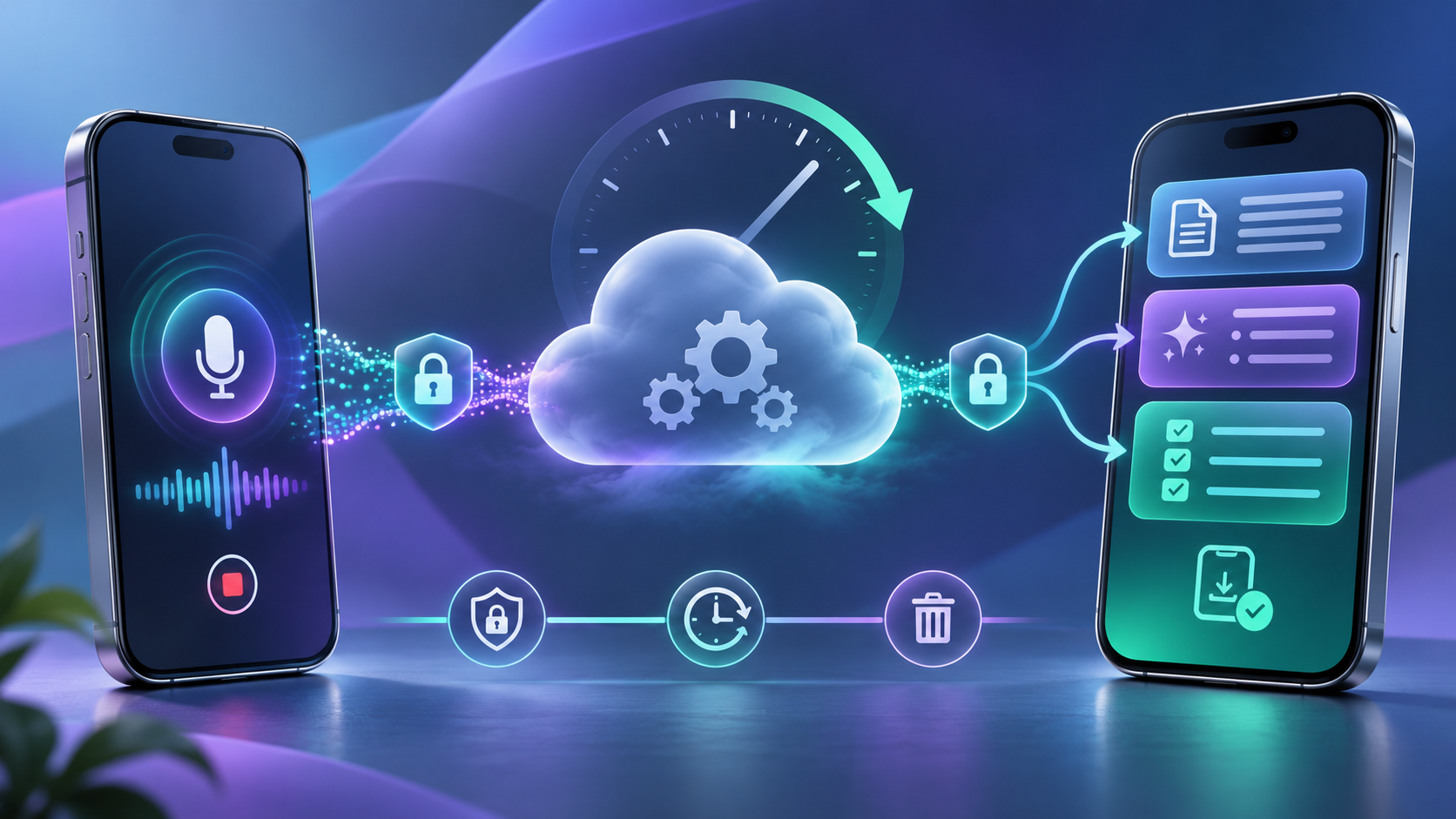
Voice Notes may use local and third-party AI processing; temporary handling windows differ from the note saved on your device or connected storage.
Readdle’s Privacy Notice says Documents may use AI models that run locally on the device and/or models supplied by Azure OpenAI, OpenAI, Claude and Vertex AI. Readdle may switch between providers. The notice does not promise that every Voice Note stays entirely on the device, so a confidential meeting should not be recorded on the assumption that processing is always local.
For normal Voice Notes processing, the notice lists the text transcription and transcription summary as data Readdle stores for up to one hour. It separately says AI providers may retain inputs for up to 30 days for abuse and misuse monitoring, unless a longer period is required by law. Readdle states that it does not use user data to train AI models.
Those processing windows are not the same as the finished Voice Note file. Readdle says the original recording, summary, follow-ups and transcript are saved together in Documents. The file can remain on the device or in a connected cloud location until the user moves or deletes it, subject to that storage service’s own synchronization, backup and retention rules.
Thumbs-down feedback changes the retention story
The Privacy Notice describes longer handling when a user sends feedback. Files attached to feedback and an audio recording can be stored for six months or until consent is withdrawn, whichever happens first. For thumbs-down feedback, a file summary, Voice Notes transcript and transcription summary can be stored for six months or until the user objects to the processing, whichever happens first.
That does not mean every note is retained for six months. It means feedback can create a different support and review pathway. Before submitting a negative-rating report on a sensitive note, check what will be attached and whether the report can be reproduced with a harmless sample instead.
Documents Plus: unlimited minutes is not unlimited storage
Readdle advertises no recording-minute limit for Voice Notes under Documents Plus, and a seven-day trial for new users. It does not say that every recording is free of practical limits. Long audio files consume local storage, take longer to upload or synchronize and can count against the quota of a connected cloud account. Mobile data use and battery life also matter during long sessions.
Before a trial converts to a paid plan, confirm the current price, renewal period and cancellation controls shown in the App Store for the user’s country. App Store pricing and promotional terms can change, so a fixed price copied from another region is less reliable than the checkout screen tied to the account.
Recording consent and confidential meetings
Readdle’s own setup guidance says to make sure everyone agrees to be recorded. That is the minimum practical rule. Recording law can depend on where each participant is located, and a workplace, school, court, clinic or client may impose stricter policies than local law. Ask before recording, state that AI transcription is involved and make it easy for a participant to decline.
For regulated, privileged or commercially sensitive discussions, use only tools approved by the organization. If approval is unclear, take manual notes or record a non-sensitive recap after the meeting. AI output can also contain errors, so a Voice Note should not become an authoritative legal, medical, financial or employment record without human review.
How to improve transcript quality
- Use the quietest room available and move the device away from fans, keyboards and loud cups or dishes.
- Place the microphone near the center of the conversation rather than in a pocket or at the far end of a long table.
- Ask people to avoid talking over one another and to identify themselves when speaker attribution matters.
- Repeat unusual names, model numbers, addresses and deadlines clearly.
- For multilingual sessions, pause between speakers and review whether the dominant-language summary preserved the minority-language point.
- Keep the original audio until the transcript, summary and follow-ups have been checked and the retention policy is clear.
A compatible USB-C microphone option
For a compatible USB-C iPhone or iPad, the RØDE VideoMic Me-C+ directional microphone (ASIN B0DCBM3VN5) is a relevant compact option to evaluate. RØDE lists USB-C operation with compatible iOS and Android devices, direct digital audio, headphone monitoring and no battery requirement. The manufacturer also says it is not compatible with Lightning devices.
Documents does not specifically certify this microphone in the Voice Notes announcement, so test a short recording and confirm the app is using the external input before relying on it for an important session. Check the exact model, seller, connector, current price and return policy. As an Amazon Associate, ReaderSpice may earn from qualifying purchases made through this link, at no extra cost to you.
Who should use it—and who should wait
A good fit
- Students who already organize lecture files in Documents and have permission to record.
- Teams that want audio, a transcript and follow-ups in one portable note file.
- Travelers, journalists and creators capturing their own ideas or clearly consented interviews.
- Bilingual users who need a mixed-language transcript and understand the dominant-language summary behavior.
Reasons to wait or use another workflow
- The organization prohibits third-party AI processing or has not approved the listed providers.
- Participants have not agreed to recording and transcription.
- The job requires verified speaker identification, certified transcription or a guaranteed local-only pipeline.
- A long recording would create storage, upload or retention problems that have not been planned for.
The bottom line
Readdle Documents Voice Notes is most useful because it keeps the recording, summary, follow-ups and transcript together in a file manager people may already use. Setup is simple, the mixed-language behavior is clearly described, and the lack of recording-minute limits can make Plus appealing to frequent note takers.
The privacy decision is less simple. Readdle documents local and third-party AI options, a normal Voice Notes processing window of up to one hour, provider monitoring retention of up to 30 days and longer feedback-related handling. Get consent, avoid unapproved sensitive material, review the generated text against the audio and treat every exported or synchronized copy as a separate file that must be secured.
Sources
- Readdle: Capture conversations and ideas with Voice Notes in Documents
- Readdle: How to record and transcribe voice notes on iPhone and iPad
- Readdle: Documents Privacy Notice, updated November 2, 2026
- Apple App Store: Documents – File Manager & VPN
- RØDE: VideoMic Me-C+ product specifications and compatibility
- Amazon: RØDE VideoMic Me-C+ directional microphone (ASIN B0DCBM3VN5)