
Sony has released PlayStation Portal system software version 7.3.0 with two practical quality-of-life changes: a faster way to manage 3D audio while a game is running and a more responsive search experience for cloud-streaming titles.
The update is not a major redesign, but it removes friction from features that Portal owners use repeatedly. Here is what changed, how to install it and what the update does not add.
PlayStation Portal 7.3.0 quick take
- 3D audio can now be turned on or off while a game is running from Settings > System > 3D Audio.
- Search results can appear as you type, and a QR code can continue a PlayStation Store search in the PlayStation App or a web browser.
- Sony also lists system-performance, stability, messaging and usability improvements.
- The update does not add ordinary Bluetooth audio; Portal still uses compatible PlayStation Link wireless devices, wired 3.5mm headphones or its built-in speakers.
What version 7.3.0 changes
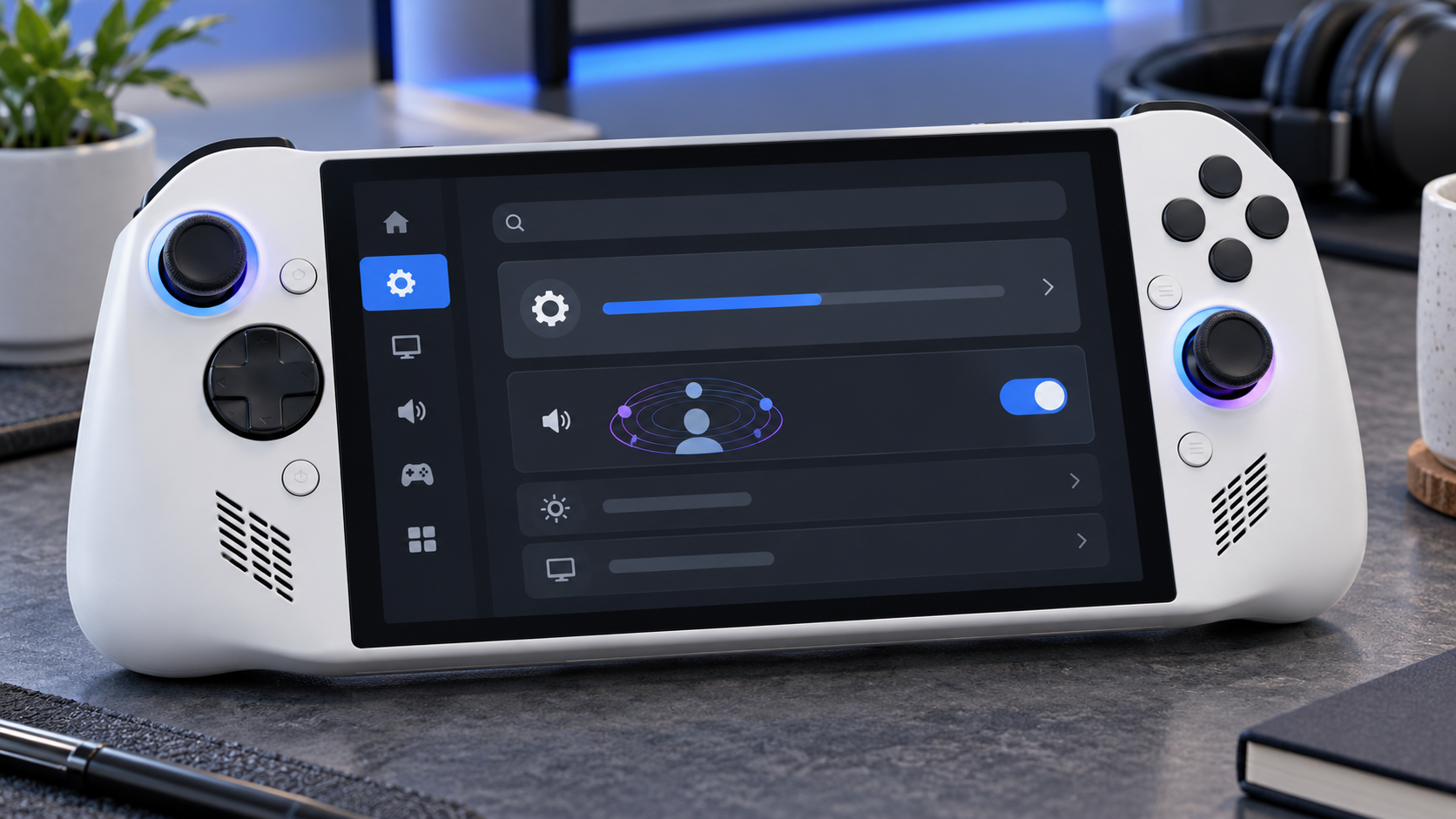
PlayStation Portal already supported Tempest 3D Audio with version 6.0.0. Version 7.3.0 makes the feature easier to control during play instead of treating it like a set-and-forget setting. Open the quick menu, choose Settings, then System and 3D Audio to switch the effect on or off without ending the session.
That matters because spatial audio is not equally useful in every game or with every headset. A cinematic single-player game may benefit from stronger directional cues, while dialogue-heavy or competitive play can sound clearer with a simpler mix. The new toggle makes comparison immediate.
Sony says 3D audio works when a compatible headset or earphones are connected and the game supports the feature. A wired headset connected to the 3.5mm jack or a PlayStation Link wireless headset can be used. Version 7.3.0 does not turn Portal into a general Bluetooth-audio device.
Search is faster and can hand off to another screen
The other visible change is search. Results now update in real time as the user types. Sony also added a QR-code handoff so a search can continue in PlayStation Store through the PlayStation App or a web browser.
That should reduce the awkwardness of entering long game names on the handheld screen. It is especially useful for cloud streaming, where PlayStation Plus Premium members can browse supported titles from their catalog or eligible digital library without first connecting to a PS5.
How to install the PlayStation Portal 7.3.0 update
- Connect Portal to a stable Wi-Fi network and make sure it has enough battery power or is plugged in.
- Swipe left from the upper-right corner to open the quick menu.
- Choose Settings > System > System Software.
- Select System Software Update and follow the on-screen instructions.
If Portal is several releases behind, Sony says it may need to download and install more than one update. That is normal. Do not power off the handheld or interrupt its network connection while the software is being installed.
What the update does not change
Portal still offers two different ways to play. Remote Play connects to a paired PS5 and does not require PlayStation Plus by itself, although an individual game may require a membership for online multiplayer. Cloud Streaming requires PlayStation Plus Premium and can run supported games without using the owner’s PS5.
The hardware limits are unchanged: the 8-inch LCD can display up to 1080p at 60 frames per second, and streaming quality depends on the network. Sony lists 5Mbps as the minimum connection and recommends at least 15Mbps for a better experience. A firmware update cannot compensate for weak Wi-Fi, congestion or high latency.
Version 7.3.0 also does not reverse the battery-health behavior introduced with version 7.1.7, which defaults charging to an 80% limit. Owners who prioritize maximum time away from a charger can change that setting under Settings > System > Battery, but repeatedly charging above 80% can reduce long-term battery health.
Who will notice version 7.3.0 most
Owners who use headphones and regularly switch between cinematic games, competitive games and voice-heavy titles will get the clearest benefit from the in-game 3D-audio control. PlayStation Plus Premium subscribers who browse a large cloud catalog should notice the search improvements most.
Anyone who uses Portal only for a few Remote Play games may see little beyond the stability and interface refinements. Even so, installing the update is sensible because Sony recommends current system software for security, service compatibility and reliable operation.
Buying a PlayStation Portal now
The current PlayStation Portal Remote Player remains the relevant hardware for this update. Before buying, confirm that your home network reaches the rooms where you plan to play and that your preferred headphones connect through PlayStation Link or the 3.5mm jack. Check the current PlayStation Portal Remote Player on Amazon and verify the seller, color and return policy before ordering.
As an Amazon Associate, ReaderSpice earns from qualifying purchases.
The bottom line
PlayStation Portal 7.3.0 is a focused convenience update. The in-game 3D-audio toggle saves repeated menu travel, while live search results and QR handoff make it easier to find a title without wrestling with the handheld keyboard.
It does not transform the device or solve network-related streaming problems, but it improves two everyday interactions without changing how Portal works. Owners can install it from Settings > System > System Software.
Sources
Sony Interactive Entertainment: PlayStation Portal system software version 7.3.0
Sony Interactive Entertainment: PlayStation Portal user guide and update instructions
Sony Interactive Entertainment: PlayStation Portal specifications and compatibility
MP1st: PlayStation Portal 7.3.0 release report