
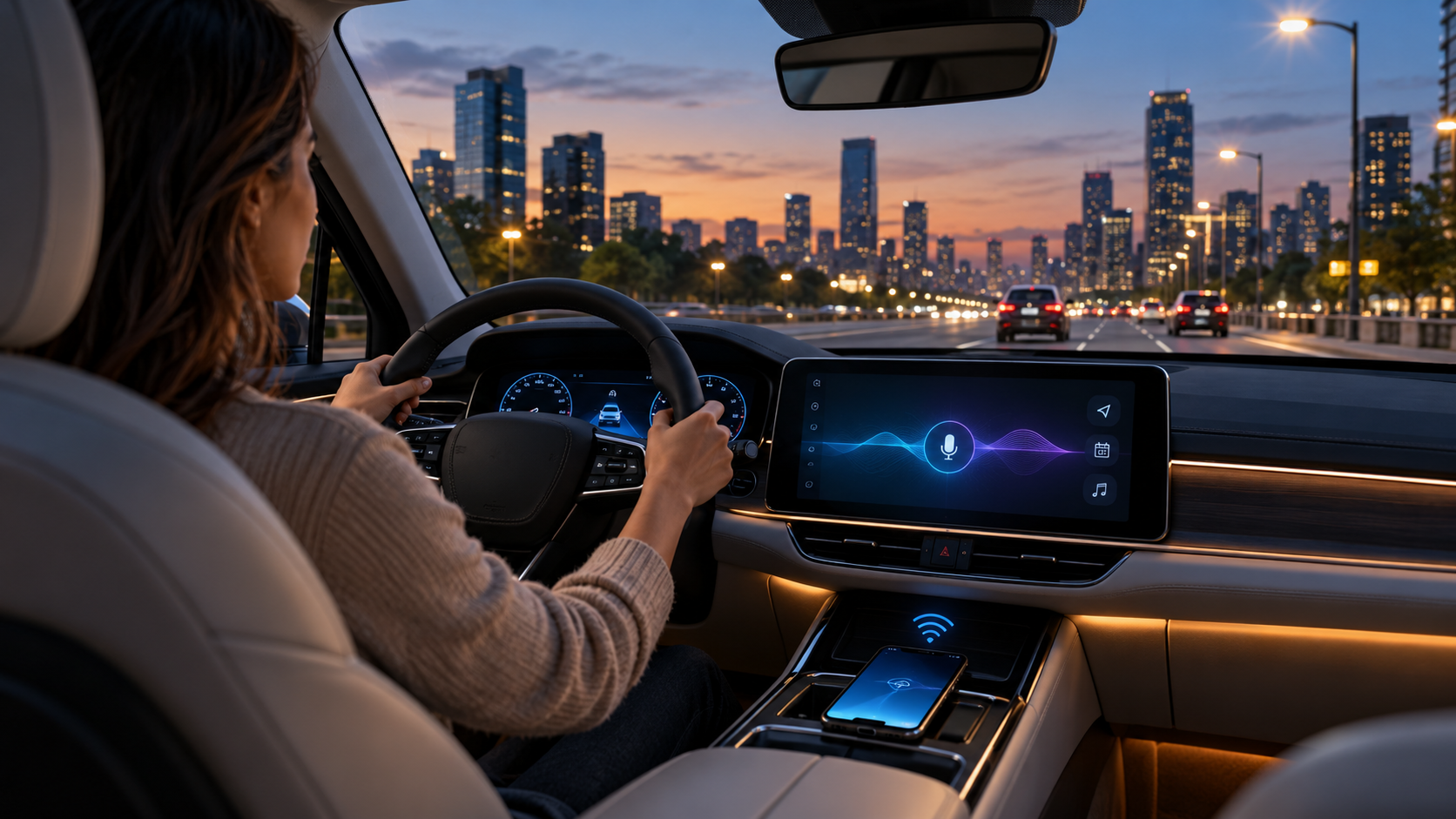
Google is bringing Personal Intelligence to the dashboard. Starting October 20, 2026, eligible Gemini users can ask more contextual questions through Android Auto, such as finding a flight gate from an email, navigating to an appointment from a calendar entry or locating a place remembered from a photo.
This is not a separate car subscription or a replacement for Android Auto. It is an optional personalization layer inside Gemini that connects selected Google apps. The rollout begins on Android Auto now and reaches cars with Google built-in over the coming months, with important account, age, region and privacy limits.
Gemini Personal Intelligence in cars at a glance
- Personal Intelligence is rolling out to Android Auto starting October 20, 2026.
- Cars with Google built-in are scheduled to receive it over the coming months rather than all at once.
- Eligible users must use a personal Google Account, be at least 18 and opt in.
- The feature can connect information from Gmail, Google Calendar, Photos, Maps, YouTube and Search.
- Android Auto still works for navigation, calls, messages, music and general questions when Personal Intelligence is off.
- Google says the initial Personal Intelligence rollout excludes the European Economic Area, Switzerland, the United Kingdom and Nigeria.
Who is eligible for the first rollout
Google’s launch note narrows the initial audience more than the phrase “available globally” may suggest. Personal Intelligence is rolling out to eligible personal Google Accounts for adults age 18 and older. Workspace business, enterprise and education accounts are not included in this phase.
The feature is also unavailable initially in the European Economic Area, Switzerland, the United Kingdom and Nigeria. Gemini and Android Auto have their own language and country availability, so a supported phone and vehicle do not guarantee the new option will appear immediately.
Because this is a staged rollout, two people with similar phones and vehicles may receive the setting at different times. Updating the Google app, Gemini app and Android Auto is sensible, but repeated reinstallations will not force an account-side rollout.
How Personal Intelligence changes the driving assistant
Gemini already supports common in-car tasks such as calls, messages, navigation and media control. Personal Intelligence adds permission-based retrieval and reasoning across a user’s connected Google information. The practical difference is that a request can rely on context the driver does not want to search for manually.
Flights, appointments and saved details
A driver can ask for a flight gate and current status without opening the confirmation email, or say “Take me to my doctor’s appointment” without reciting the address. Gemini can combine a calendar entry, message or email with current route information when the required apps are connected.
Routes and recommendations that use personal context
Google gives the example of asking for an indoor restaurant along the current route that matches the user’s usual preferences. The answer may draw on Maps activity and other connected data. That can reduce taps, but it should be treated as a recommendation rather than a guarantee that hours, dietary options or accessibility details are current.
Photos and earlier conversations
Personal Intelligence can retrieve a place associated with a photo or continue from a prior conversation, such as navigating to a coffee shop discussed the day before. Those examples show why the feature is more sensitive than a generic voice search: useful answers may depend on private communications, images and activity history.
How to turn on Personal Intelligence for Android Auto
If the setting is available on the account, configure it while parked rather than while driving:
- Open the Gemini app on the Android phone used with Android Auto and sign in with the intended personal Google Account.
- Open Gemini settings and choose Personal Intelligence or the connected-app personalization controls shown for the account.
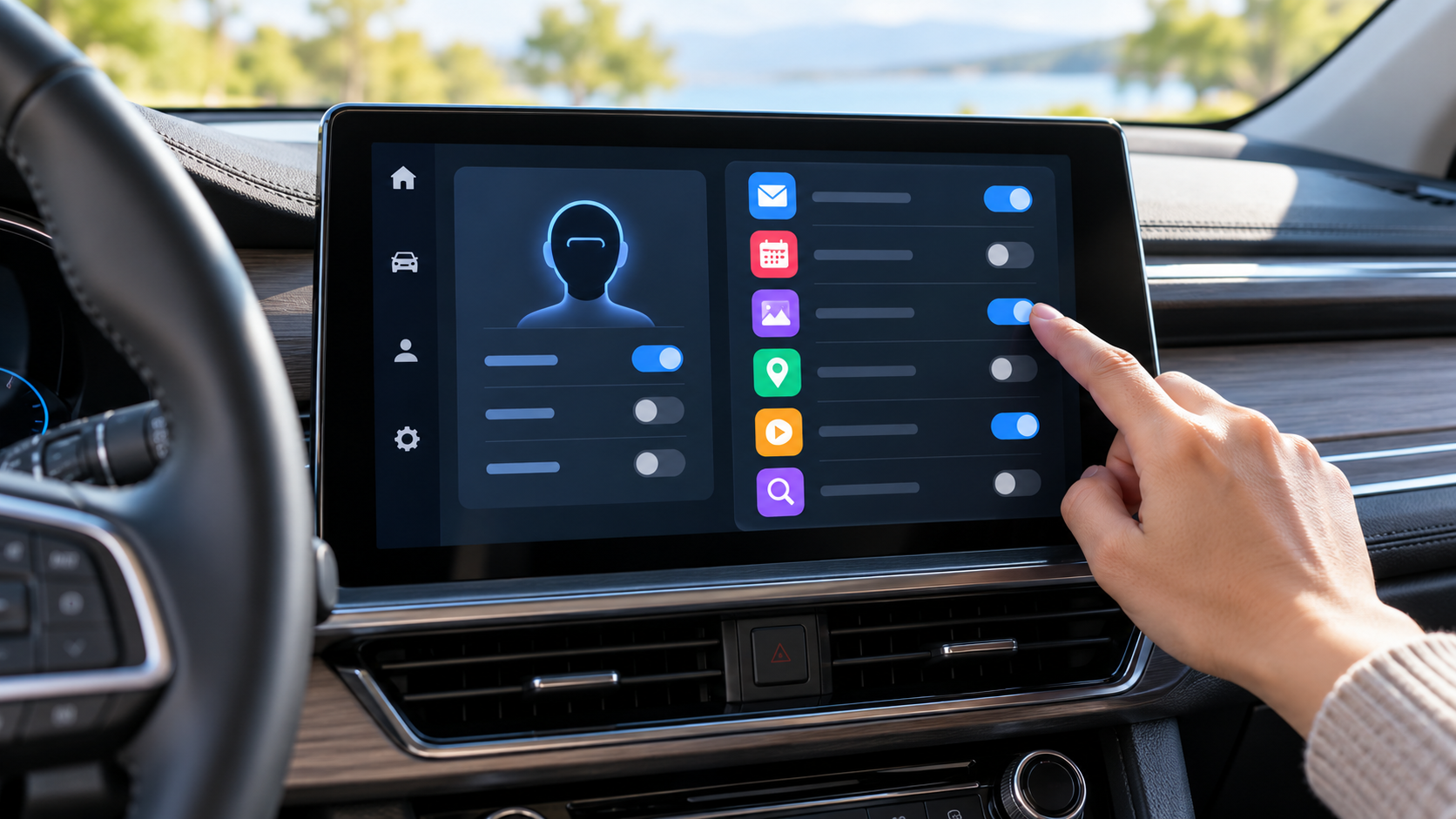
- Review the available Google apps and enable only the sources needed for in-car requests. Gmail and Calendar may help with travel and appointments; Photos adds a much broader personal-data surface.
- Confirm that Gemini is the phone’s default digital assistant and that Voice Match and “Hey Google” are enabled if hands-free activation is desired.
- Connect the phone to a compatible Android Auto vehicle, then test a low-risk request while the car is parked.
- Return to Gemini settings whenever an app should be disconnected or Personal Intelligence should be turned off.
Users who already enabled Personal Intelligence in the Gemini app do not need to create a second profile for the car. Google says the setting carries into Android Auto. The exact menu wording can change as the rollout progresses, so eligibility matters more than matching a screenshot from another account.
Android Auto requirements
Google’s current help page lists three baseline requirements for using Gemini through Android Auto: an Android phone with at least 2 GB of RAM and Android 11 or newer, Gemini selected as the phone’s digital assistant, and a vehicle that supports Android Auto.
To start a session, use “Hey Google,” tap the microphone on the vehicle display or press and hold the steering-wheel voice button when the vehicle supports it. Voice activation requires Voice Match and “Hey Google.” Gemini Live can be started by saying “Let’s talk Live,” and the conversation can be ended with “Stop.”
These requirements describe Gemini in the car, not a promise that Personal Intelligence is enabled for every compatible account. A driver may have working Gemini navigation and messaging before the personalized layer appears.
Cars with Google built-in follow a different path
A vehicle with Google built-in runs Google services on the car’s native infotainment system instead of projecting Android Auto from a phone. The driver signs into a Google Account in the vehicle and selects Gemini under the car’s Google Assistant settings when that option is available.
Google says Personal Intelligence is coming to these vehicles over the next several months. It also says personalized responses are shared in a Google built-in car only when the user is in the vehicle with the connected phone. Vehicle software must be current, and availability can vary by manufacturer, model, region and release schedule.
What still works when Personal Intelligence is off
Turning off personalization does not disable the core in-car assistant. Drivers can still navigate, play music, place calls, send messages and ask general questions. Answers simply will not use connected personal context to infer an appointment, retrieve a flight confirmation or remember a place from Photos.
That separation makes a cautious rollout possible. A user can first use Gemini for ordinary voice tasks, then connect one source at a time. Someone who only wants hands-free navigation has no reason to grant Photos or Gmail access.
Privacy controls deserve a careful read
Connected Apps are opt-in, and individual connections can be removed in Gemini settings. Google also links availability to the Keep Activity setting. With Keep Activity off, Android retains access to a narrower group of device-assistance, calling and messaging integrations, while services such as Google Workspace may be unavailable.
Disconnecting an app is not the same as deleting past Gemini activity. Google’s documentation says information already stored in Gemini Apps Activity can remain until the user deletes it. Deleting a message, photo or file in its original app also does not automatically erase related Gemini activity.
Google states that a subset of interactions and connected-app data can be reviewed by trained service providers to debug, protect and improve its services. It advises users not to connect apps containing personal or confidential information they would not want used for model improvement or seen in a review context. Google also describes privacy-reducing techniques, but the safest control remains limiting what is connected.
Driving safety and family considerations
Personal Intelligence can reduce manual searching, but it does not make every answer reliable. Google warns that Gemini can hallucinate and present inaccurate information as fact. Do not rely on it for safety-critical directions, emergency decisions or information that should be confirmed with an airline, medical provider or official alert.
Gemini in Android Auto is available to anyone in the vehicle, including children who may hear the responses. Google recommends reminding children that Gemini is an AI tool rather than a person and notes that some content may not be age appropriate.
A good rule is to finish setup, permissions and testing while parked. During a trip, use short voice requests and keep attention on the road. If a response is confusing, stop the interaction instead of troubleshooting the account while moving.
Troubleshooting when the option does not appear
- Confirm that the account is personal, belongs to an adult and is in an included region.
- Update the Google app, Gemini app, Android Auto and the vehicle’s infotainment software.
- Verify that Gemini is the default digital assistant on the phone.
- Check that the phone runs Android 11 or newer and has at least 2 GB of RAM.
- Review Voice Match, microphone, contacts, phone and notification permissions needed for the intended task.
- Remember that staged availability can delay the feature even when every local requirement is satisfied.
A secure mount can still be useful for a phone that supplies Android Auto or handles setup outside the dashboard. The Miracase air-vent car phone mount on Amazon is a verified option for many 4.0- to 7.2-inch phones, although the listing says it is not designed for round vents. Mount placement must not block the driver’s view, vehicle controls or an airbag path.
As an Amazon Associate, ReaderSpice earns from qualifying purchases.
Who should enable it
The strongest use case is a driver who already keeps accurate travel, calendar and location information in Google services and frequently needs it hands-free. Frequent flyers, field workers and people moving between appointments may gain the most from natural requests that combine multiple sources.
Drivers who share a vehicle, use highly confidential work accounts or prefer minimal activity retention should start with ordinary Gemini and connect nothing. Personal Intelligence is optional; convenience should be weighed against the sensitivity of the apps being linked.
Bottom line
Gemini Personal Intelligence makes Android Auto more context-aware without changing the basic Android Auto experience. The first rollout is for eligible personal accounts, adults and supported regions, while cars with Google built-in follow later. The feature can save time by finding details across Google services, but its value depends on careful app selection, realistic expectations and setup completed before the vehicle moves.
Sources
Official Google Blog: Get hands-free personalized help on the road with Gemini
Gemini Apps Help: Chat with Gemini in your car
Gemini Apps Help: About personalization with Connected Apps
Gemini Apps Help: Use and manage Connected Apps
Inline image: Privacy and connected-app controls for an in-car AI assistant
Inline image alt text: Driver reviewing connected app privacy controls on a parked car display