
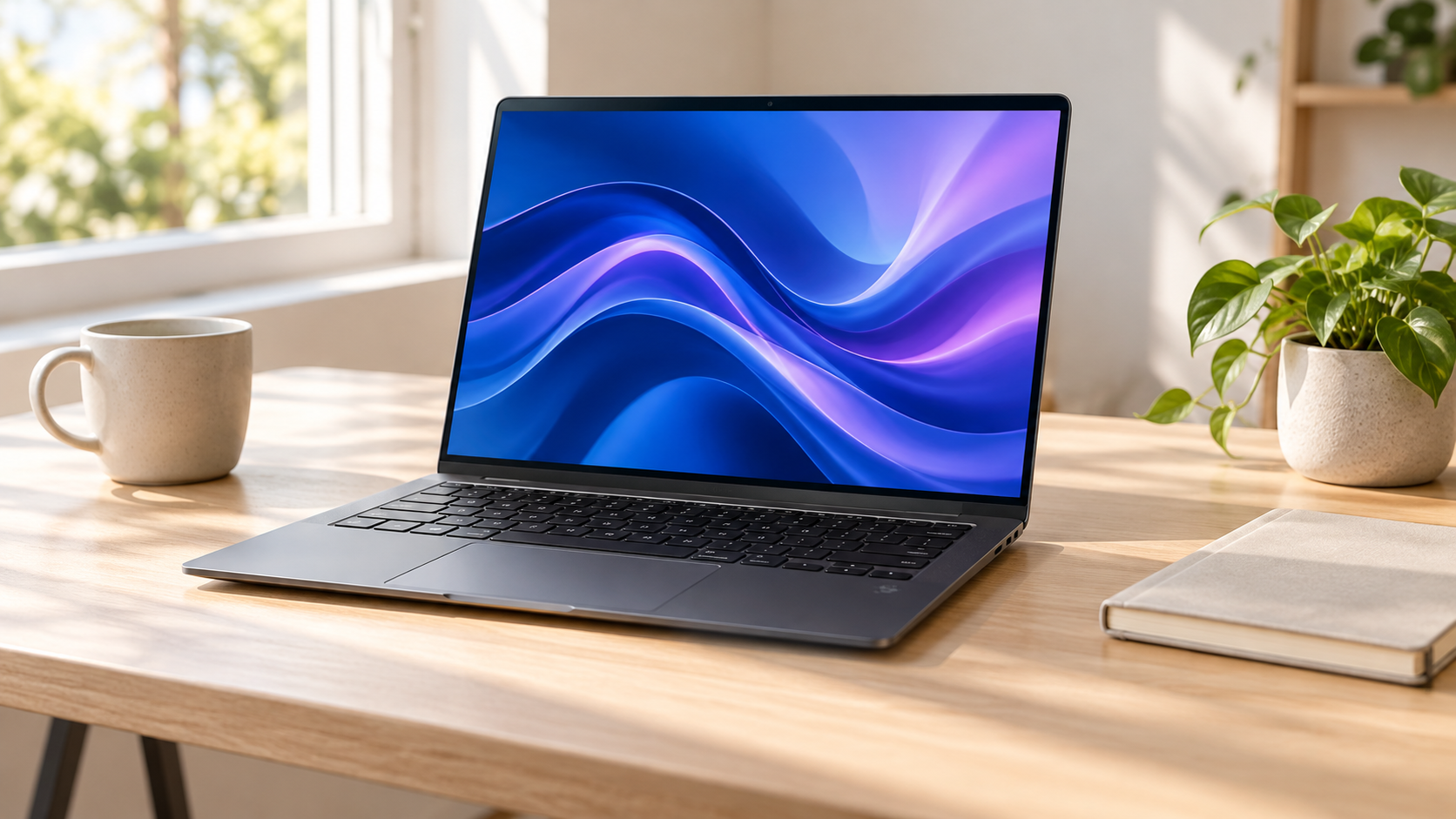
Apple has refreshed the entry-level 14-inch MacBook Pro with its M6 chip, Wi-Fi 7 and Bluetooth 6. The laptop starts at $1,999 in the United States with 16GB of unified memory and a 1TB SSD. Preorders open October 28, and deliveries and store availability begin November 6.
This is a focused performance update, not the touchscreen OLED redesign that has been reported for other MacBook Pro models. The aluminum chassis, Liquid Retina XDR display, camera, speakers and port selection remain familiar. That makes the buying decision less about appearance and more about whether the base M6 chip, memory ceiling and Thunderbolt 4 connectivity fit the work.
M6 MacBook Pro price and release date
Apple sells the M6 model only in the 14-inch size. It sits below the M5 Pro and M5 Max configurations that remain in the MacBook Pro lineup.
The M6 launch details are:
- The 14-inch M6 MacBook Pro starts at $1,999.
- The education price starts at $1,899.
- Preorders open Wednesday, October 28, 2026.
- Deliveries and retail availability begin Friday, November 6, 2026.
- Space black and silver finishes are available.
- The standard configuration includes 16GB of memory and 1TB of storage.
Memory can be configured to 24GB or 32GB. Storage choices are 1TB, 2TB and 4TB. The starting configuration is generous enough for many office, development and creative workflows, but neither memory nor internal storage can be upgraded later. Buyers should price the machine they will need several years from now, not only the least expensive checkout option.
What the M6 chip changes
The M6 has a 12-core CPU with two super cores, four performance cores and six efficiency cores. Its 12-core GPU includes Neural Accelerators and hardware ray tracing, while a dual 16-core Neural Engine handles machine-learning work. The media engine accelerates H.264, HEVC, ProRes and ProRes RAW, and it can decode AV1 video.
Apple claims up to 30 percent faster graphics and up to 25 percent faster AI workloads than the M5 MacBook Pro. The company also cites up to 1.2 times faster multithreaded CPU performance. Those are manufacturer-controlled comparisons, so results will vary by application, project size and sustained workload. Independent testing will be especially important for fan noise, long exports, game performance and local AI models.
Memory bandwidth is another configuration detail. The 16GB version is listed at 153GB/s, while 24GB and 32GB models reach 170GB/s. A larger memory configuration therefore provides both capacity and bandwidth, which can matter for large photo libraries, code builds, virtual machines and on-device models.
The display and design stay familiar
The 14.2-inch Liquid Retina XDR display remains a major strength. Apple lists a 3024-by-1964 resolution, ProMotion refresh rates up to 120Hz, one billion colors, P3 wide color and up to 1,600 nits of peak HDR brightness. A nano-texture option is available for bright rooms and glare-sensitive work.
There is no OLED panel, touch input or major chassis redesign on this model. The 12-megapixel Center Stage camera, six-speaker audio system, three-microphone array, Magic Keyboard and Force Touch trackpad continue. Space black and silver are the only finishes.
That continuity is useful for buyers who already like the 14-inch design, but it reduces the case for replacing a recent MacBook Pro. An M5 owner will see a faster processor and newer wireless standards, not a fundamentally different screen, keyboard, camera or travel experience.
Ports and external displays remain a strength
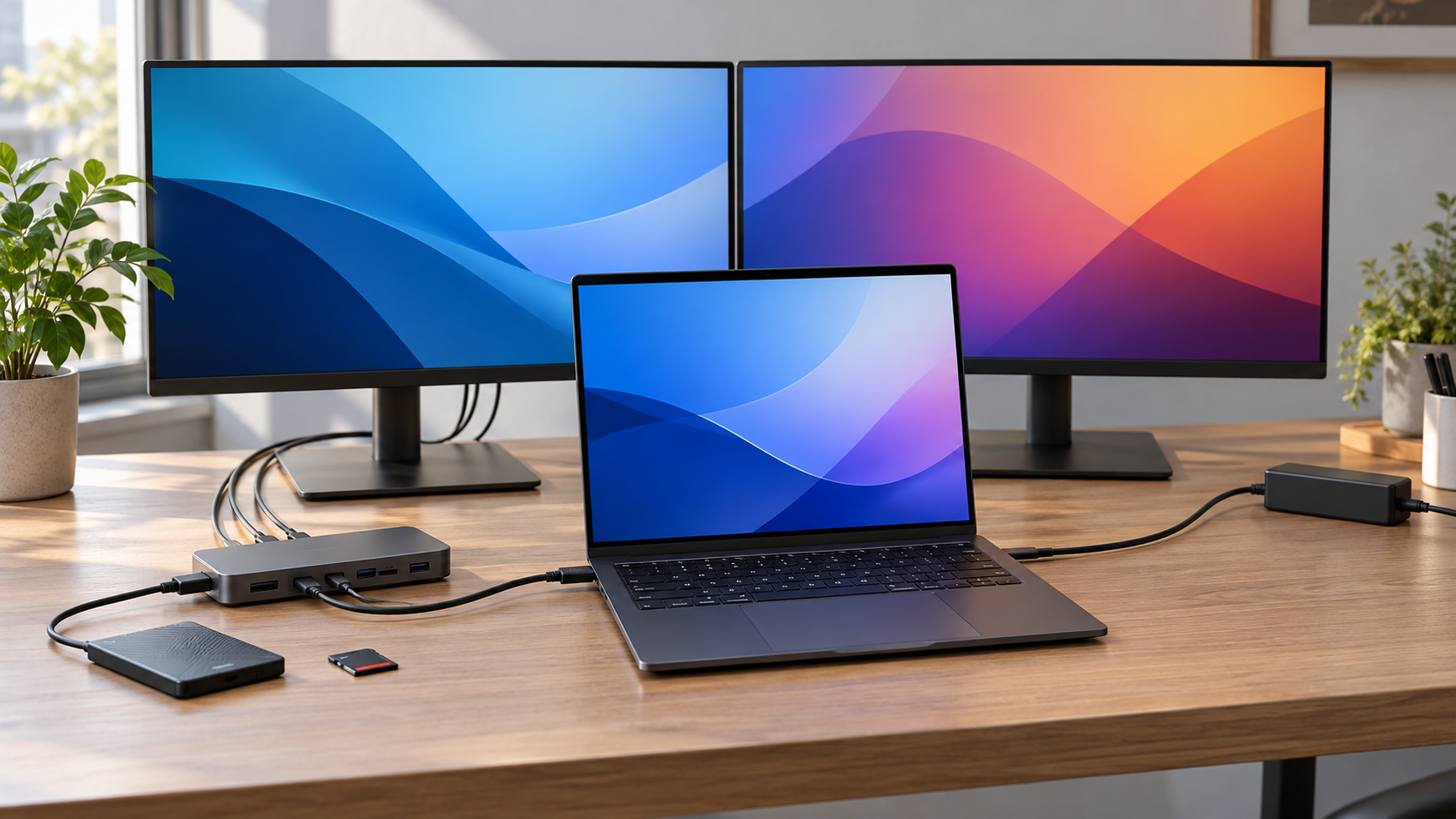
The M6 model includes MagSafe 3, HDMI, an SDXC card slot, a 3.5mm headphone jack and three Thunderbolt 4 ports rated up to 40Gb/s. It does not receive the Thunderbolt 5 ports found on the M5 Pro and M5 Max configurations. Photographers and video creators should account for that distinction when choosing high-speed docks, storage arrays and capture hardware.
Apple supports up to two external displays while the built-in screen remains active. The published combinations include two displays at up to 6K 60Hz or 4K 165Hz, or one display at up to 8K 60Hz, 5K 120Hz or 4K 240Hz. Buyers who need three or four external monitors should move to a Pro or Max configuration rather than assuming every 14-inch MacBook Pro has the same display limits.
The N1 wireless chip brings Wi-Fi 7, Bluetooth 6 and Thread. Wi-Fi 7 can improve throughput and latency on a compatible network, but the laptop cannot make an older router or slow internet connection faster. Thread is relevant mainly to compatible smart-home accessories.
The inline image above is an editorial illustration of a laptop using two external displays, a dock, storage and a memory card. It is not an Apple diagram, and actual accessories are sold separately.
Battery life and charging
Apple rates the M6 model for up to 24 hours of video streaming and up to 16 hours of wireless web use. The 72.4-watt-hour battery can charge through MagSafe or USB-C. Apple recommends at least a 60W power source for charging and specifies a 96W or higher USB Power Delivery source for fast charging.
Apple says a compatible 96W adapter can reach about 50 percent charge in 30 minutes. Real battery life will depend on display brightness, connected devices, background activity and whether the CPU and GPU remain under sustained load.
The Apple 96W USB-C Power Adapter is available on Amazon under ASIN B081FVQCHQ. It does not include a charging cable, and Amazon inventory can mix older packaging or sellers, so confirm the model, condition, seller and return terms before ordering. The MacBook Pro already includes a 70W adapter and MagSafe cable; a separate 96W unit is only relevant for buyers who want the faster charging option.
Disclosure: ReaderSpice may earn a commission from qualifying Amazon purchases made through the link above, at no additional cost to you.
Who should upgrade from an Intel MacBook Pro
Intel owners have the clearest reason to move. The practical benefits extend beyond benchmark claims: current macOS support, Apple silicon efficiency, a much stronger media engine, longer battery life, modern wireless connectivity and quieter performance in everyday work.
Before switching, audit specialized software, plug-ins, drivers and peripherals. Rosetta can run many Intel applications, but it does not guarantee that an old audio interface, printer, security tool or business application will behave exactly as it did on the previous machine. Check each critical vendor before retiring a working Intel system.
The M6 model is a strong replacement for an aging 13-inch or 15-inch Intel MacBook Pro when 32GB of memory and two external displays are enough. Workflows that need more memory, additional displays or Thunderbolt 5 should be priced against M5 Pro and M5 Max models instead.
Should M1, M2 or M3 owners upgrade?
M1 owners can gain a faster CPU and GPU, improved media handling, longer stated battery life, newer wireless standards and a more capable external-display setup. The decision becomes stronger when 8GB or 16GB of memory is already limiting the work, or when an older battery has lost substantial capacity.
M2 and M3 owners should identify a specific bottleneck first. Routine browsing, documents, streaming and video calls may not feel dramatically different. A large codebase, local AI model, 3D project or repeated video export can justify the upgrade, but a benchmark percentage by itself is not a reason to replace a functioning laptop.
Why most M5 owners should wait
The M5 MacBook Pro shares the same display, chassis, camera, speakers, port layout, 1TB starting storage and up-to-24-hour video-streaming claim. M6 adds CPU and GPU cores, newer wireless connectivity and a higher memory-bandwidth ceiling on larger-memory configurations, but the daily experience remains similar.
An M5 owner should upgrade only if independent testing proves that M6 saves meaningful time in a workload that is already slow, or if Wi-Fi 7, Bluetooth 6 or the revised external-display support solves a real requirement. Otherwise, keeping the M5 avoids spending at least $1,999 for an incremental refresh.
Which configuration makes sense
- Choose 16GB and 1TB for office work, school, web development, music playback and moderate photo or video projects.
- Choose 24GB when multitasking, development tools, creative apps or local AI work regularly push beyond 16GB.
- Choose 32GB for heavier virtual machines, large media projects and models that fit within the base chip’s limits.
- Add internal storage only after comparing Apple’s upgrade price with a reliable external SSD and the inconvenience of carrying it.
- Choose M5 Pro when Thunderbolt 5, more memory or three external displays matter more than having the newest base-generation chip.
- Wait for independent reviews when sustained performance, thermals, battery endurance or fan noise is central to the purchase.
The bottom line
The 14-inch M6 MacBook Pro is a capable, well-equipped entry to Apple’s professional laptop line. Its 12-core CPU and GPU, 1TB starting storage, excellent XDR display, useful ports and up-to-24-hour battery claim make it a strong replacement for an Intel Mac or an older Apple silicon model.
It is also a conservative update at a high starting price. The unchanged design, 32GB memory ceiling and Thunderbolt 4 ports mean buyers with demanding professional needs should compare the M5 Pro and M5 Max lineup carefully. Most M5 owners can wait. For everyone else, the right decision depends less on the M6 name than on memory, storage, external-display and connectivity requirements.
Sources
Apple Newsroom: Apple introduces the new 14-inch MacBook Pro with M6 — October 27, 2026
Apple: MacBook Pro technical specifications
The Verge: Apple updates the MacBook Pro with M6 chips — October 27, 2026
Macworld: Apple’s M6 MacBook Pro is here — October 27, 2026
Reuters: Apple launches M6 MacBook Pro and iMac — October 27, 2026
Amazon: Apple 96W USB-C Power Adapter (ASIN B081FVQCHQ)