
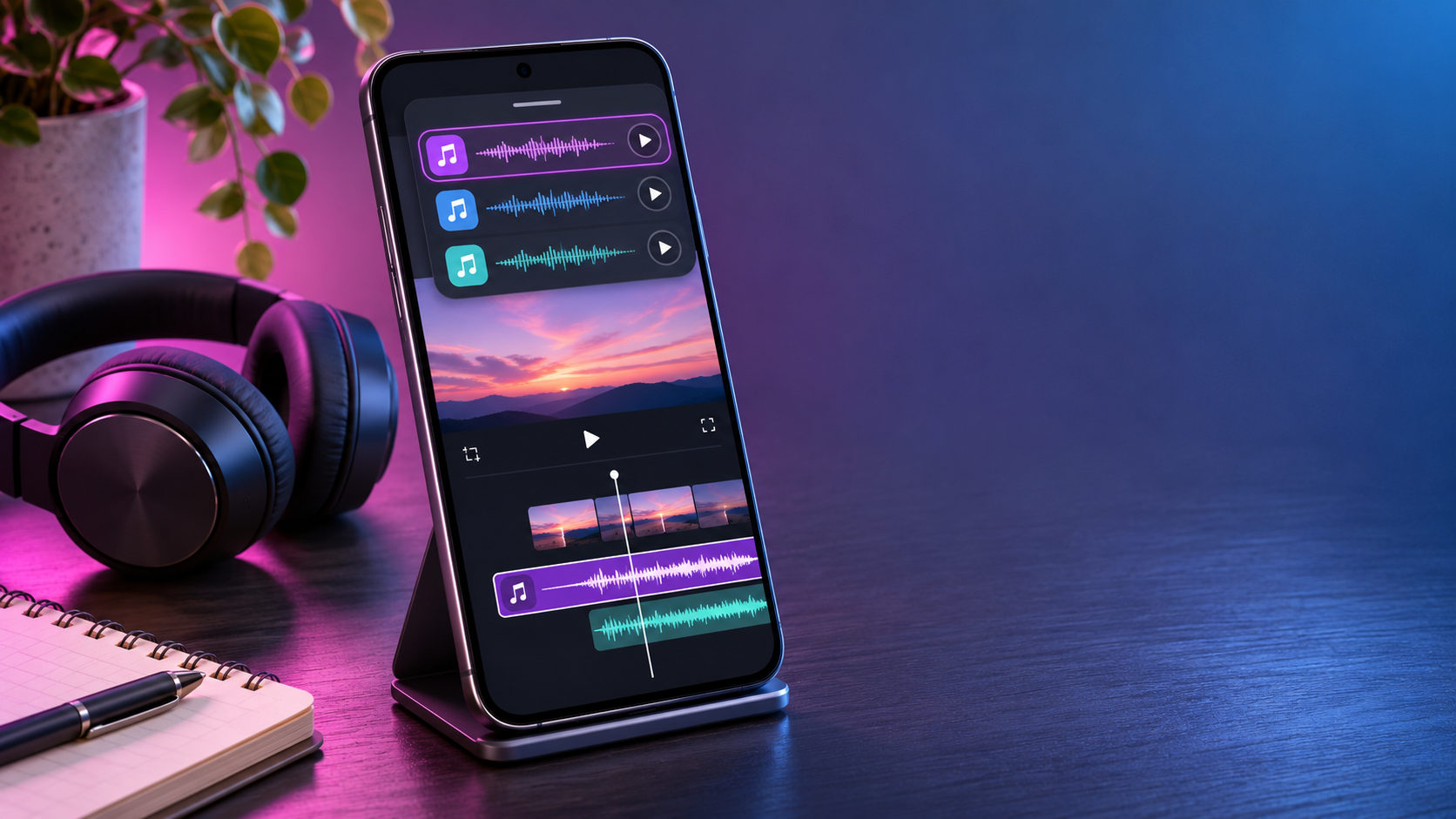
Adobe is preparing to put recognizable music from Universal Music Group and Warner Music Group directly inside Premiere mobile. The announcement is notable because the new catalog is designed for editing, not merely listening: creators will be able to discover a track, cut a video around it and export the finished project from the same mobile app.
The headline sounds simple, but the license is narrower than the phrase “fully licensed music” can suggest. Adobe says each project can use up to 60 seconds of a popular track, the music is for personal and non-commercial use, and the feature is only described as coming soon. Those limits matter to anyone posting monetized videos, producing client work or building branded social campaigns.
What Adobe announced
On November 3, 2026, Adobe said it was working with UMG and WMG to add music clips from leading artists to Premiere mobile. The library will sit inside Adobe’s free mobile editor rather than requiring users to import a song obtained elsewhere. Adobe’s announcement describes the following launch features:
- Browse, search and preview trending music by artist or track.
- Filter the catalog by genre and duration, bookmark favorites and explore label-curated collections.
- Place as much as 60 seconds of a popular song in a video.
- Start from customizable templates paired with music.
- Export the edit and post it to supported licensed social platforms.
Adobe has not published a firm release date, country list, named-artist roster or catalog size. “Coming soon” is the only timing provided, so readers should treat the feature as announced rather than universally available today.
How the music library will work
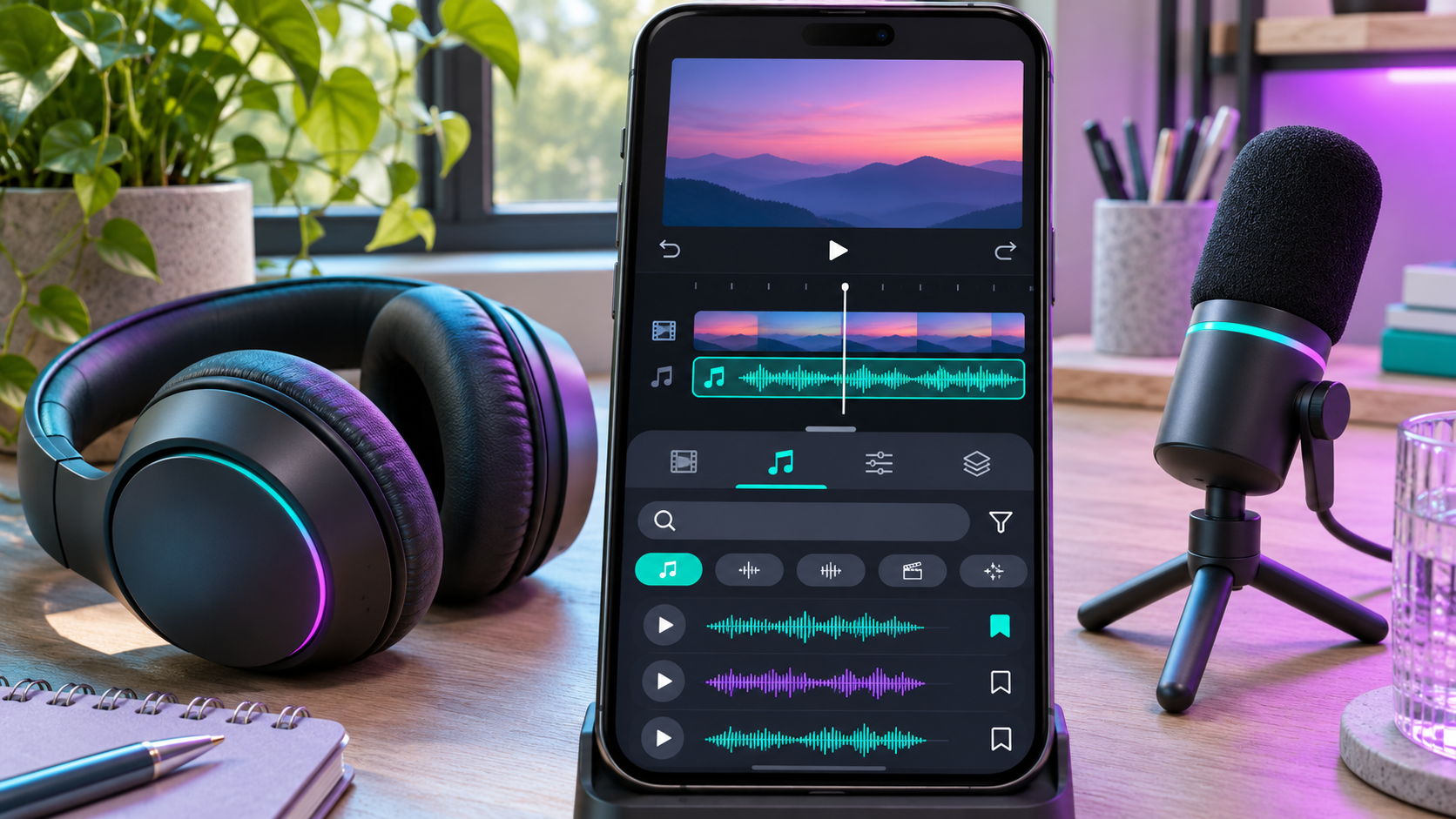
The planned workflow removes several steps from mobile editing. Instead of leaving Premiere, locating a song, downloading a file and checking whether it can be used, a creator will be able to audition tracks inside the app and add one to the timeline. Search by artist or title should help when someone already knows the song; genre and duration filters should be more useful when the edit needs a mood or a precise running time.
Bookmarks can also turn the catalog into a working shortlist. That sounds minor, but it is practical when an editor wants to compare several tracks against the same sequence. Label-featured collections and music-powered templates will provide a more guided route for short-form creators who prefer to begin with a rhythm and then fit clips to it.
Adobe has not explained whether every song will expose the same editable segment, whether creators can choose any 60-second passage, or whether some tracks will have shorter permitted excerpts. The in-app license screen at release will be more authoritative than assumptions based on the announcement.
The 60-second limit matters
Sixty seconds is enough for many Reels, Shorts and TikTok-style edits, but it is not a blanket license for a full song. A 90-second video may need a shorter music bed, a second cleared track or an original sound layer. Even in a video under one minute, editors should confirm that the selected clip and export remain within the limit shown by Premiere.
The cap also shapes the edit. Creators can choose the strongest musical moment, line up cuts with the beat and use natural sound or voiceover elsewhere. Saving a clean project version without the commercial track is sensible because it makes a future re-edit easier if the destination, client or licensing status changes.
Personal use is not commercial use
Adobe explicitly says UMG and WMG tracks will be licensed for personal, non-commercial use. That is the most important qualification in the announcement. A family video, hobby edit or ordinary personal post may fit that description; a paid client deliverable, sponsored clip, brand campaign, product advertisement or other revenue-generating project may not.
Monetization makes the boundary especially important. A creator account can contain both personal posts and commercial work, while platform programs may pay for otherwise ordinary videos. Adobe has not published a detailed decision tree for every scenario. If money, a client or a brand is involved, do not assume the mobile library covers the project. Adobe directs users who need commercial music toward Adobe Stock Audio.
Licensing language can change between announcement and launch, and individual tracks may carry their own terms. Read the license presented in Premiere mobile when selecting the song, note the date and destination, and keep a record with the project. For high-value campaigns, obtain advice from the rights holder or a qualified professional rather than relying on a general product announcement.
Where finished videos can be posted
Adobe says finished videos can be posted to a creator’s “favorite licensed social platforms,” but the announcement does not provide an exhaustive list. Secondary coverage has associated the feature with mainstream short-form destinations, yet the final set of supported services and territories should be confirmed inside the app when the library launches.
A license from the editing app and a platform’s automated copyright system are related but not identical. A supported upload can still be scanned, muted, restricted or routed through a dispute process if metadata does not match or rights differ by region. That does not necessarily mean the user lacks permission; it means the platform applies its own detection and enforcement workflow. Before a time-sensitive post, test the export privately or as an unlisted upload when the destination provides that option.
What Adobe has not confirmed
Several practical questions remain open:
- The exact release date and whether iPhone and Android receive the library simultaneously.
- Which artists, songs and catalog regions will be available at launch.
- Whether UMG and WMG content arrives together or in stages.
- Whether the same song can be used in multiple projects under one personal license.
- Which social platforms, territories and account types are covered.
- Whether the licensed catalog will later expand to Premiere Pro on desktop.
The absence of those details is not evidence that a feature is missing; it simply means Adobe has not committed publicly. Anyone planning a campaign around a particular song should wait for the live catalog and track-specific terms.
How to prepare Premiere mobile
- Install the current Premiere mobile release from the official app store and keep automatic updates enabled if appropriate.
- Sign in with an Adobe account if a catalog or asset prompts for authentication; local editing and export requirements can differ from cloud and stock features.
- Confirm the track’s permitted duration, territories, platforms and commercial status before editing around it.
- Save a clean duplicate of the project without the licensed track.
- Keep a screenshot or project note showing the license terms and export date.
- Recheck the destination platform’s music and monetization rules immediately before publishing.
Premiere mobile already includes tools beyond basic cutting, including Enhance Audio for reducing distracting noise and Firefly-powered options for generating creative assets. Some cloud or generative features can require sign-in, credits or a paid plan even though the core mobile editor is free. Check the current in-app prompt instead of assuming every asset follows the music library’s terms.
A useful mobile audio accessory
Editing starts with the recording. The Shure MV88+ USB-C Video Kit is a genuinely relevant option for creators who want cleaner source audio before bringing footage into Premiere mobile. Shure describes the kit as a phone-based recording rig with a stereo condenser microphone, phone clamp, Manfrotto PIXI tripod, USB-C and Lightning cables, real-time headphone monitoring and support for mobile recording apps. Verify connector compatibility with your specific phone before ordering.
Affiliate disclosure: ReaderSpice may earn a commission from qualifying Amazon purchases made through the link above, at no additional cost to you.
Bottom line
Adobe’s UMG and WMG partnerships could make Premiere mobile much more convenient for personal short-form editing. Searchable popular music, templates and an in-app workflow reduce friction, while the 60-second cap is compatible with many social videos. The catch is equally clear: the announced license is personal and non-commercial, the supported platform list is not yet public, and Adobe has not set an exact release date.
The right approach is to welcome the convenience without treating it as unlimited music clearance. Check the live track terms, keep evidence with the project and use a commercial catalog such as Adobe Stock Audio when the work involves a client, brand or monetization.
Sources
- Adobe — Premiere mobile adds music from UMG and WMG (November 3, 2026)
- Universal Music Group — Adobe Premiere mobile adds music from UMG (November 3, 2026)
- Adobe Help Center — Premiere on mobile FAQs
- The Verge — Adobe is adding licensed music to Premiere mobile
- Shure — MV88+ Video Kit product details