
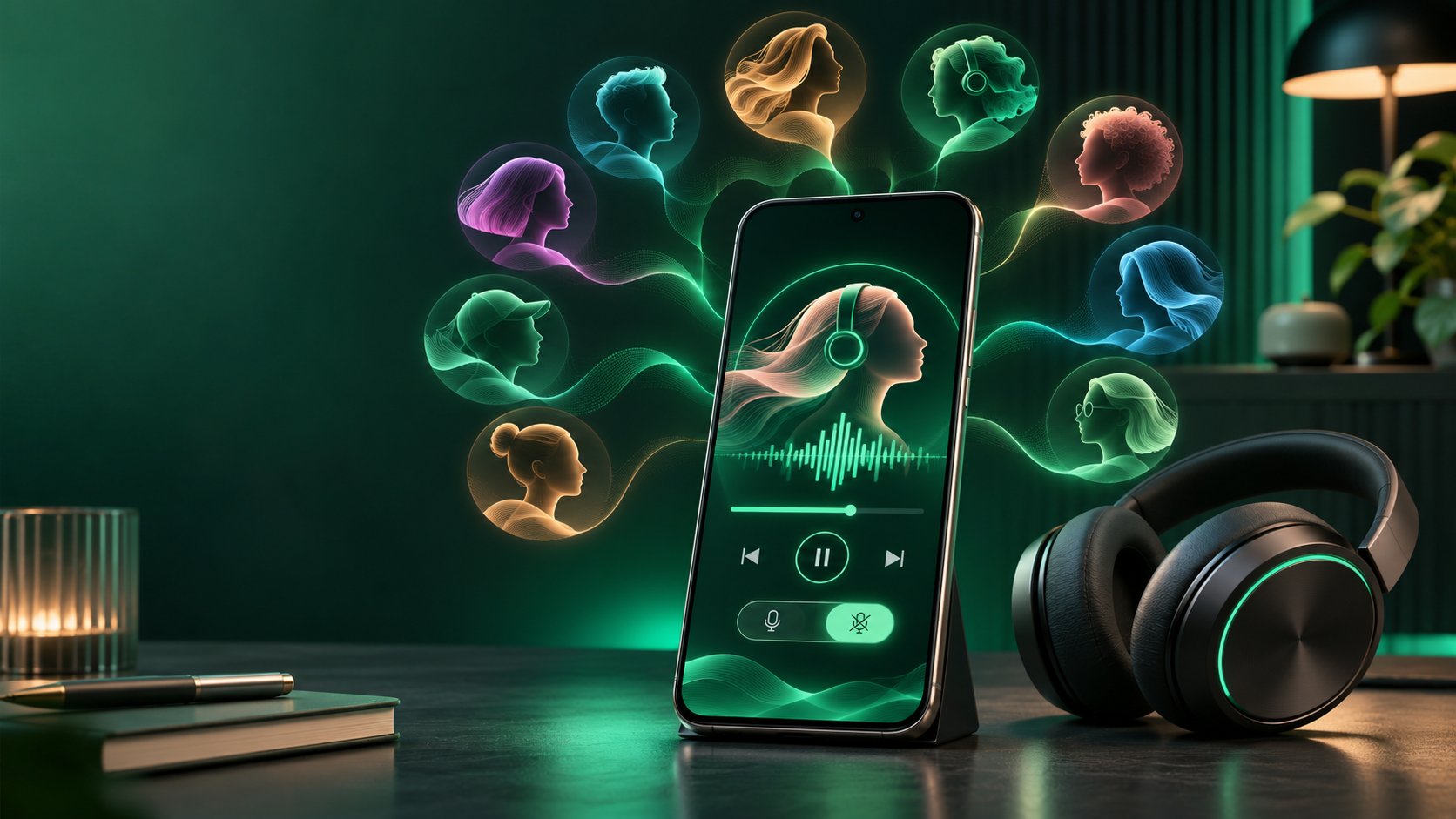
Spotify is giving its Premium-only DJ feature a more personal voice and a quieter mode. Beginning November 10, listeners in markets where DJ is available can choose from nine new English and Spanish voices in addition to DJ X. They can also turn off most commentary between songs while keeping DJ’s personalized music selection and request controls.
The commentary switch is the more practical change. It turns DJ into something closer to a hands-free personalized radio station for work, dinner or a long drive, while the voice picker lets listeners choose the accent and delivery they prefer. The update is rolling out rather than appearing in every eligible account at the same moment.
Spotify DJ’s November update at a glance
- New voices: seven in English and two in Spanish, joining the existing DJ X voice.
- English accents represented: American, Australian, British, Irish and Indian.
- Spanish options: Nico and Fabi, both identified by Spotify as Mexican voices.
- New control: commentary between music segments can be switched off.
- What remains: DJ still speaks briefly when a session starts or the DJ button is used to change direction.
- Who gets it: Spotify Premium listeners in markets where DJ is available.
- Rollout date: the staged rollout began November 10, 2026.
Nine new voices join Spotify DJ X
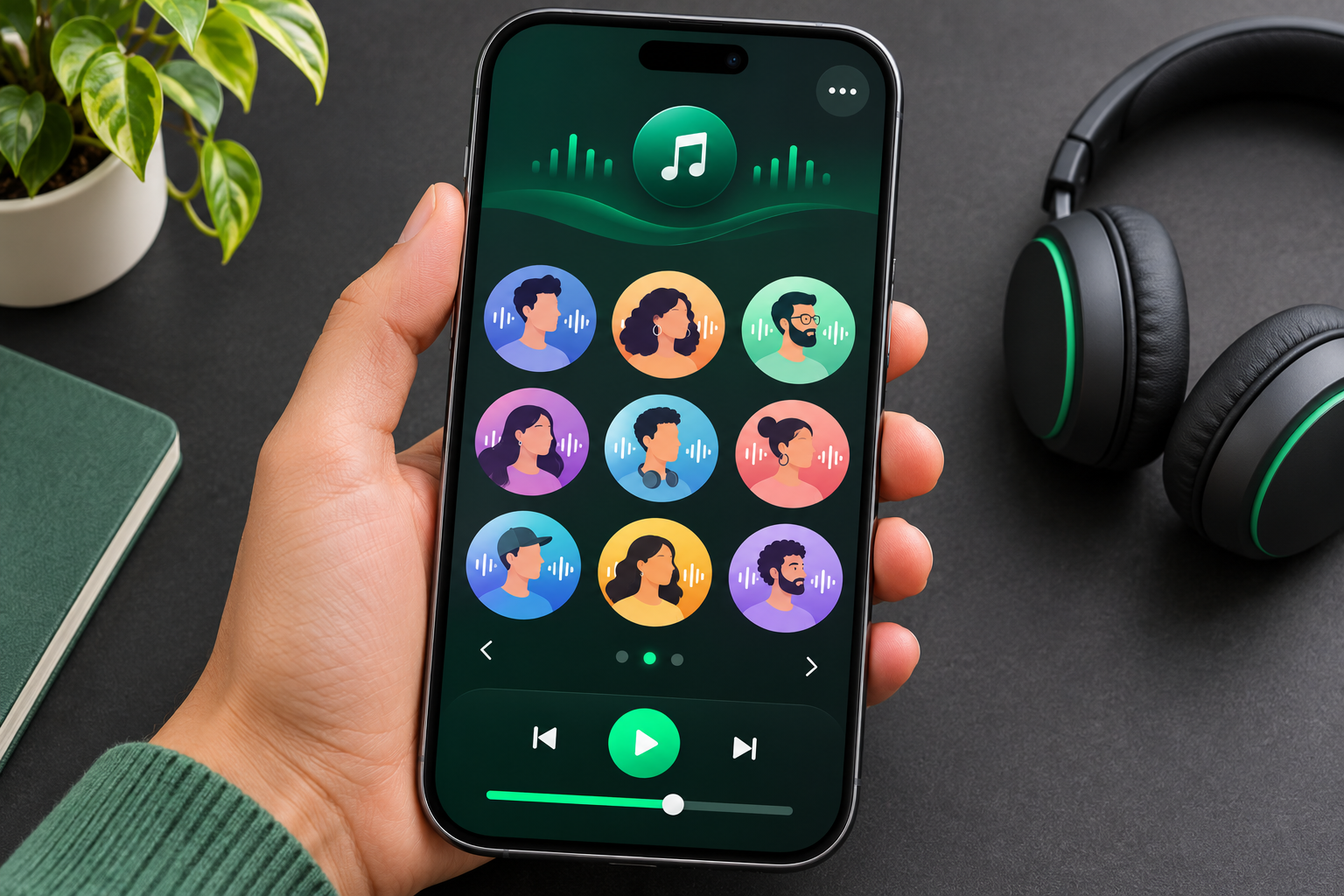
Spotify’s new lineup is not merely a language menu. Each voice has a named personality and a different pace or tone. That gives listeners a way to choose how the spoken introductions feel without changing the underlying account, subscription or listening history.
Seven English voices
- Casey (United States): warm, relaxed and delivered with a slight drawl.
- Tess (United States): direct and inviting, with a sharper edge.
- Lane (United States): a younger, upbeat Southern voice.
- Sam (Australia): playful and sociable.
- Nell (United Kingdom): slower, mellow and music-focused.
- Declan (Ireland): straightforward, enthusiastic and detail-oriented.
- Nisha (India): welcoming and energetic.
Two Spanish voices
- Nico (Mexico): grounded and conversational.
- Fabi (Mexico): friendly, quick and playful.
Spotify’s announcement describes these voices in personality terms, but it does not say that one voice receives different songs, better recommendations or a separate ranking system. Pick the voice for presentation style, then judge the music choices separately.
Commentary off makes DJ useful in different situations

Turning commentary off does not turn DJ into a static playlist. Spotify says the feature still selects music for the listener, and users can continue typing or speaking requests. The setting mainly removes the spoken explanations that normally appear between sets.
Brief acknowledgements remain when DJ starts and when the listener presses the DJ button to move to another artist, genre, mood or recommendation set. That is an important limitation for anyone expecting complete silence: the option reduces the host, but it does not remove every spoken cue.
The quieter mode is most useful when conversation or concentration matters more than context. A dinner party, shared office, study session or background-music setup can benefit from personalized selection without repeated narration. Listeners who use DJ to learn why a track was chosen will probably prefer to keep commentary on.
How to change the Spotify DJ voice
- Open Spotify on a phone and use Search to find DJ.
- Open DJ, then tap the three-dot menu. Spotify shows horizontal dots on iOS and vertical dots on Android.
- Choose Pick your DJ, then select an available language and voice.
- Return to DJ and start listening. Use the DJ button when you want a different mood, artist, genre or set of recommendations.
The exact wording can differ as Spotify updates the app and completes the rollout. If the menu shows language but not the new voice choices, confirm that Spotify is current and check again later instead of reinstalling repeatedly or using an unofficial app package.
How to turn Spotify DJ commentary off
- Open DJ and tap the three-dot menu.
- Choose DJ Commentary.
- Select the reduced-commentary option and tap Restart DJ to apply it.
- Test the setting through a few transitions. Short acknowledgements can still play at startup or after a DJ-button request.
Spotify’s help page says requests remain available with commentary off. A listener can still type or speak a request, so the new setting should not be confused with disabling the conversational controls.
Why the new controls may not appear yet
The November change is limited to Premium accounts in markets where DJ already operates. Spotify also describes DJ as available in a limited number of languages, and the company is distributing the new controls in phases. A missing menu therefore does not necessarily mean the phone is unsupported.
- Check that the account is on an active Spotify Premium plan.
- Update Spotify from the official App Store or Google Play listing.
- Open DJ from Search instead of assuming the control will appear on the Home screen.
- Confirm that DJ itself is available for the account and current market.
- Allow time for the staged rollout if DJ works but the voice or commentary menus are absent.
Logging out, clearing local downloads or reinstalling can create extra work and may not accelerate an account-side rollout. Back up anything important and use Spotify’s official support path before making disruptive changes.
Voice choice does not guarantee better recommendations
The update changes how DJ sounds and how often it speaks. Spotify has not claimed that choosing a different host changes the recommendation model, improves discovery or fixes repeated selections. The music still reflects Spotify’s personalized DJ system and the listener’s taste signals.
Use the request controls when the music matters more than the host. Ask for a genre, artist, mood or activity, then skip or redirect the session if the result is too familiar. Listeners who want a fully curated sequence they can inspect in advance should keep a conventional playlist as a fallback.
A verified listening accessory on Amazon
For phone-based DJ listening that keeps the ear canal open, readers can compare the Shokz OpenFit 2 on Amazon (ASIN B0DN11MTZ6). The open-ear Bluetooth earbuds are a genuine companion for mobile music, but they are not required for Spotify DJ. Verify the exact model, seller, current price, return policy and warranty before ordering.
Affiliate disclosure: ReaderSpice may earn a commission from qualifying Amazon purchases made through the link above, at no additional cost to you.
The bottom line
Spotify DJ’s November update solves two different presentation problems. Nine new voices make the feature feel less tied to one host, while the commentary-off switch gives listeners a way to keep the personalized stream without a spoken explanation between every set.
The controls do not change the subscription requirement, remove every acknowledgement or promise better recommendations. Premium listeners who already use DJ should try the quieter mode first; it changes the listening context more than a new accent does. Anyone who does not see the update should confirm eligibility, update the official app and wait for the rollout rather than chasing unofficial downloads.
Sources
Spotify Support: DJ voice selection, commentary control and request instructions
Spotify Newsroom: DJ expansion, supported languages and market context – May 7, 2026
TechCrunch: Spotify DJ gains new voices and less-commentary control
Amazon: Shokz OpenFit 2 (ASIN B0DN11MTZ6)