
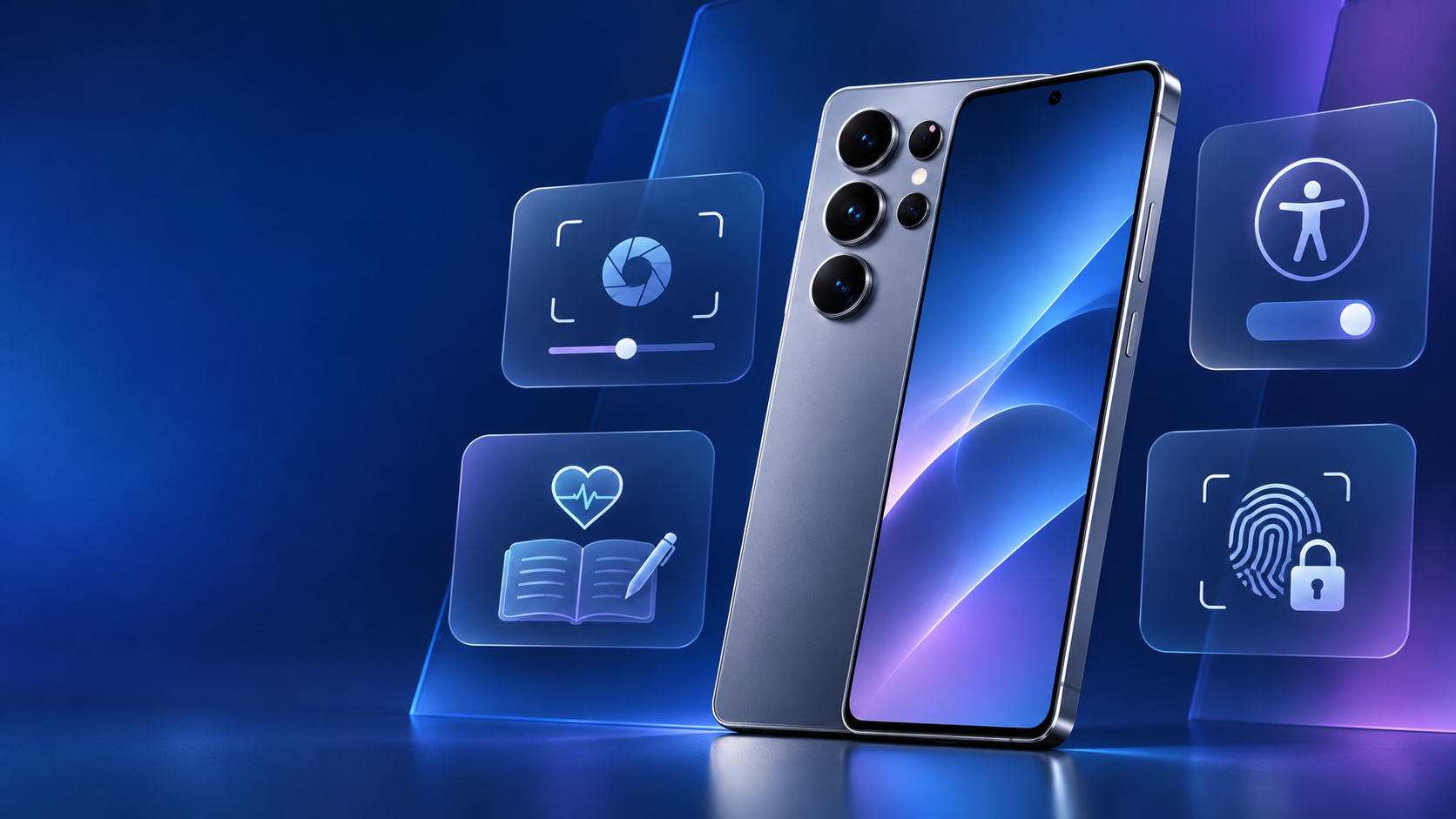
Samsung has opened the One UI 9.5 beta program for the Galaxy S26 series, giving eligible owners an early look at a focused set of camera, health, accessibility and privacy upgrades before the software reaches its stable release. The program opened November 18 in Germany, India, Korea, Poland, the United Kingdom and the United States.
The headline additions are practical rather than cosmetic: more flexible Pro camera controls, Mindful Note and medication tracking in Samsung Health, faster access to accessibility tools, and App Lock for protecting individual apps. Because this is prerelease software, the decision to install should still come down to risk tolerance, backup discipline and whether the phone is needed for work or other critical tasks.
What Samsung Has Confirmed
Samsung says the beta is available now to Galaxy S26 series users in six markets. Registration is handled through the Samsung Members app, and only eligible devices, regional variants and accounts will see the enrollment banner. A missing banner does not necessarily indicate a problem; capacity, carrier configuration and phased availability can affect when an invitation appears.
This is an official beta announcement, not a leak. Samsung has not yet published a stable One UI 9.5 release date or a full expansion schedule for older Galaxy devices, so any broader rollout timing should be treated as unconfirmed until Samsung provides it.
Who Can Join the One UI 9.5 Beta
Samsung lists the Galaxy S26 series as the eligible hardware at launch. The supported countries are:
- Germany
- India
- Korea
- Poland
- United Kingdom
- United States
Availability can still vary within a supported country. The Samsung Members app is the definitive check for a particular phone and account. Owners of other Galaxy models should not sideload firmware intended for the S26 family or for a different regional variant.
Camera Controls Get More Flexible
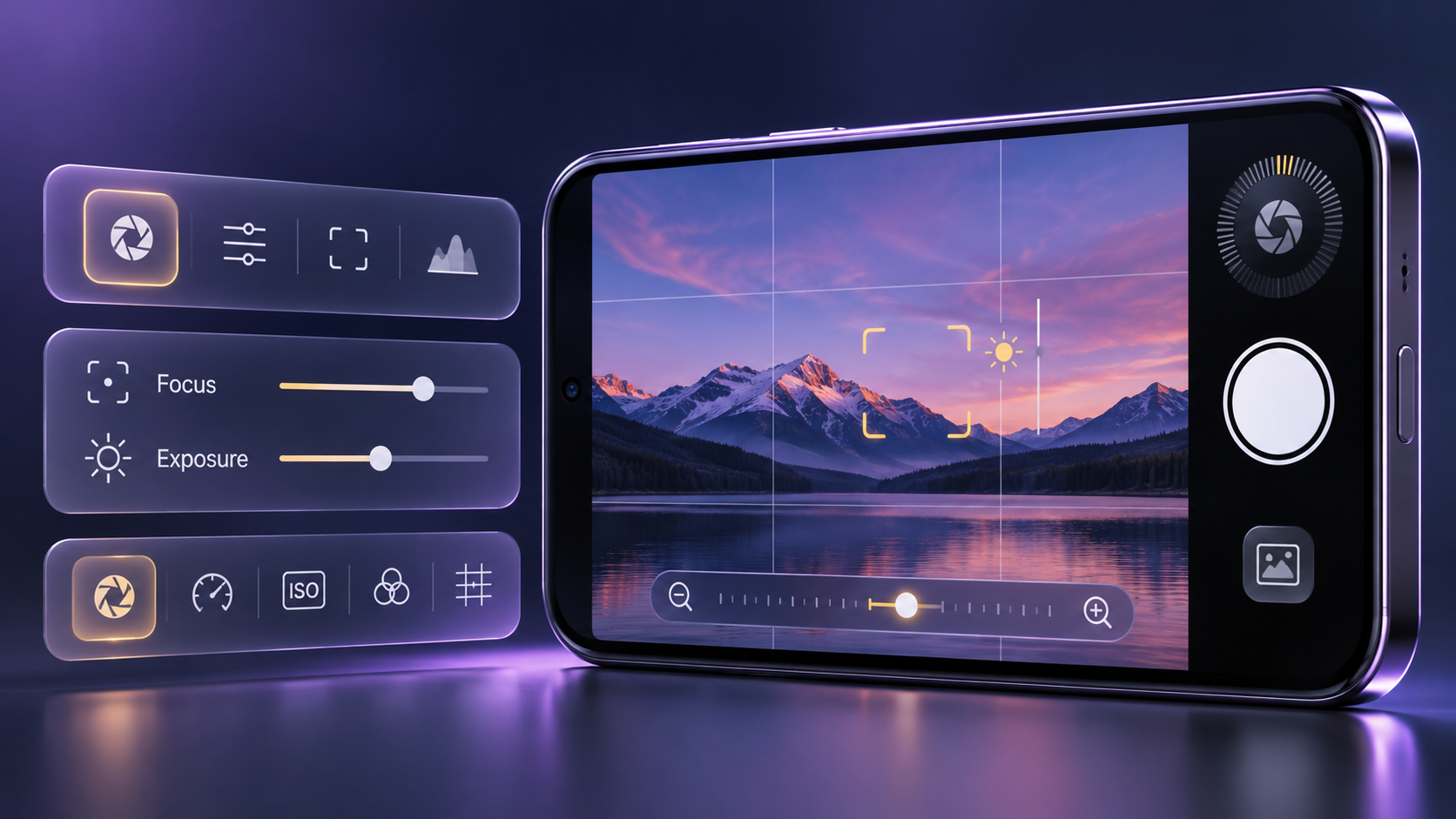
One UI 9.5 expands Pro and Pro video controls while bringing more camera settings together on one screen.
One UI 9.5 expands Pro and Pro video modes with customizable controls and presets for different shooting conditions. The standard camera interface also gains improved controls and a zoom bar designed to keep important adjustments closer at hand instead of burying them behind multiple menus.
The change should matter most to people who regularly move between stills and video or who want repeatable control layouts. Samsung notes that enhanced Pro features are limited to models that support Pro and Pro video modes; Pro Lite and Pro Video Lite are excluded. That caveat is important because the exact camera experience can differ across Galaxy devices even after the wider stable release begins.
Samsung Health Adds Mindful Note and Medications

Mindful Note and Medications add journaling, reminders and adherence tracking inside Samsung Health.
Mindful Note adds a private space for free writing or guided reflection on thoughts and feelings. Samsung is positioning it as a journaling tool rather than a clinical assessment, and the company says the feature is not supported on Galaxy Watch.
Medications lets users record prescriptions, vitamins and supplements, create personalized reminders, and track adherence. Availability can vary by market. Samsung explicitly states that the service does not provide medical advice, so medication decisions should remain between the user and a qualified healthcare professional.
Accessibility Shortcuts Move Closer to the Surface
A floating shortcut can keep frequently used controls within reach, reducing the number of steps required to reach essential settings. Samsung is also improving hearing-aid controls in the notification panel, including direct volume adjustment and choices about whether notifications, ringtones and alarms are routed to a connected hearing aid.
These changes are less flashy than a redesign, but they could have an outsized effect for users who depend on accessibility settings throughout the day. Final behavior may depend on the hearing device, phone model and regional software configuration.
App Lock Protects Individual Apps
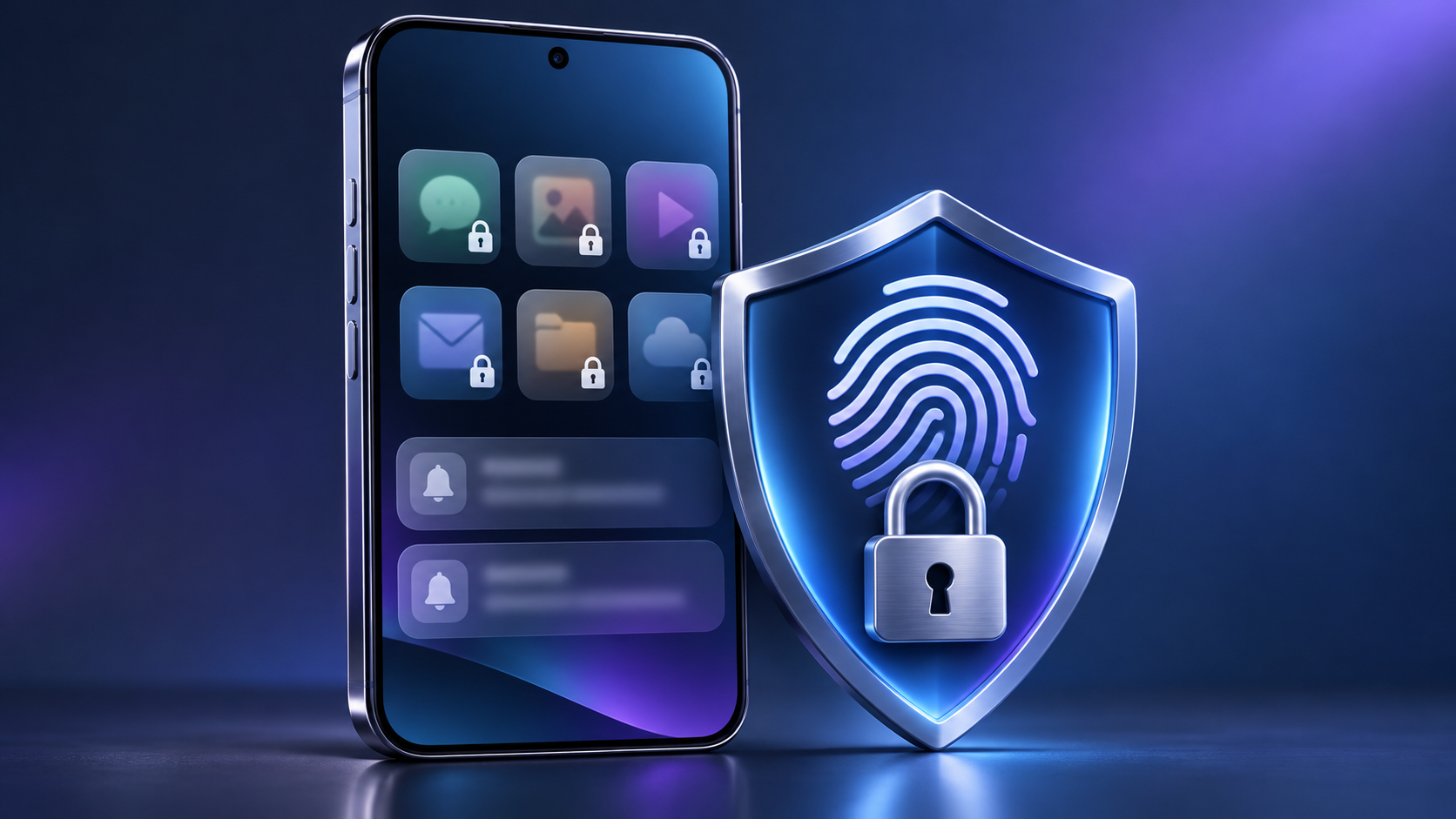
App Lock can protect selected apps with biometrics or the phone screen lock while hiding their notification content and widgets.
App Lock is the most immediately understandable privacy addition. It lets a user secure an individual app with biometric authentication or the device screen lock. When an app is locked, its notification content and widgets stay hidden, which can reduce accidental exposure when another person briefly handles the phone.
The feature is useful as a second boundary around messaging, finance, photo, health or work apps, but it should not replace a strong device passcode, current security updates or careful account security. App Lock protects access on the device; it does not change how the app provider secures cloud data or account recovery.
How to Join the Beta
- Update the Samsung Members app and sign in with the Samsung Account used on the Galaxy S26 device.
- Open Samsung Members and look for the One UI 9.5 beta banner, notice or Beta Program card.
- Read the participation terms and submit the registration form. Enrollment is not complete until Samsung confirms eligibility.
- After enrollment, open Settings > Software update > Download and install, or use the software-update link inside the beta detail page.
- Install the latest available build and use Samsung Members to report reproducible issues with clear steps and screenshots where appropriate.
Back Up Before Installing
Samsung warns that unexpected beta behavior can cause data loss. The company recommends backing up the phone to a computer with Smart Switch before installation. A cloud backup can be useful as an additional layer, but users should verify exactly which data categories, large files and app data are included rather than assuming every item is covered.
- Update important apps before installing the beta to reduce compatibility problems.
- Back up photos, messages, authenticator recovery information and work files to a second location.
- Confirm that banking, employer, vehicle-key and medical apps can tolerate prerelease Android software.
- Keep the phone charged and leave enough free storage for the download, installation and future beta updates.
- Do not install on the only phone available for emergency, travel or business-critical use unless temporary instability is acceptable.
Leaving the Beta Can Require a Factory Reset
Withdrawing from the beta begins in Samsung Members under the beta program settings. Returning to the previous stable release is a separate rollback process performed with Smart Switch on a computer. Samsung says that rollback resets the device and removes data created during beta testing, which is another reason to make a complete backup before joining.
Users who enroll but do not install the beta can withdraw and remain on their current official software. Once the beta is installed, anyone uncomfortable with the rollback process should contact Samsung Support or a service center instead of experimenting with unofficial firmware tools.
Should You Install One UI 9.5 Beta?
The beta makes the most sense for Galaxy S26 owners who enjoy testing software, can tolerate app or battery regressions, and are prepared to file useful feedback. The camera and App Lock changes are compelling, while the health and accessibility additions make the update broader than a typical mid-cycle polish release.
Most people should wait for the stable rollout, especially if the phone is essential for payments, work authentication, travel, health access or family communication. Samsung has not confirmed when One UI 9.5 will leave beta, so there is no need to treat the first build as a deadline.
ReaderSpice Take
One UI 9.5 looks like a sensible refinement of the Galaxy S26 experience. Camera control is becoming more configurable, privacy is becoming more granular, and accessibility tools are moving closer to where users need them. The most useful improvement may be App Lock because it addresses a common real-world situation without requiring a separate secure workspace.
The better choice for most owners is still patience. A prerelease build can be valuable for testing, but the stable release is the safer recommendation until Samsung publishes broader compatibility and rollout details.
Shopping for supported hardware? Check the Samsung Galaxy S26+ 512GB unlocked model on Amazon (affiliate link). ReaderSpice may earn a commission from qualifying purchases at no extra cost to you.
Sources
- Samsung Global Newsroom — Samsung Begins One UI 9.5 Beta Program
- Samsung Developers — One UI Beta participation, installation and rollback guidance
- Samsung Support — How to back up data on your Galaxy phone
- Amazon — Samsung Galaxy S26+ 512GB unlocked listing, ASIN B0G4SSKLJM