

Microsoft Maia 300 AI Chip: 7x More Rack Throughput and 2027 Rollout

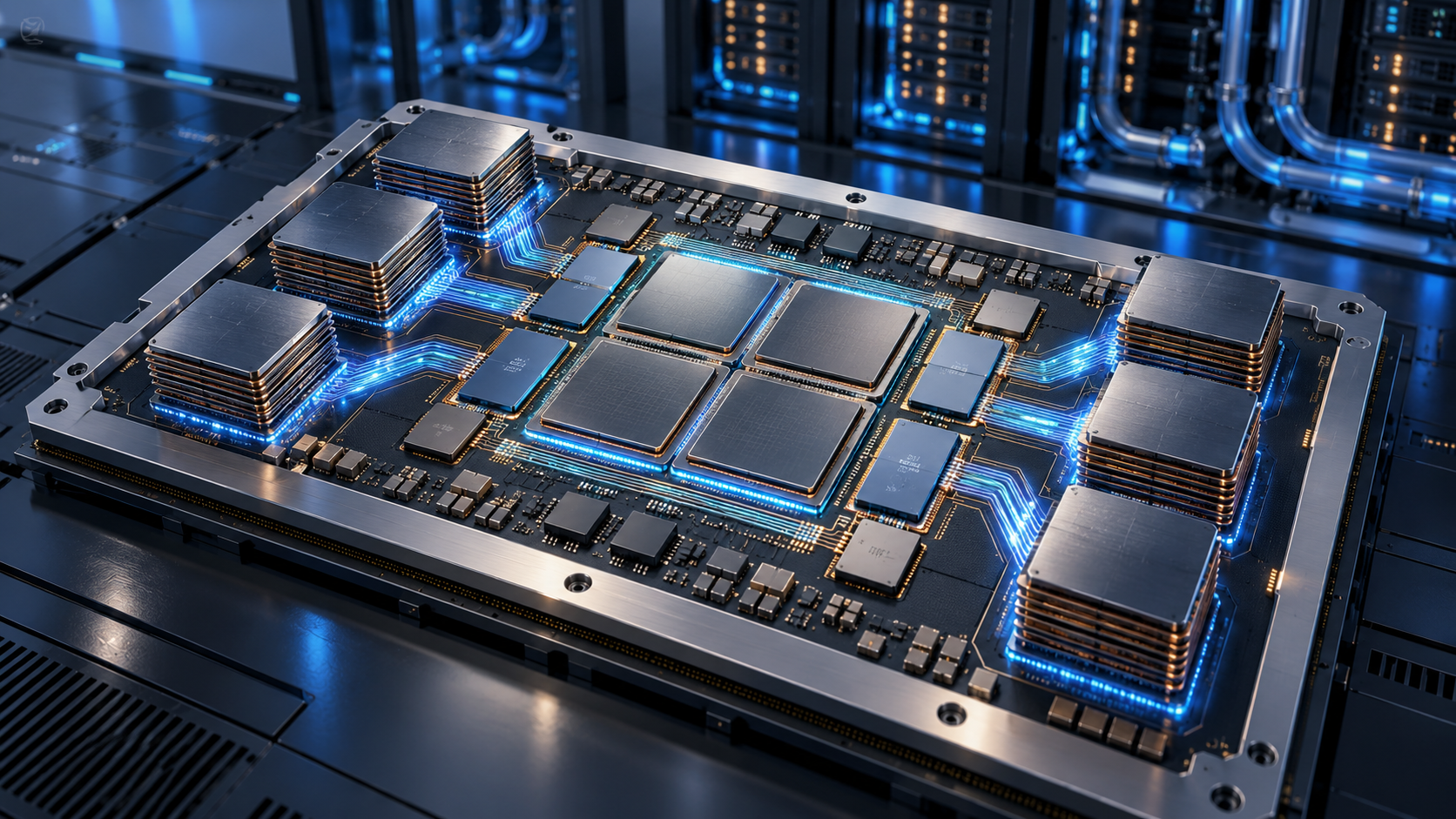
Concept visualization of a chiplet-based AI accelerator inside a liquid-cooled datacenter

Microsoft has announced Maia 300, a third-generation custom AI accelerator that the company expects to become its primary inference system across Microsoft products and services. Production deployments are scheduled to begin in 2027 as Azure expands the Maia platform to multi-gigawatt scale.

The numbers are substantial, but the most important detail is what this chip is—and what it is not. Maia 300 is cloud infrastructure built to serve AI models after they have been trained. It is not a processor consumers will buy for a PC, and Microsoft’s performance figures are forward-looking claims rather than independent benchmark results.

Maia 300 at a glance
Maia 300 at a glance

Microsoft’s official specifications and projections include:

  • Production deployments beginning in 2027, with Maia planned as the primary inference platform for Microsoft products and services.
  • Up to seven times the rack-scale token throughput of Maia 200 in a full 96-accelerator configuration.
  • An expected 40% increase in tokens per megawatt compared with leading GPU-based systems.
  • Eight HBM4 stacks per accelerator, providing 288GB of memory and 18TB/s of peak bandwidth within a 950-watt TDP.
  • A 96-accelerator rack using a 167-kilowatt power envelope, with 27.6TB of HBM capacity and 1.7PB/s of aggregate memory bandwidth.
  • A two-tier Ethernet-based scale-up network designed to connect as many as 12,288 accelerators in a superpod.

Microsoft says Maia 300 is optimized for long-context reasoning, latency-sensitive conversations and sustained multi-step agent workloads. Those tasks can be bottlenecked by memory movement and networking as much as raw arithmetic, which is why the design focuses heavily on data locality, memory bandwidth and rack-scale communication.

Why the chiplet design matters

Maia 300 splits major functions across several chiplets instead of building every component on one monolithic die. Microsoft says the compute chiplets use TSMC’s N2P process, while memory-controller and I/O functions sit on dies chosen for bandwidth, connectivity and cost.

That separation lets Microsoft spend its most advanced manufacturing budget where it produces the largest performance-per-watt benefit. Software then manages locality across the package so model data can stay closer to the compute engines that use it. Microsoft attributes a 36% increase in compute FLOPs, 2.5 times the HBM bandwidth and 14% more scale-up bandwidth to the new approach compared with Maia 200.

The accelerator also supports enhanced MXFP4 and sub-3-bit storage formats. Lower-precision formats can reduce the amount of memory and bandwidth required for inference, although actual answer quality and workload performance depend on how a model and its software stack use those formats.

Microsoft’s efficiency claims need independent proof

Microsoft’s headline comparisons are useful directional targets, not neutral test results. The company expects Maia 300 to produce 40% more tokens per megawatt than leading GPU-based systems and more than 2.5 times the performance per watt of Maia 200, but it has not published a broad set of third-party application benchmarks.

The comparison is also system-level. A Maia 300 rack combines accelerators, hosts, switches, networking, power delivery, cooling and software. Microsoft says liquid cooling removes more than 80% of the rack’s thermal load. That integrated design may improve efficiency, but it means a simple chip-to-chip comparison cannot capture the whole result.

The careful conclusion is that Maia 300 looks technically ambitious and purpose-built for Microsoft’s own workloads. Whether its real-world economics outperform the newest Nvidia and AMD platforms across many models will require deployment data and independent testing after systems enter production.

What Maia 300 could change for Copilot and Azure users

Most people will never see a Maia 300 chip, but they may use services running on it. Microsoft says Maia 200 already supports production workloads including Microsoft Copilot and the company’s MAI model team, with GitHub Copilot and Microsoft Foundry support planned by the end of 2026.

Maia 300 is intended to scale those experiences further. Higher inference capacity could help Microsoft serve more simultaneous requests, support longer context windows and run multi-step agents with less pressure on power and datacenter space. For users, the visible benefits could be faster responses, more reliable availability during demand spikes and lower operating costs that make advanced features easier to offer at scale.

None of those outcomes is guaranteed to appear as an immediate product upgrade. Microsoft has not promised that Maia 300 will reduce subscription prices, and cloud efficiency savings can be absorbed by larger models, more users or new features. The rollout begins in 2027 and will expand over time rather than switch every Microsoft AI service at once.

Does Maia 300 replace Nvidia GPUs?

No. Microsoft describes Azure as an open, heterogeneous platform, and Reuters reports that the company continues to buy large quantities of Nvidia and AMD hardware. Maia gives Microsoft another option for workloads it understands well and may reduce its dependence on any single supplier, but it does not eliminate the need for general-purpose GPUs.

That distinction matters because Maia 300 is designed primarily for inference. Training frontier models, supporting many customer frameworks and handling unusual workloads can favor different hardware. Microsoft’s advantage is the ability to co-design chips, racks and software around its own high-volume services, then choose other accelerators where they remain a better fit.

What readers should do now

There is nothing to preorder and no consumer Maia 300 device to wait for. If you use Copilot, Teams, GitHub Copilot or Azure AI services, the practical move is to judge those products on current price, privacy, speed and usefulness rather than on a 2027 infrastructure promise.

Shoppers who want Microsoft’s current on-device AI experience can browse Microsoft Copilot+ PCs on Amazon. Those computers use consumer processors from companies such as Qualcomm, Intel and AMD; they do not contain Maia 300, which remains a datacenter accelerator.

ReaderSpice may earn a commission from qualifying purchases made through affiliate links, at no additional cost to you.

Bottom line

Maia 300 shows how aggressively Microsoft is moving from buying AI accelerators to designing a larger share of its own inference stack. The combination of chiplets, 288GB of HBM4 per accelerator, 96-accelerator racks and a planned 12,288-accelerator superpod is built for a future in which long-context agents run continuously at enormous scale.

The 2027 rollout could make Microsoft’s AI services faster and more power-efficient, but the strongest claims still belong to Microsoft. Treat the architecture as confirmed, the deployment plan as official and the performance advantages as projections that need real-world validation.

Sources

Microsoft official blog: Azure Maia 300 announcement and 2027 deployment plan

Microsoft Azure Blog: Deep dive into Maia 300 architecture

Microsoft Maia 300 media resources and product imagery

Reuters: Microsoft’s deployment scale, cost strategy and supplier context

The Verge: Maia 300 rollout and Microsoft’s custom-chip strategy

Inline image: Concept visualization of a chiplet-based AI accelerator with high-bandwidth memory stacks

AI Shopping Agents Raise Fraud and Privacy Risks: 8 Safety Checks Before You Buy

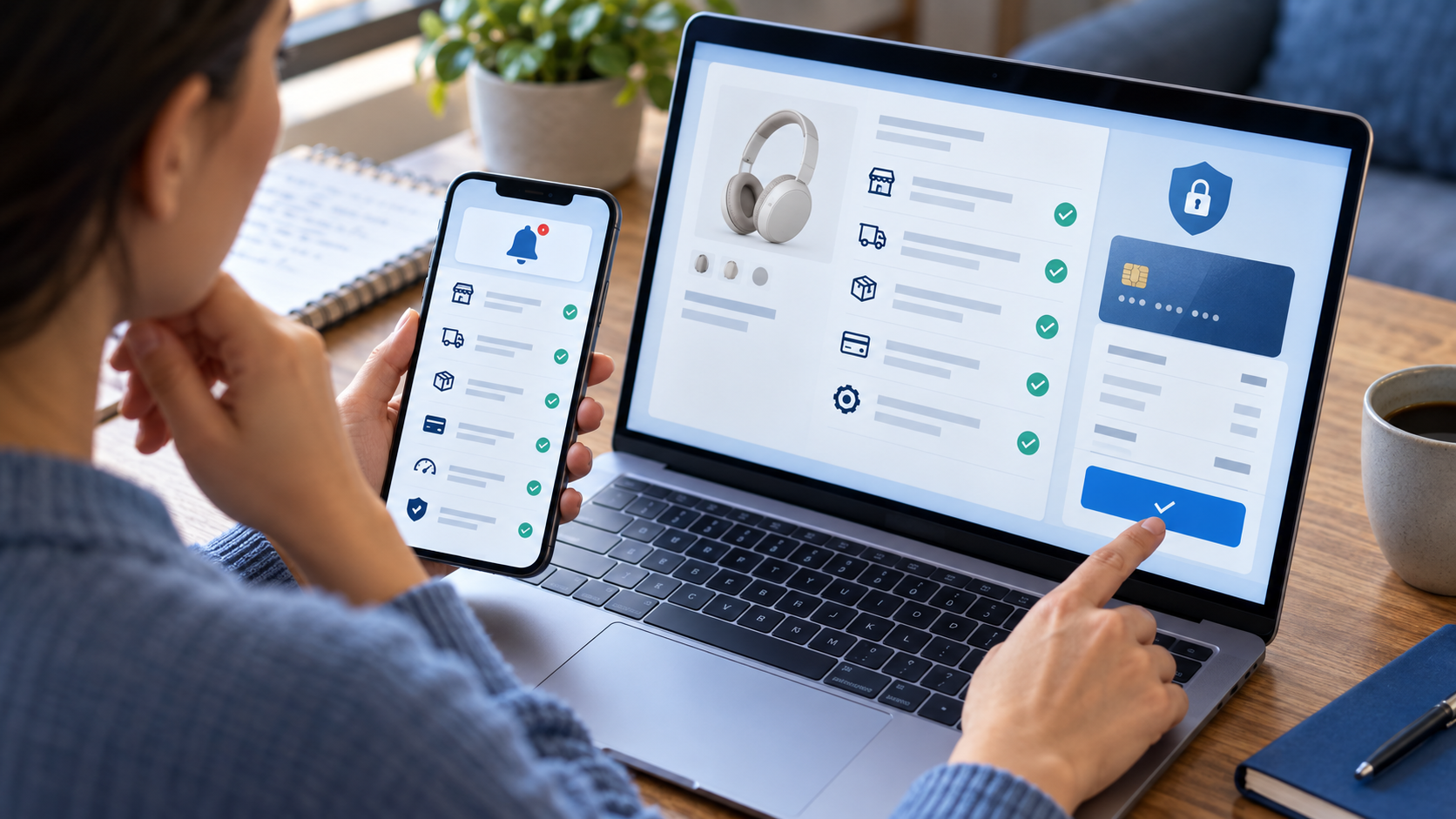
Shopper reviewing an AI-assisted online purchase with payment and privacy protections

AI shopping agents promise to compare products, fill carts and eventually complete purchases with less work from you. The convenience is real, but so is the jump in responsibility: a tool that moves from recommending a product to spending money can expose payment data, misunderstand instructions or leave shoppers unsure who is accountable when something goes wrong.

Those concerns moved beyond theory this week. On September 22, 2026, major banks warned that agentic commerce is developing faster than the consumer protections around it. The safest approach today is to let AI do the research while keeping a human approval step before checkout.

AI shopping agents are moving into checkout

Traditional shopping chatbots answer questions or surface links. An agentic shopping tool can take additional actions on a shopper’s behalf, such as browsing several stores, adding items to a cart, applying preferences and preparing or submitting a payment. The more authority it receives, the more useful it can be—and the larger the consequences of a bad recommendation, compromised account or misunderstood instruction.

Interest is growing quickly. Reuters reported that AI-originated searches at British retailer John Lewis climbed from 0.3% to 2.5% in one year. Payment networks and technology companies are meanwhile building systems that identify an agent, verify its authority and pass safer payment credentials without exposing the underlying card number.

Why banks are warning now

A group that included NatWest, Bank of America, ING, Capital One, Commonwealth Bank of Australia and ASB Bank told policymakers that shoppers may not know whether an AI agent is acting in their best interest. The banks highlighted risks involving sensitive financial information, insecure payment routes, scams and unclear options for getting money back.

Their proposed protections include clear disclosure when AI is involved, more transparency about how recommendations are made, stronger data safeguards, interoperability and meaningful consumer choice. In plain language, the shopper should know which system is acting, what it is allowed to do, which data it can see and how to stop or challenge a purchase.

Retailers are drawing their own boundaries. Amazon recently blocked Meta’s Muse shopping agent, saying the tool accessed its service without authorization and raised transparency, privacy and security concerns. Meta said Muse could not access secure login or payment information. The dispute, covered by The Verge, shows that an agent may work on one storefront but be limited or rejected on another.

Where the risks show up

The danger is not simply that an AI will pick the wrong color. A shopping agent may combine browsing history, personal preferences, delivery addresses, account credentials and payment instructions. If permissions are vague, that data can travel farther than a shopper expects or remain connected longer than necessary.

An agent can also be manipulated by a misleading product page, fake review, malicious instruction or fraudulent merchant. Even without an attack, it may optimize for price while overlooking return restrictions, subscription terms, shipping costs, compatibility or a seller’s reputation. And if the agent, retailer and payment provider disagree about who authorized the transaction, resolving a refund can become more complicated.

Eight safety checks before authorizing a purchase

Shopper reviewing eight safety checks before authorizing an AI-assisted purchase

1. Require approval at checkout

Use a setting that makes the agent stop before the final purchase. Review the exact product, seller, quantity, total price, delivery address and payment method yourself. Fully autonomous buying is a poor default for unfamiliar sellers, subscriptions, travel, high-value products or anything with strict return rules.

2. Set narrow spending and merchant limits

Give the agent the smallest useful authority. A per-purchase ceiling is better than a broad monthly promise, and an approved merchant list is safer than open-ended permission to buy anywhere. Category restrictions can also prevent an agent from substituting a product that creates a safety, compatibility or warranty problem.

3. Prefer tokenized or limited-use payment credentials

Where available, use a card issuer’s virtual number, network token or other credential that can be paused or replaced without exposing the primary account number. Mastercard explains that tokenization substitutes a unique alternate number for the card number. That reduces exposure, but it does not make a fraudulent or mistaken purchase harmless.

4. Never paste raw passwords or card details into a chat

A legitimate checkout should use a clearly identified payment flow. Do not give an agent your banking password, one-time security code or complete card credentials in ordinary conversation. If an AI tool asks for information that your bank says it will never request, stop and open the bank or retailer’s official app directly.

5. Verify the merchant outside the agent’s summary

Open the product page yourself and check the seller name, final price, shipping date, return window, warranty and recurring charges. For an unfamiliar store, confirm the domain carefully and look for independent contact information. An agent’s polished summary is not proof that a seller is genuine.

6. Turn on immediate transaction alerts

Enable purchase notifications from the card issuer or wallet so you can see a charge as soon as it happens. After an agent-assisted order, review both the retailer confirmation and the payment alert. Act quickly if the amount, merchant or item does not match what you approved.

7. Limit memory, history and connected-account access

Review which conversations, shopping histories, inboxes, loyalty accounts and payment methods the agent can use. Remove connections that are not needed for the current task, and delete stored instructions that contain sensitive details. A shopping assistant should not need permanent access to every part of your digital life.

8. Know the refund and dispute route before buying

Check whether the agent provider, merchant or card issuer handles problems first. Save the agent’s instructions, the item page, your approval screen and the order confirmation. The FTC advises consumers who paid a scammer to contact the payment company promptly and ask whether the transaction can be reversed.

If an agent-assisted purchase goes wrong

Move quickly and preserve a clear record. The most useful first steps are:

  • Save screenshots of the agent’s recommendation, your approval and the retailer’s confirmation.
  • Contact the merchant through its official website or app and request cancellation or a refund.
  • Notify the card issuer or payment provider if the charge was unauthorized, fraudulent or materially different from what you approved.
  • Change exposed passwords, revoke the agent’s permissions and review connected accounts for other activity.

Do not assume every agentic payment has the same protections. Visa, Mastercard and Ant International began work on a common trust framework in September 2026 to help identify and verify shopping agents, but standards and product controls remain in development. Check the terms of the specific service and payment method you use.

The practical bottom line

AI shopping agents are already useful for comparing specifications, building shortlists and finding alternatives. The higher-risk step is letting software make an irreversible financial decision. Until agent identity, authorization, liability and dispute handling are consistent across services, keep checkout approval in human hands.

A hardware security key can add strong sign-in protection to accounts that support security keys or passkeys. Hardware security keys are available on Amazon; verify compatibility with your devices and important accounts before buying.

Disclosure: ReaderSpice may earn a commission from qualifying Amazon purchases made through links in this article, at no additional cost to you.

Sources

Reuters: Banks warn AI shopping bots raise scam, fraud and data-privacy risks

The Verge: Amazon blocks Meta’s Muse AI agent

Reuters: Payment firms team up on an AI agent trust framework

Federal Trade Commission: What to do if you were scammed

Mastercard: A history of payment cards and tokenization