Raven Prism Costs $1,499: Linux Smart Glasses Specs, Tradeoffs and Who Should Buy

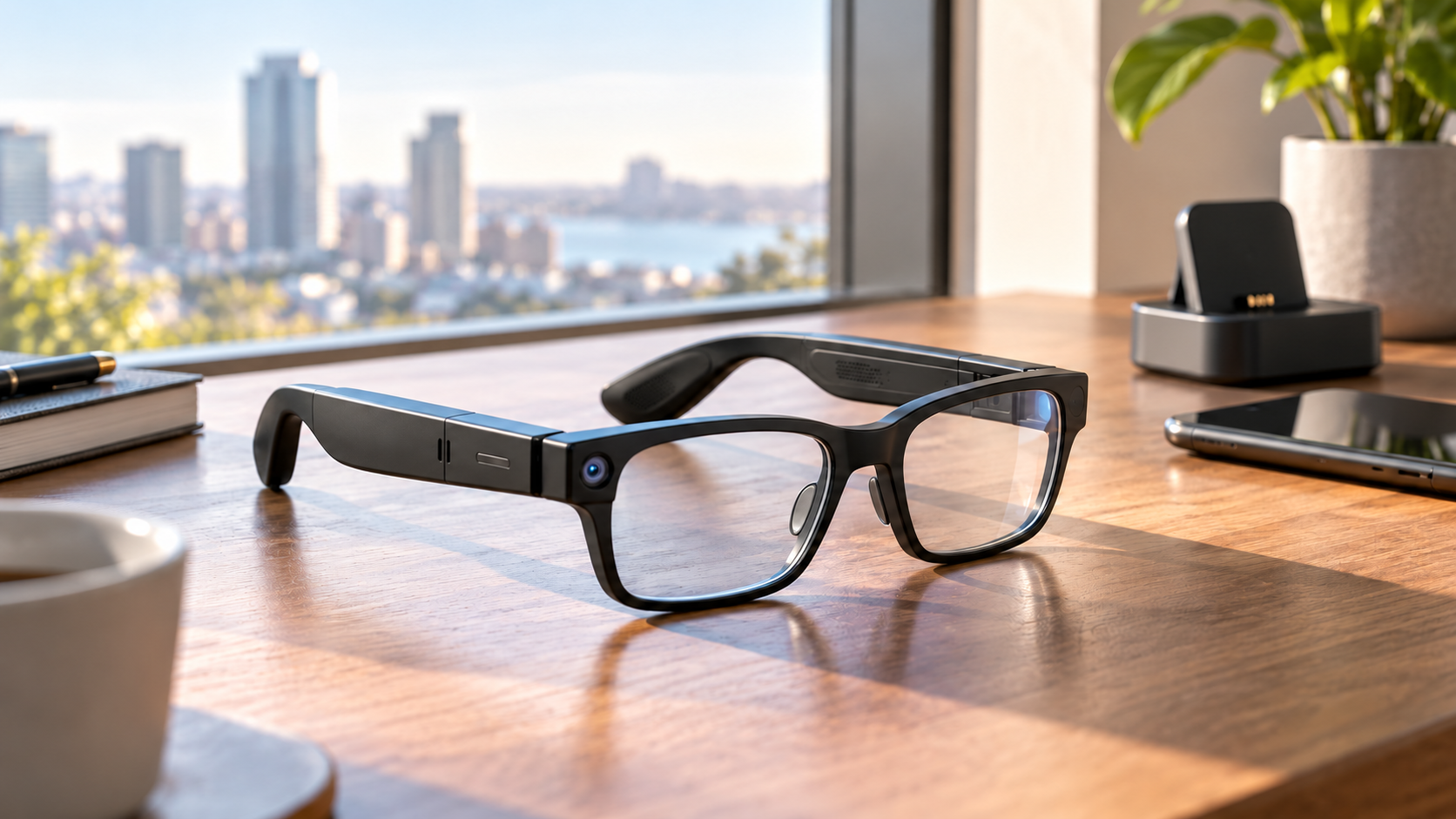
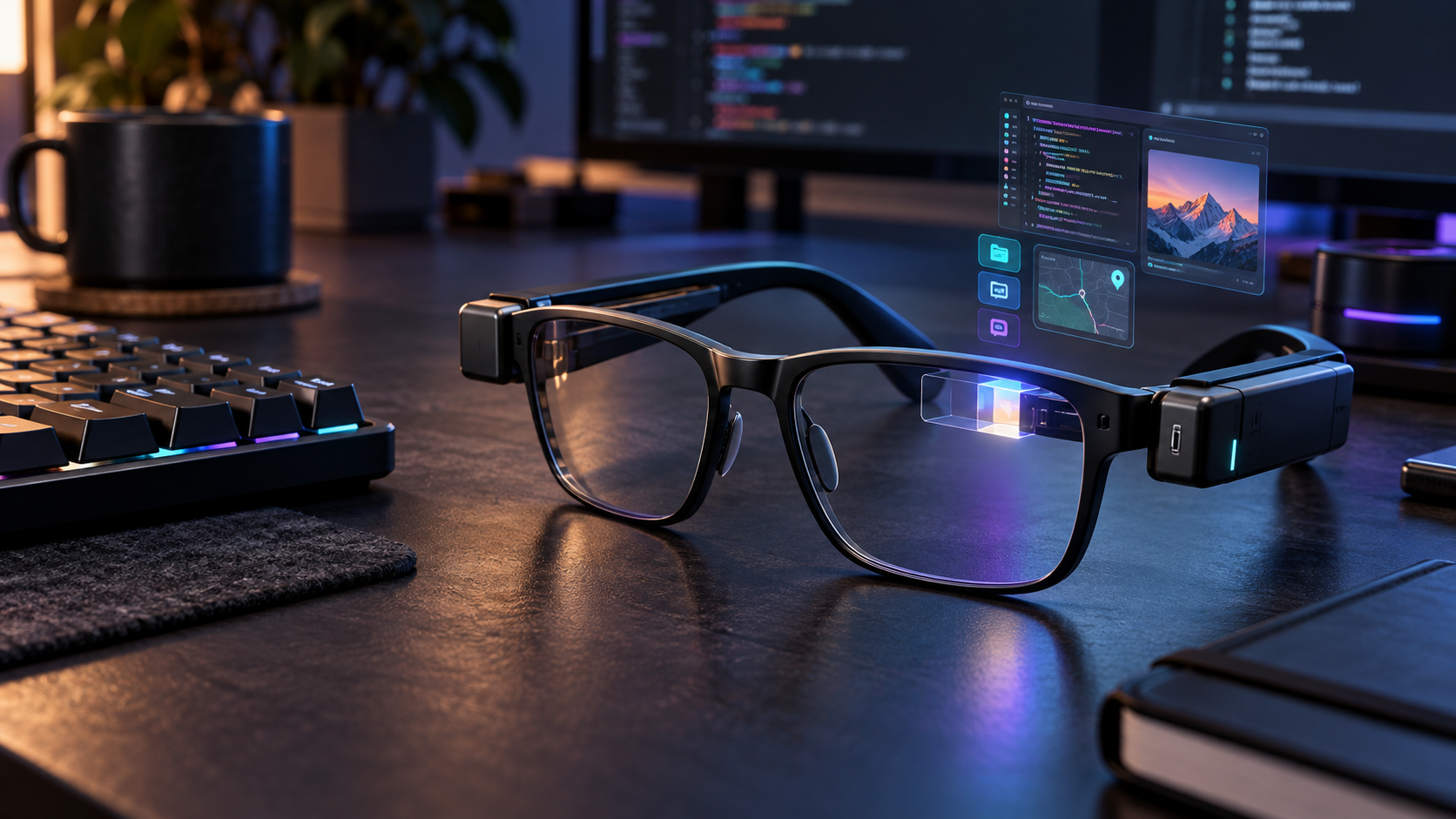
Conceptual black Linux smart glasses on a developer desk with a glowing right-eye display and floating app windows

Raven Prism is a $1,499 pair of standalone smart glasses that puts a 64-bit Linux computer, a full-color display and gaze-based controls into a frame designed for everyday wear. Reservations opened October 29, 2026, with a refundable $49 deposit, and Raven Resonance says the first units are expected to ship in January 2027.

The premise is more ambitious than a phone-connected notification display: Prism can run compatible ARM64 Linux software without a smartphone, expose hardware to developers and keep working while its modular batteries are swapped. The tradeoffs are equally important. Its view is monocular and relatively narrow, the launch is limited to early production batches, and key claims about comfort, endurance, software quality and long-session usability have not yet been independently tested.

Raven Prism at a glance

  • Price: $1,499 for Raven Prism 1; a fully refundable $49 reservation holds a place in the next available production batch.
  • Shipping: Raven says initial shipments begin in January 2027, but the current reservation page assigns later buyers to a later batch; buyers should rely on the date shown at checkout.
  • Availability: U.S. shipping first, with European Union availability promised later but no firm EU launch date.
  • Display: a right-eye, full-color 30-degree diffractive waveguide using an LCoS light engine, rated above 1,500 nits.
  • Compute: quad-core 64-bit ARM processor, up to 4GB of RAM and at least 32GB of storage running the Linux-based Raven OS.
  • Interaction: eye control, voice, Bluetooth keyboards, mice and other peripherals, plus four microphones and two downward-facing speakers.
  • Camera and sensors: 13-megapixel world-facing camera, physical camera cover, visible activity lights, motion, ambient-light and proximity sensors.
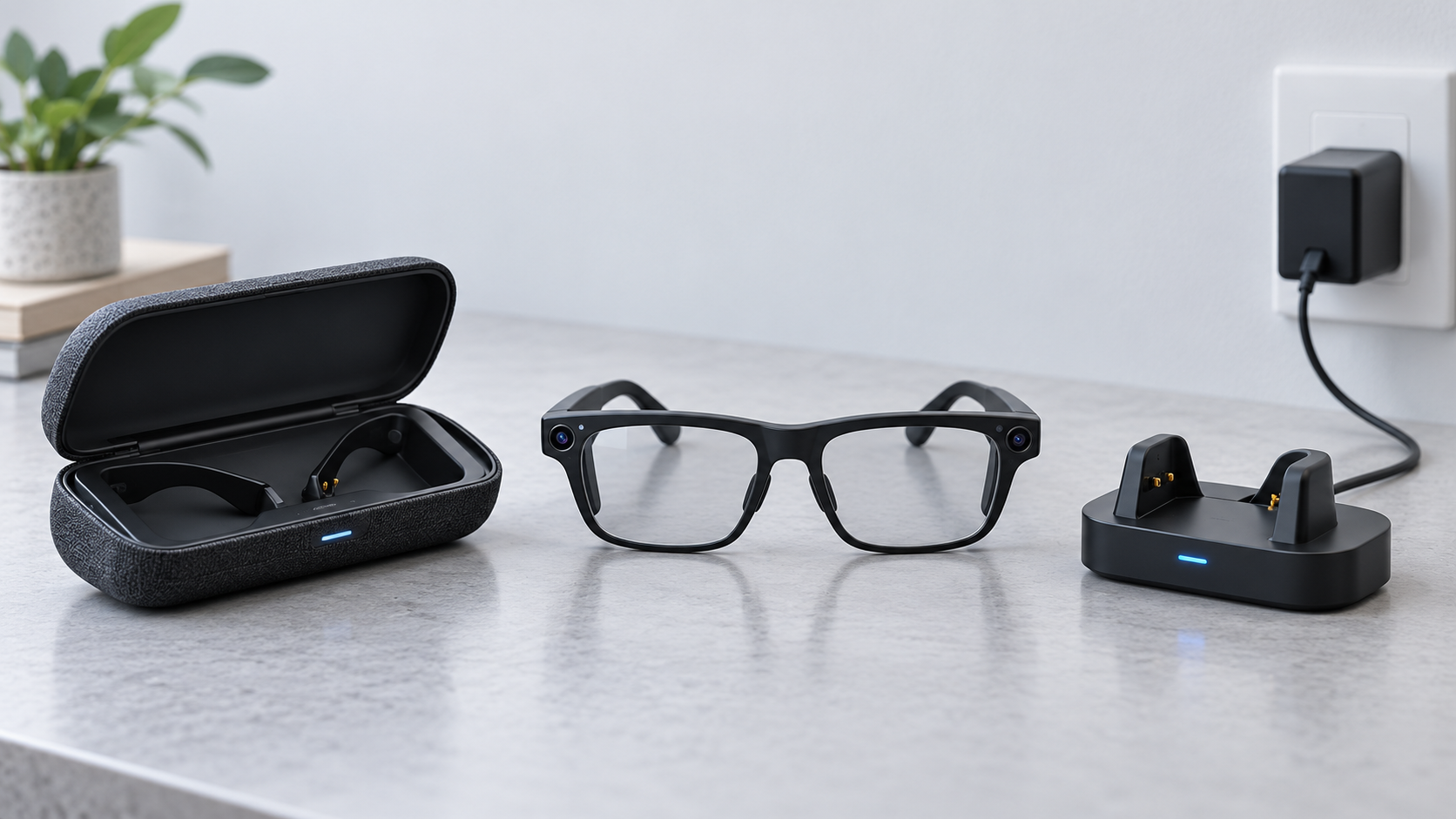
  • Power: two pairs of hot-swappable Raven Wings battery modules and a charging Wing Case are listed in the box.

This article separates Raven’s and its partners’ launch claims from facts independently observed by other publications. ReaderSpice has not tested Prism. Display clarity, prescription accuracy, eye-control reliability, battery endurance, heat, audio leakage, camera indicators and the maturity of Raven OS still need independent review testing.

The $49 deposit is not the full purchase price

Raven’s reservation page asks for $49 today, says that amount is fully refundable and lists the complete device at $1,499. The deposit secures a place in a production batch rather than a finished retail unit ready to ship immediately. The company says frame color, memory and storage choices will be selected later.

That distinction matters because early batches can fill. At the time of research, the reservation page displayed a specific next-batch assignment rather than guaranteeing January delivery for every new customer. Anyone considering the deposit should save the displayed batch, shipping region, refund language and final configuration terms before paying.

The price puts Prism above many premium laptops and far above simple wearable displays. What buyers are paying for is the combination of self-contained compute, open Linux access, prescription integration, gaze control, a color waveguide and modular power. Those features make sense only if they serve a defined workflow.

Hardware: monocular display, Linux compute and modular power
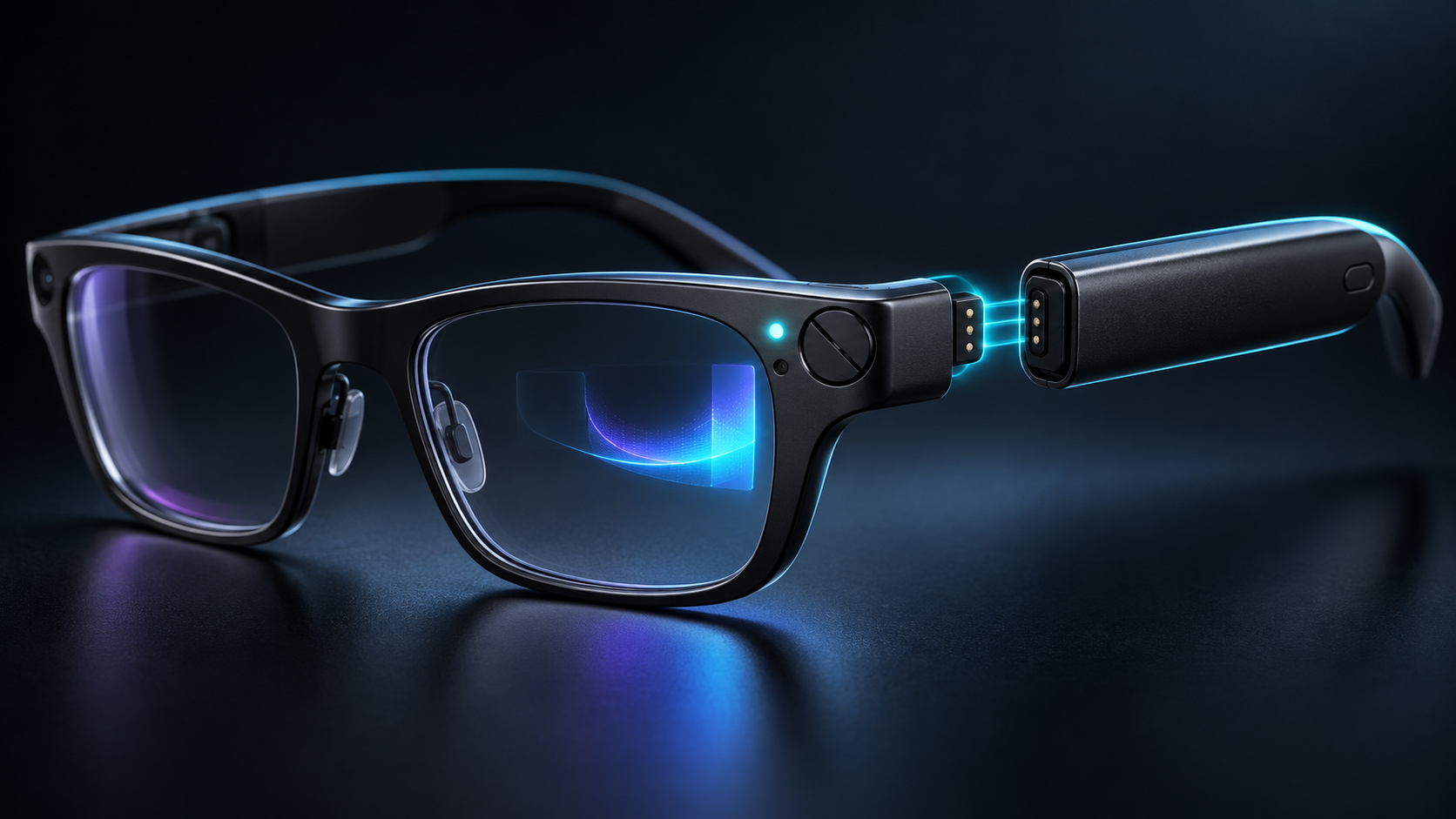
Hardware: monocular display, Linux compute and modular power

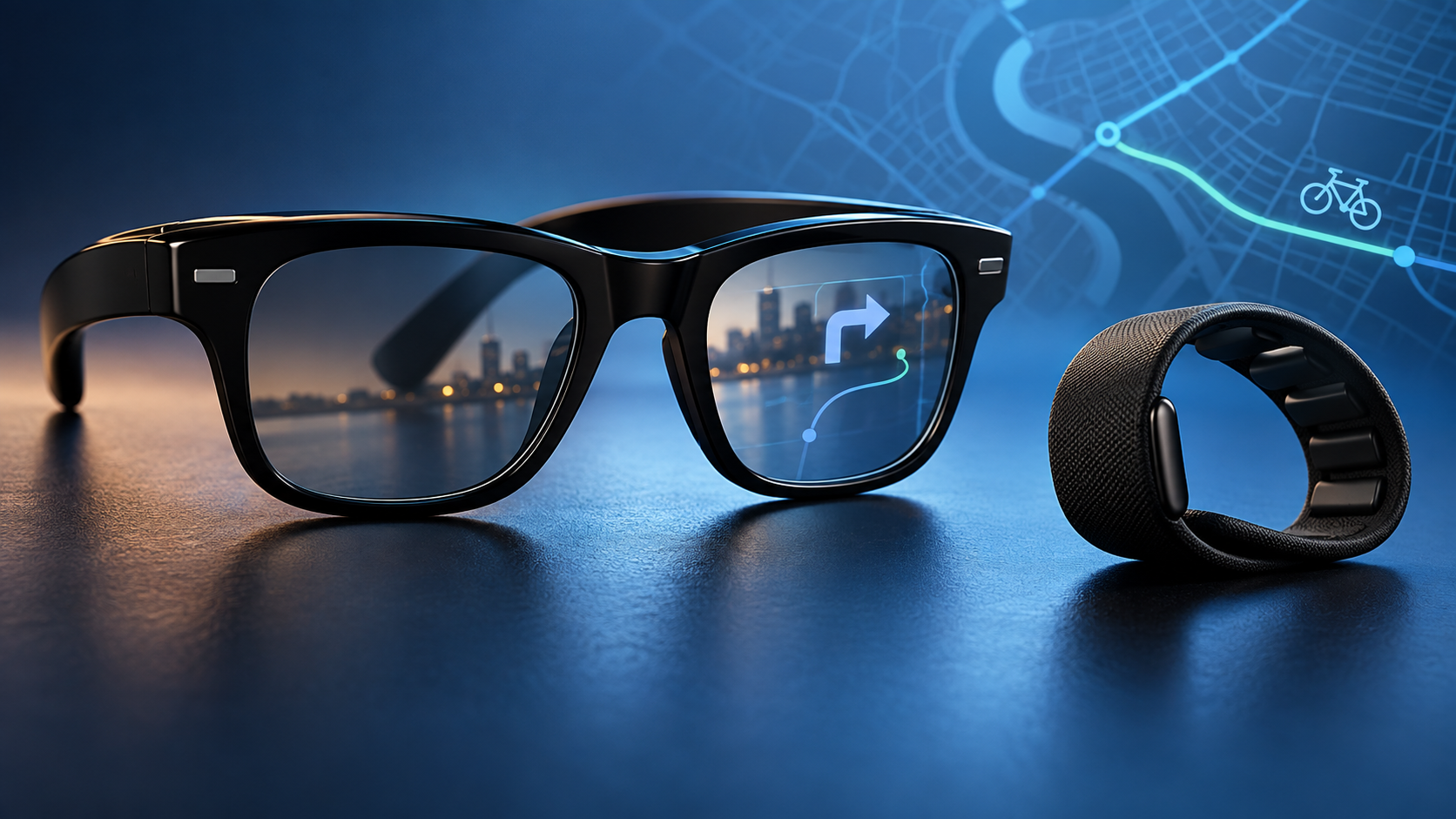
The glasses use one full-color optical display in front of the right eye. Raven and display partner Avegant describe a 30-degree diagonal field of view and compare the virtual image with a 16-inch screen viewed at arm’s length. The display sits toward the wearer’s periphery so information can be checked with a glance rather than blocking the whole scene.

A monocular design reduces hardware compared with dual-display glasses, but it is not equivalent to a wide binocular workspace. A 30-degree view is better suited to compact dashboards, instructions, messages, navigation or a small application window than to filling the user’s vision with several large virtual monitors. People with vision differences should be especially cautious until qualified testing and return details are available.

Inside the frame is a quad-core 64-bit ARM processor, up to 4GB of memory, at least 32GB of storage and a dedicated FPGA for on-device models and audio processing. Connectivity includes dual-band Wi-Fi and Bluetooth 5. The 13-megapixel camera has an 84-degree horizontal field of view, while four beamforming microphones and two speakers handle voice and audio.

Linux is the feature that makes Prism unusual

It is a standalone ARM64 computer

Raven OS is a custom Linux distribution rather than a closed phone accessory platform. Raven says owners can use SSH, run native ARM64 Linux applications and work with a Wayland compositor and OpenGL ES. That could make Prism useful for developers who want a hands-free terminal, field instructions, equipment status or custom sensor workflows without carrying a phone as the primary computer.

The launch material says more than 25 applications will be available and mentions categories such as navigation, media and AI. A headline app count does not establish quality, accessibility or long-term support. Buyers should ask whether their specific tool exists, whether it works without a cloud subscription and whether it remains usable with the small monocular view.

Open access is powerful—and adds responsibility

Low-level access is attractive for experimentation because Raven says developers can reach the camera, audio, sensors, eye controls and framebuffer. It also means a poorly secured or untrusted application could reach unusually sensitive hardware. The planned Raven App Store is supposed to use an entitlement system, but launch buyers should not assume desktop Linux software is automatically safe or well adapted to glasses.

Treat Prism like a computer worn on the face: install software from sources you trust, review permissions, keep Raven OS updated, use strong account security and separate experimental projects from confidential work. Organizations should evaluate device management, logging, incident response and camera policies before field deployment.

Eye control and voice need real-world testing

Prism’s primary interface combines dedicated eye-tracking sensors with gaze models from Pupil Labs and Raven, then adds voice and optional Bluetooth peripherals. In theory, a glance can move focus and a spoken command can act without touching the frame. In practice, eye control must be judged across different eyes, glasses prescriptions, lighting conditions, fatigue levels and accessibility needs.

A keyboard or mouse can make Linux applications more practical at a desk, but carrying peripherals weakens the all-day, hands-free pitch. Voice input also raises social and privacy questions in an office, train or shared home. Buyers should wait for demonstrations of text entry, focus errors, calibration time and recovery when gaze selection goes wrong.

Hot-swappable Raven Wings solve one problem, not every battery question

Raven Wings attach magnetically to expansion points on the frame. The company says one set can be removed and replaced while the system stays on, with applications resuming where the user left them. Two pairs and a charging case are listed as included, which could reduce downtime compared with glasses that must stop for wired charging.

Raven has not published a single independent, workload-specific endurance figure that proves all-day use. Camera recording, outdoor display brightness, Wi-Fi, AI workloads and continuous eye tracking can draw very different amounts of power. Battery-module weight, heat, charging speed, cycle life, replacement pricing and how long the internal buffer lasts during a swap all deserve testing.

The modular connector may eventually support GPS, cellular or AI-acceleration modules, according to the company. Those are future possibilities, not included launch capabilities. Do not value a reservation on accessories that have not been priced, dated or independently demonstrated.

Privacy protections are visible, but consent still matters

Hardware safeguards are a meaningful start

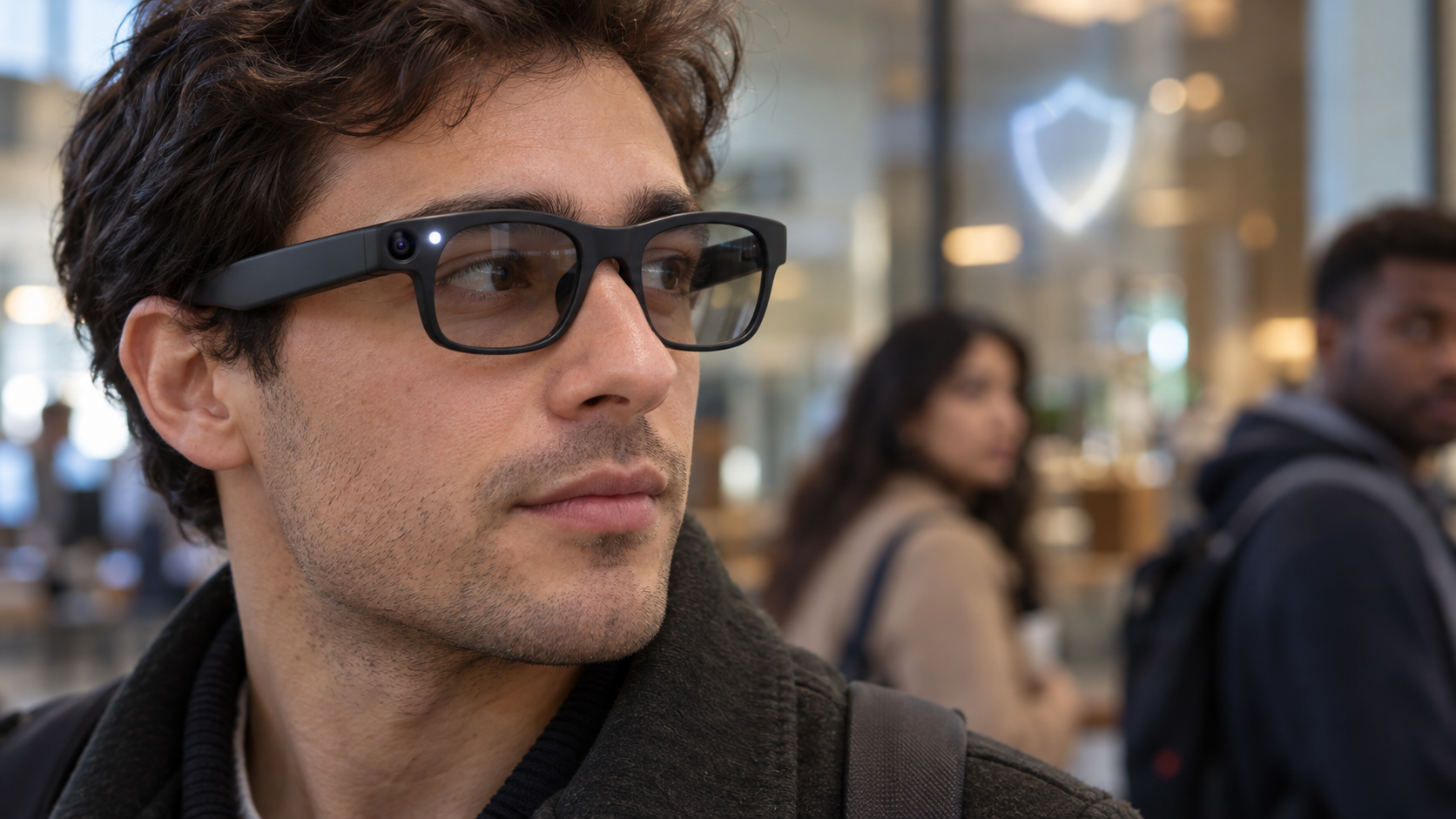
Prism places a physical cover over its 13-megapixel camera. Raven says the cover must be manually moved before the camera can operate, and illuminated Beakon indicators on the frame are designed to show nearby people when the camera is active. Eye-control processing is described as local, with core AI work intended to run on the device when possible.

Physical barriers and visible indicators are stronger signals than a software icon alone, but they do not answer every question. Independent reviewers should confirm whether the cover fully blocks capture, whether the activity lights are hard-wired to camera power, what microphones can record, which functions use cloud services and how logs, backups and app permissions are handled.

Wearers must account for other people

A camera-equipped computer at eye level can be uncomfortable in workplaces, classrooms, clinics, homes and public venues even when it is not recording. Follow local recording laws, obtain consent where required, obey employer and venue policies and remove the device in sensitive spaces. A visible light is not a substitute for a clear conversation with the people around you.

Prescription support, fit and shipping limits

Raven’s current reservation page says built-in prescriptions from -4.5 to +4.5 diopters are supported for the advertised batch, with wider ranges and progressive lenses planned later. That is a narrower promise than universal prescription support. Buyers should confirm whether astigmatism, prism correction, pupillary distance, lens material, remakes and refunds are covered before providing a prescription.

The company and Avegant describe the glasses as under 70 grams. That is light for a self-contained computer but still much heavier than many ordinary prescription frames, and the removable temple modules may affect balance. Fit, nose pressure, temple pressure, display alignment and comfort after several hours remain open questions.

U.S. shipping is the only firm initial region listed. The reservation page says European Union availability is coming, without a confirmed date. International buyers should not infer taxes, warranty coverage, radio approvals or support from the U.S. price.

How Prism differs from XREAL AURA and simpler display glasses

XREAL AURA, covered separately by ReaderSpice, uses Android XR and shifts most compute and battery hardware into a cable-connected puck. Its 70-degree binocular view is far wider, while Prism puts a narrower 30-degree monocular display and the computer into the glasses themselves. AURA favors a larger spatial workspace; Prism favors a self-contained, Linux-accessible form factor.

Simpler display glasses such as XREAL One Pro connect to a compatible phone, laptop or gaming handheld. They can cost less and may be better for movies or a private virtual monitor, but they do not offer Prism’s standalone Linux computer, gaze-first interface, camera, sensor access or modular batteries.

That comparison should begin with the job, not the novelty. Choose a standalone developer platform only if custom software and hands-free context matter. Choose a wider XR system if spatial windows and immersive apps matter. Choose basic display glasses if the goal is mainly a portable screen.

Who should reserve—and who should wait

Consider reserving if

  • You are an AR, Linux or wearable-computing developer with a specific ARM64 project and can tolerate early-platform changes.
  • A standalone, hands-free computer is materially more useful to your work than a phone-tethered display.
  • The refundable deposit, batch timing, prescription range and U.S.-first support are acceptable after you read the current terms.
  • You are prepared to test privacy, permissions, security and comfort rather than assuming the launch claims are settled.

Wait if

  • You need proven battery endurance, all-day comfort, mature apps or dependable enterprise support.
  • A narrow right-eye display, voice interaction or gaze control does not fit your vision or accessibility needs.
  • You expect a wide binocular workspace, immersive gaming or a replacement for several desktop monitors.
  • You live outside the United States or need progressive lenses, a wider prescription range or confirmed local warranty service.
  • You would be buying because of future GPS, cellular or AI modules that are not yet priced or scheduled.

A lower-cost display-glasses alternative

Readers who mainly want a wearable screen rather than a standalone Linux computer can compare the XREAL One Pro on Amazon. The verified U.S. listing is ASIN B0FDPGHVCB. One Pro connects to compatible phones, laptops and gaming handhelds and uses XREAL’s X1 chip for spatial display modes, but it does not reproduce Prism’s ARM64 computer, camera, eye-control sensors or modular power. Confirm the selected fit, seller, compatibility and return terms before ordering.

Affiliate disclosure: ReaderSpice may earn a commission from qualifying Amazon purchases made through the link above, at no additional cost to you.

Bottom line

Raven Prism is one of the more technically interesting smart-glasses launches of 2026 because it is not merely an accessory. A standalone Linux computer, local developer access, a color waveguide, gaze input, physical camera cover and hot-swappable batteries create possibilities that closed phone companions cannot match.

Those same ambitions make it an early-adopter product. The $1,499 price, narrow monocular view, limited initial shipping, batch-based reservation, prescription constraints and missing independent endurance data are serious qualifications. Developers with a defined hands-free use case can justify a refundable reservation after reading the current terms. Most consumers should wait for shipping units, full app details and independent comfort, battery and privacy testing.

Sources

Raven Resonance: Raven Prism hardware, display, camera, sensors and Raven OS

Raven Resonance: reservation price, refundable deposit, shipping regions and included accessories

Raven Resonance: developer access, Linux stack, eye control and application permissions

PR Newswire: October 29 launch announcement, preorder terms and privacy claims

Avegant: LCoS waveguide partnership, weight, field of view and launch specifications

Notebookcheck: independent launch summary, limitations and batch availability context
Amazon: XREAL One Pro (ASIN B0FDPGHVCB)

XREAL AURA Launches at $1,099: Android XR Specs, Tradeoffs and Who Should Buy

Optical see-through XR glasses connected by cable to a compact compute puck on a desk with floating app windows

XREAL AURA is now available to order as the first wired optical see-through glasses powered by Android XR. Google and XREAL opened U.S., Canadian and Korean orders on October 28, 2026, with a limited launch price starting at $1,099 and U.S. shipments expected to begin in mid-November.

AURA puts transparent Micro-OLED displays, cameras and sensors on the face while moving the heavier computing and battery hardware into a cable-connected puck. That split design makes the glasses lighter than a self-contained headset, but it also means the experience depends on a second device in a pocket or hand. Buyers should treat the launch as an early-adopter product, not a proven laptop or monitor replacement.

XREAL AURA at a glance

  • Launch price: $1,099 for 12GB of memory and 256GB of storage through the end of 2026; regular price is $1,279.
  • Higher configuration: $1,299 for 16GB of memory and 512GB of storage during the launch offer; regular price is $1,499.
  • Availability: orders are open in the United States, Canada and Korea, with Japan following on November 2; U.S. shipping is scheduled to begin in mid-November.
  • Glasses: optical see-through Sony Micro-OLED displays with 1920 × 1200 pixels per eye, up to 120Hz and a 70-degree field of view.
  • Compute puck: Snapdragon Reality Elite platform, a 4,455mAh battery, Wi-Fi 6/6E, Bluetooth 5.3 and two USB-C ports.
  • Interaction: hand tracking, voice, the puck touchpad, Bluetooth keyboards and mice, game controllers and Gemini on Android XR.
  • Age and setup: Google lists AURA for users 18 and older and says setup and a compatible account are required.

The specifications and performance claims in this article come from Google, XREAL and Qualcomm-linked launch material unless otherwise noted. ReaderSpice has not independently tested AURA, so display clarity, heat, comfort, battery life, tracking stability and camera behavior still need review testing.

The $1,099 price is temporary

Google says the $1,099 starting price applies through the end of 2026. The base configuration combines 12GB of memory with 256GB of storage. The 16GB/512GB model launches at $1,299. XREAL’s regular prices are $1,279 and $1,499, respectively, so waiting until 2027 could add $180 to the base model or $200 to the larger configuration.

A discount is not a reason to rush a first-generation platform purchase. The safer buying path is to confirm the correct fit, understand the return window, identify the Android and XR apps you actually need and wait for independent reviews if comfort or productivity will decide the purchase. Google also says features, subscriptions and availability vary by region.

What the hardware includes

  • Dual Sony Micro-OLED panels at 1920 × 1200 pixels per eye, with up to 120Hz refresh and a claimed 1,050-nit maximum brightness.
  • A 70-degree optical see-through field of view, 32 pixels per degree, 100 percent sRGB coverage and individual factory calibration with a claimed Delta E below 3.
  • Two world-facing tracking cameras for six-degrees-of-freedom spatial anchoring, plus hand tracking and a high-resolution perception camera with a privacy indicator light.
  • Five electrochromic transparency levels that can darken the lenses for more immersive viewing; XREAL claims the darkest setting blocks up to 99.9 percent of outside light.
  • Bose-tuned audio, Android XR spatial audio and a four-microphone array.
  • An XREAL X1S spatial coprocessor in the glasses and Qualcomm’s Snapdragon Reality Elite platform in the compute puck.
  • A prescription-lens insert frame in the box, along with three nose-pad sizes, a carrying case, belt clip, glasses cable and charging cable.

XREAL lists two fit sizes rather than one universal frame. Interpupillary-distance ranges and fit guidance should be checked on the current order page before buying, especially because a mismatched optical fit can affect clarity and comfort more than a headline resolution number.

The tethered design shifts weight off your face

The tethered design shifts weight off your face

Google describes the glasses as under 95 grams, while the puck holds the Snapdragon processor, battery, wireless radios, storage and most of the controls. The on-face hardware is still heavier than ordinary glasses, but moving the battery and primary compute platform away from the temples should reduce the weight users carry on the nose and ears.

The cable is the tradeoff. It can catch on clothing, requires a place for the puck and complicates quick on-and-off use. The puck’s second USB-C port supports charging and DisplayPort input, allowing wired mirroring from compatible laptops and handheld gaming devices while the dedicated glasses port remains connected. Buyers should verify video-output compatibility rather than assuming every USB-C port supports DisplayPort.

The puck includes a touchpad and fingerprint button, and XREAL lists hand, voice, keyboard, mouse and controller input. That flexibility is useful at a desk, but productivity still depends on app support, text legibility, keyboard access and whether the software keeps windows stable through a full session.

Android XR is the main reason AURA is different

It runs apps instead of acting only as a display

AURA is not merely a wearable monitor. Android XR can run familiar Android apps from Google Play alongside experiences built specifically for XR. Google says users can keep multiple spatial and 2D apps visible, play mobile or tablet games, watch immersive video, mirror a PC or handheld and use window-follow mode to keep content in front of them while seated or moving.

XREAL says more than 150 made-for-XR experiences are available around launch, while ordinary Android apps widen the catalog. That does not mean every phone app will feel natural in space. Touch-first interfaces may work best as flat virtual windows, and professional workflows still need testing with real files, peripherals and long sessions.

Gemini can use visual and screen context

Google says Gemini on Android XR can understand what the wearer is seeing and doing across the real world and on-screen apps, then respond conversationally. That could help with navigation, troubleshooting, entertainment and multitasking without requiring the user to describe every visible detail.

The same capability deserves a privacy review. AURA includes a high-resolution camera and four microphones, and the camera has a privacy LED. Before using it around coworkers, family members or confidential information, check the current recording indicators, account controls, app permissions, cloud-processing terms and workplace rules. A visible indicator is useful, but it does not replace consent or careful permission management.

Where AURA could be practical

  • Travelers who want a large private screen at an airport, hotel or airplane seat without carrying a full-size monitor.
  • Developers and businesses evaluating Android XR applications, managed deployments or spatial workflows.
  • Gamers who want Android titles, XR experiences or a wired virtual display for a compatible PC or handheld.
  • Early adopters who value transparent optics and multiple spatial windows more than the simplicity of a conventional laptop screen.
  • Media viewers interested in 3D movies, 180- and 360-degree video and spatial conversion of compatible photos or video.

Important tradeoffs before ordering

  • The $1,099 price is still higher than many laptops, tablets, monitors and simpler display glasses.
  • The compute puck and cable reduce on-head weight but add something else to charge, carry and manage.
  • XREAL has not published one simple real-world battery-life number that covers gaming, video, Gemini and productivity workloads.
  • A 70-degree field of view is wider than XREAL’s earlier glasses but still does not fill natural human vision.
  • Transparent displays face changing room and daylight conditions; electrochromic dimming can help, but buyers should not assume identical clarity everywhere.
  • Prescription users need the insert and compatible lenses, and everyone should confirm the correct frame size and return policy.
  • App quantity is not the same as app quality. Android apps may run in flat windows even when they are not designed for spatial interaction.

Who should buy now—and who should wait

Consider buying now if

  • You have a specific XR development, travel, gaming or multi-screen use case and can tolerate first-generation software changes.
  • You are comfortable with a tethered puck and have verified the fit, prescription path, region, return window and required accessories.
  • The launch discount matters and independent testing is not essential to your decision.

Wait if

  • You need proven all-day comfort, measured battery life or dependable replacement for a work monitor.
  • You dislike cables, want ordinary glasses weight or expect a fully self-contained headset.
  • Your key apps, employer policies or accessibility needs have not been confirmed for Android XR.
  • You mainly want a private virtual screen and do not need Android XR, cameras, hand tracking or Gemini.

A lower-cost XREAL alternative

Readers who mainly want a wearable display rather than a standalone Android XR computer can compare the XREAL One Pro on Amazon. The verified U.S. listing is ASIN B0FDPGHVCB. One Pro uses XREAL’s X1 chip for spatial display modes and connects to compatible phones, laptops and gaming handhelds, but it does not replace AURA’s Android XR compute puck, perception system or full app platform. Confirm the selected IPD size, seller, compatibility and return terms before ordering.

Affiliate disclosure: ReaderSpice may earn a commission from qualifying Amazon purchases made through the link above, at no additional cost to you.

Bottom line

XREAL AURA is one of the clearest attempts yet to turn optical see-through glasses into a portable spatial computer. The 70-degree view, Android XR software, Gemini context, dual-chip architecture and launch pricing are more ambitious than a basic virtual display, while the under-95-gram glasses show why XREAL separated the processing and battery into a puck.

That split is also the product’s defining compromise. AURA is lighter on the face because it is not self-contained, and its broad software promise still needs independent testing in real work, travel and gaming. Early adopters with a specific use case can justify the $1,099 launch price; most buyers should wait for comfort, battery and app-quality reviews before committing.

Sources

Google: XREAL AURA launch, availability, pricing and Android XR features

XREAL: AURA specifications, configurations, fit and included accessories

XREAL: AURA launch announcement and platform overview

Google Cloud: Android Enterprise management context for XREAL AURA

Road to VR: launch configurations, regular prices and independent specification summary

The Verge: launch-day pricing and first-look context

Amazon: XREAL One Pro (ASIN B0FDPGHVCB)

Meta Adventurer AI Glasses Go on Sale at $249: The Charging-Case Tradeoff Explained

Black rectangular AI smart glasses with a small camera resting on a sunlit desk beside a phone and charging dock

Meta’s most affordable camera-equipped AI glasses are officially on sale October 23, 2026. The Meta Adventurer starts at $249 in Classic Black with gray lenses and a plug-in charging case, putting a 12-megapixel camera, 3K video, open-ear audio and Meta AI below the price of many competing smart glasses.

The low price has an important catch: the $249 package uses a charger that must be connected to power. Configurations with Meta’s foldable charging case start higher—the currently displayed Classic Black model with clear lenses is $299—and that portable case can add up to 40 hours of battery life away from an outlet. The glasses themselves keep the same core capabilities, so buyers are mainly choosing between the lowest entry price and more convenient charging on the road.

The quick take

  • The entry Meta Adventurer costs $249 and includes black frames, gray lenses and a plug-in charging case.
  • A $299 configuration shown on Meta’s U.S. store includes clear lenses and the foldable charging case.
  • Meta says the lower-priced version retains the same core features: Meta AI, a 12MP camera, 3K video and open-ear audio.
  • Battery life is rated at more than eight hours for the glasses; the portable case provides up to 40 additional hours, while the plug-in case does not act as an unplugged battery bank.
  • The rectangular frame comes in standard and large sizes, supports prescriptions and works with iOS 17 or later and Android 10 or later.
  • A visible capture LED signals photo or video use, but owners still need to ask permission and follow venue rules.

What went on sale October 23

Meta announced the Adventurer in September and set October 23 as the retail date in markets where Meta Glasses are sold. The headline $249 configuration pairs a black rectangular frame and gray lenses with the company’s simpler plug-in case. Other Adventurer combinations add different lenses, colors, sizes and the portable case, so the price on the product page can be higher than the advertised starting point.

The current U.S. product page shows Classic Black with clear lenses at $299 when the foldable charging case is selected. That is not a contradiction. The $249 price belongs to the specific black-and-gray package with the plug-in case. Prescription lenses, Transitions lenses and other treatments can raise the total further.

Availability is broader than a U.S.-only launch. Meta lists online sales in the United States, Canada, the United Kingdom, Australia, much of Western Europe, Japan, Mexico, Singapore, South Korea and the United Arab Emirates, with local inventory and configurations varying. Buyers should use the regional Meta store because prescription support, returns, financing and consumer-law coverage can differ by country.

The $249 plug-in case is the real tradeoff

The $249 plug-in case is the real tradeoff

Meta says the entry Adventurer has the same standard glasses features as more expensive Meta Glasses. The distinction is the included charger. The plug-in case connects to a power source with a cable and is not sold separately. It can bring the glasses to about 90 percent charge in roughly 75 minutes, but it cannot refill them while sitting unplugged in a bag.

The foldable charging case is a portable battery. Meta rates it for up to 40 hours of additional charging, allowing the glasses to be topped up between commutes, meetings or sightseeing stops without finding an outlet. Meta also sells that portable case separately for $89, so buying the $249 model and adding a case later would cost more than choosing an appropriate package at checkout.

The practical decision is straightforward. The plug-in package makes sense when the glasses will mostly be used near home, work or a vehicle charger. Travelers, all-day event attendees and heavy camera users are more likely to benefit from the portable case because 3K video, calls and AI requests can consume the frame battery faster than light audio use.

The core hardware is not cut down

Adventurer uses a 12MP ultra-wide camera with a 100-degree field of view. Still images are captured at 3024 by 4032 pixels. Video options include 3K Ultra HD at 30 frames per second, a 1080p-plus mode at 30 or 60 fps and a 720p-plus mode at 120 fps. Hyperlapse and slow-motion capture are supported.

Six microphones are distributed across the nose pads, temple arm and front frame. The open-ear speakers use adaptive volume so audio can respond to the surrounding environment. This design keeps the ear canal open, which is useful for awareness, but it also means nearby people may hear some sound at higher volumes and strong traffic noise can compete with music or calls.

The glasses store up to 1,000 photos or more than 100 thirty-second videos in 32GB of flash storage. Wi-Fi 6 tri-band connectivity covers 2.4GHz, 5GHz and 6GHz networks, while Bluetooth 5.4 and Bluetooth Low Energy handle phone pairing and related connections.

What Meta AI can do

With a paired phone and supported services, the glasses can answer questions about what the wearer sees, provide local recommendations, translate conversations, start calls and control music. Meta also promotes dynamic photo capture, which takes multiple frames and recommends a stronger result. Some features depend on region, language, connected accounts or a data connection, so the hardware specification should not be treated as a promise that every AI function works everywhere on day one.

There is no in-lens display. Adventurer is a camera-and-audio wearable, not an augmented-reality headset. Answers arrive primarily through the speakers or the companion Meta AI app. Anyone expecting maps, messages or captions floating in front of the eye should look at display-equipped products instead.

Battery, fit and prescription details

Meta rates the frame for more than eight hours per charge. Real endurance will vary with video recording, calls, music volume, AI use, wireless conditions and temperature. The number is best read as an upper-level product claim rather than a guarantee that every user will reach a full workday.

The rectangular frame is offered in standard and large sizes. Meta lists a weight of 53.8 grams for the standard frame and 54.8 grams for the large one. Both use a 22mm bridge, with 150mm temples on the standard size and 155mm temples on the large size. Three-way nose-pad adjustment and over-extension hinges are intended to improve fit, but the frame remains heavier than ordinary eyeglasses.

Prescription-ready versions support single-vision and progressive lenses. Meta lists a total-power range from -12.00 to +2.25, with cylinder correction up to 6.00. That is a broad range, but an optician should confirm lens thickness, pupillary distance and fit before purchase. In the U.S., prescription configurations can be ordered from Meta; third-party installation should be handled by a qualified professional.

Phone requirements and what is not included

The official compatibility floor is iOS 17 or later or Android 10 or later. A compatible phone, the Meta AI app, a Meta account and wireless connectivity are necessary for setup and many smart features. An operating-system version alone does not guarantee every phone model is supported, so buyers should check Meta’s live compatibility list before opening or customizing prescription lenses.

The standard foldable-case package includes the glasses, charging case, cleaning cloth, reference guide and prescription-lens guide. Meta states that a USB-C charging cable is not included. The lower-priced plug-in package uses its dedicated wired case instead, so shoppers should examine the exact in-box list shown for the selected configuration rather than assuming all bundles contain the same accessories.

Privacy is part of the ownership cost

Adventurer’s camera makes consent and location rules as important as battery life. Meta says a capture LED illuminates when the glasses take photos or record gallery video, and camera capture is blocked if that light is covered. The company also says captures remain on the glasses until the owner chooses to move them to the phone through the Meta AI app.

Those safeguards do not replace good behavior. Owners should ask before photographing people, avoid sensitive spaces and comply with workplace, school, medical, concert and private-property policies. The LED also cannot tell a bystander what will happen to an image after it is transferred to a phone.

Visual AI requests are another reason to review settings carefully. A camera-equipped assistant can process what is in front of the wearer even when the intent is not to create a keepsake. Before using the glasses around documents, screens, children or confidential work, review the Meta AI app’s capture, voice and data controls and switch off features that are not needed.

A verified Amazon alternative

Meta Adventurer is sold through Meta and certified retailers. Buyers who prefer Amazon can compare it with the established Ray-Ban Meta Gen 2 Wayfarer Large in Matte Black with clear lenses. That model includes a 12MP camera, 3K video, open-ear audio and Meta AI in a Ray-Ban frame, but its fit, styling, battery package and price are different from Adventurer.

Check the Ray-Ban Meta Gen 2 Wayfarer Large on Amazon (ASIN B0FLYD7G7D). Confirm the generation, frame size, lens type, seller and current return terms before ordering because Amazon can group several variations on one page.

Disclosure: ReaderSpice may earn a commission from qualifying Amazon purchases made through the link above, at no additional cost to you.

Who should choose each package

Choose the $249 plug-in version if

  • Your priority is the lowest purchase price.
  • You normally use the glasses near a reliable outlet or USB power source.
  • Gray lenses and the specific black frame fit your needs.
  • You do not expect to recharge the glasses while walking, traveling or attending long events.

Pay more for the portable case if

  • You travel frequently or use the camera away from power.
  • You want up to 40 hours of extra charging available in a bag or pocket.
  • You need clear, Transitions or prescription lenses that are not part of the entry bundle.
  • The convenience is worth more than the price gap and avoids an $89 case purchase later.

Buying checklist

  • Select the exact frame size, bridge fit, lens color and case type before looking at the final price.
  • Confirm that your phone appears on Meta’s current compatibility list and can run the required operating system.
  • Budget for prescription lenses, lens treatments, a USB-C cable or adapter, and any protection plan separately.
  • Review the 30-day return window and the 12-month manufacturing-defect warranty for the country and retailer handling the sale.
  • Test fit, microphone pickup, speaker leakage, battery life, camera alignment and capture LED behavior before the return period ends.

The bottom line

Meta Adventurer makes camera-equipped AI glasses more accessible without removing the camera, audio or AI features that define the category. The $249 package is real, but it is tied to one frame-and-lens combination and a plug-in charger. For buyers who stay close to power, that is a sensible way to save. For travel or heavy daily use, the $299-class portable-case configuration is likely the better value because it solves the product’s most predictable limitation: recharging away from an outlet.

Before buying, treat the glasses as both a wearable computer and a camera. Verify the selected package, check phone compatibility and prescription needs, understand the return policy, and use the capture controls in a way that respects the people around you.

Sources

Meta Newsroom: Ray-Ban Meta Audio and expanded Meta Glasses lineup

Meta Store: Adventurer price, specifications, case options and FAQs

Meta: Responsible innovation and privacy guidance for AI glasses

Amazon: Ray-Ban Meta Gen 2 Wayfarer Large (ASIN B0FLYD7G7D)

Meta Ray-Ban Display Adds Cycling Navigation and Hologram Calls: What’s New

Black smart display glasses and neural wristband with cycling and transit navigation graphics

Meta is turning its $799 Meta Ray-Ban Display glasses into a more capable everyday display. The newest software roadmap adds turn-by-turn directions for cycling and public transit, richer walking cues, better calendar controls, mirrored phone notifications and a forthcoming WhatsApp calling feature that creates a photorealistic digital version of the wearer.

The update matters because it pushes the glasses beyond quick AI answers and camera previews. Some additions are scheduled for later this month, while others remain early-access or “coming soon” features. That distinction is important for anyone deciding whether to buy now.

What Meta is adding now

The headline changes are:

  • Cycling and public-transit directions in the United States and Canada.
  • Walking directions that can reference visible landmarks, such as a distinctive house.
  • A Hologram calling mode for WhatsApp that animates a generated likeness of the wearer.
  • Expanded calendar actions, mirrored phone notifications and Threads Community feeds.
  • Dolby Atmos capture for videos and a new Explore app for discovering experiences.

Cycling and transit navigation arrive

Cycling and transit navigation arrive

Meta says cycling and public-transit turn-by-turn directions are coming to Meta Ray-Ban Display in the United States and Canada. Walking navigation is also becoming more conversational: instead of relying only on street names and distances, the glasses can point to a visual landmark and tell you to turn there.

That approach could make directions easier to follow without staring at a phone, especially in unfamiliar neighborhoods or at transit transfers. It does not mean riders should treat the lens as a full map. The small display is best used for short prompts, and cyclists still need to keep their attention on traffic, signals and road conditions.

The navigation expansion builds on the product’s existing walking directions. Meta Ray-Ban Display has a full-color display in the right lens and comes with the Meta Neural Band, which interprets small wrist and finger movements. The bundle starts at $799.

Hologram calls: a generated face, not a live camera feed

Meta’s “Hologram” name sounds more futuristic than the actual experience. The feature creates a photorealistic digital likeness after the owner records a short selfie video. During a WhatsApp call, the glasses use the wearer’s voice to drive facial expressions in that generated image.

The practical benefit is that callers can appear on video while wearing the glasses, even though the front-facing camera cannot film the wearer’s own face. It is not a three-dimensional projection floating in the room, and it is not a conventional live selfie-camera feed. That distinction should keep expectations realistic.

Meta says Hologram will enter early access in the United States later this fall. Early access usually means availability may be limited and the experience can change before a broader rollout. Buyers should not treat it as a guaranteed, finished feature at purchase.

Notifications, calendars and Threads move onto the display

Meta is also filling in smaller gaps that determine whether wearable displays are useful day to day. Calendar support can show attendees and let the wearer accept, decline or join a meeting. The calendar additions are initially in English in the United States.

Mirrored notifications are coming soon, with controls for which phone alerts appear on the glasses. That could reduce phone checks, but it also creates a new reason to tune notification settings carefully; sending every alert into the lens would quickly become distracting.

Threads Community feeds are being added, while a new Explore app is intended to help owners find experiences built for the glasses. Video capture is gaining Dolby Atmos audio. None of these changes turns the device into a general-purpose augmented-reality headset, but together they make the display feel less like a demo and more like a compact companion screen.

Where Meta Ray-Ban Display is available

Meta now sells the glasses online in the United States. Sales are also open in Canada and the United Kingdom. France, Italy and Germany can preorder, with retail availability planned for October.

The package includes the glasses and Meta Neural Band. Meta’s launch information lists up to six hours of mixed use for the glasses and up to 30 hours total with the charging case. The Neural Band is rated for up to 18 hours and has IPX7 water resistance, while the glasses themselves should still be treated as everyday electronics rather than sports goggles.

Availability, supported apps and individual features vary by country and language. Shoppers outside the United States should confirm the exact feature list on Meta’s regional store before buying rather than assuming every announced function is active on day one.

Is this update useful enough to justify $799?

For existing owners, navigation is the most immediately valuable part of the update. Cycling and transit prompts expand the situations where the display can save a phone check. Calendar actions and selective notification mirroring could also help commuters and people who spend much of the day moving between meetings.

For new buyers, the answer depends on whether the in-lens display and wristband are worth the premium. The less expensive Ray-Ban Meta line already offers a camera, open-ear audio and Meta AI, but it does not provide the same visual display or neural-band controls.

ReaderSpice may earn a commission from qualifying purchases.

Readers who want the camera-and-audio experience without the in-lens display can compare the current Ray-Ban Meta Gen 2 Wayfarer on Amazon.

The $799 Display model makes the strongest case for people who will regularly use private visual prompts, navigation, live captions and message controls. Hologram calling is interesting, but it remains an early-access extra rather than a reason by itself to spend the money.

Before you buy

  • Check the regional feature list, supported phone requirements and prescription-lens options.
  • Expect announced features to arrive in stages; “coming soon” is not the same as available today.
  • Review notification permissions so sensitive messages do not appear unexpectedly in the lens.
  • Use the recording indicator responsibly and get consent where local rules or the situation require it.

If privacy around camera glasses is your main concern, read ReaderSpice’s guide to recognizing when smart glasses are recording.

The bottom line

This is a meaningful software expansion for Meta Ray-Ban Display. Navigation for bicycles and public transit gives the glasses a clearer practical role, while calendar actions and notification mirroring make the display more useful between trips. Hologram calls show where Meta wants wearable video communication to go, but the limited early-access rollout means buyers should judge the product primarily on features available in their region now.

Sources

Meta: New Features for Meta Ray-Ban Display

Meta: Introducing Meta Ray-Ban Display and the Meta Neural Band

Reuters: Meta launches smart glasses with a built-in display

Reuters: Privacy fears challenge smart glasses and AI wearables

How to Tell If Smart Glasses Are Recording You—and What to Do

Smart glasses with an illuminated recording indicator highlighting wearable camera privacy concerns

Smart glasses are moving from novelty to everyday wearable, but their tiny cameras create a problem that smartphones rarely do: the person being recorded may not realize a camera is pointed at them. That concern has intensified ahead of Meta Connect 2026, as courts, workplaces and public facilities debate restrictions on camera-equipped eyewear.

Meta says its AI glasses use a visible Capture LED and disable the camera if that light is covered or damaged. Those safeguards help, but they do not eliminate questions about consent, saved footage, cloud processing or the rules of a private venue. Here is how to recognize the recording signal, what it actually means and how both bystanders and owners can respond responsibly.

How to recognize the recording indicator

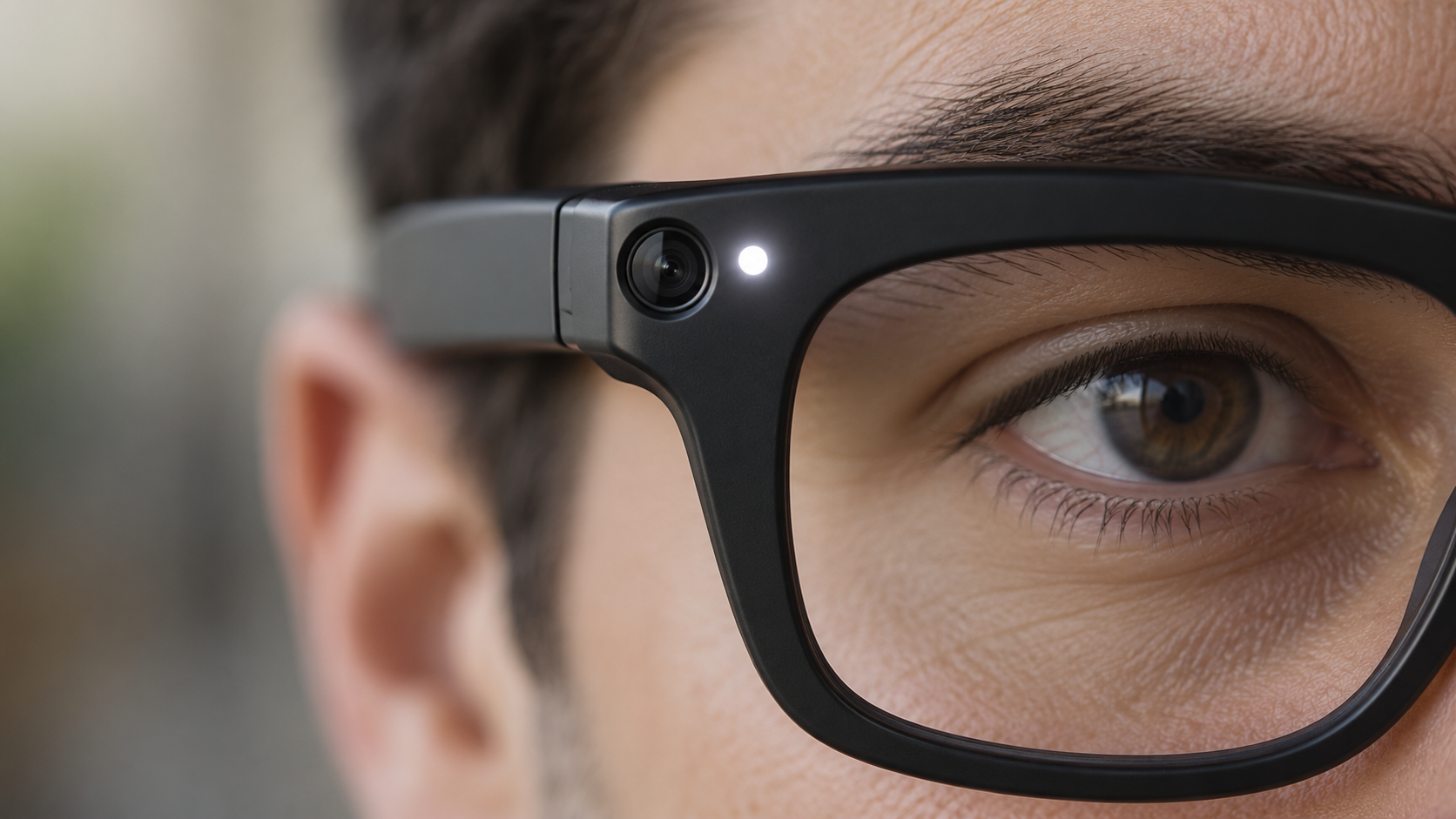
Close-up of camera-equipped smart glasses with the white recording indicator illuminated

On current Meta AI glasses, look at the front corner of the frame near the camera. Meta calls the small white light there the Capture LED. According to the company, it blinks briefly when the wearer takes a photo for the gallery and continues blinking throughout a video recording.

Meta says the light has no user-accessible off switch. If the glasses detect that the LED is blocked, physically altered or destroyed, the camera is supposed to disable itself until the obstruction is removed. That safeguard is designed to prevent a wearer from simply covering the light while continuing to record.

What the Capture LED tells you

A visible blinking white LED is the clearest sign that compatible Meta glasses are saving a photo or video for the wearer’s gallery. For video, Meta says the light should keep blinking for the entire recording. A brief blink may indicate a still photo.

Owners should not assume everyone recognizes the signal. The light is small, unfamiliar to many people and may be harder to notice from a distance or in a bright environment. The most respectful practice is to announce the recording and ask permission when people are identifiable, even when the device is functioning exactly as designed.

What the light does not guarantee

The LED is a useful indicator, not a universal privacy guarantee. Different brands can use different lights, sounds or no standardized signal at all. An ordinary-looking frame may also contain a camera that does not follow Meta’s design.

Meta’s privacy page specifically connects the Capture LED to photos and videos captured for the wearer’s gallery. The company separately says that a visual Meta AI question can briefly activate the camera to analyze what the wearer sees. Meta says faces and license plates are automatically blurred in that process and the images used to generate the answer are not saved to the gallery. That distinction matters: a gallery recording and temporary AI camera processing are not necessarily the same event.

Photos can also leave the glasses. Meta says gallery media remains private on the device until the owner imports it or enables auto-import; after import, it is stored in the phone’s gallery and can be shared like other media. The LED cannot tell a bystander what happens to a file after capture.

What to do if you think you are being recorded

Start with a calm, direct question. Ask whether the glasses have a camera, whether they are recording and what the white light means. Many owners may be willing to stop once they understand that someone is uncomfortable.

If you do not consent, state that clearly and move away if practical. In a business, school, workplace, medical office, court, gym, locker room or other managed property, contact staff or security and ask about the venue’s policy. Private locations can impose rules that are stricter than general public-space law.

Practical steps include:

  • Say clearly that you do not want to be photographed or recorded.
  • Ask the wearer to stop and, when appropriate, delete the clip in your presence.
  • Move children or sensitive documents out of the camera’s view.
  • Notify venue staff if the wearer ignores a posted policy or reasonable request.
  • Document the time, place and device description if the incident involves harassment or a safety concern.
  • Contact local authorities for threats, stalking, intimate-area recording or another urgent risk.

Do not grab the glasses or attempt to damage them. That can escalate the situation and may create separate legal or safety problems.

Sensitive places deserve extra caution

Meta’s own responsible-use guidance tells owners to power the glasses off in locations such as doctors’ offices, locker rooms and schools. Confidential meetings, restrooms, changing areas, courtrooms and spaces involving children also demand particular care.

Restrictions are already expanding. Reuters reported on September 17 that Australia was considering a prohibition on camera-equipped smart glasses in government workplaces. The report also noted bans in Oslo schools and courts in England and Wales. Reuters separately reported on September 22 that privacy fears, lawsuits and venue restrictions are becoming a broader obstacle for AI wearables.

Rules can change quickly and vary by jurisdiction. Audio recording is especially important because consent laws differ. A camera being visible—or a person standing in a public place—does not answer every question about audio, harassment, commercial use or reasonable expectations of privacy. This article is practical guidance, not legal advice; check local law when the stakes are serious.

How smart-glasses owners can reduce privacy risks

Owners carry most of the responsibility because they control when the camera and microphones are used. A short explanation before recording is more reliable than expecting strangers to identify a tiny LED.

Good habits include:

  • Ask permission before recording identifiable people in conversations or close range.
  • Explain the Capture LED and keep it fully visible.
  • Power the glasses off or remove them in sensitive and confidential spaces.
  • Follow school, workplace, courtroom and venue policies without argument.
  • Keep the glasses and companion app updated so current anti-tampering safeguards are installed.
  • Review auto-import, cloud and sharing settings before capturing sensitive material.
  • Delete accidental recordings promptly and avoid posting people who did not consent.
  • Never use the glasses to intimidate, embarrass or secretly target another person.

Why privacy is becoming the smart-glasses test

The category’s most useful features—hands-free video, microphones and AI that can interpret the surroundings—are also the features most likely to make bystanders uneasy. Reuters reported that companies are testing camera-free glasses, deliberate push-to-record controls and more local processing as ways to earn trust.

That is an important shift. Better image quality and faster AI will not make smart glasses socially acceptable if people cannot tell when sensing or recording occurs. Visible indicators, hardware shutters, local processing, clear retention rules and meaningful consent controls may become as important as battery life or camera resolution.

For readers evaluating the technology firsthand, current Ray-Ban Meta smart glasses are available through Amazon; prices, generations and frame styles vary, so confirm the exact model before buying.

Bottom line

On Meta AI glasses, a blinking white Capture LED is the key sign that a photo or gallery video is being captured. Meta says blocking or damaging that light disables the camera, but the signal is not a universal standard and cannot explain every form of temporary AI processing or what happens to media after import.

If you are uncomfortable, ask directly, state your preference and involve venue staff when necessary. If you own the glasses, announce recordings, obtain consent and power them off in sensitive spaces. The technology will succeed only if the people in front of the camera can trust the person behind it.

Disclosure: ReaderSpice may earn a commission from qualifying purchases made through Amazon links, at no additional cost to you.

Sources

Meta AI glasses privacy and Capture LED guidance

Meta AI glasses questions and answers

Reuters report on AI wearables and privacy concerns

Reuters report on proposed smart-glasses workplace restrictions

Nuance Audio Plus Hearing Glasses Start at $829: What’s New and Who They’re For

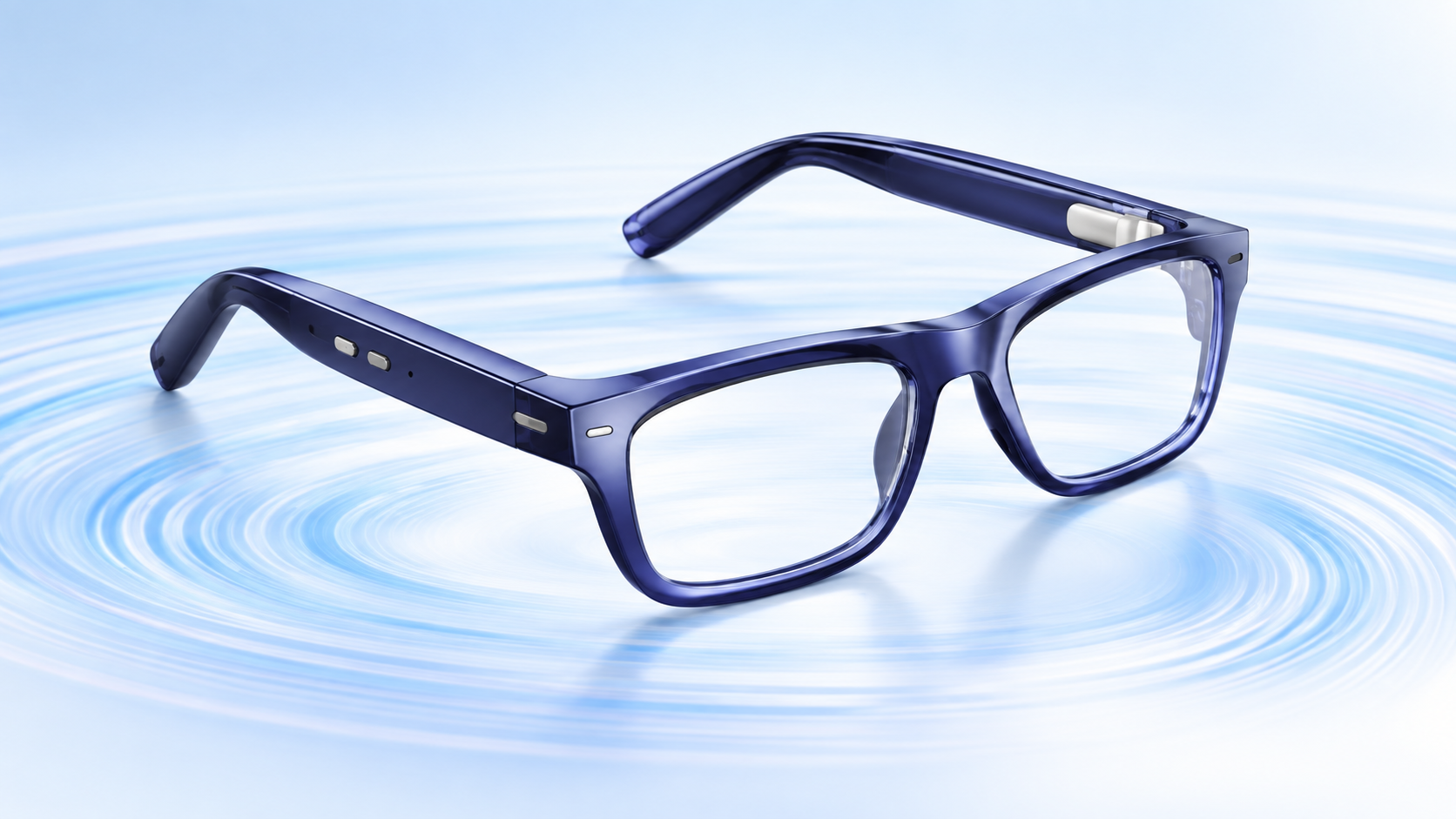
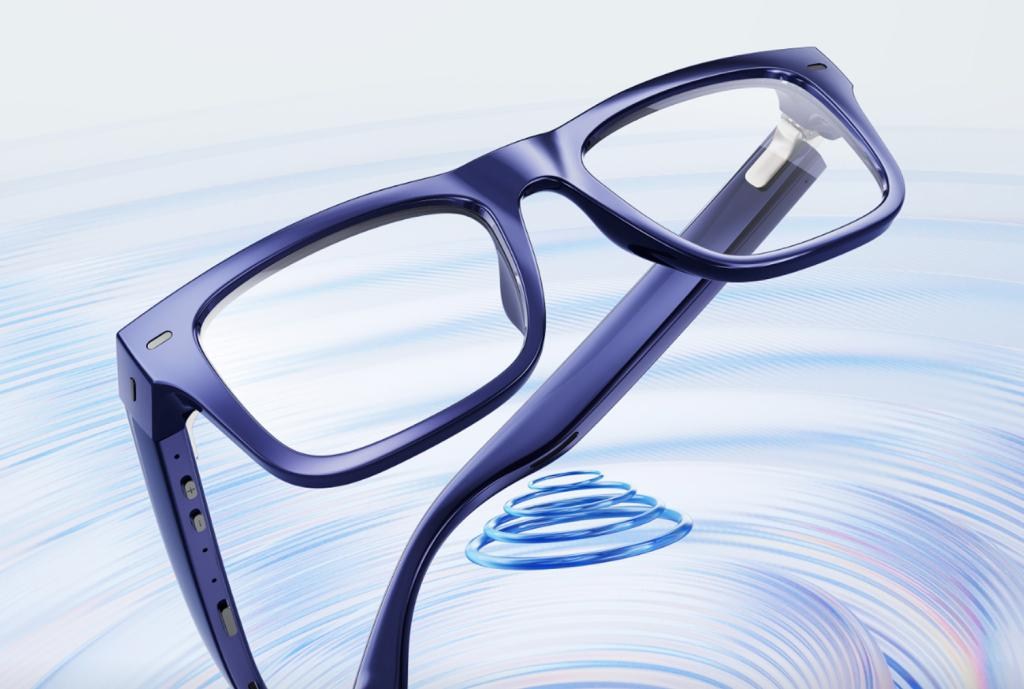
Deep blue Nuance Audio Plus hearing glasses with built-in hearing technology on a light blue sound-wave background

Nuance Audio Plus puts an over-the-counter hearing aid into a pair of everyday-looking eyeglasses, and the new generation is now available in the United States starting at $829. The upgrade targets a practical problem: helping adults follow conversations without wearing a separate in-ear device or drawing attention to hearing technology.

The new model keeps the open-ear design of the original Nuance Audio glasses while improving speech clarity, amplification, battery life and physical controls. It also adds hands-free iPhone calling. Those changes make the Plus version more flexible, but its price, four-hour charging time and limited phone support mean shoppers should compare it carefully with conventional OTC hearing aids.

Nuance Audio Plus price and availability

Deep blue Nuance Audio Plus hearing glasses with built-in open-ear speakers and frame controls

The official Nuance Audio Plus lineup is available now in the U.S. from $829 before optional prescription lenses or lens treatments. The standard first-generation Nuance Audio glasses remain on sale from $699, so the Plus upgrade carries at least a $130 premium.

The Plus model comes in Square, Upturn and Panthos frame shapes. Color choices include shiny black, shiny burgundy, deep blue, amber and olive green. Both prescription and non-prescription configurations are offered, allowing one frame to handle vision correction and hearing assistance.

Nuance includes a foldable case, cleaning cloth, charging pad and USB-C cable. A charging case and Remote Plus controller are optional purchases. The company advertises free returns within 30 days, which matters for a device whose comfort and benefit can vary substantially from person to person.

What changes with Nuance Audio Plus

The second-generation model is not an AI-camera wearable or a display headset. It is a focused accessibility device with hidden speakers built into thicker-than-normal temple arms. Compared with the original version, the meaningful changes are:

  • Improved sound amplification and clearer speech in noisy environments
  • Up to 10 hours of battery life
  • A dedicated power slider and separate volume controls on the frame
  • Sleep mode when the temples are folded, with automatic wake when opened
  • Hands-free answering for incoming calls when paired with an iPhone
  • More frame shapes and colors

The absence of a camera is also a useful distinction. Nuance Audio Plus is designed to help the wearer hear, not to record people or overlay digital information. That gives it a clearer purpose and avoids many of the privacy questions attached to camera-equipped smart glasses.

How the hearing modes work

The companion Nuance Audio app provides two main listening modes. Frontal mode emphasizes the person directly in front of the wearer, making it the logical choice for a restaurant table, appointment or face-to-face conversation. All-Around mode raises sounds from the broader environment and may suit a group discussion, television viewing or a walk outside.

Users can choose among four preset amplification profiles and three noise-reduction levels. That is more customization than a simple personal sound amplifier, but it is still a self-managed OTC system rather than an individually programmed prescription hearing aid.

Battery, controls and phone compatibility

Nuance rates the Plus glasses for up to 10 hours of use, while a full charge takes about four hours. Actual runtime will depend on volume, listening conditions and calling. Folding the arms places the glasses into sleep mode instead of fully powering them down, so they can resume quickly when reopened.

The new on-frame slider and volume buttons reduce dependence on the phone app for everyday adjustments. Call answering is more limited: the hands-free feature works with iPhone, but The Verge reports that it is not supported on Android. Android users should therefore view the glasses primarily as hearing assistance rather than a calling accessory.

Who should consider these hearing glasses

Nuance Audio Plus is aimed at adults with perceived mild to moderate hearing loss who already wear glasses, dislike in-ear hardware or want a discreet all-in-one option. It may be especially appealing to someone who mainly struggles with conversation in restaurants, meetings or other noisy places.

It is less compelling for shoppers who need all-day-plus runtime, want audio streaming features on Android, prefer an almost invisible in-ear design or have severe hearing loss. Conventional OTC models can also cost less. One alternative currently sold on Amazon is the Sony CRE-C20 self-fitting OTC hearing aid, which uses a compact in-ear design instead of eyeglass speakers.

Affiliate disclosure: ReaderSpice may earn a commission from qualifying Amazon purchases at no additional cost to you.

What to check before buying

The FDA says OTC hearing aids are intended for adults age 18 and older with perceived mild to moderate hearing loss. They are not meant to treat severe or profound loss, and shoppers should not assume that a more expensive device will automatically provide a better fit.

Before ordering, consider these questions:

  • Do you need prescription lenses, and what will the finished total cost be?
  • Is 10 hours of claimed battery life enough for your normal day?
  • Are you comfortable charging for roughly four hours?
  • Will the iPhone-only call feature affect your decision?
  • Can you test the glasses in several real environments during the return window?
  • Do you have sudden hearing changes, pain, drainage, dizziness, one-sided hearing loss or one-sided ringing that should be evaluated by a clinician first?

The FDA specifically advises seeking medical care for those red-flag symptoms. Even without them, an audiologist can help determine whether an OTC product is appropriate and whether the glasses provide enough benefit in the situations that matter most.

Nuance Audio Plus versus the original model

The original Nuance Audio remains the value option at $699. The Plus model makes the strongest case for its extra cost if longer battery life, physical volume controls, better speech handling and iPhone calling solve specific problems for you. If the base model already delivers enough hearing support and you do not need those additions, saving $130 or more may be the smarter choice.

The bottom line

Nuance Audio Plus is a thoughtful accessibility upgrade: it looks like eyewear, avoids a camera, combines prescription-lens options with open-ear hearing help and adds controls that should make daily use easier. Its $829 starting price is high enough that buyers should use the 30-day return period deliberately—trying quiet conversations, restaurants, television and outdoor settings before deciding to keep it.

The most important limitation is fit for purpose. These are OTC hearing aids for adults with perceived mild to moderate loss, not a substitute for professional care when symptoms are sudden, severe or uneven between ears.

Sources

Nuance Audio official U.S. hearing-glasses lineup

The Verge launch report on Nuance Audio Plus

FDA guide to over-the-counter hearing aids

Snap SPECS AR Glasses: $2,195 Price, AI Features and Fall 2026 Release

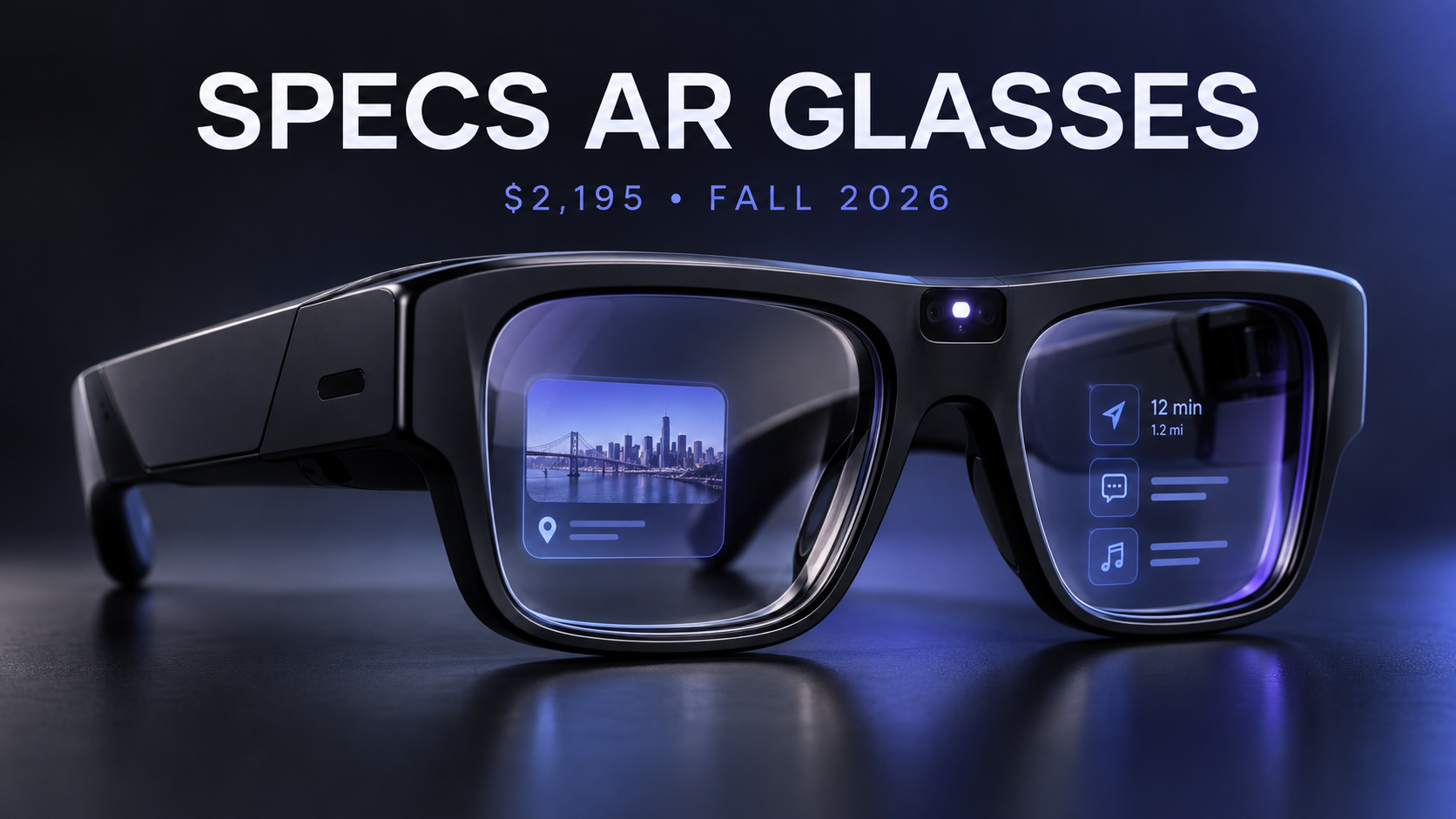
Snap SPECS augmented-reality glasses with AI interface and $2,195 fall 2026 launch details

Snap has officially opened preorders for SPECS, its first consumer augmented-reality glasses. The new wearable costs $2,195, puts a transparent display and self-contained computing hardware inside the frame, and is expected to start shipping later in fall 2026 in the United States, United Kingdom and France.

This is not another lightweight pair of camera glasses. SPECS are closer to a compact spatial computer: they can place navigation, translation, entertainment, work tools and AI-generated information into the wearer’s field of view. That ambition also explains the unusually high price and the much bulkier frame.

Here is what Snap has confirmed, what SPECS Intelligence adds, and who should—or should not—consider preordering.

What Snap officially announced

Snap’s September 16 announcement expands SPECS from a previously revealed hardware project into a complete commercial platform. Preorders are now available in the U.S., UK and France with a $200 refundable deposit. Shipping is expected later this fall, although Snap has not provided a specific delivery date.

The company also confirmed an in-person SPECS First Look experience at Westfield Century City in Los Angeles beginning October 1. That is important for a device this expensive and unusual: buyers can see how the display looks, test the fit and judge the weight before committing.

SPECS hardware: what you get

The glasses use see-through waveguide displays with a 51-degree field of view. Snap compares the perceived size to a 115-inch screen viewed from about 10 feet away. The frame contains the computing hardware itself, so SPECS do not require a separate processing puck or tethered battery pack.

Confirmed hardware and design details include:

  • Two frame sizes: 47mm Narrow Fit and 52mm Wide Fit
  • A weight of 132 grams for the 47mm model or 136 grams for the 52mm model
  • Custom stereo speakers and six high-signal-to-noise MEMS microphones
  • Bluetooth phone pairing for calls, notifications and music
  • Hand and voice interaction through Snap’s AI-native operating system
  • A prominent external LED that illuminates or flashes during photo, video or audio recording

At well over 130 grams, SPECS are substantially heavier than ordinary eyeglasses and many camera-first smart glasses. The hardware is technically ambitious, but comfort will be one of the biggest questions for early buyers.

SPECS Intelligence extends beyond the glasses

SPECS Intelligence is Snap’s new “anticipatory” AI service. Instead of only waiting for a question, it is designed to organize information from accounts and tools a user chooses to connect, then surface relevant context at useful moments.

Snap’s examples include preparing decisions and reminders before a meeting, combining flight, hotel and dinner details for a trip, and flagging a work deadline that overlaps with travel. On the glasses, that information can appear directly in view. The service can reportedly connect to tools such as Gmail and Slack.

The preview is already available through the SPECS iOS app in the U.S. for users 18 and older. A fuller invitation-only experience is planned for Mac, with access offered through a waitlist. Snap has not announced an Android version.

Beyond AI, the glasses support visual translation in 60 languages, walking navigation, a browser for streaming services, Bluetooth calling, a virtual workspace, and shared augmented-reality experiences. Snap is also working with the NBA, WNBA, Spotify, Tripadvisor, Shopify and HBO Max on specialized experiences.

What the $2,195 price includes

The standard SPECS price is $2,195. Snap requires a $200 refundable deposit at preorder, with the remaining balance collected closer to shipment. A $2,395 Connected Case bundle adds a charging case that provides four additional charges and cellular connectivity.

In the U.S., Verizon plans start at $10 per month for existing Verizon customers and $20 per month for non-Verizon customers. Snap is also partnering with Orange in France and EE in the UK, with local pricing to be announced.

This positioning makes SPECS an early-adopter and professional tool rather than a mass-market replacement for a phone. The base model costs far more than Meta’s camera-focused smart glasses, but SPECS also include true see-through AR displays and onboard spatial computing.

Privacy: what Snap says

Smart glasses raise immediate privacy questions, especially when cameras and microphones are pointed at people nearby. Snap says SPECS do not use facial recognition to identify people and do not continuously record or save audio, video or photos. The center LED is designed to alert bystanders whenever recording is active.

For SPECS Intelligence, Snap says users choose which accounts and services to connect. The company states that Snap personnel cannot view personal content used with the service, and that content from connected accounts will not be used to train or fine-tune its AI models or to deliver personalized ads.

Those are meaningful commitments, but buyers should still review the final privacy settings and permissions before connecting email, calendars, workplace tools or travel accounts. An assistant that anticipates needs must process substantial personal context to be useful.

Who SPECS are really for

Snap is pitching SPECS to both consumers and businesses. For individuals, the strongest use cases are hands-free navigation, live translation, large virtual displays, interactive learning and creative AR. For enterprises, Snap is partnering with Salesforce, NVIDIA, Amazon Web Services, Trifork and Hololight for hands-free tasks on store floors, in factories and in the field.

The enterprise angle may be more convincing at launch. A company can justify a premium device if it reduces training time, overlays repair instructions or gives workers real-time access to inventory and customer data. Most consumers will need a clearer daily benefit before spending more than $2,000 on glasses.

Should you preorder?

SPECS are one of the most technically interesting consumer wearables announced in 2026, but preorder caution is sensible. The price is high, the frame is heavy, the software ecosystem is still developing and the exact shipping date remains unconfirmed.

Interested buyers should try the Los Angeles demo if possible, verify which frame size fits, and wait for independent battery-life, display-quality and comfort testing. The $200 deposit is refundable, but early access still means accepting first-generation compromises.

A more affordable smart-glasses alternative

If you want hands-free photos, calls and audio without a full AR display, you can compare Ray-Ban Meta smart glasses on Amazon. They are not a direct substitute for SPECS, but they represent the more established camera-and-audio category at a much lower price.

Disclosure: ReaderSpice may earn a commission from qualifying Amazon purchases at no additional cost to you.

Sources

Snap Newsroom — Making Computing More Human with SPECS

SPECS official product page and FAQ

Reuters — Snap targets enterprises with Salesforce, NVIDIA and AWS tools

The Verge — SPECS Intelligence comes to iOS and Mac