
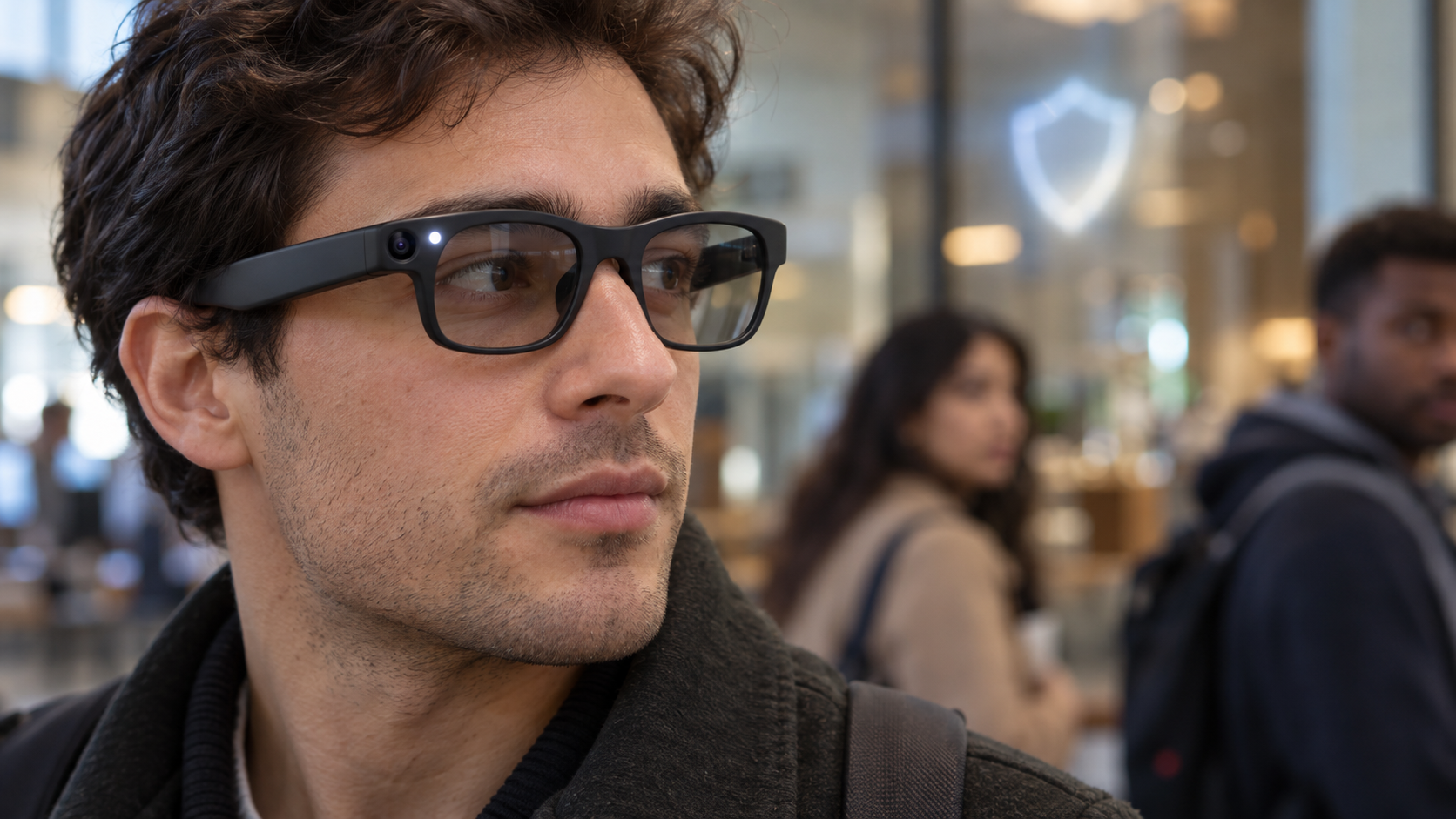
Smart glasses are moving from novelty to everyday wearable, but their tiny cameras create a problem that smartphones rarely do: the person being recorded may not realize a camera is pointed at them. That concern has intensified ahead of Meta Connect 2026, as courts, workplaces and public facilities debate restrictions on camera-equipped eyewear.
Meta says its AI glasses use a visible Capture LED and disable the camera if that light is covered or damaged. Those safeguards help, but they do not eliminate questions about consent, saved footage, cloud processing or the rules of a private venue. Here is how to recognize the recording signal, what it actually means and how both bystanders and owners can respond responsibly.
How to recognize the recording indicator
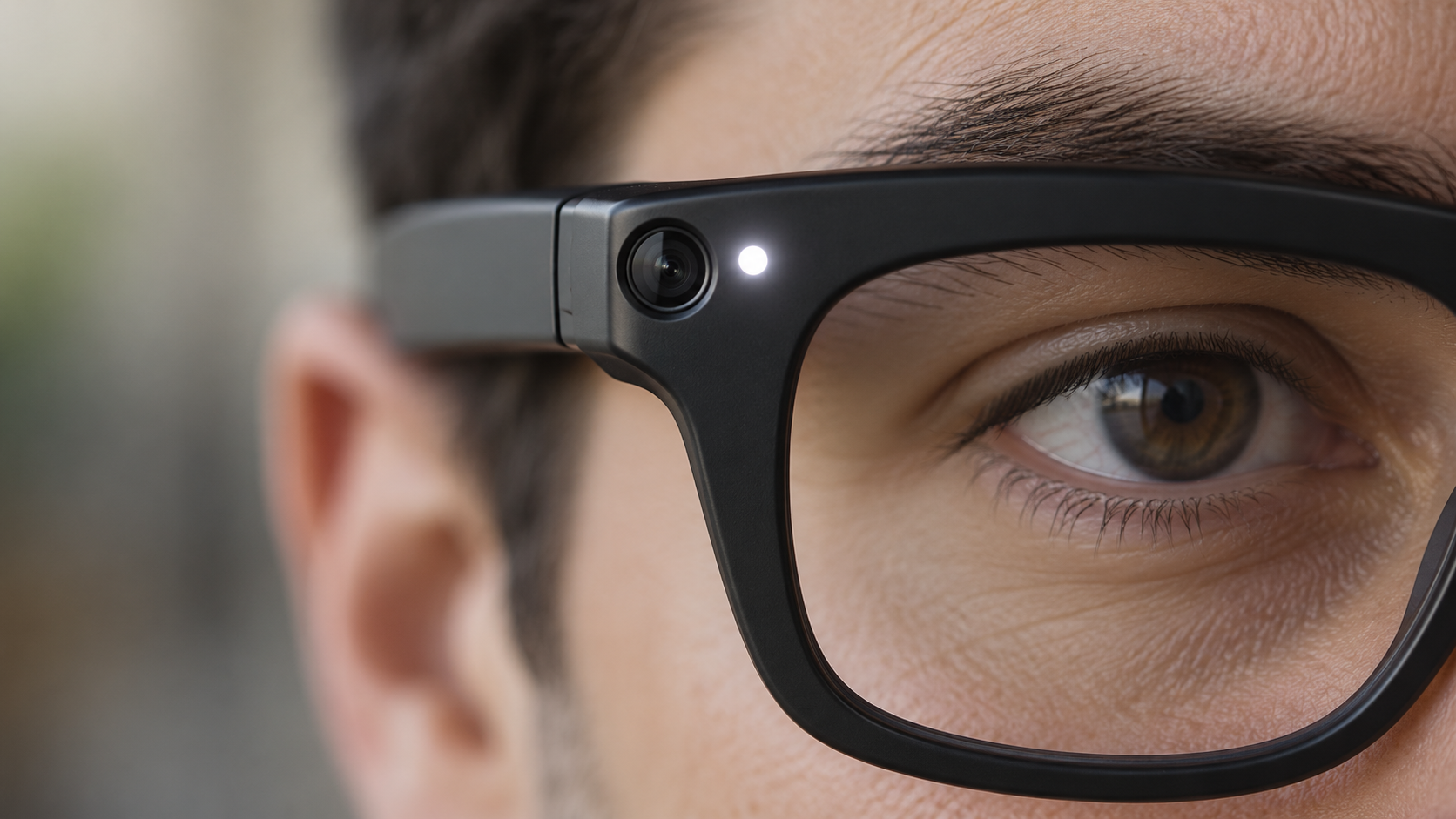
On current Meta AI glasses, look at the front corner of the frame near the camera. Meta calls the small white light there the Capture LED. According to the company, it blinks briefly when the wearer takes a photo for the gallery and continues blinking throughout a video recording.
Meta says the light has no user-accessible off switch. If the glasses detect that the LED is blocked, physically altered or destroyed, the camera is supposed to disable itself until the obstruction is removed. That safeguard is designed to prevent a wearer from simply covering the light while continuing to record.
What the Capture LED tells you
A visible blinking white LED is the clearest sign that compatible Meta glasses are saving a photo or video for the wearer’s gallery. For video, Meta says the light should keep blinking for the entire recording. A brief blink may indicate a still photo.
Owners should not assume everyone recognizes the signal. The light is small, unfamiliar to many people and may be harder to notice from a distance or in a bright environment. The most respectful practice is to announce the recording and ask permission when people are identifiable, even when the device is functioning exactly as designed.
What the light does not guarantee
The LED is a useful indicator, not a universal privacy guarantee. Different brands can use different lights, sounds or no standardized signal at all. An ordinary-looking frame may also contain a camera that does not follow Meta’s design.
Meta’s privacy page specifically connects the Capture LED to photos and videos captured for the wearer’s gallery. The company separately says that a visual Meta AI question can briefly activate the camera to analyze what the wearer sees. Meta says faces and license plates are automatically blurred in that process and the images used to generate the answer are not saved to the gallery. That distinction matters: a gallery recording and temporary AI camera processing are not necessarily the same event.
Photos can also leave the glasses. Meta says gallery media remains private on the device until the owner imports it or enables auto-import; after import, it is stored in the phone’s gallery and can be shared like other media. The LED cannot tell a bystander what happens to a file after capture.
What to do if you think you are being recorded
Start with a calm, direct question. Ask whether the glasses have a camera, whether they are recording and what the white light means. Many owners may be willing to stop once they understand that someone is uncomfortable.
If you do not consent, state that clearly and move away if practical. In a business, school, workplace, medical office, court, gym, locker room or other managed property, contact staff or security and ask about the venue’s policy. Private locations can impose rules that are stricter than general public-space law.
Practical steps include:
- Say clearly that you do not want to be photographed or recorded.
- Ask the wearer to stop and, when appropriate, delete the clip in your presence.
- Move children or sensitive documents out of the camera’s view.
- Notify venue staff if the wearer ignores a posted policy or reasonable request.
- Document the time, place and device description if the incident involves harassment or a safety concern.
- Contact local authorities for threats, stalking, intimate-area recording or another urgent risk.
Do not grab the glasses or attempt to damage them. That can escalate the situation and may create separate legal or safety problems.
Sensitive places deserve extra caution
Meta’s own responsible-use guidance tells owners to power the glasses off in locations such as doctors’ offices, locker rooms and schools. Confidential meetings, restrooms, changing areas, courtrooms and spaces involving children also demand particular care.
Restrictions are already expanding. Reuters reported on September 17 that Australia was considering a prohibition on camera-equipped smart glasses in government workplaces. The report also noted bans in Oslo schools and courts in England and Wales. Reuters separately reported on September 22 that privacy fears, lawsuits and venue restrictions are becoming a broader obstacle for AI wearables.
Rules can change quickly and vary by jurisdiction. Audio recording is especially important because consent laws differ. A camera being visible—or a person standing in a public place—does not answer every question about audio, harassment, commercial use or reasonable expectations of privacy. This article is practical guidance, not legal advice; check local law when the stakes are serious.
How smart-glasses owners can reduce privacy risks
Owners carry most of the responsibility because they control when the camera and microphones are used. A short explanation before recording is more reliable than expecting strangers to identify a tiny LED.
Good habits include:
- Ask permission before recording identifiable people in conversations or close range.
- Explain the Capture LED and keep it fully visible.
- Power the glasses off or remove them in sensitive and confidential spaces.
- Follow school, workplace, courtroom and venue policies without argument.
- Keep the glasses and companion app updated so current anti-tampering safeguards are installed.
- Review auto-import, cloud and sharing settings before capturing sensitive material.
- Delete accidental recordings promptly and avoid posting people who did not consent.
- Never use the glasses to intimidate, embarrass or secretly target another person.
Why privacy is becoming the smart-glasses test
The category’s most useful features—hands-free video, microphones and AI that can interpret the surroundings—are also the features most likely to make bystanders uneasy. Reuters reported that companies are testing camera-free glasses, deliberate push-to-record controls and more local processing as ways to earn trust.
That is an important shift. Better image quality and faster AI will not make smart glasses socially acceptable if people cannot tell when sensing or recording occurs. Visible indicators, hardware shutters, local processing, clear retention rules and meaningful consent controls may become as important as battery life or camera resolution.
For readers evaluating the technology firsthand, current Ray-Ban Meta smart glasses are available through Amazon; prices, generations and frame styles vary, so confirm the exact model before buying.
Bottom line
On Meta AI glasses, a blinking white Capture LED is the key sign that a photo or gallery video is being captured. Meta says blocking or damaging that light disables the camera, but the signal is not a universal standard and cannot explain every form of temporary AI processing or what happens to media after import.
If you are uncomfortable, ask directly, state your preference and involve venue staff when necessary. If you own the glasses, announce recordings, obtain consent and power them off in sensitive spaces. The technology will succeed only if the people in front of the camera can trust the person behind it.
Disclosure: ReaderSpice may earn a commission from qualifying purchases made through Amazon links, at no additional cost to you.
Sources
Meta AI glasses privacy and Capture LED guidance
Meta AI glasses questions and answers
Reuters report on AI wearables and privacy concerns
Reuters report on proposed smart-glasses workplace restrictions