
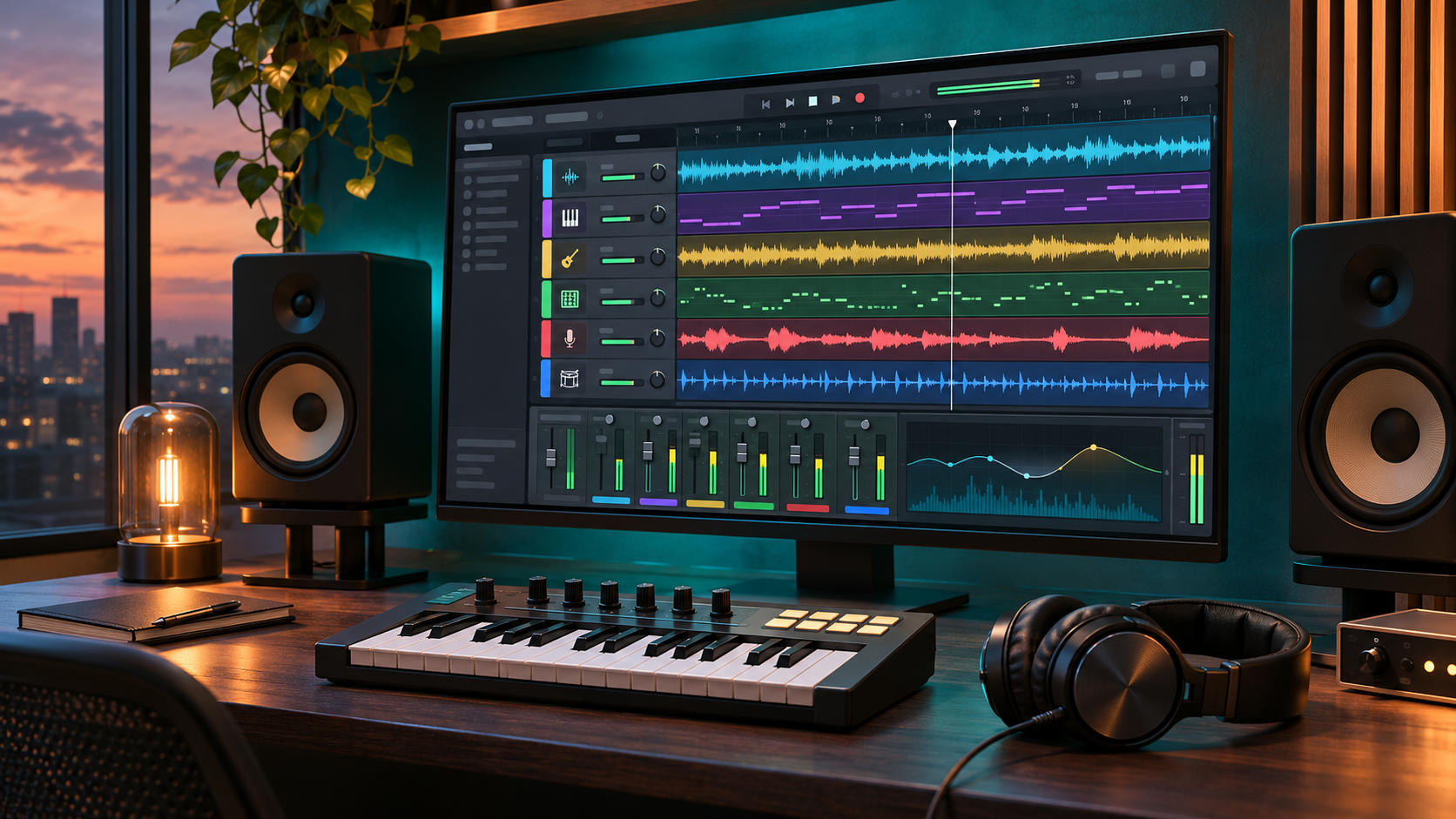
Steinberg released Cubase 16 on November 4, 2026, with a broad collection of production and workflow changes rather than one single reinvention. The new generation adds Instrument Stacks, upgraded six-part stem separation, more musical MIDI editing, a searchable Settings workspace, new vocal and drum tools, and a longer list of routing and compatibility improvements.
The full-version prices are $599.99 for Cubase Pro 16, $299.99 for Cubase Artist 16 and $99.99 for Cubase Elements 16. Those editions do not receive every headline feature. Six-stem separation and Spectral AudioWarp are Pro features, while several practical additions—including Strum, Stretch Selection, Tempo Detection, VocalTouch, Quick Help and M4A import—extend further down the lineup.
This is a launch analysis and upgrade guide based on Steinberg documentation, not a ReaderSpice hands-on audio-quality or performance test. Producers should check edition eligibility, plug-in support, drivers and project backups before replacing a working production setup.
Cubase 16 at a glance
- Release date: November 4, 2026, for Cubase Pro, Artist and Elements.
- Full-version prices: $599.99 for Pro, $299.99 for Artist and $99.99 for Elements in the U.S.
- Pro headline: improved separation of a mixed recording into vocals, drums, bass, piano, guitar and other instruments.
- Pro and Artist: Instrument Stacks combine VST instruments, Sampler Tracks and Drum Tracks into one playable layered setup.
- All three retail editions: redesigned searchable Settings, Key Editor Strum and Stretch Selection, updated Tempo Detection, Quick Help, VocalTouch, M4A import and Ableton Link.
- Licensing: one user can activate the software on as many as three computers, but may not use it on more than one computer at the same time.
- Grace period: eligible Cubase licenses activated on or after October 7, 2026 receive the corresponding Cubase 16 update.
- Main caution: unsupported VST 2 plug-ins, older audio drivers and unfinished projects can make a rushed upgrade more expensive than the software price.
Six-part stem separation is powerful, but it is Pro-only
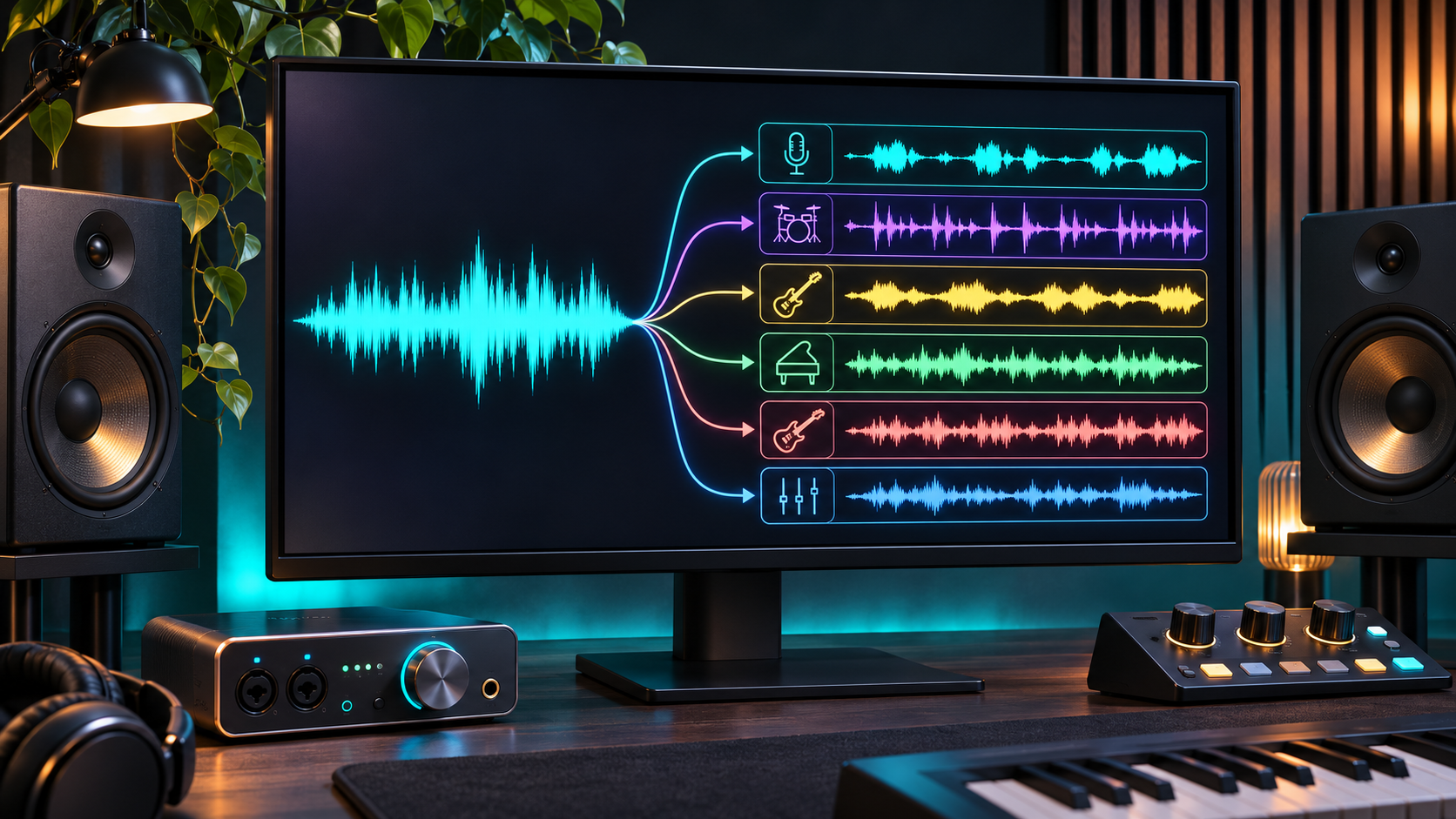
Concept illustration of a stereo mix being separated into six editable stem groups.
Cubase 16 Pro expands the built-in separator from the four-way workflow introduced in the previous generation to six outputs: vocals, drums, bass, piano, guitar and other instruments. The extra piano and guitar categories are the practical change. A producer can isolate those parts for a remix, make room for a replacement arrangement, study a progression or build a sample without treating every pitched instrument as one undifferentiated remainder.
Separation is not the same as recovering the original multitrack session. Reverb, distortion, doubled parts and overlapping frequencies can leave artifacts or place material in the wrong stem. Rights also remain with the source recording; software access does not grant permission to publish a remix or reuse a copyrighted performance. Treat the outputs as editing material that needs critical listening, not as archival masters.
Steinberg lists the improved separator for Pro, not Artist or Elements. Anyone considering an upgrade mainly for this feature should first test the 30-day trial with representative material and compare the result with the tools already in the studio. A cleaner six-way split can save time, but it should not be assumed to rescue every dense mix.
Instrument Stacks simplify layered sounds
Instrument Stacks let Pro and Artist users combine multiple VST instruments, Sampler Tracks and Drum Tracks into one playable structure. Each layer can have its own key and velocity range, transposition and other settings, and the entire stack can be saved as a preset for another project. That reduces the manual routing usually needed for a piano-plus-pad layer, a split keyboard or a performance setup built from several instruments.
The feature is useful because it moves a common studio technique into a dedicated workflow. It does not remove the CPU and memory cost of running every instrument inside the stack. Large sample libraries still need appropriate storage, RAM and buffer settings, and a complex stack can be harder to troubleshoot than a single instrument. Save a simple version before building a large performance preset.
Everyday editing may matter more than the headline tools
The Key Editor gains Strum, which offsets notes in a chord to create a played sequence, and Stretch Selection, which lengthens or compresses a MIDI passage directly. Tempo Detection has a redesigned workflow and a newer analysis algorithm. Those changes can shorten routine editing even for people who never use stem separation or synthetic vocals.
The new Settings workspace brings preferences, key commands, project setup and audio connections into one searchable, non-modal window. Quick Help can display contextual guidance in the Left Zone or a floating window, although Steinberg says its coverage will expand over time. The Audio Pool is redesigned, custom MIDI continuous-controller names can match connected hardware, and M4A/AAC import removes a common conversion step.
Cubase 16 also adds Omnivocal Basic with two Yamaha NX voicebanks, a Lyrics workflow in the Key Editor, the DrumChain multi-effect, VocalTouch, more than 200 Module FM presets and five sample packs. These are creative tools, but they should not distract from the edition comparison. The feature that solves a repeated production problem is usually more valuable than the longest included-content list.
Which Cubase 16 edition makes sense
Choose Elements for a focused first DAW
Elements is the $99.99 entry point. It receives many of the new editing and usability changes, including Strum, Stretch Selection, Tempo Detection, searchable Settings, Quick Help, VocalTouch, Omnivocal Basic, M4A import and Ableton Link. It remains the sensible choice for a beginner who does not need advanced stem work, large routing systems or professional post-production features.
Choose Artist for composition and production depth
Artist at $299.99 adds Instrument Stacks, DrumChain, the Module FM library and a broader production environment. It is the middle choice for musicians who want layered instruments, more integrated sounds and deeper editing without paying for every Pro-only mixing, scoring and post-production function.
Choose Pro only when Pro features solve a real problem
Pro at $599.99 is the edition for six-part stem separation, Spectral AudioWarp, advanced external-connection setup, expanded professional routing and the broadest scoring and studio toolset. The price makes sense when those functions replace other software, reduce session time or match an existing professional workflow. Buying Pro for a single experiment is harder to justify than using the trial and evaluating an update, upgrade or crossgrade path.
Compatibility and licensing checks before upgrading
Cubase 16 supports Windows and macOS. Steinberg’s current requirements list 64-bit Windows 11 version 25H2 or later and 64-bit Windows 10 version 22H2 or later for the retail editions. The exact macOS versions, processor guidance, storage and display requirements should be checked on the live requirements page because support can change with operating-system updates.
VST 2 is not officially supported. Steinberg says the VST 2 scanner can be enabled on compatible systems, but VST 2 plug-ins cannot be loaded natively on Apple silicon and Steinberg does not support problems caused by them. Before upgrading, inventory any older instruments and effects that a current project still needs, then confirm a supported VST 3 replacement or a safe project-rendering plan.
Steinberg Licensing allows activation on three computers for one user, without the older USB-eLicenser. Only one computer may run the single-user license at a time. Cubase 16 can open projects created in previous versions, and the Cubase 16 license can launch Cubase 12 through 15. Keeping the prior installed version available is a practical bridge while important projects are validated.
A safer Cubase 16 upgrade checklist
- Confirm whether the required feature is available in Elements, Artist or Pro before buying an update or upgrade.
- Check the grace-period page first if a Cubase license was activated on or after October 7, 2026; an eligible update may already be in the MySteinberg account.
- Compare the computer, operating system, audio-interface driver and plug-in formats with Steinberg’s current compatibility pages.
- Open critical projects in the existing Cubase version and render irreplaceable virtual instruments, external hardware and unsupported plug-ins to audio.
- Back up project folders, presets, key commands, templates and user content to a destination that can be restored independently.
- Install Cubase 16 alongside the working version when the license and storage plan allow it; do not remove the stable setup on the first day.
- Test one small copy of a project, then a large representative project, checking audio routing, tempo, automation, plug-ins, exports and control surfaces.
- Keep client or release-deadline projects on the validated version until the new setup completes a full session and export without surprises.
A relevant Amazon audio interface
Readers building a compact recording setup can compare the Steinberg UR22C USB audio interface on Amazon (ASIN B07YG4KVCF). The verified listing describes the older 2-in/2-out USB 3 interface with MIDI connectivity and bundled Steinberg software. It is relevant to a Cubase workflow, but buyers should verify the exact seller, included software license, current Yamaha/Steinberg driver support, cables, operating-system compatibility and return terms before ordering.
Affiliate disclosure: ReaderSpice may earn a commission from qualifying Amazon purchases made through the link above, at no additional cost to you.
Who should upgrade now and who should wait
Upgrade now if
- Six-way separation or Instrument Stacks replaces a repeated manual workflow in paid or time-sensitive projects.
- The current computer, interface, controllers and essential VST 3 plug-ins are listed as compatible.
- The grace period provides the corresponding Cubase 16 license without another purchase.
- You can validate the new version alongside the existing installation before moving active work.
Wait if
- A critical project depends on unsupported VST 2 plug-ins, older drivers or a discontinued control surface.
- The headline features sit in an edition above the budget and do not clearly replace another tool or task.
- The studio is in the middle of an album, film, broadcast or client delivery and has no rollback window.
- Independent testing on the exact operating system and hardware matters more than launch-day access.
The bottom line
Cubase 16 is a substantial workflow release. Six-part stem separation gives Pro users more useful remix and analysis options, Instrument Stacks reduce the friction of layered sounds, and the new Settings, MIDI, tempo and import tools address everyday production rather than only adding showpiece effects.
The best edition is the one that contains the specific feature a producer will use. Elements remains a capable entry point, Artist carries much of the creative expansion, and Pro earns its premium through stem separation and advanced studio functions. Existing users should check the grace period, run the trial and protect working projects before deciding that a new version number must replace a stable system.
Sources
Steinberg: Cubase 16 product page and feature overview
Steinberg: Cubase 16 release notes
Steinberg: Compare Cubase 16 editions and prices
Steinberg: Cubase 16 FAQ, licensing and VST 2 support
Steinberg: Current Cubase system requirements
Steinberg Help Center: Cubase 16 grace-period eligibility
Steinberg Forums: Product-team context on the Cubase 16 workflow focus
Amazon: Steinberg UR22C USB audio interface (ASIN B07YG4KVCF)