
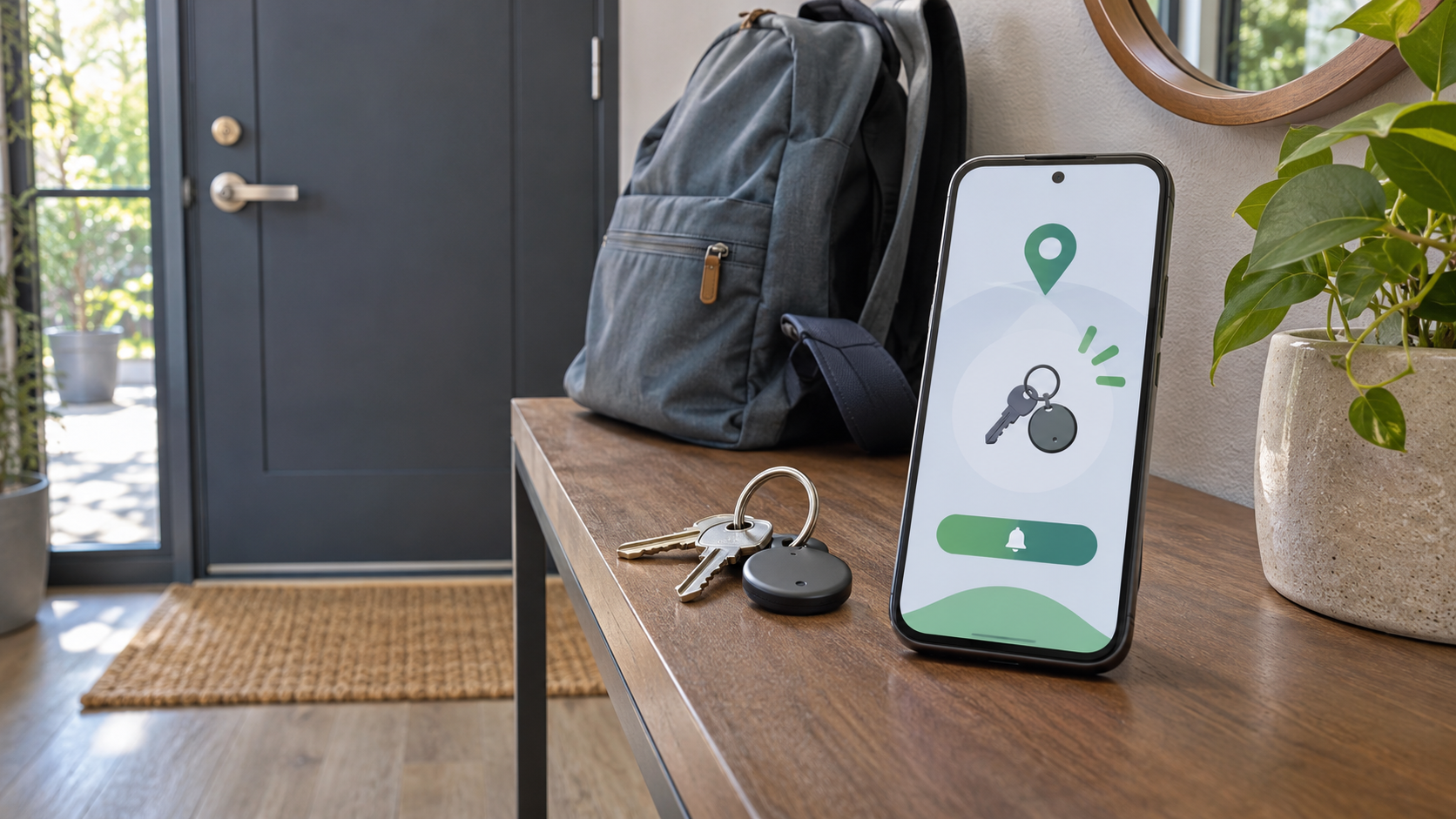
Google Find Hub can now warn an Android owner when a compatible locator tag moves away from the phone. Google documents the setup as a per-tag option called Notify when left behind, while rollout reporting on November 5, 2026 showed the control appearing for selected Find Hub tags in the United States and Europe. The feature is useful for keys, bags and other everyday items, but it is not a universal alarm for every Find Hub device.
The practical limits matter as much as the switch itself. Alerts depend on notification permission, Bluetooth and location; they do not arrive in battery saver mode; only the item owner receives them; and Google sends them to one Android device at a time. This guide explains the setup, trusted-location behavior, current tracker support and the privacy protections that sit alongside the feature.
This is a setup and compatibility guide based on official documentation and observed rollout reporting. It is not a ReaderSpice hands-on test.
Disclosure: ReaderSpice may earn a commission from qualifying purchases made through Amazon links, at no additional cost to you.
Google Find Hub left behind alerts at a glance
- Purpose: notify the owner when a compatible locator tag becomes separated from the Android phone.
- Control: a per-item Notify when left behind switch inside Find Hub device details.
- Requirements: Find Hub notification permission, Bluetooth and location must be enabled.
- Trusted locations: alerts can be suppressed at places such as home or work; a saved Home address is excluded by default.
- Delivery: alerts go to one Android device at a time and only to the item owner, not people with whom the tag is shared.
- Power limitation: Google says left-behind notifications are not sent while battery saver is active.
- Availability: the setting is rolling out for compatible locator tags and may not appear on every account, device or accessory at the same time.
How to turn on Notify when left behind
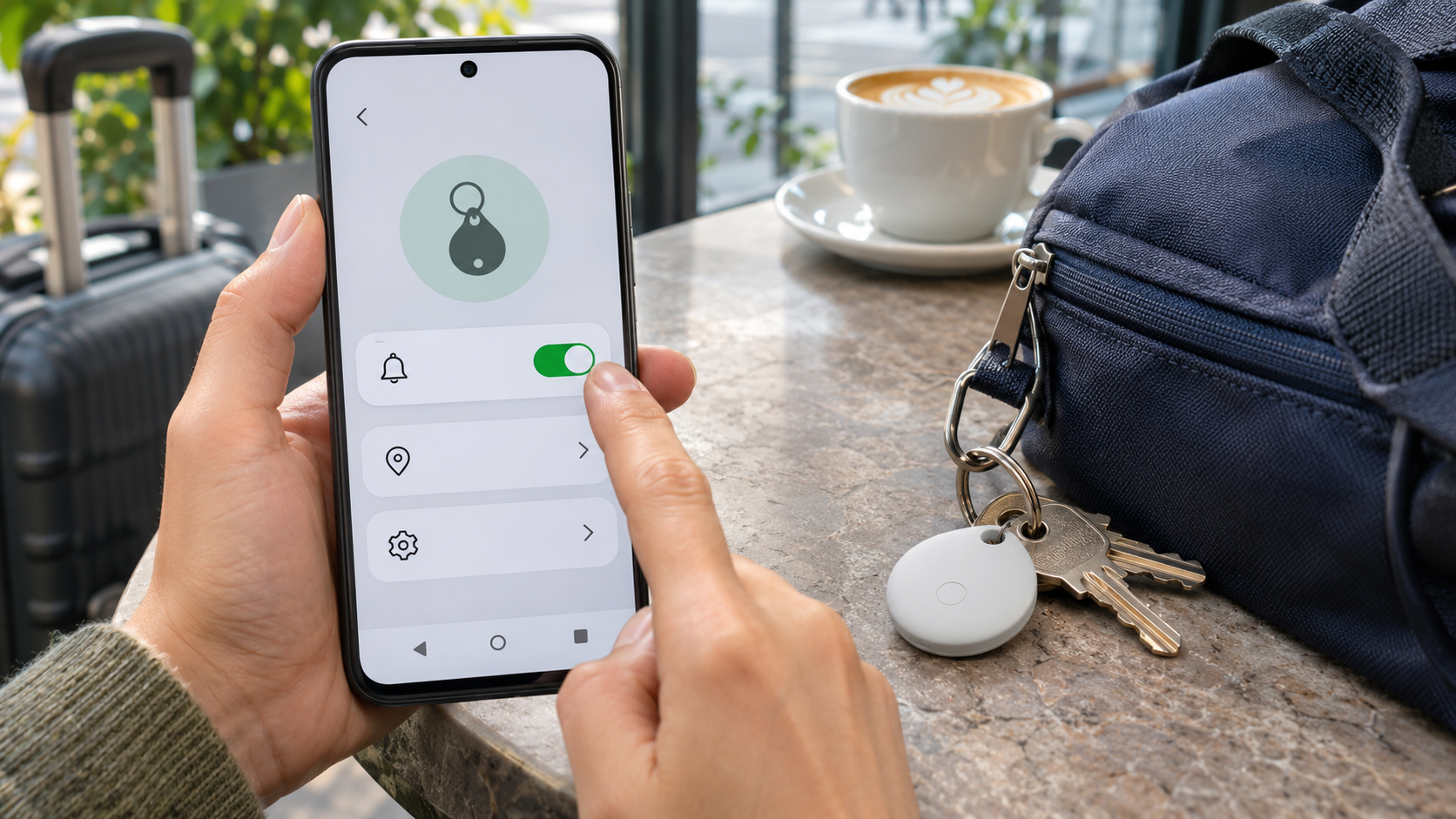
Find Hub lets the item owner enable separation alerts for a compatible locator tag.
- Open the Find Hub app on the Android phone that owns the tracker.
- Select the tagged item you want to protect.
- Next to the item name, open Device details.
- Turn Notify when left behind on.
- Walk away from the tag in a controlled test, with Bluetooth and location enabled, before relying on the alert for travel or an important item.
Google describes this as a reminder for a tag that moves outside the phone’s vicinity, not as a continuous distance meter. The time and distance needed to trigger a notification can vary with radio conditions, phone behavior and the accessory. A short test in a safe setting is the fastest way to learn how the phone and tracker behave together.
Trusted locations and the default Home exception
Find Hub can suppress left-behind alerts at selected addresses. That is useful when keys remain on a table while the phone moves around a large home, or when a work badge stays at the office after hours. Google says a Home address saved to the Google Account is excluded by default, so leaving a tracker at home may produce no alert until the owner removes that exception.
- Open Find Hub and select the tagged item or accessory.
- Open Device details, then select Notify when left behind.
- Choose Add location and enter the place where alerts should be suppressed.
- Review the saved locations and remove any exception where an alert would be more useful than silence.
The Home exception deserves an explicit review. A person who wants a warning whenever house keys are left behind should remove it. Someone who deliberately stores a spare tag at home may prefer to keep it. Location boundaries are estimates, so test near the edge of a large property or multi-building campus rather than assuming the address boundary is exact.
Why a left behind alert may not arrive
- Find Hub is not allowed to send notifications. Check the app’s notification permission in Android settings.
- Bluetooth or location is off. Google lists both as requirements for the reminder.
- Battery saver is active. Google says separation notifications are not sent in this mode.
- The phone is not the selected delivery device. Alerts are sent to one Android device at a time.
- The person waiting for the alert is a shared user rather than the tag owner. Shared users can help locate a tag, but Google says they do not receive left-behind alerts.
- The location is excluded. A stored Home address is suppressed by default, and additional addresses may have been added.
- The accessory or account has not received the feature yet. Rollouts can vary by Find Hub version, region, tag firmware and server-side availability.
Start troubleshooting with the item details screen. If the switch is missing, updating Find Hub and Google Play services is sensible, but repeatedly pairing and unpairing the tag is unlikely to force a server-side rollout. If the switch is present, verify permissions and run a controlled separation test before changing the tracker’s registration.
Which trackers are supported now
Google’s official compatibility directory includes a broad range of Find Hub network tags. Current examples include Chipolo ONE Point and CARD Point, Moto Tag, Pebblebee Clip, Card and Tag models, plus newer products such as Moto Tag 2 and Pebblebee Card 5, Clip 5, Halo and LOC8. A device appearing in the compatibility directory means it works with Find Hub; it does not guarantee that every new Find Hub feature reaches that model on the same day.
What Google documents
Google’s help page describes left-behind notifications for compatible locator tags. Its October Google Play services release notes also list Left-Behind Reminders in Find Hub as a phone feature. Together, those official sources establish that the capability is supported, but they do not provide a model-by-model rollout table for the alert switch.
What rollout reporting observed
9to5Google reported the option on November 5 in Find Hub version 3.1.787-06 for Chipolo trackers and Moto Tag, with observations from both U.S. and European users. The publication did not see the control on headphones. That is an observed rollout snapshot, not a permanent statement that headphones can never gain the feature. Treat any future headset support inferred from app code as unconfirmed until Google documents or releases it.
Sharing a tag does not share separation alerts
Find Hub allows an owner to share a compatible tag with up to 10 people on Android 9 or later. Those people can help locate the item after they accept the invitation and the owner confirms sharing. The separation-alert rule is narrower: Google says only the item owner receives left-behind notifications.
For a family bag, shared car key or checked item, decide whose account should own the tag before a trip. The owner’s phone is the one that can receive the reminder. Sharing improves recovery access, but it does not create a group alert or send the same separation warning to every participant.
Privacy and unknown tracker protections
Find Hub’s offline network uses encrypted recent locations and crowdsourced reports from nearby Android devices. Google says the network is designed with end-to-end encryption so only the owner can view the location of an enrolled item. A screen lock such as a PIN, pattern or password is important because it enables access to crowdsourced encrypted locations when offline finding is configured.
Left-behind alerts for an owned tag are separate from Android’s unknown tracker alerts. Android 6 and later can warn when someone else’s compatible tracker appears to be moving with a person. Google says those safety alerts work with Find Hub network tags, compatible headphones and Apple AirTags. A recipient can play a sound without notifying the tracker owner, review the detected route and follow manufacturer instructions to disable the device.
No tracker alert is a substitute for personal-safety judgment. If an unknown-tracker warning appears and the situation feels unsafe, move to a public location and contact a trusted person or local authorities. Do not confront a suspected tracker owner solely on the basis of one notification.
Moto Tag 2 as a relevant Find Hub option
Motorola lists Moto Tag 2 as a Find Hub network tracker with Ultra Wideband direction and distance support, Bluetooth channel sounding, a replaceable CR2032 battery and a claimed battery life of more than 600 days. Feature availability still depends on the paired Android phone and the Find Hub rollout, so buyers should not assume every advertised capability works on every handset.
The verified Amazon listing is Moto Tag 2, ASIN B0H5M6YSM3. Confirm the seller, current price, return policy and phone compatibility before purchase. The affiliate parameter in this link is tag=nep0b-20.
When left behind alerts help and when they do not
The feature is most useful for ordinary separation mistakes: leaving keys on a café table, walking away from a backpack in a waiting area, or departing without a work badge. It adds an early warning before the item becomes a full lost-item search. Trusted-location exceptions can reduce noise where separation is intentional.
It is less reliable as theft protection. A phone may be offline, in battery saver mode or separated from the tag under conditions that delay a notification. A thief can also move quickly, disable a tracker or exploit a known trusted-location boundary. Use the reminder as one layer alongside good item handling, secure luggage practices and Find Hub’s locate, sound and sharing tools.
Bottom line
Notify when left behind closes an important gap in Google Find Hub for compatible locator tags. The setup is simple, but owners should review the default Home exception, keep permissions and radios enabled, understand that battery saver blocks alerts, and remember that shared users do not receive the warning. Because availability is still rolling out, the presence of the switch in a tag’s Device details is the most dependable compatibility check today.
Sources
- Google Android Help: Be ready to find a lost Android device
- Google System Services release notes
- Android: Find Hub compatible tags and devices
- Google Android Help: Share and manage devices with Find Hub
- Google Help: How Find Hub protects your data
- Google Android Help: Find unknown trackers
- Motorola: Moto Tag 2 product details
- 9to5Google: Find Hub Notify when left behind rollout report, November 5, 2026
Image notes: Use the unique 16:9 featured image showing an Android phone, keys, tracker and backpack in an entryway. The inline 16:9 image belongs immediately after the heading “How to turn on Notify when left behind.”