
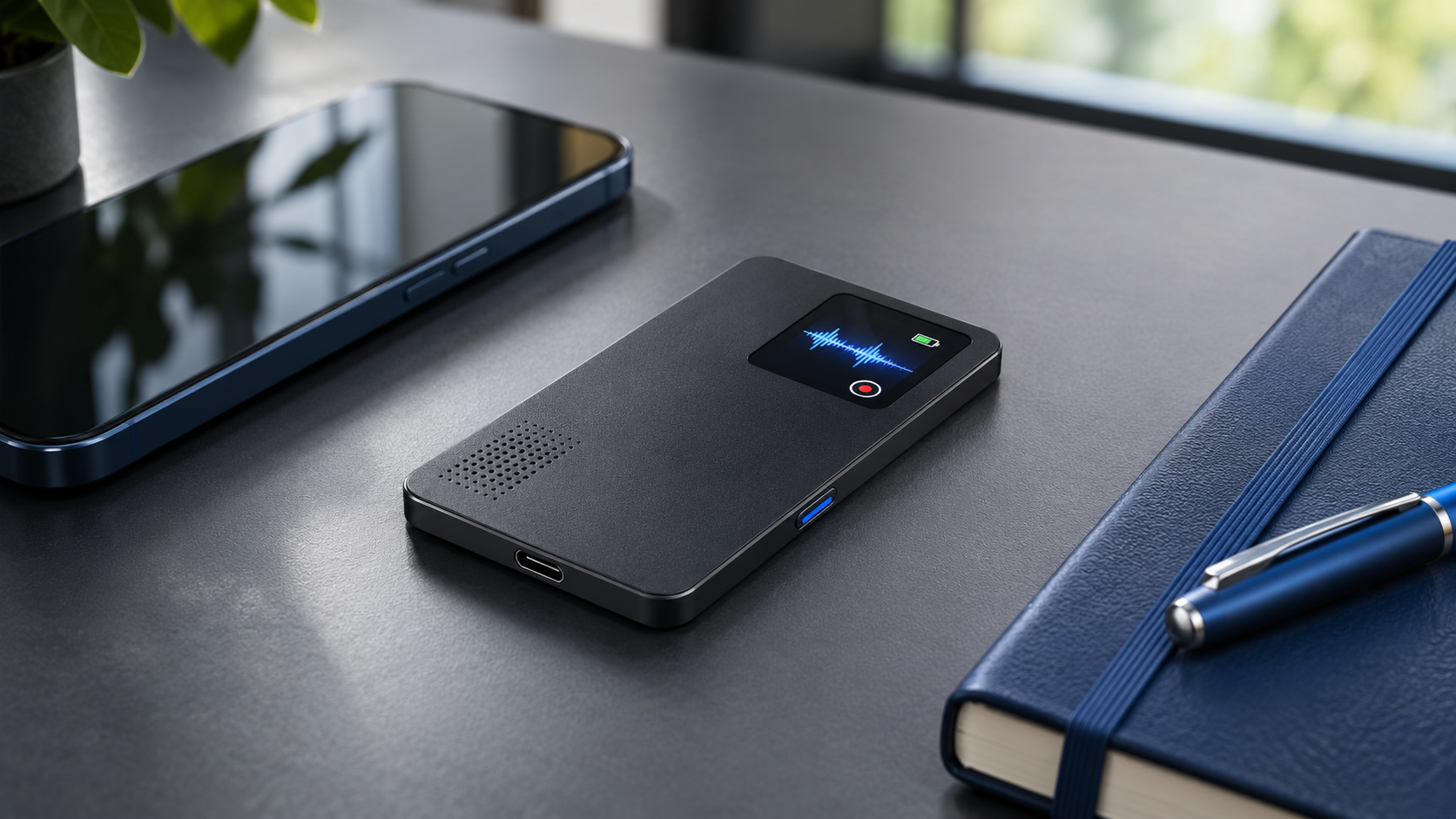
Notta opened U.S. preorders for the Memo Pro on November 6, 2026, at $189, with shipments expected to begin in early December. The pocket recorder keeps the basic promise of the original Notta Memo—capture a meeting or phone call, then turn the audio into a transcript and summary—but changes several everyday hardware details that mattered on the first model.
The most useful upgrades are a built-in USB-C port, a 0.95-inch color status display, automatic switching between call and in-person recording modes, background uploads over previously configured Wi-Fi networks and 64GB of storage. The device also includes a Hardware Plan with 600 minutes of transcription each month for eligible workspace owners.
This is a launch analysis, not a hands-on review. Notta has published the dimensions, connectivity, plan allowances and shipping target, but independent testing is still needed for microphone quality, battery endurance, speaker identification, sync reliability and the practical value of the company’s AI tools. Buyers should evaluate the recorder and its cloud service as one system rather than treating the $189 hardware price as the total story.
Notta Memo Pro at a glance
- U.S. price: $189 for Space Black or Silver Gray.
- Availability: U.S. preorders are open; the November 6 announcement says shipping is expected in early December 2026.
- Size and weight: 77.2 x 56 x 3.9 millimeters and approximately 30 grams.
- Display: 0.95-inch color screen for recording status, battery information and other indicators.
- Storage: 64GB, double the original Memo’s listed 32GB.
- Connectivity: Bluetooth 5.4, Wi-Fi and USB-C.
- Battery: 600mAh; Notta has not yet supplied ReaderSpice with an independently verified real-world runtime.
- Included service: 600 transcription minutes per month for eligible workspace owners, with separate limits for summaries, imports and AI credits.
- Important limitation: recordings can be made offline, but transcription, summaries, search and other cloud features depend on a Notta account and online processing.
The four upgrades that matter in daily use
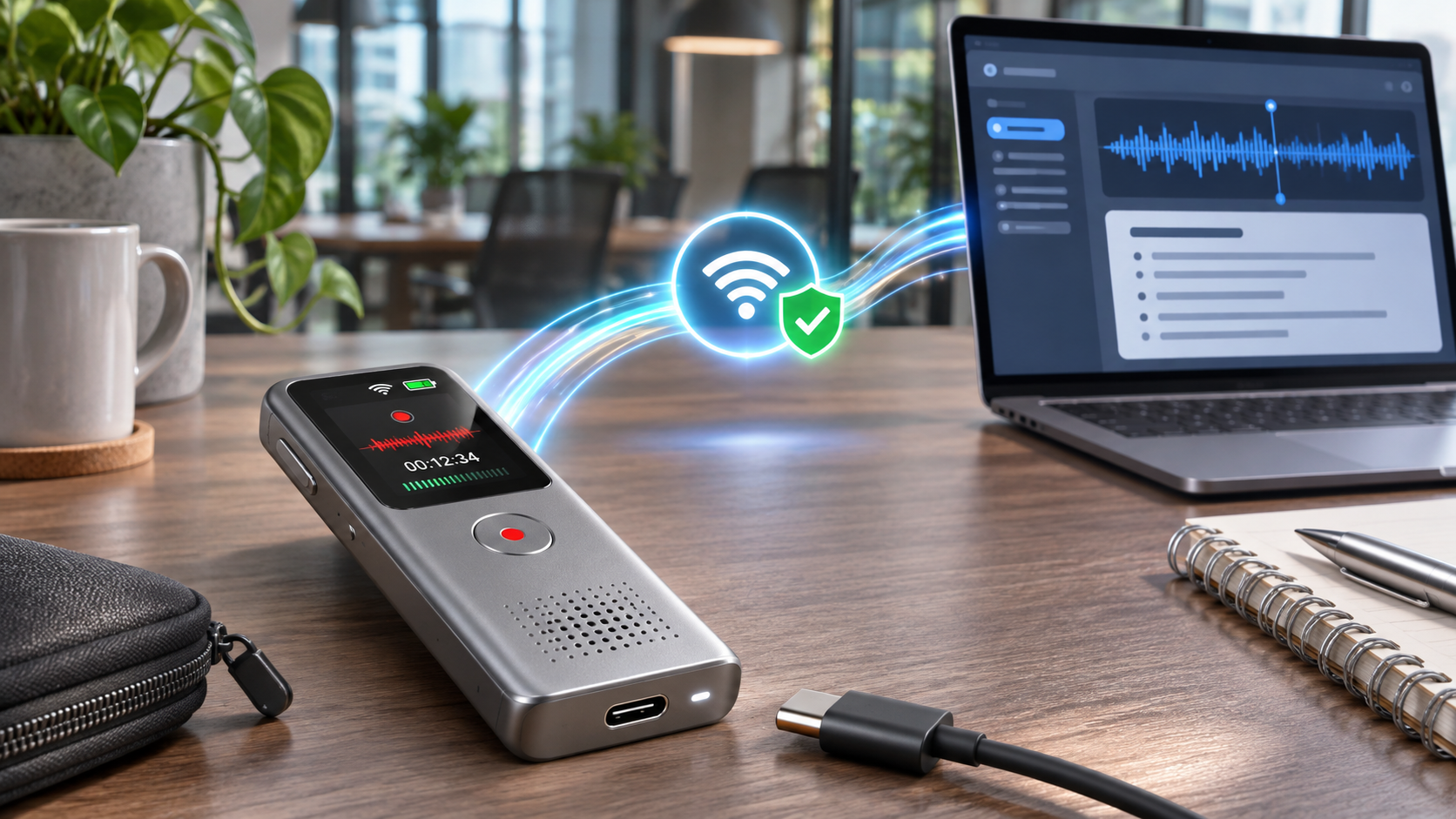
Concept illustration of a pocket recorder using USB-C and a trusted Wi-Fi network to move audio into a meeting-note workflow.
USB-C replaces a special charging connection
The original Memo relied on a magnetic proprietary cable, a point reviewers identified as inconvenient for travel. Memo Pro adds a standard USB-C port for charging and file transfer. That should reduce the chance that a forgotten cable makes the recorder unusable, and it gives owners a direct way to move original audio through a computer.
There is still an important nuance: Notta’s troubleshooting documentation says the recorder does not behave like an ordinary USB flash drive. A connected computer should recognize the device through Notta’s web or desktop workflow rather than exposing the 64GB storage as a normal removable disk. Buyers who want drag-and-drop storage should confirm the exact transfer process before ordering.
A color display makes recording state clearer
The 0.95-inch color display is designed to make battery level, recording state and other status information easier to check at a glance. That sounds modest, but certainty matters on a device whose job is to capture a conversation once. A visible state indicator can reduce the risk of finishing a meeting only to discover the recorder was paused, in the wrong mode or short on power.
Call and meeting modes switch automatically
The original Memo used a physical switch to choose between phone-call capture and in-person recording. Memo Pro uses sensors to recognize the situation and select a mode automatically. The change should remove one setup step, although it also creates a new question for testing: how reliably does the device identify unusual placements, speakerphone calls or a meeting that begins immediately after a phone call?
Trusted Wi-Fi can upload recordings in the background
After a trusted network is configured, Memo Pro can upload new recordings without requiring the user to open the phone app and start a transfer. Notta then creates transcripts, summaries and action items in its cloud service. Automatic sync is limited to networks configured in advance; it is not a promise that the recorder will upload through every hotel, office or public Wi-Fi connection.
This feature is likely to matter most to people who record several meetings in a day. It can shorten the gap between capture and searchable notes, but the convenience depends on stable network access, correct workspace selection and enough monthly transcription or AI allowance remaining.
The included Hardware Plan has eligibility rules
Memo Pro includes access to Notta’s Hardware Plan at no additional plan fee for eligible users. The headline allowance is 600 minutes, or 10 hours, of transcription per month. Notta also lists up to 100 AI summaries, 100 file imports, five custom templates and limited translation usage. Its U.S. launch announcement lists 1,000 Notta Brain credits per month.
The benefit is not universal. Notta’s support page says an owner of a Free workspace can receive the plan after binding the device. A Pro workspace owner can receive 600 additional minutes, while other quotas remain tied to the paid plan. Members of someone else’s workspace, people without their own workspace and owners of paid workspaces other than Pro are listed as ineligible for the Hardware Plan benefit.
That means a company buyer should decide which account and workspace will own the recorder before activation. Binding it to the wrong workspace could complicate where recordings land and who receives the allowance. The plan also caps a continuous recording at five hours, so long conferences, depositions or workshops need a deliberate stop-and-restart workflow.
Privacy, consent and account dependence
Notta says recordings stored on Memo Pro are encrypted and that the decryption key is managed in the Notta cloud, so possession of the recorder alone should not unlock the files. That protects against one obvious risk if the hardware is lost, but it also reinforces the device’s dependence on the company’s account and cloud systems for its full feature set.
Recording rules vary by country, state and setting. Some conversations require consent from every participant, and workplaces may have separate policies for confidential, regulated or client information. Users should disclose recording, obtain the required permission and avoid treating an AI-generated transcript or summary as an authoritative record without checking it against the audio.
Cloud transcription can also create a broader data footprint than a conventional offline recorder. Before using Memo Pro for legal, medical, financial, human-resources or unpublished editorial material, review Notta’s current privacy terms, retention controls, sharing permissions and organizational requirements.
What remains unproven before a full review
- Real battery life across short recordings, long meetings, Wi-Fi sync and standby use.
- Microphone performance in large rooms, cafés, cars and calls with speaker overlap.
- The accuracy of automatic mode switching and multi-speaker identification.
- How quickly a long recording uploads, transcribes and becomes searchable.
- Whether the 0.95-inch display remains readable in bright daylight.
- How consistently direct USB-C transfer works across Windows and macOS.
- Whether the included plan is sufficient for a buyer’s monthly workload and language needs.
A current Amazon alternative
Buyers who want an available model rather than waiting for Memo Pro shipping can compare the original Notta Memo on Amazon (ASIN B0FJ2C3SFY). The original model has 32GB of storage and uses manual call/meeting mode selection; it does not have Memo Pro’s built-in USB-C port, trusted-network background sync or the same color-display workflow. Amazon showed no featured offer when ReaderSpice verified the listing, so check the seller, condition, warranty, current price and availability before buying.
Affiliate disclosure: ReaderSpice may earn a commission from qualifying Amazon purchases made through the link above, at no additional cost to you.
Who should preorder and who should wait
Consider Memo Pro if
- You record meetings or interviews often enough that one-button hardware is more dependable than finding a phone app each time.
- USB-C, visible recording status and automatic background sync solve real frustrations with the original workflow.
- Ten included transcription hours cover most of your normal month and you qualify for the Hardware Plan.
- You are comfortable reviewing AI-generated notes against the source recording and managing consent explicitly.
Wait for independent testing if
- You need proof of battery endurance, microphone performance or speaker-identification accuracy before spending $189.
- You expect local-only transcription, ordinary USB mass-storage behavior or cloud features without an account.
- Your meetings regularly exceed the plan’s monthly allowance or five-hour per-session limit.
- Your organization has not approved cloud processing for the conversations you intend to record.
- A phone recorder already captures your occasional meetings without adding another device and service.
The bottom line
Notta Memo Pro addresses practical complaints rather than chasing a dramatic redesign. USB-C removes a special cable, the color display provides clearer feedback, automatic mode selection reduces setup and trusted-network sync can move recordings into the Notta workspace with less phone handling. Doubling storage to 64GB also gives frequent recorders more room between transfers.
The deciding factor is the service around the hardware. The $189 price includes a useful 600-minute allowance for eligible workspace owners, but eligibility, session limits, cloud dependence and consent obligations all deserve attention. For heavy meeting users who understand those constraints, Memo Pro may be a meaningful convenience upgrade. Everyone else should wait for independent testing and confirm that the account model fits their workflow before preordering.
Sources
Notta U.S. announcement: Memo Pro price, upgrades and shipping target — November 6, 2026
Notta Store: Memo Pro product page, specifications and preorder details
Notta: Memo Pro hardware overview and feature descriptions
Notta Help Center: Hardware Plan allowances and eligibility rules
Notta Help Center: Memo Pro user manual and warranty guide
Notta Help Center: USB connection and recorder troubleshooting
TechRadar: Original Notta Memo review and proprietary-cable criticism
Amazon: Original Notta Memo (ASIN B0FJ2C3SFY)