

Google began rolling out a new set of Ask Maps features on November 16, 2026. The update can build day-by-day trip itineraries, attach numbered map pins, surface live route context, search a user’s saved lists and help find certain local appointments. It is available through Google Maps on Android and iOS, but the exact feature set still varies by country, account and rollout stage.
The practical appeal is consolidation. Instead of collecting destinations in one app, checking traffic in another tab and manually arranging each stop, a traveler can describe the trip in ordinary language and refine the result through follow-up questions. The catch is equally practical: an AI-generated plan is a draft, not a reservation, road-closure notice or safety guarantee.
This guide explains what Google announced, how to build and verify an itinerary, which tools are launching first in the United States, and which privacy controls matter before sharing location, saved-place or schedule details with Ask Maps.
Ask Maps November 2026 update at a glance
- Trip itineraries: Ask Maps can create one-day or multi-day plans with a schedule and numbered pins for each stop.
- Live context: Itineraries can show current traffic, business hours and other details when the trip begins.
- Route tips: Google says Know Before You Go can surface parking, charging, weather, delay and toll information.
- Saved-list search: Users can ask which saved places match a party size, timing or availability requirement.
- Local appointments: Ask Maps can search online availability and, when chosen by the user, call certain businesses.
- Rollout: Itinerary and list search are offered wherever Ask Maps is available; route tips and appointment finding begin in the U.S.
- Platforms: Google says the mobile update is rolling out on Android and iOS, with desktop supporting Ask Maps and itinerary export to Google Docs.
- Europe: Ask Maps is expanding to more than 30 European countries, including Spain, Germany and the United Kingdom.
What changed on November 16
Ask Maps already supported conversational questions about places and routes. The new release turns that conversation into a more persistent planning object. A user can request a detailed trip, view the result as a schedule with map pins, return to it from chat history and adjust stops as conditions or preferences change.
Google’s announcement covers several capabilities that should not be treated as one universal switch. Trip itineraries and saved-list search have the broadest stated availability. Know Before You Go route details and appointment finding start in the United States. The Europe announcement expands the base Ask Maps experience, but a person in a newly supported country may not receive every U.S.-first tool at the same time.
How to build an Ask Maps trip itinerary
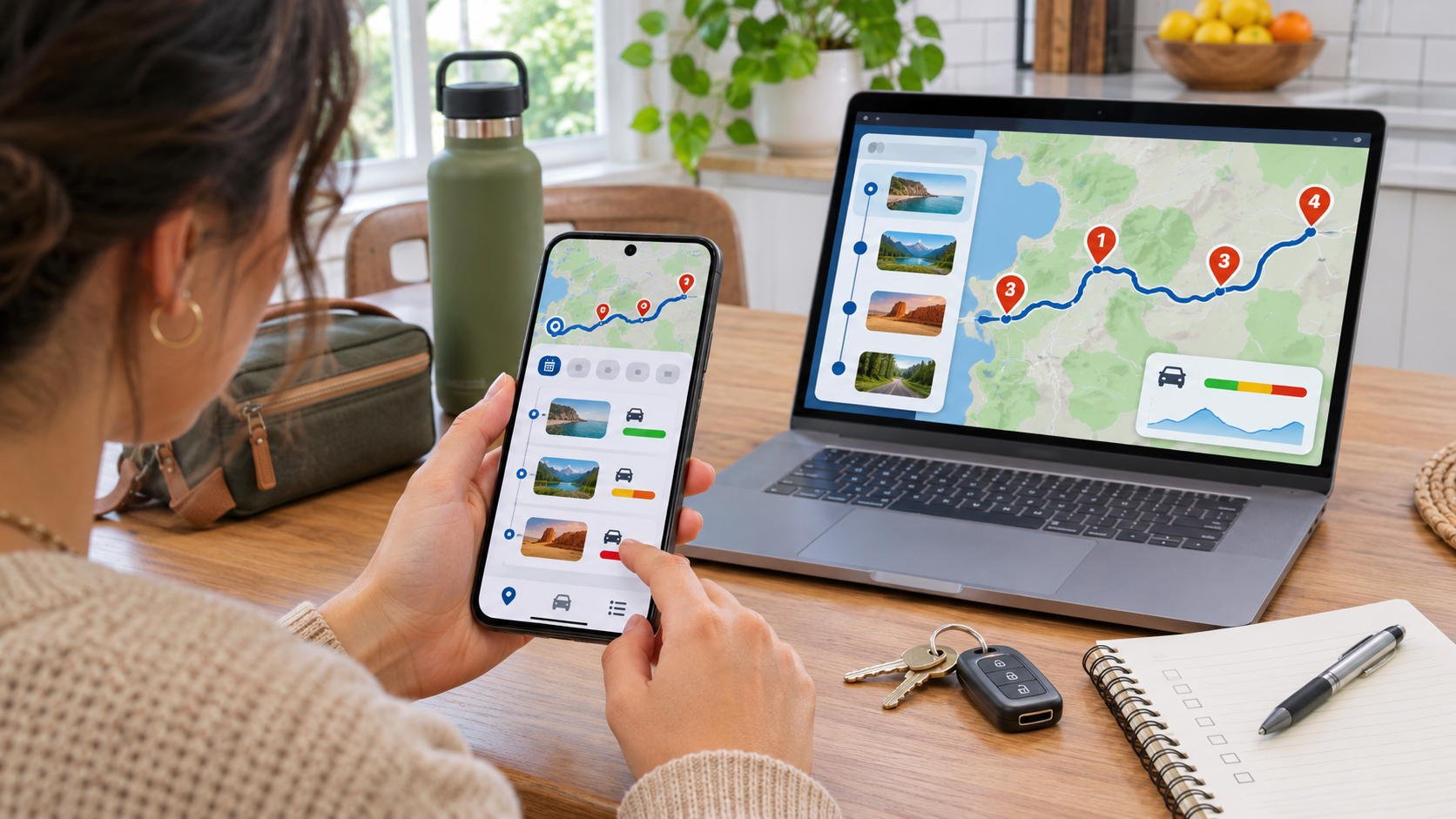
A useful request gives Ask Maps enough structure to make tradeoffs visible. Name the date or trip length, starting point, required stops, time constraints, mobility needs, meal preferences and any limits on driving distance. Avoid putting passport numbers, confirmation codes, home-entry details or another person’s private schedule into the prompt.
Start with constraints, not a vague destination
A prompt such as ‘Plan a three-day road trip’ leaves too much open. A stronger version might ask for a three-day route that begins after school on Friday, keeps each driving segment under two hours, includes an accessible hotel area, schedules an outdoor stop before sunset and avoids roads that require tire chains. Ask Maps can then propose a day-by-day plan and show the stops as numbered pins.
Treat the first answer as a planning canvas. Ask follow-up questions to shorten a day, replace a closed attraction, add charging stops or move a meal closer to the route. If the app exposes an itinerary badge in chat history, use it to return to the same plan rather than starting unrelated drafts.
Review every stop before sharing or exporting
Google says itineraries can be shared with friends and family or exported to Google Docs from desktop. Before doing that, open every important place listing and verify the address, opening hours, reservation policy, accessibility information, parking rules and current website. Remove home addresses, lodging confirmation details or private notes that other recipients do not need.
An export is a snapshot. It does not automatically guarantee that a restaurant remains open, a trail is accessible or traffic will match the estimate later. For a group trip, name one person to recheck time-sensitive stops and keep the live Maps itinerary available for day-of changes.
Know Before You Go adds route context, not certainty
Google says Ask Maps can surface route tips about parking, electric-vehicle charging, weather, potential delays and tolls. These details are useful because they expose costs or friction before a traveler commits to a route. They are also dynamic: a charger can be occupied, a parking lot can fill, a toll policy can change and a weather alert can supersede a routine forecast.
Check the underlying listing or official source for consequential decisions. Confirm charging-network status in the operator’s app, road restrictions with the transportation agency, weather warnings with the National Weather Service or local authority, and admission requirements on the destination’s official website. Ask Maps should reduce research, not eliminate verification.
Saved-list search and appointment finding solve different jobs
Saved-list search works inside the places a user has already collected. A host can ask which saved restaurants have room for five people soon, or which bookmarked attractions are open during a guest’s free afternoon. The response can still depend on live business data that may be incomplete, so the final booking should be confirmed with the business.
Appointment finding is more agentic. Google says users can ask Ask Maps to find beauty, pet-care, automotive and home-repair appointments online and can choose to have it call local businesses. Finding a slot is not the same as authorizing a booking. Review the provider, location, service, price, cancellation terms and appointment time before taking any step that creates a commitment.
Where the new Ask Maps features roll out
- Travel itineraries: available wherever Ask Maps is offered, subject to gradual rollout on the user’s account and device.
- Saved-list search: available wherever Ask Maps is offered, with results dependent on saved places and live availability data.
- Know Before You Go route tips: launching first in the United States, with more regions planned later.
- Appointment finding and business calling: launching first in the United States, with more regions planned later.
- European expansion: more than 30 countries, including Spain, Germany and the U.K., join the base Ask Maps rollout.
- Desktop: Ask Maps requires WebGL; some browser or hardware configurations can block the full experience.
Google uses rollout language rather than promising simultaneous access for every account. If the Ask Maps control, itinerary badge or a specific agentic action is missing, update the app, confirm the active account and region, and wait for rollout rather than assuming the feature has been removed.
Privacy controls to review before planning
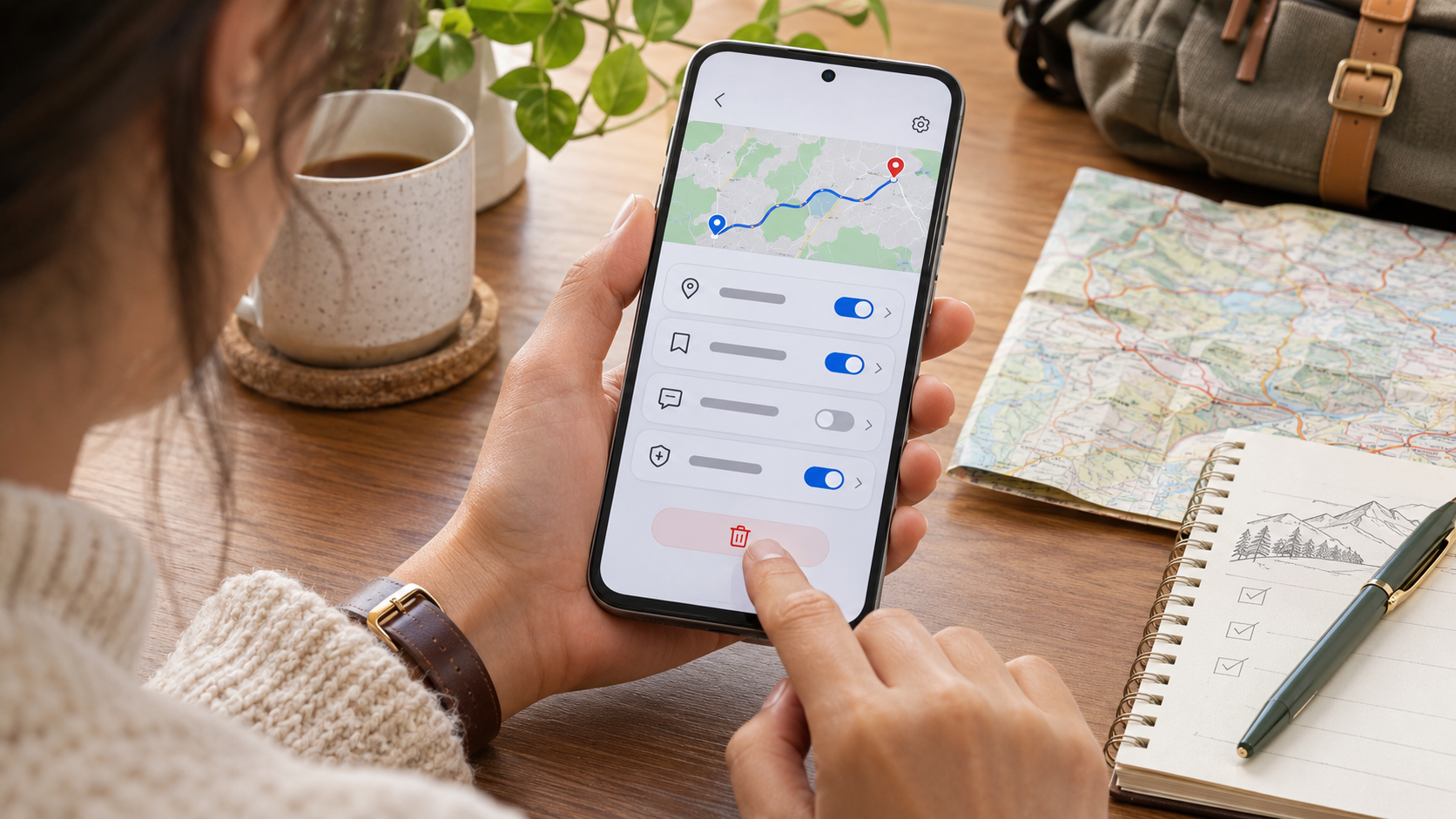
Google’s support documentation says Maps AI features can use location to make answers relevant. When Personalized Recommendations is enabled and available, responses may also draw on recent searches and directions, past Ask Maps conversations, saved lists and labels, reviews, ratings, photos, Search history and connected Google content apps.
That context can make a plan more useful, but it can also reveal a routine, preference or destination that the user did not intend to include. Review the generated plan before sharing it, and do not assume that personalization is limited to the words typed in the latest prompt.
Google also says interactions with Maps AI features may be used to improve products and that trained human reviewers can be involved in certain circumstances, with data disconnected from user accounts and automated removal of identifying information. Travelers handling sensitive medical visits, legal meetings, shelters, schools or private addresses should use extra restraint and verify their account settings first.
How to inspect or delete Ask Maps history
- Open Google Maps and make sure the intended Google Account is active.
- Open Ask Maps from below the search bar on mobile or from the Maps menu on a computer.
- Open History to review previous Ask Maps conversations saved to the account.
- Delete an individual conversation from the History list if it contains details you no longer want saved.
- Open Maps history or the Google History page to review, delete or pause other saved Maps activity.
- Review Personalized Recommendations and connected-content settings if responses appear to use account context you do not want included.
Google’s help page notes that an Ask Maps conversation can be deleted only as a full thread, not one message at a time. Deleting Maps history also does not automatically remove every other type of Maps data, such as saved lists, labels, reviews or Timeline visits. Review each control for the data category it actually manages.
Accuracy limits travelers should plan around
- AI answers can be wrong. Google itself advises checking important information in more than one place and opening source links.
- Business hours and appointment availability can lag behind a business’s own schedule or booking system.
- Traffic, weather, parking, tolls and charger status can change after an itinerary is generated or exported.
- A route that looks efficient may still violate vehicle, accessibility, seasonal or local-road restrictions.
- Personalization can prioritize familiar places rather than the objectively best stop for every traveler in the group.
- Calling or booking tools may create a commitment only after user action; read the displayed confirmation and cancellation terms carefully.
A safer hands-free road-trip workflow
Finish the itinerary, mount the phone and start navigation before moving the vehicle. Use a passenger to make complex changes, or pull over safely. Do not read long AI answers, compare multiple listings or handle a booking flow while driving. Voice controls can reduce touching, but they do not replace attention to the road.
A basic phone mount can make navigation easier to glance at without holding the device. The iOttie Easy One Touch 6 Dash and Windshield Mount is a genuinely relevant example because it is a universal non-charging cradle with a telescoping arm and cable organizer. Buyers can review the iOttie Easy One Touch 6 on Amazon (ASIN B0C1HP8N5D), then confirm the seller, mounting rules, dashboard or windshield compatibility and current return terms before ordering.
Affiliate disclosure: ReaderSpice may earn a commission from qualifying Amazon purchases made through the link above, at no additional cost to you.
Who benefits from this Ask Maps update
Makes sense for
- Travelers who want a conversational starting point for a multi-stop day or road trip.
- Families or groups that need a shareable schedule and visible map pins for each stop.
- People who already maintain useful saved-place lists and want to search them by timing or party size.
- U.S. users who want route context or help finding certain local service appointments.
Use a manual plan or test carefully if
- The trip involves remote roads, border crossings, severe weather, medical needs or strict accessibility requirements.
- The itinerary contains sensitive addresses, private appointments or details that should not be used for personalization.
- The traveler needs guaranteed reservations, current permits or authoritative closure information.
- The Ask Maps control or new feature set has not reached the active account, region or device.
Bottom line
Google Maps’ November 16 Ask Maps update turns conversational search into a more complete trip-planning workflow. Day-by-day itineraries, numbered pins, live route context and saved-list search can remove a great deal of manual coordination, especially for short road trips and holiday errands.
The best use is assisted planning, not automatic trust. Verify every consequential stop, understand which tools are U.S.-first, review the account data that may personalize answers and keep complex interaction out of the driver’s hands. An AI itinerary is most valuable when it makes the final human check faster and more focused.
Sources
Google Blog: New Ask Maps features for holiday travel and prep, November 16, 2026
Google Blog: Ask Maps expansion to Europe, November 16, 2026
Google Maps Help: Ask questions in Google Maps and verify responses
Google Maps Help: How AI-powered Maps features use account and location data
Google Maps Help: Manage Maps history and Ask Maps conversations
The Verge: Google Maps can now create trip itineraries
iOttie: Easy One Touch 6 Dash and Windshield Mount product details
Amazon: iOttie Easy One Touch 6, ASIN B0C1HP8N5D