
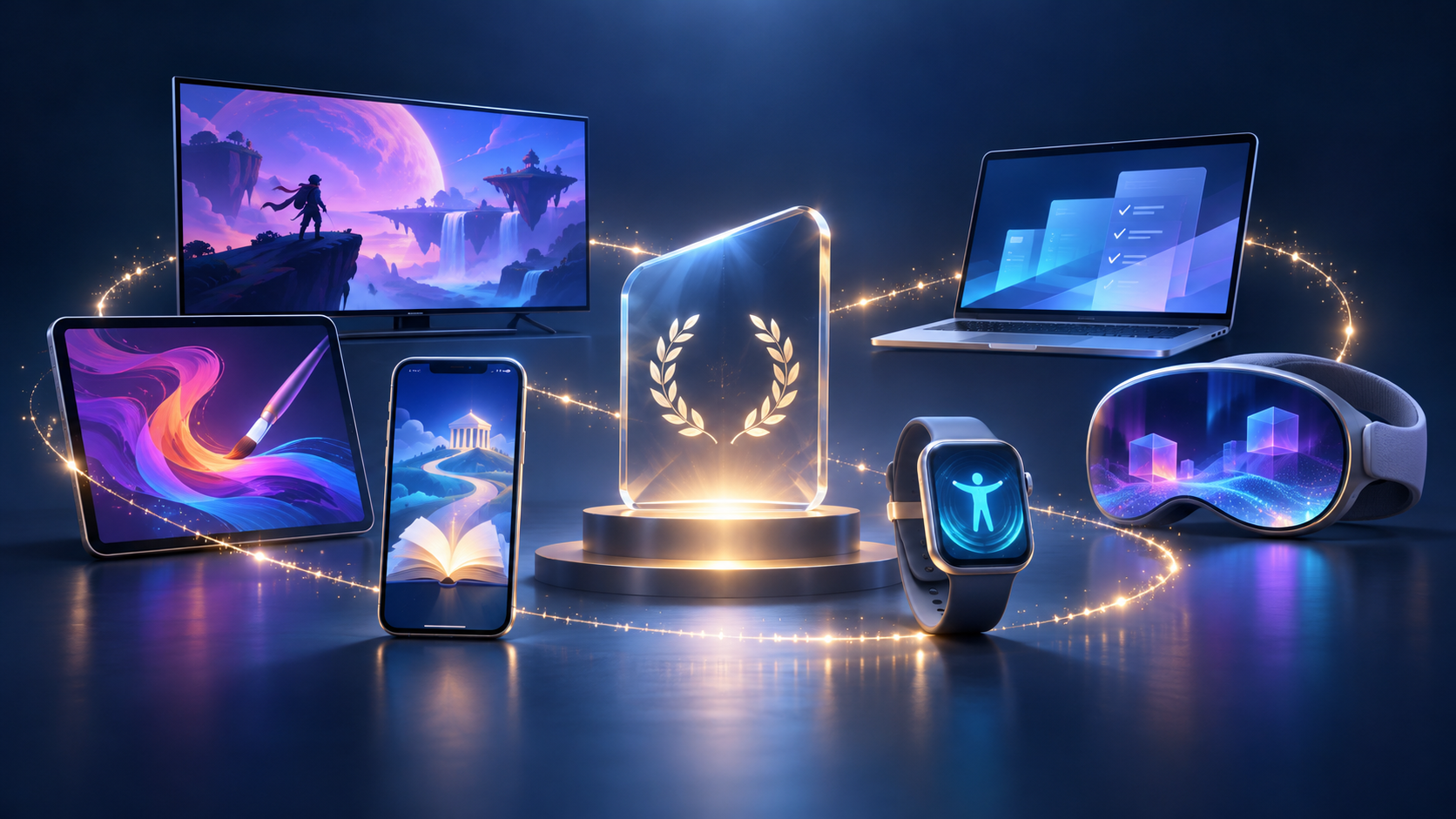
Apple has named 45 finalists for the 2026 App Store Awards across iPhone, iPad, Mac, Apple Watch, Apple TV, Apple Vision Pro, Apple Arcade and two Cultural Impact groups. The announcement is a shortlist, not the final result: Apple says the winners will be announced in the coming weeks.
The useful way to read the list is not as a command to install everything. It is a map of the experiences Apple’s editors considered notable this year, from natural-voice reading and flight guidance to clipboard tools, spatial video editing, health dashboards, cooperative games and accessibility-focused apps. This guide organizes every finalist, highlights the most distinctive choices and explains what to check before downloading, subscribing or buying another device.
The quick take
- Apple selected 45 finalists across 12 categories; the company has not announced the winners yet.
- The list spans seven device or service groups plus separate Cultural Impact selections for apps and games.
- A finalist label reflects Apple’s editorial judgment about design, innovation, experience and impact; it is not an independent security, privacy or value guarantee.
- Availability can differ by country, device, operating-system version, age rating and App Store account.
- A Get button means the initial download is free, not that every feature is free; in-app purchases and subscriptions may still apply.
- Before installing, review the current App Privacy section, recent update history, subscription terms and permissions requested by the app.
Apps worth trying first
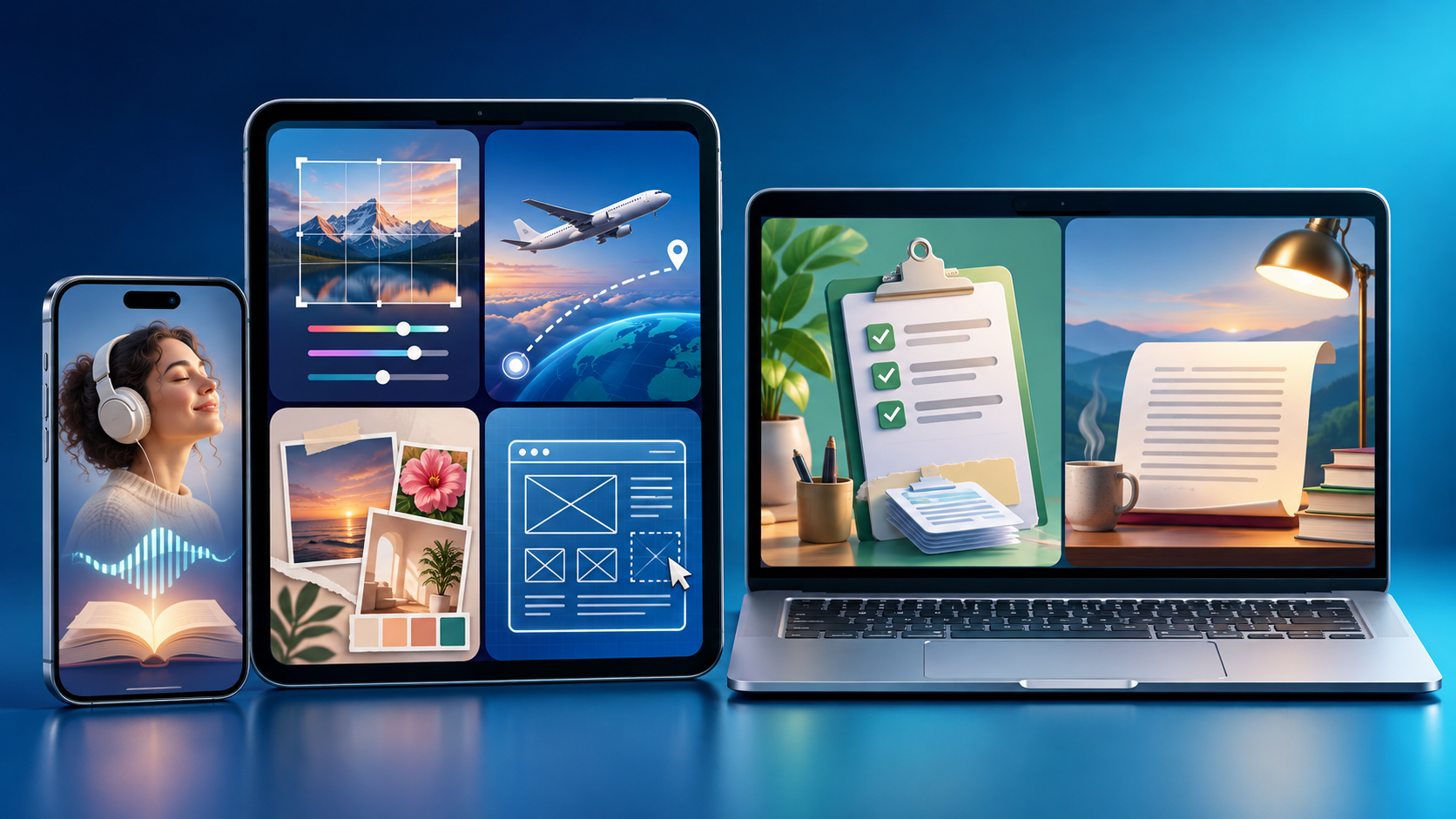
The app finalists cover reading, photography, travel, design, writing, health and entertainment across Apple’s device categories. Illustration: ReaderSpice.
The strongest app shortlist is unusually broad. Some finalists solve one focused problem, while others sit at the center of a daily workflow and therefore deserve a closer permissions and pricing review.
iPhone finalists: reading, photography and travel
ElevenReader turns books, PDFs and other text into spoken audio with natural-sounding AI voices. It is the clearest accessibility and convenience pick of the iPhone trio, especially for long documents, but users should still check which uploads leave the device, what is retained and which voices or limits require payment.
(Not Boring) Camera is the creative-camera option, built around customizable controls and an intentionally old-school shooting experience. It is the more interesting choice for people who want a distinct visual process rather than another automatic filter. Raylie is the travel pick, guiding a passenger through a flight with context such as sunrise, aurora and landmarks. Flight guidance should supplement—not replace—the airline’s official schedule, gate and safety information.
iPad finalists: inspiration, children and interface design
Cosmos focuses on visual discovery and mood boards, while Mockup turns an iPad into a sketching and wireframing surface for websites and apps. Those two finalists make the iPad category especially relevant to creators and designers. Kiddopia takes a different path with a large collection of learning activities for children. Parents should review age suitability, advertising, in-app purchases, account requirements and data practices before handing over the device.
Mac finalists: clipboard, tasks and long-form writing
Paste, Things 3 and Ulysses are mature productivity tools rather than novelty apps. Paste makes copied items searchable across a workflow, which also means users should understand what clipboard content is stored or synchronized. Things 3 is the focused task manager, and Ulysses is the long-form writing environment. Compare one-time purchase and subscription models carefully, because changing a core writing or task system later can cost more time than the app itself.
Apple Watch and Apple TV finalists
Bevel, Moonlitt and StressWatch make up the Apple Watch shortlist. Bevel translates fitness and recovery data into guidance, Moonlitt tracks lunar events, and StressWatch uses watch data to present stress-related patterns. A wellness score is not a diagnosis, and users should compare concerning symptoms with professional medical advice rather than an app notification.
On Apple TV, Case Solved: The London Files offers a noir logic mystery, Letterboxd moves film discovery and social recommendations to the television, and Pocket Casts brings podcasts to the big screen. The best choice depends less on raw features than on whether the service syncs with the phone or computer a household already uses.
Games across every Apple screen
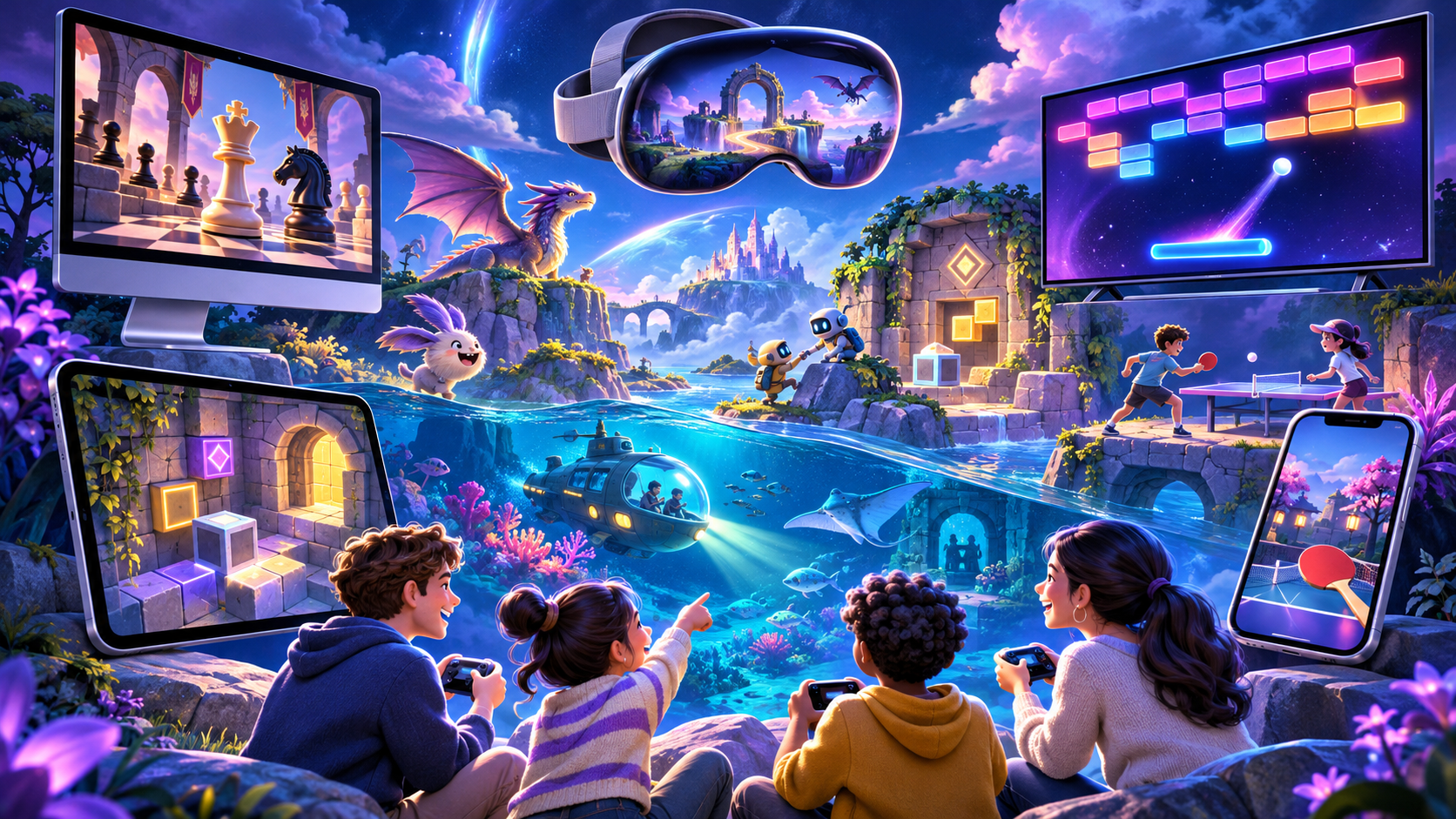
The game shortlist ranges from compact phone experiences to Mac adventures, Apple Arcade family titles and spatial games. Illustration: ReaderSpice.
iPhone and iPad games
BALL x PIT, DAVE THE DIVER and Gambonanza are the iPhone Game of the Year finalists. The group mixes brick-breaking action, ocean exploration and a chess-inspired roguelike, giving the phone category three very different session styles.
Aniimo, Arknights: Endfield and Where Winds Meet lead the iPad game group. These are larger fantasy and action experiences where storage size, controller support, online requirements and sustained performance matter more than they do for a lightweight puzzle game. Check the current product page on the exact iPad model before downloading a multi-gigabyte title.
Mac and Apple Arcade games
Big Walk, Blue Prince and Crimson Desert are the Mac finalists. Big Walk emphasizes cooperative puzzle-solving, Blue Prince builds its mystery around a changing mansion, and Crimson Desert is the sprawling action entry. The Mac category is where minimum chip, memory and storage requirements deserve the closest attention.
Perchang World, PowerWash Simulator and Pusheen’s Place are the Apple Arcade finalists. Arcade access depends on an active subscription, but the service model can simplify family play by avoiding separate purchases for each included game. Confirm whether progress, controller support and family sharing work on the devices a household actually uses.
Apple Vision Pro games and apps
The Vision Pro app finalists are Adobe Premiere, MLB and Museas. They represent three different reasons for spatial computing: editing video on an expanded canvas, watching baseball from an immersive viewpoint and placing art inside a room. The game finalists—Cueva de las Manos, Ping Pong Club and Spatial Ops—lean into light-and-shadow puzzles, table tennis and room-scale action.
These nominations do not make Vision Pro a required purchase. Spatial apps have the highest hardware cost and the most individual comfort considerations on the list. Anyone evaluating them should check motion comfort, play-area requirements, storage, subscription terms and whether the same task is already served well by an existing Mac, iPad or television.
Cultural Impact finalists put usefulness ahead of device prestige
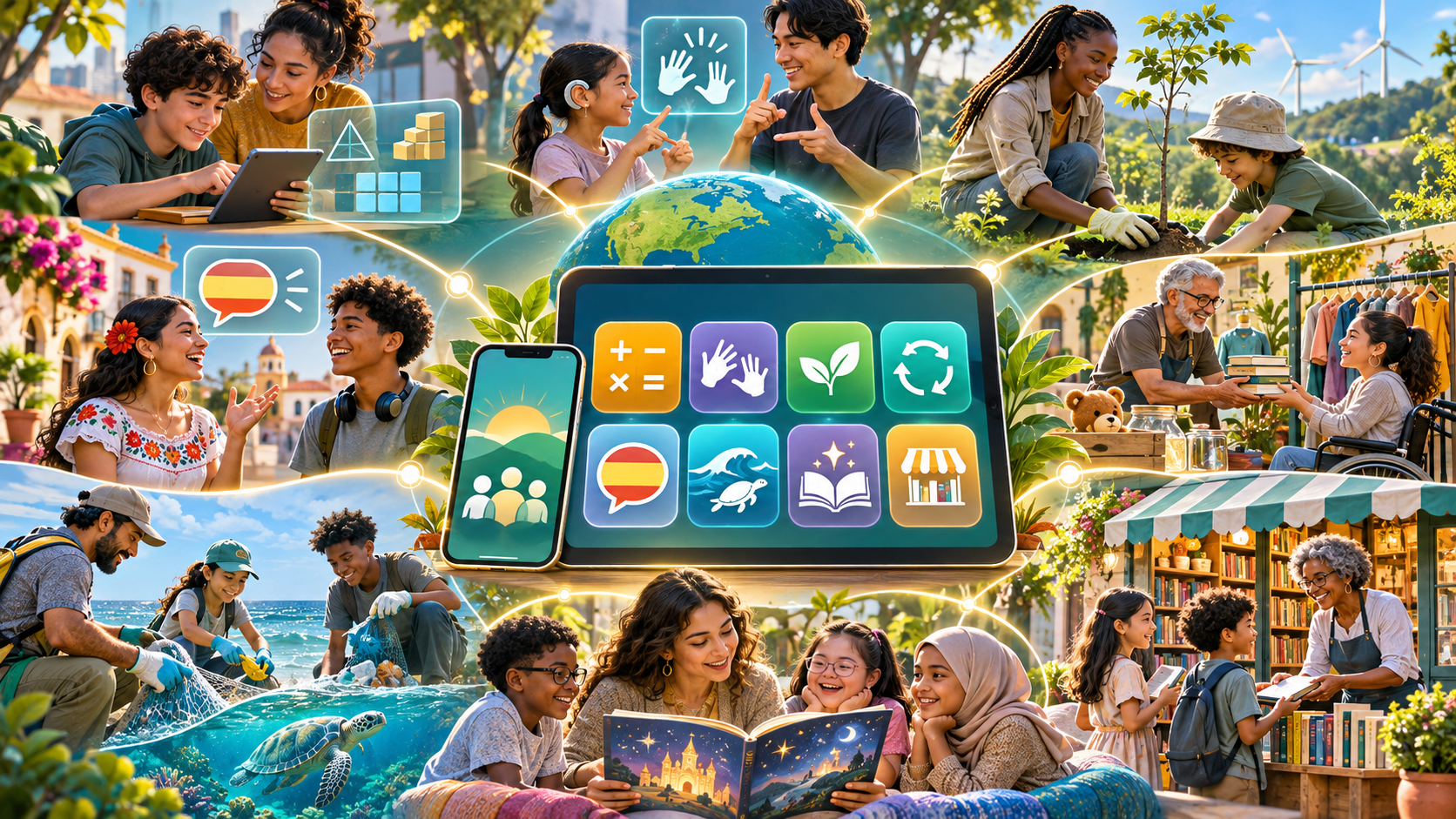
Apple’s Cultural Impact finalists focus on learning, accessibility, community, sustainability and inclusive storytelling. Illustration: ReaderSpice.
The Cultural Impact categories are the most useful counterweight to the hardware-specific awards. They recognize the purpose of an app or game rather than asking it to be the flagship experience for a particular screen.
Cultural Impact apps
- Brilliant — interactive lessons for math and science foundations.
- chilli — tools intended to make climate-related political action easier.
- Hearing Buddy — live speech-to-text support for people who are deaf or hard of hearing.
- Karrot — neighborhood buying and selling designed around local circular economies.
- setlog — a social experience built around more authentic sharing.
- Unedo — Spanish learning through games and cultural stories.
Cultural Impact games
- and Roger — a personal story Apple describes as poignant and challenging.
- Consume Me — a role-playing game that engages with eating-disorder realities.
- PancitoMerge — a merge game celebrating Mexican bread and culinary culture.
- Sago Mini Jinja’s Garden — a family-oriented gardening experience in Apple Arcade.
- Spilled! — a cozy game about cleaning polluted waterways.
- Tiny Bookshop — an inclusive community simulation built around a secondhand bookshop.
Impact is not a substitute for suitability. Parents, educators and caregivers should review age ratings, content warnings, accessibility support and privacy information. A sensitive theme can be valuable and still be inappropriate for a particular person or setting.
All 45 finalists at a glance
- iPhone App of the Year: ElevenReader; (Not Boring) Camera; Raylie.
- iPhone Game of the Year: BALL x PIT; DAVE THE DIVER; Gambonanza.
- iPad App of the Year: Cosmos; Kiddopia; Mockup.
- iPad Game of the Year: Aniimo; Arknights: Endfield; Where Winds Meet.
- Mac App of the Year: Paste; Things 3; Ulysses.
- Mac Game of the Year: Big Walk; Blue Prince; Crimson Desert.
- Apple Arcade Game of the Year: Perchang World; PowerWash Simulator; Pusheen’s Place.
- Apple Vision Pro App of the Year: Adobe Premiere; MLB; Museas.
- Apple Vision Pro Game of the Year: Cueva de las Manos; Ping Pong Club; Spatial Ops.
- Apple Watch App of the Year: Bevel; Moonlitt; StressWatch.
- Apple TV App of the Year: Case Solved: The London Files; Letterboxd; Pocket Casts.
- Cultural Impact apps: Brilliant; chilli; Hearing Buddy; Karrot; setlog; Unedo.
- Cultural Impact games: and Roger; Consume Me; PancitoMerge; Sago Mini Jinja’s Garden; Spilled!; Tiny Bookshop.
How to decide what to install
- Open the finalist from Apple’s current App Store page, not from a copied ad, message or lookalike download site.
- Confirm that the app supports the device model, operating-system version, language and country attached to the Apple Account.
- Read the App Privacy section and the developer’s privacy policy, especially for health, children, clipboard, microphone, camera, location or uploaded-document access.
- Check the price after any trial, the renewal period and whether important features require a separate in-app purchase or subscription.
- Review the most recent update date and release notes; an award nomination does not guarantee indefinite maintenance.
- Download one app for a defined need and test it before moving important files, routines or family data into the service.
Apple’s support documentation makes an important distinction: an app with a Get button is free to download, but it can still sell subscriptions or in-app purchases. If a trial is no longer useful, the subscription can be reviewed or canceled from the Apple Account’s Subscriptions settings. Canceling at least 24 hours before a trial ends reduces the risk of an unintended renewal.
What the finalist label does—and does not—mean
Apple says the awards recognize exceptional user experience, design, innovation and cultural impact. That makes the shortlist useful for discovery, but it remains Apple’s own editorial selection. It is not a public vote, a permanent technical certification or a promise that one finalist will be the best choice for every user.
The list can also change in practical value after publication. Pricing, ownership, privacy practices, platform support and online services can evolve. Check the current App Store product page before acting on an award article, particularly if a download will become part of a school, family, health or professional workflow.
A verified iPad option on Amazon
Several finalists are designed specifically for iPad, but a new tablet is not required if a supported iPad already runs the current app. Readers comparing entry-level hardware can review the verified Amazon listing for the 2025 Apple 11-inch iPad with the A16 chip, 128GB Wi-Fi model in blue, ASIN B0DZ75TN5F. Confirm the seller, exact color and storage, return policy, current price and app compatibility before ordering. View the Apple 11-inch iPad (A16) on Amazon
Affiliate disclosure: ReaderSpice may earn a commission from qualifying purchases made through the Amazon link above, at no extra cost to you.
Bottom line
Apple’s 2026 App Store Award finalists are more valuable as a discovery guide than as a ranking. The list surfaces focused tools for reading, travel, design, writing, health and accessibility alongside games that range from short phone sessions to room-scale spatial play. The Cultural Impact selections are especially worth exploring because they center learning, community and access rather than a single device.
Start with the problem you want to solve, then verify the current price, permissions, privacy label and hardware support. The winners will arrive later, but the finalist list is already useful—provided the badge does not replace the same careful checks every app deserves.
Sources
- Apple Newsroom: Meet the 2026 App Store Award finalists
- Apple Developer: App Store Awards 2026 finalist directory
- Apple App Store: Announcing the 2026 App Store Award Finalists
- Apple Support: Download apps on iPhone or iPad
- Apple Support: Cancel a subscription from Apple
- Apple Support: About privacy information on the App Store
- Amazon: Apple 11-inch iPad with A16 chip, 128GB Wi-Fi, blue, ASIN B0DZ75TN5F (affiliate link)
Inline image 1 metadata: Original 16:9 editorial illustration of app categories across phone, tablet and laptop; title and alt description embedded in the image object.
Inline image 2 metadata: Original 16:9 editorial illustration of game categories across multiple device types; title and alt description embedded in the image object.
Inline image 3 metadata: Original 16:9 editorial illustration of learning, accessibility, sustainability and community themes; title and alt description embedded in the image object.