
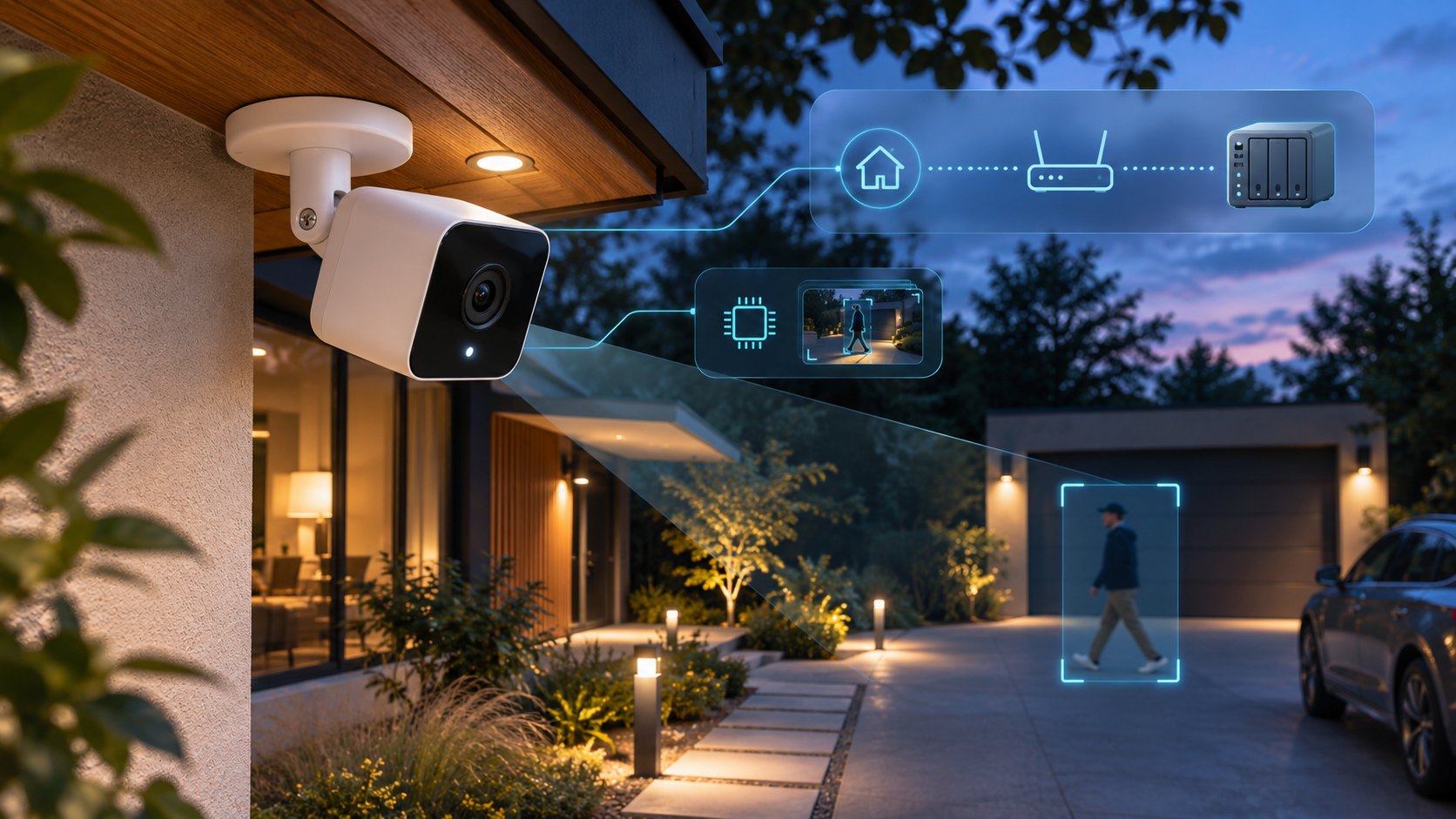
Abode launched Cam 3 on November 12, 2026, as a $99.99 indoor/outdoor camera and is offering it for $59.99 at launch. The price is attractive for a wired camera with 2K event clips, a built-in spotlight, on-camera detection for people, pets and vehicles, plus RTSP and ONVIF support for third-party video systems.
The headline specifications need careful reading. Live view and 24/7 streaming are limited to 1080p, continuous recording requires an eligible Abode plan, and the camera has no microSD slot or onboard storage. It also uses 2.4 GHz Wi-Fi, needs wired USB-C power and does not directly support Apple HomeKit. Those constraints matter more than the discount for buyers planning a local-first camera system.
ReaderSpice has not independently tested Cam 3. This launch guide separates Abode’s documented features from the limits that still require hands-on verification, including low-light detail, notification delay, RTSP stability, weather durability and third-party recorder behavior. Pricing and plan terms were checked on November 20, 2026, and can change.
Abode Cam 3 at a glance
- Launch price: $59.99 for a limited period; stated MSRP is $99.99.
- Recorded resolution: event clips up to 2K at 2560 × 1440; live view and 24/7 streaming are 1080p.
- Field of view: 121 degrees horizontally.
- Night video: infrared night vision plus a built-in white spotlight for full-color night scenes.
- Detection: pixel-based motion followed by on-camera AI classification for people, pets and vehicles.
- Local-video protocols: RTSP and ONVIF for compatible recorders and smart-home platforms.
- Power and network: wired USB-C power, included 5V/1A adapter and 2.4 GHz Wi-Fi; 5 GHz is not supported.
- Weather protection: IP65-rated housing for indoor or outdoor placement.
- Storage: no microSD slot and no onboard storage.
- Smart-home support: Google Assistant is supported; Alexa is not supported at launch; there is no direct Apple HomeKit integration.
What the Abode Cam 3 actually records
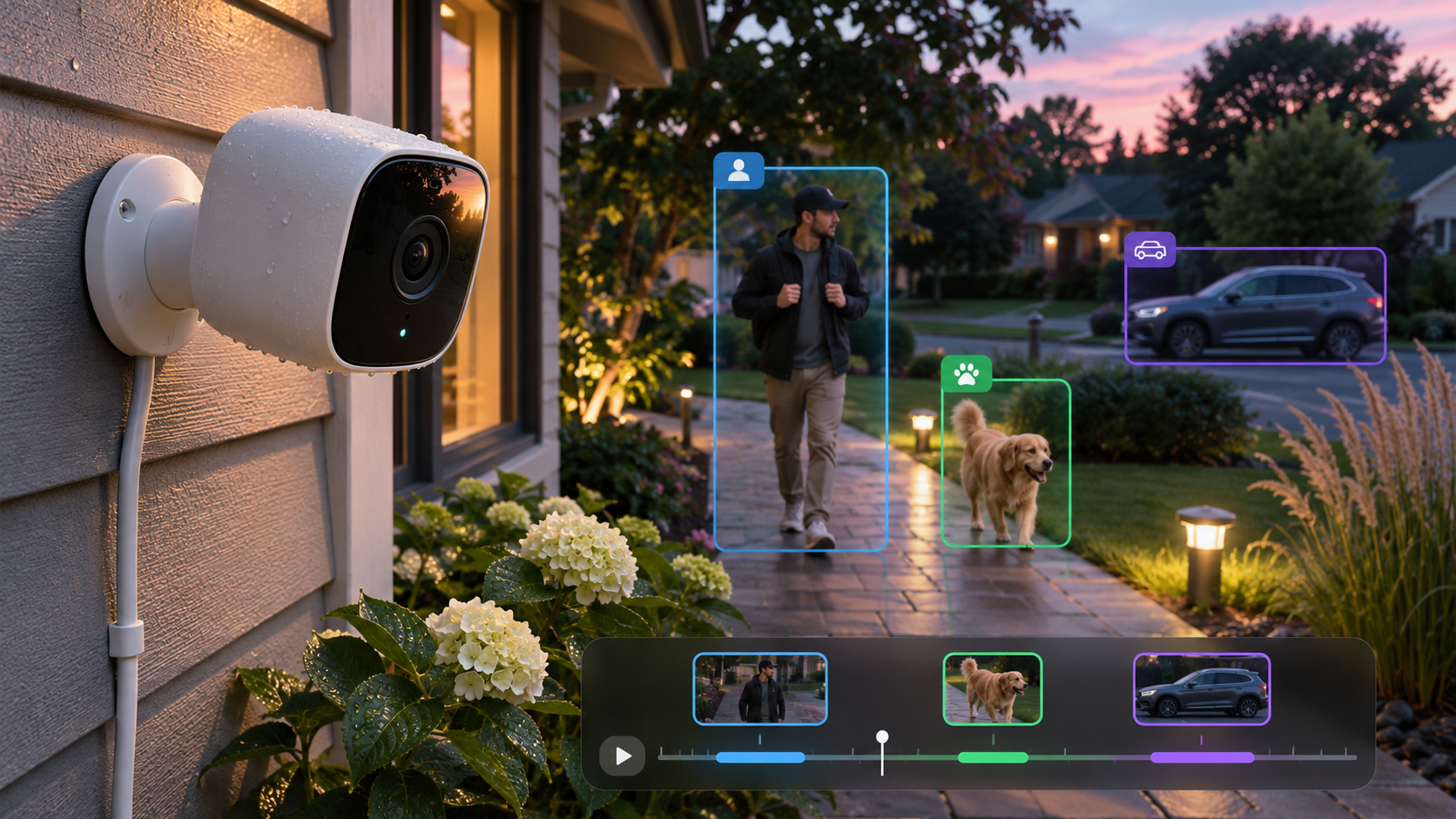
Cam 3 records 2K event clips while live view and continuous streaming remain 1080p.
Abode’s FAQ distinguishes recorded events from continuous viewing. Event clips can be saved at 2560 × 1440, while live view and the 24/7 stream are capped at 1080p. A buyer should not read “2K camera” as a promise that every viewing mode, exported clip or third-party recorder will receive a 2K stream. The actual stream exposed to a recorder still needs to be confirmed in the recorder’s settings and tested under motion and low light.
Event clips can run up to 30 seconds and include up to 10 seconds of pre-roll. That pre-roll can help show where a person or vehicle came from instead of beginning after the subject is already centered. Clip length, cooldown behavior and plan eligibility determine how complete the timeline feels in a busy driveway or entryway.
On-camera AI is useful, but it is not facial recognition
The camera analyzes pixel-based motion locally and can classify a person, pet or vehicle. Abode does not list package detection, sound recognition or facial recognition for Cam 3. Local classification can reduce generic motion alerts, but it does not guarantee that every event stays off the cloud or that every subject is classified correctly. Recording destination, account features and external integrations still determine where video travels and how long it is retained.
Abode recommends All Motion for the broadest event capture. Its documentation says All Motion has no 90-second cooldown, while Smart Detect applies a 90-second cooldown. Smart Detect may produce fewer nuisance alerts, but the cooldown can omit closely spaced events. Owners should walk-test the camera, then compare the two modes before assuming the AI setting is always the safer option.
RTSP and ONVIF change the storage story
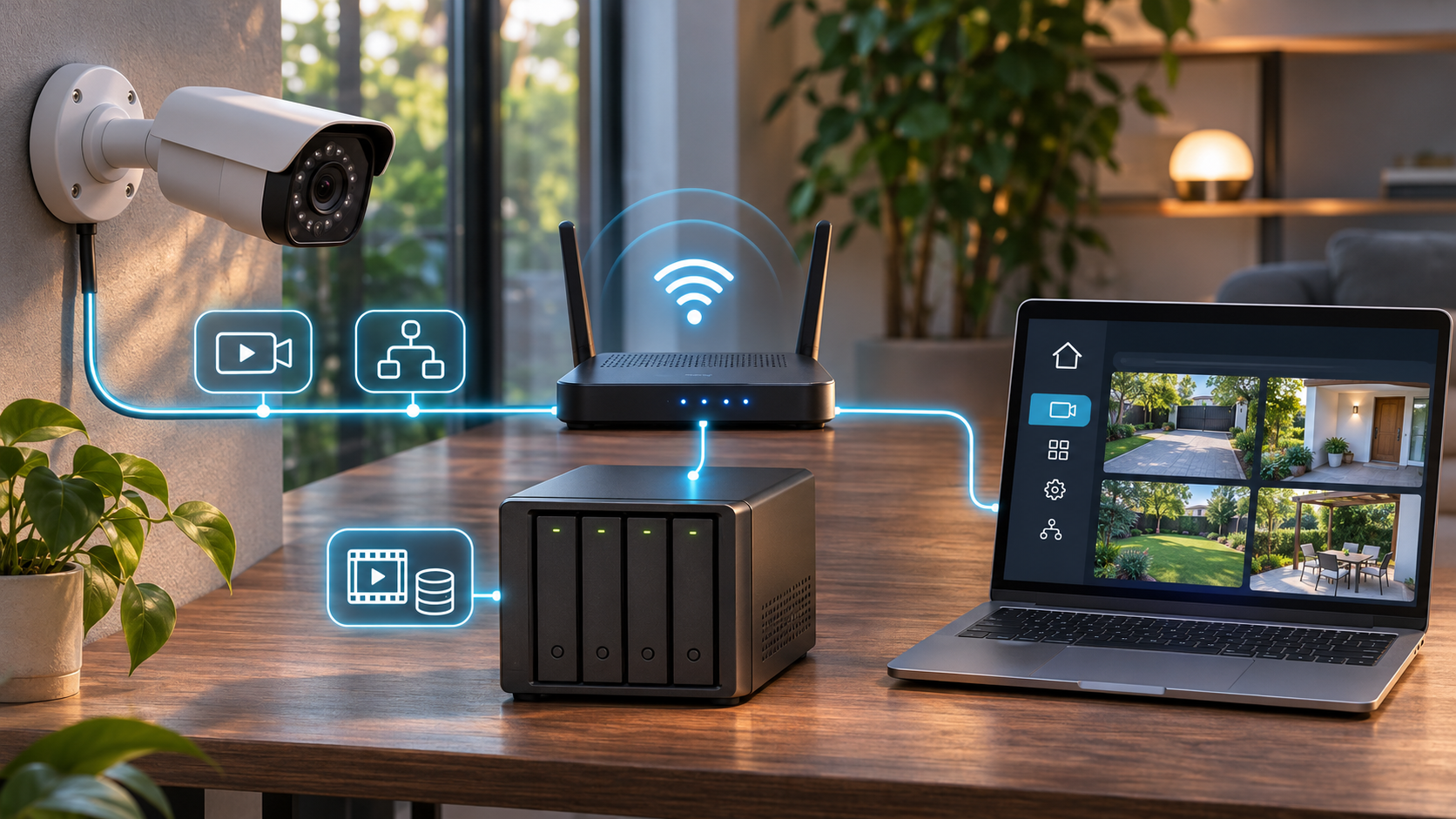
RTSP and ONVIF can connect Cam 3 to compatible NAS, NVR and smart-home software.
RTSP and ONVIF are the most important additions for owners who do not want one vendor’s app to be the only way to view video. Abode’s official Home Assistant guide specifies a 1080p H.264 local stream with AAC-LC mono audio, RTSP on port 8554, ONVIF on port 8080 and a maximum of two local RTSP connections. That confirms the local stream is 1080p rather than 2K. Home Assistant and other third-party software remain supported by their own developers.
Those standards do not create local storage inside the camera. Cam 3 has no microSD slot and no onboard recording. A local-first setup therefore needs another device—such as a NAS, NVR or always-on server—to receive and retain the stream. Storage capacity, retention, motion rules, user permissions, backups and recorder security become the owner’s responsibility.
Questions to answer before relying on a third-party recorder
- Can the chosen recorder ingest the documented H.264 video and AAC-LC audio over TCP?
- Does the recorder discover the camera and expose the ONVIF functions the household actually needs?
- Can the camera send a stable stream while Abode event recording and live view are also active?
- What happens after a router reboot, camera firmware update or temporary internet outage?
- Does the recorder encrypt stored footage and restrict camera credentials to the local network?
Until these behaviors are tested with a specific NAS or NVR, RTSP and ONVIF should be treated as supported connection paths rather than a guarantee of flawless 24/7 local capture. Use a dedicated camera account where possible, isolate IoT devices appropriately and avoid exposing the RTSP port directly to the internet.
The storage and subscription catch
The launch price does not include removable local storage. Without an external recorder, buyers depend on the Abode app and an eligible plan for the recording functions the plan covers. Abode says 24/7 recording requires an eligible subscription. Event history, retention and the number of supported cameras can vary by plan, so confirm the current plan page and checkout terms before deciding that the camera’s hardware price represents the full cost.
This creates three realistic configurations. A basic owner can use live view and notifications with limited retained evidence. A subscriber can use Abode’s eligible cloud recording features. A local-recording owner can add an RTSP/ONVIF recorder, accepting the cost and maintenance of that system. Some households may use both cloud events and a local recorder for redundancy, but that also increases bandwidth, power use and privacy exposure.
Before buying, check power, Wi-Fi and placement
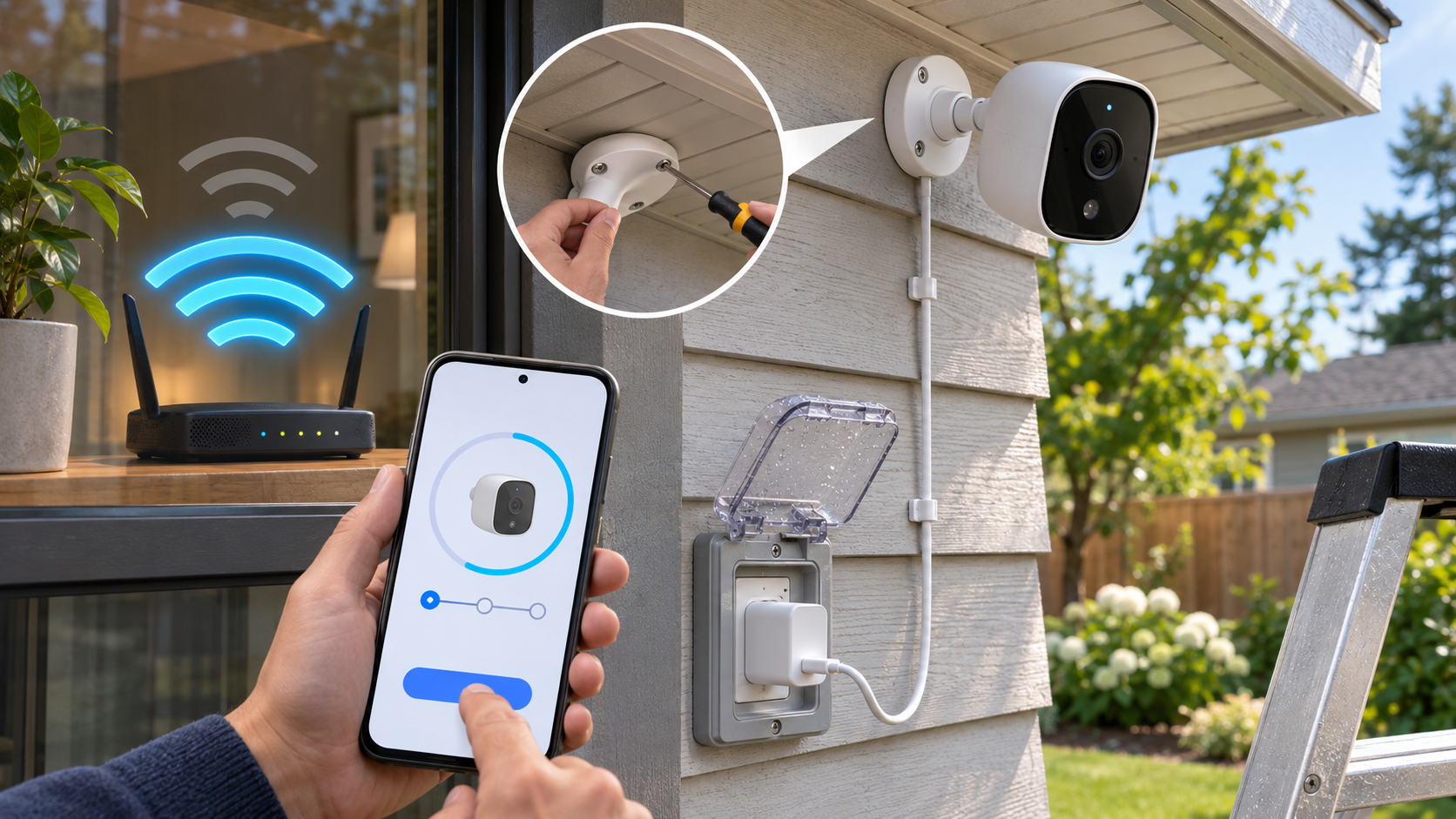
Cam 3 needs wired USB-C power and 2.4 GHz Wi-Fi at the final mounting point.
Cam 3 is not a battery camera. It needs continuous USB-C power from the included 5V/1A adapter, so outdoor placement must keep the adapter and connection protected as required by the installation instructions and local electrical rules. Do not route a cable through a door or window where it can be pinched, and do not assume an indoor adapter is suitable for direct rain exposure.
Setup uses the Abode mobile app and Bluetooth; Abode says the web app cannot perform initial setup. The camera joins 2.4 GHz Wi-Fi only. A dual-band router can work, but band steering, guest-network isolation, weak exterior coverage or a phone connected only to a different network segment can complicate pairing. Test signal strength at the exact mounting position before drilling.
A practical setup order
- Update the Abode app, sign in and enable Bluetooth on the setup phone.
- Power the camera temporarily near the router and complete pairing before permanent mounting.
- Confirm live view, two-way audio, spotlight control and firmware status.
- Move the camera to the planned location and verify a stable 2.4 GHz connection.
- Aim the 121-degree view away from neighboring windows and private spaces.
- Walk-test person, pet and vehicle alerts in daylight and at night.
- If using RTSP or ONVIF, add the camera to the recorder and test recovery after a reboot.
Smart-home compatibility has clear boundaries
Cam 3 can operate without an Abode hub and can also join an Abode Iota or Security Hub system. Google Assistant support is documented. Abode says Alexa is not supported at launch, and the camera does not offer direct Apple HomeKit integration. Broader Abode platform compatibility should not be confused with native HomeKit Secure Video support for this specific camera.
Home Assistant users may connect through community plugins or standards-based video integrations. Community integrations can be useful, but they do not carry the same support commitment as a native vendor integration. Check the plugin’s current maintenance status, required credentials and exact feature coverage before buying hardware around it.
A relevant Amazon alternative for local-first buyers
Buyers who want onboard storage and broader Apple ecosystem support can compare the Aqara Camera Hub G5 Pro PoE on Amazon (model CH-C03E, ASIN B0DPX69RWZ). Aqara’s official product page lists local encrypted storage, RTSP, HomeKit Secure Video and additional hub functions. It is a different, higher-tier PoE product—not a like-for-like $59.99 substitute—and the PoE model needs Ethernet power infrastructure. Confirm the exact variant, seller, current price and return terms on the live listing before ordering.
The comparison highlights the core tradeoff. Cam 3 lowers the entry price and supports standards-based streaming, but it stores nothing on the camera itself. The Aqara model can consolidate camera, local storage and hub functions, but costs more and adds ecosystem complexity. Choose the storage and integration model first, then compare image quality and price.
Affiliate disclosure: ReaderSpice may earn a commission from qualifying Amazon purchases made through the link above, at no additional cost to you.
Who should buy Cam 3—and who should wait
Consider it now
- Abode households that want a low-cost indoor/outdoor camera without adding another hub.
- Home Assistant, NAS or NVR users willing to configure and maintain RTSP or ONVIF recording.
- Buyers who value person, pet and vehicle classification but do not need facial or package recognition.
- Locations with reliable 2.4 GHz Wi-Fi and safe continuous wired power.
Wait or compare alternatives
- Apple Home users who specifically require native HomeKit Secure Video.
- Alexa-centered homes that need direct camera integration at launch.
- Buyers who want microSD recording, battery operation or a completely self-contained local camera.
- Anyone who needs proven third-party recorder stability, long-term weather testing or verified 2K continuous streaming before purchase.
What remains unverified
Abode’s documentation establishes the supported features, but launch materials cannot answer every performance question. Independent long-term testing is still needed for night detail with and without the spotlight, false-alert rates in rain and moving foliage, notification latency, two-way audio quality, RTSP reconnect behavior, firmware-update reliability and performance in extreme temperatures. The $59.99 promotion can also end without notice.
Treat any retailer description that expands beyond Abode’s documentation as unconfirmed until the manufacturer or a repeatable hands-on test supports it. In particular, do not assume Alexa, direct HomeKit, facial recognition, package detection, microSD recording or 2K 24/7 streaming merely because a competing camera offers those features.
The bottom line
At $59.99, Abode Cam 3 is a compelling wired camera for buyers who understand the storage design. It combines 2K event clips, local classification for people, pets and vehicles, full-color spotlight video, IP65 protection and rare RTSP/ONVIF flexibility at a budget launch price. It can work alone, with an Abode security system or as a stream source for a compatible local recorder.
The catch is not hidden, but it is easy to overlook: no onboard storage, 1080p live and continuous streams, 2.4 GHz-only Wi-Fi, wired power, plan-dependent 24/7 recording and no direct HomeKit or launch-day Alexa support. Buyers who already have a NAS or NVR may see those as manageable tradeoffs. Everyone else should price the required recording plan or external storage system before deciding the camera costs only $59.99.
Sources
Abode: Cam 3 product page, launch price and availability
Abode Shop: current Cam 3 promotional pricing
Abode Support: Cam 3 FAQ, recording modes, storage, AI and compatibility
Abode Support: Cam 3 setup guide, 2.4 GHz Wi-Fi and motion settings
Abode Support: Cam 3 and Home Assistant local-stream specifications
Caster Communications: Abode Cam 3 launch announcement – November 12, 2026
TWICE: Abode Cam 3 launch coverage – November 18, 2026
Aqara: Camera Hub G5 Pro official product details
Amazon: Aqara Camera Hub G5 Pro PoE CH-C03E (ASIN B0DPX69RWZ)