
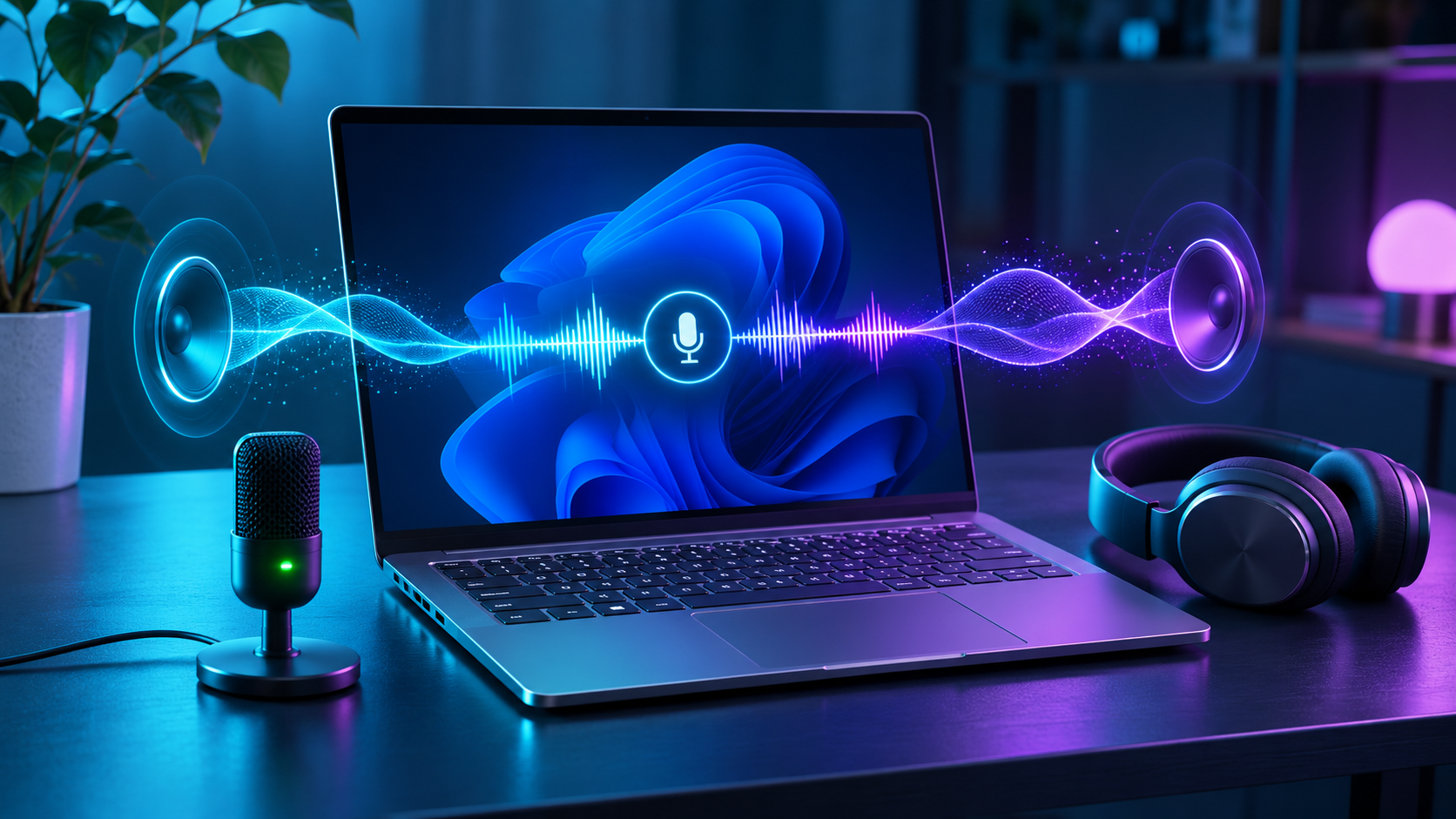
Microsoft is testing a Windows 11 Bluetooth LE Audio upgrade that keeps full-range stereo playback active while a headset microphone is being used. The November 20, 2026 Insider release adds a 2-channel, 16-bit, 48 kHz option for compatible LE Audio headphones, earbuds and speakers on supported PCs. That can make game chat, voice calls, dictation and Copilot voice sessions sound less like a narrow telephone connection.
The useful phrase is compatible LE Audio. This is not a universal Bluetooth switch and it is not yet a normal retail Windows feature. Microsoft placed the new 48 kHz option in Experimental build 26340.10032. The PC must have factory-integrated LE Audio support and current manufacturer drivers, while the accessory must support the required LE Audio profiles and sample rate. A conventional Bluetooth headset can still drop to mono when its microphone opens.
ReaderSpice has not independently measured latency, battery life or sound quality in this preview. This guide separates the new Insider capability from the broader stereo-with-microphone support already documented for some public Windows 11 systems.
Windows 11 Bluetooth LE Audio update at a glance
- Preview build: Windows 11 Insider Preview Build 26340.10032 in the Experimental channel, announced November 20, 2026.
- New format: 2 channels, 16 bit, 48,000 Hz while the microphone is active on compatible combinations.
- Primary uses: multiplayer voice chat, video meetings, voice typing, streaming, recording and Copilot voice interactions.
- PC requirement: Windows 11 with factory-integrated LE Audio hardware plus Bluetooth and audio drivers that expose stereo microphone-mode support.
- Accessory requirement: LE Audio support, including compatible profiles and 48 kHz playback capability; ordinary Bluetooth 5.x labeling is not enough.
- Fallback: Microsoft allows the format to be changed back to mono when stereo mode causes dropouts or other compatibility problems.
- Retail status: preview only for the new full-range 48 kHz option; joining an Experimental Insider channel can require a clean Windows reinstall to leave certain branches.
Why Bluetooth audio changes when the microphone is active
Bluetooth headphones often sound excellent until an app opens their microphone. Classic Bluetooth normally uses A2DP for stereo music, but switches to the Hands-Free Profile when playback and microphone capture must happen together. Microsoft’s developer documentation says that Classic HFP communications mode uses mono input and output, typically at a speech-focused sample rate. The sudden loss of stereo width is therefore a transport limitation, not necessarily a fault in the game, meeting app or headset.
Bluetooth LE Audio uses a different set of profiles and the LC3 codec. Windows can use the Telephony and Media Audio Profile, or TMAP, for bidirectional headset use. Some supported Windows 11 PCs already provide stereo playback while the microphone is active. The November 20 preview takes that path further by exposing full-range 48 kHz stereo for suitable hardware.
A higher sample rate does not guarantee studio-quality calls. Microphone processing, application compression, wireless interference, headset tuning and the other participant’s connection still affect the result. The gain is that local playback can retain two channels and a wider frequency range instead of collapsing into a narrow mono communications path.
Preview feature versus current retail Windows support
What some public Windows 11 PCs already support
Microsoft’s current support page says stereo playback with the microphone active is available on some Windows 11 version 24H2 PCs running build 26100.4484 or newer, provided the machine has integrated LE Audio support and the necessary manufacturer drivers. On those systems, Windows normally defaults to stereo and exposes a Format when microphone is active control. Microsoft’s communications documentation describes common TMAP communications audio at 32 kHz on the current public path.
What Experimental build 26340.10032 adds
The new Insider option is explicitly 2-channel, 16-bit, 48 kHz. Microsoft calls this Super Wideband Stereo and says the format is available when the microphone is active for accessories that support 48 kHz LE Audio playback. That is the timely change: it raises the playback format during two-way use rather than merely preserving left and right channels at a lower communications sample rate.
Do not install an Experimental build solely because a headset sounds narrow. Preview branches can contain unfinished features and known issues, and Microsoft warns that moving out of Experimental Future Platforms may require a full reinstall. A production PC should wait for Microsoft and the PC maker to ship the capability through a normal supported update.
Hardware and software requirements
- Windows 11: the new 48 kHz option currently requires the applicable Insider preview; broader stereo microphone-mode support requires version 24H2 or later on supported retail systems.
- Integrated LE Audio: Microsoft says the PC must include LE Audio support from the factory for stereo playback while the microphone is active.
- PC drivers: Bluetooth radio and audio codec drivers from the PC manufacturer must expose LE Audio and stereo communications formats.
- Headset or speakers: the accessory must support Bluetooth LE Audio and the required playback format. TMAP and LC3 support are useful specification signals.
- App behavior: the application must open the intended microphone and output device. A game or meeting app can select a different endpoint than Windows Settings.
- System accessibility setting: Windows system-wide Mono audio should be off when stereo output is wanted.
Bluetooth version numbers alone are not proof. A laptop advertised with Bluetooth 5.3 can lack the platform integration or drivers needed for Windows LE Audio. Likewise, headphones can support Bluetooth Low Energy for app control without supporting LE Audio streaming. Check the Windows toggle and the accessory’s actual profile list.
How to check whether the PC supports Bluetooth LE Audio
- Open Start, choose Settings, then select Bluetooth & devices and Devices.
- Scroll to Device settings and look for Use LE Audio when available.
- Turn the setting on if it is present, then install current Windows, Bluetooth, chipset and audio updates supplied for the exact PC model.
- If the setting is absent, do not assume that a generic USB Bluetooth adapter will add full support. Microsoft’s stereo microphone-mode guidance requires factory-integrated LE Audio.
- Confirm the headset documentation lists Bluetooth LE Audio or profiles such as TMAP and a compatible LC3 implementation.
Some PCs may gain LE Audio later through manufacturer driver updates, but Microsoft does not promise that every Bluetooth-capable Windows 11 machine can be upgraded. The PC maker is the correct source for model-specific support.
How to enable 48 kHz stereo while the microphone is active
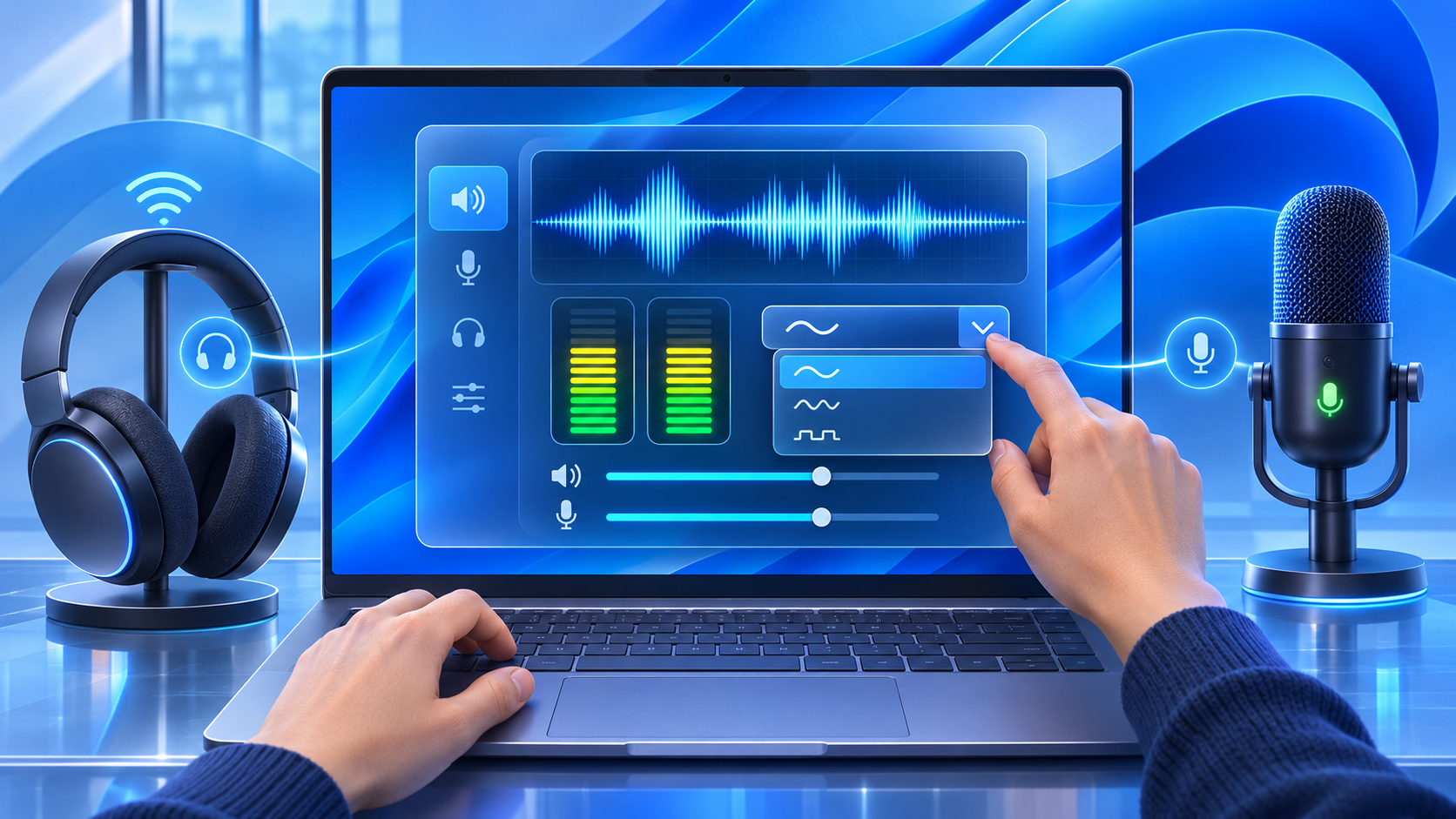
- Pair the compatible LE Audio headset, earbuds or speaker and connect it to the Windows 11 PC.
- Open Settings, select System, then Sound.
- Under Output, open the properties page for the Bluetooth LE Audio device.
- Expand Output settings and find Format when microphone is active.
- On the supported Insider preview combination, choose 2 channels, 16 bit, 48000 Hz.
- Open the game, meeting or voice app, select the same headset for both output and microphone, and test real two-way audio.
- If audio breaks up, disappears or becomes unstable, return to the same menu and select mono for compatibility.
If Format when microphone is active is missing, the PC, accessory, driver or Windows build does not expose the feature. Reinstalling random Bluetooth drivers or forcing an unofficial package is not a safe substitute for manufacturer support.
How to verify that stereo mode is actually working
- Start a stereo channel test or familiar track, then open the headset microphone in Voice Recorder, a meeting app or a private game-chat lobby.
- Confirm that left and right cues remain distinct after the microphone becomes active.
- Open Sound settings during the test and verify that the intended headset remains the selected output and input device.
- Check the application’s own audio settings; some apps override the Windows default or remember an older hands-free endpoint.
- Watch for glitches, latency, channel imbalance and disconnections for several minutes before relying on the mode in a call or stream.
A stereo indicator is not an objective quality score. Compare the same material at the same volume, and avoid treating a louder mode as automatically better. Competitive players should also test latency and positional consistency rather than judging only music playback.
Why the option may be missing
- The PC is on a normal retail build and has not received the new 48 kHz capability.
- The Windows machine lacks factory-integrated LE Audio or uses incompatible Bluetooth and audio drivers.
- Use LE Audio when available is absent or turned off in Bluetooth device settings.
- The accessory supports Classic Bluetooth only, or its current firmware does not expose TMAP, LC3 or the required 48 kHz mode.
- The accessory connected through Classic Audio after pairing; removing and pairing again after firmware and driver updates may be required by the manufacturer.
- The system-wide Mono audio accessibility setting is enabled.
- The meeting or game selected a different microphone, output endpoint or communications profile.
- The staged Insider feature has not reached that PC even though the build number is correct.
When mono remains the better choice
Stereo is desirable for games, music and spatial awareness, but reliability matters more during an interview, support call or live broadcast. Microsoft keeps the mono option because some accessories can glitch when asked to sustain stereo playback and microphone capture together. Wireless congestion, marginal firmware or an older headset can make the higher format less stable.
Use mono when speech clarity and an uninterrupted connection matter more than stereo width. If stereo fails consistently, update from official sources, test at short range without a busy USB 3.x device beside the Bluetooth antenna, and report the exact PC, driver, headset firmware and Windows build to the relevant manufacturer.
A verified LE Audio headset example on Amazon
The Sony WH-1000XM6 in black on Amazon (ASIN B0F3PQHWTZ) is a verified U.S. listing for an accessory whose official Sony specifications include LC3 and TMAP. That makes it relevant to LE Audio, but it does not guarantee the new Windows 48 kHz stereo microphone mode on every PC. Confirm the exact seller, model, firmware, current price, return policy and Windows computer support before ordering.
Affiliate disclosure: ReaderSpice may earn a commission from qualifying Amazon purchases made through this link, at no additional cost to you.
The bottom line
Windows 11 is finally addressing one of Bluetooth headsets’ most obvious PC compromises: stereo playback collapsing when the microphone opens. The new 48 kHz Super Wideband Stereo option is a meaningful preview for games, meetings and voice tools because it keeps two full-range playback channels active during two-way audio.
The limitation is the entire hardware chain. Windows, the factory Bluetooth implementation, PC drivers and the accessory must all agree on LE Audio, profiles and formats. Production users should check current retail stereo support and wait for a supported rollout; Insiders can test the 48 kHz option carefully and keep mono available as the reliability fallback.
Sources
- Windows Insider Blog — Announcing new builds for November 20, 2026
- Microsoft Support — Configure Bluetooth LE Audio quality settings on Windows 11
- Microsoft Support — Check whether a Windows 11 device supports Bluetooth LE Audio
- Microsoft Learn — Communications audio format capabilities
- Microsoft Learn — Bluetooth version and profile support in Windows 11
- Bluetooth SIG — Low Complexity Communication Codec specification
- Sony Support — WH-1000XM6 specifications
- Amazon — Sony WH-1000XM6, ASIN B0F3PQHWTZ (affiliate link)
Inline image 1: Bluetooth Classic mono versus LE Audio stereo during microphone use.
Inline image 2: Windows LE Audio stereo microphone format settings.