
Samsung has launched the 27-inch Odyssey G6 G60H in the United States at $899.99, with retail availability beginning in December 2026. The IPS gaming monitor can reach up to 1,100Hz in HD mode or up to 600Hz at its native 2,560-by-1,440 QHD resolution. That makes the headline spectacular—but the mode, source hardware, game frame rate and platform limits decide whether a buyer can use it.
The G60H is not a 1,100Hz QHD monitor. Samsung’s Dual Mode trades resolution for the four-digit refresh ceiling, while QHD tops out at 600Hz. Samsung also says macOS cannot use Dual Mode or the native 600Hz maximum, AMD FreeSync Premium does not operate at 1,100Hz, and some older Radeon hardware cannot reach 1,000Hz or higher. HDR10+ Gaming has its own supported-GPU, title, HDMI 2.1 and cable requirements.
ReaderSpice has not tested the Odyssey G6, measured input lag, checked pixel overshoot or confirmed every selectable timing. This buying guide separates Samsung’s launch claims from what still needs independent testing, explains the PC and cable checklist, and identifies the narrow audience that can justify an $899.99 extreme-refresh monitor.
Samsung Odyssey G6 G60H at a glance
- U.S. price: $899.99 MSRP, with nationwide retail rollout beginning in December 2026.
- Display: 27-inch-class flat IPS panel with a native 2,560-by-1,440 QHD resolution.
- Dual Mode: up to 600Hz at QHD or up to 1,100Hz in HD mode.
- Response-time claim: 1ms gray-to-gray in Samsung’s Extreme mode; Samsung defines the reported figure as an internally measured average in the 1.00ms-to-1.99ms range.
- Adaptive sync: NVIDIA G-SYNC Compatible and AMD FreeSync Premium, with important maximum-refresh restrictions.
- HDR: HDR10+ Gaming and Black Equalizer; HDR10+ Gaming requires supported hardware, games, HDMI 2.1 and an appropriate cable.
- Inputs: one DisplayPort 2.1 and two HDMI 2.1 ports, plus a USB hub and headphone output on the published regional specification sheet.
- Ergonomics: height, tilt, swivel and pivot adjustment; 100-by-100mm VESA mounting on the published regional specification sheet.
- Model: Samsung LS27HG602ENXZA for the North American listing.
1,100Hz and 600Hz are different modes
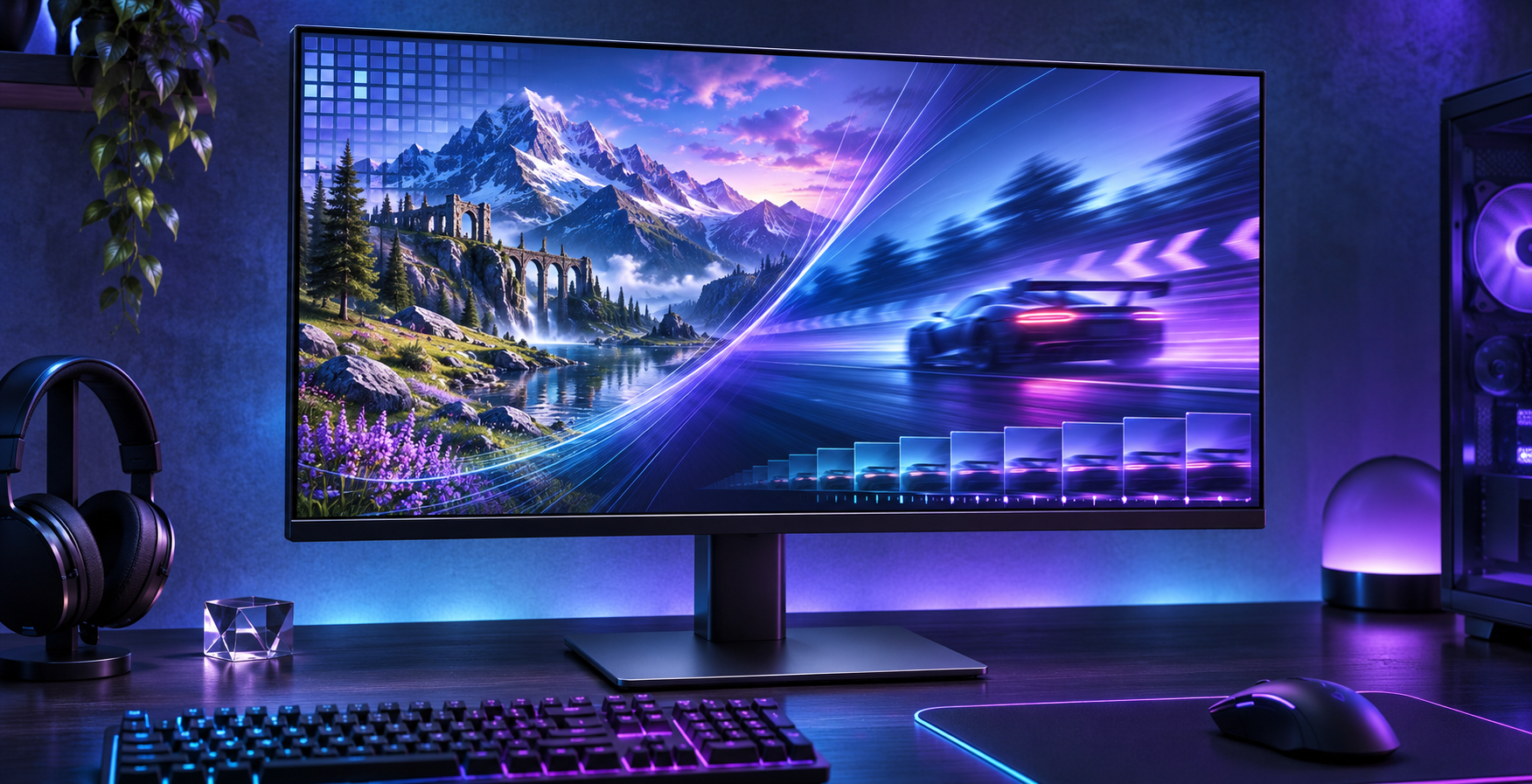
Dual Mode prioritizes either QHD detail or the highest refresh ceiling. Illustration: ReaderSpice.
Dual Mode is the central buying decision. At QHD, the Odyssey G6 can refresh as often as 600 times per second. Switch to HD mode and the ceiling rises to 1,100Hz, but the image contains fewer source pixels. Samsung’s U.S. launch page calls the faster setting HD without publishing a complete timing table, so buyers should not infer an unsupported intermediate resolution or refresh combination.
QHD at 600Hz is the practical flagship mode
At 600Hz, one refresh interval is about 1.67 milliseconds. That is already far beyond mainstream 144Hz and 240Hz monitors, and it keeps the full 2,560-by-1,440 desktop and game resolution. For a high-end competitive setup that also handles ordinary Windows work or sharper single-player games, this is the more broadly useful mode.
A 600Hz panel does not guarantee 600 distinct game frames. The CPU, GPU, game engine and settings must produce frame rates close to the display rate for the full temporal benefit. Even when frame rate is lower, a faster scanout can reduce the delay until a new frame is displayed, but the gain becomes progressively smaller and needs proper latency testing.
HD at 1,100Hz is a specialist esports mode
At 1,100Hz, each refresh interval is roughly 0.91 milliseconds. Reaching that figure requires the HD mode, a compatible input path and a game capable of extremely high frame rates. Competitive titles with simple scenes, low graphics settings and strong CPU scaling are the best candidates. Graphically heavy games are unlikely to approach four-digit frame rates consistently.
The higher number also does not erase panel response limits. Refresh rate describes how often the monitor accepts a new update; gray-to-gray response describes how quickly pixels change. Blur reduction, overdrive, overshoot, scanout behavior and game-frame consistency all affect visible motion clarity. Samsung’s Odyssey Clear Motion feature is intended to reduce blur, but independent measurements are needed before treating it as a substitute for a verified response-time curve.
PC, GPU and cable requirements before buying
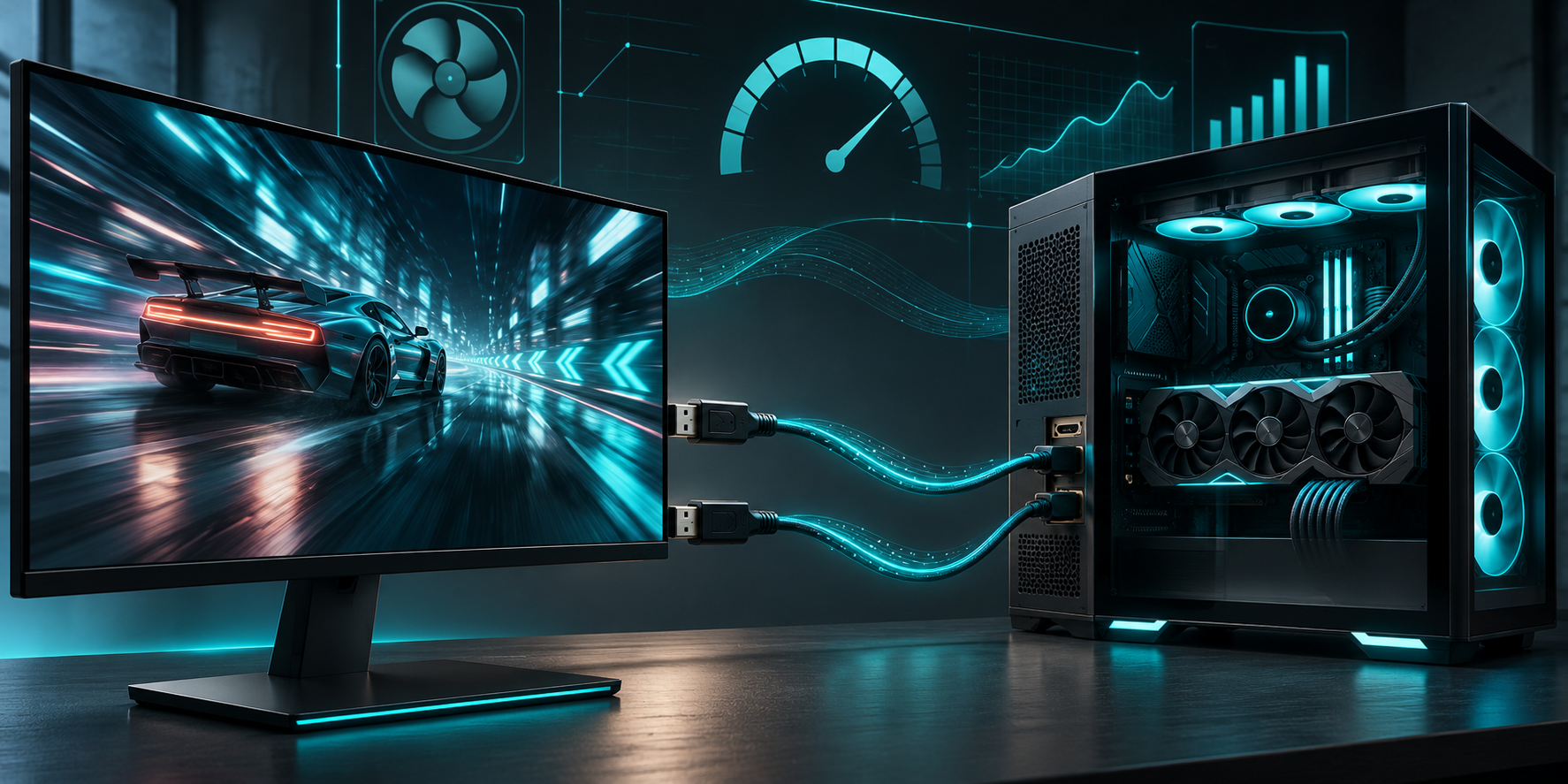
Extreme refresh rates depend on the entire signal chain: game engine, CPU, GPU, input port and cable. Illustration: ReaderSpice.
The monitor includes the ports needed for a modern PC, but a port label alone does not prove that a complete system will expose every advertised mode. The graphics card must support the required output timing, the cable must carry the negotiated link reliably, the operating system and driver must list the mode, and the game must deliver frames fast enough to make it worthwhile.
Start with frame rate, not the monitor number
Use an uncapped in-game benchmark at the intended competitive settings and examine both average frame rate and low-percentile performance. A system that averages 700 frames per second but repeatedly falls far below that figure will not deliver a stable 600Hz experience. CPU limits, memory latency, background tasks and anti-cheat software can matter as much as GPU performance in high-frame-rate esports games.
DisplayPort 2.1 and HDMI 2.1 still need verification
Samsung lists one DisplayPort 2.1 input and two HDMI 2.1 inputs. Use a short, certified cable appropriate for the chosen port, update the GPU driver and select the desired refresh rate in Windows after connecting. If the option is missing, check the exact GPU output specification, cable, color depth, resolution and monitor input setting before assuming the panel is faulty.
Samsung has not published every link-rate, chroma, bit-depth or compression combination in the launch announcement. ReaderSpice therefore cannot confirm whether each maximum mode uses Display Stream Compression, which cables are included in every market or whether the same ceiling is available over every input. The manual and the on-screen timing list should be the authority when retail units arrive.
macOS is explicitly limited
Samsung’s launch footnote says macOS does not support Dual Mode or the native maximum refresh rate of 600Hz. That makes the G60H a poor value for a Mac-centered desk if extreme refresh is the reason for buying it. A Mac may still drive the monitor at a lower supported mode, but Samsung has not positioned this launch around macOS compatibility.
AMD and adaptive-sync limits matter
Samsung advertises both G-SYNC Compatible and FreeSync Premium support, but the U.S. launch footnotes draw a boundary around the top mode. FreeSync Premium does not support 1,100Hz, and Samsung says Radeon RX 6000-series and earlier GPUs do not support 1,000Hz or higher. Confirm the active refresh rate and variable-refresh status in the monitor menu and GPU control panel rather than assuming that both features remain enabled together.
HDR10+ Gaming has a narrower compatibility path
HDR10+ Gaming can adjust brightness and contrast using game-aware metadata, while Black Equalizer can lift dark detail. Samsung says the HDR10+ Gaming path requires HDMI 2.1 connected to supported NVIDIA or Intel graphics hardware, a compatible cable and a supported title. Functionality can also vary with PC specifications and cable standards.
The published regional specification sheet lists 400 nits typical brightness, 450 nits peak brightness, a 1,000:1 static contrast ratio and 99% sRGB coverage. Those figures describe a fast IPS gaming panel, not an OLED or a high-zone-count mini-LED display. Buyers should expect useful HDR signal support and game-specific tone mapping, but not assume OLED black levels or premium full-screen HDR impact from the HDR10+ label alone.
Ports, stand and everyday hardware
The regional specification sheet lists one DisplayPort 2.1, two HDMI 2.1 inputs, a USB-B upstream connection, two USB-A 3.2 Gen 1 ports and a headphone output. It does not list built-in speakers. Auto Source Switch+ can detect a newly active input, which is useful for a gaming PC plus a second system, though the extreme refresh modes remain PC-focused.
The stand provides 105mm of height adjustment plus tilt, swivel and pivot. The monitor supports a 100-by-100mm VESA mount. Published dimensions are about 614.1 by 517.0 by 250.2mm with the stand, and the monitor weighs about 5.0kg with the stand. Those figures are helpful for arm capacity and desk planning, but buyers should confirm the U.S. retail box and included accessories before installation.
Price, release timing and the Amazon listing
Samsung’s U.S. newsroom sets the official MSRP at $899.99 and says nationwide retail rollout begins in December 2026. Samsung’s global announcement warns that pricing and timing vary by market. Early retailer pages can show preorder dates, third-party sellers or changing prices that do not match the official schedule, so the newsroom release is the better authority for the U.S. launch window.
The exact North American model, LS27HG602ENXZA, is listed on Amazon under ASIN B0HPB47FM3. View the Samsung Odyssey G6 G60H on Amazon. Confirm the model number, seller, shipping date, return policy, warranty and final price on the live listing. ReaderSpice has not verified current inventory or seller status, and an early listing is not proof that a unit ships before Samsung’s stated retail rollout.
Affiliate disclosure: ReaderSpice may earn a commission from qualifying purchases made through the Amazon link above, at no additional cost to you.
Who should consider the Odyssey G6
- Competitive PC players whose main games already sustain several hundred frames per second and who can measure a benefit from lower scanout intervals.
- Buyers who want 600Hz at QHD for esports but still need a sharper native desktop and general gaming resolution.
- High-end Windows systems with a verified DisplayPort 2.1 or HDMI 2.1 path, recent drivers and a willingness to tune game settings.
- Tournament practice rooms or specialist labs that can validate the full signal chain and prioritize motion clarity over cinematic HDR.
Who should wait or buy something else
- Mac users buying specifically for Dual Mode or 600Hz, because Samsung explicitly excludes those maximum features on macOS.
- Players whose games run below 240 frames per second most of the time; money may be better spent on GPU, CPU, storage or a larger display.
- HDR-first buyers who want OLED blacks, strong full-screen brightness or premium local dimming rather than maximum refresh.
- Console players, because current consoles do not target the PC-class 600Hz or 1,100Hz modes that justify the price.
- Anyone unwilling to accept early-adopter uncertainty around timings, overdrive behavior, input compatibility and firmware.
Setup checklist for maximum refresh
- Record the exact model number LS27HG602ENXZA and update the monitor firmware or device software only from Samsung’s official support page.
- Connect the gaming PC directly to DisplayPort 2.1 or HDMI 2.1 with a known-good certified cable; avoid docks, adapters and KVMs during initial testing.
- Install the current GPU driver, reboot and select the intended resolution and refresh rate in Windows before opening a game.
- Confirm the active timing in both the GPU control panel and the monitor information menu.
- Enable adaptive sync only after verifying the fixed-refresh mode; then confirm whether the selected maximum remains available.
- Benchmark the actual game with the intended competitive settings and watch low-percentile frame times, not only the peak counter.
- Test overdrive or Extreme mode for ghosting and inverse ghosting. The fastest label may not be the cleanest visible setting.
- For HDR10+ Gaming, use HDMI 2.1, a supported NVIDIA or Intel GPU, a compatible title and an appropriate cable, then verify that the game reports HDR10+ rather than ordinary HDR.
- Keep the packaging until dead pixels, input stability, sleep/wake behavior and every intended mode have been tested within the return window.
What ReaderSpice has not verified
ReaderSpice has not handled the retail Odyssey G6 G60H, measured input lag, response-time distribution, overshoot, motion clarity, brightness, contrast, color accuracy, HDR tone mapping, adaptive-sync range, scanout direction, power use, fan noise or firmware behavior. We have not confirmed every supported timing, Display Stream Compression behavior, included cable, retailer inventory or seller warranty.
Samsung’s 1ms figure is a manufacturer claim measured under internal conditions in Extreme mode, and Samsung says results vary by content and settings. The 1,100Hz and 600Hz ceilings also depend on supported content and input-source performance. Treat those numbers as supported maximums, not guarantees that every game, GPU and connection will operate there cleanly.
The bottom line
The Odyssey G6 G60H is a remarkable specialist monitor, but the useful specification is not simply 1,100Hz. It is a dual-mode 27-inch IPS display that offers up to 600Hz at QHD and reserves the four-digit ceiling for HD. For a competitive Windows PC already producing exceptional frame rates, that flexibility can be more valuable than a single fixed-resolution headline.
Most buyers should wait for independent latency, response and overshoot measurements. Mac users, HDR-first players, console owners and systems that rarely exceed 240 frames per second will find better value elsewhere. The right buyer is the one who can prove the PC, cable, game and mode all reach the target—and who still values the final fraction of a millisecond after that proof.
Sources
- Samsung U.S. Newsroom — Odyssey G6 G60H launch, $899.99 U.S. price, modes and compatibility footnotes — November 23, 2026
- Samsung Global Newsroom — Odyssey G6 1,100Hz launch, global specifications and market-availability note — November 23, 2026
- Samsung Support Canada — Odyssey G6 G60H model LS27HG602ENXZA support page and manuals
- Samsung U.S. Newsroom — Gamescom 2026 Odyssey lineup and HDR10+ Gaming roadmap
- TechStoriesIndia — LS27HG602ENXZA regional specification table and Amazon listing cross-check
- Amazon — Samsung Odyssey G6 G60H, model LS27HG602ENXZA, ASIN B0HPB47FM3 (affiliate link)