
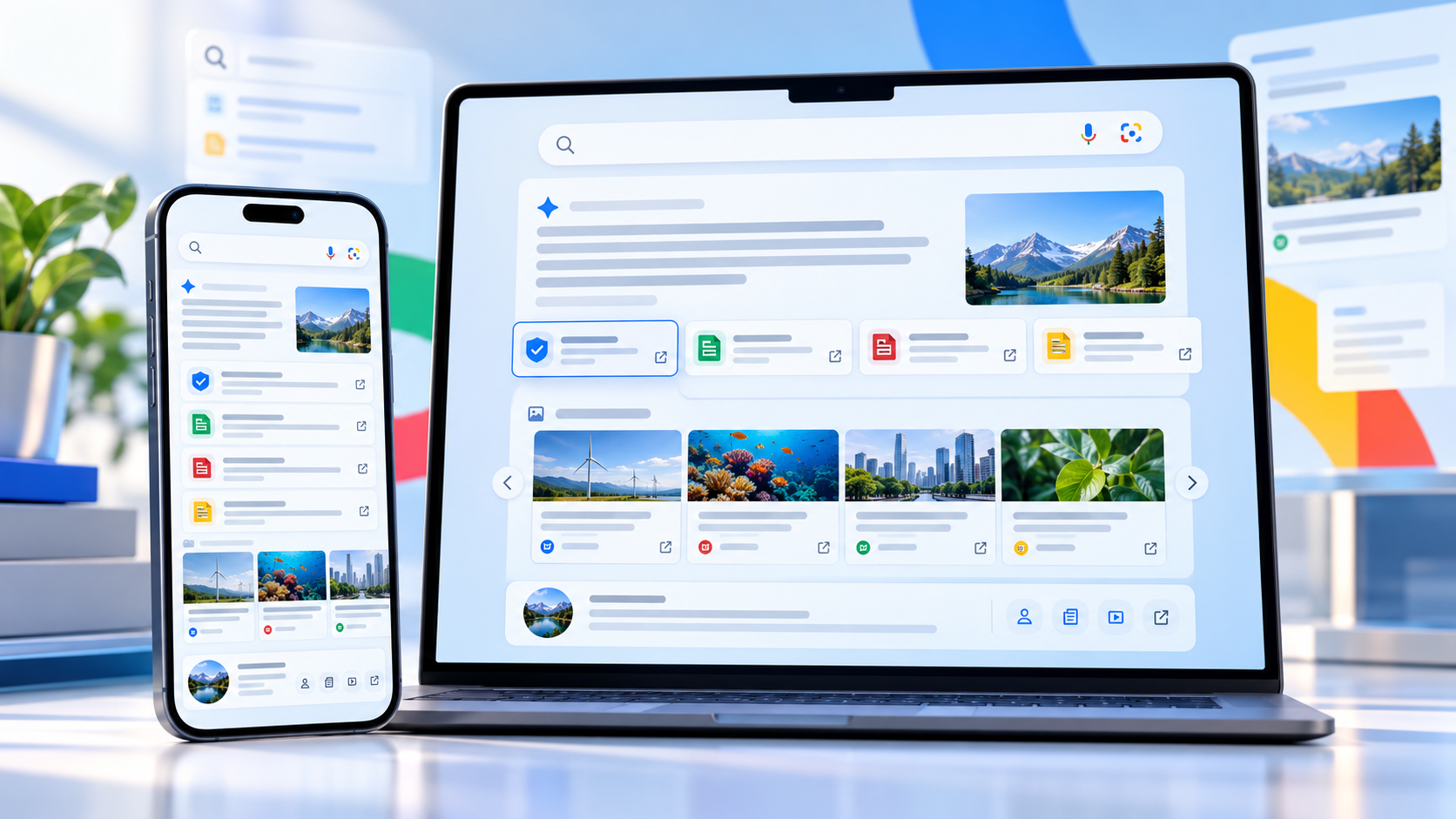
Google is changing how AI Mode and AI Overviews lead people back to the web. Announced on October 15, 2026, the update adds clearer inline links, tests a dedicated section for official webpages, expands timely-article carousels and makes related stories more visual.
The changes do not turn an AI answer into a verified source, but they should make it easier to inspect where a claim came from, find the first-party page behind it and move from a summary to fuller reporting. For readers who use Google Search for news, shopping research or travel planning, that is the practical improvement to watch.
Google AI Search’s new source tools at a glance
- More inline links can appear higher inside AI Mode and AI Overview responses.
- Google is testing a dedicated top section that surfaces official webpages with useful context.
- Prominent carousels of timely articles are expanding to more locations and languages.
- Related-article cards are becoming more visual, with larger thumbnails and clearer paths to the original page.
- Clickable creator and publisher names are being tested on video results, opening a Search profile with more of that source’s work.
More inline links should make AI answers easier to audit
Google says AI responses will show more links directly in the answer and place them higher on the page. That matters because a link buried below a long summary is easy to miss. A link next to the relevant sentence gives readers a faster way to see whether the supporting page is an official announcement, a reported article, a forum post or something less authoritative.
The useful habit remains the same: open the link before relying on a consequential detail. Check that the page actually supports the summary, note when it was published and look for important limitations that the AI response may have compressed. This is especially important for medical, legal and financial questions, where an AI answer can be incomplete or wrong.
Google’s help documentation says AI Mode uses a query fan-out technique that breaks a question into subtopics and searches for them at the same time. That can broaden the material used in a response, but it also means the answer may blend claims from pages with different scopes, dates and levels of authority.
Official webpages get a dedicated place in the answer
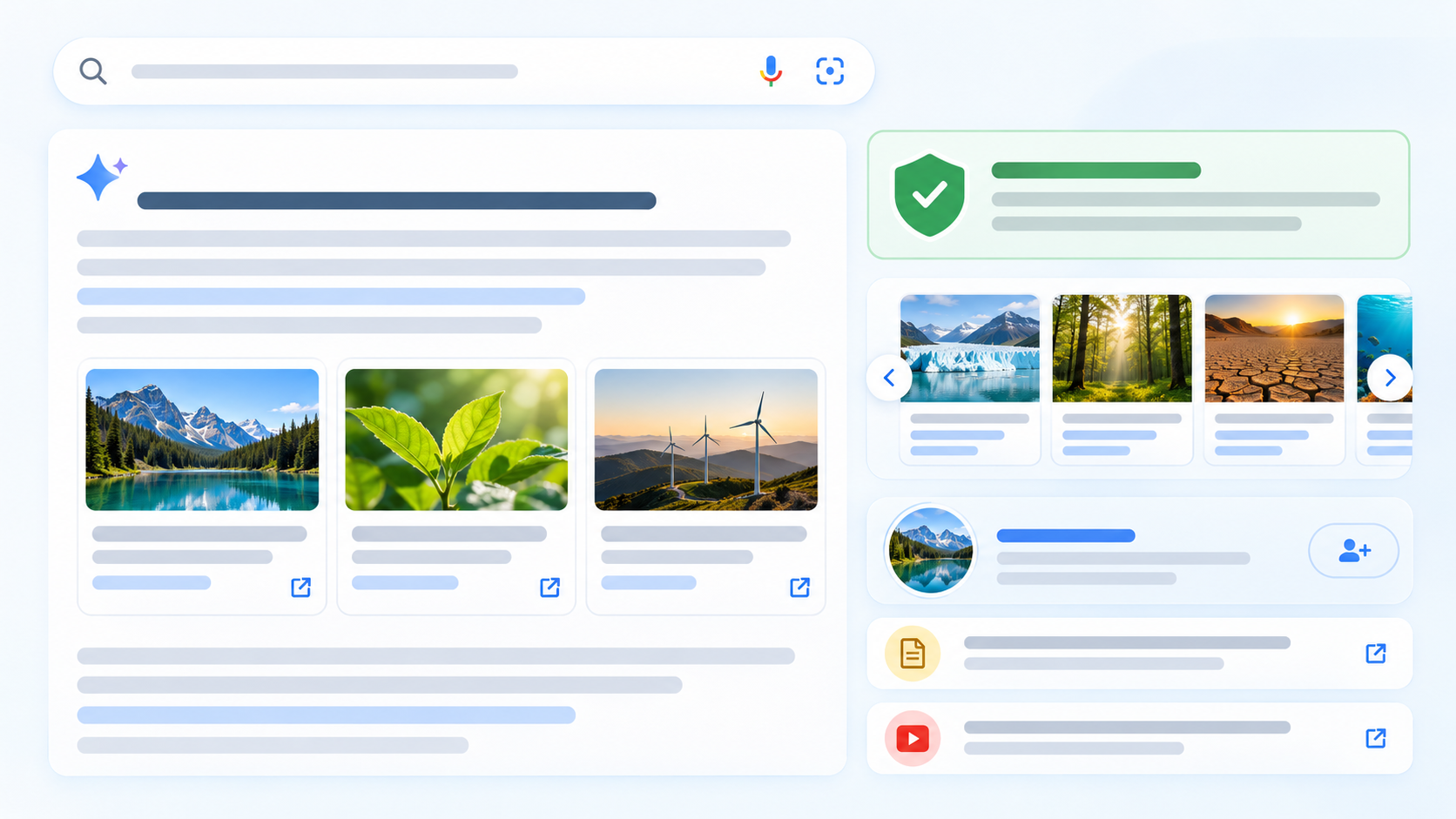
Google is testing a section near the top of some AI responses that highlights official webpages and explains why they may be useful. For a product search, that could make it easier to reach a manufacturer’s support page, specification sheet or policy document instead of hunting through several layers of summaries.
The word “official” should be treated as a description of the source, not a guarantee that every statement is neutral or complete. A company page is often the best place for release dates, compatibility lists and warranty terms; independent reporting or hands-on testing is still better for performance, reliability and tradeoffs.
The placement is a test, so readers should not expect it on every query or account immediately. Google regularly rolls Search changes out in stages, and the company did not promise a single global switch-on date for every element.
News carousels are expanding, with Preferred Sources highlighted
Google is expanding its prominent carousels for timely articles to more locations and languages. The cards are designed to help readers move from an AI summary to current reporting, and Google says publishers selected through Preferred Sources can be highlighted.
Preferred Sources is a personalization control, not a subscription and not a promise that a selected site will appear for every search. Google says use of the feature has grown sevenfold since the beginning of 2026. A selected source can receive a preferred badge in Top Stories, AI Mode and AI Overviews when its coverage is relevant.
This is useful for readers who already know which publications they trust, but it can also narrow discovery if the list is too small. A practical setup is to select several sources with different strengths—such as a primary source, a specialist publication and a broad news outlet—then continue comparing coverage when the stakes are high.
Related articles and creator profiles become easier to explore
Related-article cards are getting more visual, with thumbnails that make them easier to distinguish at a glance. Google is also testing clickable creator and publisher names on video results. Selecting a name opens a Search profile that gathers more content from that source.
That extra context can help readers decide whether a video came from the product maker, an established reviewer or an unfamiliar account. It is still worth checking the creator’s disclosures, publication date and testing method, especially when a result recommends a purchase.
How to set and review Preferred Sources
- Open Google Search while signed in, select your profile picture and choose Search personalization.
- Open Source preferences, then search for and select the publications you want Google to prioritize.
- Choose a mix of primary sources and independent reporting instead of relying on one viewpoint.
- Revisit the list periodically and remove sources that no longer match your needs.
- Remember that Preferred Sources influences eligible surfaces; it does not replace normal ranking or guarantee placement.
What readers should do when an AI answer looks convincing
Start with the link closest to the claim you care about, then confirm the wording and date on the source page. If the answer concerns a changing topic—prices, software availability, travel restrictions or safety guidance—look for a current first-party page and at least one independent source.
Watch for missing conditions. A summary may say a feature is available without noting that it is limited to a country, language, account type or staged rollout. Product recommendations can also omit return policies, subscriptions and compatibility requirements.
Use the new official-page section for facts that organizations control, such as support status or eligibility. Use timely-article carousels and related coverage for context, criticism and real-world results. The update is most valuable when it helps readers compare sources, not when it encourages them to stop at the generated answer.
A practical way to use AI Search on the go
Google’s AI Mode is available across phones and computers, so a current Android phone is a convenient way to use voice, camera and typed searches while traveling or shopping. Readers comparing compatible hardware can shop Google Pixel 11 phones on Amazon.
ReaderSpice may earn a commission from qualifying purchases made through affiliate links, at no additional cost to you.
Bottom line
Google’s latest AI Search update addresses one of the biggest usability problems with generated answers: finding the pages behind them. More inline links, official-source sections, timely news carousels and creator profiles should make source checking faster when they appear.
The safeguards still depend on reader behavior. Open the source, verify the date and read beyond the snippet before acting. Used that way, the new design can make AI Mode and AI Overviews a better starting point for research without turning them into the final authority.
Sources
Google: More ways to connect with the web from Search
Google Search Help: Get AI-powered responses with AI Mode
Google: New ways to find favorite sources and original content
Google Search Help: Manage Preferred Sources