
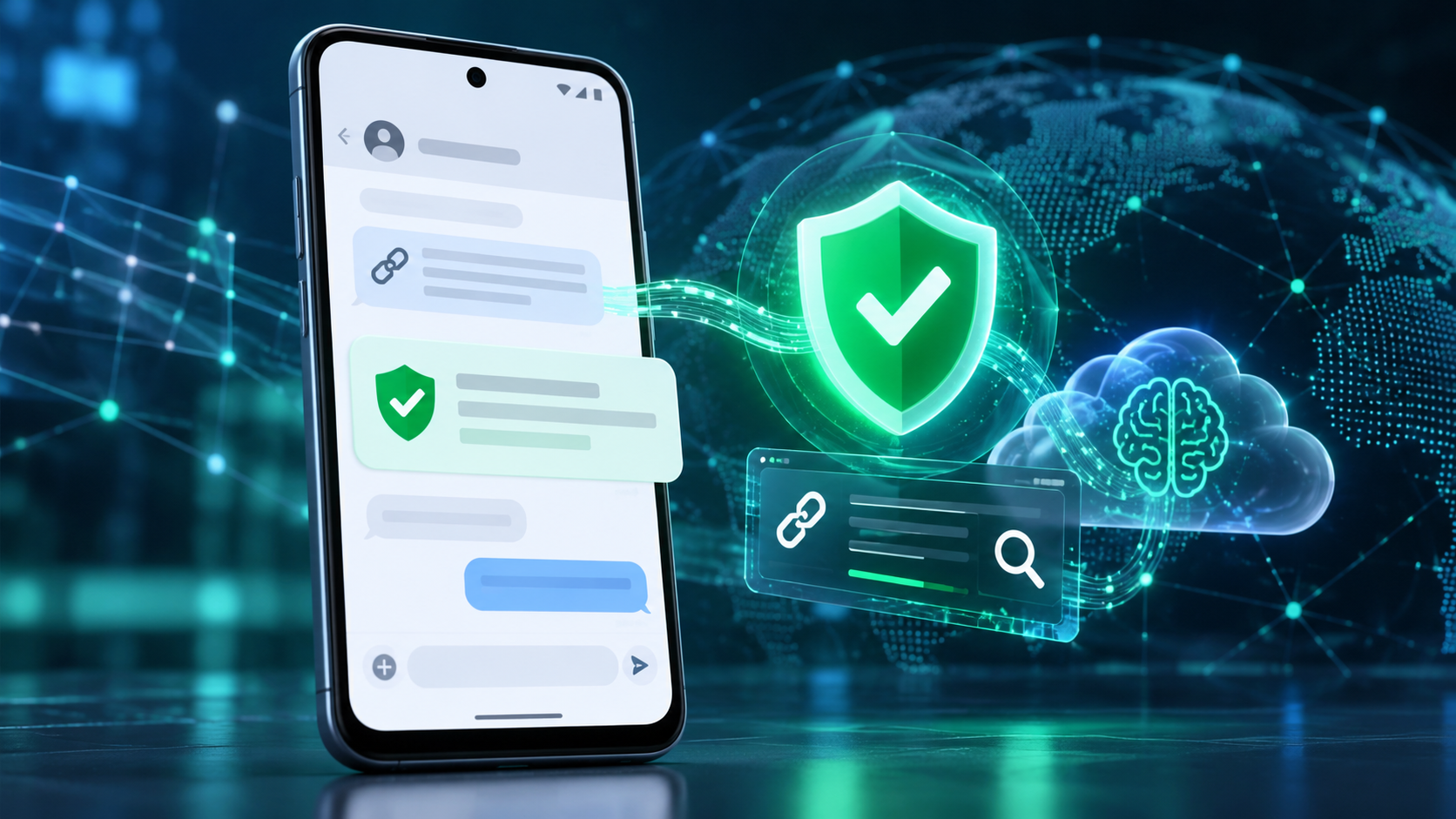
Google is adding a new layer of Android scam defense that looks beyond obvious spam. Announced on October 14, 2026, Enhanced protection in Google Messages can use Google’s Private AI Compute to evaluate the broader intent of conversations with unknown senders, while Gemini Nano adds more advanced checks for unfamiliar links before a user taps them.
The release also expands scam warnings beyond Pixel phones, blocks apps from quietly enabling call forwarding, and hides login or payment fields during screen sharing. The details matter because availability, processing location and rollout timing differ by feature. Here is what Android users should expect—and what these protections do not guarantee.
Android’s October 2026 scam defenses at a glance
- Enhanced protection in Google Messages is optional and is scheduled to roll out over the coming weeks.
- Private AI Compute lets cloud Gemini models analyze complex message context from unknown senders inside an encrypted, dedicated environment.
- Gemini Nano uses on-device processing plus real-time web signals to check unfamiliar links on supported newer phones.
- Chat-notification scam warnings are expanding from Pixel to hundreds of millions of additional Android devices later in 2026.
- Android 15 and newer devices are getting automatic masking of login and payment fields during Chrome and WebView screen sharing this month.
- Call-forwarding protection is due in early December on Pixel and other select devices.
Enhanced protection looks for slow-burn scam intent
Traditional filters are good at catching a known malicious link or a familiar spam pattern. A patient scammer can behave differently: start with friendly small talk, build trust over several messages and reveal the real request only later. Google says Enhanced protection is designed to recognize that kind of slow-burn intent more quickly in conversations with numbers that are not saved as contacts.
The mode extends the existing on-device Scam Detection system rather than replacing it. When enabled, Google Messages can call on larger Gemini models in the cloud to understand more context than a smaller local model may handle alone. A warning remains a risk signal, not proof that a person is committing fraud, and the absence of a warning does not make a request safe.
What Private AI Compute changes—and what it does not
Google says the cloud analysis runs inside Private AI Compute, a hardware-protected environment that uses encryption and remote attestation. The company describes the data as private to the user and inaccessible to anyone else, including Google. That is different from sending an ordinary chat transcript to a general cloud service.
It is also different from fully local processing. The enhanced conversation analysis uses cloud Gemini models, while other parts of Android’s scam defense continue to run on the device. Users who prefer to keep all supported analysis local can leave Enhanced protection disabled and still use the protections available in the standard mode.
Reporting a message as spam is a separate choice. Google’s help documentation says a user can optionally send the selected message and its contents to Google to improve detection. That voluntary report should not be confused with the protected processing used by the feature itself.
Gemini Nano checks links before you open them
Known phishing pages can be blocked through reputation lists, but newly registered scam sites may not yet appear in those databases. With Enhanced protection enabled, Gemini Nano combines on-device analysis with current web signals to judge whether an unfamiliar link looks trustworthy before it opens.
Google is also redesigning link warnings for messages from unknown numbers. The extra checkpoint is meant to slow down an impulsive tap and explain the risk more clearly. Google lists the checkpoint for Android 6 and newer devices, but the more advanced Gemini Nano link analysis has narrower hardware requirements.
The company currently identifies Pixel 10 and newer phones, the Galaxy S26 series, Galaxy Z Flip8 and Z Fold8, plus other selected devices for the Gemini Nano link checks. Device, language, country, app and system-service versions can all affect whether the feature appears.
Chat scam alerts are expanding beyond Pixel
Android already offers notification-level Scam Detection on selected Pixel phones. It can warn about a suspicious message from a supported chat app before the user opens the conversation. Google says that on-device feature will expand later this year to hundreds of millions of additional devices.
The announced manufacturer partners include HONOR, Infinix, iQOO, itel, JOVI, Motorola, OPPO, OnePlus, realme, TECNO, vivo and Xiaomi. That list does not mean every current model receives the feature at the same time. Manufacturer support, local availability and compatible system components still determine eligibility.
Google’s current Android Help page says notification Scam Detection is on by default where supported. To review the setting, open Android Settings, search for “Scam Detection,” and check the Message scams control. Google also warns that the system may not catch every scam.
Call-forwarding and screen-sharing safeguards
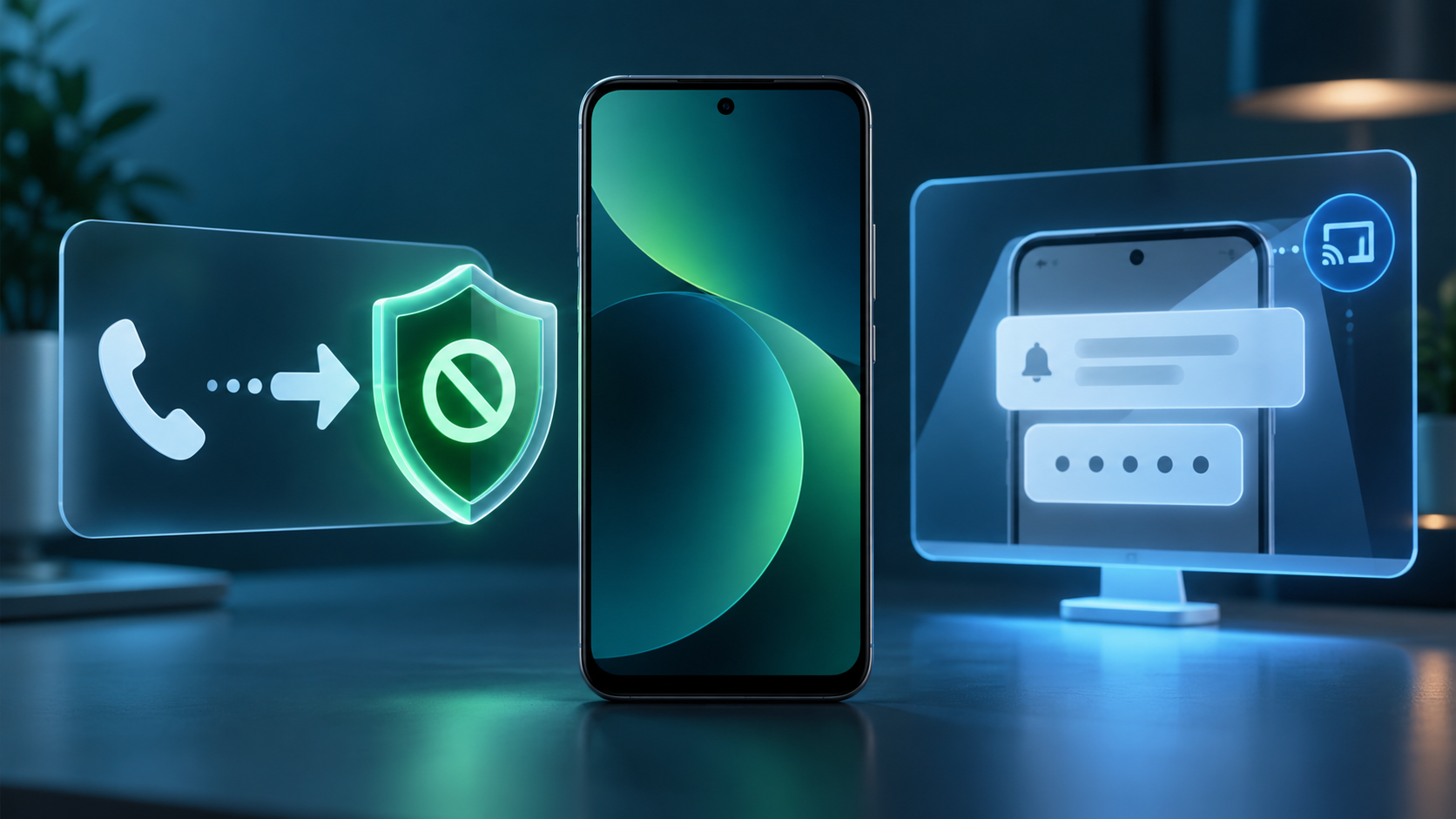
Phone scams often ask a target to dial a forwarding code or install an app that changes call settings. Once incoming calls are redirected, a criminal may try to capture one-time passcodes or account-recovery calls. Android’s new protection blocks apps from silently turning on call forwarding in the background and warns before a manually entered MMI forwarding code can take effect.
That protection is scheduled to start in early December on Pixel and other select devices. It is not a universal Android feature on announcement day, so users should keep their phone and Google system components updated and continue treating unexpected forwarding instructions as suspicious.
Screen-sharing protection follows a different schedule. Android already hides some sensitive fields in native apps. During October, Google is extending automatic masking to Chrome and Android WebView on Android 15 and newer devices, blanking login fields and payment screens during a live share.
Why these protections matter during a live scam
Many mobile scams succeed by keeping the victim moving: stay on the call, share the screen, open a link, type a code and act before checking with anyone else. The new protections insert pauses at several of those steps. A link warning, a hidden password field or a call-forwarding alert can break the script long enough for someone to reconsider.
No technical feature can replace independent verification. If a caller claims to be a bank, delivery company, government agency or family member, end the conversation and contact the organization through a number or app you already trust. Never read a one-time code to an unsolicited caller, and do not install remote-access software at a stranger’s direction.
How to prepare your Android phone
- Update Google Messages, Phone by Google, Chrome and Google Play system components through their normal update channels.
- In Android Settings, search for Scam Detection and confirm that Message scams is enabled if your device supports it.
- When Enhanced protection appears in Google Messages, review the privacy explanation before opting in rather than assuming it is the same as local-only detection.
- Treat links from unknown numbers cautiously even when no warning appears, and verify urgent requests in a separate trusted channel.
- If screen sharing is necessary, stop the session before opening a banking app, password manager or account-recovery page.
- Check call-forwarding status with your carrier if calls or one-time codes unexpectedly stop arriving.
Who gets each feature and when
- Enhanced protection in Google Messages: opt-in rollout over the coming weeks; exact account, language and device availability may vary.
- Private AI Compute conversation analysis: tied to Enhanced protection and focused on conversations with unknown senders.
- Gemini Nano link checks: Pixel 10 and newer, Galaxy S26 series, Galaxy Z Flip8 and Z Fold8, and other selected devices.
- Unfamiliar-link checkpoints: available on Android 6 and newer devices, subject to rollout and regional support.
- Screen-share privacy in Chrome and WebView: rolling out in October to Android 15 and newer devices.
- Call-forwarding protection: starting in early December on Pixel and other select devices.
A relevant upgrade option
Some of the most advanced protections require newer hardware and Android AI system services. Readers comparing supported devices can browse current Android phones on Amazon, then confirm the exact model, region, update policy and feature eligibility with the manufacturer before buying.
As an Amazon Associate, ReaderSpice earns from qualifying purchases.
The bottom line
Google’s October Android security update targets the moments when modern scams become dangerous: a long conversation that suddenly turns urgent, a fresh phishing link, a screen-share request or a forwarding code. Enhanced protection adds more capable cloud analysis through Private AI Compute, while Gemini Nano and Android system safeguards cover links, notifications, calls and shared screens.
The rollout is fragmented by design. Some protections are broad, others need recent flagship hardware, and call-forwarding warnings do not begin until December. Keep the core apps and system services updated, inspect the setting when it arrives, and continue verifying every high-pressure request outside the original conversation.
Sources
Google Security Blog: New Android protections against mobile scams
Google Blog: How Private AI Compute protects sensitive cloud processing
Android Help: Manage Scam Detection for chat messages
Android Help: How AICore and Gemini Nano work on supported devices
Android: How real-time scam detection protects calls and messages