
Microsoft released Windows 11 cumulative update KB5127648 on October 13, 2026, for versions 24H2, 25H2 and 26H2. It includes the month’s security protections plus fixes for Explorer crashes, VPN failures, printing problems, gaming mouse stutter and several other bugs.
The update is important, but two details deserve attention before you click Restart: a USB Audio Class 1.0 problem is still only partially resolved, and this is the final monthly security update for Windows 11 24H2 Home and Pro.
Windows 11 KB5127648 quick take
- Windows 11 26H2 moves to build 26300.9711.
- Windows 11 25H2 moves to build 26200.9711.
- Windows 11 24H2 moves to build 26100.9711.
- The update fixes an Explorer black-screen problem in some multi-user environments, Always On VPN failures, AC-3 audio playback, printing failures, game-mouse stutter and fingerprint sign-in after a cold boot.
- A separate USB Audio Class 1.0 issue can still cause Code 10 errors, missing sound or unresponsive audio controls.
- October 2026 is the final monthly security update for Windows 11 24H2 Home and Pro. Enterprise, Education and LTSC editions follow different support timelines.
What KB5127648 fixes
Microsoft’s release notes combine the October security improvements with quality fixes carried forward from recent preview and out-of-band updates. The most useful changes for ordinary PCs and managed systems include:
- File Explorer: Explorer.exe should no longer fail to start or repeatedly crash after sign-in in some multi-user environments, including Azure Virtual Desktop and FSLogix setups. The failure could leave users at a black screen.
- Audio playback: Applications affected by the recent AC-3 decoding problem should work normally after installing the October update.
- Always On VPN: Connections that stayed stuck at Connecting or later reported that the specified port was already in use should connect normally again.
- Storage Spaces Direct: Tiered virtual disks that failed to come online after certain updates should recover, restoring dependent clustered workloads.
- Printing: Microsoft fixed failures affecting some applications and devices using RAW or Generic Text Only printer drivers.
- Gaming: A bug that could make mouse input stutter in some games has been addressed.
- Windows Hello: Fingerprint sign-in should no longer fail after a cold boot on affected PCs.
The release also introduces a new Manitoba time zone for the province’s November 1, 2026 change, adds auditing and optional policy controls for ReFS volumes on externally attached storage, and continues Microsoft’s staged migration to newer Secure Boot certificates.
The USB audio warning is still unresolved
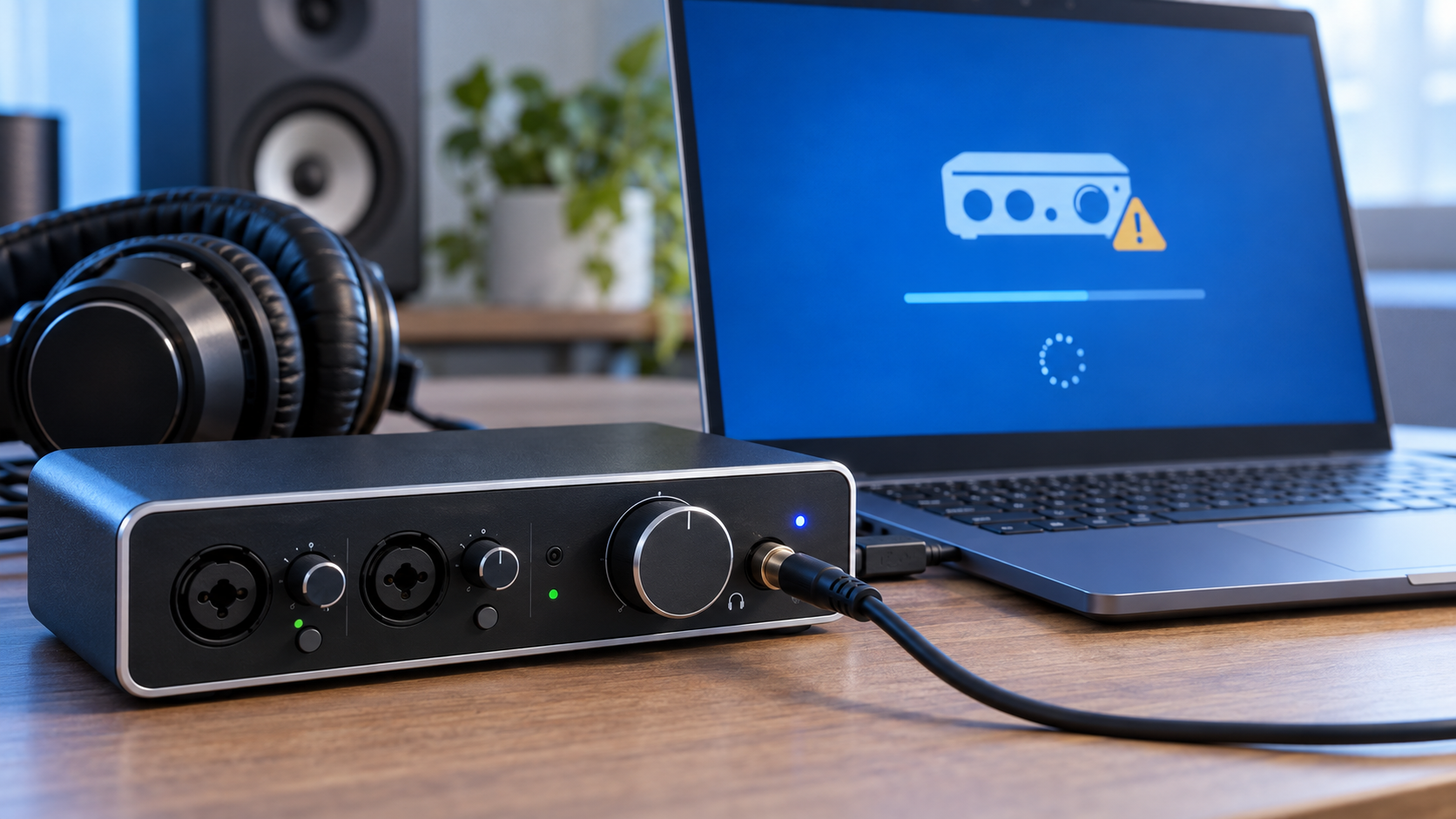
Microsoft continues to list a known problem involving some USB Audio Class 1.0 devices. Affected hardware may fail to start with Device Manager Code 10, produce no audio, leave volume at zero, or make Windows sound settings unavailable or unresponsive.
This problem originated with the September 8 security update, not specifically with KB5127648. The September 14 out-of-band update partially fixed failures involving 8-channel and 3D audio modes, but Microsoft says the other symptoms remain under investigation. In some multichannel cases, switching the device to 2-channel mode restored sound; that does not address every symptom.
The issue is limited to USB Audio Class 1.0 devices, so it does not mean every USB headset, DAC or audio interface is affected. If a production workstation depends on one of these devices, schedule the update for a maintenance window, confirm that the interface works after the restart and keep the manufacturer’s current driver or firmware available. Microsoft directs business administrators who need an immediate workaround for the remaining symptoms to Microsoft Support for Business.
Windows 11 24H2 Home and Pro reach end of support
KB5127648 is the last monthly security update for Windows 11 24H2 Home and Pro. After October 13, 2026, those editions will no longer receive the normal monthly security and non-security preview updates that protect against newly fixed threats.
This deadline does not apply to every 24H2 edition. Microsoft’s release lifecycle gives Windows 11 24H2 Enterprise and Education editions updates through October 12, 2027, while LTSC editions have separate, longer timelines.
Home and Pro users still on 24H2 should install the October update, back up important files and move to a supported Windows 11 release as soon as Windows Update offers one. The support deadline is a stronger reason to upgrade than any single new feature: staying on 24H2 Home or Pro means future security fixes will stop.
Should you install KB5127648 now?
For most supported Windows 11 PCs, yes. This is a security update with several practical reliability fixes, and Microsoft distributes it automatically through Windows Update. Back up irreplaceable data, connect a laptop to power and allow enough time for the required restart.
The main exception is a mission-critical system that depends on USB Audio Class 1.0 hardware and cannot tolerate downtime. That is not a reason to skip security updates indefinitely. It is a reason to test the update on comparable hardware, install during a maintenance window and verify audio before the system returns to service.
Windows 11 26H1 uses a different October package, KB5127646, which moves that branch to build 28000.3231. If Windows Update offers KB5127646 instead of KB5127648, the PC is on 26H1 and is following the correct servicing path.
How to install the update and check your build
- Open Settings, select Windows Update and choose Check for updates.
- Install 2026-10 Cumulative Update for Windows 11 (KB5127648) when it appears.
- Save open work and restart the PC when prompted.
- After the restart, press Windows + R, type winver and press Enter.
- Confirm build 26300.9711 on 26H2, 26200.9711 on 25H2 or 26100.9711 on 24H2.
Update timing can vary by device and management policy. A work or school PC may wait for an administrator’s deployment ring even when the update is publicly available.
What to check if USB audio stops working
- Open Device Manager and check the audio device for a Code 10 error.
- Open Settings > System > Sound and confirm that Windows still lists the device as an output.
- If the failure affects an 8-channel or 3D mode, try the device’s standard 2-channel mode; Microsoft says that specific symptom was addressed by the September out-of-band update.
- Install the audio-device maker’s current supported driver or firmware, but avoid unofficial driver packages.
- For an unmanaged home PC, use the Windows Get Help app if basic checks fail. Business administrators with unresolved symptoms should use Microsoft Support for Business.
If you are shopping for a replacement or an upgrade from an unsupported PC, you can compare current Windows 11 laptops on Amazon and verify the processor, memory, storage, Windows edition and seller before buying.
As an Amazon Associate, ReaderSpice earns from qualifying purchases.
Bottom line
KB5127648 is a worthwhile October security update for Windows 11 24H2, 25H2 and 26H2. It fixes a broad group of real annoyances, including Explorer black screens, VPN connection failures, printing trouble, game-mouse stutter and fingerprint sign-in failures.
The caveats matter just as much as the fixes. USB Audio Class 1.0 users should verify their hardware after the restart, and anyone running Windows 11 24H2 Home or Pro should treat this final update as the point to move to a supported release.
Sources
Microsoft Support: KB5127648 release notes, builds, fixes and known issues
Microsoft Learn: Windows 11 24H2 known issues and USB audio status
Microsoft Learn: Windows 11 release information and support dates
Microsoft Support: KB5127646 for Windows 11 26H1
Microsoft Support: KB5124010 September preview and AC-3 resolution history