
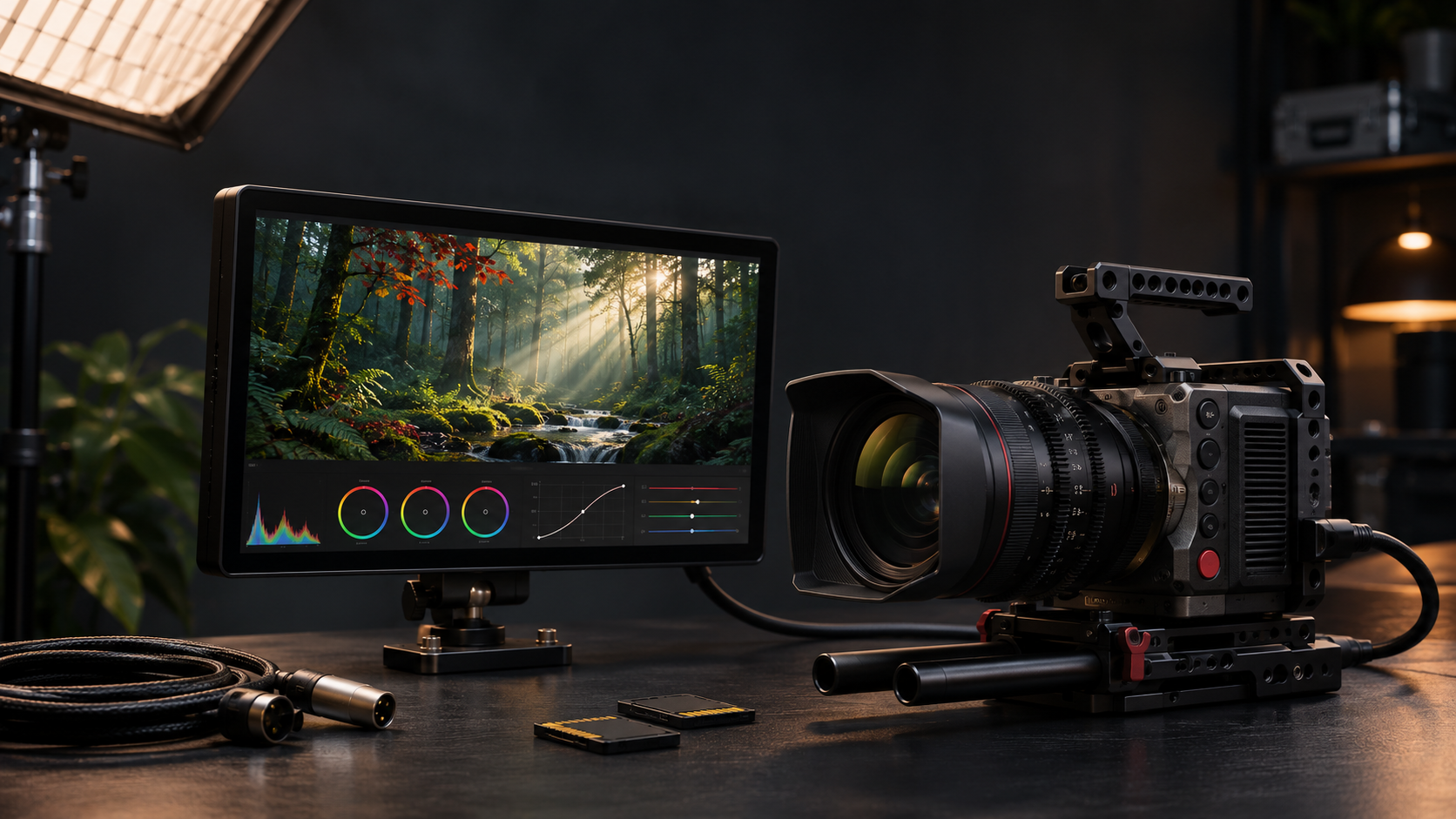
Nikon is preparing the first major firmware update for its ZR cinema camera. Firmware version 2.00 is scheduled to arrive before the end of 2026, bringing REDWideGamutRGB and Log3G10 to compact H.265 recording, more control over high-ISO noise reduction and a more practical monitoring workflow for solo operators and small crews.
The update matters because the ZR already records RED-derived R3D NE RAW, but RAW is not the best format for every production. Firmware 2.00 is designed to let creators use RED color science in a lighter H.265 workflow while also improving focus confirmation, external-monitor viewing and access to frequently changed camera settings.
This is an announced update, not a download that owners should expect to find immediately. Nikon Canada says availability is planned before year-end, and Nikon’s official Download Center still lists version 1.11 as the current ZR firmware. Owners should wait for version 2.00 to appear on Nikon’s own support page before installing anything.
Nikon ZR firmware 2.00 at a glance
- Release status: announced November 3 in Canada and November 4 in Japan; scheduled before the end of 2026.
- H.265 color: adds RED Log3G10 gamma and REDWideGamutRGB for a compact non-RAW recording option.
- Noise reduction: adds four selectable High ISO NR levels for supported log recording modes.
- External monitoring: can apply a 3D LUT to HDMI output so an external display can show a look closer to the intended grade.
- R3D NE monitoring: focus peaking remains available while a 3D LUT is applied during RAW recording.
- Control changes: ISO, exposure compensation, white balance and color temperature can be assigned to command dials; 3D LUT/View Assist can be assigned to an Fn button.
- Low-light processing: new black-level processing is intended to reduce frame-to-frame flicker in dark areas.
- Current official download: version 1.11 remains the listed release until Nikon publishes version 2.00.
What RED color science in H.265 changes
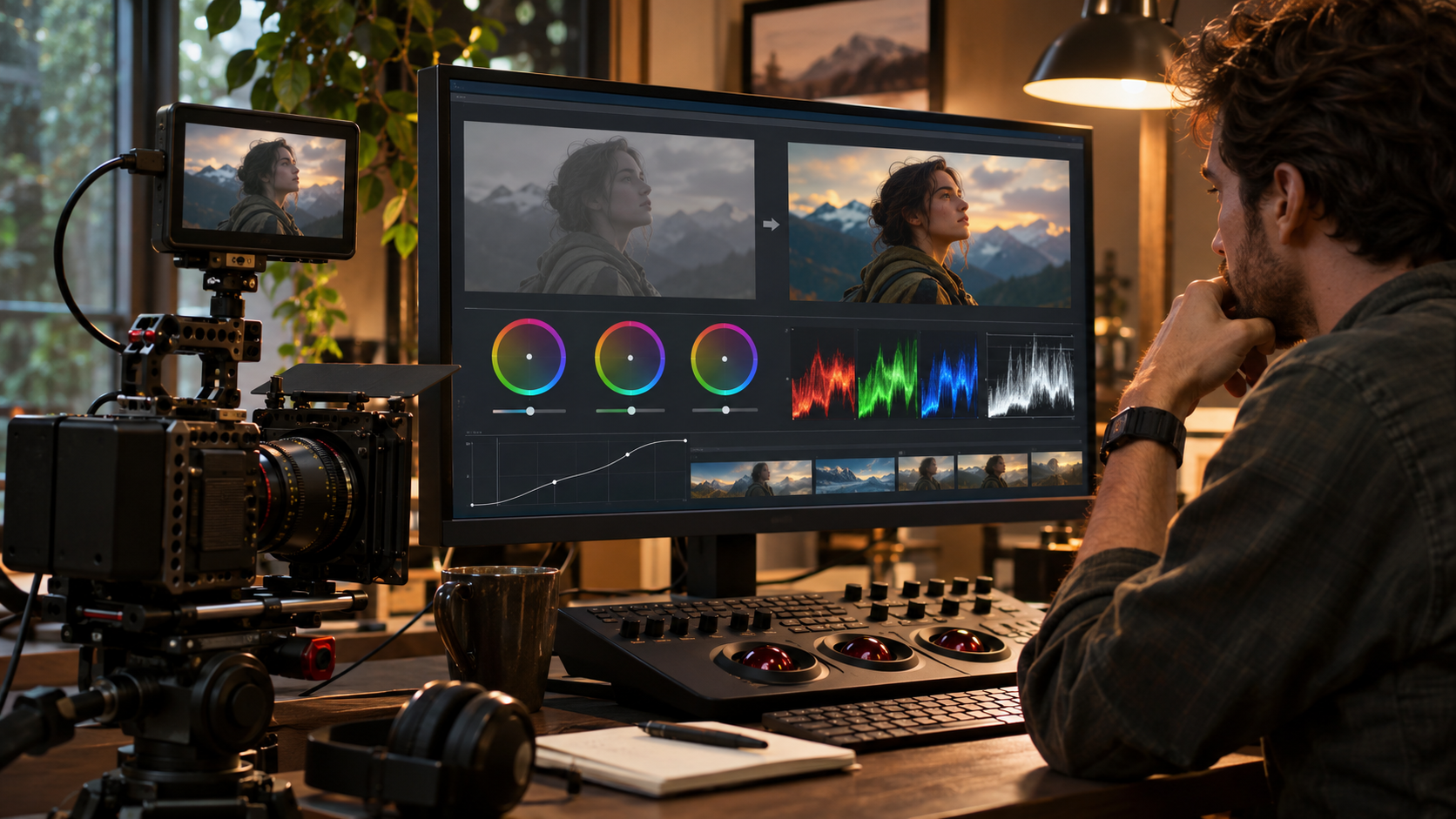
Firmware 2.00 adds Log3G10 to the tone-mode choices for H.265 and records in REDWideGamutRGB. Nikon says this brings smooth tonal gradation and a very wide color gamut to the smaller H.265 workflow, giving editors more latitude than a conventional baked-in look while avoiding the storage and processing demands of a RAW-first pipeline.
The practical benefit is workflow flexibility. A documentary crew, event shooter or solo creator can record a log image in H.265, monitor it through a LUT and move the files through a familiar editing system without treating every project like a full R3D NE production. Editors still need a color-managed project and a deliberate transform or LUT; Log3G10 footage is expected to look flat before grading.
REDWideGamutRGB and Log3G10 describe the color space and transfer curve, not a guarantee that H.265 becomes equivalent to RED RAW. Codec, bit depth, compression, exposure and the editing pipeline still determine how much adjustment a file can tolerate.
H.265 does not replace R3D NE
R3D NE remains the ZR’s 12-bit RAW option and preserves a different level of post-production control. Nikon’s ZR specification lists R3D NE alongside N-RAW, ProRes RAW HQ, ProRes 422 HQ, H.265 and H.264. Firmware 2.00 broadens the useful middle ground; it does not remove the reason to choose RAW when a production needs maximum flexibility.
Choose H.265/Log3G10 when file size, transfer speed, edit performance or a fast turnaround matters more than RAW metadata flexibility. Choose R3D NE when the job can support larger files and a fuller RED-oriented post workflow. A camera test with the intended exposure, LUT and export settings is more useful than assuming one format is always superior.
Four high-ISO noise reduction levels
Nikon says creators will be able to select four High ISO NR levels when shooting Log3G10 or N-Log in H.265. Nikon’s U.S. product page also lists the four-level control for ProRes 422 HQ/N-Log. The choice is intended to let an operator preserve more natural texture or produce a smoother image with stronger noise reduction, depending on the scene and final look.
Noise reduction is not free detail. A stronger setting can make a dark image cleaner, but it can also soften fine texture or create motion artifacts. Test skin, fabric, foliage and moving shadows at the ISO values used in real work, then compare the files at delivery resolution rather than judging only the camera screen.
Better monitoring with HDMI 3D LUT output
Firmware 2.00 can apply a 3D LUT to the ZR’s HDMI output. That lets a director, client or focus puller view an image closer to the intended grade on an external monitor while the camera records a log or RAW source for post-production.
Nikon says the camera accepts 17-point, 33-point and 65-point LUTs, with loaded data processed as a 17-point LUT in-camera. The listed LUT-monitoring support applies at 24, 25, 30 and 60 frames per second. The ZR uses a Type-D micro-HDMI connector, so strain relief and a secured cable are sensible on a rig.
A monitoring LUT should normally change the viewed image, not permanently bake the look into the recorded log file. Confirm the exact recording and output settings before a paid shoot, especially when different monitors or capture devices are involved.
Focus peaking stays available during R3D NE with a LUT
Nikon is also enabling focus peaking while a 3D LUT is applied during R3D NE recording. This closes an important monitoring gap: an operator can inspect a normalized-looking image and still see the edge highlight used for manual focus confirmation.
Focus peaking is an aid, not a depth-of-field guarantee. Magnified view, subject movement, lens behavior and final resolution still matter. Check the peaking sensitivity and color against the scene so the overlay remains visible without masking fine detail.
Faster controls for solo operators
Firmware 2.00 expands what can be assigned to command dials, including ISO sensitivity, exposure compensation, white balance and white-balance color temperature. The 3D LUT/View Assist control can also be mapped to an Fn button for one-action switching.
Those changes reduce menu hunting when light or color temperature changes quickly. They are especially useful on a compact rig where one person is operating, monitoring audio and managing focus. After updating, rebuild custom controls deliberately instead of assuming every existing assignment will remain ideal.
Black-level flicker reduction
Nikon describes new processing that suppresses frame-to-frame fluctuations in black level, reducing flicker that can appear in low-light scenes and dark areas of the frame. This is separate from mains-frequency flicker caused by certain lamps or LED refresh behavior.
The claim should be tested in the intended lighting. Record a fixed dark scene at several ISO values and review it on a calibrated monitor. If flicker remains, check shutter angle, light source, exposure and any high-frequency flicker controls before attributing the result to one cause.
Release timing: announced, not downloadable yet
Nikon Canada says firmware 2.00 is scheduled before the end of the year, while the Japanese product notice says it is coming soon. Neither announcement gives a specific day. Nikon’s Download Center currently lists ZR firmware 1.11, released March 17, 2026, so version 2.00 should not be treated as available until the official download page changes.
Do not install a file from a forum, file-sharing service or unofficial mirror. Camera firmware is model-specific, and an interrupted or incorrect update can make the camera unusable. Nikon’s final release notes may also add restrictions or details that are not present in the announcement.
How to prepare safely
- Open the ZR Setup Menu and record the current C firmware version and important custom settings.
- Wait for Nikon’s official ZR Download Center page to list version 2.00 and read the complete release notes.
- Use a fully charged battery or Nikon-approved power method and a camera-formatted compatible memory card.
- Download the file from Nikon, copy it to the card exactly as Nikon instructs and remove accessories that the final instructions say are incompatible with the update process.
- Do not switch off the camera, remove the card or interrupt power while the firmware is installing.
- After the update, verify version 2.00, check custom controls and test H.265/Log3G10, R3D NE focus peaking, HDMI LUT output and audio before production.
- Keep a short comparison clip from the old setup so exposure, color, noise reduction and monitoring behavior can be evaluated consistently.
Nikon’s current 1.11 instructions caution against updating with unsupported lenses or mount adapters attached. The version 2.00 page may contain different or additional requirements, so follow the instructions published with that exact file rather than relying only on an older checklist.
A Nikon ZR buying note
The firmware announcement does not change the ZR’s hardware. Readers evaluating the camera can use the Nikon RED Z Cinema ZR camera body listing on Amazon (ASIN B0FPXLG8X7) as a current product reference. The body uses a 24.5-megapixel full-frame sensor, Nikon Z mount, a 4-inch DCI-P3 monitor, CFexpress Type B primary storage and microSD secondary storage.
Check the exact seller, warranty, return policy, included accessories and region before purchasing. A working production kit may also require lenses, CFexpress media, batteries, a cage, an HDMI cable with strain relief, an external monitor and storage for backup. Firmware 2.00 is a meaningful workflow upgrade, but it does not add internal neutral-density filters, a full-size HDMI port or unlimited storage.
Affiliate disclosure: ReaderSpice may earn a commission from qualifying Amazon purchases made through the link above, at no additional cost to you.
What remains unknown
- The exact public release date and regional rollout timing.
- The final download size and complete version 2.00 change log.
- Whether Nikon will add more codecs, frame-rate combinations or LUT-processing options beyond the announced set.
- How H.265/Log3G10 compares with R3D NE and N-Log in independent dynamic-range, color and noise tests.
- Whether existing custom settings or imported LUTs will need to be reloaded after installation.
Bottom line
Nikon ZR firmware 2.00 is a workflow update more than a headline-spec update. REDWideGamutRGB and Log3G10 in H.265 give creators a smaller-file path into RED color science, while HDMI LUT output, R3D NE focus peaking and expanded dial assignments make the camera easier to operate on a real set.
The most important limitation is timing: version 2.00 has been announced but is not yet the current official download. ZR owners should plan tests and prepare media and monitoring workflows now, then install only after Nikon publishes the final file and instructions. The safest production decision is to validate the complete camera-to-edit pipeline before using the update on paid work.
Sources
Nikon Canada: Nikon ZR firmware 2.00 announcement — November 3, 2026
Nikon Japan: Nikon ZR firmware 2.00 product notice — November 4, 2026
Nikon USA: Nikon ZR overview, firmware 2.0 features and technical specifications
Nikon Download Center: Current Nikon ZR firmware and official installation instructions
RED Digital Cinema: RED Creative LUT Kit
Amazon: Nikon RED Z Cinema ZR camera body (ASIN B0FPXLG8X7)