
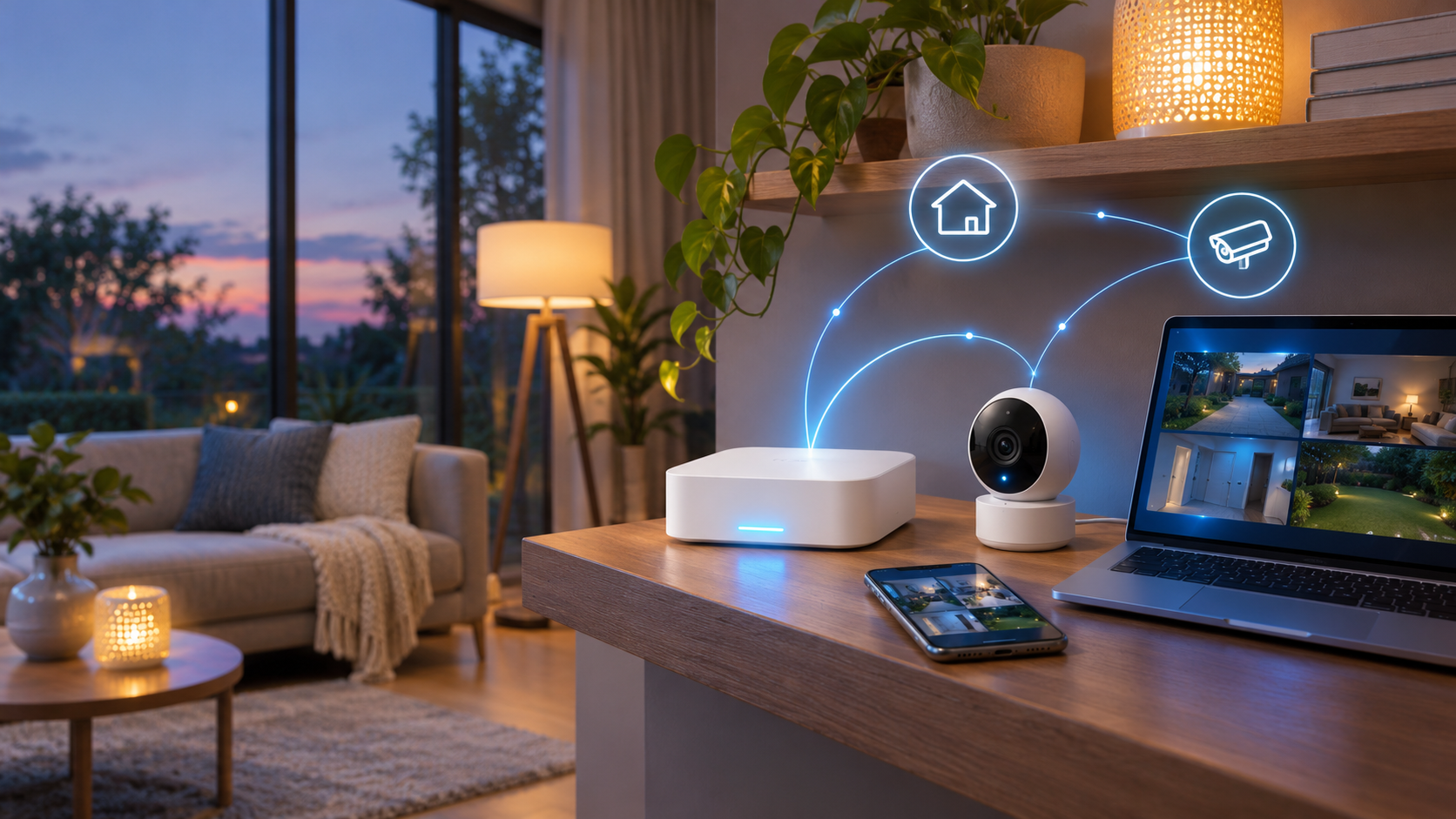
Home Assistant 2026.11, released November 4, 2026, brings Matter 1.5 cameras into the standard camera interface. A compatible camera can now appear as a camera entity with live WebRTC video, snapshots and privacy-mode status instead of relying only on a vendor-specific integration.
The release also introduces a Labs preview for two-way audio. When a supported Matter or Reolink camera exposes talkback, Home Assistant can place a talk button beside the live view. This is a meaningful interoperability step, but it is not a promise that every camera feature, recording workflow or advertised resolution will transfer into Home Assistant.
The practical upgrade path is simple only when the full stack is current: Home Assistant Core 2026.11, a Matter server new enough to expose camera capabilities and a camera that actually implements the Matter camera specification. This guide explains the setup order, current limits and when a native camera integration may still be the better choice.
Home Assistant Matter cameras at a glance
- Release: Home Assistant 2026.11 became available on November 4, 2026.
- Core features: live video, snapshots and camera privacy-mode status through the Matter integration.
- Streaming path: WebRTC runs directly between the browser and the camera after Home Assistant coordinates the session.
- Required server: the official Matter Server app 9.3.0 adds the camera API and bundles a current matter.js server.
- Browser ceiling: the documented default browser offer uses H.264 level 3.1, limiting the live view to 1280 x 720 at up to 30 frames per second.
- Talkback: a Labs preview adds two-way audio for compatible Matter and Reolink cameras, but microphone access requires HTTPS or localhost.
- Important scope: this first release is a live-view and snapshot foundation, not a replacement for a full NVR, vendor app or mature native integration.
How the Matter camera connection works
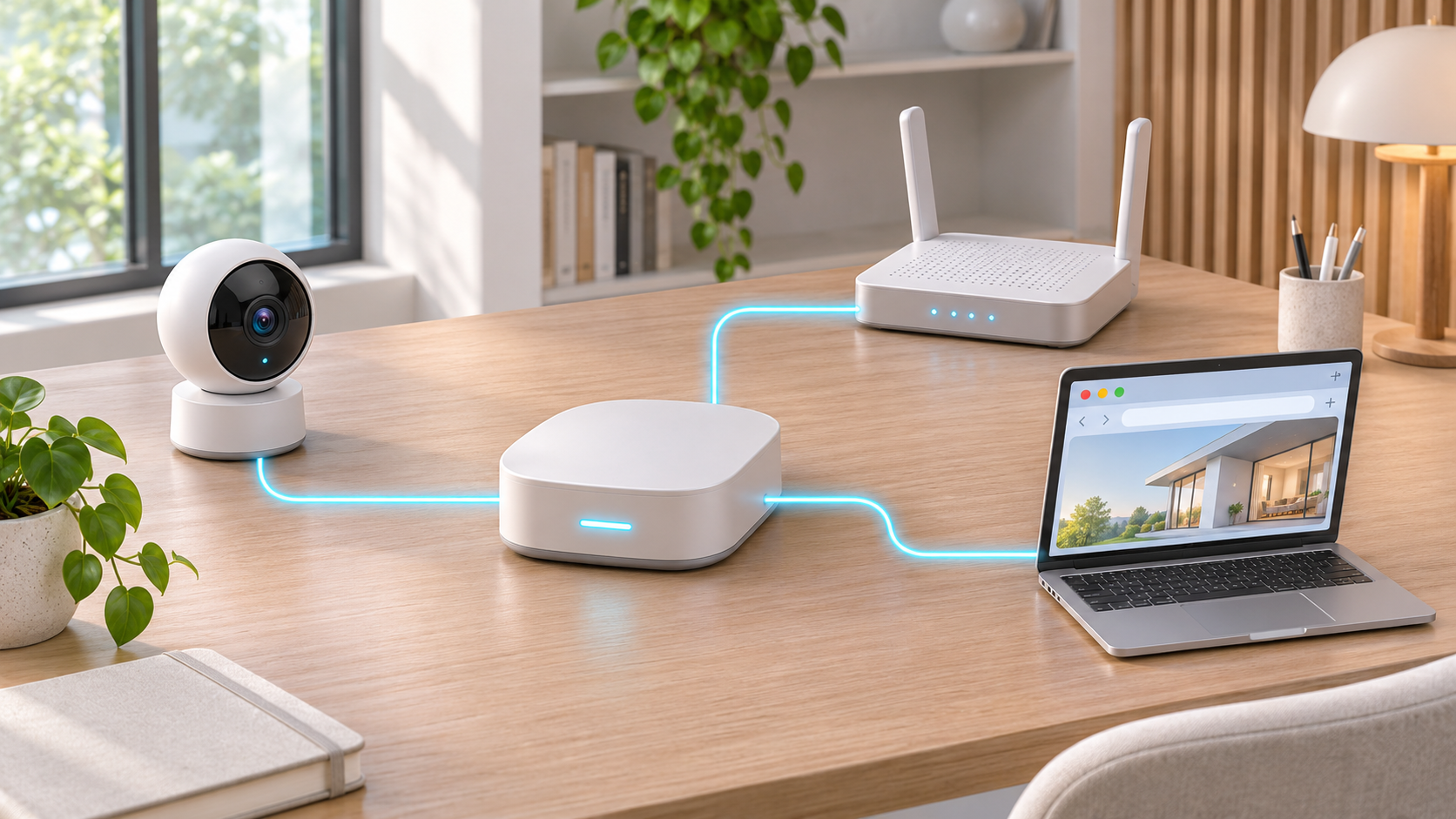
A Matter camera uses the local network and the Matter server to negotiate a WebRTC stream for the Home Assistant browser interface.
Matter does not send the camera feed through a generic cloud relay by default. Home Assistant asks the connected Matter server for the camera capabilities and coordinates a WebRTC session. The browser and camera then exchange the live media directly on the network when the connection permits it. That architecture can reduce latency and avoid making a vendor cloud the only route to a live view.
Home Assistant still depends on the Matter server to understand the camera device type and manage stream allocation. If the server is too old, the integration will not discover the camera as a supported camera entity even when Home Assistant Core itself is current. This is why updating Core without updating the Matter Server app can produce an apparently missing device.
The camera remains a Matter device on Home Assistant’s fabric. Multi-fabric support means the same device may also be shared with another controller, such as Apple Home or Google Home, if the camera permits it. Concurrent viewers still compete for the camera’s finite encoders and bandwidth, so a stream that works in one ecosystem can fail when another controller is already using the available capacity.
Set up a Matter camera in the right order
- Back up Home Assistant and confirm the system is healthy before updating. A camera feature is not worth risking an unverified configuration or storage problem.
- Install Home Assistant Core 2026.11 or a later maintenance release that includes the Matter camera support. Review the release notes for any installation-specific warnings.
- Update the official Matter Server app to version 9.3.0 or newer. In Home Assistant OS, open Settings > Apps, select Matter Server and install the available update.
- Confirm the Matter integration is connected under Settings > Devices & services. Home Assistant OS with the official Matter Server app is the recommended and supported path; custom containers require their own compatible server and network configuration.
- Update the camera firmware and the Home Assistant Companion app before commissioning. The camera must implement the Matter camera device type; an older Matter accessory does not gain camera support merely because Home Assistant was updated.
- Add a new camera through the Companion app, or use the existing controller’s share-to-another-ecosystem option to place a camera that is already in Apple Home or Google Home onto Home Assistant’s Matter fabric.
- Open the device in Home Assistant and confirm that a camera entity appears. Test a snapshot and live view before building dashboards or automations around the device.
- If talkback is needed, enable Settings > System > Labs > Two-way audio, open Home Assistant through HTTPS or localhost and grant the browser microphone permission only when prompted.
Why the live view is limited to 720p
A camera may advertise 2K or 4K capture while the Home Assistant browser view remains 1280 x 720. The matter.js server documentation explains that a typical browser offer uses H.264 level 3.1, which caps the negotiated stream at 720p. The server chooses a stream the browser can decode and the camera can supply; it does not simply pass the camera’s highest recording profile through to the dashboard.
The documented default target is 30 frames per second, or lower when the browser offer, camera limit or caller setting requires it. The initial bit-rate request starts at 8 Mbit/s and can be narrowed by the browser or camera. A camera can also refuse a request that appears to fit its published limits, which is why the server retries with smaller combinations rather than assuming every advertised mode will work.
For checking a room, answering a doorbell or verifying motion, 720p can be adequate. It is less suitable for reading distant detail or preserving evidentiary footage. Keep the vendor app, a native Home Assistant integration or an ONVIF/RTSP recording path when higher resolution, continuous recording, long retention or exact export quality matters.
Two-way audio needs HTTPS and compatible hardware
The new talk button is a Labs feature rather than a universal microphone control. It appears only when the camera and its Home Assistant integration expose two-way audio. In Home Assistant 2026.11, the release notes identify Matter cameras and Reolink as the initial supported integrations.
Web browsers block microphone access on insecure remote pages, so two-way audio currently requires Home Assistant to be opened through HTTPS or on localhost. A self-hosted instance reached only by an unencrypted local IP address may show the video but cannot reliably provide browser microphone access. Remote access should use a properly secured method rather than opening an unprotected Home Assistant port to the internet.
Reolink users also need the RTSP stream path for talkback because RTMP and FLV cannot carry audio back to the camera. Matter camera behavior depends on the camera’s own audio capabilities and firmware. Test echo, delay, speaker volume and push-to-talk behavior before treating it as a dependable doorbell replacement.
What the first release does not replace
Matter 1.5 defines a broad camera foundation, including live audio and video, two-way communication, multiple streams, pan-tilt-zoom controls, privacy zones and storage options. A standard can describe a capability before every camera and controller exposes it in a finished interface. Home Assistant 2026.11 focuses on the essential camera entity, live stream, snapshot and talkback path.
- Continuous recording, timelines and retention policies still need a recorder, vendor service or an established NVR integration.
- Pan, tilt, zoom, detection zones and advanced image controls may remain available only in the vendor app or a native integration.
- A Matter bridge cannot manufacture camera functions that the underlying device or bridge does not expose.
- A native local integration can still provide richer controls than Matter for the same brand, just as Home Assistant warns for other bridged device categories.
- Camera compatibility is young. The Home Assistant roadmap notes that early testing centered on a limited set of reference devices, including the Aqara Camera Hub G350.
Troubleshooting a camera that does not appear
Check the Matter Server version first
If the camera pairs but no camera entity appears, confirm Matter Server app 9.3.0 or newer. A connected server reports what device types it supports; Home Assistant discovers a camera only when that server exposes the camera API. Restart the app and reload the Matter integration after the update before commissioning the device again.
Verify the camera is a certified Matter camera
A Wi-Fi camera, HomeKit camera or Matter bridge is not automatically a Matter camera. Check the exact model, regional variant and firmware. Look for the camera device type in the manufacturer’s documentation and confirm that the pairing code belongs to the camera itself or to a bridge that explicitly exposes camera functionality.
Test one controller and one stream
Close live views in other apps and browsers, then retry from one Home Assistant tab. Camera encoders are finite, and the server may be unable to allocate a compatible stream when another controller is consuming the available capacity. Rebooting is less informative than first eliminating competing streams and confirming a single clean path.
Confirm browser and network requirements
Try a current browser on the same local network, disable aggressive privacy extensions for the Home Assistant page temporarily and check whether WebRTC traffic is blocked by VLAN, firewall or reverse-proxy rules. For talkback, verify HTTPS and microphone permission separately from the video test. A working snapshot with a failed live view usually points to stream negotiation or network handling rather than a completely missing device.
Privacy and security checks before enabling a feed
- Use unique Home Assistant accounts and limit dashboard access to people who should see the camera.
- Keep Home Assistant, the Matter Server app and camera firmware current; cameras are long-lived network endpoints, not set-and-forget appliances.
- Place cameras on a deliberately managed network and review firewall rules without blocking the local discovery and media paths Home Assistant needs.
- Check the camera’s privacy mode, cloud account, remote-access settings, microphone state and indicator-light behavior.
- Do not expose Home Assistant directly to the internet with a simple port forward. Use a supported secure remote-access method, a maintained reverse proxy or a correctly configured VPN.
- Treat snapshots and recordings as sensitive household data. Protect backups and exports with the same care as the live system.
A practical Home Assistant hub to compare
Readers who want a dedicated Home Assistant OS appliance can compare the official Home Assistant Green on Amazon (ASIN B0CXVKSG19). The Nabu Casa model includes a quad-core processor, 4GB of RAM, 32GB of eMMC storage, Gigabit Ethernet and two USB ports. Home Assistant OS is preinstalled, but Green does not include a built-in Thread or Zigbee radio; add compatible hardware only if the devices in your plan require it. Check the current seller, price, availability, return terms and exact bundle before ordering.
Buying a new hub is not required for Matter camera support. An existing supported Home Assistant OS system may only need the software updates described above. Do not replace a stable installation until its processor, storage, network or support model is the actual constraint.
Affiliate disclosure: ReaderSpice may earn a commission from qualifying Amazon purchases made through the link above, at no additional cost to you.
The bottom line
Home Assistant 2026.11 gives Matter cameras a credible starting point: standard camera entities, direct WebRTC live video, snapshots, privacy-state reporting and an optional talk button. It reduces dependence on one vendor interface and makes a Matter camera easier to place alongside the rest of a Home Assistant dashboard.
The limits are just as important as the headline. The current browser path tops out at 720p, two-way audio needs HTTPS, the Matter Server app must be current and advanced camera controls or recording workflows may still require a native integration or separate NVR. Update in the right order, test one stream at a time and keep the vendor path available until the Matter implementation proves it can cover the jobs that matter in your home.
Sources
Home Assistant: 2026.11 release notes – Matter cameras and two-way audio – November 4, 2026
Home Assistant: Matter integration documentation and supported installation guidance
Home Assistant Matter Server app 9.3.0 release – camera API and WebRTC handling
matter.js server WebSocket API – camera stream defaults, limits and error handling
Open Home Foundation roadmap: first Matter camera experience in Home Assistant
Connectivity Standards Alliance: Matter 1.5 camera capabilities
Home Assistant: Home Assistant Green product information
Amazon: Home Assistant Green (ASIN B0CXVKSG19)