
Google’s November 2026 Pixel Drop expands Gemini Intelligence to the Pixel 10 family and starts a phased rollout of Rambler voice input, prompt-built widgets, proactive suggestions and additional device assistance. The useful detail is not simply that the features were announced: eligibility varies by phone, country, language, app version, account age and connected-app settings.
This guide separates what Google says is available from what may still be missing on an eligible phone. It also explains how to check the rollout without factory-resetting a device, sideloading unofficial packages or assuming that every Pixel 10 receives every feature on the same day.
Confirmed: Google announced the Pixel Drop on November 10, 2026. Updates began rolling out that day and are scheduled to continue over the following weeks. ReaderSpice has not independently benchmarked these features, so performance and reliability claims below are based on Google’s current documentation rather than a hands-on review.
Pixel 10 November Drop at a glance
- Gemini Intelligence is expanding to Pixel 10 devices with Rambler, proactive suggestions and support for multi-step tasks.
- Create My Widget can build a home-screen widget from a natural-language prompt, but its help page lists age, device, language and country requirements.
- Rambler is designed to turn natural speech into polished text, remove filler words and accept spoken editing requests.
- Task automation is expanding to the United Kingdom, India and Japan; availability elsewhere depends on the existing rollout.
- The release is phased. A supported phone may need Android, Google Play system, Gboard and other app updates before a feature appears.
- Google’s announcement and its Rambler help page currently describe Pixel 10 eligibility differently, so a missing toggle should be treated as a rollout or documentation issue rather than proof that the phone is faulty.
Rambler and custom widgets are the headline changes
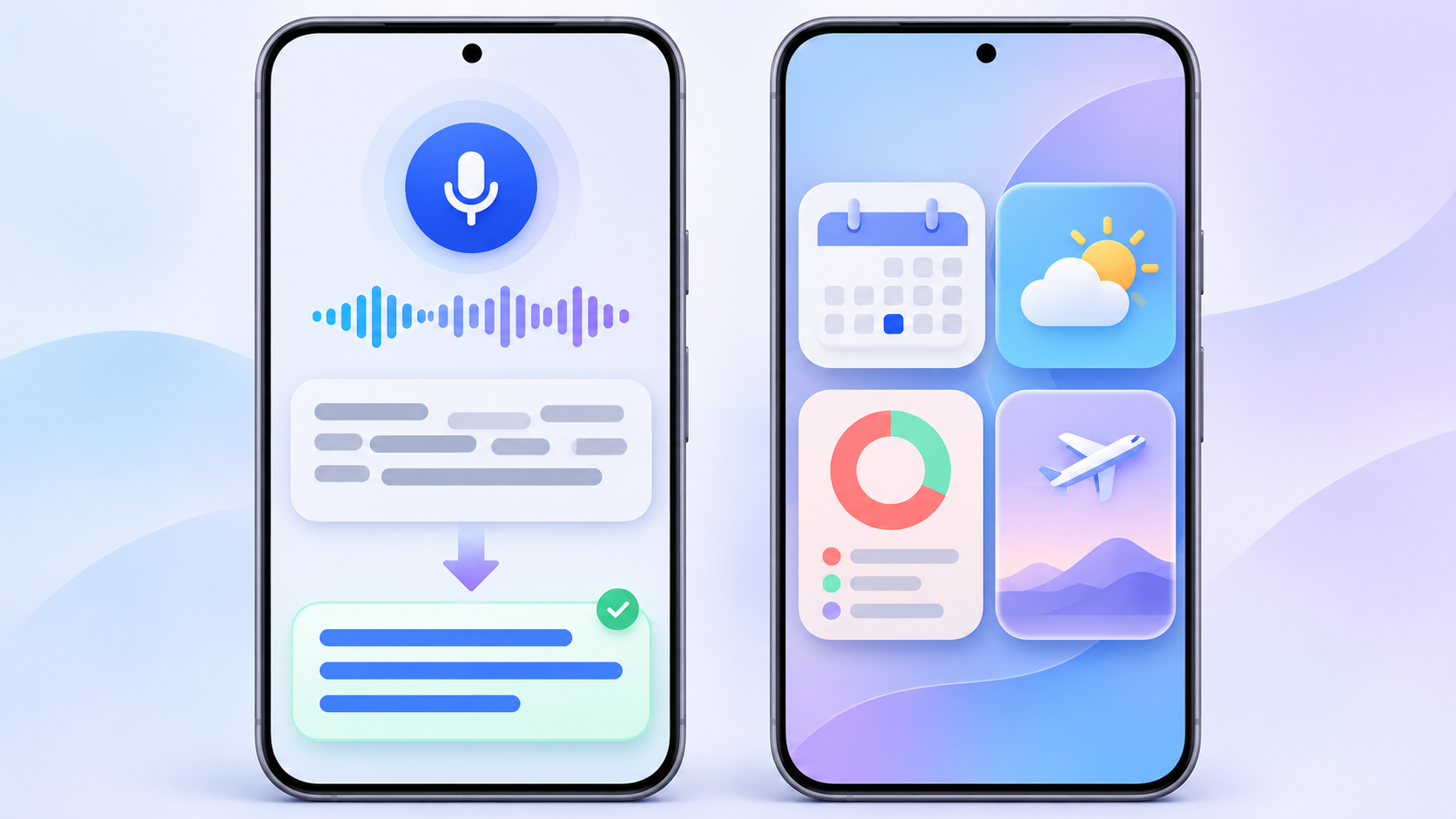
Rambler converts spoken thoughts into structured text, while Create My Widget builds home-screen panels from a prompt. Illustration: ReaderSpice.
Rambler turns speech into edited text
Rambler is a Gemini-powered Gboard input mode rather than ordinary word-for-word dictation. Google says it can remove filler words, add punctuation and structure, switch languages within a sentence, and respond to follow-up voice commands such as shortening a draft or changing its tone. Basic cleanup can continue offline, while more advanced rewrites require an active connection.
Google’s November announcement says Rambler is now available on the Pixel 10 family. At the time of publication, however, Google’s dedicated Rambler help page still lists Pixel 11 series devices as a prerequisite. That is a real documentation mismatch. Pixel 10 owners should update Gboard and the phone, then check Gboard > Settings > Voice typing. If Rambler is absent, wait for the staged rollout or a documentation update instead of installing an unofficial keyboard build.
When the option appears, open any text field, show Gboard, tap the microphone and follow the Rambler introduction. Review the finished text before sending it. Automatic cleanup can improve a draft, but it can also change emphasis, names or numbers in ways the speaker did not intend.
Create My Widget builds a home-screen panel from a prompt
Create My Widget lets a user describe a widget instead of choosing only from fixed layouts. Google’s examples include a trip dashboard, a spending tracker, sports scores and a countdown. Widgets that use personal information can draw from connected Gmail, Calendar and Search data after the required permissions are granted.
The current help page is more specific than the launch headline. It lists Pixel 10 and newer phones except Pixel 10a, requires the user to be at least 18, and limits initial language and country support to English in Australia, Canada, India, the United States and the United Kingdom. Google also says Gemini Connected Apps integration is not available in the UK, which can limit widgets that depend on personal Workspace data.
- Touch and hold an empty area on the Pixel home screen.
- Open Widgets, then choose Create.
- Describe the information you want or start with a category such as Important dates, Sports & fitness or Finance.
- Review the generated preview, check its data and permissions, then tap Add.
- To revise it later, touch and hold the widget, choose Edit and describe the change.
Gemini can handle more multi-step work
Google is also expanding Gemini actions that can coordinate tasks across supported apps, including ordering food, booking a ride or finding a reservation. The November rollout adds task automation in the UK, India and Japan. These actions depend on supported services, account settings and local availability; they should not be presented as a universal Pixel 10 capability in every country.
Proactive suggestions are another part of Gemini Intelligence. Google gives examples such as offering to share an ETA when a message asks when the user will arrive. Device Assistance can answer questions about phone settings and, on supported devices, help with tasks such as freeing storage or reviewing which apps can access location. These tools can reduce taps, but the user should still confirm the action, destination and account before approval.
Why an eligible Pixel 10 may still be missing a feature
Pixel Drops are not one downloadable switch. Google says updates roll out gradually and can depend on the device and carrier. A feature can also arrive through a Google app, Google Play system component or server-side account flag after the main system update has installed.
- The monthly Android update may not yet be assigned to the phone’s carrier or regional rollout channel.
- Gboard, the Gemini app, Google Play services or another required app may still be outdated.
- The active Google Account may not meet age, language, country or connected-app requirements.
- A feature may be rolling out independently after the system build is installed.
- The public announcement and the feature-specific help page may not yet agree, as they currently do for Rambler on Pixel 10.
A factory reset does not move a phone ahead in a staged rollout and can create unnecessary data-loss risk. Repeatedly sideloading unofficial app packages is also a poor troubleshooting method for features tied to account eligibility or server activation.
How to prepare the phone and check safely
- Back up important photos, messages and authentication data before a major update.
- Connect to Wi-Fi and charge the phone to at least 75 percent, following Google’s update guidance.
- Open Settings > System > Software updates and install the available Android update.
- Check the Google Play system update shown under the device’s Android version information.
- Open Google Play and update Gboard, Gemini, Google Messages and other related Google apps.
- Restart the phone, then check Gboard > Settings > Voice typing for Rambler and the home-screen Widgets menu for Create.
- Confirm that the active account, language and country match the feature’s current requirements before treating a missing option as a fault.
Privacy and accuracy controls matter
Google says Rambler temporarily processes text, audio input and corrections, then deletes them after the text is delivered. It also warns that Rambler can make mistakes. Users should verify names, dates, prices, addresses and safety-critical instructions before sending the result.
Create My Widget can request access to device or app data when the widget needs it. A personal-data widget may require Google Workspace to be connected. Grant only the permissions needed for that widget, review the preview before adding it, and periodically remove widgets that expose travel, finance or calendar details on an unlocked home screen.
Gemini task automation deserves the same caution. Check the restaurant, ride, address, quantity, payment method and final price before confirming an external action. Convenience does not eliminate the need to verify a booking, purchase or message.
A verified Pixel 10 Amazon listing
The Google Pixel 10 in Obsidian with 128GB storage (ASIN B0FFTV1LXZ) is a verified Amazon.com listing for the unlocked Pixel 10. Availability, seller, price and bundle contents can change, so confirm the ASIN, color, storage and carrier compatibility before checkout.
Affiliate disclosure: ReaderSpice may earn a commission from qualifying purchases made through the Amazon link above, at no additional cost to you.
The bottom line
The November Pixel Drop gives the Pixel 10 family a more capable software story: cleaner voice input, widgets built from a prompt, proactive suggestions and broader task automation. The most important limitation is rollout precision. Google’s announcements, help pages, app versions and account requirements do not always move in lockstep.
Update the phone and its Google apps, verify eligibility and review every generated result. If Rambler or Create My Widget is missing, give the phased rollout time rather than resetting a healthy phone. The features are official; their arrival on any one Pixel 10 can still be gradual.
Sources
Google Blog — Gemini Intelligence: New features, on more devices — November 10, 2026
Google Pixel Help — Create custom widgets on Pixel — accessed November 15, 2026
Google Pixel Help — Rambler voice input on Gboard — accessed November 15, 2026
Google Pixel Help — Check and update your Android version — accessed November 15, 2026
Google Pixel Community — November 2026 Pixel Drop — November 10, 2026
Google Store — Pixel 10 technical specifications — accessed November 15, 2026
Inline image 1: Rambler and Create My Widget illustration