
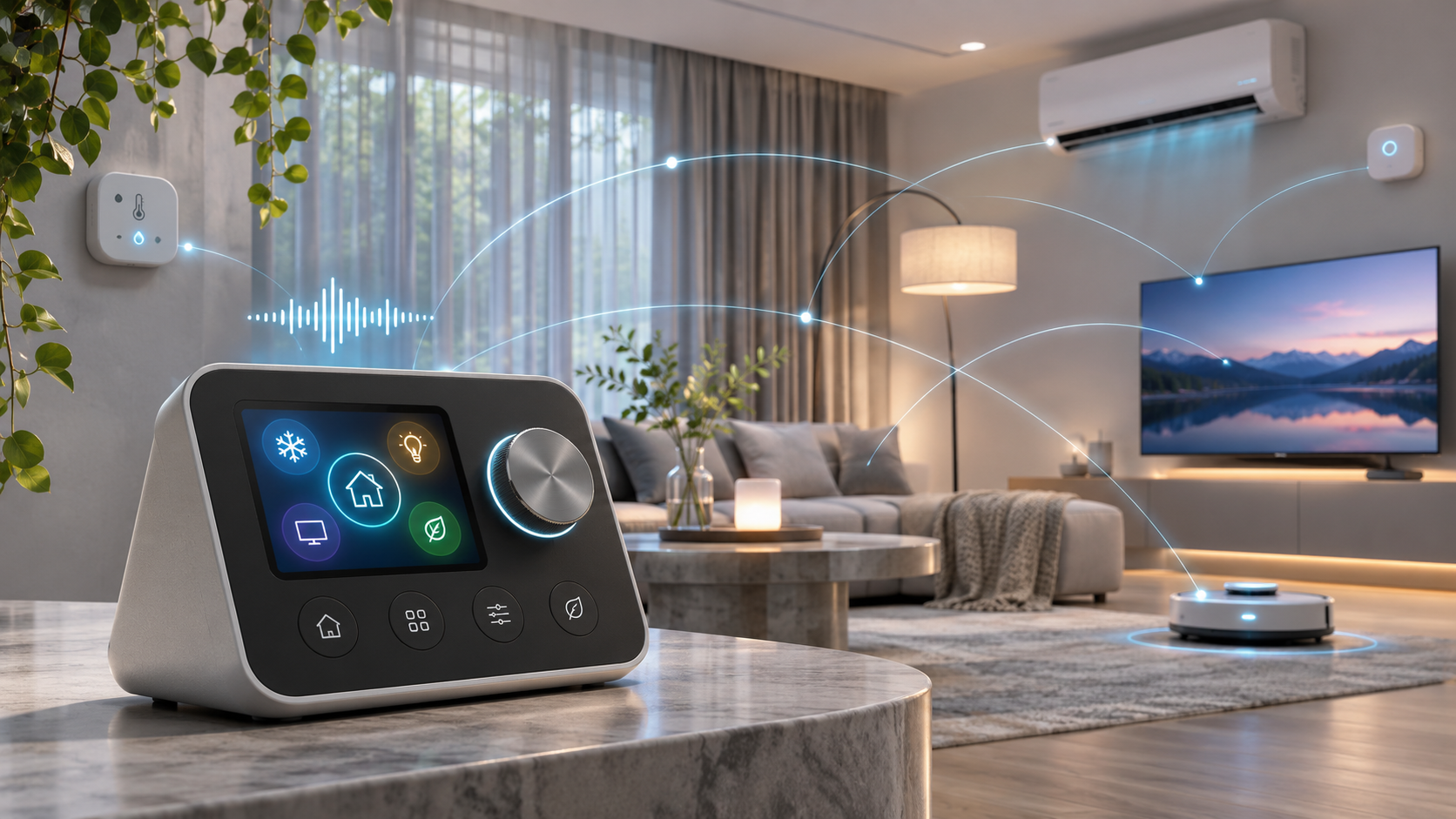
SwitchBot launched Hub 4 on November 16, 2026, as a $119.99 smart-home control hub with a 2.8-inch color screen, a physical dial, four on-screen shortcuts and a new voice assistant called Hello Kata. The useful part is not one flashy feature. Hub 4 combines infrared control, SwitchBot device access, Matter bridging, household sensor readings and scene execution in an interface that can also work without a phone for many everyday actions.
The launch needs careful reading. SwitchBot says matched infrared controls can continue locally when the internet is unavailable, but the company explicitly warns that this does not mean Hello Kata works offline. Remote access still requires a network connection and online devices. The hub can bridge up to 30 Matter sub-devices, yet three entries are reserved by default for its motion, temperature and humidity sensors. Buyers therefore get fewer than 30 open slots unless those defaults are changed or removed.
SwitchBot says availability begins November 16 through its website and Amazon stores in the United States, Canada, the United Kingdom and Europe. Regional product pages can still show a preorder or later shipping date, so “launched” should not be read as immediate delivery in every market. This article explains what Hub 4 controls, which functions remain local, what Matter Bridge 1.3 actually adds and who should wait. It is based on SwitchBot documentation and launch materials, not a ReaderSpice hands-on test.
SwitchBot Hub 4 at a glance
- Announced price: $119.99 in the United States, CAD 149.99, GBP 129.99 and EUR 129.99.
- Voice control: Hello Kata can operate supported devices and run scenes already created in the SwitchBot App.
- Infrared support: more than 101,000 compatible air conditioners, televisions, projectors, fans and other appliance models.
- Matter bridge: Matter Bridge 1.3 with support for up to 30 Matter sub-devices, including three default sensor entries.
- Physical interface: 2.8-inch color display, four customizable on-screen shortcuts and a rotary knob.
- Connectivity: 2.4GHz Wi-Fi and Bluetooth; there is no 5GHz Wi-Fi support.
- Placement and power: tabletop or wall mounting, USB-C power and an included 5V/2A adapter.
- Important limit: local infrared control can survive an internet outage after matching, but Kata voice operation is not promised offline.
Hello Kata controls devices and existing scenes
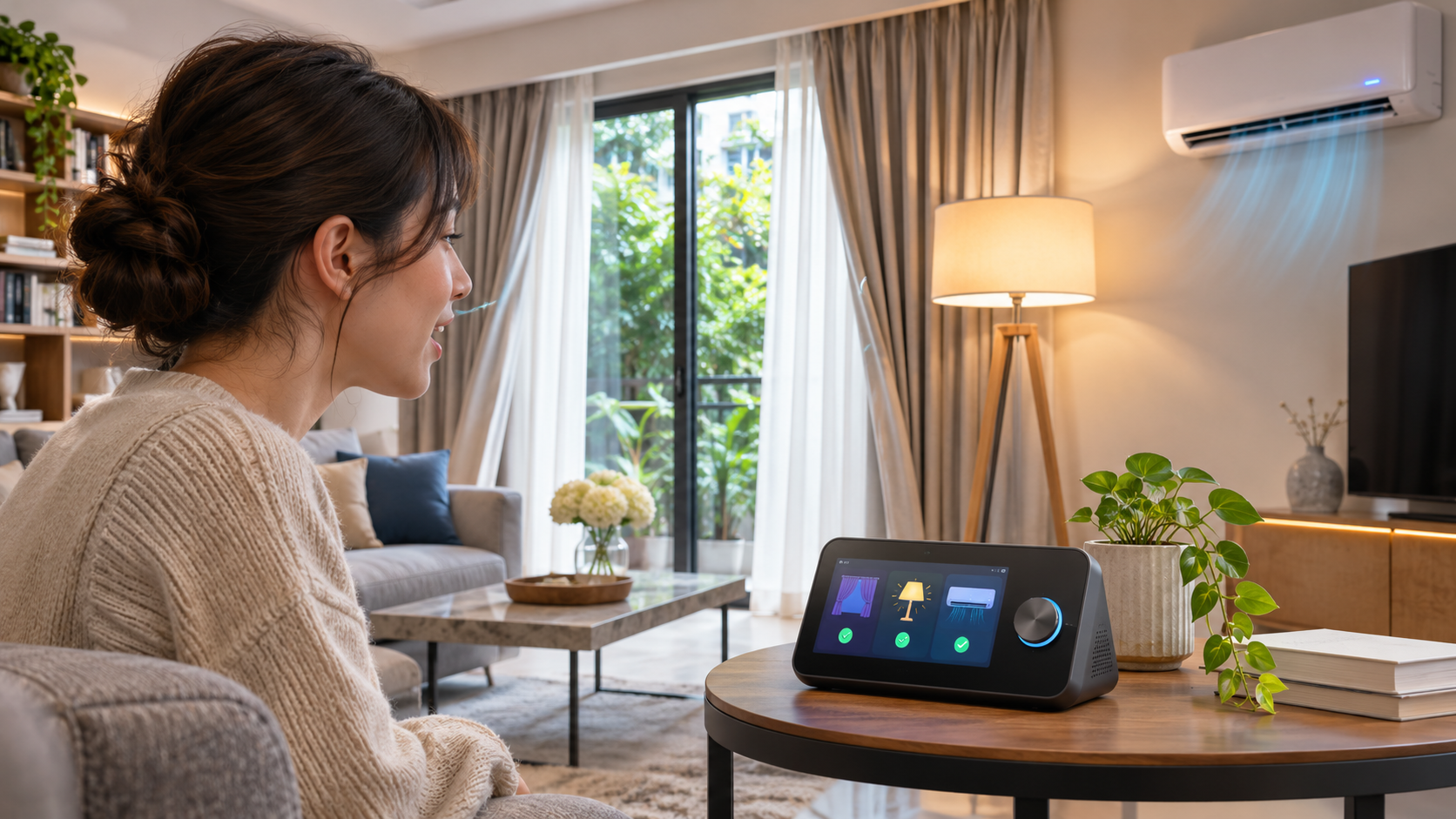
Hello Kata can control supported devices and execute scenes that were already created in the SwitchBot App.
Hello Kata is the defining addition. A user can ask Hub 4 to adjust a compatible device or combine supported actions in one request. SwitchBot gives turning on an air conditioner as a basic example. The assistant can also execute a scene such as Movie Night, Home or Away, provided that scene already exists in the SwitchBot App.
That last condition matters. Hub 4 is not a voice-first automation editor. SwitchBot says Kata executes existing scenes, while automation creation and management remain in the app. A household can speak a command after setup, but someone must still use the app to build the routine, select devices and define triggers.
The microphones and voice range
Two omnidirectional microphones provide an advertised wake range of about three meters. A manual wake control is also available when speaking the wake phrase would be inconvenient. Actual range will vary with room acoustics, television volume, fan noise and placement. A wall-mounted hub near a noisy air conditioner is a very different microphone environment from a tabletop hub in a quiet room.
Kata can report temperature and humidity from Hub 4 and can add data such as carbon-dioxide concentration when a compatible SwitchBot Meter is connected. It can also surface supported lock and sensor information, battery levels, operating modes and maintenance needs. Device coverage and available actions vary by model and integration, so a product appearing in the SwitchBot App does not guarantee that every control will be available by voice.
Kata is not an offline voice assistant
SwitchBot places an explicit footnote on the launch announcement: local infrared control does not imply offline Kata voice operation. The company also says remote access requires a network connection and online devices. Treat Kata as a connected service unless SwitchBot later documents a specific command as local.
SwitchBot support guidance for Kata troubleshooting reinforces that distinction. Bluetooth devices must first be connected to a hub, and the support page tells users to check the network when Kata cannot control a device. The safest buying assumption is that the screen, knob, shortcuts and matched infrared commands offer the most resilient local controls, while voice and remote app access depend on network services.
Matter Bridge 1.3 expands the hub with real limits
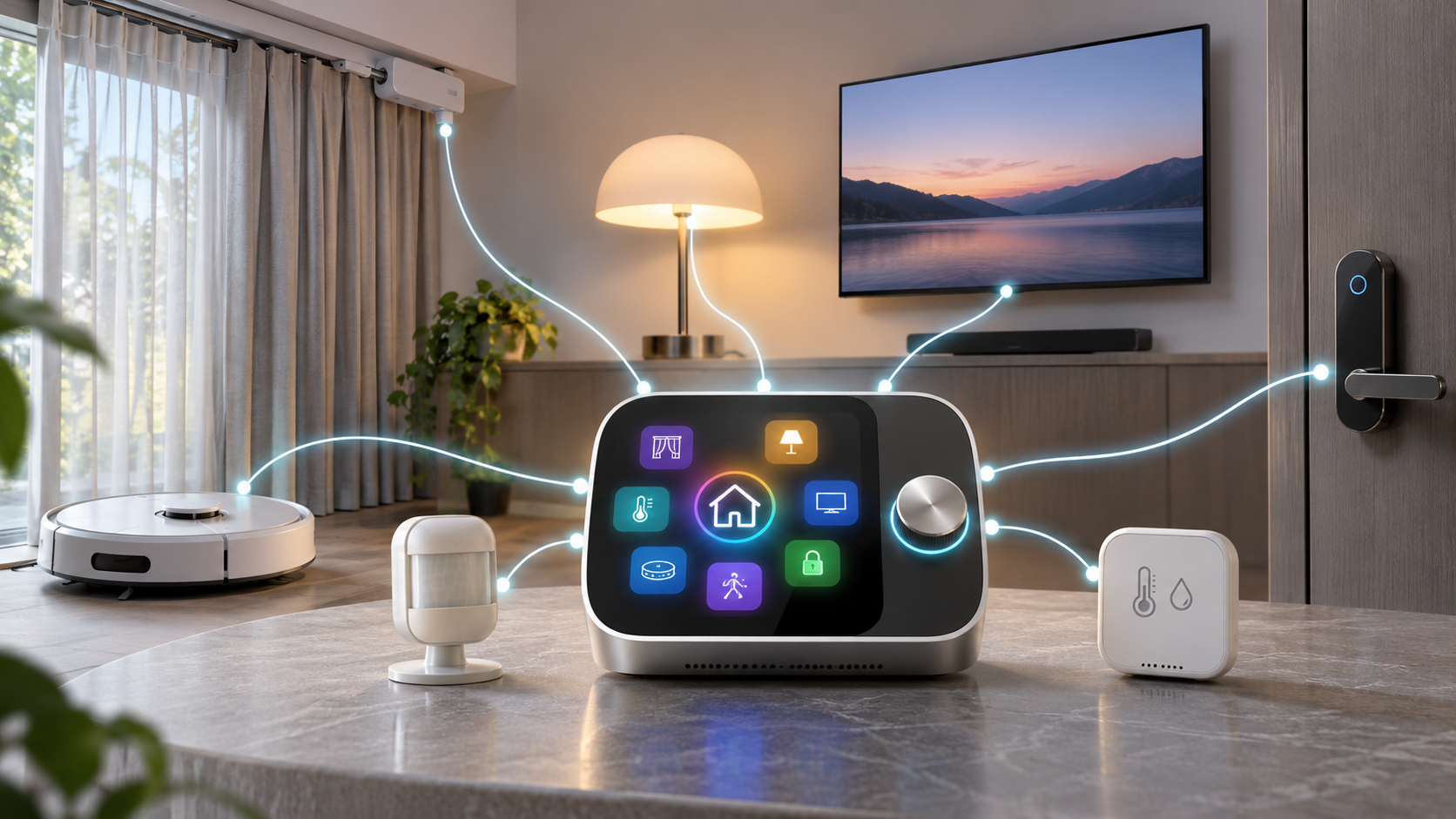
Matter Bridge 1.3 can expose supported SwitchBot devices to compatible Matter platforms, subject to device and platform limits.
Hub 4 uses Matter Bridge 1.3 to bring supported SwitchBot devices into Apple Home and other compatible Matter platforms. Bridging is useful because it lets a SwitchBot device appear in another home ecosystem without requiring every product to contain its own Wi-Fi or Thread radio. The hub translates between the SwitchBot side and the Matter controller.
The announced ceiling is 30 Matter sub-devices. SwitchBot says three default entries cover motion, temperature and humidity sensors, which means the initial open capacity is 27 devices. A large home with curtains, blinds, locks, robot vacuums and environmental sensors can reach that number faster than the headline suggests. Count individual exposed sub-devices, not just physical boxes, before replacing an existing bridge.
A Matter bridge is not a universal controller
Matter support does not guarantee that every feature travels across every platform. A bridged curtain may expose open, close and position controls while keeping calibration or advanced settings in the SwitchBot App. A robot vacuum can present a different set of functions in Apple Home, Google Home or SmartThings. The receiving platform, Matter device type and current firmware determine what appears.
SwitchBot also says compatible third-party Matter devices can be controlled through the Home app Wireless Remote feature, depending on the device and available platform functions. That is narrower than claiming Hub 4 replaces every Matter controller. A household still needs a compatible Matter controller on the chosen platform, and Apple Home setups typically use a supported HomePod or Apple TV as that controller. Google Home and SmartThings have their own controller requirements.
What local infrared control really means
Hub 4 supports more than 101,000 infrared appliance models. Automatic matching is intended to simplify setup for air conditioners, televisions, projectors, fans and other supported products. After a remote has been matched, SwitchBot says supported infrared controls remain available locally even when the internet connection is unavailable.
This is valuable for basic household resilience. A person at home should still be able to use Hub 4 as an infrared remote during an ISP outage, assuming the hub has power and the appliance uses a learned or matched command. It does not guarantee remote control from outside the home, voice processing, cloud scenes or third-party platform access. Those paths may still need Wi-Fi, an internet connection or an online account service.
Streaming-device and Bluetooth support
SwitchBot lists selected Fire TV, Apple TV and Android TV devices among supported entertainment controls. Compatibility should be checked against the exact streaming device and current firmware. A generic television remote profile does not prove that navigation, volume and app-launch commands will all work on a separate streaming box.
Bluetooth-only SwitchBot devices communicate with a Hub-series product over Bluetooth. The hub then provides app and remote access through Wi-Fi and SwitchBot services. Distance, walls and radio interference still matter. SwitchBot recommends keeping Bluetooth devices within reliable range of the hub rather than assuming the entire home is covered from one central room.
The screen knob and shortcuts reduce phone dependence
The 2.8-inch color display shows visual feedback for voice responses and household information. Four customizable on-screen shortcuts can run frequently used scenes. The rotary knob can adjust supported light brightness, curtain position and audio volume. These controls make Hub 4 usable by household members who do not have the SwitchBot App or do not want to speak a command.
The display can show temperature, humidity, weather, clock, lock status and other supported information, depending on setup. SwitchBot provides a dedicated Hub 3 and Hub 4 screen guide, so buyers should expect screen configuration to remain an app task. The screen is an operational surface, not a replacement for the full device-management interface.
How to plan a clean Hub 4 setup
- List the devices you expect Hub 4 to control and separate them into infrared appliances, SwitchBot Bluetooth products, bridged Matter sub-devices and third-party Matter devices.
- Check each exact model against SwitchBot compatibility guidance. Do not treat the brand name or a Matter logo as proof that every function is supported.
- Choose a location within reliable Bluetooth range of SwitchBot devices and with a clear infrared path toward the appliances that need control.
- Use 2.4GHz Wi-Fi. A network broadcasting only 5GHz will not meet the hub requirement.
- Update the SwitchBot App and device firmware before adding the hub. Pair Bluetooth devices and match infrared remotes one group at a time.
- Create scenes and automations in the SwitchBot App before testing Hello Kata. Voice commands can execute existing scenes but cannot replace the app workflow for building them.
- Add Matter bridging only after native SwitchBot control works. Keep a count of exposed sub-devices and confirm the target platform shows the controls you actually need.
- Test three failure modes: internet disconnected with Wi-Fi still running, home Wi-Fi unavailable, and the phone away from the house. Record which controls remain available in each case.
Privacy and security questions to review
A voice-enabled hub introduces microphones, account access and cloud processing into a shared space. SwitchBot’s launch materials describe dual microphones and a manual wake option but do not, by themselves, answer every household privacy question. Before placing the hub in a bedroom, office or other sensitive room, review the current privacy policy, microphone controls, voice-history options and account-security settings in the app.
- Use a unique SwitchBot account password and enable any available multi-factor authentication.
- Give household members only the access they need, especially for locks, cameras and Away scenes.
- Check which automations can run after a sensor event and which commands require cloud connectivity.
- Review third-party links to Apple Home, Google Home, SmartThings or voice platforms; each connection expands the account and data path.
- Keep a non-cloud control method for essential functions such as heating, cooling, door access and lighting.
An existing SwitchBot accessory that fits the hub
SwitchBot Bot is a small Bluetooth button pusher designed for compatible rocker switches and one-way buttons. SwitchBot support says remote Bot control requires a Hub-series product and that the Bot must remain within Bluetooth range. One verified Amazon listing is the white SwitchBot Bot, ASIN B07B7NXV4R. View the SwitchBot Bot listing on Amazon. Check the exact color, seller, switch compatibility and return policy before purchase; this listing is for the accessory, not Hub 4.
Affiliate disclosure: ReaderSpice may earn a commission from qualifying Amazon purchases made through this link, at no additional cost to you.
Who should buy Hub 4
Hub 4 makes the strongest case for a household that already has several SwitchBot devices, uses infrared appliances and wants a shared physical control surface. The screen, shortcuts and knob reduce dependence on a phone, while Matter bridging can expose supported devices to another home platform. Hello Kata adds convenience when the household is willing to keep scenes and automations organized in the SwitchBot App.
It is also a reasonable first hub for someone who wants to make older infrared appliances easier to control without replacing them. The local infrared path is the most concrete resilience benefit, provided the buyer understands that cloud voice, remote access and cross-platform integrations have different network requirements.
Who should wait
Owners of a working Hub 2 or Hub 3 should wait if their main goal is ordinary infrared control or third-party voice assistance. Hub 4’s upgrade value centers on Hello Kata, the shared screen interface and its announced Matter capacity. None of those features automatically improves the underlying air conditioner, television or curtain motor.
Large Matter installations should also wait until they have counted sub-devices and confirmed controller behavior. The 30-device ceiling, default sensor slots and platform-specific feature exposure can make a second bridge or a different architecture more practical. Buyers who require fully offline voice control should not purchase Hub 4 on that assumption; SwitchBot explicitly says the local IR claim does not imply offline Kata operation.
The bottom line
SwitchBot Hub 4 is a more complete household interface than a basic infrared blaster. It combines local matched-IR control, Bluetooth device bridging, a color screen, physical shortcuts, a dial, sensor readings, Matter Bridge 1.3 and Hello Kata voice commands in one $119.99 product. For an established SwitchBot home, that consolidation can be genuinely useful.
The buying decision turns on the limits. Kata runs scenes created elsewhere and is not promised offline. Matter bridging tops out at 30 sub-devices with three default sensor entries. Remote access needs a network, and regional launch pages may still show preorder shipping. Buyers who verify device support and test outage behavior will understand exactly what Hub 4 replaces—and what it still depends on.
Sources
SwitchBot — Hub 4 launch announcement, specifications, pricing and availability
SwitchBot US — Hub 4 product page
SwitchBot UK — Hub 4 product page and regional preorder notice
SwitchBot Help Center — Hub 3 and Hub 4 screen setup
SwitchBot Help Center — What to do when Kata cannot control a device
SwitchBot Help Center — Matter-over-Bridge setup for third-party platforms
SwitchBot Help Center — Remote control requirements for SwitchBot Bot
Amazon — SwitchBot Bot, ASIN B07B7NXV4R (affiliate link)