
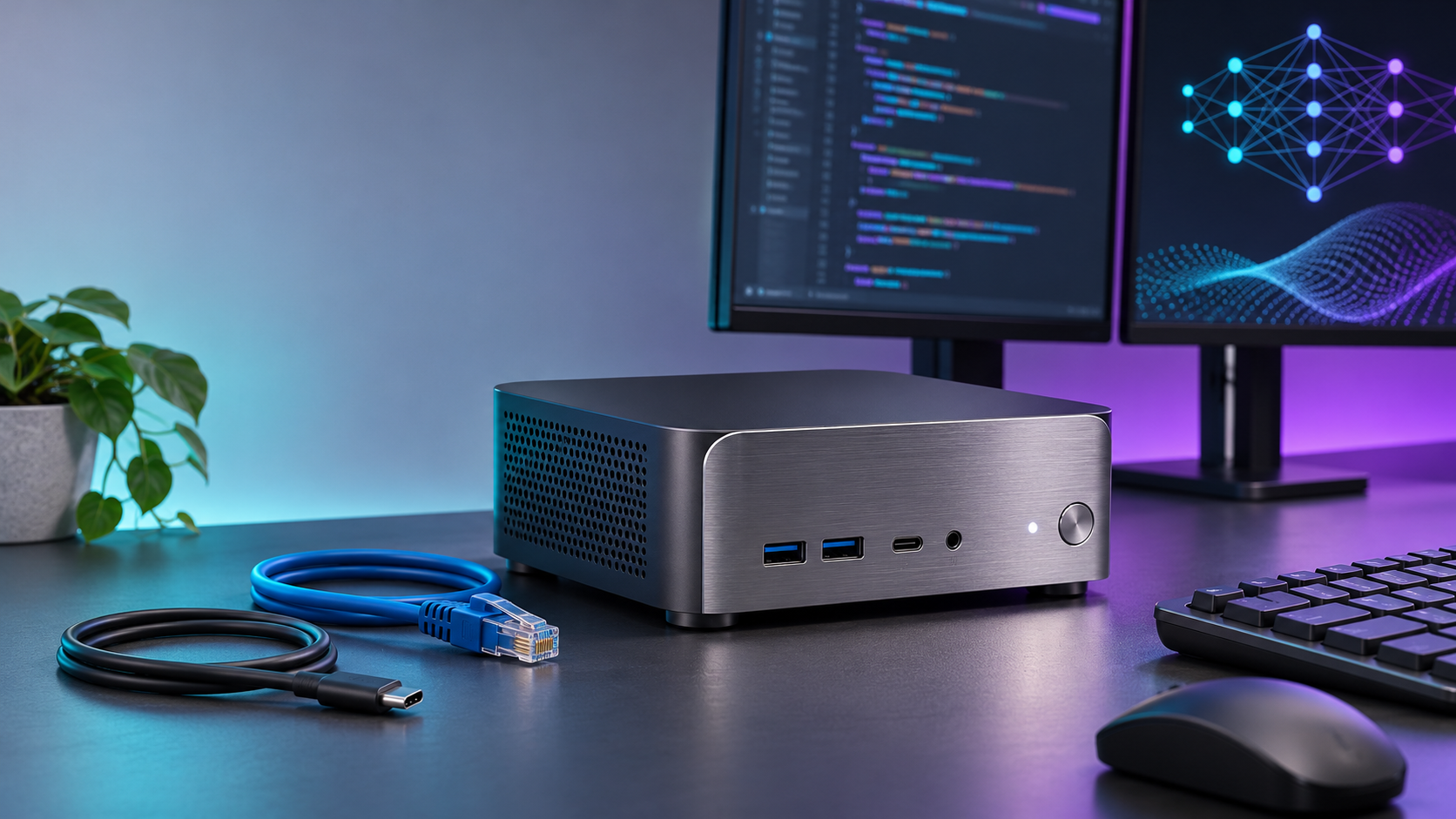
MSI has announced the EdgeMesa N AI+, a compact Windows 11 desktop built around NVIDIA’s Arm-based RTX Spark N1X platform. The 1.3-liter system combines a 20-core Grace CPU, a 6,144-core Blackwell RTX GPU and either 64GB or 128GB of unified LPDDR5X memory for local AI, CUDA, graphics and creator workflows.
The most important buying detail is not the headline one-petaflop claim. It is whether the operating system, memory and storage fit a real workflow. On November 19, MSI’s current U.S. pages showed the 64GB/1TB X-006US at $4,399 and in stock, while the 128GB/4TB X-005US was $7,499 and out of stock. Older indexed store snapshots showed higher figures, so buyers should still verify the live cart total.
ReaderSpice has verified the official specifications, store listings, Microsoft’s Windows-on-Arm emulation guidance and a related Amazon listing. We have not benchmarked the EdgeMesa N AI+, measured its noise or power use, or tested specialized drivers and software. Prices, inventory and specifications can change after publication.
MSI EdgeMesa N AI+ quick take
- X-006US: 64GB unified memory and 1TB PCIe Gen 5 NVMe storage; MSI’s current direct and category pages showed $4,399 on November 19, and the direct page said it was in stock.
- X-005US: 128GB unified memory and 4TB storage; MSI’s current direct and category pages showed $7,499, and the direct page said it was out of stock.
- Processor: NVIDIA RTX Spark N1X with a 20-core Grace CPU and 6,144-core Blackwell RTX GPU.
- AI claim: up to one petaflop of FP4 performance. That is a low-precision AI metric, not a universal score for every workload.
- Connectivity: four USB-C 20Gbps ports, HDMI 2.1b, 10Gb Ethernet, Wi-Fi 7 and Bluetooth 5.4; no USB-A ports are listed.
- Power and cooling: 140W platform TDP, a 240W adapter, a vapor chamber and dual turbo fans.
- Operating system: Windows 11 Pro on an Arm CPU, so app emulation and native Arm64 driver support require careful checking.
Official MSI prices moved between store snapshots

Older indexed MSI store snapshots showed higher prices than the current November 19 pages, so buyers should verify the live SKU and cart total. Illustration: ReaderSpice.
MSI’s current direct and category pages for model X-006US displayed $4,399 when checked on November 19, and the direct page said the 64GB/1TB system was in stock. An older indexed version of a category URL showed $4,699 for the same SKU, indicating that MSI’s listed price changed or that a stale store view remained in search.
The 128GB/4TB X-005US showed a similar movement. Current direct and category pages displayed $7,499 and the direct page said “Out of stock,” while an older indexed category snapshot showed $7,999. The current figure is the useful reference, but a search result or cached category tile should not replace the live checkout total.
Open the exact SKU, confirm the memory and storage configuration, add it to the cart if appropriate, and review the pre-tax total before making a decision. Inventory can change independently from price, and neither figure guarantees that a unit will remain available.
What is inside the EdgeMesa N AI+
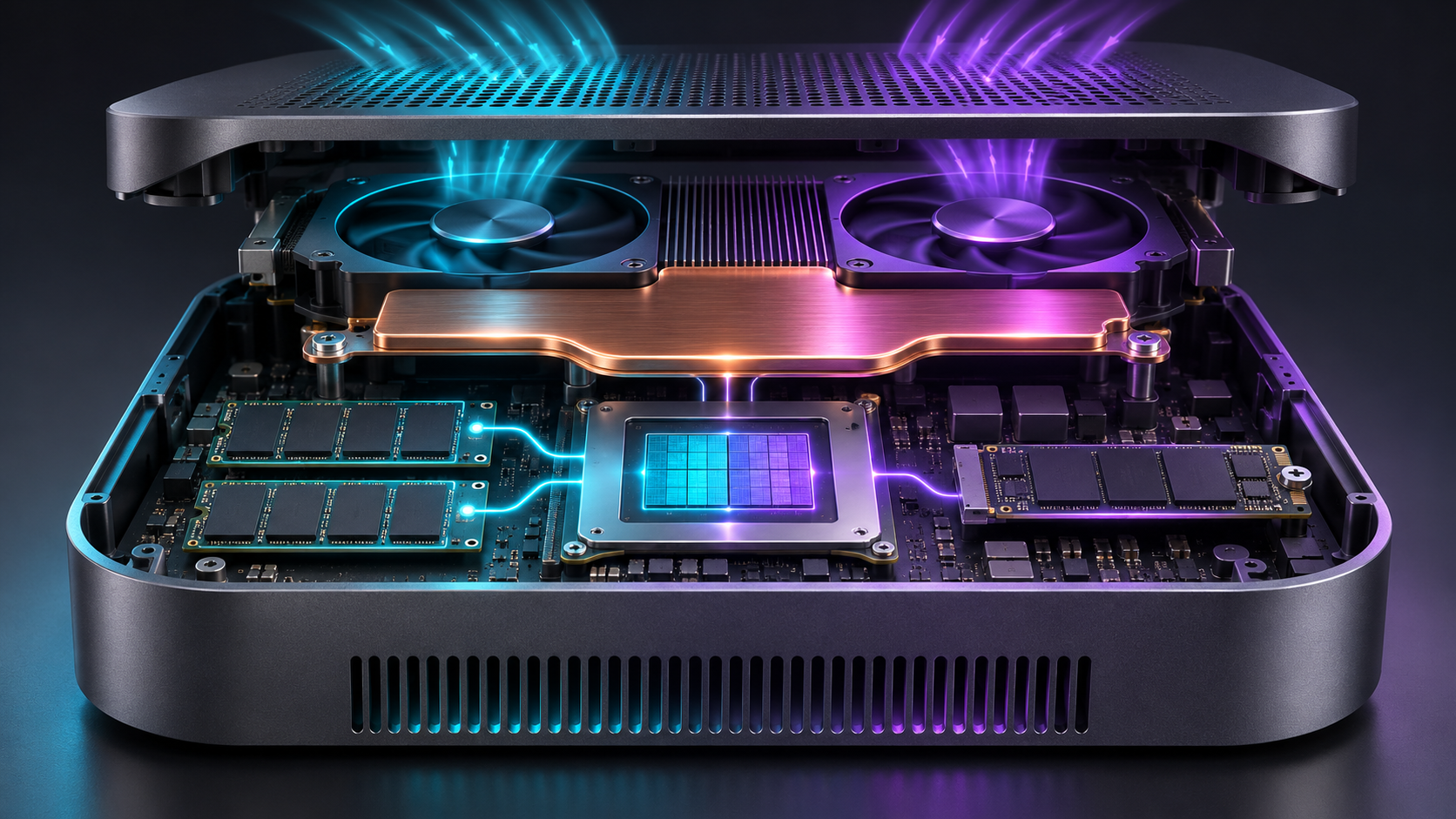
The EdgeMesa design combines a unified CPU-GPU platform, LPDDR5X memory, one NVMe slot and vapor-chamber cooling in a compact chassis. Concept illustration: ReaderSpice.
Grace CPU, Blackwell GPU and the one-petaflop claim
The RTX Spark N1X specification pairs a 20-core NVIDIA Grace CPU with a 6,144-core Blackwell RTX GPU. MSI identifies the CPU as 10 Cortex-X925 cores plus 10 Cortex-A725 cores running at up to 3.25GHz. NVIDIA lists DirectX 12 Ultimate, Vulkan ray tracing, CUDA capability 12.1, ninth-generation encoding and sixth-generation decoding for the desktop platform.
MSI and NVIDIA market up to one petaflop of FP4 AI performance. FP4 uses four-bit values and can accelerate models designed or quantized for that precision. The figure should not be compared directly with FP16, FP32, gaming frame rates, video export times or CPU benchmarks. Software support, model architecture, memory bandwidth and thermal behavior still determine real performance.
Unified memory and storage define the useful workload
The 64GB and 128GB memory options are shared across the CPU and GPU, which can reduce data copies and let the accelerator address larger models than a conventional small GPU with separate video memory. The tradeoff is that LPDDR5X is normally package-integrated, and MSI does not list user-upgradable memory. Buy the capacity the workload will need rather than planning a later RAM upgrade.
MSI lists one M.2 NVMe slot. The 1TB X-006US may fill quickly once multiple model checkpoints, vector databases, datasets and project files are stored locally. A single-slot layout also means internal expansion may require replacing the factory drive. Check the service manual, supported drive sizes and warranty terms before opening the system.
Ports, networking and cooling
MSI lists four 20Gbps USB-C ports, with three supporting DisplayPort Alt Mode 1.4 and one serving as power input, plus HDMI 2.1b. The system also has 10Gb Ethernet, Wi-Fi 7 and Bluetooth 5.4, and MSI says it can drive up to four displays. Buyers with USB-A peripherals will need a suitable hub or adapter.
The RTX Spark N1X platform is rated at 140W in performance mode, while MSI supplies a 240W adapter. Cooling uses a vapor chamber and dual fans. The compact enclosure is attractive for desks and edge deployments, but the official specification is not a substitute for measured sustained performance, fan noise or surface temperature.
MSI’s own pages are not perfectly aligned. The launch release and U.S. overview call the chassis 1.3 liters, while some regional specification pages report 1.17 liters. The press release lists 1.32kg, while the U.S. store page says approximately 5.50 pounds. Verify the exact U.S. SKU and current manual if size or weight affects a deployment.
Windows 11 on Arm is the biggest compatibility question

Windows 11 can emulate many x86 and x64 apps, but kernel drivers and specialized peripherals still need native Arm64 support. Illustration: ReaderSpice.
The Grace CPU uses the Arm architecture. Microsoft says Windows 11 on Arm can emulate x86 and x64 user-mode applications, and its Prism emulator improves compatibility and performance for supported software. Emulation does not remove every limitation, and performance can differ from native Arm64 code.
The hard boundary is kernel mode: Microsoft states that kernel drivers must be native Arm64. That matters for audio interfaces, capture devices, specialist cameras, VPN and security clients, hardware license dongles, virtualization tools, storage utilities and other software that installs low-level components. A desktop app opening successfully does not prove its plug-ins or device drivers will work.
NVIDIA’s CUDA and RTX software stack is central to the platform, but every framework, wheel, plug-in and container still has its own Windows-on-Arm support matrix. Check the exact version required by the intended workflow instead of assuming x64 installation instructions translate directly.
A Windows-on-Arm compatibility checklist
- Confirm that the primary application is native Arm64 or officially supported under x64 emulation.
- Verify plug-ins, extensions, codec packs and hardware license managers separately from the main app.
- Check for native Arm64 drivers for every camera, audio interface, capture card, printer, scanner, dock and network adapter.
- Validate VPN, endpoint security, backup, disk encryption and remote-management tools with the vendor.
- Confirm the required Python, CUDA, container, WSL, virtualization and package-manager versions on Windows Arm64.
- For games, verify anti-cheat and driver support title by title; do not infer compatibility from DirectX support alone.
- Use a return window and test the real project, peripherals and sustained workload immediately.
What local AI workloads fit 64GB or 128GB
The 64GB X-006US is the more accessible configuration for coding assistants, retrieval-augmented generation, local document search, speech and vision pipelines, smaller or quantized language models, and creator tools that can use RTX acceleration. It also leaves less headroom for large context windows, multiple services and memory-hungry models running together.
The 128GB X-005US is aimed at larger models, heavier multimodal work and concurrent agents, but capacity alone does not guarantee a model will run well. Weights, quantization, context length, key-value cache, batch size, framework overhead and other applications all consume the same memory pool. MSI’s PAIR feature can cluster two systems for supported workflows, but clustering does not automatically turn all software into one transparent 256GB computer.
The price jump is also substantial. Based on the current checked listings, moving from the 64GB/1TB model to the 128GB/4TB model costs $3,100. Quantify the real model and storage requirement before paying for unused headroom.
EdgeMesa N AI+ versus NVIDIA DGX Spark
NVIDIA’s official marketplace lists DGX Spark at $6,950 with 128GB of unified memory, 4TB of storage, a GB10 Grace Blackwell superchip, ConnectX-7 networking and DGX OS. MSI’s X-005US lists the same headline memory and storage capacities at $7,499, but runs Windows 11 Pro and uses the RTX Spark N1X platform. The systems are related, not identical.
- EdgeMesa X-006US: lower entry price, 64GB/1TB, Windows 11 Pro and mainstream HDMI, Wi-Fi 7 and 10Gb Ethernet connectivity.
- EdgeMesa X-005US: 128GB/4TB and Windows 11 Pro at $7,499, but out of stock when checked.
- NVIDIA DGX Spark: 128GB/4TB at $6,950 from NVIDIA’s marketplace, DGX OS and ConnectX-7 for NVIDIA’s Linux-centered AI workflow.
- Decision point: choose by operating system, validated software, networking, support and real workload—not memory capacity or the one-petaflop headline alone.
A Windows-first studio may value the EdgeMesa’s familiar desktop environment and peripheral stack. A Linux-centered AI team may prefer DGX Spark’s software image and networking. Neither choice removes the need to confirm framework versions, model fit and sustained performance.
Who should consider the EdgeMesa N AI+
- Developers who need a compact Windows system for local CUDA, RTX and AI experiments and have validated Arm64 compatibility.
- Creators using supported native or emulated applications who want large unified memory without a full tower.
- Teams that must keep selected models or data on local hardware and understand that local processing is only one part of a secure-data policy.
- Labs and edge deployments that value 10Gb Ethernet, Wi-Fi 7, multiple displays and a small enclosure more than internal expansion.
Who should wait
- Buyers whose critical software, drivers, plug-ins or anti-cheat tools lack documented Windows Arm64 support.
- Users who need PCIe cards, several internal drives, replaceable memory or extensive USB-A connectivity.
- Teams that require independent benchmarks for sustained AI throughput, thermals, acoustics and power before deployment.
- Anyone selecting hardware by an unverified model-size claim or expecting the FP4 petaflop figure to predict every workload.
- Price-sensitive buyers who can use an existing x86 workstation, cloud GPU time or a Linux-first AI system instead.
Before buying: eight checks
- Open the exact MSI SKU and compare the direct page, category page and final cart total on the same day.
- Confirm whether the system is X-006US with 64GB/1TB or X-005US with 128GB/4TB.
- List every required app, plug-in, package and kernel driver, then verify native Arm64 or supported emulation status.
- Estimate memory from the actual model, quantization, context, batch size and concurrent services.
- Plan storage for checkpoints, datasets and projects; account for the single internal M.2 slot.
- Verify display, USB-C, Ethernet, Wi-Fi, adapter and dock requirements, including the lack of listed USB-A ports.
- Review seller, warranty, return window and any business-support terms before checkout.
- Test the real workload under sustained load and record speed, temperature, noise, crashes and power consumption before the return period ends.
A verified Amazon comparison: DGX Spark is not the same system
Amazon lists the NVIDIA DGX Spark personal AI desktop with 128GB of unified memory and 4TB of storage under ASIN B0FWJ16CCH. It is a relevant comparison, but it is not an MSI EdgeMesa N AI+ and should not be presented as a substitute without comparing the operating system, networking, support and current seller.
View NVIDIA DGX Spark 128GB/4TB on Amazon
Affiliate disclosure: ReaderSpice may earn a commission from qualifying purchases made through the Amazon link above, at no additional cost to you.
The Amazon offer checked by ReaderSpice was priced above NVIDIA’s official $6,950 marketplace price and appeared to be sold by a third party. Compare the current Amazon seller, warranty, return policy, availability and total price with NVIDIA’s official listing before buying. Marketplace prices can change at any time.
What ReaderSpice has not verified
ReaderSpice has not tested EdgeMesa performance, sustained clocks, cooling, fan noise, wall power, display output, wireless speed, local-model throughput, game compatibility, driver stability, sleep behavior or the PAIR clustering feature. We also have not confirmed shipping dates or how long the current MSI prices will remain in effect.
Official performance claims describe platform capabilities under selected conditions. “Local” does not automatically mean private or secure: model downloads, telemetry, cloud-connected applications, plug-ins, authentication services and network storage can still transmit data. Organizations should apply their own security, compliance and data-governance controls.
Bottom line
The MSI EdgeMesa N AI+ is one of the more unusual compact PCs of 2026: a Windows 11 Pro desktop with a Grace CPU, Blackwell RTX graphics and up to 128GB of unified memory in a roughly 1.3-liter chassis. The hardware could suit local AI developers and creators who need Windows, CUDA and a small footprint.
The buying decision still hinges on three checks. Resolve the current MSI price at checkout, validate every Windows-on-Arm app and driver, and size memory and storage from a real workload. Until independent testing arrives, treat the one-petaflop figure as a capability marker—not a promise of application speed.
Sources
MSI — EdgeMesa N AI+ announcement, November 18, 2026
MSI U.S. — EdgeMesa N AI+ overview
MSI U.S. — EdgeMesa N AI+ specifications
MSI U.S. Store — EdgeMesa N AI+ X-006US 64GB/1TB direct product page
MSI U.S. Store — current EdgeMesa category listing
MSI U.S. Store — EdgeMesa N AI+ X-005US 128GB/4TB direct product page
NVIDIA — RTX Spark technical specifications
Microsoft Learn — How emulation works on Windows on Arm
NVIDIA Marketplace — DGX Spark official listing
Amazon — NVIDIA DGX Spark 128GB/4TB, ASIN B0FWJ16CCH
Inline image 1 metadata: Original 16:9 ReaderSpice editorial illustration of one compact AI desktop shown on two store pages with different highlighted price fields; title and alt description embedded in the image object.
Inline image 2 metadata: Original 16:9 ReaderSpice cutaway-style visualization of compact AI desktop internals and cooling; title and alt description embedded in the image object.
Inline image 3 metadata: Original 16:9 ReaderSpice editorial illustration of Windows-on-Arm application and peripheral-driver compatibility checks; title and alt description embedded in the image object.