

Microsoft has made Aion Instruct generally available as the small language model built into Microsoft Edge and opened a Prompt API origin trial for live websites. Announced November 19, 2026, the change lets eligible sites generate, summarize and structure text on the user’s device instead of sending every prompt to a remote model.
The important qualifiers are eligible and experimental. Edge downloads the model only when a site or feature first needs it and only on hardware the browser considers capable. The Prompt API is still an origin trial, the separate Decisions API is an early developer preview, and a website can still choose to send data to a cloud service outside the local API. This guide explains what shipped, how the trial works, what users can control and where developers need a fallback.
Microsoft Edge Aion Instruct at a glance
- Model: Aion-1.0-Instruct-2.3B, a 2.3-billion-parameter small language model published by Microsoft with open weights on Hugging Face.
- Edge status: Aion replaces Phi-4-mini as Edge’s built-in small language model, according to Microsoft’s November 19 announcement.
- Prompt API status: an origin trial now lets registered websites test the experimental API with live Edge users.
- Local processing: Microsoft’s Prompt API documentation says prompts and outputs handled by the built-in model remain on the device and are not collected to train AI models.
- First use: the model requires an initial download and is shared by supported sites using the browser-provided AI APIs.
- User control: Edge can remove the model and stop future on-device AI downloads when the user turns the feature off in settings.
- Not universal: availability still depends on Edge version, device performance, storage, network conditions, policy and the website’s trial token.
- Separate preview: the Decisions API can return choices, scores and confidence values, but Microsoft limits it to developer testing in Edge Canary and Dev.
Aion Instruct replaces Phi-4-mini inside Edge
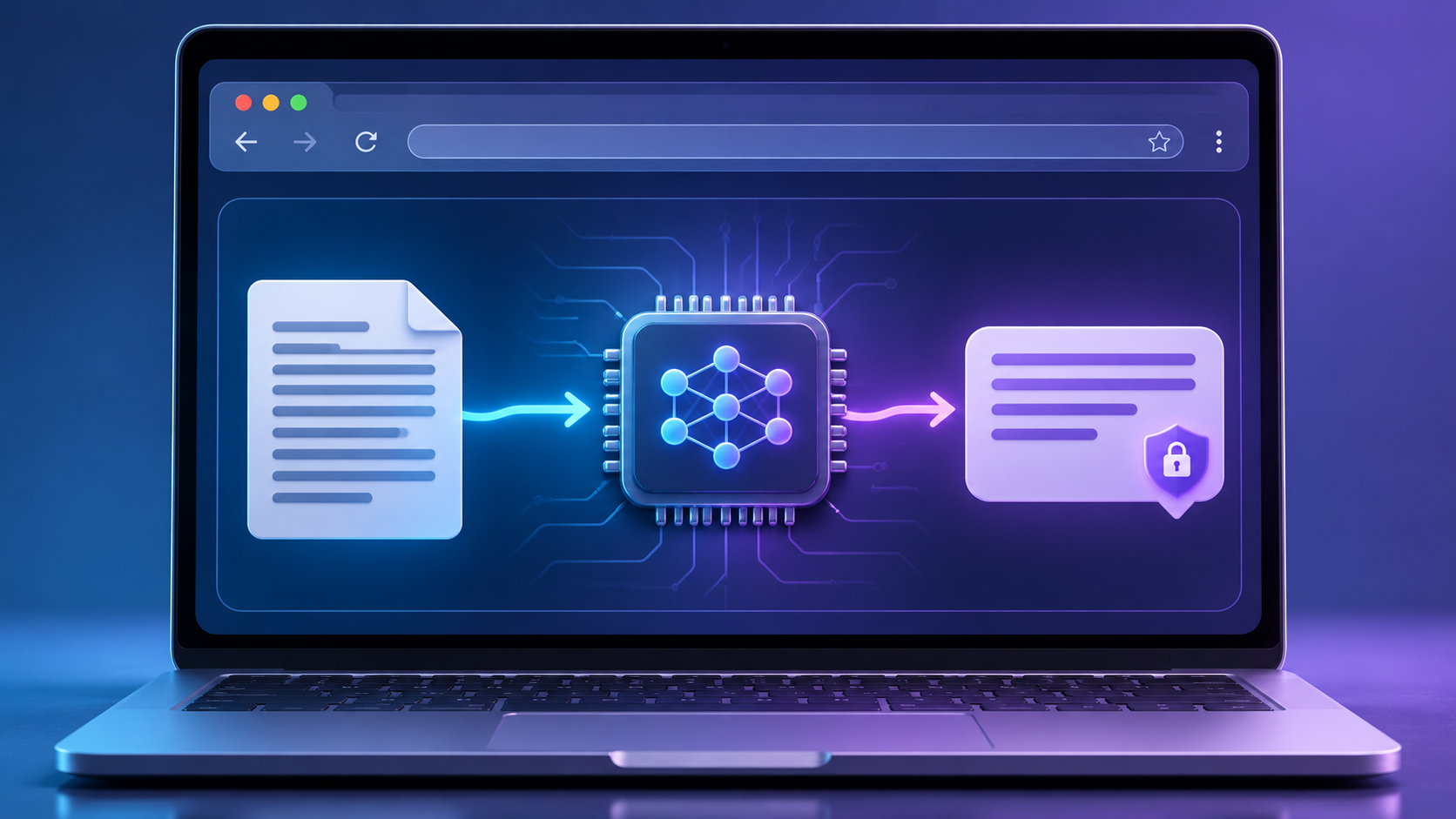
Aion Instruct is designed to handle supported text tasks inside the browser on the user’s device. Illustration: ReaderSpice.
Aion Instruct is a much smaller model than the cloud systems people normally associate with generative AI. Microsoft describes the 2.3B model as faster and available on more devices than Phi-4-mini while providing comparable quality for common browser tasks such as summarization, instruction following, text generation and structured output. The open-weights release also lets developers inspect and run the model outside Edge under the terms published with the model card.
Smaller does not mean universally capable. A local model can respond quickly and avoid per-request cloud charges, but it has less capacity than a large hosted system and can still hallucinate, miss context or produce unsafe text. Developers should keep tasks narrow, validate structured output and avoid using the browser model as the sole authority for medical, legal, financial, security or identity decisions.
What happens when a site first requests the model
Edge does not bundle the full model download into every installation. Microsoft says the browser downloads Aion when a site or feature first needs it and only when the device can run it well. The initial request can therefore be much slower than later prompts, and it can fail when storage is low, the connection is metered, policy blocks the API or the browser assigns the device an unsupported performance class.
After download, the browser can share the built-in model across supported websites rather than making every site ship its own copy. Users can inspect Edge’s on-device AI controls and turn the feature off. Microsoft says doing so removes the model and prevents future downloads, which is more meaningful than merely hiding an individual website button.
The Prompt API origin trial brings local AI to live websites
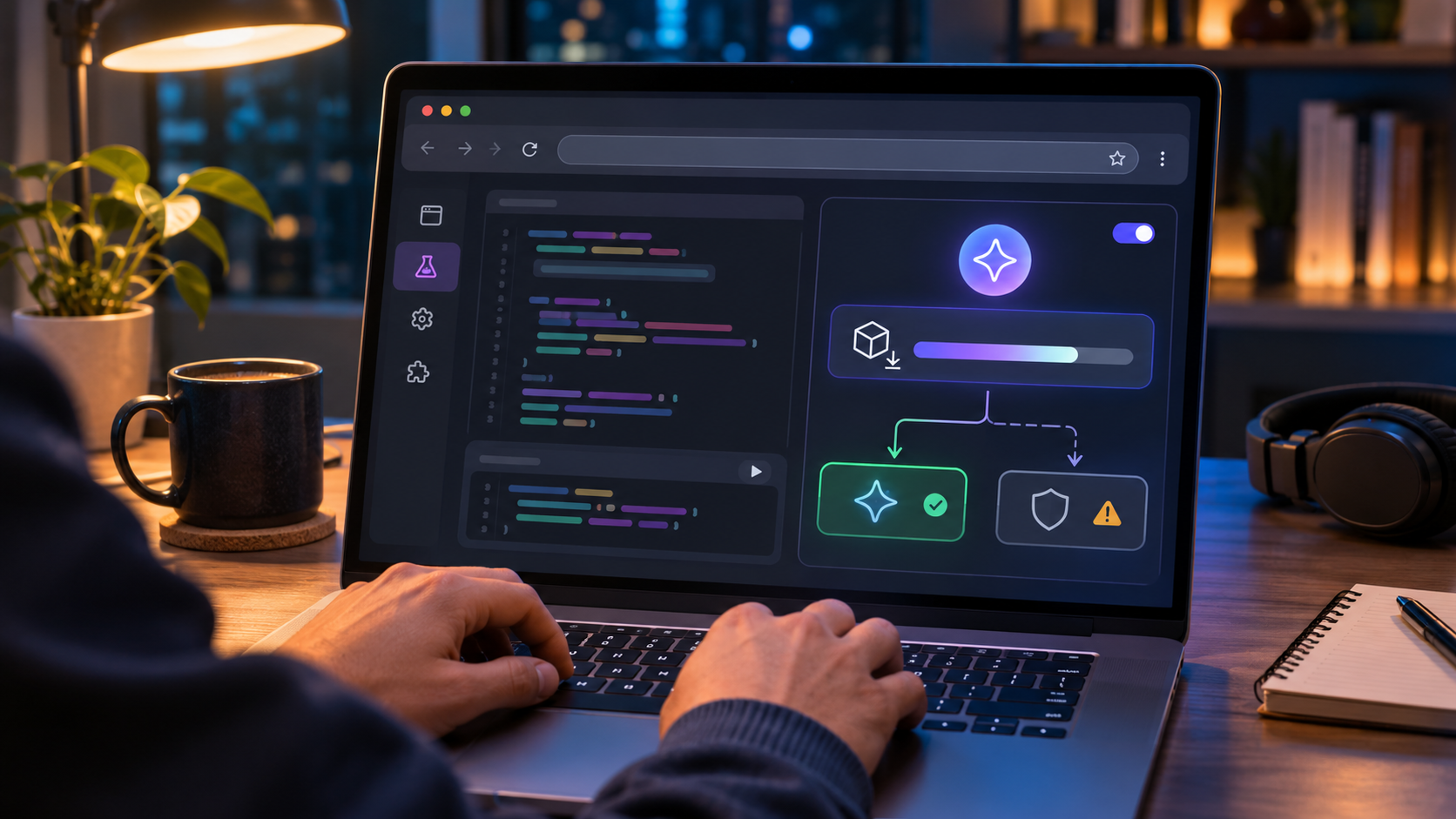
The origin trial lets developers test the Prompt API on a registered live origin while keeping a fallback for unsupported browsers and devices. Illustration: ReaderSpice.
An origin trial is a time-limited way to enable an experimental browser feature on a registered website. The developer registers an origin such as https://example.com, receives a token and serves that token in a meta element or an Origin-Trial response header. When Edge recognizes a valid token, it can enable the associated API for visitors without asking each person to change edge://flags.
Registration is tied to an origin, not a specific article path or query string. A token can expire on the scheduled date or the browser team can end a trial early. The live trial is therefore suitable for measurement and feedback, not as the only implementation of a paid or essential feature.
Origin trial does not mean general availability
Microsoft’s announcement makes Aion generally available as Edge’s built-in model, but the Prompt API that exposes general-purpose prompting to websites remains experimental. Those are different release states. A site can encounter a present model but an unavailable API, an enabled API but a pending model download, or an administrator policy that blocks all built-in AI APIs.
Microsoft’s older developer documentation still describes preview-era Edge versions and hardware thresholds. The November 19 announcement says Aion now reaches more devices, including systems that can use CPU inference. Developers should use the current trial card and runtime availability checks rather than hard-coding a GPU label or assuming every Edge installation behaves like the earlier preview.
How developers can test the Prompt API safely
- Open the current Microsoft Edge Origin Trials catalog and confirm the Prompt API trial is active, its minimum Edge version and its expiration date.
- Register the exact HTTPS origin that will host the experiment. Decide deliberately whether subdomains should be included.
- Add the generated token in a meta http-equiv=”origin-trial” element or the Origin-Trial HTTP response header.
- Perform feature detection before creating a model session. Do not infer support from the browser name or user-agent string alone.
- Expose download and readiness states in the interface so a first-time user understands why the local feature is not immediately available.
- Keep a non-AI path for the core task and a clearly disclosed cloud fallback only when the user has agreed to that data flow.
- Test short, bounded prompts first. Check latency, memory use, output schema, accessibility, cancellation and behavior after the device goes offline.
- Remove or renew the token before expiration and re-test the site when Edge changes the model or API contract.
Device requirements and documentation gaps
Microsoft’s current Prompt API developer documentation lists Windows 10 or 11 and macOS 13.3 or later for the earlier preview, at least 20GB free on the Edge-profile volume, an unmetered connection for the model download and 5.5GB of GPU memory for the Phi-4-mini path. It also says the browser can delete a model when free space drops below 10GB. Aion was introduced to extend support to lower performance classes, including CPU inference, so the older GPU figure should not be treated as a permanent Aion minimum.
The practical check is edge://on-device-internals, where developers can review the device performance class and model status on a test machine. That page is diagnostic, not a promise that the same feature will remain available after a browser, driver or policy update. Production code should still test the API at runtime and handle unavailable, downloadable and ready states.
Privacy: local inference is only one part of the data path
For prompts processed through Edge’s built-in Prompt API, Microsoft says the input and output remain on the device and are not collected to train AI models. Once downloaded, the model can work without the network for supported tasks. That is a real privacy and latency advantage over a cloud-only request.
It does not guarantee that the entire website is offline or private. The page can already send analytics, account data and form content to its own servers, and a developer can program a cloud fallback when the local model is unavailable or insufficient. A responsible implementation should label when processing is local, explain any fallback before transmission, minimize the supplied text and avoid feeding passwords, authentication codes, private messages or regulated records into an experimental feature.
Organizations have another control. Microsoft’s BuiltInAIAPIsEnabled Edge policy can block websites from accessing built-in AI APIs such as language-model, summarization, writer and rewriter interfaces. Managed users should not try to bypass that policy; developers should treat the resulting error as an intentional unsupported state.
The Decisions API is a different, earlier experiment
Microsoft is also previewing a Decisions API powered by Aion in Edge Canary and Dev. Instead of generating prose, it can answer boolean, multiple-choice and scoring questions about text and return probabilities plus a confidence value. Microsoft’s example routes an electronics review by topic, estimates satisfaction and checks whether the customer is asking for help in one pass.
That output can be useful for ranking or triage, but a confidence value is not proof of correctness. The API and its implementation can change, and biased or ambiguous input can produce a confident wrong classification. Keep a human review path for moderation, support escalation, credit, employment, health or other decisions that affect people.
Why Aion or the Prompt API may be unavailable
- The Edge build is older than the current trial requirement or the site is opened in another browser.
- The origin-trial token is missing, expired, registered for a different origin or served from the wrong header or meta element.
- The model is still downloading, the connection is metered or the Edge-profile drive lacks enough free space.
- The device performance class is not eligible for the requested model or API configuration.
- A work or school administrator disabled built-in AI APIs through Edge policy.
- The user turned off on-device AI and Edge removed the model.
- The site assumed the earlier developer-preview flags or Phi-4-mini behavior instead of checking the current runtime state.
- The origin trial ended early or the API changed after an Edge update.
A relevant Copilot+ PC example on Amazon
A new computer is not required merely to try Aion, because Microsoft designed the smaller model to reach more hardware and can use CPU inference on some systems. Readers already shopping for a current Windows AI laptop can compare the Microsoft Surface Laptop 7th Edition on Amazon (ASIN B0CXL8D3ZV). The verified listing identifies a 13.8-inch Snapdragon X Elite model with 16GB of memory and a 512GB SSD. Its Copilot+ branding does not guarantee that every Prompt API trial, site or Aion build will be enabled; confirm the exact seller, model, warranty, return policy and current Edge requirements before buying.
Affiliate disclosure: ReaderSpice may earn a commission from qualifying Amazon purchases made through this link, at no additional cost to you.
The bottom line
Aion Instruct makes Edge’s on-device AI strategy more practical by shrinking the built-in model, publishing open weights and opening the Prompt API to live-site testing. The strongest benefits are local processing, a browser-managed shared download and a path for useful text features without a cloud charge on every request.
The release is not a universal switch. The model, Prompt API, Decisions API and website fallback can each have a different availability and privacy state. Developers should feature-detect, disclose cloud fallback, preserve a non-AI path and treat origin-trial code as temporary. Users should keep Edge controls and organization policy in charge of whether a site can use the local model.
Sources
- Microsoft Edge Blog — Introducing Aion Instruct and the Prompt API origin trial
- Microsoft Learn — Prompt a built-in language model with the Prompt API
- Microsoft Learn — Test experimental APIs and features by using origin trials
- Microsoft Edge Developer — Origin Trials catalog and registration
- Microsoft Learn — BuiltInAIAPIsEnabled Edge policy
- Microsoft on Hugging Face — Aion-1.0-Instruct-2.3B model card
- Microsoft Learn — Surface Laptop 7th Edition technical specifications
- Amazon — Microsoft Surface Laptop 7th Edition, ASIN B0CXL8D3ZV (affiliate link)