
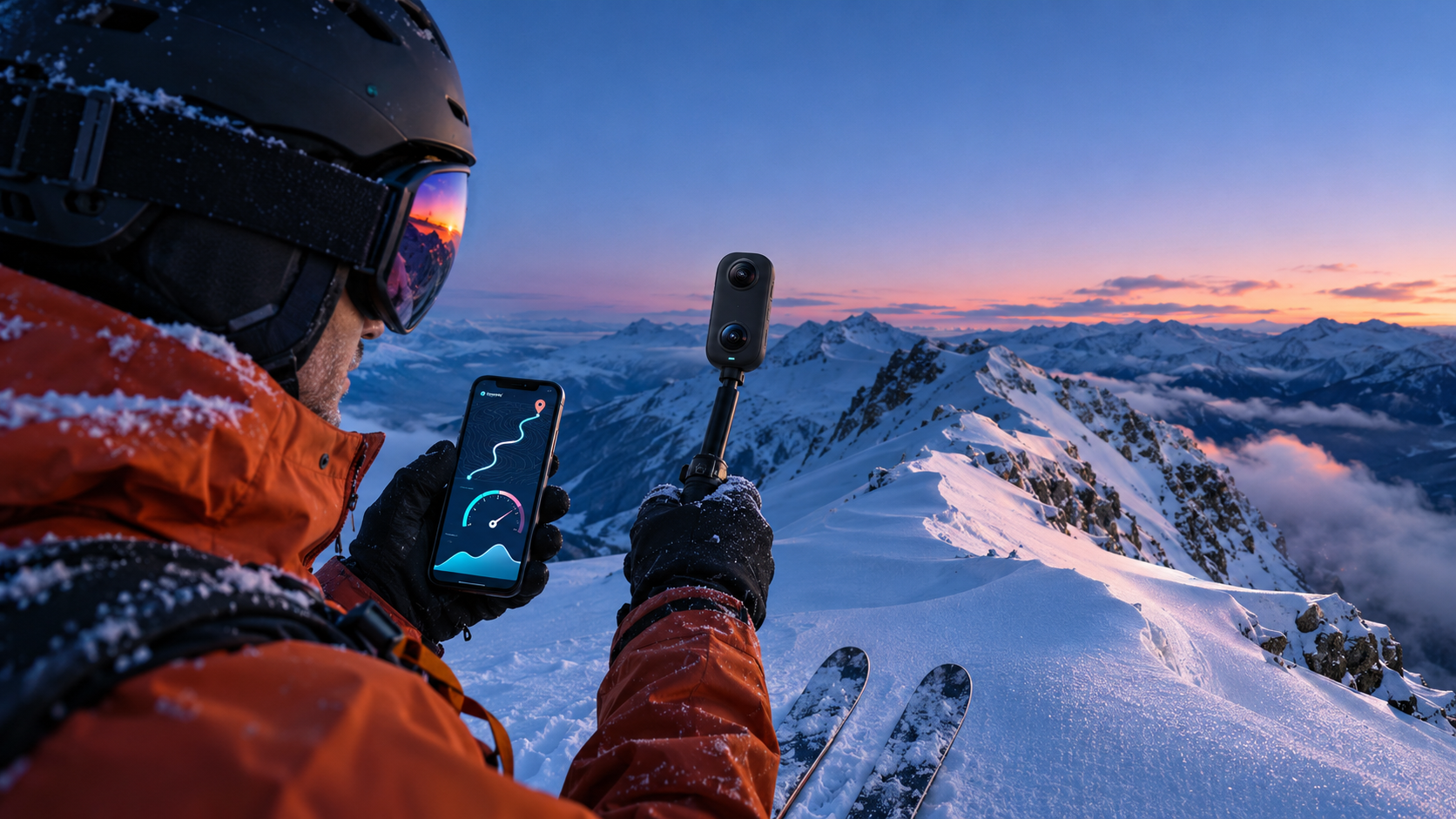
Insta360 released a winter-focused X6 update on November 24, 2026 that can bring ski and snowboard activity data from Slopes into 360-degree edits. After a one-time account authorization in the Insta360 app, recorded Slopes sessions can supply route maps, speed, distance, elevation and gradient overlays. The update adds context to a run, but it does not turn the camera into a ski coach or make an unsafe filming setup acceptable.
The camera side is firmware v1.3.59, while Insta360 lists app v2.36.8 for the Slopes integration. The same firmware also adds Phone GPS Link, which sends GPS data from a connected phone to the camera over Bluetooth after the required permissions are granted. These are related but different paths: Slopes imports a recorded winter-sports activity into an edit, while Phone GPS Link attaches phone-derived location data to new camera files.
This is a sourced update and setup guide, not a hands-on review. ReaderSpice has not tested synchronization accuracy, overlay timing, GPS drift, Bluetooth reliability, battery life on a mountain, the Slopes leaderboard or the X6 footage and stitching quality.
The winter update at a glance
- Camera requirement: Insta360 X6 firmware v1.3.59.
- Phone requirement: Insta360 app v2.36.8 for the Slopes ski-data integration; confirm the current version in the relevant app store.
- Slopes data: route maps, speed, distance, elevation and gradient can be added to compatible edits after account authorization and activity sync.
- Alternative GPS path: Phone GPS Link can record phone-derived GPS data with new X6 files over Bluetooth when permissions are enabled.
- Challenge window: November 24, 2026 through February 28, 2027 for 36,000 cumulative feet of eligible in-resort vertical tracked in Slopes.
- Camera limits that matter on snow: X6 is rated IPX8 to 20 meters when properly sealed, and Insta360 says high-intensity sports should use the threaded 1/4-inch mount instead of the magnetic quick-release interface.
What the Slopes connection changes
Slopes already records a ski day as a set of GPS-backed activities. The new integration lets the Insta360 app retrieve an authorized session and use its activity data as dashboard-style overlays. That can make a run easier to understand: a viewer can see the route and elevation change instead of judging speed or terrain only from a wide-angle image.
The important limitation is timing. A useful overlay depends on the correct Slopes activity being paired with the correct camera clips. If a phone pauses tracking, loses location access, runs out of power or records the wrong day, the edit can inherit the same gap. Treat the data as a storytelling layer rather than certified timing, avalanche information or proof of a resort record.
Account linking also expands the number of services involved in the edit. Review the authorization screen, allow only the access needed for the feature, and disconnect the accounts later if the integration is no longer useful. Before sharing, inspect overlays for a home address, lodging location, private meeting point or a route that reveals another person’s movements.
Set up Slopes data before you reach the lift
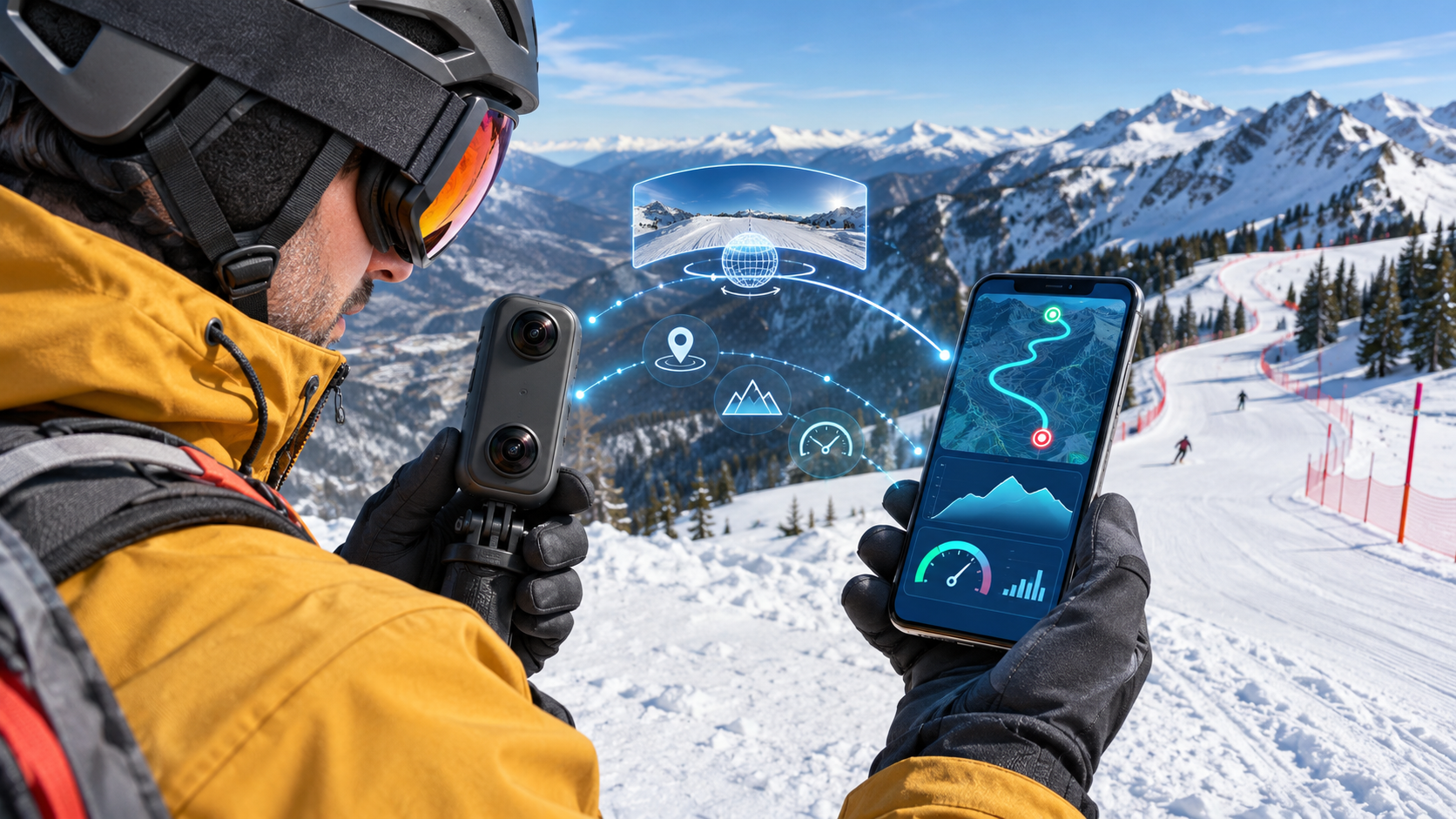
The Slopes path imports a recorded ski activity, while Phone GPS Link records phone-derived location data with new camera files. Illustration: ReaderSpice.
- Update the X6 at home. In the Insta360 app, connect the camera and follow the firmware prompt, or use one of the official manual update methods. Keep the camera close to the phone, leave the app in the foreground and maintain a stable internet connection during an app-based update.
- Confirm versions after the restart. Check Camera Info on the X6 for firmware v1.3.59 or newer, and confirm the Insta360 app is v2.36.8 or newer. A staged rollout or later maintenance version may change what number appears.
- Record a short Slopes test activity. Grant the location permissions Slopes needs, start and stop a brief outdoor session, and verify that the map, distance and elevation are present before relying on a full ski day.
- Authorize Slopes from within the Insta360 app. Follow the current account-link prompt and read what data is shared. The official announcement describes this as a one-time authorization; the exact menu labels can change with app updates.
- Import the test activity into an edit. Choose the matching session, add one or two overlays and compare the displayed route and timing with the original Slopes record.
- Export a short sample. Confirm the overlay is legible, synchronized and free of sensitive locations. Only then build the workflow around a full day of clips.
Slopes import or Phone GPS Link?
- Use the Slopes integration when the goal is to add a recorded ski or snowboard activity and its vertical, route and speed context to an edit.
- Use Phone GPS Link when the goal is to attach phone-derived location tags to new X6 photos and videos during capture.
- Neither path replaces an avalanche beacon, resort map, emergency communication plan or judgment about closures and terrain.
- Phone GPS Link depends on the phone staying connected, powered and permitted to share location; Slopes depends on a valid tracked activity and the correct account sync.
Film a run without turning setup into a hazard
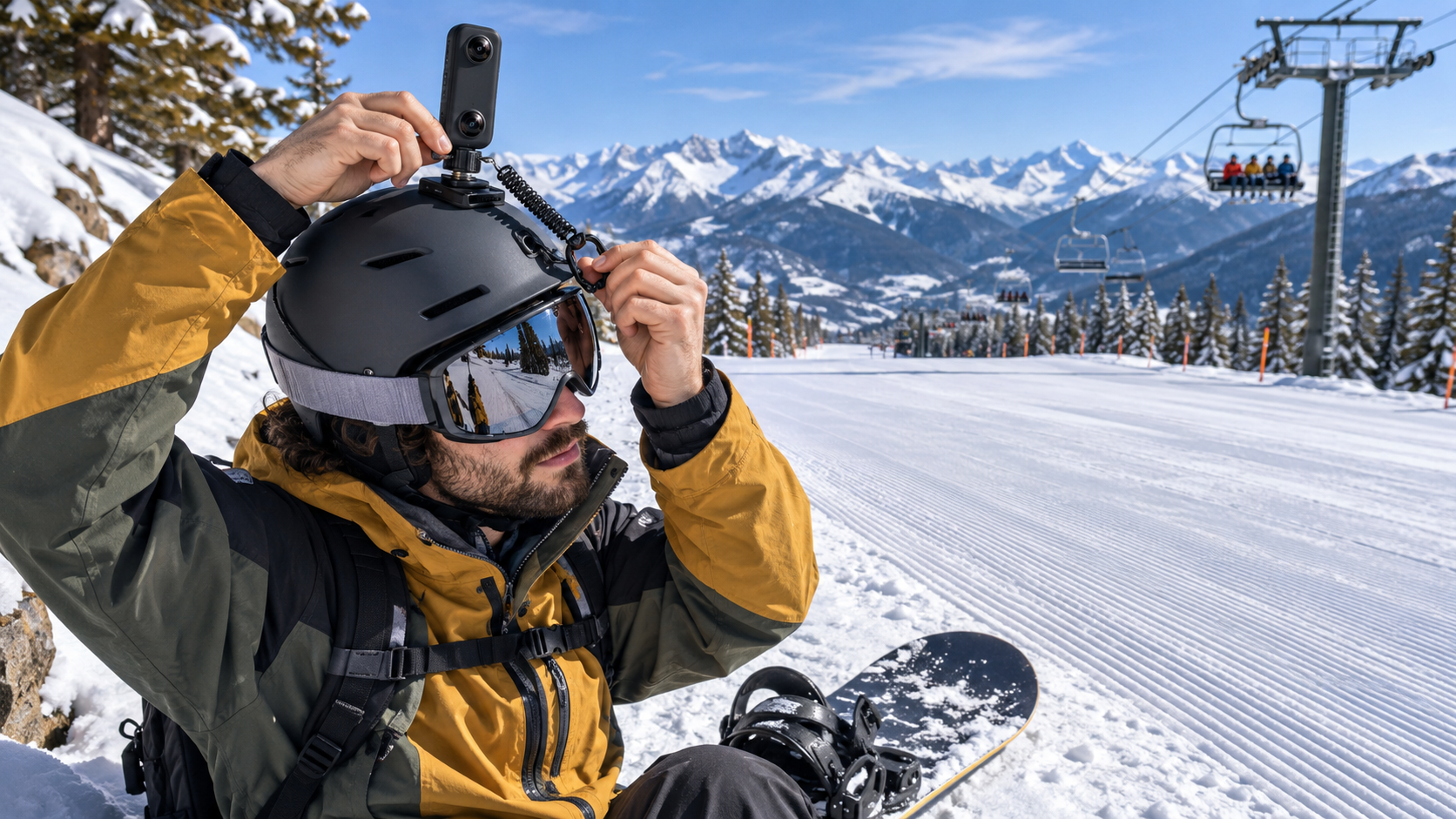
Mount and test the camera while stationary at the side of the run, using a secure threaded connection for high-intensity riding. Illustration: ReaderSpice.
- Check resort rules before mounting or extending a camera. Some lifts, parks, races and lessons restrict poles, handheld equipment or helmet accessories.
- Use a secure 1/4-inch threaded mount for high-intensity riding. Insta360 specifically warns against relying on the magnetic quick-release interface in high-vibration conditions.
- Inspect the lens, battery cover and USB cover while indoors. Clear snow, grit and moisture; close each cover completely before entering wet conditions.
- Set the recording mode, storage and stabilization before moving. Start or stop only while stationary in a safe place off the traffic line.
- Keep a selfie stick short around other people, lift queues, trees and terrain-park features. Never swing it across another rider’s path.
- Make one slow test run. Check the mount, horizon, stitch line, wind noise and GPS or Slopes workflow before attempting a faster descent.
- Back up irreplaceable clips at the lodge. A large 360 file can consume storage quickly, and a full card or corrupted file can end the day’s workflow.
Cold-weather specifications need context
Insta360’s low-temperature laboratory table lists about 140 minutes of X6 recording at 8K/30fps at 32°F, 14°F and -4°F with the screen off, Wi-Fi enabled and standard bitrate. That is a controlled reference, not a promise for a ski day. Frequent screen use, Bluetooth, GPS, app transfers, charging history, wind exposure and repeated starts can change real runtime. Keep a spare battery protected from deep cold and verify the first run before estimating the day.
The X6 is rated IPX8 to 20 meters when the battery and USB seals are clean, undamaged and fully closed. Snow use still calls for care: melting snow can reach a cover seal, and condensation can form after a rapid temperature change. Dry the exterior before opening a door or removing the battery, and allow the camera to acclimate in a sealed bag when moving from severe cold into a warm, humid room.
Water resistance does not protect the exposed lenses from a fall or ski-edge strike. Replaceable lenses reduce the repair penalty, but a lens guard, secure mount and restrained stick are still cheaper than impact damage. Inspect footage after the first run for snow droplets, scratches and a visible stitch problem.
The 360 Vertical Challenge is separate from the firmware
Slopes and Insta360 are running a 360 Vertical Challenge from November 24, 2026 through February 28, 2027. The target is 36,000 cumulative feet, roughly 11,000 meters, of eligible in-resort vertical recorded in Slopes. Slopes says participation is free, no paid Slopes subscription is required and an Insta360 camera is not required to complete the activity goal.
Finishers are offered one complimentary month of Slopes Plus and a 10% discount on eligible Insta360 ski and snowboard bundles. The leaderboard continues counting after the target, and the top three finishers can receive camera bundles subject to eligibility verification. A separate prize drawing described by Insta360 has its own entry window and rules. These are promotions, not features of firmware v1.3.59, and reward eligibility depends on the official rules and qualifying activities.
- Join the challenge inside Slopes and confirm the enrollment appears before recording vertical.
- Use the same Slopes account that will be linked to Insta360 if overlay editing is planned.
- Review what the challenge counts as eligible in-resort activity, plus geographic, age and prize restrictions.
- Keep the original activity record until progress updates correctly; do not assume a camera clip substitutes for Slopes tracking.
A relevant X6 bundle on Amazon
The current hardware that matches this workflow is the Insta360 X6 Essentials Bundle on Amazon (ASIN B0H5CJRJV7). Independent Amazon indexing and Insta360’s store identify the bundle as an X6 kit with a 114cm Invisible Selfie Stick, a Utility Fast Charge Case, two Xtreme batteries including the one installed, a lens cap, USB-C cable and protective pouch. Bundle contents, seller, warranty handling, availability and price can change; confirm the ASIN and the in-box list on the live product page before buying.
The Essentials Bundle is relevant because long winter sessions benefit from a second battery and a charging case, while the stick supports reframed 360 capture. It is not a substitute for a ski-specific threaded mount, safety tether, compatible microSD card or resort permission. Buy the standard camera instead if the extra batteries and stick will remain unused.
Affiliate disclosure: ReaderSpice may earn a commission from qualifying Amazon purchases made through this link, at no additional cost to you.
What the update does not prove
- It does not establish that Slopes and X6 timestamps will align perfectly on every phone or every long session.
- It does not make a GPS speed overlay a certified measurement or a reason to ski faster.
- It does not guarantee 140 minutes of field runtime in a particular temperature, wind, recording mode or battery condition.
- It does not remove the need to review privacy, account-link permissions and shared location data.
- It does not make a magnetic quick-release mount appropriate for high-intensity or high-vibration riding.
The bottom line
The X6 winter update is useful because it connects capture, tracking and editing without requiring a separate GPS accessory for Slopes data. The strongest workflow is also the least dramatic: update at home, track one test activity, authorize the account carefully, verify an overlay on a short clip and secure the camera with the right threaded mount before riding.
Use Slopes when a recorded ski day is the story; use Phone GPS Link when location data should travel with new camera files. Treat both as creative metadata rather than safety instruments, and treat the 36,000-foot promotion as optional. If the overlay reveals sensitive locations, the mount is uncertain or the resort rules are unclear, skip the feature and keep the run simple.
Sources
Insta360 — X6 firmware and app download page, including firmware v1.3.59 and app v2.36.8 notes
Insta360 via PR Newswire — X6 winter update and Slopes integration announcement, November 24, 2026
Insta360 — X6 winter sports guide and 360 Vertical Challenge details
Insta360 — 360 Vertical Challenge landing page and eligible bundle information
Slopes — Insta360 partnership, account authorization, overlays and challenge terms
Insta360 X6 manual — checking and updating firmware
Insta360 X6 manual — low-temperature battery-life reference
Insta360 X6 manual — safety, waterproofing and threaded-mount guidance
Insta360 — X6 product specifications and bundle information
Amazon — Insta360 X6 Essentials Bundle, ASIN B0H5CJRJV7 (affiliate link)