

TP-Link’s Tapo C825 is an unusual indoor security camera: it combines a 4-inch touchscreen, one-tap family video calls, pan-and-tilt tracking and 2K+ recording in a $149.99 tabletop device. It is now listed as shipping after a November 2026 preorder window, but one official TP-Link press page carries a conflicting 2025 dateline. This is a sourced launch guide—not a hands-on review—and the date mismatch is worth knowing before treating every launch claim as settled.
Tapo C825 at a glance
- $149.99 for one camera on Tapo’s US store; the store listed shipping from November 25, 2026. Bundle prices can change.
- 4-inch touchscreen with calls between the camera, another C825 or approved contacts in the Tapo app; third-party video-calling services are not supported.
- 2K+ 2560 × 1440 video at up to 30 fps, 40-foot infrared night vision, mechanical pan and tilt, and on-device person, pet, face and sound detection.
- Dual-band 2.4/5GHz Wi-Fi 6, local microSD storage up to 512GB, optional Tapo Care cloud storage, RTSP and ONVIF support, but no Ethernet port.
- A physical Privacy Mode visibly tilts the lens upward and pauses streaming and recording; facial recognition is unavailable in Texas and Illinois.
- Indoor-only, tabletop-only hardware powered over USB-C with a 5V/2A adapter and 3-meter cable.
The launch date needs an asterisk
Tapo’s store says preorders ran November 4–24, 2026 and shipping began November 25, 2026. Tapo’s setup guide was updated November 18, 2026, and outside coverage also reports November 25 availability. Yet TP-Link’s own launch release is dated November 25, 2025 even though its availability language points to the current product rollout. The safest reading is that the store and support pages describe the 2026 commercial launch while the press-page dateline is erroneous or stale. We have asked no source to resolve the discrepancy, so buyers should rely on the live store listing for current availability.
Set up family video calls without creating an open door
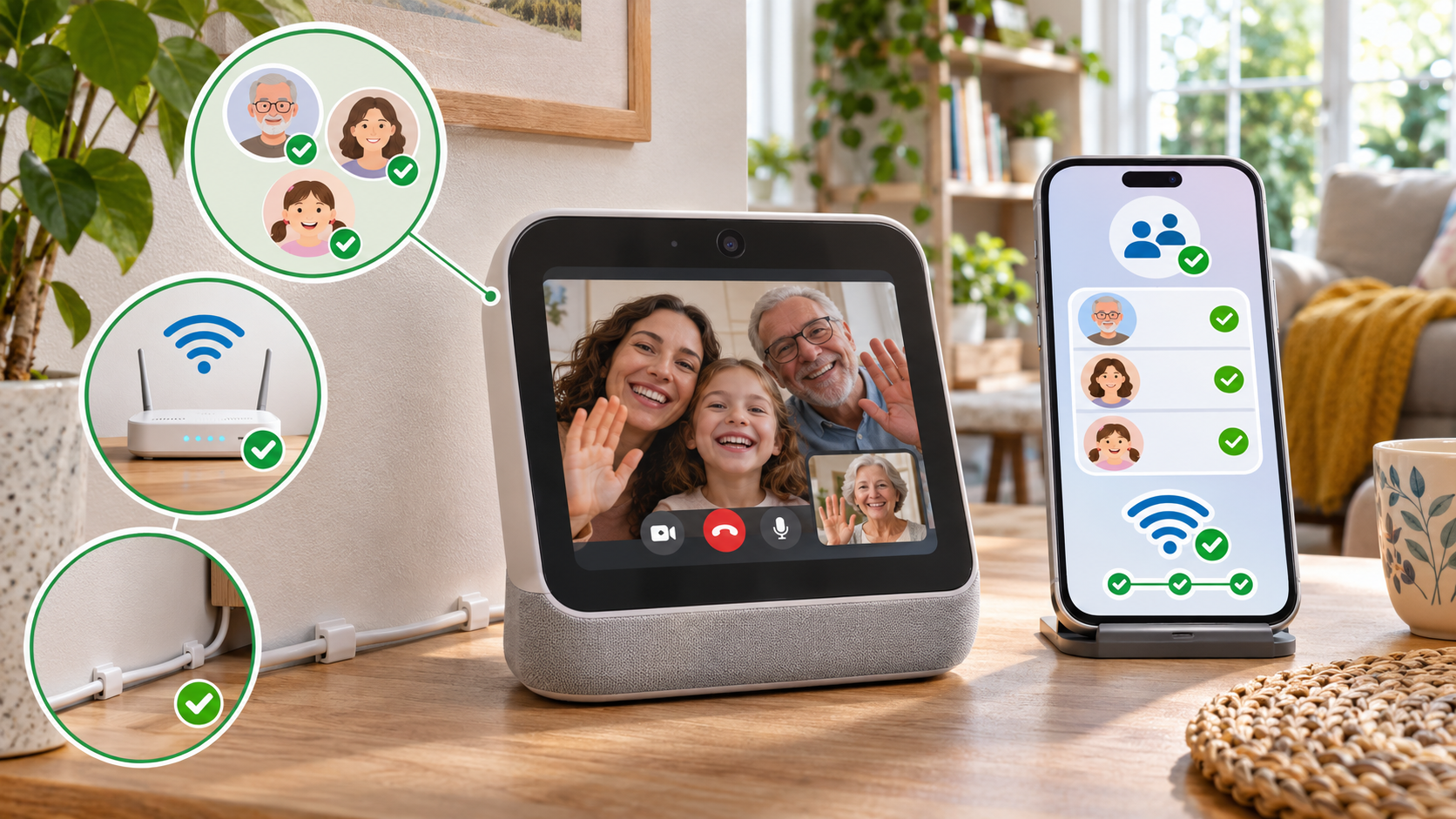
Approved contacts, Wi-Fi and safe cable placement should be tested before the camera becomes part of a household routine.
- Place the camera on a stable indoor tabletop with an unobstructed view. Route the 3-meter power cable so children, pets and mobility aids cannot snag it.
- Add the C825 in the Tapo app with the household’s primary TP-Link ID, then install any available firmware update before configuring contacts or recording.
- Add only known people. Tapo says app contacts are invited by email; another C825 can be added by its MAC address. The camera does not accept arbitrary third-party calling accounts.
- Test an incoming and outgoing call from the screen and the app. Confirm the intended person can answer, decline, mute and end a call without help.
- Create a short contact list rather than giving every shared user full control. Tapo describes one primary owner account with sharing for additional users, so decide who is responsible for settings and access reviews.
- Disconnect the internet briefly and verify the fallback you actually need. Remote viewing and video calling require connectivity; powered, configured local recording may continue, but it is not a substitute for an emergency phone or medical alert service.
What the screen changes—and what it does not
The touchscreen can make a camera easier for a child, older relative or less technical household member to use because a call can start from the device rather than a phone. Hands-free tracking can keep the person in frame. Those conveniences do not make the C825 a medical monitor, guarantee that someone will answer, or protect against power and broadband outages. Families should agree on when calls are appropriate, who may view the camera and which rooms are off-limits.
The product page lists a 333-degree mechanical pan range for 360-degree horizontal coverage and a 104-degree mechanical tilt range for 156-degree vertical coverage. A wide 114.5-degree diagonal field of view helps in a living room, but tabletop placement means furniture and people can still block the scene. Treat auto-tracking as framing assistance, not proof that every event was captured.
Privacy Mode is visible, but consent still matters
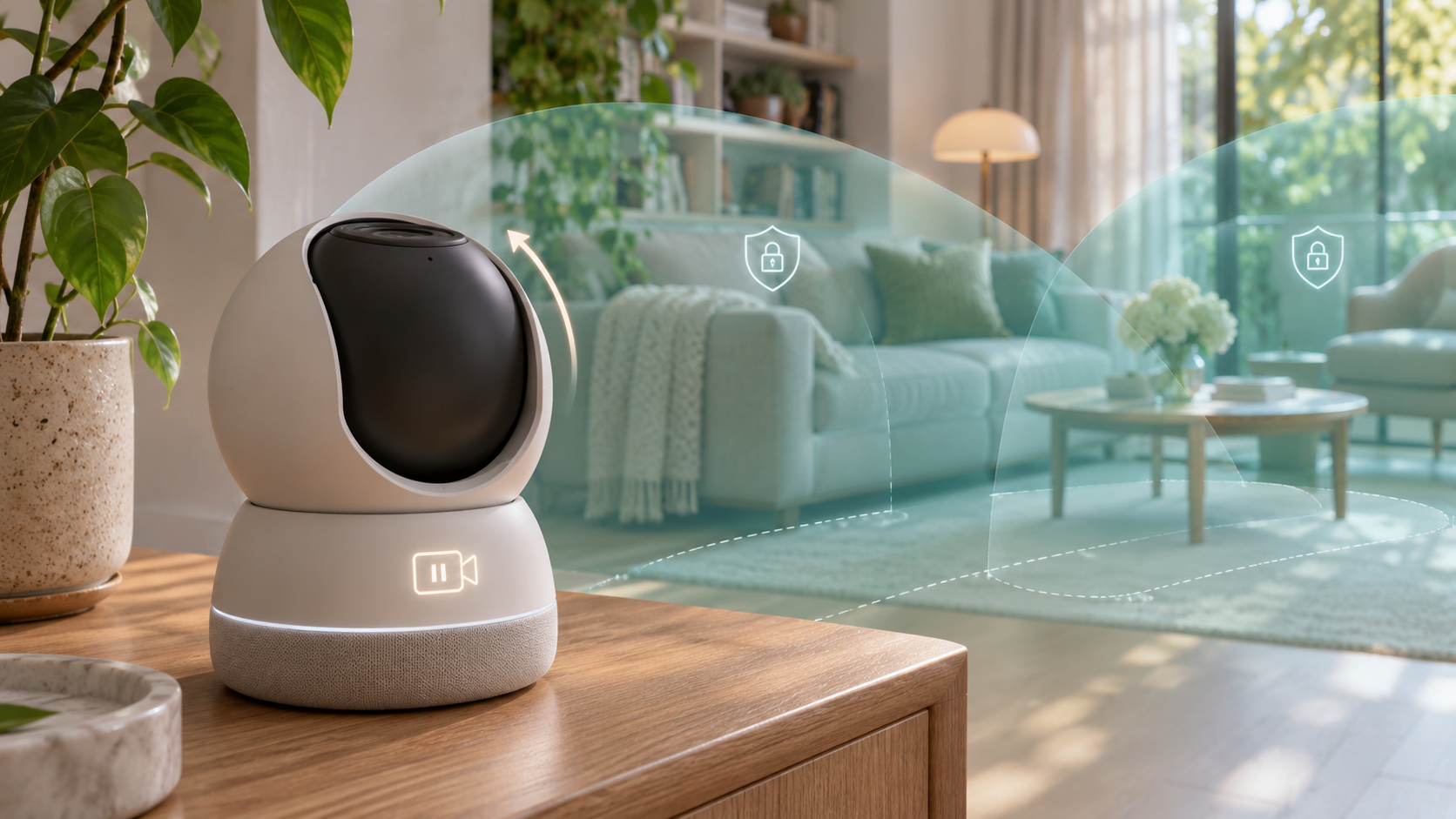
A visibly upward-facing lens is easier to audit than a software-only switch, but household rules and access reviews remain essential.
Pressing the physical Privacy Mode control rotates the lens upward and pauses streaming and recording. That visible state is useful: a person in the room can see whether the lens is parked. Still, test it after setup and after major firmware updates. Confirm that live view stops, scheduled recording does not resume unexpectedly and every shared user understands how to enable privacy. Privacy zones can mask selected areas, but they should supplement—not replace—consent from people who live, work or visit in the space.
Texas and Illinois lose facial recognition
Tapo says facial recognition is unavailable in Texas and Illinois because of regional and legal restrictions. Other detection features may remain available, but buyers in those states should not expect named-person recognition. The limitation is a product behavior, not a workaround invitation: do not change an account region or device location to evade local privacy rules.
Local storage does not mean every feature is free
The C825 can detect motion, people, pets, faces, line crossing, tampering, a baby crying, meowing, barking and glass breaking on-device. It can also record to a microSD card up to 512GB without a cloud-storage subscription. Tapo’s specification page draws an important boundary, however: a notification that includes an AI snapshot requires a subscription. Tapo Care is also needed for cloud recording and related cloud features. Basic detection and local clips are therefore not the same as the complete premium notification experience.
For local storage, a high-endurance card is the sensible class because security cameras write repeatedly. One relevant option is the SanDisk 512GB High Endurance microSD card. TP-Link has not certified this specific listing for the C825, so verify the seller and capacity, format the card in the Tapo app and test recorded playback before relying on it.
Affiliate disclosure: ReaderSpice may earn a commission from qualifying Amazon purchases made through the tracked link above, at no extra cost to you.
Security and compatibility checklist
- Use a unique TP-Link account password, enable every account-security option Tapo offers and remove shared users who no longer need access.
- Keep firmware and the Tapo app current, then re-test calls, Privacy Mode, local recording and notifications after major updates.
- Choose microSD or Tapo Care based on how you will retrieve footage after damage or theft; a card inside the camera can disappear with it.
- RTSP and ONVIF can help local integrations, but enabling them expands the system you must secure. Isolate cameras on an appropriate network and use strong credentials.
- Alexa, Google Assistant and SmartThings compatibility can add viewing or automation options, but each connection adds another account and privacy policy to review.
Who should buy the Tapo C825?
The C825 makes the most sense for a consenting household that wants a simple, dedicated family-call screen and an indoor camera in one device. Its physical privacy position, local storage option, dual-band Wi-Fi and open camera protocols are stronger than a basic app-only indoor cam. It is less convincing for buyers who need third-party calling, Ethernet, wall or ceiling mounting, weather resistance, battery backup or guaranteed emergency communication.
At $149.99, the value depends on actually using the screen. If the home already has a tablet or smart display and only needs monitoring, a less expensive pan-and-tilt camera may cover the job. If one-tap calling helps a relative participate without finding a phone, the C825’s unusual design can justify the premium—provided the family treats access, consent and outage planning as setup requirements rather than afterthoughts.
Bottom line
Tapo’s C825 is a thoughtful hybrid of indoor camera and family calling terminal, with useful local storage and a privacy control people can see. Its limits are equally important: calls stay inside Tapo’s ecosystem, internet access remains critical, premium snapshots and cloud features cost extra, and facial recognition is unavailable in Texas and Illinois. Buy it for easier household communication, not as a silent surveillance device or emergency lifeline.
Sources
- Tapo C825 official product page
- Tapo US store listing and launch schedule
- Tapo C825 official specifications
- TP-Link C825 product and compatibility page
- TP-Link launch release with conflicting dateline
- Tapo C825 setup guide
- Tapo face-management regional limitation FAQ
- The Verge launch coverage
- SanDisk High Endurance microSD product specifications