
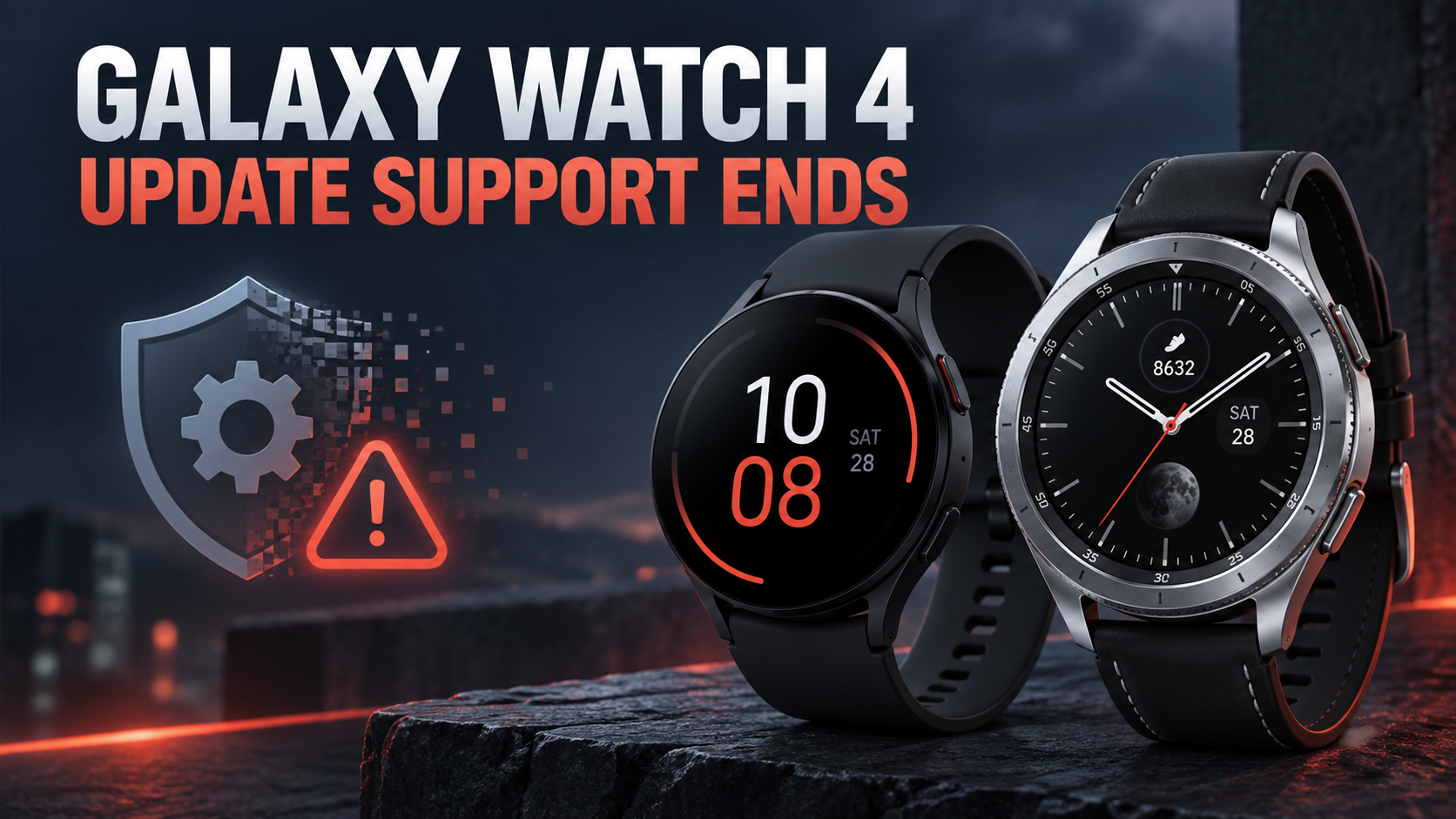
Samsung has removed the Galaxy Watch 4 and Galaxy Watch 4 Classic from its current wearable security-update list, signaling the end of regular software support for the two 2021 smartwatches. Both devices should continue working, but owners should no longer expect routine security patches, operating-system upgrades or compatibility fixes.
The change closes a five-year support period for the first Samsung watches built on the jointly developed Wear OS platform. It also makes the Galaxy Watch 5, Watch 5 Pro and newer models the oldest Samsung wearables still listed for quarterly security updates.
What changed for the Galaxy Watch 4 series
Samsung’s official security-update scope currently names the Galaxy Watch 5 series through the Galaxy Watch 9 generation, along with the Galaxy Watch FE, Watch Ultra models and Galaxy XR. The Galaxy Watch 4 and Watch 4 Classic are absent.
Samsung explains that wearable devices on the list receive regular updates containing Google Wear OS patches and Samsung-specific fixes. It also notes that the list can change when Samsung’s internal support period or the Wear OS support period expires.
Removal from the list means the Watch 4 line is no longer scheduled for those regular updates. Samsung could still issue an exceptional fix if a serious problem required one, but owners should not plan around an unpromised emergency patch.
Which watches are affected
- Samsung Galaxy Watch 4, including the 40mm and 44mm sizes.
- Samsung Galaxy Watch 4 Classic, including the 42mm and 46mm sizes.
The change does not apply to the Galaxy Watch 5, Watch 5 Pro or later generations. Samsung’s current support page still includes those devices in its quarterly wearable-update group.
Will a Galaxy Watch 4 stop working?
No. End of regular support does not remotely disable the watch. Existing fitness tracking, notifications, alarms, apps, Samsung Health synchronization and Bluetooth or LTE functions should continue as long as the watch, phone and required services remain compatible.
The risk increases gradually. New vulnerabilities may remain unpatched, future phone or app updates can introduce compatibility problems, and developers may eventually stop supporting the older Wear OS version. Battery aging and unavailable replacement parts can become more immediate concerns than software support for some owners.
Check for the final available update
Before deciding what to do, install every update Samsung has already released. The Galaxy Wearable app supports watch software updates and remains the simplest place to check a paired Galaxy Watch.
- Open the Galaxy Wearable app on the connected Android phone.
- Choose Watch settings, then Watch software update.
- Select Download and install and follow the prompts.
- Keep the watch charged and connected until the installation finishes.
Menu wording can vary slightly by phone, carrier and Galaxy Wearable version. If no update appears, the watch may already have the latest package available for its model and region.
Five steps for safer continued use
- Keep the paired phone, Galaxy Wearable app, Samsung Health and installed watch apps fully updated.
- Use a secure screen lock and protect the connected Samsung and Google accounts with strong passwords and two-step verification.
- Remove unused apps and revoke permissions that are no longer necessary, especially for location, microphone, contacts and health data.
- Be cautious with unfamiliar watch faces or apps, and install software only from trusted stores and developers.
- Review wallet, payment and sensitive work-account use. A supported replacement is the safer choice when the watch carries credentials or confidential notifications.
When replacing the watch makes sense
There is no need to throw away a Watch 4 that still works well, especially if it is used mainly for time, workouts and basic notifications. Replacement becomes easier to justify when the watch handles contactless payments, workplace accounts or sensitive health information; when it develops app-pairing problems; or when battery life is no longer practical.
An unsupported wearable also deserves extra scrutiny if it is used by a child, an older family member or anyone who depends on emergency and health features. Reliability and compatibility matter as much as the newest feature list in those situations.
What to do before selling or recycling
Back up supported settings through the Galaxy Wearable or Samsung account options, confirm that Samsung Health data has synchronized, remove payment cards and then reset the watch. Also remove it from Samsung Find or Google device-management services so the next owner can activate it cleanly.
A factory reset erases local content, but owners should still verify that the watch no longer appears as an active trusted device on their Samsung and Google accounts. Use a reputable electronics recycling program if the battery or display makes resale impractical.
Current Samsung Galaxy Watch alternatives
Owners who want ongoing security support can compare current Samsung Galaxy Watch 9 models on Amazon. A newer model should deliver a longer remaining update window, fresher battery hardware and better compatibility with current Galaxy phones, although prices and available sizes can change.
As an Amazon Associate, ReaderSpice earns from qualifying purchases.
The bottom line
Galaxy Watch 4 and Watch 4 Classic owners do not need to panic, but they should recognize that routine support has ended. Install the last available update, reduce unnecessary access to sensitive data and watch for compatibility problems. If the device is used for payments, work accounts or safety-critical features, moving to a currently supported model is the more cautious long-term choice.
Sources
Samsung Mobile Security: Current security-update scope
Android Central: Galaxy Watch 4 support-cycle report
Google Play: Galaxy Wearable app features and updates
Samsung Support: Galaxy Wearable app and device help