
Google’s October 2026 Android security update addresses critical flaws that can be triggered without user interaction, while supported Pixel phones are receiving an additional October patch and a small set of practical bug fixes. If your phone offers the update, this is one to install promptly.
The Android Security Bulletin was published on October 5, 2026. Google’s separate Pixel bulletin followed on October 6, and the company began a phased Pixel rollout the same day. Timing still depends on the device, carrier and region, so two eligible phones may not receive the update simultaneously.
Why this October security update matters
The most serious Android issue in the October bulletin is a critical vulnerability in the System component that could allow local elevation of privilege without extra execution privileges or user interaction. In plain language, a malicious process could potentially gain access it should not have without requiring the owner to tap a link or approve a prompt.
The bulletin also lists a critical remote denial-of-service flaw in the Android Framework. Google assigns severity according to the effect a vulnerability could have on an affected device if exploited. A critical rating does not, by itself, mean Google has observed attacks in the wild, and the October bulletin does not say these flaws are being actively exploited.
The critical Android vulnerabilities
Google’s October bulletin groups the most important issues into several categories:
- Framework: CVE-2026-58865 is rated critical for remote denial of service and requires no user interaction.
- System privilege escalation: CVE-2026-55269, CVE-2026-55280, CVE-2026-58835 and CVE-2026-58880 are rated critical.
- System denial of service: CVE-2026-49933 and CVE-2026-55265 are rated critical.
- System remote code execution: CVE-2026-49878 is rated high severity.
Remote code execution is typically the most alarming label because it can allow code to run on a target device. Privilege-escalation flaws can let code that is already present gain broader permissions, while denial-of-service bugs can crash or disable a component. The exact risk depends on the vulnerable code path, device configuration and whether an attacker can reach it.
Pixel phones get additional October fixes
Supported Pixel phones receive a 2026-10-05 security patch level that incorporates the Android-wide October fixes plus Pixel-specific corrections. Google says all supported Pixel devices will receive the 2026-10-05 patch level or later.
The Pixel bulletin lists three critical Pixel-specific flaws: CVE-2026-55330 in Bluetooth, CVE-2026-56952 in GDMC and CVE-2026-55307 in GSA. It also includes high-severity kernel fixes. Google’s public bulletin identifies the affected components and severity, but it does not provide exploit instructions.
Pixel bug fixes included in the rollout
The October Pixel update also addresses several user-visible problems on supported models:
- A keyboard that sometimes failed to appear in search fields on Pixel 8 through Pixel 11 families.
- Distorted ringtone audio during some VoIP calls on Pixel 8 through Pixel 10 families.
- Incorrect photo or video orientation on Pixel 11 models.
Google says the rollout is phased over roughly a week and varies by carrier and device. That means the update can be official even if the download button has not appeared on a particular phone yet.
How to check your Android security patch level
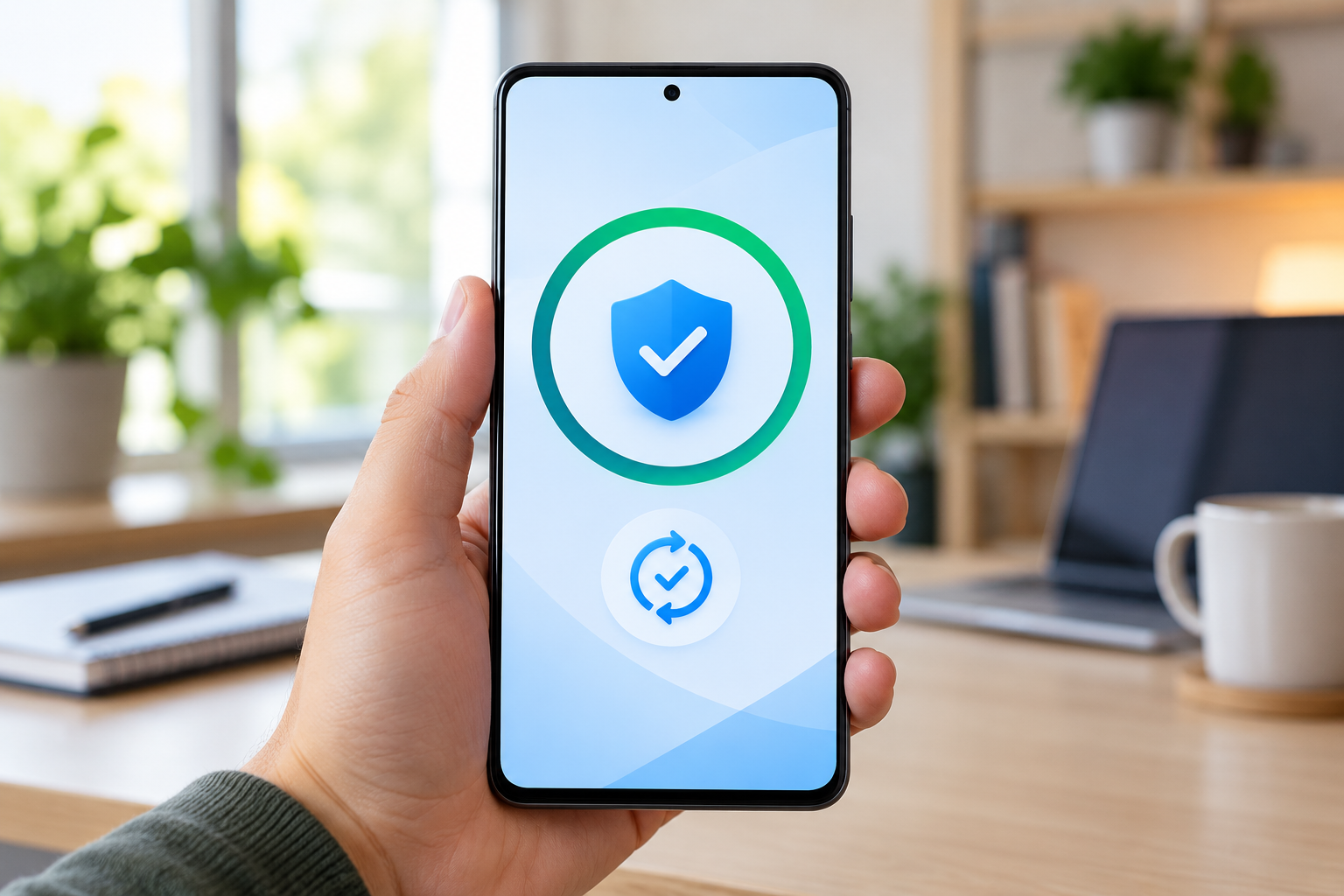
Open Settings, then go to About phone or About tablet and choose Android version. Look for both Android security update and Google Play system update. To actively check for an available operating-system update, open Settings, select System, then Software updates.
For most Android devices, a security patch level of 2026-10-01 or later indicates that the core October bulletin fixes are included. Supported Pixel phones should show 2026-10-05 or later after Google’s October update is installed. Other manufacturers may use their own rollout calendars and may bundle the fixes into a later-dated patch.
Google Play system updates are worth checking separately. Android 10 and newer devices can receive some security improvements through Google Play system updates even when the phone maker’s full firmware update has not arrived.
What to do if the update is not available yet
- Connect to Wi-Fi and charge the phone to at least 75 percent before trying again.
- Restart the phone, then return to Settings > System > Software updates.
- Check the Google Play system update under Settings > About phone > Android version.
- Keep Google Play Protect enabled; it is on by default on devices with Google Mobile Services.
- Remember that carrier approval and staged deployment can delay an otherwise eligible device.
Do not install firmware packages from unfamiliar websites just to get the patch early. Official over-the-air updates or manufacturer support tools are the safer route, because the package and model compatibility can be verified.
Which Pixel phones are still supported
Google’s current support policy gives Pixel 8 and newer phones seven years of operating-system and security updates from the date each model first became available in the Google Store. Pixel 6 and Pixel 7 families receive five years. Pixel 5a and earlier models no longer receive Android version or security updates from Google.
If an unsupported phone is still in daily use, reduce exposure by keeping apps updated, leaving Play Protect enabled and avoiding sensitive activity on the device. Replacement is the more durable fix because application updates cannot repair vulnerabilities in abandoned system components.
A practical upgrade path for unsupported phones
If you are replacing an out-of-support Pixel, compare current Google Pixel phones on Amazon before buying. Choose a model with a long remaining support window rather than focusing only on the lowest upfront price.
ReaderSpice may earn a commission from qualifying purchases made through this affiliate link, at no additional cost to you.
Should you install the update immediately?
Yes. The October package fixes multiple critical vulnerabilities, and supported Pixel phones also receive stability corrections. Back up anything irreplaceable, connect to reliable Wi-Fi, charge the battery, install the update and restart when prompted. Pixel updates become active after a restart.
Owners of other Android brands should check their manufacturer’s update page if the October patch is not yet available. Google publishes the platform fixes, but each manufacturer is responsible for packaging and distributing them to its eligible devices.
Bottom line
The October 2026 Android security release is a meaningful maintenance update, not a cosmetic one. It closes critical no-interaction vulnerabilities, adds Pixel-specific protections and resolves several everyday Pixel bugs. Check both the Android security patch and Google Play system update, and aim for 2026-10-05 or later on a supported Pixel.
Sources
Android Security Bulletin—October 2026
Pixel Update Bulletin—October 2026
Google Pixel Community: October 2026 update
Google Android Help: Check and update your Android version
Google Pixel Help: Learn when you’ll get software updates
Inline image: Android phone displaying completed security and system update checks
Inline image alt text: Android phone showing completed security update and system update checks