
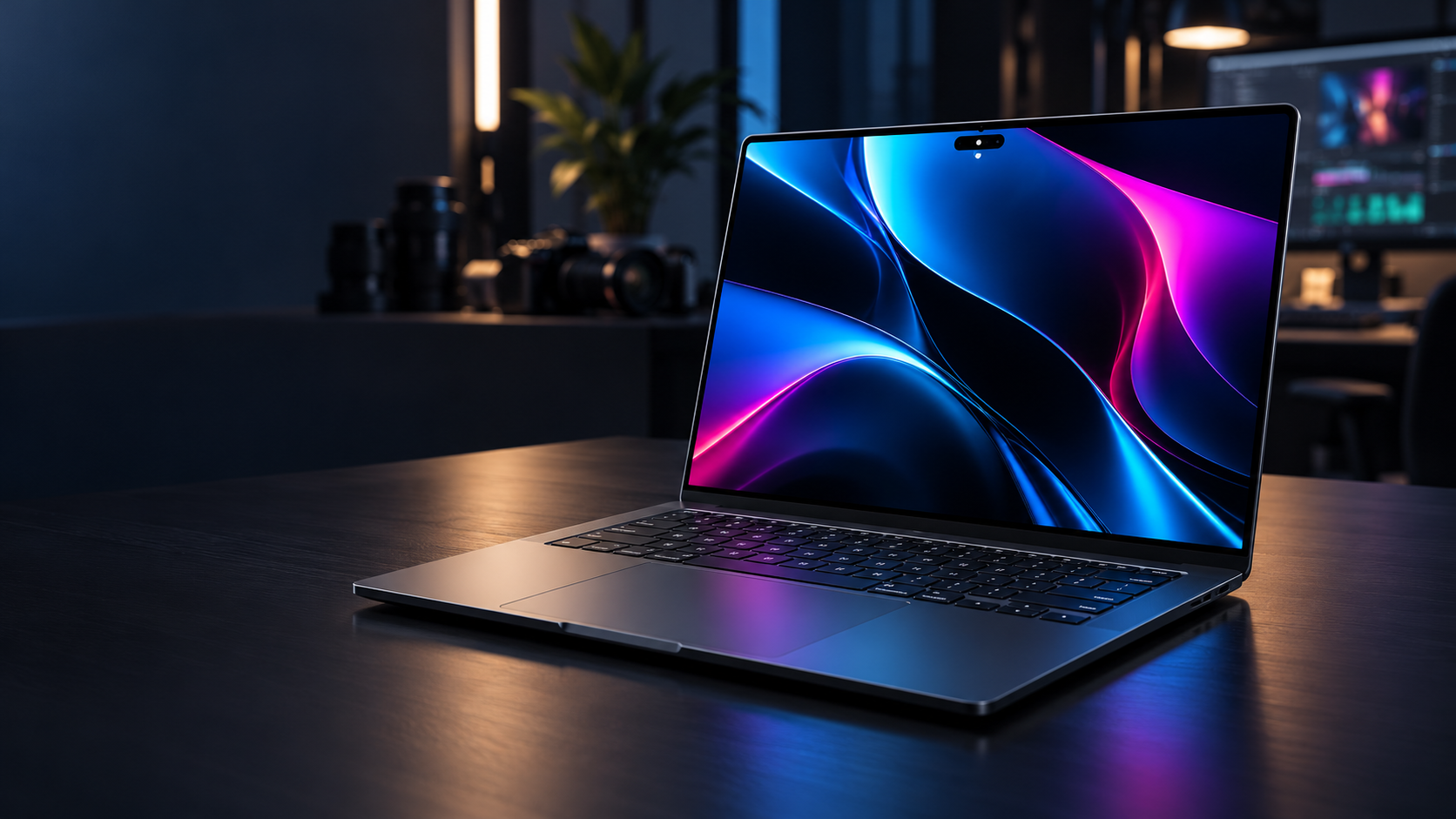
Apple’s first touchscreen Mac is a premium MacBook Pro variant built around a new tandem-OLED display. The MacBook Pro with PROLED XDR Display starts at $2,899 in the United States, comes in 14- and 16-inch sizes, and pairs the new screen with M5 Pro or M5 Max chips rather than the M6 used in the separate $1,999 entry model.
The display, touch support, Dynamic Island and lighter chassis are major changes, but the launch also creates a complicated buying decision. The OLED models cost substantially more than the standard MacBook Pro, they do not fold into tablets, and they lack Apple Pencil support. Here is what the specifications mean, what early hands-on reports found and who should wait for full reviews.
PROLED XDR MacBook Pro at a glance
- U.S. preorder date: October 28, 2026.
- Availability: November 6, 2026, through Apple Stores and authorized resellers.
- Starting prices: $2,899 for the 14-inch M5 Pro model and $3,399 for the 16-inch M5 Pro model.
- M5 Max prices: $4,499 for the 14-inch model and $4,799 for the 16-inch model.
- Display: tandem OLED, up to 2,000 nits peak HDR or outdoor SDR brightness, 10,000,000:1 contrast and 10Hz-to-120Hz adaptive refresh.
- New interactions: Multi-Touch input and Dynamic Island; no Apple Pencil support and no convertible tablet mode.
- Memory and storage ceilings: up to 128GB of unified memory and up to 16TB of SSD storage, depending on configuration.
Launch price and configurations
Apple is selling the OLED touchscreen MacBook Pro as a high-end branch of the lineup rather than replacing every model. The four entry points are:
- 14-inch with M5 Pro: starts at $2,899.
- 16-inch with M5 Pro: starts at $3,399.
- 14-inch with M5 Max: starts at $4,499.
- 16-inch with M5 Max: starts at $4,799.
Those prices are before expensive memory, storage, nano-texture glass and chip upgrades. Apple lists storage configurations reaching 16TB and memory reaching 128GB on supported M5 Max builds. A fully configured machine can therefore cost far more than the headline price. Buyers should build the exact configuration they need and compare it with an external-storage workflow before treating the starting number as representative.
The new OLED models coexist with the 14-inch M6 MacBook Pro that starts at $1,999. The less expensive M6 system uses the familiar Liquid Retina XDR mini-LED display, has no touchscreen and tops out at 32GB of memory. The OLED models cost more because they combine a redesigned display and chassis with higher-tier M5 Pro or M5 Max chips, more memory bandwidth, Thunderbolt 5 and larger configuration ceilings.
Why PROLED XDR is different
PROLED XDR is Apple’s name for a tandem-OLED display stack. Unlike the mini-LED backlight in the standard MacBook Pro, OLED pixels emit their own light and can switch fully off for black. The tandem construction uses multiple emitting layers to increase brightness and durability while preserving OLED’s pixel-level contrast.
Apple specifies a 10,000,000:1 contrast ratio, one billion colors, P3 and Adobe RGB gamut coverage, and adaptive refresh rates from 10Hz to 120Hz. The display is rated for up to 1,000 nits sustained full-screen brightness and up to 2,000 nits peak brightness for HDR content or outdoor SDR use. Those are maximum conditions, not a promise that every app or full-screen workload will remain at 2,000 nits.
The wider Adobe RGB coverage is particularly relevant to photographers and print-oriented designers. Apple says both P3 and Adobe RGB are available in a single default preset, while professional reference modes remain available for controlled workflows. Color-critical buyers should still profile the display for their environment and wait for independent measurements of uniformity, white point, near-black behavior and long-term image retention.
What Touch changes in real work
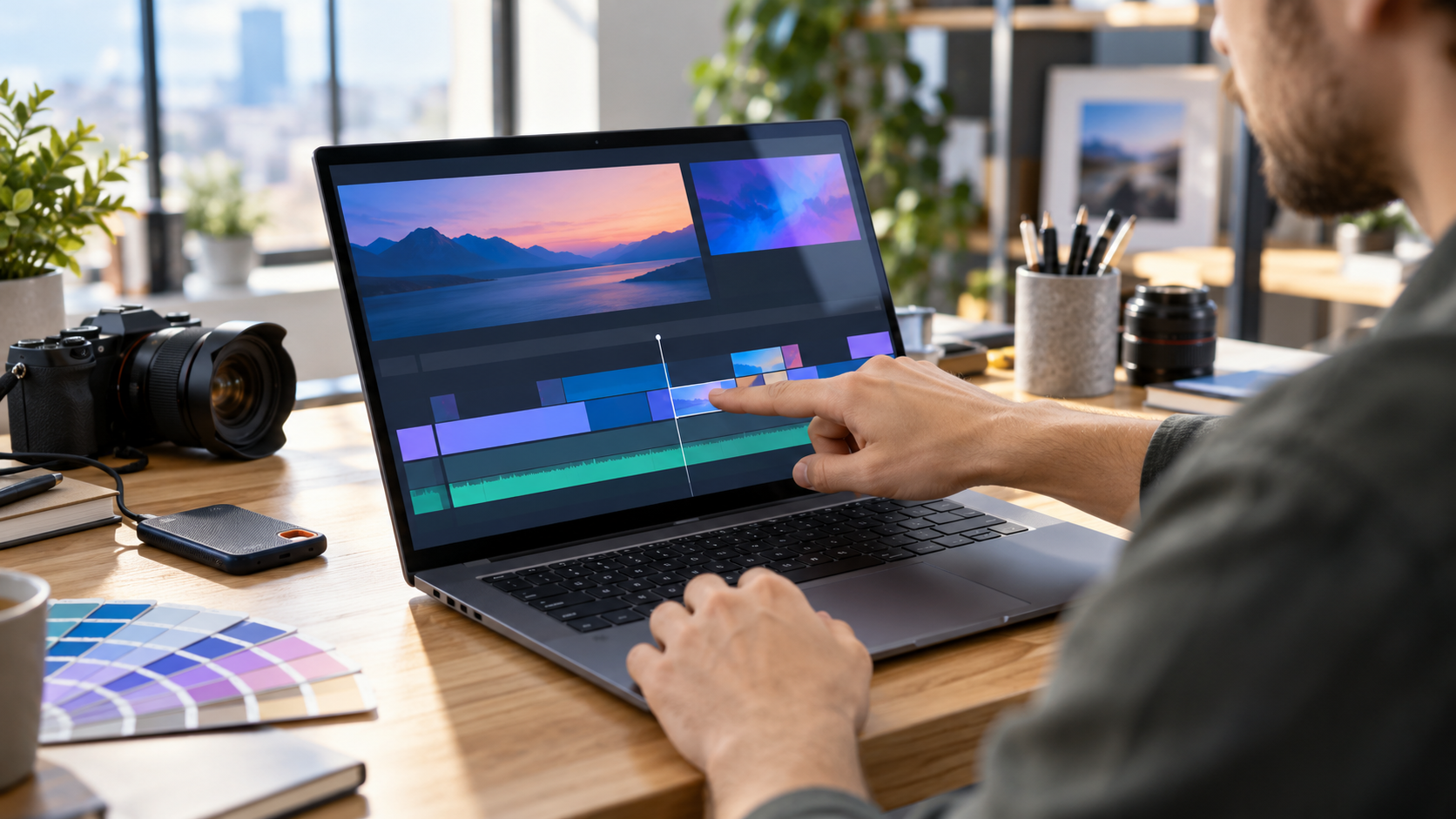
Touch on the PROLED model supports familiar actions such as scrolling, pinch-to-zoom, window movement, file dragging and direct manipulation in supported creative apps. Apple demonstrated drawing in Pixelmator Pro, arranging clips in Final Cut Pro, playing software instruments in Logic Pro and interacting with 3D content directly on the screen.
The Mac remains a conventional clamshell laptop. The screen does not rotate into a tablet, detach or lie flat as a drawing surface, and Apple Pencil is not supported. Early hands-on reporting from The Verge and Ars Technica also found that firm taps can move the display and that small controls in older software can remain awkward even when macOS translates taps into clicks.
That makes Touch an optional input method rather than a replacement for the keyboard and Force Touch trackpad. It may be genuinely useful for quick timeline scrubbing, photo zooming, presentation control, software-instrument pads and testing touch behavior in iPhone or iPad apps. Long drawing sessions, precision masking and sustained finger input may still be more comfortable on a pen display or iPad.
Dynamic Island replaces the notch
The camera cutout now sits inside a Dynamic Island that can expand for Live Activities, Spotlight, media controls, brightness, volume and Siri AI. The smaller floating area reduces the visual weight of the previous notch, although it still occupies screen space and may interact differently with full-screen apps and games.
Apple says developers can work with the new interface through macOS 27. Buyers who depend on full-screen color-grading, gaming or presentation software should wait for compatibility testing. An app can work without being optimized for Touch or Dynamic Island, but its controls and menu behavior may not feel designed for the hardware.
M5 Pro and M5 Max performance tiers
The OLED MacBook Pro uses M5 Pro and M5 Max chips, which remain higher-tier parts even though the entry model now carries the newer M6 name. Chip generation alone is not a reliable performance ranking. The M5 Pro and M5 Max configurations provide more CPU and GPU cores, greater memory bandwidth, larger memory ceilings, additional media engines on Max models and broader external-display support than the base M6 MacBook Pro.
Apple lists M5 Pro configurations with up to an 18-core CPU and 20-core GPU. M5 Max configurations reach an 18-core CPU and up to a 40-core GPU, with memory bandwidth as high as 614GB/s on the top tier. Real performance will depend on the selected chip, memory capacity, thermal behavior and application support.
The M5 Max models are aimed at workflows such as large video timelines, 3D rendering, complex music projects, scientific computing and local AI models that need more than 32GB of unified memory. A creator who mainly edits occasional 4K video, develops standard applications or works in Lightroom may get better value from M5 Pro or even the less expensive M6 model.
Ports, displays and wireless connectivity
Every PROLED model includes three Thunderbolt 5 ports, MagSafe 3, HDMI, an SDXC card slot and a 3.5mm headphone jack. Apple specifies Thunderbolt 5 and USB4 speeds up to 120Gb/s for supported modes and accessories. Actual transfer speed depends on the dock, storage device, cable, enclosure and workload; a Thunderbolt 5 label does not make a slower SSD faster.
M5 Pro configurations support up to three external displays, while M5 Max configurations support up to four, according to Apple. That distinction matters for fixed editing, trading, software-development and control-room setups. Verify the exact resolution and refresh-rate combination in Apple’s technical specifications before buying monitors or docks.
The N1 networking chip adds Wi-Fi 7, Bluetooth 6 and Thread. Wi-Fi 7 requires a compatible router and suitable network conditions, and Thread support is primarily useful for compatible smart-home devices. The laptop cannot overcome an older access point, congested internet connection or poorly positioned router.
Lighter design, but familiar ergonomics
Apple lists the 14-inch model at 3 pounds and the 16-inch model at 4 pounds. That is roughly half a pound lighter for the 14-inch design and 0.7 pound lighter for the 16-inch compared with their preceding high-end counterparts. The chassis is also slightly thinner, with narrower display borders and a 16.3-inch panel on the larger model.
A reinforced hinge is intended to improve stability during touch use, but the device still asks the user to reach across the keyboard. The Verge reported some wobble with firmer taps, while Ars Technica described Touch as familiar and useful without turning the MacBook into a different category of device. Those are early impressions from limited hands-on time, not long-term ergonomic testing.
Apple also revives an illuminated logo on the lid, with brightness tied to the display. That detail is cosmetic, but it helps distinguish the redesign from the standard M6 model and recent MacBook Pro generations.
Battery life and charging
Apple advertises up to 24 hours of battery life across the new family, but the exact claim changes by size and processor. For the 14-inch model, Apple lists up to 22 hours of video streaming with M5 Pro and up to 20 hours with M5 Max, plus up to 14 or 13 hours of wireless web use respectively. Real endurance will fall with high brightness, sustained CPU or GPU work, external displays and connected storage.
The 14-inch model has a 72.6-watt-hour battery and supports fast charging with a 96W or higher USB Power Delivery source. The Mac can charge through MagSafe or USB-C. Check the adapter included with the selected configuration before buying another one; included power supplies can differ by size and chip.
For buyers who want a second high-wattage charger for a 14-inch setup, the Apple 96W USB-C Power Adapter is available on Amazon under ASIN B081FVQCHQ. It does not include a charging cable, and a separate charger is unnecessary if the included adapter already meets the workflow. Confirm the seller, condition, model, return policy and final price before ordering.
Disclosure: ReaderSpice may earn a commission from qualifying Amazon purchases made through the link above, at no additional cost to you.
OLED tradeoffs to evaluate
Tandem OLED addresses brightness and durability more aggressively than a conventional single-stack panel, but it does not remove every OLED question. Static menu bars, editing interfaces and code windows can remain on screen for hours. Apple has not published a consumer burn-in warranty specific to these models, so long-term image-retention behavior needs independent testing.
The glossy touchscreen also collects fingerprints. Apple applies an oleophobic coating and offers nano-texture glass, but buyers should compare glare, cleaning requirements and perceived contrast in person. Nano-texture can reduce reflections in bright rooms, yet it adds cost and may change the appearance of deep blacks or fine detail.
Touch controls can also create accidental input when adjusting the screen or pointing during a meeting. macOS settings and application updates may improve the experience, but buyers should not assume every established Mac app has been redesigned around fingers on day one.
Who should consider the PROLED model
- Consider it if the built-in display is central to paid work, especially HDR finishing, color-critical photography, print design, high-end motion graphics or mobile 3D production.
- Consider it if Touch directly improves a supported workflow and the nonconvertible laptop form is acceptable.
- Choose M5 Pro when strong pro performance, Thunderbolt 5 and up to three external displays are enough.
- Choose M5 Max only when GPU throughput, extra media engines, four-display support or more than the M5 Pro memory ceiling saves measurable work time.
- Wait if the purchase depends on burn-in behavior, battery endurance, display accuracy, fan noise or touchscreen ergonomics; full reviews should test all five.
- Buy the $1,999 M6 model instead if 32GB of memory, Thunderbolt 4, two external displays and the mini-LED screen already meet the requirement.
The bottom line
The MacBook Pro with PROLED XDR Display is Apple’s most consequential laptop redesign in years. Tandem OLED, Touch, Dynamic Island, lower weight, Thunderbolt 5 and high-end M5 Pro or M5 Max configurations give professional users meaningful capabilities that the standard M6 model does not offer.
It is also a specialized and expensive machine. The $2,899 starting price is only the beginning, Touch does not create an iPad-style convertible, Apple Pencil is absent and long-term OLED behavior remains untested. Buyers should select it for a display, memory, GPU or workflow requirement—not simply because it is the newest-looking MacBook Pro.
Sources
Apple Newsroom: MacBook Pro with PROLED XDR Display announcement — October 28, 2026
Apple: MacBook Pro with PROLED XDR Display technical specifications
The Verge: Hands-on with Apple’s touchscreen MacBook Pro
Ars Technica: Touchscreen MacBook Pro hands-on
ReaderSpice: M6 MacBook Pro price, specifications and upgrade advice
Amazon: Apple 96W USB-C Power Adapter (ASIN B081FVQCHQ)