
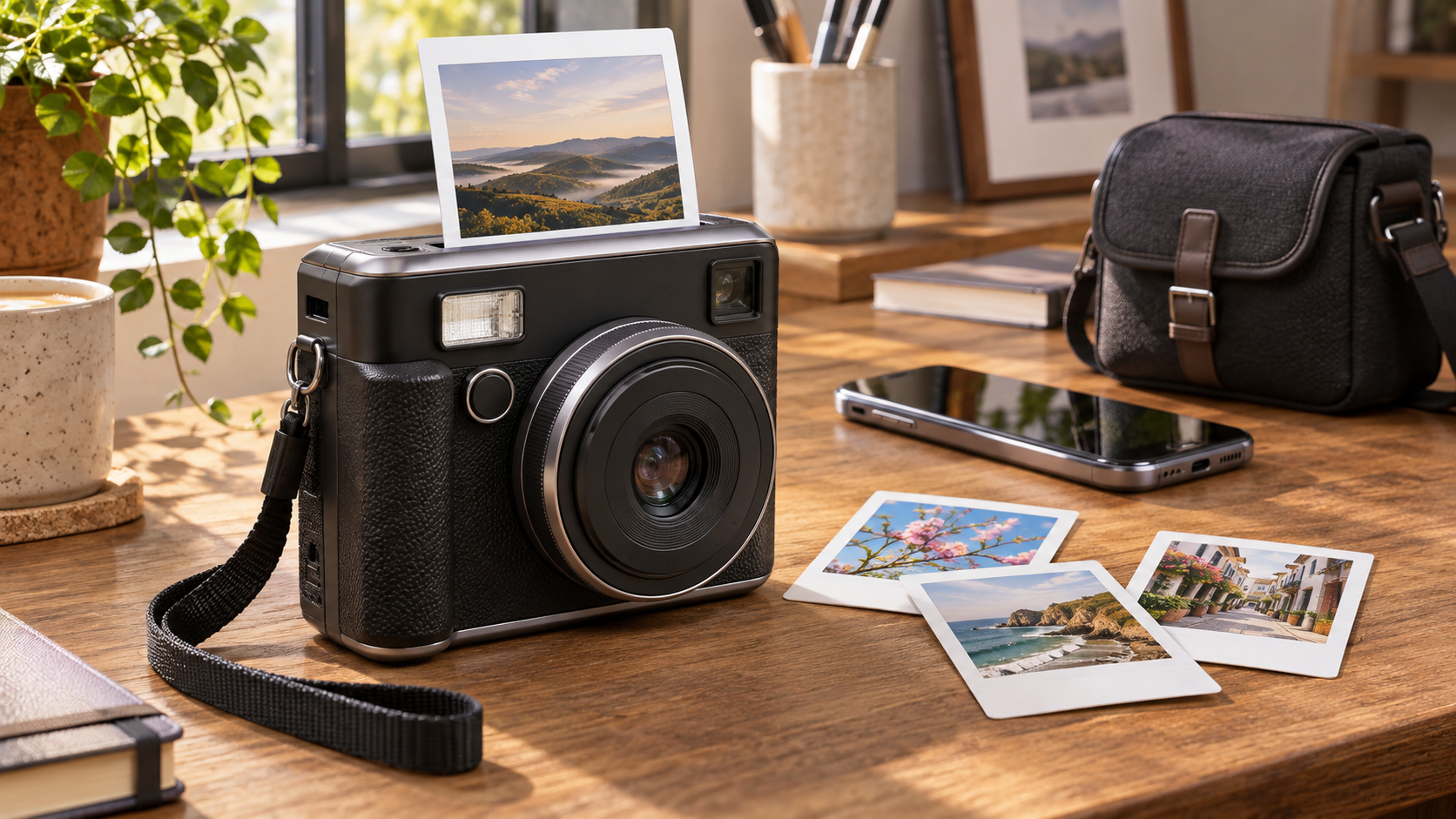
Fujifilm is preparing to release the Instax Mini Evo 2 in the United States at the end of November 2026 for $289.95. The second-generation hybrid instant camera adds a 4.46-inch touchscreen, a larger 1/2.77-inch sensor, face-detection autofocus, a wider composition mode and a short video clip that accompanies a still photo.
The camera remains a selective printer rather than a purely analog instant camera: it stores a digital image first, lets the photographer review it, and prints only the shots chosen on Instax Mini film. That approach saves film and adds creative control, but it also means the experience depends on a screen, an internal battery and, for several new features, a microSD card.
The most important buying detail is what the new movie feature is not. Instax Immersive Movie records a five-second, low-resolution clip ending when the shutter is pressed. It does not record audio, cannot use internal memory and is not a replacement for normal video capture. Buyers should judge the Evo 2 as an instant-photo camera with a motion keepsake, not as a compact vlogging camera.
Instax Mini Evo 2 at a glance
- U.S. price: $289.95; Fujifilm expects availability at the end of November 2026.
- Canadian price: CAD $379.99.
- Display: 4.46-inch color touchscreen with approximately 1.23 million dots.
- Sensor and lens: 1/2.77-inch CMOS sensor with an f/2 lens and face-detection autofocus.
- Still images: 2144 x 2860 pixels in the normal mode; up to 3100 x 4128 pixels for supported wide images saved to a microSD card.
- Movie feature: approximately five seconds at 560 x 992 pixels and 24 fps, with no audio; microSD is required.
- Printing: 2 x 3-inch Instax Mini film, approximately 14 seconds per print.
- Storage: about 45 still images internally, plus microSD, microSDHC and microSDXC cards up to 256GB.
- Battery claim: approximately 90 prints per charge; charging takes roughly two to three hours.
- What costs extra: Instax Mini film and a microSD card.
What the touchscreen and Expanded View change
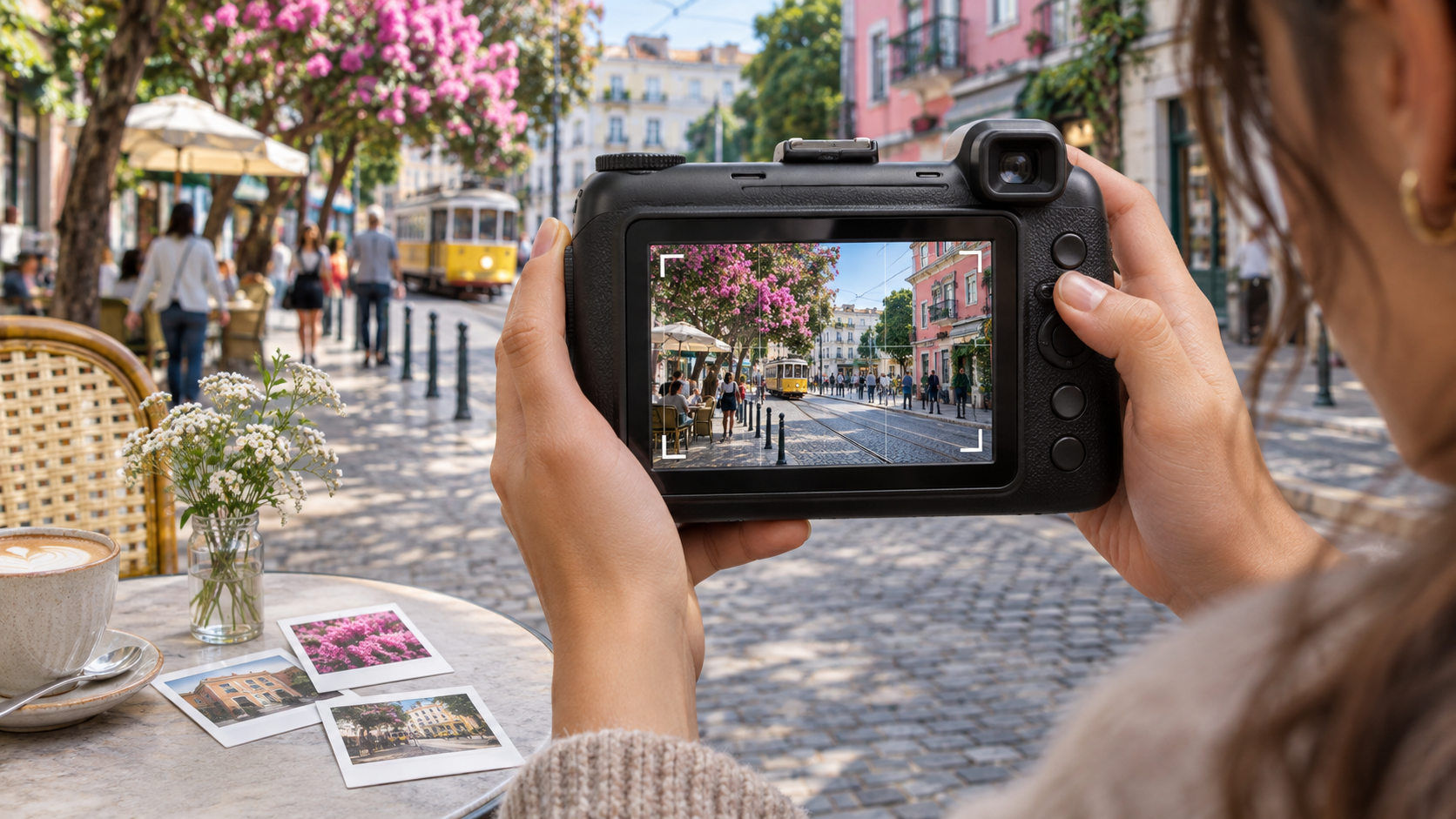
Concept illustration of touchscreen composition and a wider framing guide on a hybrid instant camera.
The 4.46-inch touchscreen is the most visible change from the original Mini Evo. It occupies most of the camera back and is used to compose, change settings, review digital images and choose which ones to print. A larger preview should make framing and effect selection easier, although it also replaces many rear physical controls with touch interaction.
Expanded View shows more of the scene around the final print area and places a framing guide on the display. Fujifilm lists a 33mm-equivalent view for the standard still-image framing and a 23mm-equivalent wide option. The wider composition is useful for groups, interiors and travel scenes, but the full 3100 x 4128-pixel file requires a memory card; internal storage saves a lower-resolution version.
The feature should not be confused with an optical zoom. The camera uses a fixed lens, and the display is helping the photographer choose between crop and field-of-view options. Final image quality still depends on light, focus, exposure and the small sensor, while the physical print remains limited to the Instax Mini image area.
Immersive Movie is a motion keepsake, not normal video
When Immersive Movie is enabled, the camera buffers the moments before the shutter press and saves a short MP4 clip alongside the still image. Fujifilm describes the result as roughly five seconds including the moment the picture is taken. The clip is recorded at 560 x 992 pixels, 24 frames per second and about 5 Mbps using H.264.
Audio is not recorded. A microSD card is mandatory, and the feature cannot save a movie to the camera’s internal memory. Fujifilm estimates about 250 clips per gigabyte, but real capacity also depends on still images and other files on the card.
That makes Immersive Movie best suited to a small memory attached to a print: a laugh before a portrait, a candle being blown out or a subject moving into position. Anyone who needs sound, long clips, higher video resolution, stabilization options or continuous recording should use a phone or dedicated video camera instead.
Image quality, effects and printing
The Evo 2 uses a 1/2.77-inch CMOS sensor, an f/2 lens and automatic sensitivity from ISO 100 to 1600. Autofocus works from 10 centimeters to infinity and now includes face detection. Exposure compensation, white balance, flash modes, macro shooting and two self-timer choices provide more control than a basic point-and-shoot instant camera.
Ten lens effects can be combined with ten film effects for 100 looks. Fujifilm also retains Instax-Rich and Instax-Natural print modes. Effects are part of the appeal, but buyers should preview a few combinations before printing rather than treating all 100 as equally useful. An effect that looks dramatic on the touchscreen can lose subtle detail on a small instant print.
The print engine exposes images at 1600 x 600 dots when printing a camera file, and a print takes about 14 seconds to eject. Development continues after ejection, so the image should be allowed to appear naturally without shaking, bending or opening the film. Film is sold separately, making per-print cost part of the long-term ownership decision.
Storage, app features and charging limits
Internal memory holds approximately 45 still images. The camera accepts microSD, microSDHC and microSDXC cards up to 256GB; Fujifilm recommends UHS Speed Class 1 or faster and instructs owners to format the card in the camera before use. A card is also required for firmware updates downloaded from Fujifilm’s support site.
The updated Mini Evo app can send smartphone images to the camera for printing, control the shutter remotely, transfer supported camera images and install firmware. Bluetooth 5.2 handles low-energy pairing, while the camera also includes 2.4GHz Wi-Fi connectivity. App availability, phone permissions and firmware versions can affect individual features.
USB-C is used for charging only, not for wired image transfer. Fujifilm rates the internal battery for about 90 prints, with a two-to-three-hour recharge. The battery is not described as user-replaceable, so long trips still require planning around charging access, film inventory and storage capacity.
How to set up the Evo 2 without wasting film
- Charge the camera fully before the first outing and install the latest firmware from Fujifilm’s official support page.
- Insert and format a compatible microSD card in the camera if you plan to use wide-resolution files, Immersive Movie or web-downloaded firmware updates.
- Pair the Mini Evo app and test remote shooting and smartphone printing before an event rather than troubleshooting while subjects wait.
- Load Instax Mini film only after confirming the cartridge matches the camera and avoid opening the film door until the pack is empty.
- Take several digital test frames with different exposure and effect settings, then print one representative image before committing more film.
- Keep the lens, film-ejection slot and touchscreen clean, and protect the camera from temperatures outside Fujifilm’s listed 5°C to 40°C operating range.
Original Mini Evo versus Mini Evo 2
The original Mini Evo remains the lower-cost alternative and still offers the core hybrid workflow: review digital images, combine lens and film effects, print selected shots and use the camera as a smartphone printer. The Evo 2 makes its strongest case with the much larger touchscreen, larger sensor, face-detection autofocus, wider framing option and motion clip.
Those upgrades do not make every original owner an automatic candidate to replace a working camera. Both models print on the same small Instax Mini film, and the Evo 2’s movie feature has no audio and very limited resolution. Existing owners should upgrade only if the new composition, autofocus or keepsake features solve a specific problem.
A current Amazon alternative
Buyers who do not need the Evo 2 upgrades can compare the original Fujifilm Instax Mini Evo on Amazon (ASIN B0C9VQK3PD). It provides the established hybrid instant-camera workflow at a potentially lower price, but it has a smaller rear display, an older sensor and no Immersive Movie feature. Verify the seller, color, warranty, included accessories and current price before ordering.
Affiliate disclosure: ReaderSpice may earn a commission from qualifying Amazon purchases made through the link above, at no additional cost to you.
Who should buy and who should wait
Consider the Evo 2 if
- You want instant prints but prefer to choose the image before spending a sheet of film.
- A large touchscreen and wider composition view matter more than a purely analog shooting experience.
- You enjoy creative filters and want one device that can also print selected smartphone photos.
- A silent five-second motion keepsake adds value even though it is not conventional video.
Wait or choose another camera if
- You need high-resolution video, audio recording, interchangeable lenses or strong low-light performance.
- You prefer physical rear controls and do not want most settings routed through a touchscreen.
- The recurring cost of Instax Mini film makes frequent printing impractical.
- You already own the original Mini Evo and the new framing, autofocus and clip features do not change how you shoot.
- You want independent image-quality and battery testing before paying the $289.95 launch price.
The bottom line
Fujifilm’s Instax Mini Evo 2 is a substantial usability upgrade to the company’s hybrid instant-camera concept. The 4.46-inch touchscreen, larger sensor, face-detection autofocus, wider framing option and faster print workflow should make it easier to create and select images before using film.
Its limits are just as clear. The new movie mode is silent and low resolution, several headline features require a microSD card, USB-C is charging-only and film remains an ongoing expense. At $289.95, the Evo 2 makes the most sense for people who value the tactile result of a physical print but want digital selection and control before committing each sheet.
Sources
Fujifilm U.S.: Instax Mini Evo 2 specifications
Fujifilm Instax: Instax Mini Evo 2 product features and Immersive Movie limitations
Fujifilm Instax: Instax Mini Evo 2 support and memory-card guidance
Fujifilm Instax: Instax Mini Evo 2 manuals
Amazon: Original Fujifilm Instax Mini Evo (ASIN B0C9VQK3PD)