Meeting Owl 5 Is a $1,499 4K Conference Camera: The Upgrade and the Gaps

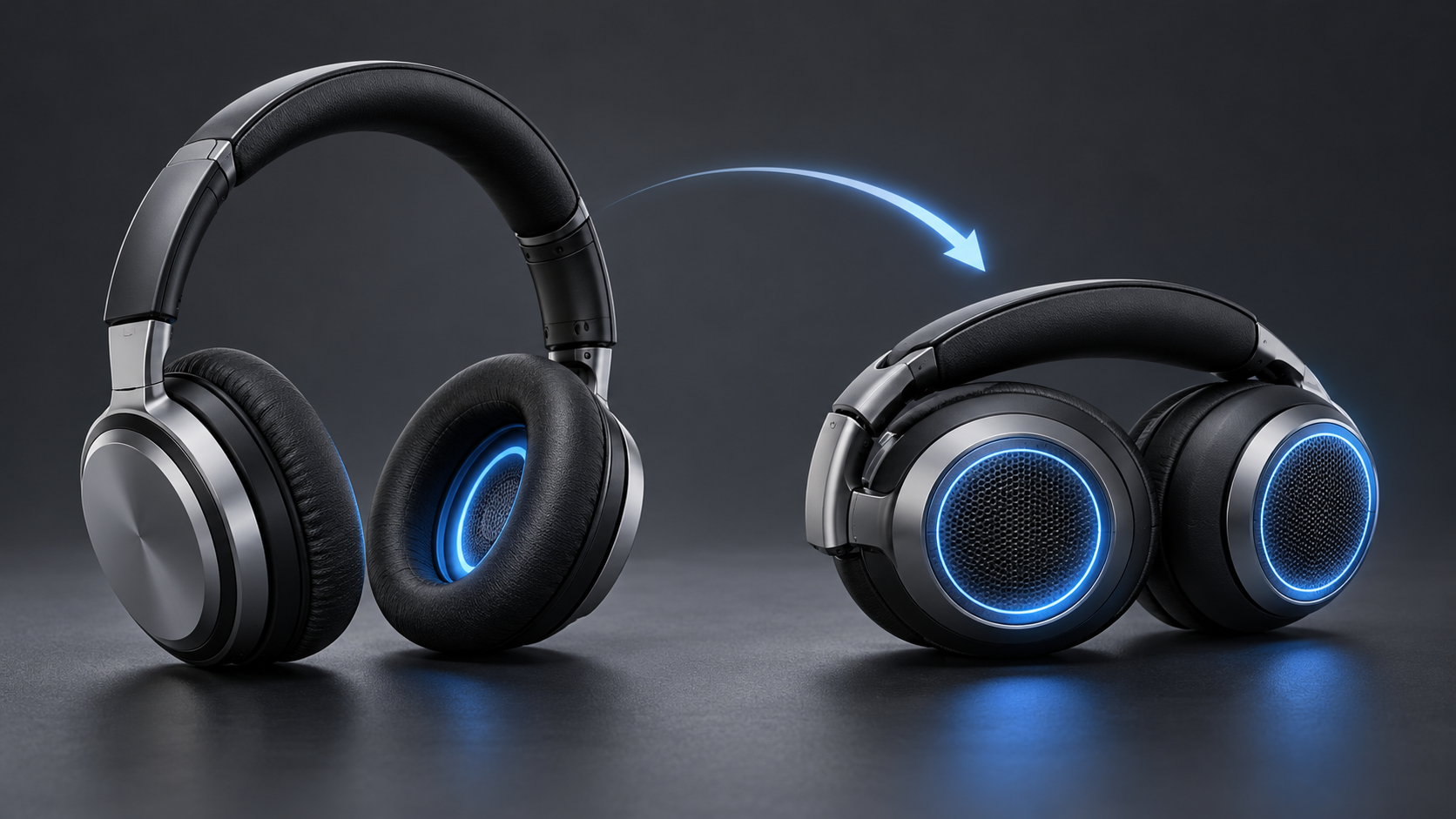
Generic 360-degree conference camera centered on a small hybrid meeting room table

Owl Labs has released the Meeting Owl 5, a $1,499 all-in-one conferencing camera for small hybrid meeting rooms. The new model combines 360-degree 4K output, a 20-megapixel sensor, eight beamforming microphones, a built-in speaker and USB-C connectivity in a redesigned device that sits in the center of a table.

It is cheaper than the $2,599 Meeting Owl 5 Pro and much sharper on paper than the 1080p Meeting Owl 3. That makes the standard Meeting Owl 5 look like the obvious middle choice. The buying decision is more complicated: Owl Labs recommends it for rooms with up to eight people, and several enterprise features are either absent or promised for a 2027 software update.

This is a launch analysis, not a hands-on review. Specifications and compatibility claims come from Owl Labs, while independent reporting is used to frame the tradeoffs. Teams should test the camera in their own room, lighting and conferencing platform before standardizing on it.

Meeting Owl 5 quick take

  • Price and availability: $1,499 in the United States from October 20, 2026; European availability is expected in early November.
  • Video: 360-degree field of view, 4K UHD output, 20-megapixel fisheye sensor and a stated 10-foot video pickup radius.
  • Audio: eight top-mounted beamforming microphones with an 18-foot pickup radius, plus one downward-firing speaker rated at 84 dB SPL RMS.
  • Room target: small rooms with up to eight people.
  • Connection: USB-C, Wi-Fi 6E and HDMI passthrough; Ethernet requires an adapter.
  • Important limits: no Microsoft Teams certification, no Expansion Mic support at launch and no wired or wireless multi-device pairing until a planned 2027 update.

What the new hardware changes

The headline improvement is 4K output. Older mainstream Meeting Owl models made the center-of-table format easy to deploy, but the Meeting Owl 3 is limited to 1080p. The Meeting Owl 5 uses a 20-megapixel fisheye sensor and Owl Labs’ AI-powered Owl Intelligence System to create a panoramic room view and cropped views of active speakers.

Audio receives an equally important overhaul. Owl Labs says the eight-microphone adaptive beamformer uses Fraunhofer upHear processing for voice tracking, dereverberation, echo cancellation and background-noise reduction. The microphones are now top-mounted, which should give them a clearer path to people around the table. Those claims still need independent room testing, especially in glass-walled spaces and rooms with hard surfaces.

The system runs on Qualcomm’s Dragonwing QCS6490 and Android 15. Owl Labs says that combination supports 4K video, voice tracking and enterprise-grade security. The chassis uses up to 45 percent post-consumer recycled plastic, while the company says 99 percent of the packaging is recyclable.

The small-room limit matters more than the 4K label

The small-room limit matters more than the 4K label

Owl Labs recommends the Meeting Owl 5 for small rooms with up to eight people. Its 10-foot video pickup radius describes how far the camera is intended to see useful detail; the microphones reach farther, to 18 feet. A long boardroom can therefore be audible without producing equally useful close-up video.

Placement is central to the design. A 360-degree camera works best near the middle of the group, where it can see faces around the table and use audio cues to frame the person speaking. Put it at one end of a long table and the farthest participants become smaller, while people nearest the camera can dominate the fisheye view.

The standard model cannot pair with another Meeting Owl at launch. Owl Labs plans wired and wireless pairing, plus Expansion Mic support, for 2027. Those are future features, not part of the product buyers receive today. Organizations equipping large or oddly shaped rooms should buy for the current capability and treat the update as a bonus only after it ships and passes testing.

Meeting Owl 5 versus Meeting Owl 5 Pro

Both current-generation models output 4K video, offer native HDMI passthrough and use the familiar 360-degree center-of-table concept. The $1,100 price gap reflects more than sensor resolution.

What the $2,599 Pro adds

  • A 64-megapixel fisheye sensor instead of 20 megapixels.
  • Native Ethernet rather than Ethernet through an adapter.
  • Wired and wireless multi-device pairing now, rather than a planned 2027 update.
  • Microsoft Teams certification and support for more standardized enterprise room deployments.
  • A Qualcomm Snapdragon 8250 processor rather than the QCS6490 used by the standard model.

What the standard model keeps

The Meeting Owl 5 retains 4K output, HDMI passthrough, Wi-Fi 6E, eight microphones, an 18-foot audio radius and broad UVC compatibility. It works as a USB camera, microphone and speaker with major web conferencing services, including Microsoft Teams, Zoom, Google Meet, Webex, GoToMeeting and Slack.

Compatibility is not the same as certification. Owl Labs lists Teams as supported, but its comparison page explicitly marks the standard Meeting Owl 5 as not Microsoft Teams certified. Companies with certified-device policies should check with IT before purchasing.

What 4K means for a 360-degree meeting camera

A 4K output specification does not mean every remote participant receives a full 4K close-up. The fisheye sensor captures the entire room, then software creates a panoramic strip and cropped speaker views from that shared image. Detail depends on distance, crop size, lighting, platform compression and the layout selected in the meeting app.

The 20-megapixel sensor provides enough source resolution for a 4K stream, but the standard model has less cropping headroom than the 64-megapixel Pro. Independent launch coverage identifies that difference as one of the clearest hardware compromises. Buyers should judge faces at the farthest planned seat, not the sharpness of the static panorama shown in a demo.

Setup and compatibility checklist

  • Measure the room. Confirm that every chair is within roughly 10 feet of the camera and that the camera can sit near the group’s center.
  • Check the host computer. Owl Labs lists Windows 7 or later, macOS 10.8 or later, ChromeOS and limited Ubuntu 16.04-or-later support, but a current supported operating system is the safer baseline.
  • Confirm the cable path. The box includes a 6.5-foot USB-C-to-USB-C SuperSpeed cable, a 16-foot USB-C-to-USB-A HighSpeed cable and a 10-foot power cable.
  • Plan display sharing. Native HDMI passthrough can send laptop content to the room display, but Owl Labs says the HDMI cable is not included.
  • Decide whether wired networking is mandatory. The standard model supports Wi-Fi 6E; Ethernet needs an adapter, while the Pro has native Ethernet.
  • Run a real meeting. Test active-speaker switching, far-seat detail, echo control, maximum speaker volume, screen sharing and account sign-in on every conferencing service the room uses.

Security, privacy and management questions

A center-of-room camera and microphone can capture everyone around a table, so deployment needs more than a technical check. Meeting owners should disclose recording, transcription and AI-summary features, follow local consent rules and make it obvious when video or audio is live.

The Meeting Owl 5 uses Owl Labs’ Nest management platform for device controls and analytics. Before a fleet purchase, administrators should review account roles, update policy, network requirements, device inventory, retention settings and whether the organization permits a Wi-Fi-connected Android-based conferencing appliance.

The product’s glowing owl eyes or alternate LED can act as a streaming indicator. That is helpful, but it should not replace clear meeting-room signage or a documented process for disabling recording when sensitive discussions begin.

Who should buy it

Good fit

The Meeting Owl 5 makes the most sense for small huddle rooms where teams want one portable device for camera, microphones and speaker, use a bring-your-own-device workflow and value 360-degree speaker framing. It is also the more defensible choice when $2,599 per room is difficult to justify and native Ethernet, certification and immediate camera pairing are not requirements.

Consider another option

Skip or postpone the purchase if the room regularly holds more than eight people, needs multiple synchronized cameras now, requires Microsoft Teams-certified hardware or mandates wired Ethernet without adapters. A conventional front-of-room camera may also be better when everyone faces the same display and the room does not need a panoramic table view.

Buying note and Amazon alternative

Meeting Owl 5 is sold directly by Owl Labs and authorized retailers. If you need a 4K Meeting Owl that is already established in the market, the previous-generation Meeting Owl 4+ is listed on Amazon under ASIN B0D4FB77HG. Compare current pricing, seller, warranty and return terms before ordering; it is not the new Meeting Owl 5.

Affiliate disclosure: ReaderSpice may earn a commission from qualifying purchases made through the Amazon link, at no additional cost to you.

Bottom line

Meeting Owl 5 brings the company’s mainstream conference camera into the 4K era while undercutting the Pro by $1,100. Its single-cable BYOD setup, HDMI passthrough, eight-microphone array and broad platform compatibility should make it attractive for small hybrid rooms.

The gaps define the product just as clearly. The standard model is not Teams certified, lacks native Ethernet, targets no more than eight people and depends on a future update for pairing and Expansion Mic support. Buy it for a room that fits today’s limits, not for the larger-room system Owl Labs says it may become in 2027.

Sources

Owl Labs: Meeting Owl 5 product page and technical specifications

Business Wire: Owl Labs Meeting Owl 5 launch announcement, October 20, 2026

Digital Camera World: Independent launch analysis and Meeting Owl 5 comparison
Arc Browser Shuts Down December 22: How to Export Your Spaces, Tabs and Passwords

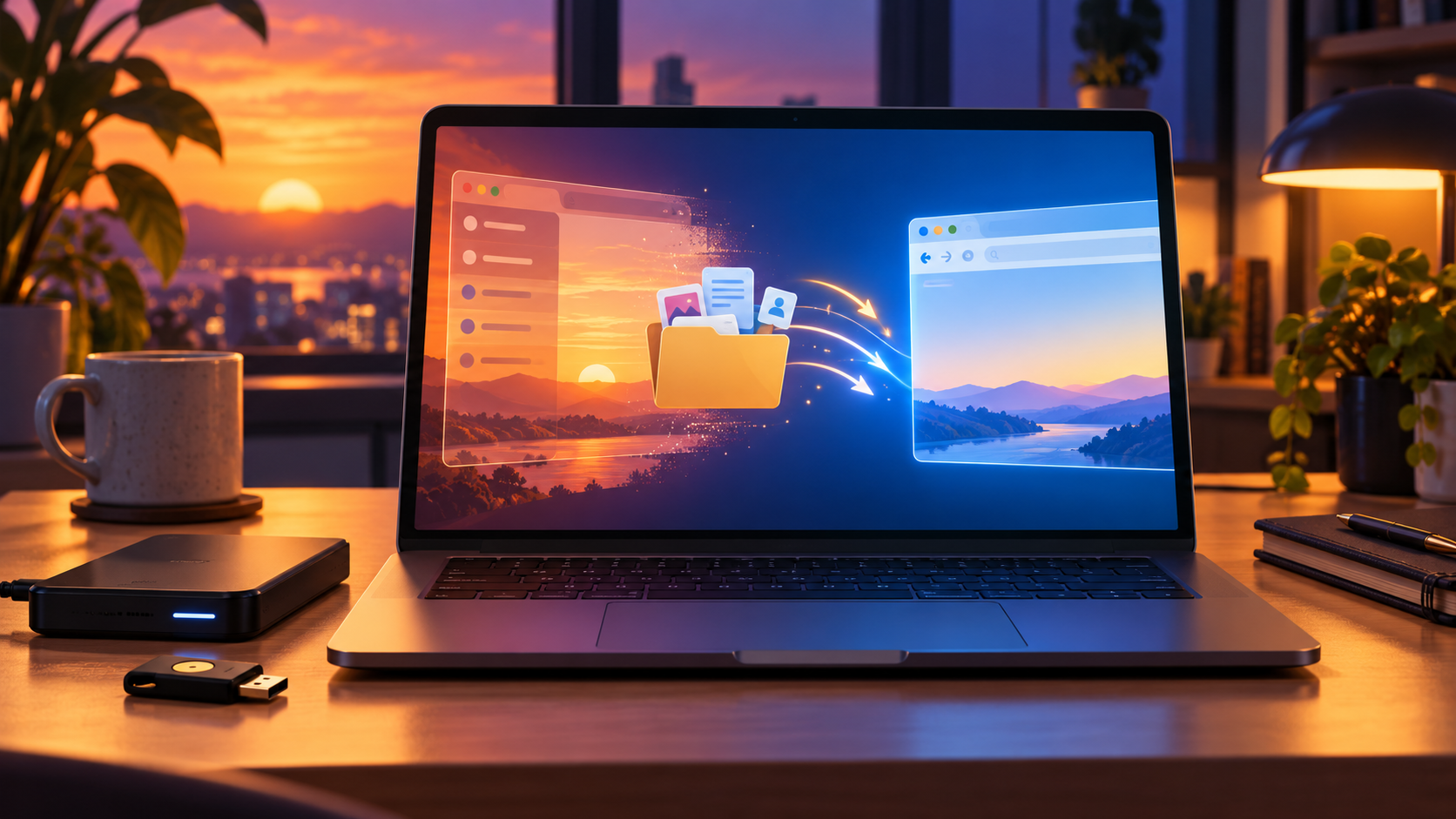
Editorial illustration of a browser window fading into sunset while tabs, files and credentials move securely to a new browser

The Browser Company will switch off Arc’s desktop browser on December 22, 2026. On that date, Arc for macOS and Windows will stop working, Arc accounts will be deactivated and the company will begin deleting associated personal data. Existing desktop users have less than two months to preserve what matters and test a replacement.

The important detail is that Arc has several different kinds of data. Spaces and tabs use one export path; account-level personal data uses another; passwords, history and extensions require a browser-to-browser import or a separate export. Treating those as one backup can leave gaps.

This guide follows The Browser Company’s current shutdown documentation and separates confirmed steps from browser-specific caveats. Complete the migration early enough to verify everyday sites before Arc’s final day.

Shutdown timeline at a glance

  • October 22, 2026: The shutdown was announced and new Arc account creation ended.
  • November 23, 2026: Arc Search for iOS and Android loses AI features, sign-in and account sync; desktop Arc begins showing migration reminders.
  • December 15, 2026: Last day to request a copy of Arc account personal data or ask The Browser Company to delete it early.
  • December 22, 2026: Arc for macOS and Windows stops working, Arc accounts are deactivated, services are switched off and the Android app is removed from devices and Google Play.
  • Within 30 days after December 22: The Browser Company says remaining Arc personal data will be deleted. Arc Search on iOS can continue basic browsing, but its Arc account and AI services will already be gone.

What will stop working

The desktop cutoff is not merely the end of feature development. The official timeline says Arc on macOS and Windows will stop working on December 22. Until then, the desktop apps are expected to receive only basic updates and critical fixes, not new features.

Arc Search changes earlier. On November 23, the iOS and Android apps lose AI features, sign-in and sync. On December 22, the Android app is removed from Google Play and from installed Android devices. The iOS app remains a basic browser, but it should not be treated as a safe archive for synced Arc data.

If a work or school profile depends on Arc, involve the organization’s administrator now. Managed passwords, passkeys, certificates, extensions and single-sign-on sessions may not be portable through a personal browser import.

Back up first: Arc has two different exports

1. Export Spaces and tabs

Arc’s built-in Export Data command creates a file containing Spaces and tabs. It is useful as a reference and fallback, but The Browser Company says it is not a complete profile backup.

  • On macOS, open Arc > Settings > Advanced > Export Data.
  • On Windows, press Ctrl+, or open the Arc menu, choose Settings > Advanced, then select Export Spaces and tabs > Export Data.

Save the export outside Arc—ideally in a backed-up folder—and open it before moving on. Make sure the file lists the Spaces and tabs you expect.

2. Request account-level personal data

The Browser Company offers a separate request for a copy of personal data associated with an Arc account. The deadline is December 15, one week before desktop shutdown. The company warns that this account export does not include information stored only on a device, including browsing history and passwords.

Use the shutdown support page’s data-request link while you can still access the email address attached to the Arc account. Keep the delivered archive with your other migration records.

3. Move passwords, history and extensions

For the most complete assisted move, Dia can import Arc passwords, bookmarks, extensions and history. Other destination browsers may offer their own importers, but support varies by platform and version. If you use a separate password manager, confirm that its vault is fully synchronized and that its browser extension works in the destination browser.

Before deleting anything, sign in to several important accounts in the new browser, verify two-factor authentication and test at least one saved passkey. A visible bookmark is not proof that credentials or local history moved.

Move to Dia: the easiest complete migration

Move to Dia: the easiest complete migration

Dia is The Browser Company’s replacement browser and the path with the most explicit Arc import support. It uses a separate account, so an Arc login does not automatically become a Dia login.

  • Install Dia on the Mac or Windows PC that still has Arc and create or sign in to a Dia account.
  • When prompted during setup, choose the Arc import. In an existing Dia installation, open the import command for another browser and select Arc.
  • Select the available categories—such as passwords, bookmarks, extensions and history—and complete the import before December 22.
  • Check several Spaces after import. Dia converts Arc Spaces into Profiles and Arc Favorites into pinned tabs.
  • Open representative sites from every Profile, confirm extensions are enabled and test autofill, downloads, video calls and any work authentication.
  • Keep Arc and the independent export file until the new setup has worked for several days.

The import is a one-time copy, not ongoing synchronization. Changes made later in Arc will not automatically appear in Dia. If you continue using Arc after the first import, repeat any manual checks before the cutoff.

What will not survive in Dia

The Browser Company’s FAQ says Dia can reproduce much of Arc’s sidebar organization, but several Arc-specific features have no direct equivalent. These include Air Traffic Control, Boosts, Easels, Little Arc, Peek, TypeTravel and Instant Links.

That makes the export file important even for people who choose Dia. Save text or screenshots of custom Boosts, Easels and routing rules you want to rebuild. If a workflow relies on one of those tools, test the replacement behavior instead of assuming the visual migration preserved it.

Alternatives if you do not want Dia

Zen Browser: the closest visual idea

Zen is a Firefox-based browser with vertical tabs, workspaces and a layout that will feel familiar to many Arc users. Its biggest caveat is media compatibility: Zen’s official FAQ says it does not ship Google Widevine DRM, so services including Netflix, Disney+, Prime Video, Spotify and Apple Music may not play protected content in the browser. Test the exact services you use before committing.

Chrome, Edge or Firefox: conventional and well-supported

A mainstream browser is less visually similar to Arc but may be easier for managed work accounts, streaming services, extension compatibility and long-term support. Chrome and Edge accept Chromium extensions; Firefox has its own extension ecosystem. Import what each browser supports, then rebuild Spaces as profiles, tab groups, containers or bookmark folders.

Do not choose solely by how closely a sidebar resembles Arc. Verify password import, passkeys, video conferencing, protected media, printing, downloads, accessibility tools and every extension that is essential to your daily work.

Account-security checklist before switching

Browser migrations are a good time to remove credentials that should never be the only copy. Export or synchronize passwords through a trusted password manager, save recovery codes offline and add a second authentication method to high-value accounts.

For phishing-resistant two-factor authentication, the USB-C and NFC Yubico YubiKey 5C NFC (ASIN B08DHL1YDL) is available on Amazon. A hardware key is optional and does not replace a password manager or backup key, but it can keep account recovery independent of one browser installation.

Affiliate disclosure: ReaderSpice may earn a commission from qualifying purchases made through the Amazon link above, at no additional cost to you.

  • Add at least two sign-in methods to critical accounts before removing Arc.
  • Store recovery codes somewhere that does not depend on the old browser.
  • Keep a second hardware security key in a secure location if a key protects your primary email or password manager.
  • Confirm passkeys appear on the device or password manager where you expect them.
  • Sign out and back in to one noncritical account to test the new recovery path.

Final verification checklist

  • Open the independent Spaces-and-tabs export and confirm it is readable.
  • Request Arc account data no later than December 15 if you want a copy.
  • Verify passwords, history, extensions and bookmarks in the destination browser.
  • Test every Profile or workspace and rebuild any Arc-only feature you still need.
  • Check work logins, passkeys, protected media, video calls, printing and downloads.
  • Keep Arc installed until the replacement has worked reliably, but finish before December 22.
  • Delete old local exports securely after you have a verified backup and no longer need them.

The bottom line

Arc’s December 22 desktop shutdown is a hard deadline, not a routine end-of-support notice. The safest plan is to make both official exports, move browser-local data through a supported importer and spend several days validating the replacement.

Dia offers the cleanest official migration and translates Spaces into Profiles, but it does not carry every Arc feature. Zen is visually closer than most conventional browsers, yet its DRM limitation can be decisive. Chrome, Edge and Firefox are less Arc-like but may be more predictable for work, extensions and media. The right choice is the one that passes your real workflow tests before Arc can no longer open.

Sources

The Browser Company: Arc sunset key dates and what to expect — October 22, 2026

The Browser Company: Arc sunset frequently asked questions

The Browser Company: Move from Arc to Dia

The Browser Company: How to export data from Arc

Arc: Farewell and migration overview

The Verge: The Arc browser is shutting down — October 22, 2026

The Verge: Zen Browser review as an Arc replacement — October 25, 2026

Zen Browser documentation: Frequently asked questions and DRM limitation

Yubico: YubiKey 5C NFC specifications

Amazon: Yubico YubiKey 5C NFC (ASIN B08DHL1YDL)

Birdbuddy Home vs Nook: The $99 Smart Feeder May Be the Better Buy

A modern smart bird feeder with an integrated camera and solar roof attracting a colorful backyard bird

Birdbuddy expanded its smart-feeder lineup on October 22, 2026, with two products built around the same new 2K HDR camera: the $99 Nook and the $219 Home. That shared camera makes the cheaper model unusually compelling. Most buyers are paying the extra $120 for a larger seed reservoir, integrated solar charging, tougher weather protection and a few convenience upgrades—not a better core bird-identification experience.

After comparing the specifications with early hands-on coverage and a long-term Home test, the value case is straightforward: buy Nook if you want Birdbuddy’s current camera and app at the lowest price; buy Home if minimizing refills and charging matters more than the upfront cost.

Quick verdict

  • Best value: Nook at $99. It gets the 2K HDR camera, 135-degree field of view, fast wake-up and Birdbuddy’s AI-assisted species recognition.
  • Best for lower maintenance: Home at $219. Its six-cup reservoir, dual integrated solar panels and longer perch are designed for less frequent attention.
  • Best middle ground: Nook Solar at $159, although the $60 solar premium narrows the gap to Home.
  • Existing Pro owners: do not assume either new model is an automatic image-quality upgrade. Independent hands-on testing found tradeoffs as well as speed improvements.

Price and configurations

Nook starts at $99 with a 3.8-cup seed reservoir and no built-in solar charging. Nook Solar costs $159 and adds the matching solar roof. Home costs $219 and includes a six-cup reservoir, dual integrated solar panels, a perch extender, dual-band Wi-Fi and an IP67 rating.

Those prices position Nook as the entry point, but it is not a stripped-down camera. Birdbuddy says both new feeders use the same 2K HDR imaging system, 135-degree view, instant wake-up and continuous capture. Both can record in portrait or landscape orientation, and both work with the same Birdbuddy app.

What both feeders share

The common camera is the most important detail in this comparison. It can capture higher-resolution clips than the previous generation, while the wider framing gives a bird more room to move without immediately leaving the shot. Birdbuddy’s app turns visits into notifications and uses computer vision to suggest the species it sees.

The hardware is also modular. The camera can be removed from the feeder body, which helps with charging, cleaning and future accessories. Neither model requires a paid plan just to receive visits, but some advanced identification and cloud features sit behind Birdbuddy’s membership tiers.

Nook vs Home: the hardware differences

Nook vs Home: the hardware differences

Nook keeps the essentials small

Nook is the simpler design. Its 3.8-cup reservoir should be sufficient for a modest backyard setup, and the smaller body is easier to place where a bulky feeder would look intrusive. The base $99 package relies on periodic wired charging. If the location receives dependable sun, the $159 Nook Solar package can reduce that chore.

The key compromise is capacity. Active feeders can empty quickly, particularly in colder weather or where several species visit. Nook owners should expect to refill more often than Home owners. That may be an acceptable exchange for a lower price and a smaller visual footprint.

Home is built around fewer interventions

Home’s six-cup reservoir holds roughly 58 percent more seed than Nook’s 3.8 cups. Its dual solar panels are integrated rather than optional, and its perch extender offers more room for larger birds. Dual-band Wi-Fi adds 5GHz support alongside 2.4GHz, which can be useful close to a modern router, while the IP67 rating gives Home the clearest on-paper weather-resistance advantage.

Home therefore makes the most sense when the feeder will be inconvenient to reach, when bird traffic is heavy, or when the owner simply values fewer refills and charging sessions. The camera experience alone does not justify the price difference; the maintenance savings might.

Why Nook is the better value for most yards

At $99, Nook costs less than half as much as Home while preserving the features that make a smart feeder interesting: a capable camera, fast capture, visit notifications and species suggestions. For a first-time buyer who does not yet know how much use a backyard feeder will get, the lower entry price reduces the risk.

The Verge’s hands-on testing also found that a Nook livestream opened in under eight seconds, compared with roughly 30 seconds for the older Bird Buddy Pro. That is a practical improvement: a slow live view often means the bird has already flown away when the video appears.

Nook Solar is a less obvious bargain. Its $159 price is still $60 below Home, but buyers who already know they want solar power should decide whether another $60 is worth the larger reservoir, integrated dual-panel roof, longer perch, IP67 rating and dual-band Wi-Fi. In a busy yard, Home can earn back that difference in convenience.

When Home is worth $219

Choose Home when access is awkward or bird traffic is consistently high. A six-cup reservoir can materially extend the interval between refills, and built-in solar charging avoids the decision of whether to add an accessory later. Home is also the safer specification choice for exposed locations because Birdbuddy lists an IP67 rating.

The premium is harder to defend for a feeder mounted near a door or window, where refilling and charging are easy. In that setting, Home’s main benefits become comfort rather than necessity. Nook delivers the same generation of camera for substantially less.

Real-world issues the spec sheet does not solve

Squirrels remain the first adversary

Tom’s Guide used an early Home unit for about 10 months and found that squirrels still required active countermeasures. A smart camera does not make a feeder squirrel-proof. Placement, pole guards and seed choice can matter as much as the feeder body, so budget for a baffle if squirrels are common.

Weather resistance and lens moisture deserve attention

The same long-term test reported moisture inside the removable lens cover after rain. The reviewer noted that the issue may have been specific to an early unit, but it is worth inspecting the camera after storms. Home’s IP67 specification is reassuring, yet no outdoor camera should be treated as maintenance-free.

The new camera is faster, not unambiguously better

The Verge praised the speed of the new platform but found the image more distorted near the edges than on the outgoing Pro, with a viewpoint that can feel more like looking down on the bird. That does not erase the value of 2K HDR capture, but existing Pro owners should compare real samples before replacing a working feeder.

What the Birdbuddy membership costs

Birdbuddy’s current membership page lists Premium at $69.99 per year. The Verge also reports a $7.99 monthly option. Paid features include automatic species identification and additional cloud or app capabilities; availability can change by plan and region.

Treat that fee as part of the total cost if automatic identification is a must-have. Over two years, a $99 Nook plus two annual Premium renewals reaches about $239 before tax—already more than the Home hardware by itself. Buyers who are comfortable reviewing visits without every premium feature can keep the ownership cost lower.

A relevant Amazon alternative for existing inventory

Birdbuddy says the outgoing Pro is being removed from its own store, with remaining inventory expected to continue through Amazon through the end of 2026. That makes the Birdbuddy Pro Solar a relevant price-check for shoppers who prefer the older camera perspective or find it discounted.

Check the current Birdbuddy Pro Solar price on Amazon. This is an affiliate link; ReaderSpice may earn a commission from qualifying purchases at no extra cost to you. Prices and availability can change.

Bottom line

Nook is the smarter default. It preserves the new 2K HDR camera and app experience at $99, leaving enough room in the budget for seed, a squirrel baffle or a membership. Home is the better tool for a specific buyer: someone with a busy feeder, an exposed installation or a strong preference for fewer refills and charging sessions.

The most important buying question is not which feeder takes better pictures—they share the same camera. It is how often you are willing to service the feeder. If the answer is “whenever needed,” choose Nook. If the answer is “as little as possible,” Home’s larger, solar-equipped body can justify the premium.

Sources

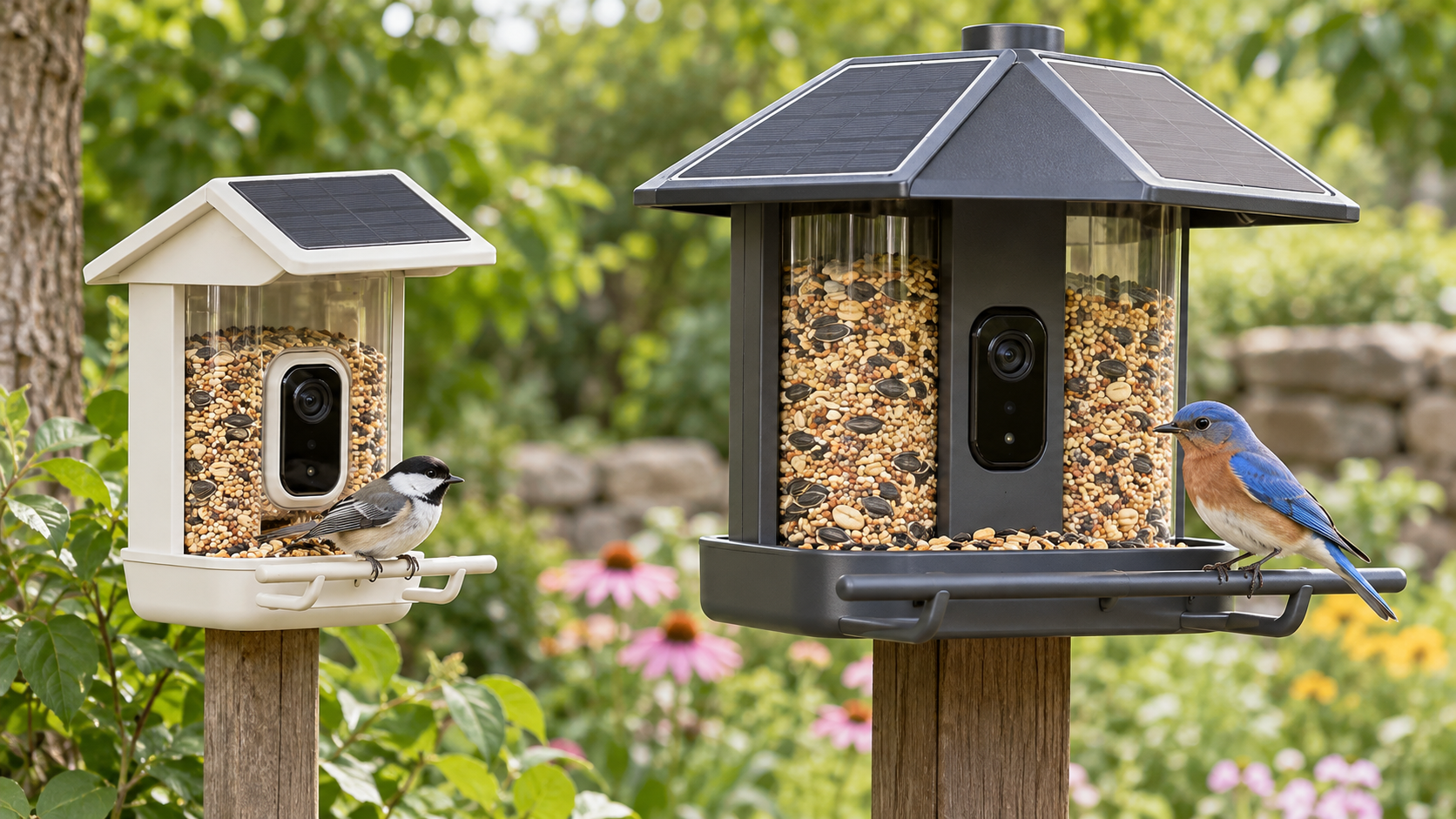
Inline image: Side-by-side comparison of a compact smart bird feeder and a larger solar smart bird feeder

Inline alt text: Compact smart bird feeder beside a larger model with dual solar panels, a bigger seed reservoir and a longer perch

Sigma FP2: A Tiny 6K Full-Frame Camera With Big Tradeoffs

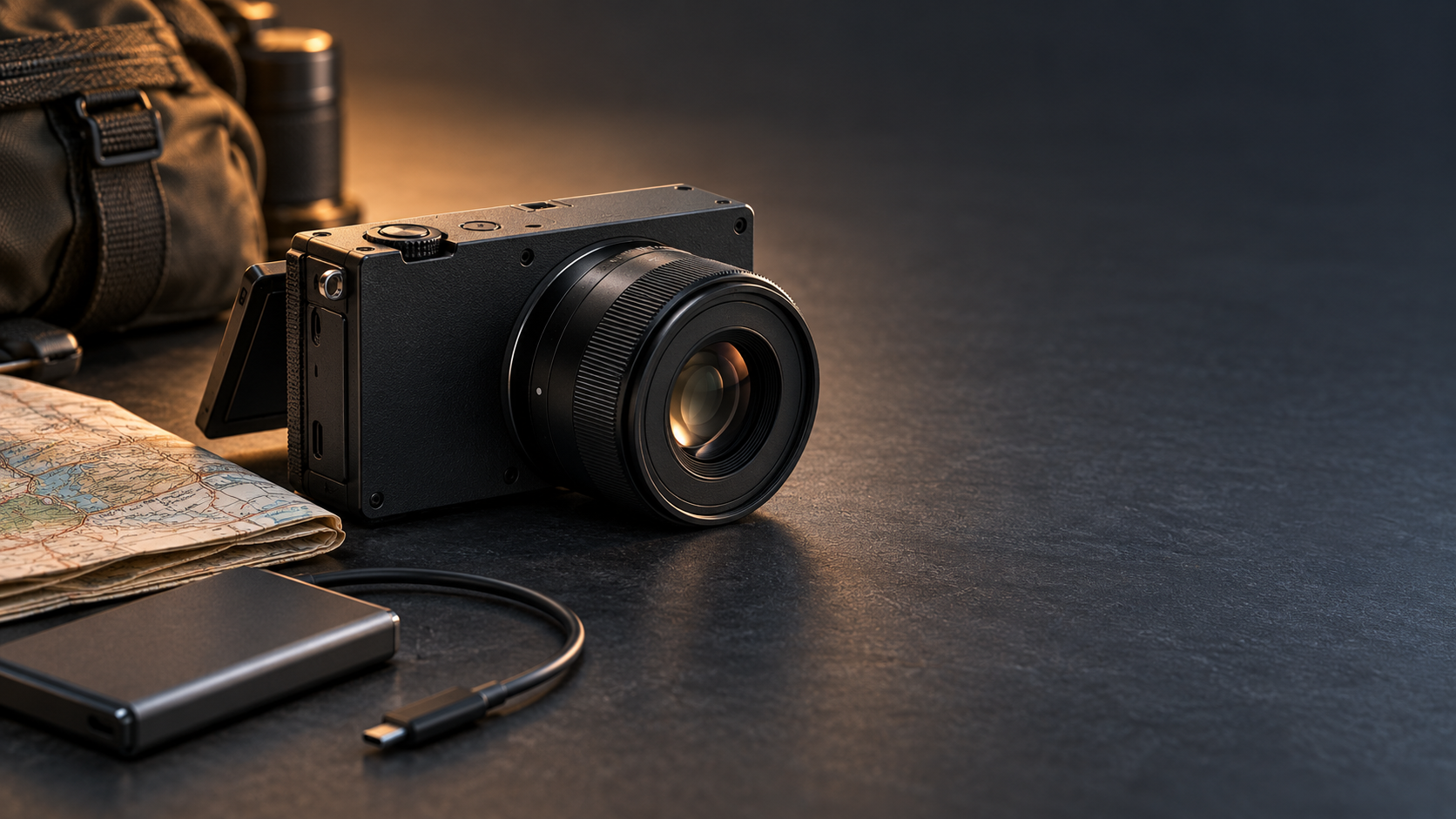
Compact black full-frame mirrorless camera with a small prime lens, travel map and external SSD cable

Sigma has revived its smallest full-frame camera concept with the FP2, a $2,199 modular hybrid that arrives November 11, 2026. The headline upgrades are substantial: a 24.5-megapixel partially stacked sensor, phase-detection autofocus, 6K open-gate video, a tilting screen, 70GB of built-in storage and much longer burst depth.

The appeal is easy to understand. The FP2 puts serious stills and cinema tools in a body small enough to build into a lightweight travel or gimbal rig. The catch is just as important: there is no in-body image stabilization, built-in viewfinder or conventional handgrip. The camera is deliberately incomplete until each buyer decides what to attach.

Sigma FP2 price, release date and key specifications

Sigma says the FP2 will be available on Wednesday, November 11, 2026. U.S. pricing starts at $2,199 for the body, while review coverage lists a $2,749 kit with either Sigma’s new EVF-21 electronic viewfinder or the compact 50mm F2 DG DN Contemporary lens.

The essentials at a glance:

  • 24.5MP partially stacked full-frame CMOS sensor
  • L-Mount lens system with separate STILL and CINE interfaces
  • Up to 20 frames per second for stills and a buffer rated for roughly 200 images
  • 6K open-gate recording at up to 59.94p in supported compressed formats
  • ProRes RAW recording to an external SSD, plus L-Log and 13 color modes
  • Hybrid phase- and contrast-detection autofocus with people, dog, cat and bird recognition
  • 70GB of internal storage, one SD card slot, two USB-C ports and full-size HDMI
  • Tilting 3.2-inch rear display; optional 5.76-million-dot EVF-21
  • Approximately 370-shot battery rating and 460g operating weight with battery and card

These numbers place the FP2 closer to a compact production tool than a conventional entry-level mirrorless camera. Its price makes the missing viewfinder and stabilization impossible to ignore, but the connectivity and recording options are unusually ambitious for the body size.

What the partially stacked sensor changes

The original Sigma fp was admired for its size but limited by slow sensor readout and contrast-detection autofocus. The FP2’s partially stacked sensor is designed to read data faster, helping reduce rolling-shutter distortion and supporting quicker bursts, higher frame-rate video and more responsive subject tracking.

Resolution remains around 24.5 megapixels. That is enough for large prints and most professional web work, but it offers less room for aggressive cropping than 40MP or 60MP rivals. The payoff is speed: Sigma now quotes up to 20fps and a buffer of about 200 frames, a major change from the original fp’s very shallow high-speed burst.

Early hands-on reports broadly agree that image quality is excellent and autofocus is much more dependable. Reviewers also note that subject selection can still be inconsistent. This is a meaningful upgrade, not proof that Sigma has surpassed the most mature sports and wildlife autofocus systems.

Why the FP2 is more video-first than it looks

Why the FP2 is more video-first than it looks

The small body hides a serious video toolset. Open-gate recording uses the full 3:2 sensor area, giving editors extra room to create widescreen and vertical crops from the same take. Supported compressed modes reach 6K/59.94p, while ProRes RAW is available to an external SSD at lower maximum frame rates. Cropped 4K can reach roughly 120p.

Sigma also includes monitoring tools, L-Log, gyro data for stabilization in post and dedicated CINE controls. Two USB-C ports matter here: one can handle high-speed storage while the other supports power or accessories. Full-size HDMI is a welcome choice on a camera likely to be connected to monitors and recorders.

That flexibility makes the FP2 especially interesting for solo filmmakers, travel crews and gimbal operators. A compact body can be easier to balance and can leave more payload capacity for a lens, cage, microphone or monitor. The built-in 70GB of storage is also a useful emergency reserve when a memory card is full or unavailable.

The biggest compromise: no in-body stabilization

The FP2 does not have mechanical in-body image stabilization. For stills, that means slower shutter speeds require steadier technique, a tripod or a stabilized lens. For handheld video, the limitation is more obvious: small camera movements remain visible, and electronic or post-production correction cannot fully reproduce sensor-shift stabilization.

Gyro metadata can help compatible software smooth footage later, but stabilization in post crops the frame and adds another processing step. Reviewers found handheld video challenging even with careful technique. Anyone imagining the FP2 as an all-in-one walkaround video camera should budget for a gimbal, rig support or stabilized L-Mount lens.

The limitation is less serious when the camera is locked to a tripod, mounted on a vehicle, placed on a motorized stabilizer or used in a controlled studio. In those jobs, removing the stabilization mechanism helps Sigma preserve the camera’s small dimensions. The design makes sense—but only for buyers whose workflow already solves camera shake.

A modular body means accessories can erase the size advantage

Sigma’s philosophy is to start with a clean rectangular body and let the owner add only what the job requires. That is attractive for specialized rigs, but less convenient for photographers who expect a camera to feel complete out of the box.

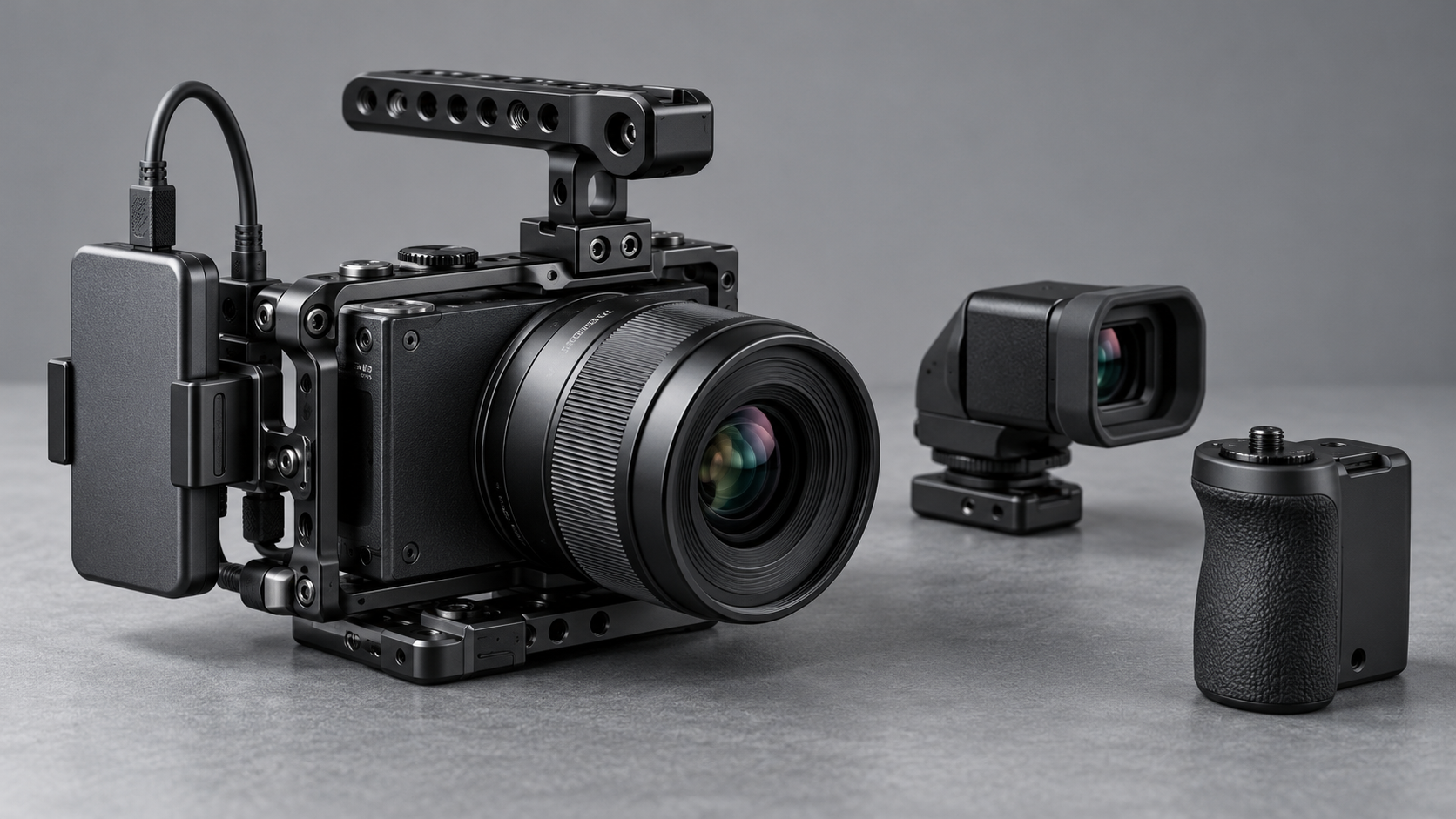
There is no built-in electronic viewfinder. The optional EVF-21 adds a high-resolution tilting OLED finder and an eye sensor, but it also adds cost and bulk. The flat body has no substantial grip, and larger lenses can make it front-heavy. A grip or cage improves handling while making the overall package less pocketable.

The same tradeoff applies to the hot shoe. Sigma offers a separate HU-21 hot-shoe unit for users who need flash or accessory mounting. Photographers should price the body, viewfinder, grip, hot shoe, spare battery and preferred lens as a system rather than treating $2,199 as the finished cost.

How the FP2 fits into an L-Mount kit

The FP2 uses the L-Mount shared by Sigma, Panasonic and Leica, so buyers can choose from compact primes, fast professional zooms and specialized cine glass. Small lenses are the natural match. Sigma’s 50mm F2 Contemporary kit option preserves the camera’s minimalist character while providing a general-purpose normal field of view.

Larger lenses are fully usable, but they shift the balance away from the body. A 24–70mm F2.8 zoom, for example, may be optically versatile yet demand a grip, cage or lens support. The FP2 is most convincing when the complete rig is designed around its size rather than when it is treated as a tiny body for any lens.

Who should consider the Sigma FP2?

The FP2 makes the most sense for:

  • Filmmakers who want 6K open-gate capture in a very small L-Mount body
  • Gimbal and drone operators who value low body volume and flexible mounting
  • Travel creators who can work with compact primes, an external SSD and planned stabilization
  • Studio shooters who prefer tethered, tripod-based or modular production setups
  • Existing L-Mount owners who already have lenses and accessories

It is a harder recommendation for photographers who rely on a viewfinder, shoot long handheld sessions or want stabilized stills and video without extra equipment. A larger conventional hybrid can deliver a more comfortable grip, built-in EVF and IBIS for less total system cost.

A relevant lens for the FP2

The compact Sigma 50mm F2 DG DN Contemporary for L-Mount is one of the FP2’s official kit-lens options and is a natural match for its small body. Check the Sigma 50mm F2 DG DN Contemporary for L-Mount on Amazon.

Disclosure: ReaderSpice may earn a commission from qualifying purchases made through the Amazon link above, at no additional cost to you.

Amazon prices, sellers and availability can change. Confirm that the listing is the L-Mount version—not the Sony E-mount version—and verify the seller and return policy before ordering.

Bottom line

The Sigma FP2 is not trying to be the safest all-round mirrorless camera. It is a compact full-frame imaging core that becomes a stills camera, cinema rig or travel kit depending on what surrounds it. The faster sensor, improved autofocus, deep burst, tilting display, internal storage and 6K open-gate recording address many weaknesses of the original fp.

Its omissions are equally defining. No IBIS, no built-in EVF and minimal ergonomics mean the smallest body can lead to a larger, more expensive complete setup. Buyers who need a modular 6K platform may find that trade worthwhile. Everyone else should compare the cost and size of the finished rig, not the body alone.

Sources

Sigma — FP2 launch schedule and official announcement

DPReview — Sigma FP2 review and full specifications

TechRadar — Sigma FP2 hands-on review

The Verge — Sigma FP2 launch, pricing and connectivity overview

Digital Camera World — Sigma FP2 hands-on video assessment

TDM Neo Review Roundup: The $249 Headphone-Speaker Hybrid’s Tradeoffs

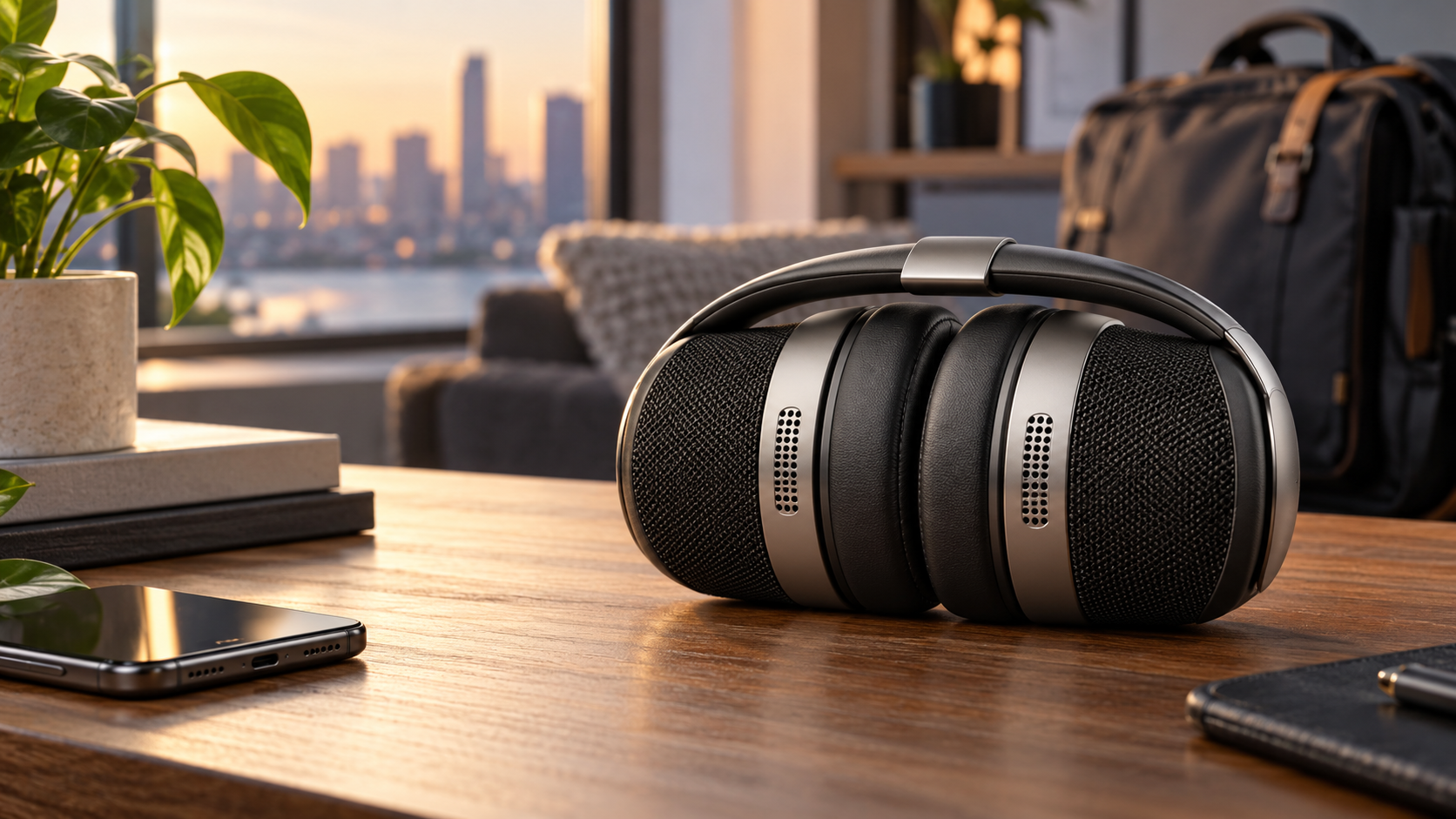
Editorial illustration of flexible hybrid headphones folded into a compact portable speaker on a modern desk

The TDM Neo solves an unusually specific problem: it is a pair of on-ear wireless headphones that physically twists into a compact Bluetooth speaker. After debuting at CES and raising more than $154,000 on Kickstarter, the $249 hybrid is now available in the United States—and independent reviews finally show where the clever engineering helps and where it forces compromises.

This is a review roundup, not a ReaderSpice hands-on test. TDM’s specifications are identified as manufacturer claims, while comfort, sound and usability observations are attributed to reviewers who used production hardware.

The short version is that the transformation mechanism appears dependable and the headphone-mode battery estimate is exceptional. The less flattering consensus is that buyers sacrifice active noise cancellation, comfort and sound quality to avoid carrying two separate devices.

Disclosure: ReaderSpice may earn a commission from qualifying purchases made through Amazon links, at no additional cost to you.

The quick take

  • TDM Neo costs $249 and is available in Onyx Black or Cool White through TDM and U.S. retailers.
  • Four 40mm drivers are split between private headphone playback and two outward-facing 5W speaker channels.
  • The flexible headband and magnetic closure make the switch between modes simple, and multiple reviewers found the mechanism convincing.
  • TDM claims more than 200 hours in headphone mode and about 16 hours in speaker mode, with up to eight hours from a five-minute charge.
  • There is no active noise cancellation and no published water-resistance rating.
  • Independent reviews broadly agree that the design is more impressive than the sound, especially in speaker mode.

What TDM Neo is and what comes in the box

TDM—short for Tomorrow Doesn’t Matter—describes Neo as a hybrid headphone-speaker. Each earcup contains an inward-facing 40mm driver for normal listening and an outward-facing 40mm driver for shared playback. Twist the flexible band, bring the magnetic sections together and the electronics route audio to the external pair.

The official package includes the headphones, a carrying case, a USB-C charging cable and a 3.5mm auxiliary cable. Bluetooth 6.0 multipoint is listed for wireless connections, while the analog input offers a useful fallback for airplane screens, older laptops and other sources that lack Bluetooth.

The Verge reported U.S. availability at $249 through TDM, Amazon and Walmart. Stock, color choice and return terms can vary by seller, so buyers should verify the exact offer at checkout. TDM’s own store currently advertises free shipping and a 30-day return window.

How the twist design changes modes

How the twist design changes modes

The transformation is the strongest part of the product. WIRED found that the headband rolls smoothly, the magnets meet securely and playback switches reliably. The folded unit rests on two rubberized sections, keeping the active speaker surfaces aimed outward instead of buried against a table.

That engineering is more meaningful than a software shortcut. Neo carries two distinct driver pairs so the room-facing speakers do not blast through the ear cushions. The physical position tells the device which set to use, and the companion app can customize what the twisting action does.

The design still creates ergonomic costs. Four full-size drivers, the flexible structure and the magnets bring the weight to about 340 grams, or 11.9 ounces. WIRED measured it as noticeably heavier than several conventional over-ear alternatives, even though Neo sits on the ear rather than surrounding it.

Speaker mode also changes the orientation of controls and ports. WIRED noted that the volume control feels reversed after folding and the USB-C cable exits upward. TechRadar found the folded speaker could feel less stable than a purpose-built portable speaker. Those are small details, but they matter on a hotel nightstand or crowded desk.

Headphone mode: long battery life, no ANC

Neo’s headline battery figure is more than 200 hours in headphone mode. Even if real-world use falls short, the claim is far beyond the 30-to-60-hour range common among mainstream wireless headphones. A five-minute charge is rated for up to eight hours, and a full charge takes roughly three hours.

The tradeoff is that Neo omits active noise cancellation. Passive isolation from the firm on-ear cushions can reduce some outside sound, but it cannot counter steady aircraft, train or HVAC noise the way a good ANC system can. For travel—the exact situation where carrying one device instead of two sounds useful—that omission is especially important.

WIRED described headphone playback as detailed and pleasant but confined, with clear bass and vocals yet less openness than strong competitors. TechRadar reached a harsher conclusion, praising the battery life while calling the overall tuning imprecise. These are subjective judgments, but both reviews place the sound below the best choices near the price.

Comfort may be equally decisive. The memory-foam pads and adjustable band are replaceable, but the combination of weight, clamp and on-ear pressure will not suit every head. A buyer considering Neo should plan a long continuous listening test during the return window, not just a five-minute demo.

Speaker mode: convenient, but not a Flip 7 replacement

Folded into speaker mode, Neo activates two outward-facing 5W drivers for 10W total output. The concept is useful in a hotel room, kitchen or small gathering because the speaker is already attached to something a traveler planned to carry.

The independent audio verdict is the main problem. WIRED found enough volume for casual listening but described the sound as thin and underwhelming beside the JBL Flip 7. TechRadar likewise reported weak bass and limited balance compared with inexpensive dedicated speakers.

That does not make speaker mode worthless. Voice audio, background music and quick sharing can be practical, and the 16-hour estimate is competitive for a compact secondary function. But buyers expecting the punch, weather resistance and stable tabletop behavior of a purpose-built outdoor speaker should lower expectations.

There is no published IP rating. The upward-facing USB-C port in folded mode reinforces that Neo should stay away from rain, pool edges, sand and dusty outdoor use. A hybrid that replaces two products only saves space when its limitations fit the destination.

Battery, charging and replaceable parts

The unusually long headphone endurance is the clearest specification win. Speaker playback consumes far more power, which explains the drop from 200-plus hours to about 16 hours. Actual results will vary with volume, Bluetooth conditions, call use and app settings.

TDM sells a replacement-battery kit and says the ear cushions can be replaced. The Verge also reported that both the battery and memory-foam pads are removable. That gives the hardware a better chance of surviving beyond the original cell’s useful life, provided replacement parts remain available.

Repairability claims should still be evaluated practically. Buyers should check the price, shipping region, tools and warranty implications of a battery swap before treating it as a guaranteed long-term advantage. A replaceable component is useful only if the part can still be purchased when it is needed.

USB-C handles charging, while the included 3.5mm cable can carry audio. TDM’s materials do not position USB-C as a digital wired-audio connection, so shoppers who want lossless playback from a laptop or phone should not assume charging support also means USB audio.

App, EQ and account requirements

The TDM app exposes battery status, separate equalizer settings for headphone and speaker modes, low-latency gaming, device finding, battery-saving options and customizable twist behavior. Separate EQ profiles are sensible because the two driver pairs behave differently.

TechRadar found that editing the custom five-band EQ and using the find-device feature required an account. That requirement may be acceptable to some buyers, but it adds another credential and data relationship to an audio product whose basic listening functions do not inherently need cloud identity.

Before signing in, review the app’s permissions and privacy policy. Test that the hardware buttons, analog cable and basic Bluetooth playback remain useful without an account. Features that matter should be verified during the return period rather than assumed from a store-page checklist.

The $249 value question and a verified alternative

Neo’s value depends almost entirely on how much one-device convenience is worth. The engineering is distinctive, and buying one object means one case, one battery and one charging routine. But the product competes simultaneously with conventional headphones and mature portable speakers.

WIRED’s comparison is instructive: it recommends considering the Soundcore Space One Pro for comfortable folding ANC headphones, then adding a dedicated speaker such as the JBL Flip 7. The pair costs more at list price but is often close to Neo’s total when discounted, and each device is designed around a single job.

Readers who prioritize noise cancellation can check the Soundcore Space One Pro on Amazon (ASIN B0CZDHS41T). It is a genuine alternative rather than the featured product, so compare the current price and seller before deciding. ReaderSpice may earn a commission from qualifying purchases made through this tracked link.

The other cost is packing volume. Two dedicated products may sound better, but they take more room and require separate charging. Neo is strongest for a traveler who genuinely uses both modes, accepts on-ear comfort and values instant switching more than maximum fidelity.

Consider TDM Neo if:

  • You regularly want private headphones and a small room speaker on the same trip.
  • More than 200 hours of claimed headphone battery life matters more than active noise cancellation.
  • The physical transformation and replaceable parts are worth paying for.
  • You mainly use speaker mode for podcasts, background listening or quick sharing.

Skip it if:

  • You need strong ANC for flights, commuting or an open office.
  • You want the sound, bass and weather resistance of a dedicated portable speaker.
  • Heavy on-ear headphones become uncomfortable during long sessions.
  • You expect water resistance, USB-C digital audio or premium sound at $249.

What to test during the return window

  • Wear Neo continuously for at least an hour and check clamp pressure, heat and soreness.
  • Compare headphone sound with a familiar pair using the same songs and volume.
  • Fold and unfold the mechanism repeatedly, confirming reliable driver switching and magnet alignment.
  • Test speaker mode at the real distance and volume you expect to use.
  • Check whether the upward-facing ports and control orientation work in the intended location.
  • Verify multipoint switching, analog input, microphone quality and any app features you consider essential.
  • Confirm seller, warranty, return shipping and replacement-part availability before the return deadline.

Verdict

TDM Neo is a real piece of engineering, not a cosmetic gimmick. The flexible band, magnets, automatic routing and separate driver pairs turn a strange CES idea into hardware that reviewers say transforms smoothly and reliably.

The product is nevertheless easier to admire than to recommend broadly. Independent tests agree that the $249 hybrid gives up ANC, comfort and sound quality, while speaker mode cannot match strong dedicated models. Its extraordinary headphone battery life and replaceable components soften that judgment but do not erase it.

Neo makes sense for a narrow buyer: someone who repeatedly carries both headphones and a speaker, wants one object instead, and accepts the acoustic compromise. Everyone else should compare two separate devices before paying for the twist.

Sources

TDM official Neo product page and specifications

WIRED TDM Neo review — October 23, 2026

The Verge U.S. availability and hardware report — October 6, 2026

TechRadar TDM Neo review — October 17, 2026

Kickstarter TDM Neo campaign and updates

Baseus PrimeSentinel U2 Pro Tracks Intruders With a Spotlight: Specs, Privacy and Buying Risks

Editorial illustration of a dual-lens outdoor security camera using a focused spotlight to track a person approaching a home

Baseus has launched an outdoor security camera with a deliberately conspicuous idea: instead of flooding an entire yard with light, the PrimeSentinel U2 Pro aims a narrow motorized spotlight at a detected person and follows that person as they move.

The $269.99 camera pairs two 3K views, local storage, a rechargeable battery and a small solar panel. Its tracking light could make a visitor or intruder immediately aware that the property is watching, but buyers should understand the feature’s range, privacy implications and subscription questions before treating it as a replacement for a mature wired surveillance system.

This launch guide separates Baseus’s performance claims from the practical decisions that determine whether the U2 Pro will work at a particular front door, driveway or side yard.

The quick take

  • The PrimeSentinel U2 Pro launched in the United States on October 20, 2026, with Amazon availability around $270.
  • A fixed 3K camera watches the main scene while a second 3K motorized camera pans and tilts through 360 degrees.
  • Its signature feature is a focused spotlight beam that follows detected people rather than illuminating the entire area.
  • Baseus says tracking is processed on the camera, while recorded video can be stored on a microSD card up to 512GB.
  • Battery life is advertised at up to 150 days, but frequent detection, cold weather, weak Wi-Fi and limited sunlight can shorten that estimate.
  • The main risks are placement-dependent tracking, uncertain long-term software support, possible cloud-AI charges and the privacy impact of aiming a visible beam at people near the property boundary.

What launched and what it costs

The full product name is Baseus Security PrimeSentinel U2 Pro Outdoor 3K Dual Camera. The Verge reported U.S. Amazon availability at $269.99 on October 20, while other launch coverage rounded the preorder price to $280 and pointed to early-November shipping. Prices, stock and delivery windows can change, so the Amazon checkout page—not a launch headline—should be treated as the current offer.

The retail package is reported to include the battery-powered camera and a 3W solar panel. A microSD card is not included. Buyers should also confirm whether the mounting hardware, charging cable and any extended warranty shown on the product page are part of the exact seller’s package.

The verified listing is the Baseus U2 Pro (ASIN B0HHCGXDZ4) on Amazon. ReaderSpice may earn a commission from qualifying purchases made through this link, at no additional cost to you.

How the dual-camera system covers the scene

How the dual-camera system covers the scene

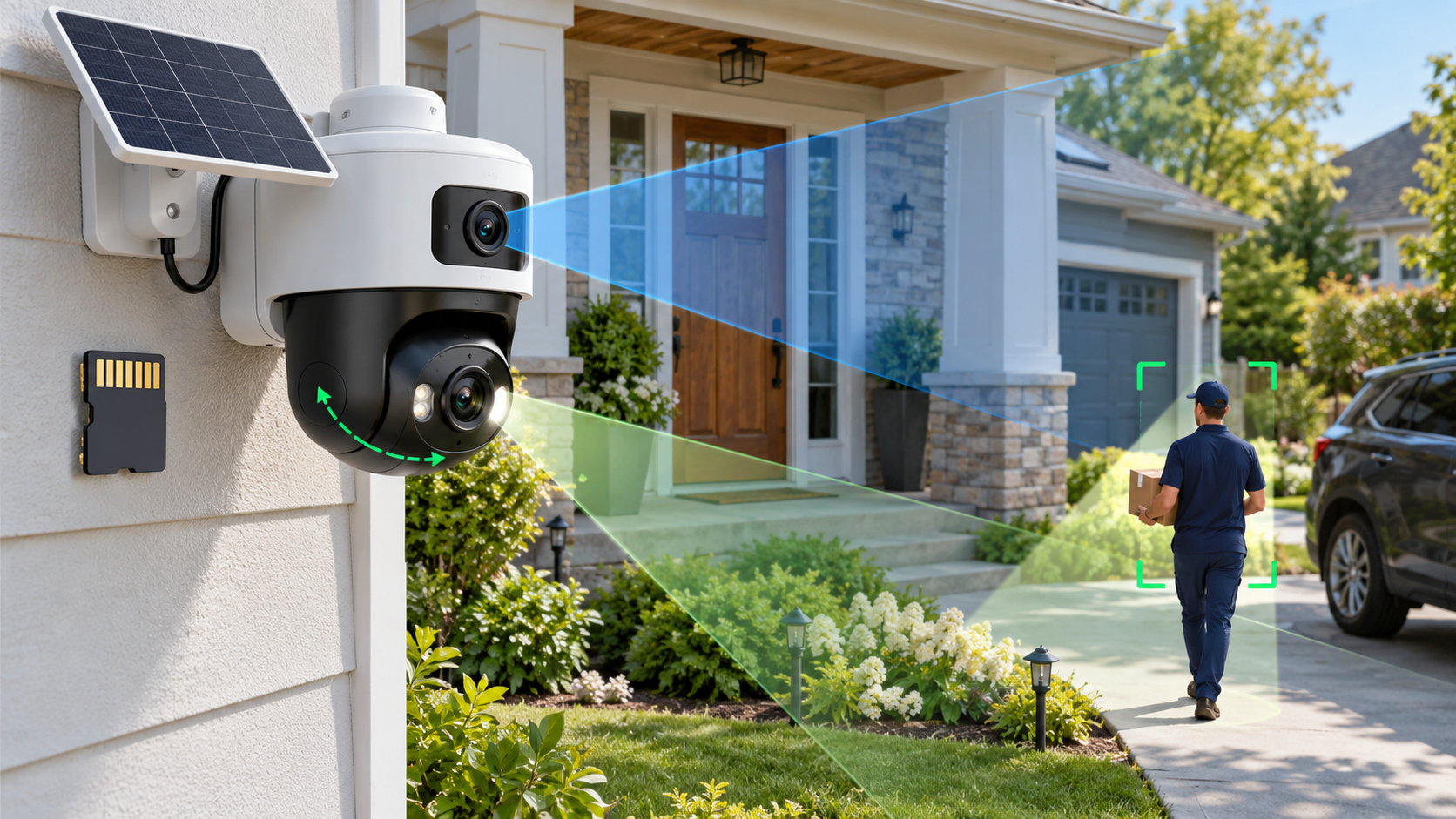
The upper camera is a fixed 3K view intended to keep a doorway, gate or driveway continuously framed. Launch coverage lists a 130-degree field of view and 8x digital zoom. The lower 3K camera is motorized, allowing it to pan and tilt while following activity outside the fixed frame.

That two-camera layout matters because a moving camera can otherwise abandon the original scene while tracking. The fixed lens preserves a wide reference view, while the lower lens can concentrate on a person or vehicle. The arrangement should still be tested from the final mounting position; a wide specification does not eliminate blind corners created by walls, eaves, trees or parked vehicles.

Reported hardware and platform features include:

  • Dual 3K cameras with a fixed upper view and a motorized lower view.
  • A 130-degree primary field of view and up to 8x digital zoom.
  • Full-color night vision, a built-in siren and two-way audio.
  • Dual passive infrared sensors plus AI-assisted person, pet and vehicle detection.
  • 2.4GHz and 5GHz Wi-Fi support, according to the product listing and launch coverage.
  • Live-view support on compatible Alexa and Google Home displays.
  • A weather-resistant IP65 enclosure for outdoor placement.

What the target-tracking spotlight actually changes

Most outdoor cameras either use infrared illumination that people cannot see or switch on a broad floodlight after motion is detected. The U2 Pro instead projects a sharply defined beam and steers it with the motorized lower camera. The person being followed can see that the system has noticed them.

That visibility is the deterrence argument. A broad floodlight may look like ordinary porch lighting, while a moving beam feels intentional. The same light may also improve color and subject detail in nighttime footage because illumination is concentrated where the camera is looking.

The feature is not a guarantee that an intruder will leave, and it should not be described as a substitute for locks, alarms or professional monitoring. A person can move behind an obstruction, outside the motor’s range or beyond the detection zone. Heavy rain, insects, reflective surfaces and backlighting can also affect any camera’s detection and image quality.

Owners should decide whether the spotlight activates for every detected person, only during certain hours or only inside selected zones. A delivery driver approaching a marked front door is different from someone crossing a private side yard, and the automation should reflect that distinction.

Tracking limits matter more than the headline claim

Baseus’s published test figures, as reported by Gizmodo and T3, describe person tracking from roughly three to eight meters. The company says the system can follow someone moving about 1.8 meters per second within that range, while faster subjects require more distance for the mechanism to keep up.

Those numbers are controlled test results, not a promise for every property. Camera height, downward angle, Wi-Fi quality, detection sensitivity and the direction of travel all matter. A person moving directly toward the camera may be easier to keep centered than someone cutting quickly across the edge of the frame.

The reported vehicle-tracking figure—close to 19 mph at about eight meters—should be interpreted carefully. It does not turn the camera into a traffic-monitoring system, and digital zoom does not create optical detail that was never captured. License-plate legibility will depend on distance, lighting, shutter behavior and motion blur.

Before relying on the feature for a long driveway, buyers should measure the real distance from the proposed mounting point to the detection area and compare it with the three-to-eight-meter person-tracking range.

What runs on-device and what may reach the cloud

Gizmodo asked Baseus directly whether the tracking feature depends on cloud processing. The company said moving-object detection and pan-and-tilt control run on the device, that tracking data does not need to be sent to the cloud and that no tracking-related data is stored; only recorded video is saved.

That answer is useful but narrow. A camera can process motion locally while still using the internet for remote viewing, notifications, account authentication, firmware updates or optional AI summaries. Users should distinguish the mechanics of following a person from every other data flow in the app.

Launch reports describe AI alerts that can differentiate people, pets and vehicles and can generate contextual event summaries. T3 reports that cloud-based AI analysis and summaries require a subscription. Before buying, confirm which classifications run locally, which features remain free and whether a paid plan is required for package-related descriptions or extended history.

Privacy-conscious owners should review the Baseus Security app’s permissions, account-security options, retention settings and any cloud toggle during setup. A local microSD card does not prevent remote access if the account itself is compromised.

Storage, encryption and subscriptions

The U2 Pro supports microSD cards up to 512GB, according to multiple launch reports. Footage is motion-triggered rather than described as continuous 24/7 recording. Actual retention will vary with event frequency, clip length, resolution, audio settings and the card’s endurance.

T3 reports AES and RSA protections for stored footage and communications. Those terms indicate that encryption is part of the design, but they do not answer every operational question. Buyers should still ask whether the card can be read outside the camera, how encryption keys are recovered after a reset and whether exported clips remain protected.

Use a high-endurance card rated for security-camera workloads if the manufacturer allows it. Consumer cards can wear out under repeated writes. Format the card through the official app, test playback after setup and check periodically for recording gaps or card-health warnings.

Because launch coverage is not fully consistent about free cloud video versus paid cloud AI, do not assume “no subscription required” means every feature is free forever. Confirm the current plan table for remote history, downloads, detection categories and AI summaries in the user’s country.

Battery and solar claims need real-world context

Baseus advertises a 7,800mAh battery and up to 150 days of operation without solar assistance. That is a best-case estimate. A busy sidewalk, frequent live viewing, long clips, repeated spotlight use, weak signal strength and cold temperatures can materially increase power consumption.

The included 3W solar panel is claimed to generate roughly one day of power from about 40 minutes of suitable sunlight. That does not mean forty minutes of shade, winter sun or indirect light will deliver the same energy. Rooflines, trees and seasonal sun angles should be checked before drilling the mount.

Place the panel where it can receive direct sun while keeping the camera at the height and angle needed for detection. If those goals conflict, use the panel’s extension placement rather than compromising the camera view.

Owners should watch the battery trend during the first two weeks instead of trusting a single percentage reading. If charge declines daily, shorten recordings, reduce unnecessary zones, improve Wi-Fi coverage or reposition the panel before bad weather makes the deficit worse.

Installation and coverage planning

Baseus says the U2 Pro can be installed quickly, but the physical mounting may be the easiest part. A useful setup begins with a coverage plan: identify the approach path, expected detection distance, property boundary, Wi-Fi signal and available sunlight.

Mount high enough to discourage tampering but not so high that faces become the tops of heads. Avoid pointing the fixed lens directly at the rising or setting sun, and leave enough clearance for the lower camera and spotlight to rotate without hitting a wall, gutter or eave.

Use the live view to walk every important path at daytime and night. Test a slow approach, a brisk cross-frame movement and a vehicle entering the driveway. Check whether the fixed lens keeps the whole scene while the lower lens tracks.

A wireless camera still depends on the home network. Test both Wi-Fi bands at the installation point and do not assume the faster 5GHz band will be stronger outdoors. A stable 2.4GHz connection may be more reliable through exterior walls.

After setup, confirm that alerts arrive when the phone is locked, clips are actually written to the card and two-way audio is understandable. A camera that looks connected in the app but misses recordings is not ready for security duty.

Privacy and neighbor considerations

A visible beam that follows people is more intrusive than a stationary porch light. Aim the camera and spotlight inside the property boundary whenever possible. Avoid tracking public sidewalks, neighboring windows, shared driveways or areas where people reasonably expect privacy.

Local laws can regulate audio recording, video surveillance, notice requirements and the use of cameras in rental or shared properties. Homeowner-association and landlord rules may impose additional limits. ReaderSpice is not offering legal advice; owners should check the rules that apply where the camera is installed.

If the app offers activity zones, privacy masks or spotlight zones, configure them before enabling aggressive tracking. Test from the neighbor’s perspective at night to see whether the beam reaches beyond the intended area.

Do not enable audio simply because the microphone exists. Two-way talk can be useful at a door, but continuous audio capture may raise different consent questions than video. Use the least intrusive setting that still meets the security goal.

Tell household members how the camera works, who can access it and how long clips are retained. Remove old phones and shared accounts promptly, use a unique password and enable multi-factor authentication if Baseus offers it.

How it compares with a conventional floodlight camera

The U2 Pro’s focused beam may draw a subject’s attention more effectively than a broad floodlight, and the dual-camera layout keeps a reference view while the lower lens moves. Its battery-and-solar design also avoids running mains power to the installation point.

A hardwired floodlight camera can provide brighter area lighting and continuous power. It may be better for a driveway that doubles as a work area, a high-traffic entrance or a location where winter sunlight is unreliable. Some wired models also support continuous recording through a compatible recorder.

The U2 Pro is more compelling where active visual deterrence, flexible placement and local microSD storage matter more than maximum illumination. It is less compelling for buyers who want optical zoom, verified 24/7 recording, PoE networking or integration with an existing network video recorder.

Compare total ownership cost rather than launch price alone: add a high-endurance microSD card, any cloud plan, a Wi-Fi extender if needed and the possibility of replacing the battery-powered unit earlier than a wired camera.

Who should buy—and who should wait?

Consider the U2 Pro if:

  • You want a visible deterrent that clearly signals when a person has been detected.
  • A dual-camera view is more useful than a single pan-and-tilt camera for the property layout.
  • Battery and solar power solve a real installation problem.
  • Local microSD storage is sufficient and you are comfortable checking card health.
  • The three-to-eight-meter reported tracking range matches the area you need to protect.

Wait or choose another system if:

  • You need continuous 24/7 recording, PoE, optical zoom or guaranteed NVR compatibility.
  • The camera must cover a public sidewalk or shared space where a tracking beam could create privacy conflicts.
  • Your installation point has weak Wi-Fi, heavy shade or extreme winter weather.
  • You need a mature, independently tested ecosystem with a clearly documented long-term support policy.
  • You are unwilling to pay for cloud AI if the free detection features prove too limited.

Checklist before ordering

  • Verify that ASIN B0HHCGXDZ4 is sold by an authorized seller and matches the U.S. warranty.
  • Confirm the current price, shipping date, return window and exact package contents.
  • Measure the distance from the mounting point to every intended tracking zone.
  • Check that the camera can be aimed inside the property boundary.
  • Identify a solar-panel location with direct sun across different seasons.
  • Review the current Baseus subscription table for AI summaries and cloud history.
  • Budget for a compatible high-endurance microSD card up to 512GB.
  • Confirm Wi-Fi signal, alert delivery, clip recording and battery trend during the return period.

The bottom line

The Baseus PrimeSentinel U2 Pro is a distinctive outdoor camera because its light behaves like part of the tracking system rather than a simple motion-triggered floodlight. Two 3K views, local storage and solar-assisted power make the $269.99 package attractive for a front entrance or compact driveway where the reported tracking range fits.

Its most important feature is also its biggest responsibility. A spotlight that follows people must be aimed carefully, configured with sensible zones and evaluated against privacy rules. Buyers should treat the battery, solar and AI claims as starting points to test during the return window—not as guarantees for every property.

Sources

The Verge: Baseus U2 Pro launch, pricing and core specifications — October 20, 2026

Gizmodo: On-device tracking, data handling and preorder details — October 20, 2026

T3: Tracking range, storage encryption and cloud-AI notes — October 21, 2026

Digital Camera World: Battery, weather rating and launch specifications — October 20, 2026

Amazon: Baseus U2 Pro 3K dual-lens outdoor security camera (ASIN B0HHCGXDZ4)

Inline image 1: Editorial illustration of dual fixed-and-moving camera coverage with a solar panel and local microSD storage

UGREEN HomeAgent HA100 Is a $799 Local-AI NAS: Specs, Smart-Home Limits and Risks

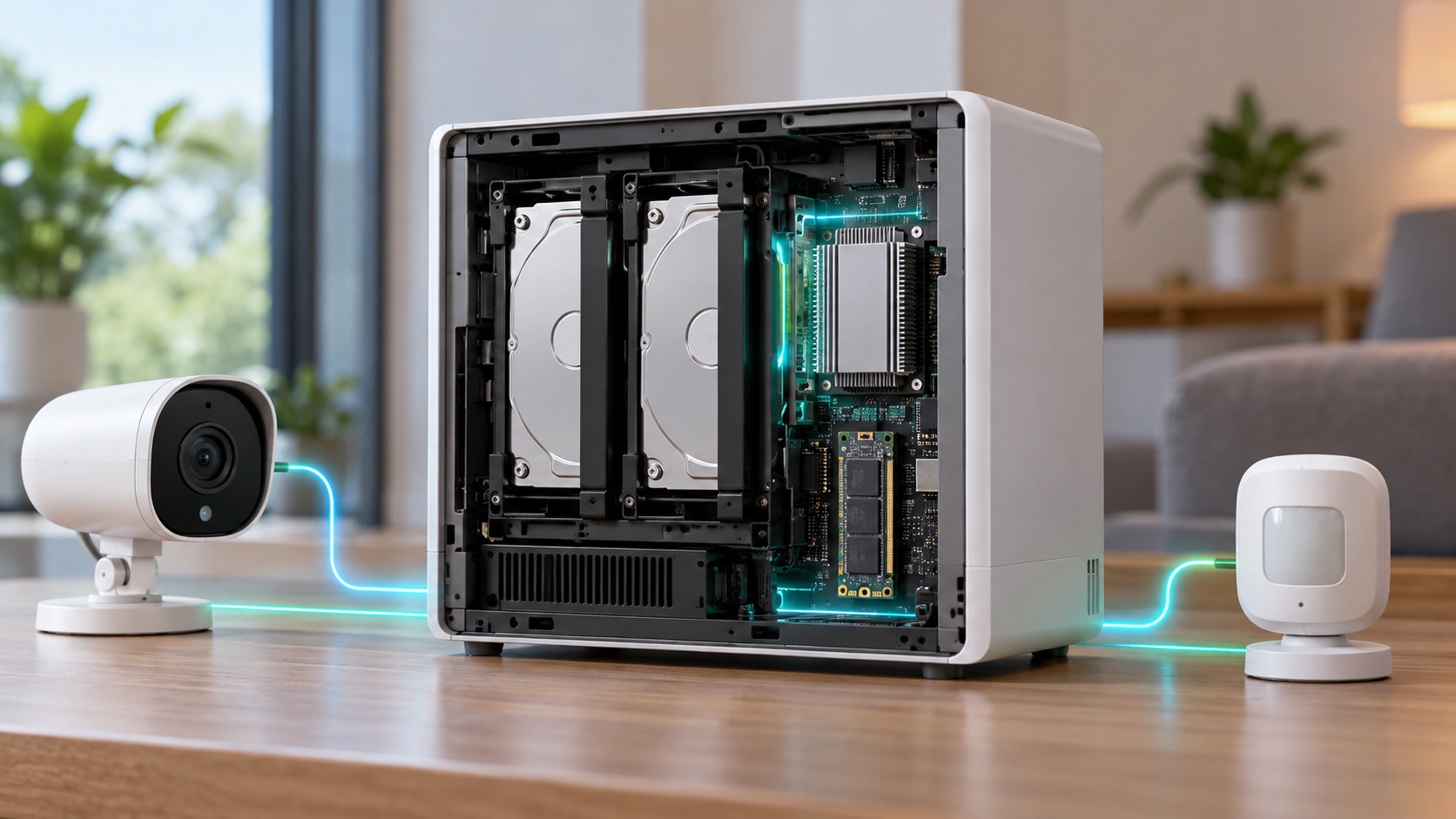
Editorial illustration of a white local-AI NAS hub connecting a home security camera, smart lock, thermostat and family photo library

UGREEN’s HomeAgent HA100 is an unusual pre-retail product: part network-attached storage system, part local AI computer, part surveillance recorder and part smart-home hub. Reservations are open ahead of a Kickstarter campaign scheduled for November 17, 2026, with a promoted $799 offer against a stated $1,599 MSRP.

That price sounds aggressive for a device with 26 TOPS of local AI performance, 16GB of memory and storage expansion. The tradeoff is that HomeAgent is not simply a discounted conventional NAS. Its drive layout, networking, supported devices and still-developing software make it a more specialized—and riskier—purchase.

This preview separates UGREEN’s current claims from independent hands-on findings so buyers can decide whether to reserve early or wait for retail hardware and finished software.

The quick take

  • UGREEN lists the HA100 at $799 for reservation customers, with a $50 deposit required to secure the promoted offer.
  • The Kickstarter campaign is scheduled to begin November 17, 2026; hands-on reporting points to February 2027 shipping, not immediate delivery.
  • Its advertised 26 TOPS combines the Rockchip platform and a removable T20 AI accelerator.
  • The box combines two NAS data-drive bays, a dedicated surveillance-drive bay, an M.2 slot, a four-port PoE switch and smart-home radios.
  • Local AI can analyze camera activity, search events and control supported devices without making cloud processing the default.
  • The biggest cautions are beta software, limited present-day compatibility, non-expandable memory and no simple upgrade path to the faster HomeAgent models.

What the $799 reservation actually buys

UGREEN’s current campaign page lists the HomeAgent HA100 at $799, reduced from a stated $1,599 MSRP. A $50 reservation is required. The company also shows a $2,699 HA100 Pro and a $9,999 MasterAgent MA100 at promoted prices, making the entry model the only one likely to interest a mainstream enthusiast.

A reservation is not the same as buying a finished retail product. Kickstarter timelines, specifications and software can change, and the balance is still a large commitment after the deposit. Buyers should save screenshots of the exact package, refund terms, shipping estimate and included accessories shown when they reserve.

TechRadar’s October 19 hands-on says the HA100 and HA100 Pro reservation package includes a SynCare ID500 Pro camera, but UGREEN’s official campaign page also says some camera accessories are not sold separately and are unlocked only with a HomeAgent purchase. Confirm the bundle in the final pledge tier rather than assuming every early promotion will remain available.

HA100 hardware at a glance

HA100 hardware at a glance

The entry HomeAgent is built around a Rockchip RK3588 processor, 16GB of non-expandable LPDDR5 memory and a T20 accelerator. UGREEN markets 26 TOPS of total local-AI performance—20 TOPS from the accelerator plus 6 TOPS from the platform.

  • Rockchip RK3588 with four Cortex-A76 and four Cortex-A55 CPU cores.
  • 16GB LPDDR5 memory that is not user-expandable.
  • Two SATA bays for ordinary NAS storage plus one SATA bay allocated to surveillance storage.
  • One M.2 NVMe PCIe Gen 3 x1 slot for storage, cache or AI models.
  • One 2.5GbE network port for the main LAN connection.
  • Four integrated 10/100Mbps PoE ports with up to 65W total power for compatible cameras.
  • USB-C, two USB-A ports, HDMI and a front SD card slot.
  • Thread 1.4, Zigbee 3.0 and Bluetooth radios for smart-home connectivity.
  • A four-microphone array, dual 5W speakers and a touch-sensitive front display.
  • UGOS Pro with EXT4 and Btrfs support; the two general-purpose bays support Basic, JBOD, RAID 0 and RAID 1.

The capacity number needs clarification before backing

UGREEN’s campaign page currently advertises “up to 96TB storage.” TechRadar’s hands-on specification table instead describes 68TB as two 30TB SATA drives plus one 8TB M.2 drive, while separately identifying the third SATA bay as surveillance storage. Those figures may be counting different pools or updated drive qualifications.

Because the HA100 does not present three ordinary data bays, buyers should not assume they can build a conventional three-disk RAID 5 array. The hands-on unit supports RAID 0 or RAID 1 across its two main storage bays, while surveillance footage is assigned to a separate drive.

Ask UGREEN to confirm the maximum qualified drive size, whether the surveillance bay can ever join the primary pool, how camera retention is calculated and whether the M.2 slot can be used simultaneously for AI models and general storage. Capacity marketing is not a substitute for a usable-volume plan.

What local AI and Uliya are supposed to do

HomeAgent’s central idea is to keep supported recognition and automation work inside the home. UGREEN says local AI can identify people, vehicles, pets and packages, create event summaries, search footage by keyword and generate alerts without making a cloud subscription the default.

The system’s Uliya assistant can receive spoken questions through the hub, compatible cameras or UGREEN’s smart speaker. In the hands-on software, a locally running Qwen 3.5 4B model handled the basic assistant layer while modular recognition components watched for selected people, pets or parcels.

Local processing can reduce the amount of sensitive camera footage and household activity sent to remote servers, but “local” should not be treated as an absolute privacy guarantee. Remote access, optional cloud AI connections, mobile notifications and third-party integrations can still move data outside the box depending on settings.

Owners should review every connected account, disable cloud-model API keys they do not need, use unique credentials and keep backups separate from the HomeAgent. A locally stored copy is still vulnerable to theft, drive failure, accidental deletion and ransomware.

Matter support and the camera ecosystem

UGREEN says HomeAgent works with its own SynCare cameras and compatible Matter devices. Thread and Zigbee radios are built in, but protocol hardware alone does not guarantee that every device or feature will pair correctly.

TechRadar found the pre-release Smart Home app limited mainly to UGREEN peripherals and Matter accessories. Older devices without Matter pairing codes were not easy to bring into the system, which matters for households already invested in Philips Hue, Tapo, Smart Life, Google Home or Amazon Alexa hardware.

The integrated PoE switch is convenient for cameras because a single Ethernet cable can provide power and data. Its ports are only 10/100Mbps, though. That is adequate for many compressed camera streams, but it is not a substitute for the main 2.5GbE connection and could become a constraint with multiple high-bitrate cameras.

UGREEN’s camera lineup includes the indoor ID500 Pro, the wired outdoor OD600 Pro and a battery-and-solar OD800 Pro. Confirm which cameras can record continuously, which AI functions require HomeAgent, whether ONVIF or third-party cameras are supported and whether a camera can operate after the campaign bundle ends.

What still looks unfinished

The HA100 hardware shown to reviewers appears close to production, but the software is still beta. TechRadar reported a special mobile application for the hands-on unit, limited assistant behavior and a smart-home catalog that needs broader compatibility.

The current local model is designed for focused household tasks, not broad conversational intelligence. That may be a sensible privacy and performance choice, but buyers should not expect a private equivalent of a large cloud chatbot from 16GB of shared memory and a 26-TOPS appliance.

There is also no simple upgrade path from the HA100 to the HA100 Pro or MA100. The models use different processors, accelerators and expansion interfaces. If the entry model feels slow later, the path appears to be replacing the entire hub rather than swapping in a Pro-class module.

Before launch, UGREEN still needs to prove:

  • Reliable everyday operation after power failures, network interruptions and app updates.
  • Clear backup and restore procedures for the hub, camera database and AI configuration.
  • Broader compatibility beyond UGREEN accessories and basic Matter onboarding.
  • Predictable support periods for UGOS Pro, security patches and AI models.
  • Useful local voice responses without sending routine requests to a cloud model.

Reservation risk and the real total cost

The $799 hub price excludes the storage drives needed for a practical NAS and surveillance system. Add two NAS-rated data drives, a surveillance-rated drive, optional NVMe storage, cameras, network cabling and a backup destination before comparing HomeAgent with a standard NAS or cloud subscription.

A sensible budget should also account for:

  • Sales tax, shipping and any import charges shown during the final pledge.
  • At least two matching NAS drives if RAID 1 protection is required.
  • A separate backup drive or second NAS; RAID is not a backup.
  • A UPS or supported battery backup for clean shutdowns during outages.
  • Replacement-camera flexibility if proprietary accessories are discontinued.

Kickstarter campaigns can deliver late or change specifications. Treat the reservation as early-adopter hardware funding, not as a risk-free retail preorder. Use a payment method with appropriate consumer protections and read the campaign’s refund language before the final charge.

How it differs from a conventional NAS

A conventional four-bay NAS usually prioritizes flexible storage pools, mature backup tools, containers and third-party apps. HomeAgent prioritizes local event recognition, dedicated surveillance storage, voice control and first-party smart-home accessories. Neither approach is automatically better; they solve different problems.

Readers who mainly need centralized storage, Docker, media serving and broader drive configurations can compare the UGREEN DXP4800 Plus (ASIN B0D22JRHZB) on Amazon. It is a current four-bay, diskless NAS rather than a HomeAgent substitute, but it shows what buyers give up when they choose a specialized two-data-bay smart-home appliance.

Affiliate disclosure: ReaderSpice may earn a commission from qualifying purchases made through the Amazon link above, at no additional cost to you.

Choose HomeAgent if local camera intelligence and voice-controlled automations are the main goal. Choose a conventional NAS if storage flexibility, app maturity, media workflows or an existing Home Assistant setup matter more.

Who should reserve—and who should wait?

Reserve early if:

  • You are comfortable testing first-generation hardware and beta software.
  • Your smart home already uses Matter devices or you plan to buy UGREEN’s cameras.
  • Local video analysis and reduced cloud dependence matter more than maximum NAS flexibility.
  • You can absorb delays and still maintain separate backups and security coverage.

Wait for retail if:

  • You need proven compatibility with an existing mix of non-Matter devices.
  • You require RAID 5, four general-purpose drive bays, 10GbE or expandable memory.
  • You want independent long-term tests of recognition accuracy, noise, thermals and power use.
  • You need a guaranteed delivery date, simple returns and mature support documentation.

Checklist before paying the deposit

  • Verify that the November 17 campaign date and your regional shipping window are still current.
  • Save the exact pledge-tier description, included camera and early-bird price.
  • Confirm supported drive models, maximum capacity and the role of the surveillance bay.
  • List every existing smart-home device and check Matter compatibility one by one.
  • Ask whether third-party ONVIF cameras, Home Assistant bridges and cloud assistants are supported.
  • Price two data drives, a surveillance drive, backup storage and power protection.
  • Review privacy controls for remote access, camera recognition, stored faces and optional cloud AI.
  • Wait for final campaign specifications if any essential answer is missing.

The bottom line

UGREEN HomeAgent HA100 is one of the most ambitious home-storage products of 2026 because it tries to combine a NAS, NVR, local AI server and smart-home controller in one appliance. The $799 reservation price makes that experiment tempting, especially with a camera bundle.

The same integration creates its biggest risks. Two ordinary data bays limit storage options, compatibility is narrow in the beta software, memory is fixed and faster HomeAgent models require a new machine. For households that already use Matter and want local camera intelligence, the HA100 could become a useful private hub. Everyone else should wait for the Kickstarter specification, retail software and independent tests before treating it as a replacement for a mature NAS or smart-home platform.

Sources

UGREEN: HomeAgent crowdfunding page — pricing, memory, storage and local-AI claims

UGREEN: Smart Living launch event — HomeAgent lineup and accessories — September 9, 2026

UGREEN: Smart home hub with local storage — September 14, 2026

TechRadar: UGREEN HomeAgent HA100 hands-on — October 19, 2026

Kickstarter: UGREEN HomeAgent campaign page

Amazon: UGREEN DXP4800 Plus four-bay NAS (ASIN B0D22JRHZB)

Western Sydney International Airport Is Open: Flights, Transport and What Travelers Should Know

Passenger aircraft taxis beside a modern airport terminal at sunrise in an editorial illustration of Western Sydney International Airport

Western Sydney International (Nancy-Bird Walton) Airport opened to passenger traffic on Sunday, October 25, 2026, giving Australia its first major new airport in more than 50 years. The curfew-free airport at Badgerys Creek is designed to serve Western Sydney and eventually relieve pressure on Sydney Kingsford Smith Airport.

The opening matters, but travelers should not treat WSI as a drop-in replacement for SYD. The two airports are far apart, launch routes are limited, and the planned Metro connection is not operating at passenger opening. A cheaper airfare can still become inconvenient if the wrong airport, transfer time or ground-transport plan is overlooked.

This guide separates opening-day facts from future commitments and focuses on what a traveler can actually do now: identify the correct airport code, check the airline’s current schedule, plan the surface trip and allow enough time for a new terminal routine.

Western Sydney International at a glance

  • Airport code: WSI, not SYD.
  • Location: Badgerys Creek in Western Sydney, roughly 45 kilometers west of the Sydney CBD.
  • Passenger opening: Sunday, October 25, 2026; cargo services began in July.
  • Operating model: 24 hours a day without the overnight passenger-flight curfew that applies at Kingsford Smith.
  • Initial capacity: up to 10 million passengers a year, with long-term expansion planned as demand grows.
  • Rail at opening: no direct Metro service yet; bus, shuttle, taxi, rideshare, rental car and private vehicle are the practical options.
  • First departure: Jetstar flight JQ362 to the Gold Coast.

What opened on October 25

Passenger operations followed 15 years of planning, seven years of construction and extensive testing, according to the Australian Government. The airport’s single terminal handles domestic and international services, while its runway and operating approvals allow airlines to schedule flights around the clock.

Jetstar operated the first commercial passenger departure, an Airbus A320 service to the Gold Coast. Reuters reported that the airport opened as a A$5.6 billion project and that cargo services had already started, giving the site an operational runway and logistics base before ordinary passengers arrived.

Opening day is not the finished network. WSI is built to scale, while airlines are phasing in routes over months and years. Travelers should therefore read an airline timetable as a date-specific commitment, not assume every announced carrier is already flying.

Launch routes and airline rollout

  • Jetstar: up to 14 weekly services to Melbourne, four to the Gold Coast and three to Brisbane in the initial schedule.
  • Air New Zealand: Auckland service scheduled to begin October 26, 2026.
  • Singapore Airlines: daily Singapore service scheduled to begin November 23, 2026.
  • VietJet: Ho Chi Minh City service scheduled for January 2027.
  • Fiji Airways: Nadi service scheduled for March 2027.
  • QantasLink: Brisbane and Melbourne services scheduled from March 28, 2027.
  • Qatar Airways: Doha service is a later commitment, scheduled for December 2027.

Airline start dates, frequencies and aircraft can change. Confirm the airport code, local date and departure terminal on the airline’s own booking record before paying for lodging, parking or a separate connection.

Getting there before the Metro opens

Getting there before the Metro opens

The most important opening-period limitation is ground transport. The Sydney Metro–Western Sydney Airport line is not available for the first passenger services, so a rail itinerary cannot yet continue directly into the terminal. The interim plan combines existing rail with road transport.

Transport for NSW established a free interim bus link between St Marys station and the airport. WSI also lists scheduled airport shuttles, public buses, taxis, rideshare, car rentals and private-car access. Check live timetables because operating hours may not match a very early or late flight at a 24-hour airport.

The M12 Motorway provides direct road access to the airport precinct from the Sydney motorway network. Drivers should use the official airport route and booking confirmation, not simply search for ‘Sydney Airport,’ which can lead to Kingsford Smith.

The WSI Link fallback

For many travelers, the simplest public-transport plan is train to St Marys followed by the free WSI Link shuttle. Build in a buffer for the platform change, luggage handling, traffic and the possibility that a late-night arrival does not line up with a frequent suburban service.

The airport’s own shuttle service and other commercial coaches may suit the CBD, Parramatta or a transfer to SYD, but they are separate products with their own schedules and booking rules. Compare the total door-to-door time and cancellation terms, not only the headline fare.

Driving, parking, taxi and rideshare

WSI sells airport parking online and advises travelers to compare options and reserve ahead. A booking can reduce uncertainty during opening weeks, when first-time visitors are learning the terminal roads. Keep the confirmation accessible offline and confirm the correct entry lane before leaving home.

The airport has designated pickup and drop-off arrangements for taxis, rideshare and private vehicles. Do not ask a driver to stop on an approach road or in an unauthorized lane. If using rideshare, wait until baggage is collected and the pickup zone is confirmed before requesting a car.

A rental car can be practical for Western Sydney, the Blue Mountains or regional New South Wales, but it may be wasteful for a central-Sydney stay. Compare rental, parking, toll and fuel costs with the shuttle-plus-train option.

Do not book the wrong Sydney airport

WSI and SYD are different airports. WSI is Western Sydney International at Badgerys Creek. SYD is Sydney Kingsford Smith Airport near the city center. A confirmation that says ‘Sydney’ is not enough; the three-letter code should match every segment, transfer and car booking.

This distinction matters most for separate tickets. An inbound flight to SYD and an onward flight from WSI require a cross-city road transfer, baggage collection and a new check-in. The reverse is equally demanding. There is no protected airside connection between the airports.

If a search engine offers a low fare that changes airports, price the transfer and allow a conservative buffer. Consider traffic, immigration, customs, baggage delay and the missed-flight rules on the second ticket. An overnight stay may be safer than a tight same-day connection.

Check-in, baggage and security

WSI uses a modern terminal with digital check-in and bag-drop facilities, but the airport does not publish one universal arrival-time rule for every airline. Domestic and international cutoffs vary. Follow the operating airline’s current instructions and allow additional time during the opening period.

Check the flight-status page before leaving, then confirm check-in, baggage allowance, special-item handling and boarding requirements directly with the airline. A new airport cannot override a carrier’s cutoff, and an airport parking reservation does not guarantee enough time to reach the gate.

International arrivals should verify passport, visa, biosecurity and customs requirements. Travelers connecting onward on a separate ticket should assume they must collect bags and repeat check-in unless the airlines explicitly confirm through-checking.

Transferring between WSI and SYD

A transfer between Sydney’s two airports is a landside journey. There is no direct passenger rail link between them at opening, and travel time can change sharply with traffic. Treat any advertised shuttle time as an estimate, not a connection guarantee.

Before accepting a split-airport itinerary:

  • Verify both airport codes on every flight segment.
  • Check whether the tickets are protected on one booking or separate contracts.
  • Add time for immigration, baggage collection and re-checking when applicable.
  • Confirm the shuttle, taxi or rideshare operates at the required hour.
  • Price tolls, luggage charges and an emergency hotel against a more direct itinerary.
  • Avoid a short connection even if a booking site displays it as technically possible.

Accessibility and family travel

Travelers who need step-free transport, mobility assistance, accessible parking or help through the terminal should contact the airline and ground-transport provider before travel. An accessible terminal does not guarantee that every shuttle departure can accommodate an unannounced wheelchair or large mobility device.

Families should confirm stroller and car-seat rules with the airline, allow extra time at bag drop and identify the pickup zone before landing. Keep medication, documents, a change of clothes and essential child supplies in hand baggage in case the road transfer or checked baggage takes longer than expected.

A verified Australia plug adapter option

Australia uses Type I wall outlets and 230-volt, 50-hertz electricity. Most modern phone and laptop chargers accept 100–240 volts, but the charger’s input label is the deciding factor. A plug adapter changes the physical plug shape; it does not convert voltage.

Amazon lists the Ceptics Australia Plug Adapter three-pack (ASIN B01MR9D7VJ), which accepts common North American plugs and provides a Type I connection. Verify the exact seller, pack size, device voltage and current listing before purchase.

Do not use a simple adapter with a single-voltage hair dryer, styling tool or other high-wattage appliance unless the appliance is designed for Australia’s supply. The Amazon listing itself states that the product is not a voltage converter.

Disclosure: ReaderSpice may earn a commission from qualifying Amazon purchases made through the link above, at no additional cost to you.

Opening-week travel checklist

  • Confirm WSI or SYD on every booking, calendar entry and ground-transfer reservation.
  • Recheck the airline’s launch date and flight status before leaving.
  • Choose and reserve parking, shuttle or rideshare arrangements before the travel day.
  • If using public transport, confirm the St Marys connection and the latest WSI Link timetable.
  • Allow extra time for unfamiliar roads, terminal wayfinding and opening-period queues.
  • Download confirmations and maps in case mobile service or roaming is unreliable.
  • Verify baggage, passport, visa, biosecurity and special-assistance requirements.
  • For a WSI–SYD transfer, build a generous buffer or stay overnight.

The bottom line

Western Sydney International gives the region a long-awaited second passenger airport with 24-hour operations and room to grow. Its opening network is intentionally modest: Jetstar leads the domestic launch, Air New Zealand begins the first international service, and other airlines follow on different dates.

The travel advantage depends on where the trip begins and ends. WSI can be far more convenient for Western Sydney, but it can add time for a central-city stay or a connection at SYD. Check the code, plan the road leg, follow the airline’s deadline and treat future route announcements as future—not current—service.

Sources

Australian Government: Official passenger opening date, initial capacity and launch airline schedule — June 10, 2026

Western Sydney International: Official transport options

Transport for NSW: Free interim WSI Link bus to St Marys station

Western Sydney International: Destinations and airline start dates

Western Sydney International: Departing passenger guidance

Western Sydney International: Arriving passenger guidance

Western Sydney International: Airport shuttle service announcement — September 30, 2026

Reuters: Western Sydney International opens to passengers — October 25, 2026

Amazon: Ceptics Australia Plug Adapter (ASIN B01MR9D7VJ)

Firefox 158.0.1 and Android 158.0.2 Block Compromised Certificates: What to Do

Laptop blocking a compromised digital certificate behind a protective security shield

Mozilla has issued an unusual pair of Firefox security updates after private keys tied to eight eMudhra intermediate certificates were reported compromised. Firefox 158.0.1 for desktop and Firefox 158.0.2 for Android contain protections intended to block certificates issued through the affected chain, including cases where Firefox’s normal remote blocklist delivery is disabled or unavailable.

The practical advice is straightforward: let Firefox update, restart it, and confirm the installed version. Most people do not need to delete certificates or change browser settings. Organizations that pin versions or block Mozilla’s Remote Settings service should treat the release as a priority deployment because the packaged update is the fallback protection for those environments.

Firefox certificate update at a glance

  • Incident reported to Mozilla: October 17, 2026, at 20:06 UTC.
  • Affected material: private keys associated with eight eMudhra intermediate certificates.
  • Immediate response: Mozilla added the affected certificates to OneCRL and completed distribution by 22:59 UTC, less than three hours after receiving the report.
  • Desktop release: Firefox 158.0.1, issued October 20.
  • Android follow-up: Firefox 158.0.2, issued October 21 to make sure the bundled OneCRL blocklist is installed at startup.
  • ESR releases: Firefox ESR 115.43.1 and Firefox ESR 153.5.1 carry the response for supported enterprise branches.
  • Security classification: Mozilla rates CVE-2026-113470 as high impact.

A secure-web certificate helps a browser establish that it is talking to the intended site and that the connection is encrypted. An intermediate certificate sits between a trusted root authority and the certificates presented by websites. If an intermediate private key is compromised, an attacker may be able to issue a fraudulent certificate that appears to chain back to a trusted authority.

What happened to the eMudhra certificates

Mozilla says it received the compromise report on Saturday, October 17. The report involved private keys associated with eight eMudhra intermediate certificates. Possession of those keys could allow an attacker to create certificates for domains the attacker does not control.

A fraudulent certificate is not automatically enough to read someone’s browsing traffic. The attacker would also need a way to intercept or redirect the connection—for example through a compromised network, malicious routing, hostile proxy or another man-in-the-middle position. In that situation, the certificate could help the attacker impersonate a legitimate website and potentially read or modify traffic that the victim believed was protected.

This distinction matters. Mozilla did not say that every Firefox user was attacked, nor that every certificate issued by eMudhra was fraudulent. The response blocks the affected certificate paths so they cannot be used to establish trust in Firefox.

Why compromised certificates matter

Why compromised certificates matter

The padlock in a browser address bar signals that the current connection is encrypted and that the site presented a certificate the browser accepted. It is not a guarantee that the organization behind the page is honest, and it depends on the integrity of the certificate chain.

A root certificate authority can delegate certificate issuance to intermediate authorities. Those intermediates sign website certificates. Browsers maintain trust stores and revocation mechanisms so a certificate path can be rejected when a key is lost, misused or otherwise unsafe. Blocking a compromised intermediate is therefore a way to prevent every certificate relying on that path from being accepted, without waiting for individual websites to change.

For everyday users, the visible effect should be minimal. A correctly updated browser silently refuses the affected chain. If a site still depends on one of the blocked certificates, Firefox may show a secure-connection error until the site operator replaces the certificate chain.

How Mozilla blocked the certificates

Mozilla first used OneCRL, its remotely delivered list of revoked certificates. The Firefox Security Team says the block reached standard Firefox configurations less than three hours after the report. OneCRL is distributed through Mozilla’s Remote Settings system, allowing urgent security-state changes between normal browser releases.

That fast response does not cover every configuration equally. An enterprise policy, network restriction or custom preference can prevent Remote Settings from arriving. Firefox 158.0.1 therefore includes the updated OneCRL data inside the application package, so the browser can enforce the block even when remote delivery is unavailable.

Mozilla also updated its Network Security Services trust store to NSS 3.131.1 and removed the root certificate that signed the affected intermediates. That broader step helps other applications based on Mozilla’s trust store, including products that do not receive Firefox’s OneCRL updates.

Which Firefox versions users should have

  • Firefox desktop release channel: version 158.0.1 or later.
  • Firefox for Android: version 158.0.2 or later.
  • Firefox ESR 153 branch: version 153.5.1 or later.
  • Firefox ESR 115 branch: version 115.43.1 or later.

Version numbers can move forward quickly. If Firefox offers a version newer than the numbers above, install the newer supported release rather than attempting to downgrade. A newer version should include the earlier security response unless Mozilla publishes a specific exception.

The desktop advisory for Firefox 158.0.1 also includes a separate high-impact SVG boundary-condition fix and several stability corrections. Release notes list fixes for unexpected scrolling while selecting text, a Windows print-to-PDF crash involving assistive technology, incorrect monitor selection on Linux, a built-in VPN startup problem and macOS drag-and-drop failures.

Why Android needed a second update

Mozilla initially released Firefox 158.0.1 for desktop and Android with the bundled blocklist. On October 21, it added Firefox for Android 158.0.2 after finding that some Android clients were not applying the bundled OneCRL changes immediately at startup.

The 158.0.2 release narrows that exposure window by ensuring the pre-distributed blocklist is installed as Firefox starts. Android users should not assume that having 158.0.1 is the end of the task; the relevant Android target is 158.0.2 or any newer release offered through the device’s app store.

How to check and update Firefox

  • On desktop, open the Firefox menu and choose Help, then About Firefox. On macOS, the About Firefox command is also available from the Firefox menu in the menu bar.
  • Allow Firefox to check for and download the update. When prompted, restart the browser so the new version is actually running.
  • Open About Firefox again and confirm version 158.0.1 or later.
  • On Android, open the Google Play Store, search for Firefox and install any available update. Then open Firefox, go to Settings and About Firefox, and confirm version 158.0.2 or later.
  • If Firefox came from the Microsoft Store or a Linux distribution repository, use that store or package manager because it may control the update channel.

Firefox normally updates automatically, but an update may not finish until the browser restarts. A managed work or school device may also be pinned to an administrator-approved version. If the About screen says updates are controlled by your organization, contact the administrator instead of trying to bypass policy.

What managed and offline devices need

The highest-priority cases are systems that do not receive Mozilla Remote Settings reliably. That can include locked-down enterprise images, offline workstations, filtered networks, lab machines and devices that remain open for long periods without restarting.

  • Confirm the installed Firefox or ESR version through inventory rather than assuming automatic updates completed.
  • Deploy the applicable 158.0.1, 153.5.1 or 115.43.1 package—or a newer supported release—through the organization’s normal software-management system.
  • Restart Firefox processes after deployment so the updated application and packaged blocklist are active.
  • Do not re-enable a blocked certificate chain merely to suppress a site error. Replace the server certificate chain or work with the site operator.
  • Review proxy, TLS-inspection and private-certificate deployments before changing trust settings; enterprise certificates are a separate configuration from the compromised public intermediates.

Administrators using a custom certificate authority for internal sites should test those sites after updating. An internal certificate error does not prove the public eMudhra incident caused it, and weakening certificate validation can create a larger security problem than the original outage.

What this update does not mean

The release is not evidence that Firefox’s encryption was broken. It is a trust-management response to compromised certificate keys. Mozilla’s rapid OneCRL distribution reduced exposure for standard configurations, while the packaged update covers systems that might miss that remote change.

The incident also does not require most people to reset every password. If you encountered a suspicious certificate warning, used an untrusted network during the affected period or believe you entered credentials into an impersonated site, update first, move to a known-trusted connection and change the affected password from a clean device. Otherwise, installing the browser update is the proportionate response.

Do not click through a certificate warning because a site appears familiar. Check the exact domain, reopen it from a trusted bookmark and let the site operator resolve the certificate problem. Certificate warnings are designed to stop the connection before credentials or other sensitive data are exposed.

Practical account security steps

  • Keep Firefox, Android and the operating system on supported releases.
  • Use unique passwords and a reputable password manager.
  • Enable phishing-resistant multifactor authentication or passkeys when an important account supports them.
  • Treat unexpected login prompts and certificate warnings as separate reasons to stop and verify the site.
  • Avoid changing advanced certificate settings unless an administrator or documented support process requires it.
  • On shared or managed devices, report warnings to IT instead of installing certificates supplied by an unknown website.

Is a hardware security key relevant here?

A hardware security key cannot fix a compromised certificate authority and does not replace the Firefox update. It can, however, add phishing-resistant authentication to supported accounts. Even if an attacker learns a password, a properly configured FIDO security key can make account takeover harder because authentication is bound to the legitimate website origin.

A verified option is the Yubico Security Key C NFC on Amazon. It uses USB-C or NFC and supports FIDO-based authentication, but compatibility depends on the account, device and sign-in method. Confirm those details and the current seller before ordering.

Affiliate disclosure: ReaderSpice may earn a commission from qualifying Amazon purchases made through the link above, at no additional cost to you.

Bottom line

Firefox users should update rather than panic. Mozilla says standard configurations received the OneCRL block within hours, and the browser releases add a packaged fallback for clients that missed remote delivery. Desktop users need Firefox 158.0.1 or later, while Android users should be on 158.0.2 or later.

The larger lesson is that HTTPS protection depends on more than encryption alone. Browsers also need a trusted certificate chain and a fast way to revoke unsafe intermediates. Keeping the browser current is what turns Mozilla’s certificate response into protection on the device in front of you.

Sources

Mozilla Security Blog: Protecting Firefox users after the eMudhra intermediate-certificate compromise

Mozilla MFSA 2026-111: Security vulnerabilities fixed in Firefox 158.0.1

Firefox 158.0.1 release notes

Firefox for Android 158.0.2 release notes

Mozilla MFSA 2026-116: Security vulnerabilities fixed in Firefox for Android 158.0.2

Mozilla Support: Update Firefox to the latest release

Firefox Source Docs: Remote Settings and the OneCRL security-state collection

Call of Duty: Modern Warfare 4 Is Out: Platforms, PC Requirements and What to Check

Gamer facing a modular global battlefield across PC, console and handheld screens

Call of Duty: Modern Warfare 4 launched worldwide on October 23, 2026, bringing its campaign, competitive multiplayer and the rebuilt DMZ extraction mode to current Xbox and PlayStation consoles, Windows PCs and Nintendo Switch 2. It is the first new Call of Duty release on a Nintendo platform in years, but not every version has the same subscription, hardware or security requirements.

The safest launch-day decision is not simply choosing the cheapest store. PC players need to confirm TPM 2.0, Secure Boot, storage and graphics support before paying. Console buyers should account for online-service subscriptions, downloads and platform-specific performance. Parents should also notice the Mature 17+ rating, interactive users and in-game purchases.

Modern Warfare 4 launch at a glance

  • Release date: October 23, 2026.
  • Platforms: Xbox Series X|S, Xbox on PC, PlayStation 5, Battle.net, Steam and Nintendo Switch 2.
  • Not supported: Xbox One and PlayStation 4.
  • Main modes: a cinematic campaign, multiplayer and the DMZ extraction mode.
  • Launch multiplayer: 20 maps, more than a dozen modes, 33 weapons, 33 Operators and progression through Level 55 and beyond.
  • PC requirements: a 115GB SSD, broadband internet, DirectX 12, TPM 2.0 and Secure Boot.
  • Game Pass status: Modern Warfare 4 is a standalone purchase and is not included with Game Pass at launch.
  • ESRB rating: Mature 17+ for Blood and Gore, Intense Violence, Strong Language and Use of Drugs; it also includes Users Interact and In-Game Purchases.

Launch details can change through patches and platform storefront updates. Check the exact edition, seller, region, language support and download size shown at checkout rather than assuming every listing is identical.

Where you can play it

Modern Warfare 4 is available on Xbox Series X|S, PlayStation 5, Windows PC and Nintendo Switch 2. PC buyers can choose the Xbox app, Battle.net or Steam. Xbox purchases support Xbox Play Anywhere when bought through participating Xbox and Microsoft storefronts, allowing one supported digital purchase to work across Xbox Series X|S and Xbox on PC with compatible progression and saves tied to the account.

The game does not support Xbox One or PlayStation 4. That distinction is important when shopping for a physical copy or gift: a familiar box design does not make a current-generation disc compatible with older hardware. Confirm the platform name printed on the listing and package.

Nintendo Switch 2 is a full launch platform, not a later port. Nintendo lists the Standard Edition at $69.99 in the United States. Availability, physical-versus-digital options, storage use and regional pricing can differ, so check the Nintendo eShop or retailer listing for the exact format.

What is included on day one

The campaign continues the modern storyline with fighting across the Korean Peninsula and missions in locations including New York and Paris. Multiplayer launches with 20 maps: 12 Core 6v6 maps, four Gunfight maps, three Ground War maps and Kill Block, a modular training facility. Infinity Ward also lists more than a dozen multiplayer modes, 33 weapons and 33 Operators.

Progression runs through Level 55 and expands into two Prestige paths. Weapon camouflage progress spans multiplayer and DMZ, with additional Warzone integration planned when Season 1 begins. Players who mainly care about one mode should still review installed content packs because the complete package can occupy much more storage after updates.

DMZ is a separate extraction loop built around deployments into Hajin. Players can enter alone or with a squad, pursue missions, collect equipment and decide when to extract. DMZ has its own Level 1–70 progression, while earned DMZ experience also contributes to overall player progression.

Kill Block changes the map every match

Kill Block is the most unusual launch map. Its central and outer modular sections can be rearranged into more than 500 configurations, changing routes, cover and sightlines between matches. The map supports 3v3 and the new 10v10 Gunfight format at launch, with broader mode support planned later.

That variability should reward communication and quick map reading more than memorizing a single route. It may also make early matches harder to learn. Players should use the first rounds to identify spawn areas, long sightlines and the current position of each slab instead of assuming yesterday’s path still exists.

The PC requirements deserve a preflight check

The PC requirements deserve a preflight check

Activision’s minimum desktop specification calls for Windows 10 64-bit with current updates, an AMD Ryzen 5 1400 or Intel Core i5-6600, 8GB of RAM, 3GB of video memory and an AMD Radeon RX 470, NVIDIA GeForce GTX 970 or 1060, or Intel Arc A580. An SSD with 115GB of available space is required.

The recommended target for 90 frames per second in multiplayer at High settings rises to Windows 11, a Ryzen 5 3600 or Intel Core i7-8700, 16GB of RAM, 8GB of video memory and a Radeon RX 6600 XT, GeForce RTX 3060 Ti or Intel Arc B580. These are launch specifications, not a guarantee of identical performance in every map or mode.

  • Confirm at least 115GB of free SSD space, then leave additional room for patches and shader data.
  • Update Windows and the graphics driver from the operating-system or hardware maker’s official source.
  • Verify DirectX 12 support and a broadband connection.
  • Intel Arc graphics require Resizable BAR.
  • Activision currently supports Intel and AMD processors with the required AVX instruction set; Arm-based Windows PCs are not listed as supported.

Laptop graphics can use the same family name as a desktop card while delivering different performance. Compare the exact laptop GPU and its power limit with Activision’s supported list rather than relying only on the marketing name.

How to check TPM 2.0 and Secure Boot safely

TPM 2.0 and Secure Boot are mandatory for Modern Warfare 4 online modes on PC. Activision says Windows 10 must be version 22H2 or later, the system must boot in UEFI mode, and the Windows disk should use the GPT partition style. A noncompliant PC can be blocked from all online modes.

  • Press Windows + R, type tpm.msc and confirm that the TPM is ready for use with Specification Version 2.0.
  • Open System Information, then check that BIOS Mode shows UEFI and Secure Boot State shows On.
  • Run Activision’s official Call of Duty Secure Attestation Wizard if the game reports a compliance problem.
  • If a setting is missing, consult the exact PC or motherboard support page before changing firmware options.

Do not follow a generic video that tells you to convert partitions or change firmware settings without confirming the model-specific procedure and maintaining a current backup. Activision warns that incorrect UEFI or BIOS changes can cause boot failures and recommends contacting the hardware maker or a professional when the process is unfamiliar.

Storage, downloads and launch-day patching

The 115GB PC figure is an at-launch requirement, not a permanent ceiling. Mandatory updates, language packs, campaign content, multiplayer files and later seasonal content can increase the footprint. On platforms that support selective installs, remove modes only through the game or console’s supported content-management screen so required shared files are not deleted accidentally.

Infinity Ward’s October 23 patch notes say several stability and crash issues were fixed at launch and more updates are planned. That makes a first-day download normal even for a physical copy. On PS5, automatic downloads may begin without presenting every content choice; users who closely manage storage should review installation options before leaving the console unattended.

Keep enough free space for the download and installation process, not only the final reported size. Some systems need temporary working space to unpack and replace large files.

What Switch 2 buyers should know

Nintendo’s release page confirms the campaign, multiplayer and DMZ on Switch 2. A Nintendo Switch Online membership and Nintendo Account are required for Multiplayer and DMZ, and internet access is required for online features. The membership is sold separately and can auto-renew after a trial or paid term.

Nintendo and Activision’s launch pages do not provide enough information to promise identical resolution, frame rate, field of view or loading behavior across Switch 2, PS5, Xbox and PC. Players who are sensitive to performance differences should wait for measured comparisons rather than treating cross-platform availability as proof of parity.

Before choosing Switch 2 for portability, verify download requirements, microSD Express capacity, controller preferences, voice-chat setup and whether the people you play with use compatible cross-platform features.

Subscriptions, accounts and online access

Modern Warfare 4 is not included with Game Pass at launch. Buying the game also does not automatically include the platform subscription required for paid online multiplayer on every console. Nintendo explicitly requires Nintendo Switch Online for Multiplayer and DMZ; Xbox and PlayStation players should check the current multiplayer-access rules for their region and account.

An Activision account and acceptance of the software and services agreement are required for connected features. Use a unique password, enable supported account security and confirm that the platform account is linked to the intended Activision profile before redeeming bonuses. Linking the wrong account can complicate progression and purchase recovery.

Is it suitable for younger players?

The ESRB rates Modern Warfare 4 Mature 17+ for Blood and Gore, Intense Violence, Strong Language and Use of Drugs. The rating summary describes realistic gunfire, explosions, blood effects, dismemberment and violent cutscenes. The game also includes user interaction and in-game purchases.

Parents should review the rating before purchase, then configure the console or PC account’s spending, communication, playtime and age controls. Muting voice chat does not remove every online interaction, and a platform-level purchase PIN is safer than relying on a child to decline every offer.

Which edition should you buy?

The Standard Edition contains the core game. The Vault Edition adds premium cosmetic and progression extras, including Operator packs, a Signature Weapon Collection, one season of BlackCell and a DMZ deployment bonus. Those additions do not replace the base purchase and should be valued as digital extras, not physical hardware.

Most players should start with Standard unless they already know they want the included cosmetic packs and seasonal content. Check whether a Vault upgrade is available later on the chosen platform before paying the higher price on day one.

Readers buying a physical PS5 copy can view Call of Duty: Modern Warfare 4 Standard Edition on Amazon. The verified listing is ASIN B0H37MKQ64; confirm the platform, seller, region, delivery date, bonus terms and return policy before ordering.

As an Amazon Associate, ReaderSpice earns from qualifying purchases.

A practical launch-day checklist

  • Confirm the exact platform and edition before purchase.
  • Check available storage and leave extra room for updates.
  • On PC, verify TPM 2.0, Secure Boot, UEFI/GPT, Windows version and GPU support before buying.
  • Install current system and graphics updates from official sources.
  • Review required online subscriptions and account links.
  • Set spending and communication controls for younger household members.
  • Expect launch patches and consult the official known-issues board if crashes or connection problems appear.

Bottom line

Modern Warfare 4 is a broad current-generation launch: campaign, 20-map multiplayer and a rebuilt DMZ arrive together across Xbox Series X|S, PS5, PC and Switch 2. The modular Kill Block map and dual Prestige paths add variety, while Nintendo’s day-one release makes this the widest platform launch the series has offered in years.

The practical caveats matter just as much. It is not on Game Pass at launch, PC online play requires TPM 2.0 and Secure Boot, the SSD requirement starts at 115GB, console online modes can require separate subscriptions, and the ESRB rating is Mature 17+. Verify those details first; then choose the platform and edition that match how you actually plan to play.

Sources

Call of Duty: Modern Warfare 4 worldwide launch announcement

Infinity Ward: Modern Warfare 4 launch patch notes

Call of Duty: Modern Warfare 4 maps and modes at launch

Activision Support: Modern Warfare 4 PC system requirements

Activision Support: TPM 2.0 and Secure Boot requirements

Nintendo: Modern Warfare 4 launch on Nintendo Switch 2

ESRB: Call of Duty: Modern Warfare 4 rating summary

Call of Duty: Modern Warfare 4 editions and platform details