
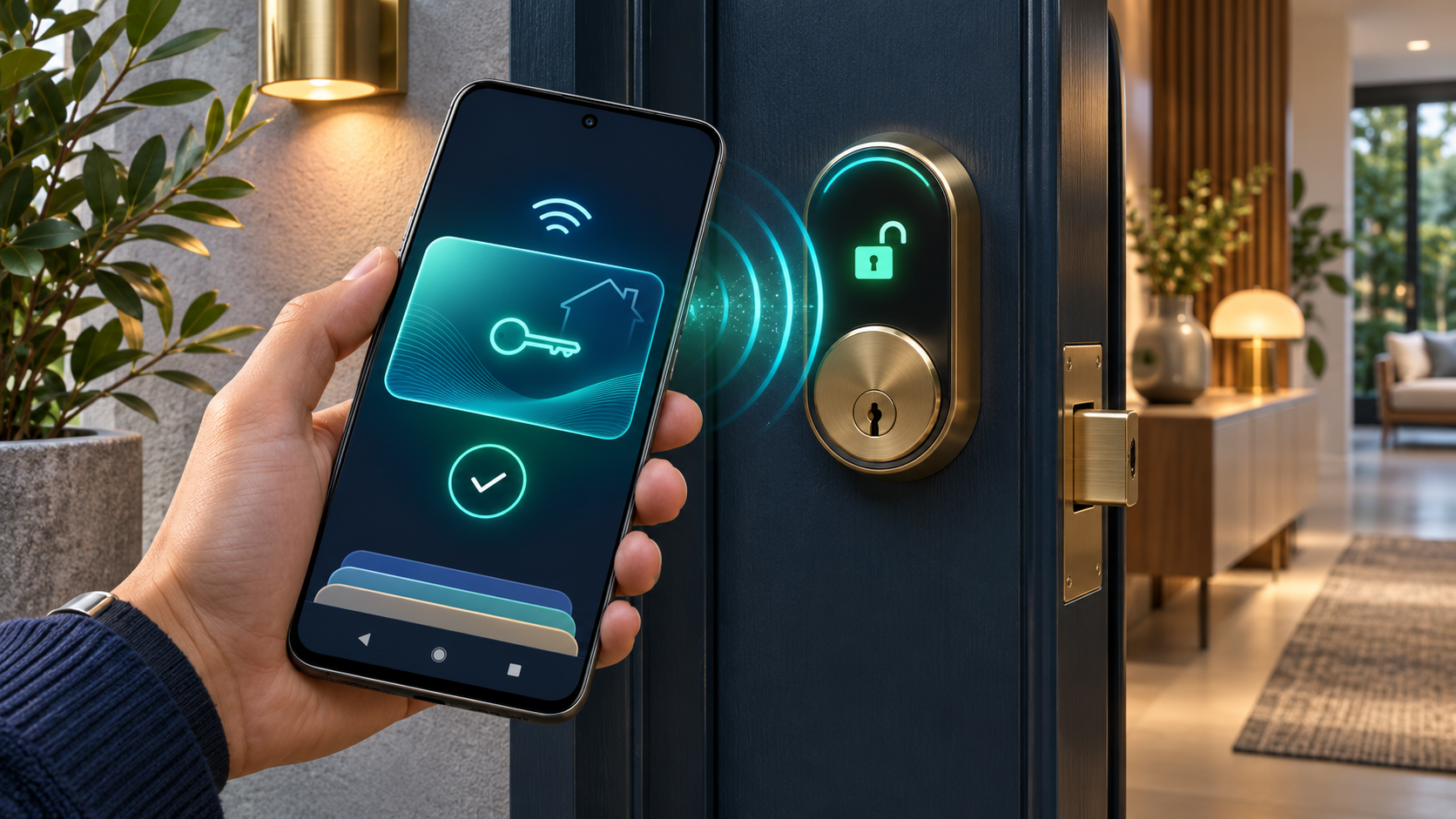
Google has begun rolling out digital home keys in Google Wallet, giving Android users a new way to unlock compatible smart locks by tapping a phone or—when both the phone and lock support Ultra-Wideband—walking up to the door. The feature entered Public Preview in the Google Home app on November 11, 2026, with a broader rollout planned over the following weeks.
This is not a software switch for every existing smart lock. Google requires an Aliro-compatible, Matter-certified lock, a supported Google Home hub with a Thread border router, the current Google Home and Wallet apps, and an eligible Android phone. Tap to Unlock has much wider phone support than hands-free Unlock on Approach, and Wear OS watches are not supported at launch.
The convenience is real, but so is the security decision: Google allows tap-to-unlock without waking or unlocking the phone by default if the phone was unlocked within the last few hours. Owners who prefer a stricter rule can require the device screen lock or biometric verification for every use. This guide explains the hardware, setup steps, verification choices and recovery limits using Google and Connectivity Standards Alliance documentation. It is not a ReaderSpice hands-on test.
Google Wallet home keys at a glance
- Rollout: Public Preview began November 11, 2026; Google says wider availability will follow over the coming weeks.
- Tap to Unlock: works with an NFC-enabled Android phone running Android 9 or later and a compatible lock.
- Unlock on Approach: requires Aliro UWB support in both the phone and lock; the setting is off until the owner enables it.
- Launch locks: Aqara U400 supports NFC and UWB; Schlage Sense Pro supports NFC at launch with UWB to follow; Nuki Keypad 2 NFC supports NFC.
- Home hub: a Matter-enabled Google Home hub with Thread border-router support, such as Nest Hub (2nd gen), Nest Hub Max, Nest Wifi Pro or Google TV Streamer.
- Household access: each Google Home household member adds a personal key to their own Google Wallet; guests use lock passcodes instead.
- Watch support: Wear OS smartwatches are not supported at launch.
Tap to Unlock versus Unlock on Approach
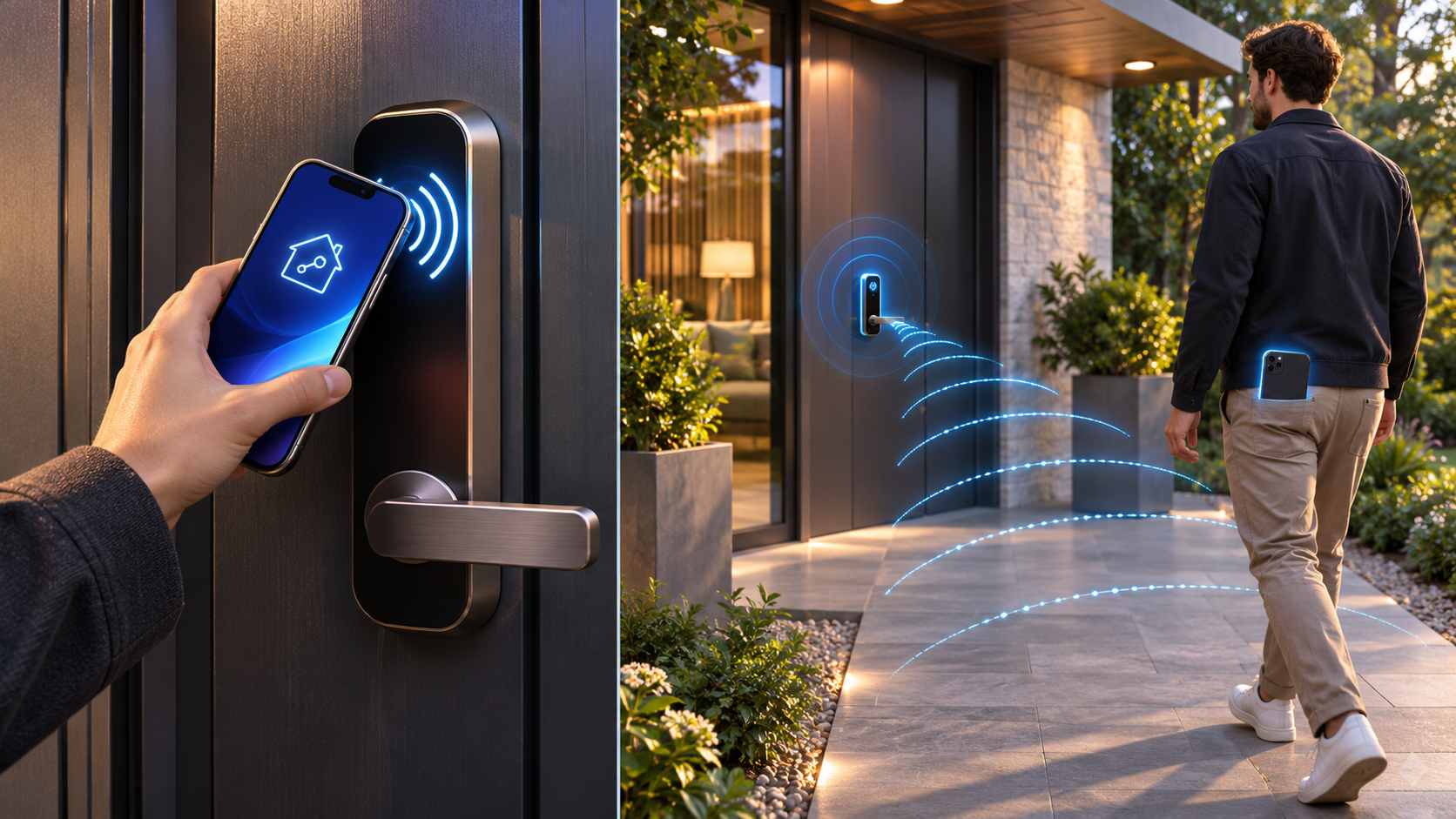
A phone taps a smart lock with NFC while another compatible phone uses UWB for hands-free approach unlocking.
Tap to Unlock uses Near Field Communication. The user places the back of the phone near the lock’s reader, much like tapping a payment terminal. Because NFC is designed for very short-range interaction, the gesture is deliberate and easy to understand. Google lists Android 9 or later and NFC hardware as the phone baseline, but the lock still needs Aliro-compatible NFC support and the complete Google Home setup.
Unlock on Approach adds hands-free entry through Ultra-Wideband. UWB can measure distance and direction more precisely than a simple Bluetooth proximity trigger, helping the system decide that a person is approaching the door rather than merely standing somewhere nearby. Google says the launch phone list includes Pixel 10 Pro, Pixel 10 Pro XL and Pixel 10 Pro Fold families and newer eligible models, plus selected UWB-enabled Samsung Galaxy phones. The current Wallet help page advises checking the lock maker for up-to-date support.
Approach mode appears only when Google Wallet detects compatible UWB hardware in both the phone and the lock. Google says it can be enabled across the locks in a home, but the phone actively connects to a maximum of four locks at once. That limit matters in larger properties with several exterior doors.
Compatible locks and what each one supports
Google’s launch announcement names three compatible products, but their capabilities are not identical. Buyers should match the exact model and current firmware rather than assuming that Matter support alone includes a Wallet key.
- Aqara U400: NFC Tap to Unlock and UWB Unlock on Approach.
- Schlage Sense Pro: NFC at launch; Google says UWB support will follow.
- Nuki Keypad 2 NFC: NFC Tap to Unlock.
Matter and Aliro perform different jobs. Matter connects and controls smart-home products; Aliro defines the digital credential and secure communication used at an access point. The Connectivity Standards Alliance describes the two standards as complementary rather than dependent. A product can support Matter without supporting a Google Wallet home key, so look for explicit Aliro and Wallet compatibility.
The hub and phone requirements
Google requires a compatible hub because the listed locks use Matter over Thread. The current Google Home guidance identifies Nest Hub (2nd gen), Nest Hub Max, Nest Wifi Pro and Google TV Streamer as Matter hubs with built-in Thread border routers. Google Home Speaker (2026) is also listed in Google’s broader Thread-hub documentation, although Google’s home-key announcement specifically gives the four established examples above.
The phone needs the latest Google Home and Google Wallet apps. NFC tap support begins with Android 9, while Google’s Wallet help page currently lists Android 17 for eligible Pixel approach-unlock models. A phone that lacks UWB can still use NFC if the lock supports it; installing newer software cannot add missing UWB radio hardware.
How to add a home key to Google Wallet
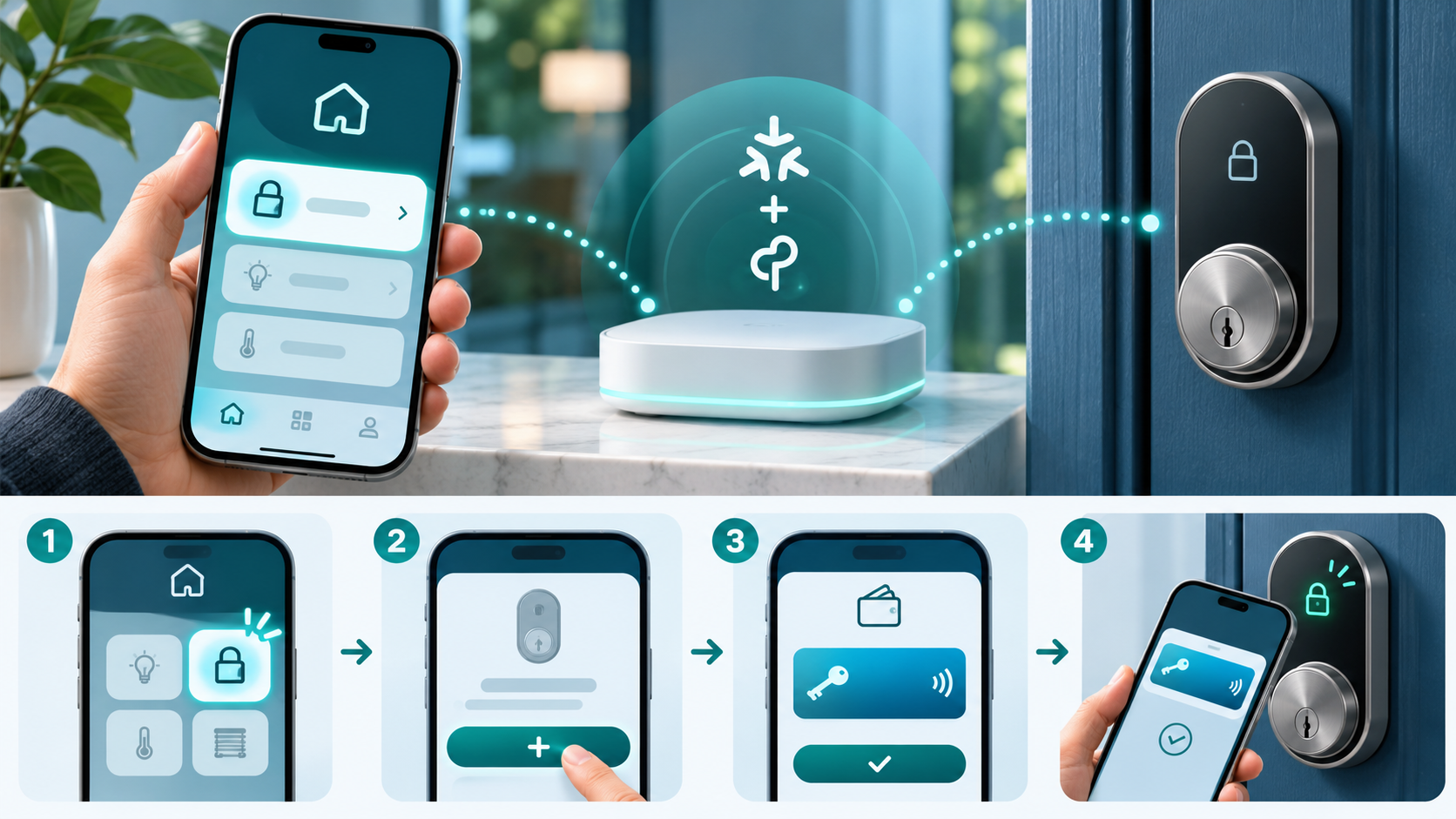
A four-step visual flow connects a smart lock to a home app, creates a credential and adds the home key to a mobile wallet.
- Update Google Home, Google Wallet, Android system components and the lock’s firmware before starting.
- Confirm the lock is the exact Aliro-compatible model and that a supported Matter-over-Thread hub is online in the same Google Home structure.
- Install and commission the lock according to its manufacturer instructions, then add it to Google Home when prompted.
- In Google Home, open Home, choose All devices, select the lock, open Settings and select Google Wallet key. Google also exposes the option under Home settings.
- Select Get started, create the requested lock passcode, choose Add a key, continue and tap Add to Wallet.
- Open Google Wallet and confirm the home key appears. Test NFC while standing inside with a working physical key or another approved entry method available.
- If the phone and lock both support Aliro UWB, open the key in Wallet and enable Unlock on Approach only after testing ordinary tap access.
One key is associated with the Google Home structure rather than a single lock. If the same home contains several compatible Aliro locks, Google says that one Wallet key can work with all of them. A separate Google Home structure gets a separate home key.
Security settings to review before using it
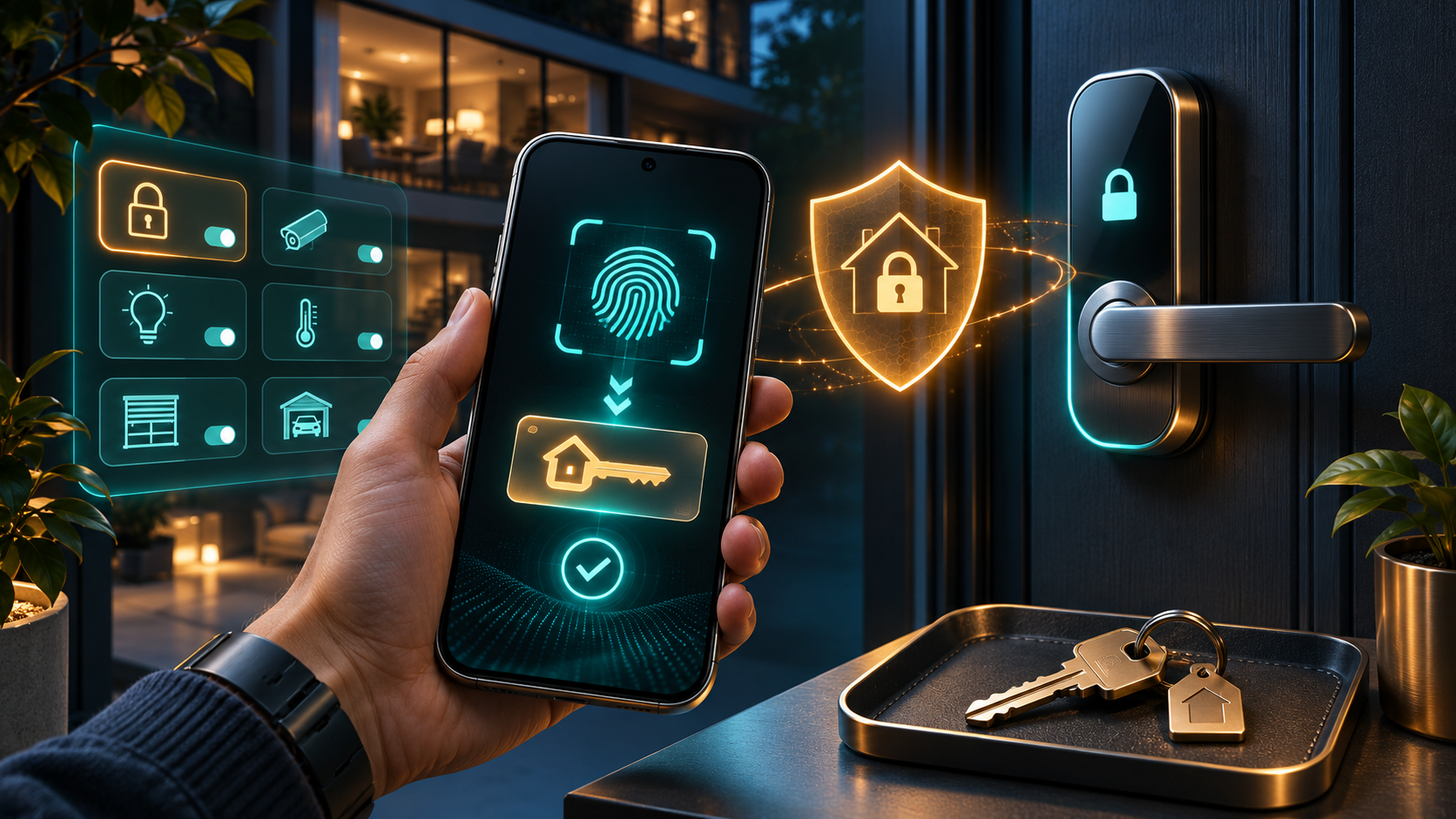
Biometric verification protects a digital home key beside a smart lock, household controls and a backup physical key.
The most important choice is whether the phone must be unlocked before the key works. Google’s launch FAQ says tap-to-unlock can work by default without waking or unlocking the screen if the phone has been unlocked within the last few hours. That favors convenience after the owner has authenticated recently, but it also increases the importance of controlling the phone itself.
Require device unlock for every tap
Open Google Wallet, select the home key, open the top-right menu and turn on Require device unlock. Depending on the phone’s security configuration, that can require the screen lock, fingerprint or another supported verification method before the door opens. Households should choose this setting based on threat exposure, accessibility needs and how often the phone is left unattended.
Keep a physical backup
Google explicitly says a digital key is not a replacement for the physical key. Keep a mechanical key or another verified entry path available for a dead phone, depleted lock batteries, a hub or network outage, a failed firmware update or an account-access problem. Test the backup periodically instead of discovering at the door that it no longer works.
Give household members their own access
A person added as a household member in Google Home can add a personal key to that person’s Google Wallet. Do not share one Google Account simply to duplicate a key. For visitors who should not become full household members, Google directs owners to create guest passcodes in the Home app; direct guest sharing of a Wallet home key is not supported.
What happens if the phone or access changes
- Removing the Google Home home key from Wallet removes it from other compatible phones using Wallet with the same Google Account.
- Google says the home key is automatically deactivated if the owner removes the lock from the home, leaves the Google Home structure or deletes the home.
- A remote device erase or factory reset removes stored digital keys; the owner must add them again after setup.
- If a lock cannot be reached, Google warns that a digital key may remain active on the device and that a factory reset of the lock may be required for full removal.
- Apartment or property-manager keys follow different rules: removing the key from Wallet may not deactivate the credential, so the property manager must disable it.
When a phone is lost, use Google’s device-location and remote-erase tools from a trusted device, remove or suspend the affected user’s household access where appropriate, and confirm that another authorized entry method still works. Do not wait for the missing phone to reconnect before reviewing access.
Troubleshooting when the key does not appear
- The feature is still rolling out. Confirm that the Google Home account is enrolled in Public Preview, then wait if every requirement is satisfied but the option is absent.
- Verify the exact lock model supports Aliro and update its firmware. Matter certification by itself is not enough.
- Check that the Thread border router is online and assigned to the intended Google Home structure.
- Confirm NFC is enabled on the phone and that the phone runs Android 9 or later.
- If NFC is unreliable, hold the phone closer for several seconds and try a different orientation because antenna placement varies.
- Do not expect the Unlock on Approach toggle unless both the phone and lock expose compatible Aliro UWB support.
- Wear OS is not a workaround at launch; Google says watches are not supported for this Google Home key rollout.
A compatible Google Home hub option
Google lists Nest Hub (2nd gen) as a Matter-enabled Google Home hub with a Thread border router. One verified Amazon listing is the Google Nest Hub (2nd Gen), 7-inch display, ASIN B0CLBZPJYW. The exact listing should be checked for model number, condition, seller, included power adapter and return policy before purchase. A hub alone does not create a home key; the lock and phone must also meet Google’s Aliro requirements.
Affiliate disclosure: ReaderSpice may earn a commission from qualifying Amazon purchases made through this link, at no additional cost to you.
The bottom line
Google Wallet home keys make Android smart-lock access more direct: NFC covers a broad range of modern phones, while UWB adds hands-free entry for a much smaller set of compatible hardware. The Aliro foundation is important because it gives wallet makers and lock manufacturers a shared credential standard rather than another one-brand shortcut.
For now, this is a careful early-adopter feature. Confirm the exact lock, keep the Thread hub online, require device unlock if convenience is not worth the added exposure, give each household member separate access and preserve a physical backup. Most setup failures will come from staged rollout, incomplete Aliro support or mismatched UWB hardware—not from a missing app tap.
Sources
Google Home & Nest Community — Introducing home keys in Google Wallet
Google Wallet Help — About residential keys
Google Home Public Preview — Add digital key in Google Home
Google Home Help — Control your lock and remove a residential key
Android Help — Thread border routers and troubleshooting
Connectivity Standards Alliance — Introducing Aliro 1.0
Connectivity Standards Alliance — Aliro FAQ
Google Store — Nest Hub (2nd gen) specifications
Amazon — Google Nest Hub (2nd Gen), ASIN B0CLBZPJYW (affiliate link)
Inline image 1: NFC tap and UWB approach unlocking. Alt text: A phone taps a smart lock with NFC while another compatible phone uses UWB for hands-free approach unlocking.
Inline image 2: Adding a Google Wallet home key. Alt text: A four-step visual flow connects a smart lock to a home app, creates a credential and adds the home key to a mobile wallet.
Inline image 3: Digital home-key security controls. Alt text: Biometric verification protects a digital home key beside a smart lock, household controls and a backup physical key.