
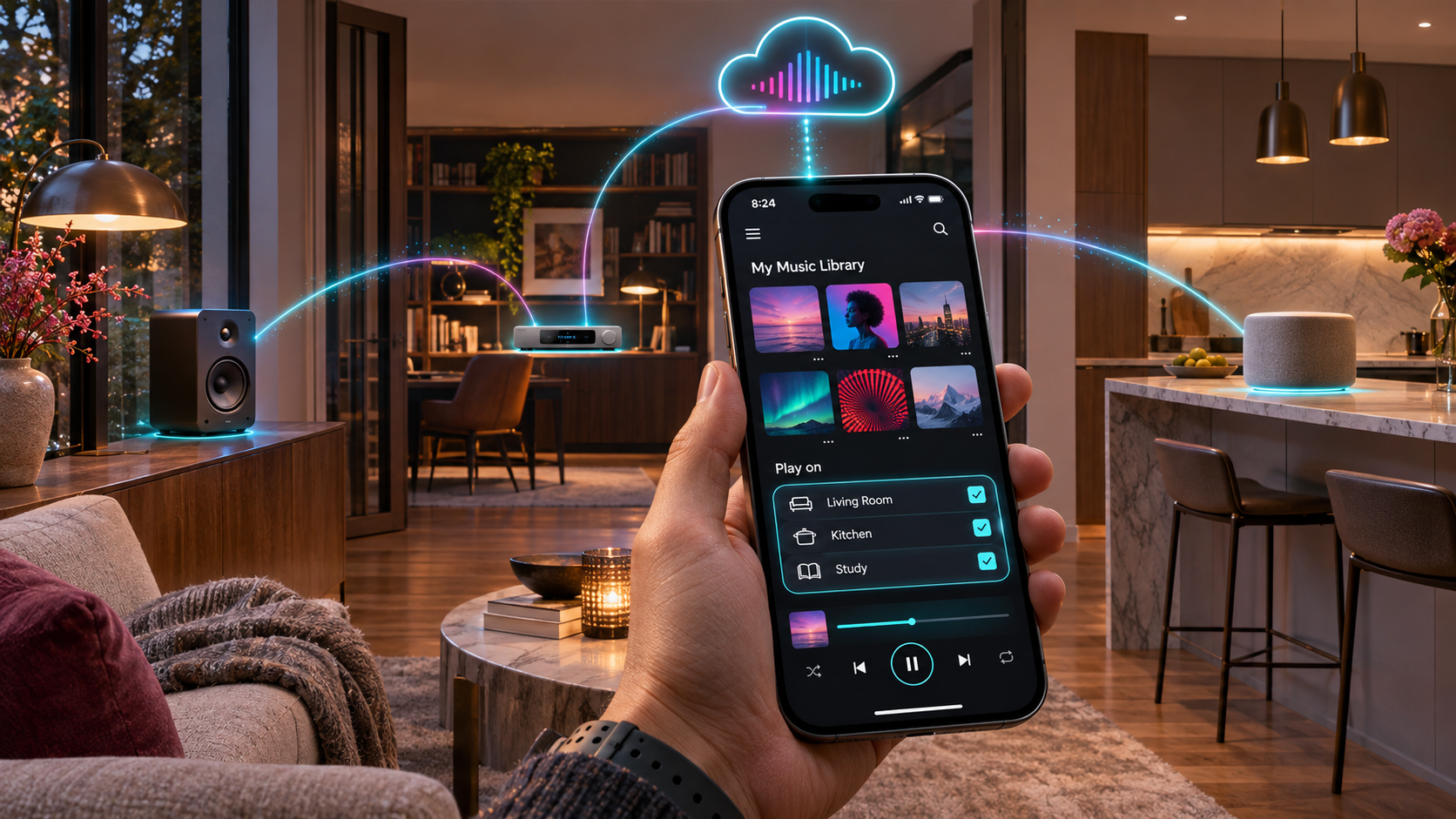
BluOS 4.18.26 adds native YouTube Music access to compatible BluOS players. Released November 24, 2026, the update lets listeners browse and search the service, open their libraries and playlists, use personalized recommendations, and start playback from the BluOS Controller app. The same music can be synchronized across grouped rooms, or different music can play in different zones.
The important qualification is that this is not a universal free-account switch. Bluesound support lists YouTube Music as requiring a Premium subscription, and availability depends on both BluOS and YouTube Music operating in the account region. BluOS names compatible products from Bluesound, NAD Electronics, PSB Speakers, Cyrus Audio, DALI Speakers, Monitor Audio and Roksan, but the release does not promise that every legacy product from every brand receives the integration.
This guide explains the confirmed setup path, the multi-room workflow and the limits that matter before changing an audio system. ReaderSpice has not independently measured YouTube Music bitrate, gapless behavior, loudness matching, recommendation accuracy, synchronization drift or account reliability on production players. Where BluOS and Google do not publish a technical detail, it is treated as unconfirmed rather than inferred from another streaming service.
BluOS YouTube Music at a glance
- Release: BluOS 4.18.26, published November 24, 2026.
- New service: native YouTube Music browsing and playback inside the BluOS Controller app.
- Account requirement: Bluesound support lists a YouTube Music Premium subscription as required.
- Core library access: search, saved music, playlists, podcasts and personalized recommendations are included in the announcement.
- Multi-room use: play one stream in one zone, synchronize grouped rooms, or run different selections in different rooms.
- Named brands: compatible products from Bluesound, NAD Electronics, PSB Speakers, Cyrus Audio, DALI Speakers, Monitor Audio and Roksan.
- Regional limit: the integration is offered where both BluOS and YouTube Music are available.
- Update path: install current player firmware and the current BluOS Controller app before looking for the service.
- Unconfirmed detail: the announcement and 4.18.26 release notes do not state a YouTube Music codec, bitrate or lossless tier for BluOS.
- Fallback: when the native service is unavailable, a supported player may still accept Bluetooth or AirPlay from a phone, but that is a different playback path.
What BluOS 4.18.26 actually adds
YouTube Music appears as a service that can be authorized and used from the BluOS Controller interface. That matters because the listener no longer has to treat the YouTube Music mobile app as the only catalog browser for a BluOS system. BluOS says users can search the catalog, open saved libraries and playlists, view personalized recommendations and control playback from its own controller.
The catalog is broader than a conventional album store. BluOS describes more than 300 million tracks and highlights official releases, live performances, rare recordings, podcasts and personalized discovery. Catalog size is not the same as universal availability: licensing, region, account status and item type can change what one listener sees. A recording available as a video or user upload on YouTube is not automatically guaranteed to appear as a playable BluOS result.
The firmware release notes are short. Version 4.18.26 lists support for YouTube Music, updated time-zone values for Alberta, British Columbia and Manitoba, plus general product improvements and feature enhancements. The notes do not publish model-by-model exceptions, audio-format details or a guarantee that all older hardware will receive every future service. Owners should use the update screen on the exact player rather than assuming compatibility from a BluOS logo on an old product page.
Supported players and accounts
BluOS is a shared platform used by several audio brands. The November announcement specifically names compatible products from Bluesound, NAD Electronics, PSB Speakers, Cyrus Audio, DALI Speakers, Monitor Audio and Roksan. The word compatible matters: a brand may have products that do not run BluOS, discontinued models on an older branch, custom-install devices with different update policies or players that are temporarily offline and cannot retrieve the service list.
The safest compatibility check is the player itself. Open BluOS Controller, confirm the device is online, install any offered firmware update and look under Music Services > Manage. If YouTube Music is present, the installed combination exposes the integration. If it is absent, record the player model and firmware version before troubleshooting. Buying a newer streamer should not be the first response to a missing menu.
- Use the official BluOS Controller app for iOS, Android, Windows or macOS.
- Confirm the controller can see and play an existing source on the target player before changing services.
- Update every player intended for a synchronized group; mixed firmware can complicate grouping and service discovery.
- Use an active YouTube Music Premium or YouTube Premium account that includes Music Premium benefits.
- Confirm the account region is supported by YouTube Music and that the BluOS service is offered in that region.
- For managed, child, school or work accounts, verify that Google sign-in and media services are allowed by the account administrator.
- Do not reuse credentials on a look-alike web page; start authorization from the official BluOS Controller app.
How to add YouTube Music in BluOS
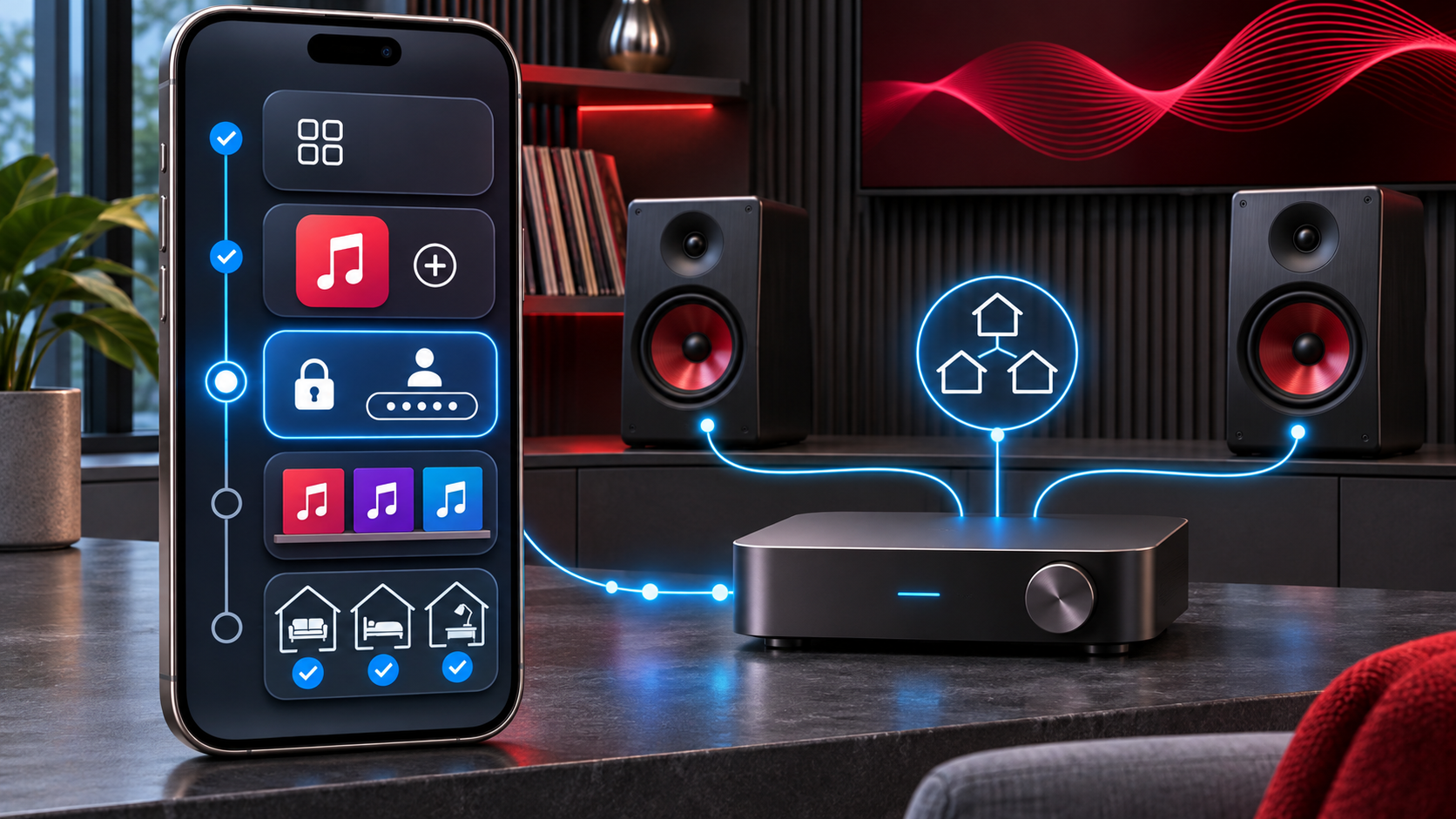
Open Music Services in BluOS Controller, authorize the eligible account, and test one player before grouping rooms. Illustration: ReaderSpice.
- Open the device app store or BluOS download page and install the current BluOS Controller version for the phone, tablet or computer being used.
- Launch BluOS Controller and wait for the intended player to appear. Resolve basic network discovery problems before starting account authorization.
- Open the player update prompt or Settings area and install BluOS 4.18.26 or a newer supported release. Keep power and network connectivity stable until the player restarts.
- On Android or iOS, open the Music tab, find Music Services and choose Manage. On Windows or macOS, open the navigation drawer and choose Music Services > Manage.
- Select YouTube Music from the available service list. If it is missing, do not enter credentials elsewhere; recheck firmware, app version, model compatibility and region.
- Follow the Google authorization flow and choose the account that owns the active Premium entitlement and desired music library.
- Read the account and permission screen before approving it. A family plan can contain several identities with different libraries and recommendations.
- Return to BluOS Controller and confirm YouTube Music appears under Music Services.
- Open Library or Search and play a familiar album or playlist on one room. Verify track selection, playback controls, artwork and account library before grouping zones.
- Add a second room only after single-player playback is stable. Test pause, skip, volume and ungrouping from the controller.
- If the player is shared, review which household members can control it and avoid leaving a personal account authorized on an audio system outside the home.
The exact labels can vary with controller platform and later app updates. Bluesound support documents the general Music Services > Manage path, while the November release confirms that YouTube Music is now one of the services offered. A missing menu is a compatibility or rollout signal, not a reason to type a Google password into an unrelated browser prompt.
How multi-room playback works
One selection in grouped rooms
BluOS can synchronize the same YouTube Music selection across compatible zones. Group the rooms in BluOS Controller, choose the lead or current player as the playback target, and start the track from the YouTube Music service page. Volume can usually be adjusted for the group and then balanced by room so a small kitchen speaker does not need to match a larger living-room system.
Grouping is most reliable when players are on the same local network, run compatible firmware and have stable wired or wireless links. A strong internet connection does not fix weak communication between rooms. Mesh roaming, guest-network isolation, multicast filtering and congested Wi-Fi can make a player appear late or drop from the group even when ordinary web browsing still works.
Different selections in different rooms
The announcement also says different music can play in different rooms simultaneously. Select the first room, start its content, then switch the controller to another ungrouped room and choose another selection. Whether a subscription permits every simultaneous stream is an account-policy question; the BluOS announcement does not replace YouTube Music household, family-plan or concurrency terms.
Do not use room names as proof that a player is physically in that location. Rename zones clearly, especially when several devices share similar model names. Before starting a late-night or child-room stream, verify the highlighted zone and volume. Multi-room convenience increases the cost of choosing the wrong target.
Native BluOS playback versus Bluetooth or AirPlay
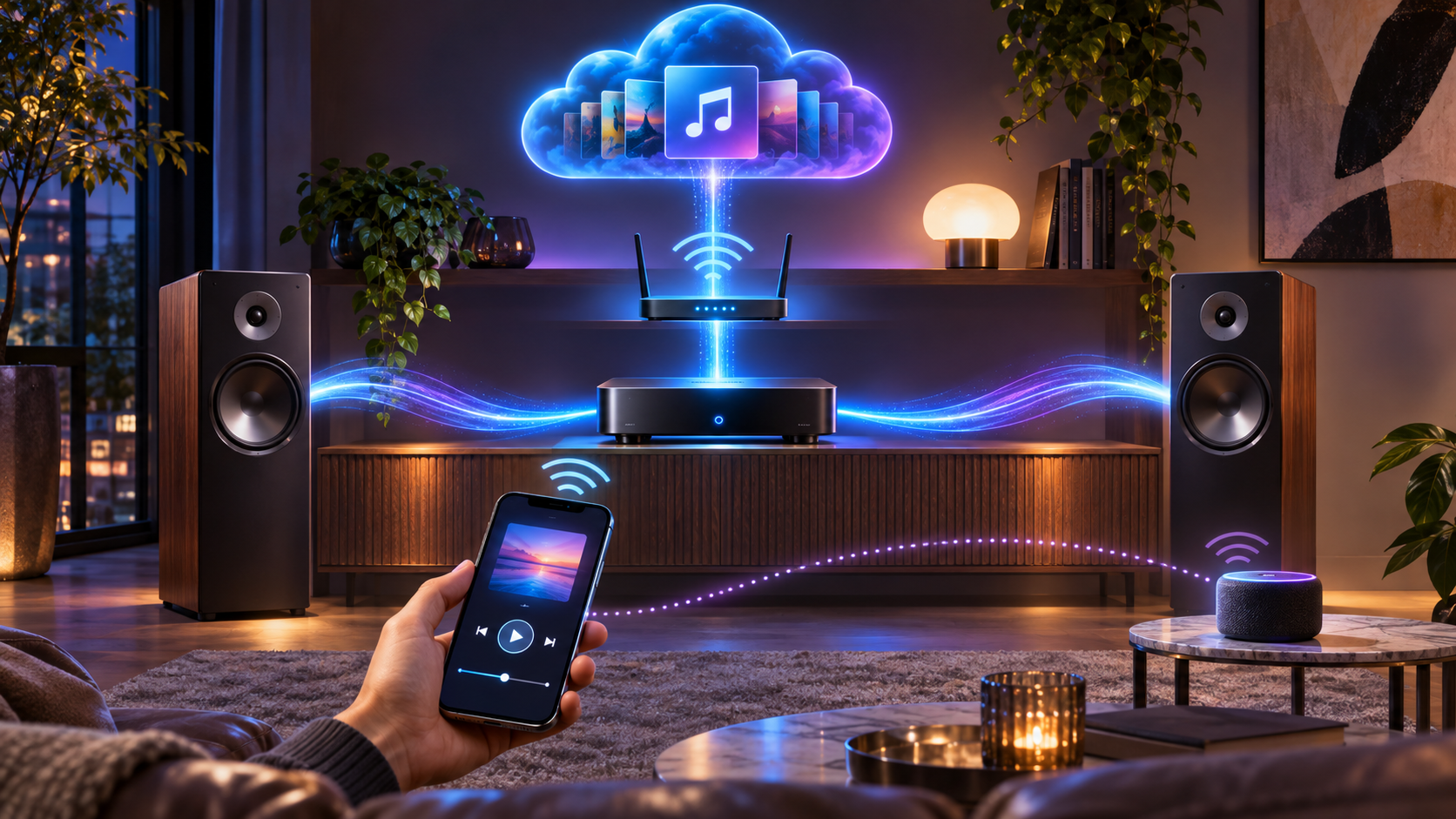
Native service control is designed around the BluOS player and home network; Bluetooth or AirPlay remains a separate fallback path. Illustration: ReaderSpice.
A native BluOS service is selected inside the controller and is designed to work as part of the player and zone system. That makes grouping, room selection and independent playback easier than treating a phone as the only source. The announcement does not publish the complete transport architecture, so readers should not convert the word native into an unsupported claim about a particular codec, cache or server path.
Bluetooth sends audio from the source device to a nearby compatible player. It is useful for a guest, an unsupported account or a quick test, but phone range, calls, notifications, battery state and Bluetooth codec support can affect the session. Bluetooth also does not automatically create the same synchronized whole-home behavior as a native BluOS service.
AirPlay can send compatible Apple-device audio to supported receivers and may support multiple destinations depending on the system. It remains an Apple-controlled casting path rather than the new YouTube Music service inside BluOS. If native authorization fails, AirPlay or Bluetooth can restore listening without proving that the account, region or player supports the direct integration.
- Choose native BluOS access for library browsing, room grouping and controller-based playback when the account and player are supported.
- Choose Bluetooth for fast ad hoc playback when proximity and phone dependence are acceptable.
- Choose AirPlay when an Apple device and compatible receivers already form the preferred playback path.
- Do not compare sound quality without matching volume, track version, playback settings and the actual endpoint used.
- Do not assume that offline downloads stored by the YouTube Music mobile app become files that BluOS can browse or distribute.
Premium, regional and library limits
Bluesound support lists YouTube Music as a Premium service and describes availability in more than 119 countries. Google maintains the current location list for YouTube Music and paid memberships. A country appearing on Google’s list does not by itself prove that a particular BluOS model, account type or local service catalog is enabled; both sides of the integration must be available.
Travel has an additional limit. Google says Music Premium benefits and the music library can travel for a limited period in the YouTube Music app, but it explicitly warns that those benefits are not currently supported for traveling members in other apps or services. A traveler who can still listen inside the YouTube Music phone app may therefore find that BluOS authorization or playback behaves differently abroad.
Premium also does not make every podcast ad-free. Google says creator-inserted promotions can remain and Music Premium members may still encounter ads on podcasts. BluOS includes podcasts in the integration announcement, but it does not promise to remove sponsorships, replace regional feeds or expose every video-only episode as audio.
- Personalized recommendations depend on the signed-in Google account and its listening or watch history.
- Family-plan members can have separate profiles, libraries and recommendations even on the same subscription.
- A playlist can contain items unavailable in the current region or unsupported in an audio-only context.
- YouTube uploads, private videos, made-for-kids restrictions and user-created content can behave differently from official music releases.
- Offline downloads remain managed by the YouTube Music app and its license checks; the BluOS announcement does not describe offline storage on players.
- Commercial playback in a shop, office or event venue requires appropriate rights and is not granted by a personal Premium subscription.
Audio quality and feature claims to avoid
Neither the YouTube Music announcement nor the one-line 4.18.26 release note publishes a codec, maximum sample rate, bit depth or bitrate for the integration. BluOS is capable of high-resolution playback with other sources, but platform capability does not turn every service into a high-resolution or lossless source. Sound quality should be judged from the actual service path, player output, DAC, volume level and recording.
Likewise, the release does not promise gapless albums, crossfade, normalization parity with the YouTube Music app, synchronized lyrics, video playback, music-video switching, offline caching, casting from the YouTube Music app, voice-request support or transfer of every mobile setting. Some functions may work now or arrive later, but they should be verified on the current controller instead of copied from another platform.
- Do not advertise YouTube Music on BluOS as lossless or hi-res without a current official specification.
- Do not assume a 24-bit-capable Bluesound, NAD or DALI product receives 24-bit YouTube Music streams.
- Do not assume a saved YouTube video, private upload or purchased video appears in the audio service.
- Do not assume mobile Smart Downloads, offline files or queue state transfers to a BluOS player.
- Do not assume a grouped-room stream permits unlimited simultaneous independent sessions under one account.
- Do not assume that BluOS support changes Google subscription billing, family membership or regional licensing.
Troubleshooting a missing or unstable integration
- Service missing from Manage: update the controller and player, confirm the exact model and region, restart the app, then check the official BluOS service list.
- Player not found: confirm the phone or computer and player are on the same main network, not isolated guest networks, and verify local-network permission for the controller app.
- Authorization loops: close old sign-in tabs, confirm cookies and pop-ups are allowed for the legitimate Google flow, then start again from BluOS Controller.
- Wrong library or recommendations: sign out and authorize the intended Google account; family members should not assume the billing owner is the desired listening profile.
- Premium rejected: verify the membership is active for that account and country, and remember that app-only travel benefits may not extend to BluOS.
- One room works and another fails: compare firmware versions, network signal, player compatibility and whether the second room is still grouped to another source.
- Group drifts or drops: test the same track with players wired or closer to the router, pause heavy network transfers and inspect mesh or multicast settings.
- Playlist item will not play: test another official album, then check regional availability and whether the item is video-only, private, restricted or removed.
- No expected sound-quality option: use only controls actually shown by BluOS and YouTube Music; the launch does not document a selectable lossless or hi-res tier.
- Persistent failure: collect player model, BluOS version, controller platform, account region and exact error text before contacting Bluesound or the hardware brand.
Avoid factory-resetting a player as the first troubleshooting step. A reset can remove room names, presets, network settings and service authorizations without correcting an account-side or regional limitation. Confirm the failure on one player and one known playable album before changing the entire system.
A relevant Bluesound streamer on Amazon
For an existing stereo that needs a BluOS source, one real option is the Bluesound NODE N132 in black on Amazon (ASIN B0DB6QKVJB). The indexed U.S. listing identifies model N132BLKUNV. Bluesound specifies BluOS, an ESS ES9039Q2M DAC, Ethernet, dual-band Wi-Fi, HDMI eARC, optical and coaxial connections, USB audio output, two-way Bluetooth and multi-room support.
A new player is not required when a compatible BluOS device already receives version 4.18.26 and shows YouTube Music. The NODE is relevant because it can add BluOS to an amplifier or powered-speaker system; it is not proof that the service has a particular bitrate, and it does not include a YouTube Music subscription. Confirm the exact ASIN, model, seller, warranty, return policy, current price, required cables and system inputs before ordering.
Affiliate disclosure: ReaderSpice may earn a commission from qualifying Amazon purchases made through this link, at no additional cost to you.
The bottom line
YouTube Music is a meaningful addition to BluOS because it brings a large, unusual catalog and personalized library access into the same controller used for premium multi-room audio. Version 4.18.26 makes it possible to search, browse, select rooms and coordinate playback without treating Bluetooth or AirPlay as the only bridge.
The practical setup is simple only when the prerequisites are clear: compatible player, current firmware, current controller, eligible region and an active Premium account. Test one player and one familiar album first, then group rooms. Keep expectations disciplined around bitrate, lossless audio, offline downloads, videos, travel and simultaneous streams because the launch does not define those features. If the native service is unavailable, Bluetooth or AirPlay remains a fallback, not evidence that the BluOS integration is working.
Sources
BluOS — YouTube Music is now available on BluOS, November 24, 2026
BluOS — BluOS 4.18.26 release notes
BluOS — Downloads and current firmware release notes
Bluesound Support — Supported music services and YouTube Music Premium requirement
Bluesound Support — Adding music services in BluOS Controller
YouTube Music Help — YouTube Music available locations
YouTube Music Help — Premium benefits, travel and third-party service limits
Bluesound — NODE N132 specifications and connections
Amazon — Bluesound NODE N132 black, ASIN B0DB6QKVJB (affiliate link)