
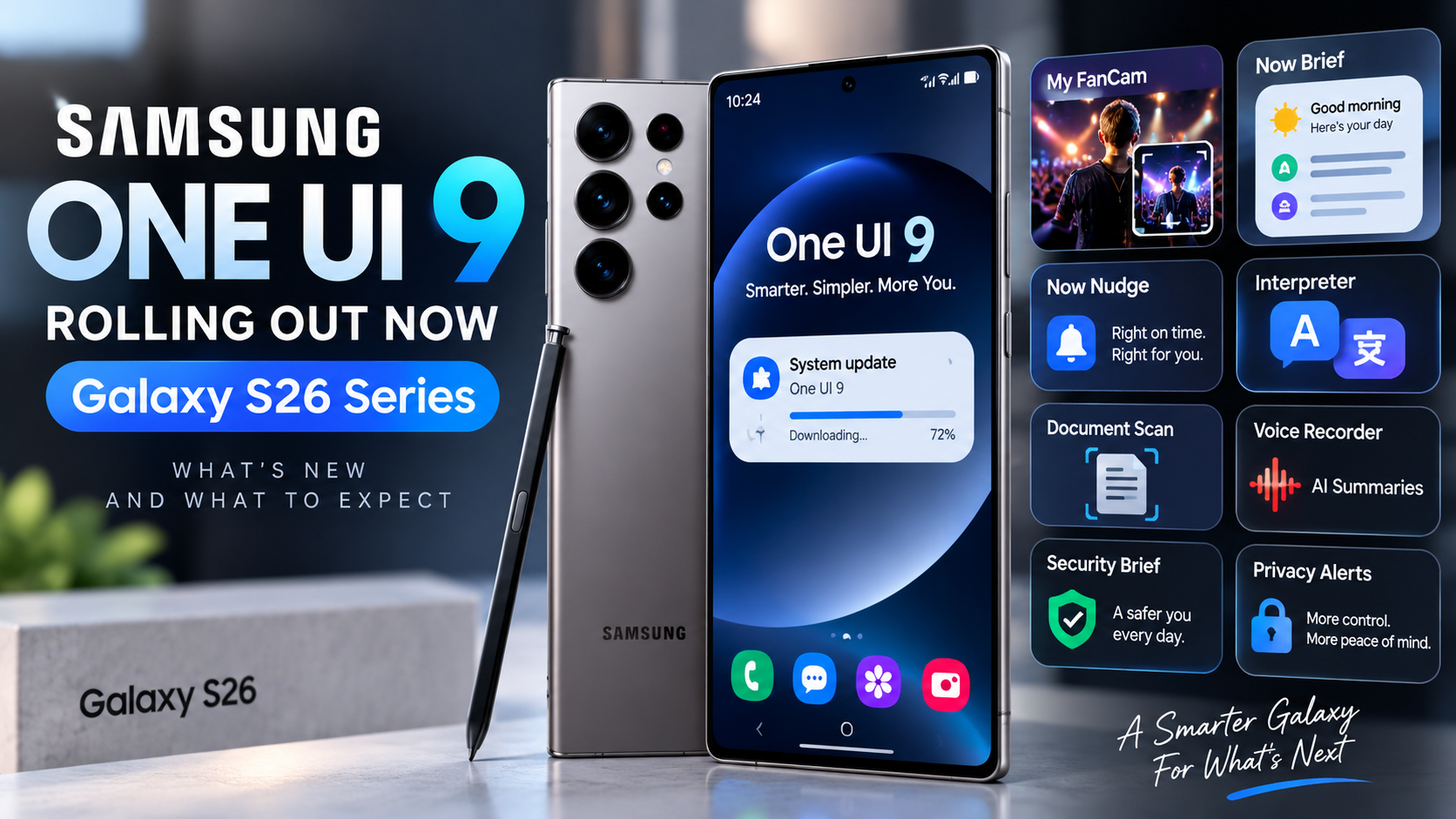
Samsung has officially started rolling out One UI 9 to the Galaxy S26 series, marking the next major software update for its flagship phones. The rollout began September 16 with the Galaxy S26, Galaxy S26+, and Galaxy S26 Ultra, after One UI 9 first appeared on Samsung’s newest foldables.
For Galaxy S26 owners, this is more than a visual refresh. Samsung is emphasizing smarter Galaxy AI tools, more personalized daily information, easier device-care controls, and new privacy and communication features. Availability can still vary by market, carrier, language, and device, so some users may receive the update later than others.
What’s New in One UI 9?
One UI 9 expands Samsung’s AI-assisted experience while trying to make everyday tasks require fewer steps. Several of the most notable additions focus on video, personalized information, device support, translation, privacy, and contextual suggestions.
My FanCam Makes Recorded Video Easier to Reframe
My FanCam can automatically track a selected person in a recorded video and intelligently reframe the footage to keep that person centered as the scene changes. Samsung positions the feature as a way to turn performances, sports moments, family videos, and other moving scenes into more shareable clips with less manual editing.
For creators and parents who frequently record moving subjects, this could be one of the more immediately useful One UI 9 additions.
Now Brief Gets More Personal
Samsung is also expanding Now Brief with generative and editable cards. Users can choose more of the information that appears in their daily brief and create cards around areas such as health, weather, and video.
The goal is to make Now Brief feel less like a fixed information feed and more like a personalized dashboard built around what each user actually wants to see.
Now Nudge Adds Contextual Suggestions
Now Nudge is designed to surface useful actions based on what is happening on the phone. Depending on supported apps, language, and region, it can provide contextual suggestions involving messages, photos, and multitasking.
As with many Galaxy AI features, Samsung notes that availability and functionality can differ by region, language, device model, and supported application.
Interpreter and Communication Improvements
One UI 9 continues Samsung’s focus on translation and cross-language communication. Interpreter improvements are intended to make conversations across supported languages easier, although language packs, Samsung Account requirements, and regional availability can affect which capabilities are available.
Document Scan and Productivity Tools
Samsung is also improving tools that help users capture and work with information. Document scanning and related productivity features can reduce the friction involved in turning physical documents into usable digital content.
For users who rely on their Galaxy phone for work, school, receipts, forms, or travel documents, these smaller workflow improvements may be just as valuable as the headline AI features.
Warranty and Care Moves Into Settings
One UI 9 brings device support and protection information directly into the Settings menu. Samsung says users can check warranty coverage for connected mobile devices, run self-diagnostics, view repair estimates where available, manage Samsung Care+, and schedule service with fewer steps.
This is a practical improvement because support information no longer needs to feel separated from the device-management experience.
Privacy Alerts Add Another Layer of Awareness
Privacy Alerts are designed to help users notice potentially unusual background permission activity. Samsung says these alerts can surface through Now Brief on supported devices.
The feature does not replace normal permission management, but it can provide another signal when an app’s behavior may deserve attention. Samsung cautions that Privacy Alerts may not account for every relevant factor.
Scam Detection Expands in Supported Markets
Samsung is also expanding Scam Detection to additional countries and languages. The feature is intended to help identify potentially fraudulent calls in supported markets. Availability remains region-dependent, so it should not be assumed that every One UI 9 device will receive identical scam-protection capabilities at the same time.
Which Phones Get One UI 9 First?
Samsung’s official September 16 announcement says the rollout starts with:
One UI 9 previously debuted on the Galaxy Z Fold8 Ultra, Galaxy Z Fold8, and Galaxy Z Flip8. Samsung says the update will gradually expand to additional Galaxy devices, with timing varying by market and model.
Should Galaxy S26 Owners Update Immediately?
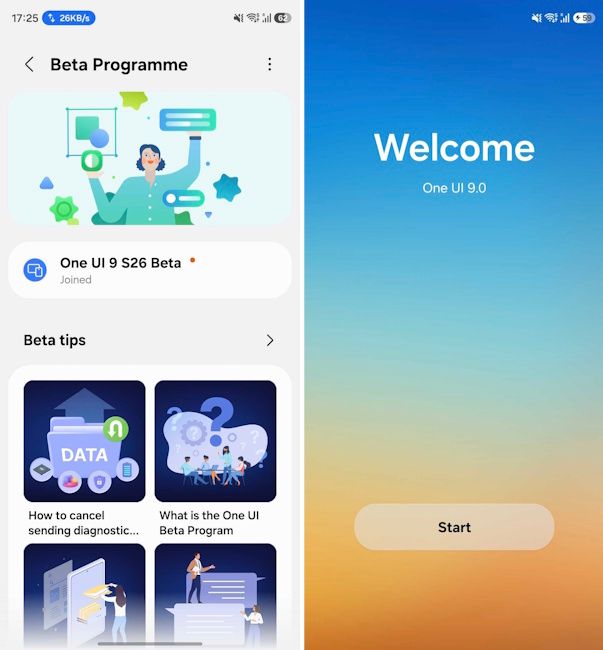
For most users, the official stable rollout is the version to watch for rather than installing unofficial software. Because Samsung distributes updates progressively, not seeing One UI 9 immediately does not necessarily mean anything is wrong with your phone.
Galaxy S26 owners can check Settings > Software update > Download and install. Before installing a major operating-system update, it is also sensible to back up important data and make sure the phone has sufficient battery and storage available.
What One UI 9 Means for Samsung’s Galaxy Strategy
One UI 9 shows Samsung continuing to move Galaxy AI from individual novelty features toward tools that appear throughout everyday phone use. My FanCam targets content creation, Now Brief and Now Nudge focus on personalized assistance, while Warranty and Care and Privacy Alerts address device management and trust.
The more important question will be how consistently these features work across languages, regions, carriers, and older Galaxy hardware as the rollout expands. Some One UI 9 capabilities have specific device or market requirements, so the experience on an S26 Ultra may not be identical to every Galaxy phone that receives the update later.
The Bottom Line
The Galaxy S26 series is at the front of Samsung’s wider One UI 9 rollout. The update combines new Galaxy AI capabilities with practical improvements to video editing, daily information, communication, device care, privacy, and security.
If you own a Galaxy S26, S26+, or S26 Ultra, watch the Software update section over the coming days as availability expands. ReaderSpice will continue following the rollout as One UI 9 reaches more Galaxy devices and Samsung reveals additional regional details.
Looking for the Galaxy S26 Ultra? Check the current price on Amazon (affiliate link).
Sources
Samsung Mobile Press — One UI 9 Official Rollout