
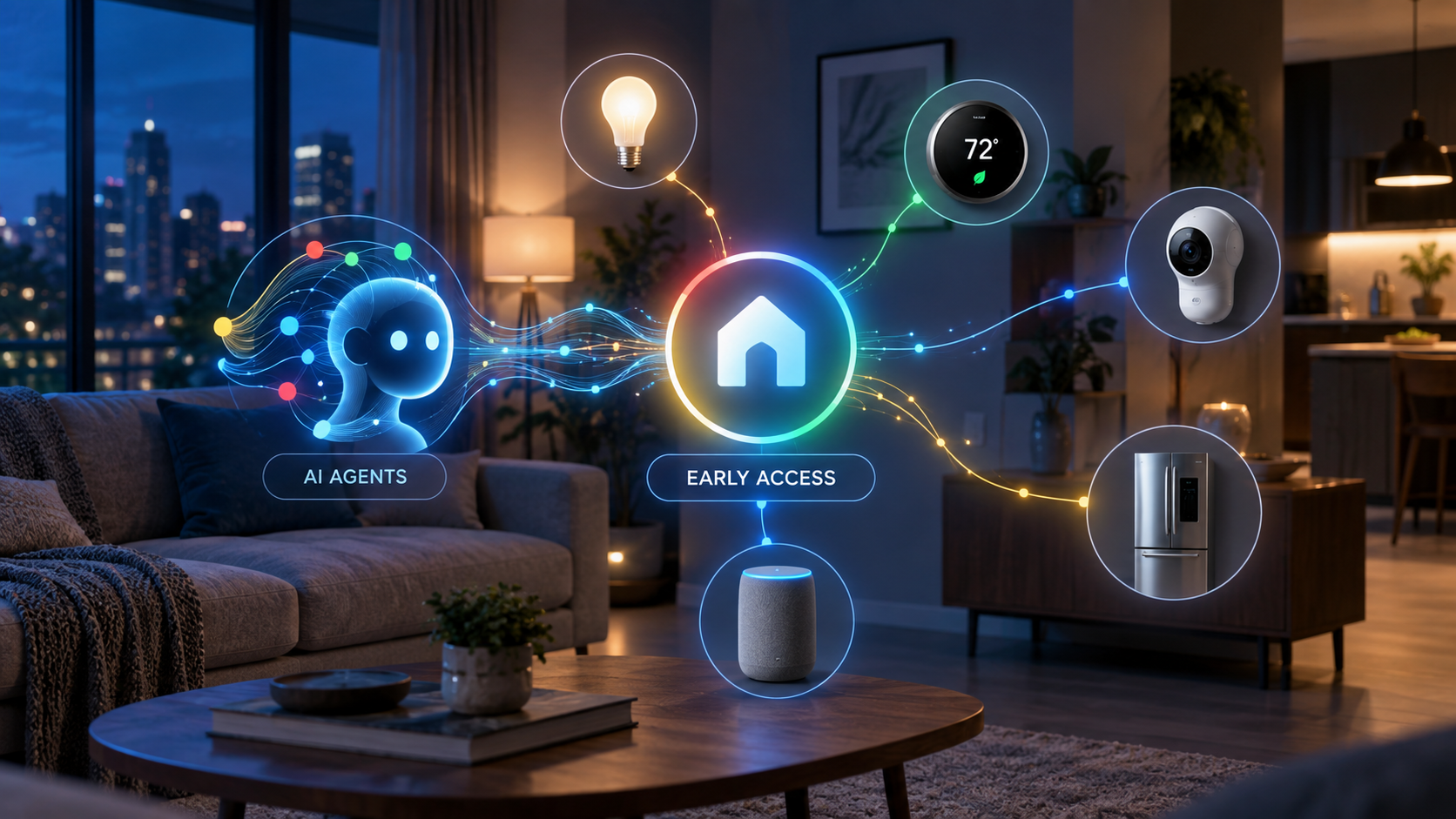
Google is opening its smart-home platform to a new class of AI assistants. The early-access Google Home Model Context Protocol server lets compatible agents inspect connected devices, monitor their status, review event history and carry out supported actions through Google Home.
This is a meaningful step beyond asking a voice assistant to switch off a light. Home MCP gives an AI client a structured way to understand the layout and history of a home, reason across that information and perform permitted tasks. It also introduces serious privacy and safety questions because an external AI agent may receive access to sensitive household data.
Google Home MCP is an early-access bridge
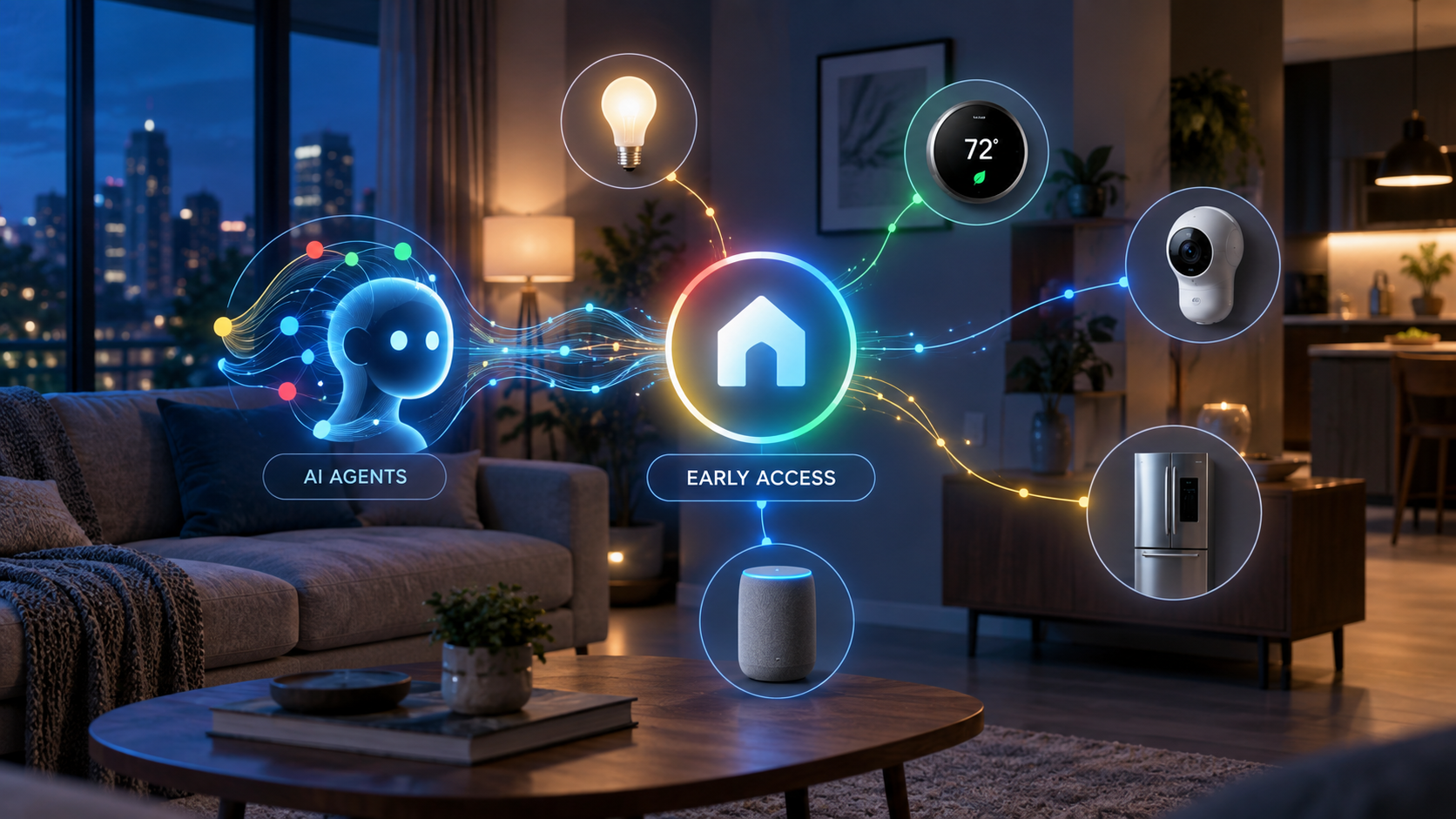
MCP, or Model Context Protocol, is a standard that allows an AI application to connect with outside tools and data sources. Google’s Home MCP server acts as a controlled bridge between an MCP-compatible assistant and the devices already connected to a Google Home structure.
Google lists Google Antigravity, Claude Cowork and OpenClaw as compatible examples. The integration does not replace Gemini for Home or the normal Google Home app. Instead, it adds another route through which an approved AI client can read information and issue supported commands.
The service remains labeled Early Access. That matters: setup is aimed at technically comfortable users, some traits are experimental, and Google acknowledges that latency can be longer than expected.
What the Home MCP server can access
Google’s official documentation divides the server’s current capabilities into five areas:
- Structure discovery: retrieve the homes and structures that the signed-in account has authorized.
- Resource discovery: list devices, rooms, supported traits, attributes and available command schemas.
- State monitoring: check whether devices are connected and read their current trait states.
- Device control: run supported actions on a selected device, such as turning compatible lights off.
- Historical analysis: examine state changes and event logs across a selected period.
That combination is what makes the feature more interesting than a typical voice-command integration. An agent can potentially connect information across several devices instead of handling each one as an isolated command.
What you need before it will work
Home MCP is not a one-tap feature for every Google Home user. Google says the prerequisites include an active Google Home setup, a Google Home Premium Advanced subscription, access to a Google Cloud project and an MCP-compatible AI client.
Setup requires enabling the Home API in Google Cloud, configuring an OAuth consent screen, creating credentials and authorizing the chosen AI client. Google’s guide includes connection instructions for Antigravity, Claude Cowork and OpenClaw.
The Verge reports that Premium Advanced costs $20 per month or $200 per year in the United States and that access is rolling out gradually. Availability can therefore differ between accounts even when the subscription and technical prerequisites are satisfied.
What AI agents can do with it
Google’s sample prompts show the practical direction. A connected agent can count lights, check whether a home is secure, turn off outdoor lighting or summarize what happened while the homeowner was away. Because the server can expose both live status and historical events, more advanced uses could include investigating why a device stopped responding or identifying patterns in energy and appliance use.
The system can also support more contextual experiences. The Verge describes possibilities such as cross-camera analysis, reviewing device-state history and creating a custom smart-home dashboard through natural-language instructions. These examples should be treated as use cases rather than a promise that every AI client or device combination will behave identically.
If you already use Google Home hardware, you can compare currently available devices such as the Google Nest Hub (2nd Gen) on Amazon. As an Amazon Associate, ReaderSpice earns from qualifying purchases.
Important safety and privacy limits
The most important part of Google’s documentation is its warning. Connecting a real home to an AI agent allows that agent to control devices and access home data on the user’s behalf. Google applies rate limits and blocks sensitive actions such as unlocking doors, but it still cautions that an agent may behave unexpectedly or undesirably.
Users should review exactly which home structure they authorize, understand the permissions requested by the AI client and tell other household members that an agent may access device information. Google also suggests creating a separate home with test devices for development instead of immediately connecting a primary household.
Access can be revoked from the Google Home app or the user’s Google Account. Familiar-face information requires a separate consent process and compatible Nest camera or doorbell hardware with the appropriate subscription and feature enabled.
What it cannot do yet
The early-access server has meaningful boundaries. Google says creating and managing Google Home automations through MCP is not currently supported. Some experimental device traits may fail, and response latency may be noticeable. Safety policies also prevent certain high-risk commands.
Those restrictions are sensible, but they mean Home MCP should not be viewed as a fully autonomous household manager. It is better understood as a developer-oriented connection layer that can read, analyze and control supported parts of a home under defined permissions.
Who should try it now
Home MCP is most compelling for smart-home enthusiasts, developers and advanced users who already understand Google Cloud projects, OAuth credentials and MCP clients. It could be especially useful for troubleshooting complex homes, exploring device history or prototyping dashboards and assistants.
Most households should wait for simpler consumer controls and broader availability. Early adopters should begin with low-risk devices such as lights and test plugs, review every permission and avoid granting access to a primary home until they understand the agent’s behavior.
The bottom line
Google Home MCP turns the smart home into a data and control layer that outside AI agents can understand. Its real promise is not merely switching devices on and off—it is allowing an agent to reason across live status, history and multiple connected products.
The tradeoff is equally clear: more capable access increases the consequences of incorrect commands, weak permission choices or unpredictable agent behavior. Home MCP is an important early look at agent-powered homes, but its Early Access label and Google’s own warnings deserve as much attention as the headline features.
Sources
Google Home Developers — Google Home MCP Server user guide
The Verge — Google will now let any AI agent run your smart home