Apple Creator Studio November Update Adds AI Assistants and MCP: What Changes

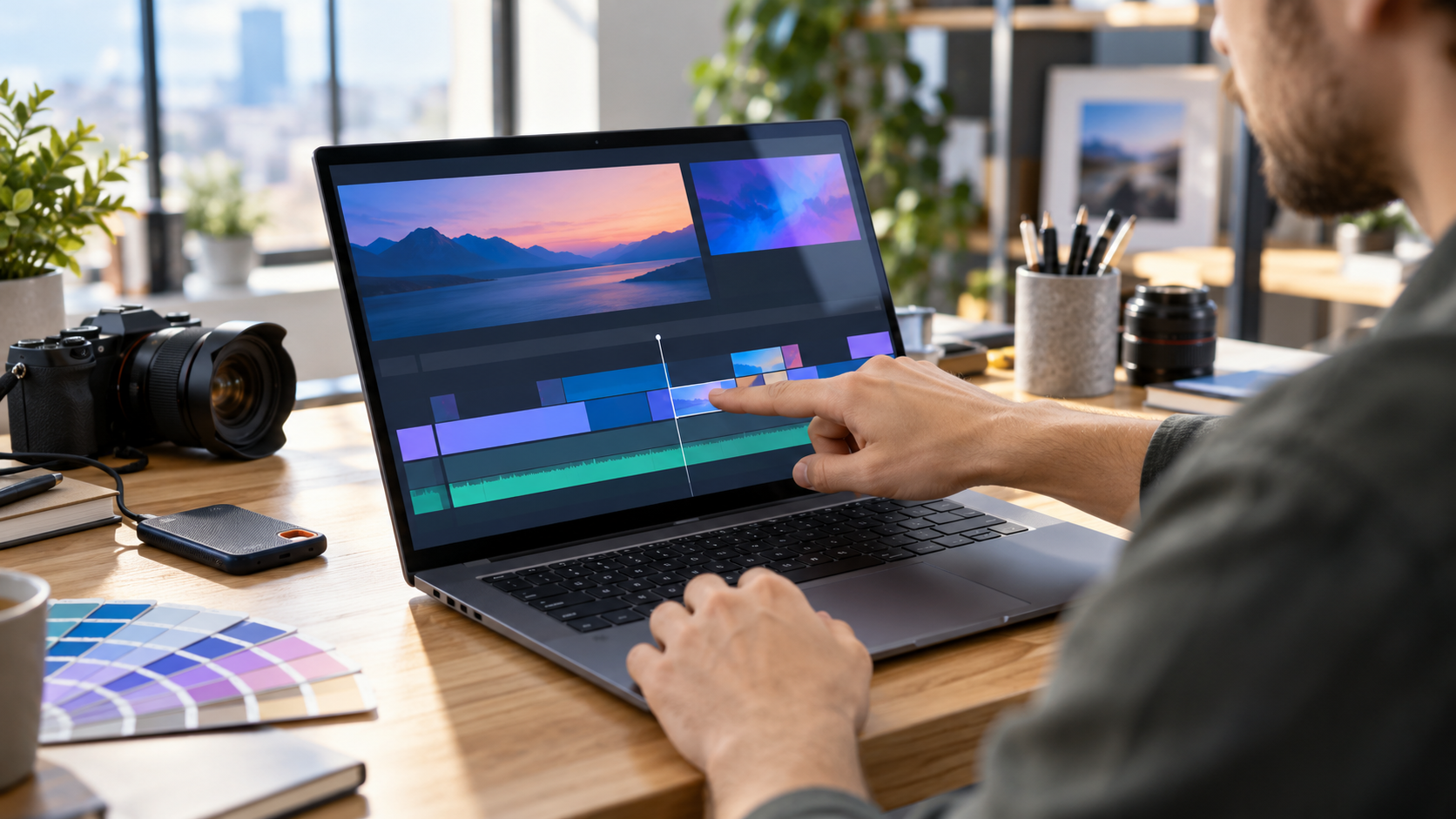
Abstract creative software workspace showing AI-assisted video, image, music and automation tools

Apple’s next Creator Studio update is much broader than a routine app refresh. Announced on October 27, 2026, the November release brings built-in MotionVFX content to Final Cut Pro, a larger Content Hub, deeper links between Final Cut Pro and Pixelmator Pro, a new Logic Pro assistant, Generate Fill in Pixelmator Pro, and context-aware assistants in Keynote, Pages and Numbers.

The most consequential change may be the least visual one: Model Context Protocol support will let compatible external AI agents and tools read content, perform edits and execute actions inside Apple’s productivity apps. That could turn documents, presentations and spreadsheets into automation surfaces, but it also makes permission design and review more important.

Apple says the update will arrive through the App Store in November at no additional cost for current Creator Studio subscribers. The company has not published an exact November release date, and several assistant features will launch in beta. Buyers should treat the announcement as a roadmap for the month, not a promise that every feature will be mature on day one.

The November update at a glance

  • Final Cut Pro for Mac adds built-in MotionVFX effects, transitions, templates and motion-graphics tools.
  • Final Cut Pro gains Apple-curated stock video, photos and backgrounds through the Content Hub.
  • Images in a Final Cut Pro timeline can open directly in Pixelmator Pro and return to the project after editing.
  • Pixelmator Pro adds Generate Fill for natural-language edits inside selected areas.
  • Logic Pro for Mac gets an intelligent assistant in beta, a redesigned sound Browser and expanded Stem Splitter controls.
  • Keynote, Pages and Numbers gain context-aware assistants plus Model Context Protocol support.
  • The update is scheduled for November and is free for existing Apple Creator Studio subscribers.

That list covers different kinds of value. Some features add bundled content, some remove import-and-export friction, and others place generative AI or automation inside an existing project. A subscription can therefore become more useful without making every creator faster; the benefit depends on whether the new tools replace paid plug-ins, stock libraries or repetitive setup work in a real workflow.

Final Cut Pro gains MotionVFX and a larger Content Hub

Final Cut Pro for Mac will integrate MotionVFX directly, giving subscribers access to thousands of templates, titles, transitions and tools for jobs such as tracking, rotoscoping and color grading. Apple does not say that every MotionVFX product is included, so editors should verify the exact catalog and licensing before assuming an existing third-party purchase is unnecessary.

The Content Hub is also expanding into Final Cut Pro with stock video, photos and backgrounds. The practical advantage is speed: an editor can search for a temporary cutaway, background or visual texture without leaving the application. The tradeoff is dependency. Teams should confirm whether downloaded assets remain licensed inside completed projects after a subscription ends and whether collaborators can reopen timelines that use subscriber-only content.

Apple is also tightening the path between Final Cut Pro and Pixelmator Pro. A still image can open from the timeline in Pixelmator Pro, receive detailed edits, and save back into the video project automatically. That is more useful than a simple “open with” command because it reduces duplicate exports and lowers the chance that an editor relinks the wrong version.

Other Final Cut Pro changes include additional keyframe-easing options, the ability to disconnect clips from the primary storyline and 23 new transcription languages. Those improvements are less dramatic than generative AI, but they may save more time in everyday editing because they affect animation, timeline organization, captions and search.

Pixelmator Pro gets Generate Fill

Generate Fill lets a creator select an area and describe the requested change in natural language. Apple says the system analyzes surrounding lighting, texture and perspective, then can insert the generated result on a new layer with an intelligent mask or merge it into existing layers.

The layer option matters. A generated replacement is easier to inspect, resize, mask or remove when it remains separate from the original pixels. Creators preparing product images, thumbnails or client work should still zoom in for repeated textures, incorrect object edges, distorted hands, false reflections and other synthetic artifacts before publishing.

Generate Fill is not a substitute for source-image rights. It changes pixels; it does not automatically clear trademarks, model releases, copyrighted references or contractual restrictions. Teams should keep the original file, record the prompt where appropriate and preserve a review step for commercial work.

Logic Pro adds an assistant, drum separation and sound discovery

Logic Pro for Mac will receive an intelligent assistant in beta that can help navigate production workflows, start a song, configure a vocal track or refine an active project from a prompt. Apple says it uses a combination of Apple-built and third-party models. The assistant sounds most useful as a setup and discovery layer, not as a replacement for critical listening or engineering decisions.

Stem Splitter is also expanding so users can isolate, replace or rebalance drum parts without the original multitrack session. A redesigned Browser will bring loops, instruments and effect patches into one place. On-device music understanding can analyze and tag imported sounds, then surface related material when a creator searches or drags in a loop.

Those features may shorten the time between an idea and a workable session, particularly for creators with large sample libraries. They also create new quality-control work. Automatic tags can be wrong, stem separation can introduce artifacts, and an assistant can recommend technically valid steps that do not fit the artistic intent.

The bigger shift: assistants and MCP inside documents

The bigger shift: assistants and MCP inside documents

Keynote, Pages and Numbers will add assistants that understand the current document. Apple says Keynote can help design, animate and refine slides; Pages can draft, restructure and tune writing; and Numbers can calculate, organize data, recommend chart types and build custom tables using broader world knowledge.

Model Context Protocol support extends the idea beyond Apple’s built-in assistant. MCP is an open way for an AI application to discover approved tools and data sources. In practical terms, a compatible agent could read a presentation, update a table, reorganize a document or perform a defined workflow without relying only on copy and paste.

What MCP could enable

  • Turn a structured outline into a Keynote draft, then apply a house template and add speaker notes.
  • Read a Pages report, update approved sections from a trusted data source and flag unsupported claims for review.
  • Build or revise a Numbers table, calculate derived values and preview a suitable chart.
  • Connect document work to a broader agent workflow while keeping the final artifact in Apple’s native apps.

Those are possibilities, not guarantees for every third-party agent. The useful boundary will be the permission model: which app can connect, which files it can access, what actions require confirmation and whether changes can be reviewed or reversed. A capable agent with broad access can make broad mistakes quickly.

Organizations should begin with test files, limited scopes and human approval for external sharing, destructive edits, formulas and financial or legal content. They should also decide whether confidential documents may be sent to a model provider before enabling an integration.

AI usage limits and privacy details

Apple’s support material says some Creator Studio intelligence features use outside providers. Generate Presentation uses OpenAI, while certain image, shape and presenter-note generation features use Google Cloud. Apple says users do not need personal accounts with those providers and that requests are not associated with the user’s Apple Account.

Apple also says providers receive the request, shared content and limited context such as region, device type, language and the feature being used. According to Apple, providers may not use that information to train their models and do not store it unless legally required. Those are important protections, but users still choose what content to submit.

The company publishes minimum monthly generation levels if someone uses only one category:

  • At least 50 generated images.
  • At least 250 generated shapes.
  • At least 50 generated presentations of roughly eight to 10 slides each.
  • Presenter notes for at least 700 slides.

Actual use can vary with prompt complexity, server availability and other conditions. A team planning a production dependency should not treat the minimums as unlimited capacity. Keep a manual path for deadlines, and check the in-app usage-status screen before committing to a high-volume project.

What remains free and what still needs a subscription

Keynote, Pages, Numbers and Freeform remain free for creating, editing and collaborating. Creator Studio adds premium templates, curated content and subscriber-only intelligence features. That distinction matters for recipients: a client or family member can still open an ordinary document without paying simply because the author subscribes.

Final Cut Pro, Logic Pro, Pixelmator Pro, Motion, Compressor and MainStage also remain available as separate one-time Mac purchases. Existing owners can keep using their standalone versions. A subscription is more attractive when someone needs several apps across Mac and iPad or values the recurring content and AI additions; a one-time license can still make sense for a stable single-app workflow.

Pricing and release timing

  • Standard U.S. price: $12.99 per month or $129 per year after a one-month free trial.
  • Education price: $2.99 per month or $29.99 per year for eligible college students and educators.
  • Family Sharing: the standard plan can be shared with up to five other family members.
  • New qualifying Mac or iPad purchases can include three free months for eligible new or returning subscribers.
  • November update: free for current subscribers; exact release date not announced.
  • Freeform additions: some announced image-editing and shape-generation features are scheduled for December.

At $129 per year, the bundle costs less than purchasing several included Mac apps separately, but that comparison is incomplete. A one-time purchase can be used without an active subscription, while subscriber-only AI features, premium content and some cross-device access depend on continued payment. Compare the apps you will actually use, not the theoretical value of the whole bundle.

Who should care about this update

Video editors and solo creators

The strongest immediate case is for editors who already use Final Cut Pro and regularly buy templates, motion graphics or stock assets. MotionVFX integration and the Content Hub could reduce context switching and separate subscriptions. The Pixelmator round trip may also help thumbnail and still-image work.

Music producers with large libraries

Logic Pro’s redesigned Browser, sound analysis and expanded Stem Splitter target the unglamorous work of finding, preparing and separating material. The assistant could help new users discover commands, but experienced producers should judge it by whether it speeds setup without interrupting creative decisions.

Teams experimenting with document automation

The Keynote, Pages and Numbers assistants plus MCP support deserve attention from operations, marketing and education teams. They could make Apple’s productivity apps easier to include in agent-driven workflows. The beta label and permission questions mean pilots should begin with low-risk documents.

People who should wait

Wait if you need a guaranteed release date, rely on a plug-in that has not confirmed compatibility, or expect unlimited AI generation. Single-app users who already own a perpetual Mac version should also compare the added features with the recurring cost before switching.

A practical checklist before enabling the new tools

  • Update a duplicate test project first and confirm that essential plug-ins, fonts, media and templates still load.
  • Review the exact MotionVFX and Content Hub licensing terms for client delivery, collaboration and archival projects.
  • Test Generate Fill on noncritical images and keep the original layer or source file.
  • Check which AI provider a feature uses before submitting confidential or regulated information.
  • Limit MCP-connected agents to the smallest set of files and actions needed for the workflow.
  • Require review before an agent changes formulas, publishes a document or shares files outside the team.
  • Record the app version used for a client deliverable so the project can be reconstructed later.

Amazon accessory option for mobile creators

Creators using a compatible MacBook Pro away from the desk may want a second power adapter for a travel bag or studio. The Apple 96W USB-C Power Adapter on Amazon is ASIN B081FVQCHQ; verify wattage, cable requirements and Mac model compatibility before ordering. ReaderSpice may earn a commission from qualifying purchases at no extra cost to you.

Bottom line

Apple Creator Studio’s November update is meaningful because it connects three layers that often live in separate products: professional creative tools, curated assets and context-aware automation. Final Cut Pro and Pixelmator Pro get the most concrete workflow improvements, Logic Pro gains discovery and assistant features, and Apple’s productivity apps become potential endpoints for AI agents through MCP.

The update is not a reason to abandon review or version control. Generative edits can be wrong, assistants can misunderstand context and external agents can change more than intended. Used with scoped permissions and human approval, the new tools could remove repetitive work. Used casually on important projects, they could create new cleanup.

Sources

Apple Newsroom — Apple Creator Studio November update announcement

Apple — Creator Studio features, pricing and requirements

Apple Support — Creator Studio intelligence features, privacy and usage limits

9to5Mac — independent summary of the November AI and MCP update
MacBook Pro PROLED XDR Starts at $2,899: OLED Touchscreen, Specs and Buying Advice

Premium dark laptop with a vivid blue and magenta OLED-style display in a creative studio

Apple’s first touchscreen Mac is a premium MacBook Pro variant built around a new tandem-OLED display. The MacBook Pro with PROLED XDR Display starts at $2,899 in the United States, comes in 14- and 16-inch sizes, and pairs the new screen with M5 Pro or M5 Max chips rather than the M6 used in the separate $1,999 entry model.

The display, touch support, Dynamic Island and lighter chassis are major changes, but the launch also creates a complicated buying decision. The OLED models cost substantially more than the standard MacBook Pro, they do not fold into tablets, and they lack Apple Pencil support. Here is what the specifications mean, what early hands-on reports found and who should wait for full reviews.

PROLED XDR MacBook Pro at a glance

  • U.S. preorder date: October 28, 2026.
  • Availability: November 6, 2026, through Apple Stores and authorized resellers.
  • Starting prices: $2,899 for the 14-inch M5 Pro model and $3,399 for the 16-inch M5 Pro model.
  • M5 Max prices: $4,499 for the 14-inch model and $4,799 for the 16-inch model.
  • Display: tandem OLED, up to 2,000 nits peak HDR or outdoor SDR brightness, 10,000,000:1 contrast and 10Hz-to-120Hz adaptive refresh.
  • New interactions: Multi-Touch input and Dynamic Island; no Apple Pencil support and no convertible tablet mode.
  • Memory and storage ceilings: up to 128GB of unified memory and up to 16TB of SSD storage, depending on configuration.

Launch price and configurations

Apple is selling the OLED touchscreen MacBook Pro as a high-end branch of the lineup rather than replacing every model. The four entry points are:

  • 14-inch with M5 Pro: starts at $2,899.
  • 16-inch with M5 Pro: starts at $3,399.
  • 14-inch with M5 Max: starts at $4,499.
  • 16-inch with M5 Max: starts at $4,799.

Those prices are before expensive memory, storage, nano-texture glass and chip upgrades. Apple lists storage configurations reaching 16TB and memory reaching 128GB on supported M5 Max builds. A fully configured machine can therefore cost far more than the headline price. Buyers should build the exact configuration they need and compare it with an external-storage workflow before treating the starting number as representative.

The new OLED models coexist with the 14-inch M6 MacBook Pro that starts at $1,999. The less expensive M6 system uses the familiar Liquid Retina XDR mini-LED display, has no touchscreen and tops out at 32GB of memory. The OLED models cost more because they combine a redesigned display and chassis with higher-tier M5 Pro or M5 Max chips, more memory bandwidth, Thunderbolt 5 and larger configuration ceilings.

Why PROLED XDR is different

PROLED XDR is Apple’s name for a tandem-OLED display stack. Unlike the mini-LED backlight in the standard MacBook Pro, OLED pixels emit their own light and can switch fully off for black. The tandem construction uses multiple emitting layers to increase brightness and durability while preserving OLED’s pixel-level contrast.

Apple specifies a 10,000,000:1 contrast ratio, one billion colors, P3 and Adobe RGB gamut coverage, and adaptive refresh rates from 10Hz to 120Hz. The display is rated for up to 1,000 nits sustained full-screen brightness and up to 2,000 nits peak brightness for HDR content or outdoor SDR use. Those are maximum conditions, not a promise that every app or full-screen workload will remain at 2,000 nits.

The wider Adobe RGB coverage is particularly relevant to photographers and print-oriented designers. Apple says both P3 and Adobe RGB are available in a single default preset, while professional reference modes remain available for controlled workflows. Color-critical buyers should still profile the display for their environment and wait for independent measurements of uniformity, white point, near-black behavior and long-term image retention.

What Touch changes in real work

What Touch changes in real work

Touch on the PROLED model supports familiar actions such as scrolling, pinch-to-zoom, window movement, file dragging and direct manipulation in supported creative apps. Apple demonstrated drawing in Pixelmator Pro, arranging clips in Final Cut Pro, playing software instruments in Logic Pro and interacting with 3D content directly on the screen.

The Mac remains a conventional clamshell laptop. The screen does not rotate into a tablet, detach or lie flat as a drawing surface, and Apple Pencil is not supported. Early hands-on reporting from The Verge and Ars Technica also found that firm taps can move the display and that small controls in older software can remain awkward even when macOS translates taps into clicks.

That makes Touch an optional input method rather than a replacement for the keyboard and Force Touch trackpad. It may be genuinely useful for quick timeline scrubbing, photo zooming, presentation control, software-instrument pads and testing touch behavior in iPhone or iPad apps. Long drawing sessions, precision masking and sustained finger input may still be more comfortable on a pen display or iPad.

Dynamic Island replaces the notch

The camera cutout now sits inside a Dynamic Island that can expand for Live Activities, Spotlight, media controls, brightness, volume and Siri AI. The smaller floating area reduces the visual weight of the previous notch, although it still occupies screen space and may interact differently with full-screen apps and games.

Apple says developers can work with the new interface through macOS 27. Buyers who depend on full-screen color-grading, gaming or presentation software should wait for compatibility testing. An app can work without being optimized for Touch or Dynamic Island, but its controls and menu behavior may not feel designed for the hardware.

M5 Pro and M5 Max performance tiers

The OLED MacBook Pro uses M5 Pro and M5 Max chips, which remain higher-tier parts even though the entry model now carries the newer M6 name. Chip generation alone is not a reliable performance ranking. The M5 Pro and M5 Max configurations provide more CPU and GPU cores, greater memory bandwidth, larger memory ceilings, additional media engines on Max models and broader external-display support than the base M6 MacBook Pro.

Apple lists M5 Pro configurations with up to an 18-core CPU and 20-core GPU. M5 Max configurations reach an 18-core CPU and up to a 40-core GPU, with memory bandwidth as high as 614GB/s on the top tier. Real performance will depend on the selected chip, memory capacity, thermal behavior and application support.

The M5 Max models are aimed at workflows such as large video timelines, 3D rendering, complex music projects, scientific computing and local AI models that need more than 32GB of unified memory. A creator who mainly edits occasional 4K video, develops standard applications or works in Lightroom may get better value from M5 Pro or even the less expensive M6 model.

Ports, displays and wireless connectivity

Every PROLED model includes three Thunderbolt 5 ports, MagSafe 3, HDMI, an SDXC card slot and a 3.5mm headphone jack. Apple specifies Thunderbolt 5 and USB4 speeds up to 120Gb/s for supported modes and accessories. Actual transfer speed depends on the dock, storage device, cable, enclosure and workload; a Thunderbolt 5 label does not make a slower SSD faster.

M5 Pro configurations support up to three external displays, while M5 Max configurations support up to four, according to Apple. That distinction matters for fixed editing, trading, software-development and control-room setups. Verify the exact resolution and refresh-rate combination in Apple’s technical specifications before buying monitors or docks.

The N1 networking chip adds Wi-Fi 7, Bluetooth 6 and Thread. Wi-Fi 7 requires a compatible router and suitable network conditions, and Thread support is primarily useful for compatible smart-home devices. The laptop cannot overcome an older access point, congested internet connection or poorly positioned router.

Lighter design, but familiar ergonomics

Apple lists the 14-inch model at 3 pounds and the 16-inch model at 4 pounds. That is roughly half a pound lighter for the 14-inch design and 0.7 pound lighter for the 16-inch compared with their preceding high-end counterparts. The chassis is also slightly thinner, with narrower display borders and a 16.3-inch panel on the larger model.

A reinforced hinge is intended to improve stability during touch use, but the device still asks the user to reach across the keyboard. The Verge reported some wobble with firmer taps, while Ars Technica described Touch as familiar and useful without turning the MacBook into a different category of device. Those are early impressions from limited hands-on time, not long-term ergonomic testing.

Apple also revives an illuminated logo on the lid, with brightness tied to the display. That detail is cosmetic, but it helps distinguish the redesign from the standard M6 model and recent MacBook Pro generations.

Battery life and charging

Apple advertises up to 24 hours of battery life across the new family, but the exact claim changes by size and processor. For the 14-inch model, Apple lists up to 22 hours of video streaming with M5 Pro and up to 20 hours with M5 Max, plus up to 14 or 13 hours of wireless web use respectively. Real endurance will fall with high brightness, sustained CPU or GPU work, external displays and connected storage.

The 14-inch model has a 72.6-watt-hour battery and supports fast charging with a 96W or higher USB Power Delivery source. The Mac can charge through MagSafe or USB-C. Check the adapter included with the selected configuration before buying another one; included power supplies can differ by size and chip.

For buyers who want a second high-wattage charger for a 14-inch setup, the Apple 96W USB-C Power Adapter is available on Amazon under ASIN B081FVQCHQ. It does not include a charging cable, and a separate charger is unnecessary if the included adapter already meets the workflow. Confirm the seller, condition, model, return policy and final price before ordering.

Disclosure: ReaderSpice may earn a commission from qualifying Amazon purchases made through the link above, at no additional cost to you.

OLED tradeoffs to evaluate

Tandem OLED addresses brightness and durability more aggressively than a conventional single-stack panel, but it does not remove every OLED question. Static menu bars, editing interfaces and code windows can remain on screen for hours. Apple has not published a consumer burn-in warranty specific to these models, so long-term image-retention behavior needs independent testing.

The glossy touchscreen also collects fingerprints. Apple applies an oleophobic coating and offers nano-texture glass, but buyers should compare glare, cleaning requirements and perceived contrast in person. Nano-texture can reduce reflections in bright rooms, yet it adds cost and may change the appearance of deep blacks or fine detail.

Touch controls can also create accidental input when adjusting the screen or pointing during a meeting. macOS settings and application updates may improve the experience, but buyers should not assume every established Mac app has been redesigned around fingers on day one.

Who should consider the PROLED model

  • Consider it if the built-in display is central to paid work, especially HDR finishing, color-critical photography, print design, high-end motion graphics or mobile 3D production.
  • Consider it if Touch directly improves a supported workflow and the nonconvertible laptop form is acceptable.
  • Choose M5 Pro when strong pro performance, Thunderbolt 5 and up to three external displays are enough.
  • Choose M5 Max only when GPU throughput, extra media engines, four-display support or more than the M5 Pro memory ceiling saves measurable work time.
  • Wait if the purchase depends on burn-in behavior, battery endurance, display accuracy, fan noise or touchscreen ergonomics; full reviews should test all five.
  • Buy the $1,999 M6 model instead if 32GB of memory, Thunderbolt 4, two external displays and the mini-LED screen already meet the requirement.

The bottom line

The MacBook Pro with PROLED XDR Display is Apple’s most consequential laptop redesign in years. Tandem OLED, Touch, Dynamic Island, lower weight, Thunderbolt 5 and high-end M5 Pro or M5 Max configurations give professional users meaningful capabilities that the standard M6 model does not offer.

It is also a specialized and expensive machine. The $2,899 starting price is only the beginning, Touch does not create an iPad-style convertible, Apple Pencil is absent and long-term OLED behavior remains untested. Buyers should select it for a display, memory, GPU or workflow requirement—not simply because it is the newest-looking MacBook Pro.

Sources

Apple Newsroom: MacBook Pro with PROLED XDR Display announcement — October 28, 2026

Apple: MacBook Pro with PROLED XDR Display technical specifications

The Verge: Hands-on with Apple’s touchscreen MacBook Pro

Ars Technica: Touchscreen MacBook Pro hands-on

ReaderSpice: M6 MacBook Pro price, specifications and upgrade advice

Amazon: Apple 96W USB-C Power Adapter (ASIN B081FVQCHQ)

XREAL AURA Launches at $1,099: Android XR Specs, Tradeoffs and Who Should Buy

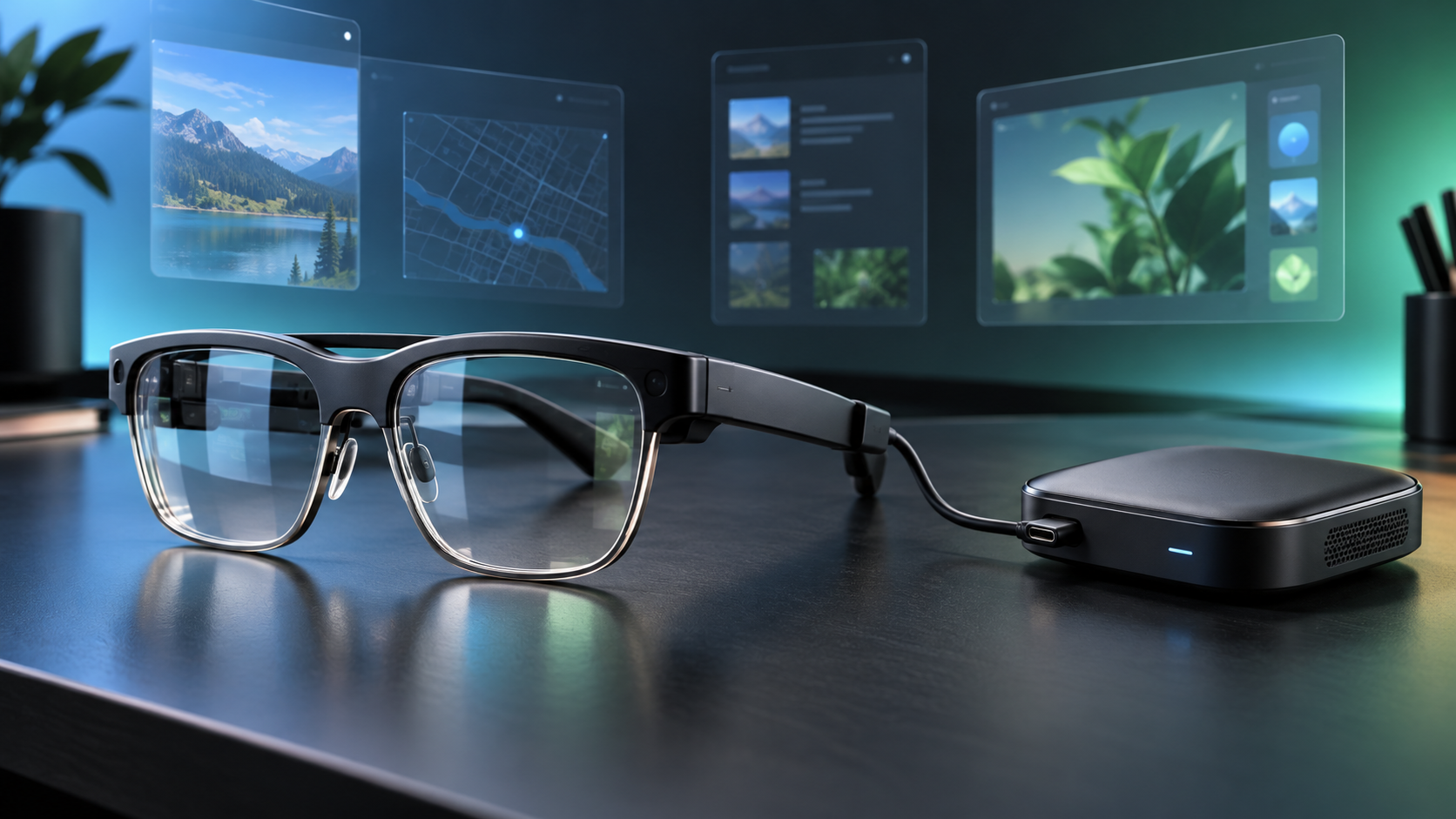
Optical see-through XR glasses connected by cable to a compact compute puck on a desk with floating app windows

XREAL AURA is now available to order as the first wired optical see-through glasses powered by Android XR. Google and XREAL opened U.S., Canadian and Korean orders on October 28, 2026, with a limited launch price starting at $1,099 and U.S. shipments expected to begin in mid-November.

AURA puts transparent Micro-OLED displays, cameras and sensors on the face while moving the heavier computing and battery hardware into a cable-connected puck. That split design makes the glasses lighter than a self-contained headset, but it also means the experience depends on a second device in a pocket or hand. Buyers should treat the launch as an early-adopter product, not a proven laptop or monitor replacement.

XREAL AURA at a glance

  • Launch price: $1,099 for 12GB of memory and 256GB of storage through the end of 2026; regular price is $1,279.
  • Higher configuration: $1,299 for 16GB of memory and 512GB of storage during the launch offer; regular price is $1,499.
  • Availability: orders are open in the United States, Canada and Korea, with Japan following on November 2; U.S. shipping is scheduled to begin in mid-November.
  • Glasses: optical see-through Sony Micro-OLED displays with 1920 × 1200 pixels per eye, up to 120Hz and a 70-degree field of view.
  • Compute puck: Snapdragon Reality Elite platform, a 4,455mAh battery, Wi-Fi 6/6E, Bluetooth 5.3 and two USB-C ports.
  • Interaction: hand tracking, voice, the puck touchpad, Bluetooth keyboards and mice, game controllers and Gemini on Android XR.
  • Age and setup: Google lists AURA for users 18 and older and says setup and a compatible account are required.

The specifications and performance claims in this article come from Google, XREAL and Qualcomm-linked launch material unless otherwise noted. ReaderSpice has not independently tested AURA, so display clarity, heat, comfort, battery life, tracking stability and camera behavior still need review testing.

The $1,099 price is temporary

Google says the $1,099 starting price applies through the end of 2026. The base configuration combines 12GB of memory with 256GB of storage. The 16GB/512GB model launches at $1,299. XREAL’s regular prices are $1,279 and $1,499, respectively, so waiting until 2027 could add $180 to the base model or $200 to the larger configuration.

A discount is not a reason to rush a first-generation platform purchase. The safer buying path is to confirm the correct fit, understand the return window, identify the Android and XR apps you actually need and wait for independent reviews if comfort or productivity will decide the purchase. Google also says features, subscriptions and availability vary by region.

What the hardware includes

  • Dual Sony Micro-OLED panels at 1920 × 1200 pixels per eye, with up to 120Hz refresh and a claimed 1,050-nit maximum brightness.
  • A 70-degree optical see-through field of view, 32 pixels per degree, 100 percent sRGB coverage and individual factory calibration with a claimed Delta E below 3.
  • Two world-facing tracking cameras for six-degrees-of-freedom spatial anchoring, plus hand tracking and a high-resolution perception camera with a privacy indicator light.
  • Five electrochromic transparency levels that can darken the lenses for more immersive viewing; XREAL claims the darkest setting blocks up to 99.9 percent of outside light.
  • Bose-tuned audio, Android XR spatial audio and a four-microphone array.
  • An XREAL X1S spatial coprocessor in the glasses and Qualcomm’s Snapdragon Reality Elite platform in the compute puck.
  • A prescription-lens insert frame in the box, along with three nose-pad sizes, a carrying case, belt clip, glasses cable and charging cable.

XREAL lists two fit sizes rather than one universal frame. Interpupillary-distance ranges and fit guidance should be checked on the current order page before buying, especially because a mismatched optical fit can affect clarity and comfort more than a headline resolution number.

The tethered design shifts weight off your face

The tethered design shifts weight off your face

Google describes the glasses as under 95 grams, while the puck holds the Snapdragon processor, battery, wireless radios, storage and most of the controls. The on-face hardware is still heavier than ordinary glasses, but moving the battery and primary compute platform away from the temples should reduce the weight users carry on the nose and ears.

The cable is the tradeoff. It can catch on clothing, requires a place for the puck and complicates quick on-and-off use. The puck’s second USB-C port supports charging and DisplayPort input, allowing wired mirroring from compatible laptops and handheld gaming devices while the dedicated glasses port remains connected. Buyers should verify video-output compatibility rather than assuming every USB-C port supports DisplayPort.

The puck includes a touchpad and fingerprint button, and XREAL lists hand, voice, keyboard, mouse and controller input. That flexibility is useful at a desk, but productivity still depends on app support, text legibility, keyboard access and whether the software keeps windows stable through a full session.

Android XR is the main reason AURA is different

It runs apps instead of acting only as a display

AURA is not merely a wearable monitor. Android XR can run familiar Android apps from Google Play alongside experiences built specifically for XR. Google says users can keep multiple spatial and 2D apps visible, play mobile or tablet games, watch immersive video, mirror a PC or handheld and use window-follow mode to keep content in front of them while seated or moving.

XREAL says more than 150 made-for-XR experiences are available around launch, while ordinary Android apps widen the catalog. That does not mean every phone app will feel natural in space. Touch-first interfaces may work best as flat virtual windows, and professional workflows still need testing with real files, peripherals and long sessions.

Gemini can use visual and screen context

Google says Gemini on Android XR can understand what the wearer is seeing and doing across the real world and on-screen apps, then respond conversationally. That could help with navigation, troubleshooting, entertainment and multitasking without requiring the user to describe every visible detail.

The same capability deserves a privacy review. AURA includes a high-resolution camera and four microphones, and the camera has a privacy LED. Before using it around coworkers, family members or confidential information, check the current recording indicators, account controls, app permissions, cloud-processing terms and workplace rules. A visible indicator is useful, but it does not replace consent or careful permission management.

Where AURA could be practical

  • Travelers who want a large private screen at an airport, hotel or airplane seat without carrying a full-size monitor.
  • Developers and businesses evaluating Android XR applications, managed deployments or spatial workflows.
  • Gamers who want Android titles, XR experiences or a wired virtual display for a compatible PC or handheld.
  • Early adopters who value transparent optics and multiple spatial windows more than the simplicity of a conventional laptop screen.
  • Media viewers interested in 3D movies, 180- and 360-degree video and spatial conversion of compatible photos or video.

Important tradeoffs before ordering

  • The $1,099 price is still higher than many laptops, tablets, monitors and simpler display glasses.
  • The compute puck and cable reduce on-head weight but add something else to charge, carry and manage.
  • XREAL has not published one simple real-world battery-life number that covers gaming, video, Gemini and productivity workloads.
  • A 70-degree field of view is wider than XREAL’s earlier glasses but still does not fill natural human vision.
  • Transparent displays face changing room and daylight conditions; electrochromic dimming can help, but buyers should not assume identical clarity everywhere.
  • Prescription users need the insert and compatible lenses, and everyone should confirm the correct frame size and return policy.
  • App quantity is not the same as app quality. Android apps may run in flat windows even when they are not designed for spatial interaction.

Who should buy now—and who should wait

Consider buying now if

  • You have a specific XR development, travel, gaming or multi-screen use case and can tolerate first-generation software changes.
  • You are comfortable with a tethered puck and have verified the fit, prescription path, region, return window and required accessories.
  • The launch discount matters and independent testing is not essential to your decision.

Wait if

  • You need proven all-day comfort, measured battery life or dependable replacement for a work monitor.
  • You dislike cables, want ordinary glasses weight or expect a fully self-contained headset.
  • Your key apps, employer policies or accessibility needs have not been confirmed for Android XR.
  • You mainly want a private virtual screen and do not need Android XR, cameras, hand tracking or Gemini.

A lower-cost XREAL alternative

Readers who mainly want a wearable display rather than a standalone Android XR computer can compare the XREAL One Pro on Amazon. The verified U.S. listing is ASIN B0FDPGHVCB. One Pro uses XREAL’s X1 chip for spatial display modes and connects to compatible phones, laptops and gaming handhelds, but it does not replace AURA’s Android XR compute puck, perception system or full app platform. Confirm the selected IPD size, seller, compatibility and return terms before ordering.

Affiliate disclosure: ReaderSpice may earn a commission from qualifying Amazon purchases made through the link above, at no additional cost to you.

Bottom line

XREAL AURA is one of the clearest attempts yet to turn optical see-through glasses into a portable spatial computer. The 70-degree view, Android XR software, Gemini context, dual-chip architecture and launch pricing are more ambitious than a basic virtual display, while the under-95-gram glasses show why XREAL separated the processing and battery into a puck.

That split is also the product’s defining compromise. AURA is lighter on the face because it is not self-contained, and its broad software promise still needs independent testing in real work, travel and gaming. Early adopters with a specific use case can justify the $1,099 launch price; most buyers should wait for comfort, battery and app-quality reviews before committing.

Sources

Google: XREAL AURA launch, availability, pricing and Android XR features

XREAL: AURA specifications, configurations, fit and included accessories

XREAL: AURA launch announcement and platform overview

Google Cloud: Android Enterprise management context for XREAL AURA

Road to VR: launch configurations, regular prices and independent specification summary

The Verge: launch-day pricing and first-look context

Amazon: XREAL One Pro (ASIN B0FDPGHVCB)

Samsung Galaxy Buds On Cost $229: Open-Ear Design, Tradeoffs and Buying Advice

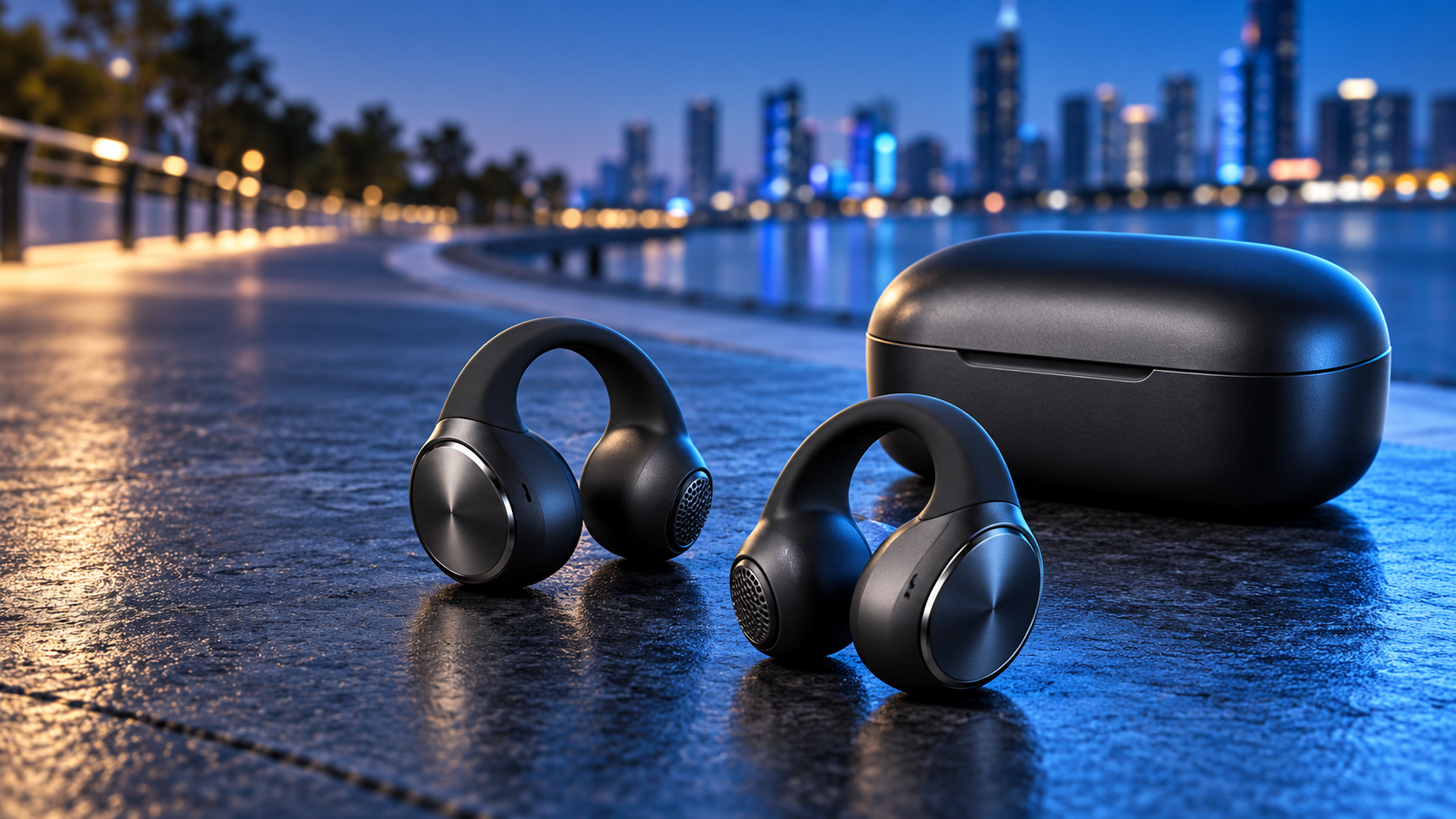
Black clip-on open-ear earbuds and charging case beside a blue-lit city running path

Samsung is bringing its first clip-on, fully open-ear earbuds to the United States at $229, with availability beginning in early November 2026. Galaxy Buds On are designed for listeners who want music, podcasts and calls without sealing the ear canal, so traffic, announcements and nearby conversations remain audible.

That benefit is also the central tradeoff. Galaxy Buds On do not provide the isolation or traditional active noise cancellation of sealed earbuds such as Galaxy Buds4 Pro. Samsung is instead selling comfort, awareness and hands-free Galaxy features. The practical question is whether those advantages justify a premium price before independent reviews have tested fit, sound leakage, call quality and battery life.

The quick take

  • U.S. price: $229 in black, with availability beginning in early November 2026.
  • Design: 6.65-gram clip-on open-ear earbuds that leave the ear canal uncovered.
  • Battery claim: up to 9.5 hours per charge and up to 38 hours with the case.
  • Durability: IP54 for the earbuds only; the charging case is not water resistant.
  • Compatibility: Android 12 or later with more than 1.5 GB of memory, although some features require a Galaxy device.
  • Best fit: runners, commuters and office users who prioritize awareness over isolation.

Galaxy Buds On keep the ear open for awareness

Galaxy Buds On keep the ear open for awareness

The clip-on bridge holds the speaker near the ear instead of pushing a tip into the ear canal. Samsung says it used more than 119 million ear data points, AI-assisted optimization and physics simulations to spread pressure and improve stability across different ear shapes. Each earbud weighs 6.65 grams.

An open design can be useful for outdoor running, walking, shared offices and travel situations where hearing the environment matters. It is not a substitute for situational judgment, and users should still keep playback at a level that allows them to notice vehicles, warnings and people nearby.

The same openness makes these a weaker match for airplanes, loud trains or anyone who wants to block background noise. Samsung itself positions Galaxy Buds4 Pro for focused listening and noise cancellation, while Galaxy Buds On are intended for awareness and all-day convenience.

Sound and call claims still need independent testing

Samsung equips Galaxy Buds On with an 11.3 mm TwinBoost speaker, three digital microphones and a voice pickup unit in each earbud. The company says automatic volume adjustment reacts to changing ambient noise, while an Audio Leakage Reduction system is intended to reduce how much nearby people can hear.

Those are manufacturer claims, not ReaderSpice test results. Open-ear products often trade sub-bass impact and isolation for comfort and awareness, and performance can change with ear shape, placement and ambient volume. Buyers should wait for independent measurements if bass extension, microphone performance or leakage at a desk is a priority.

The codec list includes Samsung Seamless Codec, SSC UHQ, AAC, SBC and LC3. The highest-quality Samsung options are most relevant inside the Galaxy ecosystem; non-Samsung Android users should not assume every advertised audio or AI feature will be available.

Battery life, charging and water resistance

Samsung rates the earbuds for up to 9.5 hours of music playback and up to 38 hours total with the fully charged case. Claimed talk time is up to 5.5 hours per charge and 25 hours total. These figures come from internal tests with pre-production hardware and default settings, so real results will depend on volume, calls, signal strength and enabled features.

The case supports wireless charging, but Samsung says charging cables and wireless chargers are sold separately. The earbuds carry an IP54 rating for dust and freshwater splashes for up to five minutes. The case is not water resistant, and Samsung specifically advises against beach or pool use.

Galaxy features are the strongest reason to pay the premium

On a compatible Galaxy phone or tablet, opening the case starts pairing without requiring the Galaxy Wearable app, and controls can appear in Quick Panel. Samsung also advertises hands-free Gemini Live access, Quick Voice Memo, Bixby search, voice commands and head gestures for actions such as accepting a call or dismissing an alarm.

Several of those features carry device, account, language or software requirements. Samsung says head gestures require One UI 8.5 or later, while Gemini Live needs a compatible Google account, device, region and internet connection. Some functions are unavailable on non-Samsung devices.

Samsung lists Bluetooth 6.2 and Auto Switch across compatible Galaxy devices. Its product page says Galaxy Connect can extend switching to non-Samsung Windows PCs, but Samsung does not advertise conventional two-device Bluetooth multipoint. SoundGuys also flags the absence of true multipoint, which matters if you regularly move between an Android phone and an iPad or a non-Galaxy computer.

How the $229 price compares

The launch price puts Galaxy Buds On near the top of the open-ear category. SoundGuys notes that they cost more than many established clip-on rivals, while the specification sheet is broadly competitive rather than obviously dominant. The strongest differentiators are the Galaxy integration, hands-free controls and Samsung’s claimed fit work.

For a cross-platform comparison, the Shokz OpenFit 2 on Amazon (ASIN B0DN11MTZ6) uses an ear-hook design, supports Bluetooth multipoint and is rated for up to 11 hours per charge and 48 hours with its case. Prices, seller, warranty and availability can change, so compare the exact listing before buying.

Disclosure: ReaderSpice may earn a commission from qualifying Amazon purchases made through the link above, at no additional cost to you.

Who should buy Galaxy Buds On and who should wait

Consider Galaxy Buds On if you already use a recent Galaxy phone, want to keep your ears open during runs or work, dislike pressure inside the ear canal and value hands-free Samsung features more than conventional multipoint or noise isolation.

Wait for reviews if sound leakage, bass response, microphone quality or long-session comfort will decide the purchase. Skip them if your main listening happens on planes or loud public transit, if you need active noise cancellation, or if your devices span multiple ecosystems and seamless two-device multipoint is essential.

At $229, the feature set makes the most sense as a Galaxy accessory rather than a universal open-ear bargain. Samsung’s 9.5-hour battery claim and light weight are promising, but the price is high enough that fit and independent performance testing should carry more weight than launch-day specifications.

Sources

Samsung U.S. Newsroom – Galaxy Buds On U.S. launch, price and availability

Samsung Mobile Press – official specifications and compatibility notes

Samsung – Galaxy Buds On product page and feature requirements

SoundGuys – launch analysis and open-ear market comparison

Engadget – Galaxy Buds On design and feature overview

Amazon – Shokz OpenFit 2 black (ASIN B0DN11MTZ6)

Inline image alt text: Runner wearing a black open-ear clip-on earbud on a city park path at sunrise

Windows 11 KB5127653 Adds Copilot Key Remapping, Emoji 17 and Safer File Previews

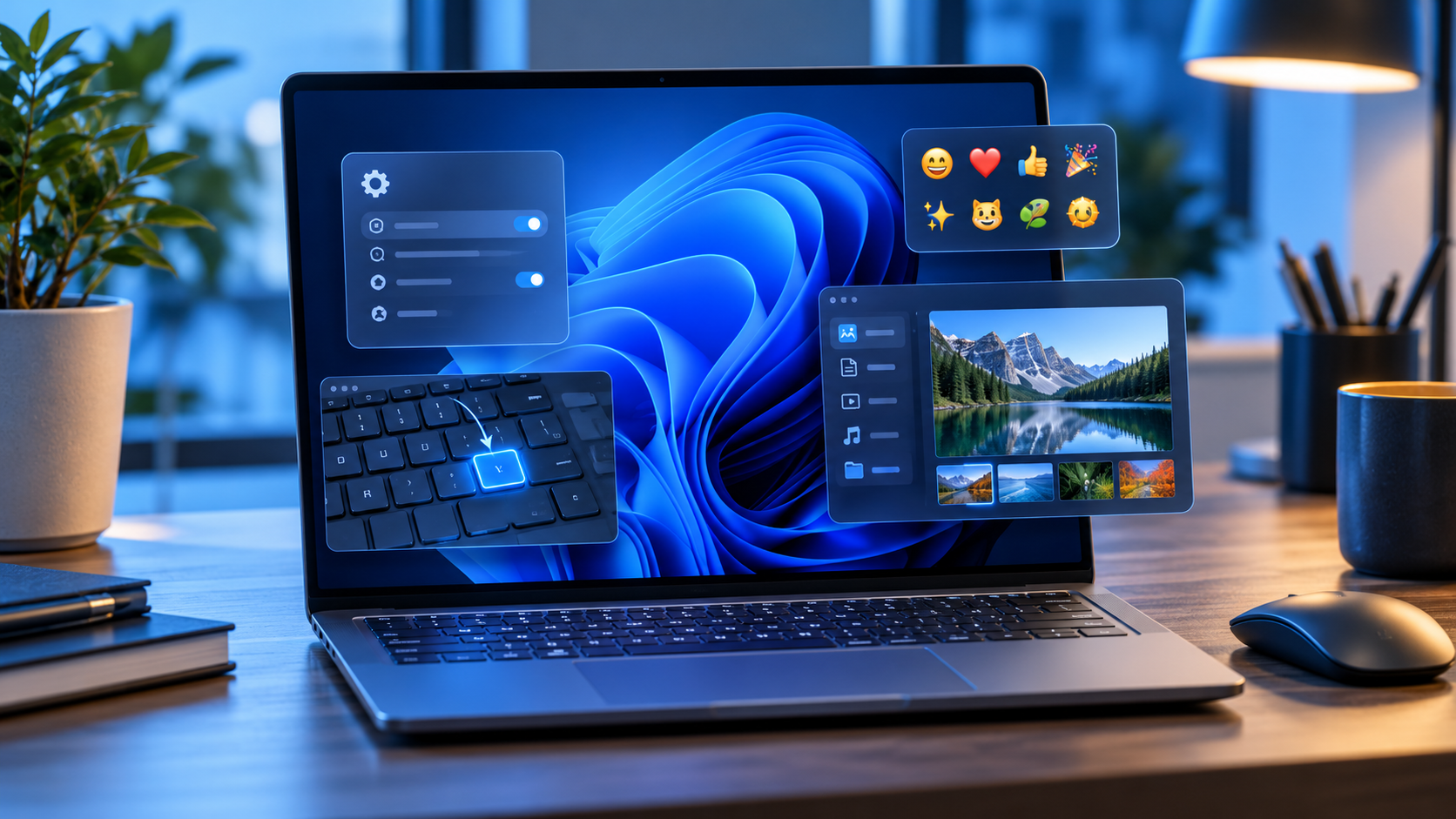
Windows 11 laptop showing a settings panel, emoji picker, remapped keyboard key and File Explorer preview

Microsoft released Windows 11 preview update KB5127653 on October 28, 2026, for version 26H1. The optional package moves supported PCs to OS build 28000.3365 and combines practical interface changes with reliability fixes, including Copilot-key remapping, Emoji 17.0, safer web-file previews and better Bluetooth behavior.

This is a non-security preview, not an urgent patch. Features are also rolling out in phases, so installing the update does not guarantee that every new control appears immediately. Most people can wait for the improvements to arrive in a later security update; testers and users who need a listed fix can install it after making a current backup.

Windows 11 KB5127653 at a glance

  • Applies to Windows 11 version 26H1 and raises the OS build to 28000.3365.
  • It is an optional non-security preview, available through Windows Update under Advanced options > Optional updates.
  • File Explorer adds an explicit Preview anyway choice for downloaded HTML files while automatically previewing non-HTML files such as PDFs.
  • The emoji panel gains Unicode Emoji 17.0 support, and several existing emoji receive refreshed artwork.
  • The Copilot key can be reassigned to Right Ctrl or the Context Menu key.
  • A Windows Security toggle begins rolling out for Administrator protection, which requires a restart when enabled.
  • Microsoft still lists an unresolved USB Audio Class 1.0 problem that can cause Code 10, no output or unresponsive sound controls.

Microsoft labels many headline additions as gradual-rollout features. Availability can differ by device even after the package is installed, and a work or school PC may follow a separate administrator-controlled deployment schedule.

The most useful changes

Copilot-key remapping is finally more flexible

On keyboards with a dedicated Copilot key, Windows can now map that key to Right Ctrl or the Context Menu function. That is useful for people who rely on older shortcut layouts, accessibility workflows or applications that expect a right-side Control key. It does not turn the key into an unrestricted macro button; the choices remain limited to the functions Microsoft exposes.

File Explorer changes web previews without removing the warning

Downloaded HTML files can carry active content, so File Explorer continues to show a warning before previewing them. KB5127653 adds a Preview anyway button for users who understand the risk and still want to inspect the file. Non-HTML files such as PDFs are previewed automatically, while cloud-file thumbnails and the Details pane receive reliability and layout improvements.

A preview is not a security scan. Do not use Preview anyway for an unexpected attachment merely because the sender name looks familiar. Confirm the source, scan the file with current security software and open suspicious material only in an environment appropriate for untrusted content.

Emoji 17.0 and a new Tips widget

Press Windows + Period to open the emoji panel after the update. Microsoft lists new Emoji 17.0 characters including distorted face, fight cloud and hairy creature, while saluting face, face with peeking eye, goose, lotus and kissing cat receive updated designs. A separate Tips widget can be added to the Widgets board or the lock screen for short Windows guidance.

Accessibility, touchpad and Bluetooth improvements

An Open apps maximized option appears under Settings > Accessibility > Visual effects for people who prefer every application to start at full size. Precision touchpads gain one-finger side scrolling and an automatic edge-scrolling option. Bluetooth work covers connection-state accuracy, Settings stability, Classic Audio microphone compatibility, LE Audio performance and a crash seen while streaming audio.

Administrator protection becomes easier to enable

Administrator protection is designed around least privilege: the user normally operates without full administrative rights and explicitly approves elevation when a task needs them. Microsoft says the feature uses Windows Hello authentication and an isolated administrator token to make silent privilege abuse harder.

KB5127653 begins a gradual rollout of a user-facing switch under Windows Security > Account protection. When the toggle is available, turning it on requires a restart. Organizations should test the setting with line-of-business software and follow their security baseline rather than enabling it ad hoc on managed PCs.

Other fixes worth knowing about

  • Edge Accelerated App Launch can reduce launch delay when Edge 150 or later is already running in the background; support covers Windows 11 25H2, 26H2 and 26H1.
  • A Remote Desktop failure affecting non-admin users when Administrator protection was enabled is fixed.
  • BitLocker pre-boot PIN retry handling is adjusted to reduce unintended repeated submissions and TPM lockout recovery.
  • Always On VPN fixes target connections stuck on Connecting or reporting that the specified port is already in use.
  • HDMI and DisplayPort audio playback failures on certain AMD graphics cards are addressed.
  • WSL2 nested virtualization on AMD processors receives a fix.
  • British Columbia and Alberta receive permanent daylight-saving-time support for November 2026, and Manitoba gains a dedicated time-zone entry.

Who should install it now—and who should wait

Install KB5127653 now only if the PC is already on Windows 11 26H1, you want to test the listed changes or one of the fixes addresses a real problem, and you can tolerate preview-update risk. A secondary PC is a better candidate than the only computer used for work, school, accessibility or live production.

Wait if the machine is stable, the new features are merely interesting, the PC depends on USB Audio Class 1.0 hardware, or the system is controlled by an employer or school. Because this is a non-security preview, waiting does not mean skipping the normal monthly security update. Microsoft says preview changes generally move into a later security release after broader validation.

How to install KB5127653 safely

How to install KB5127653 safely

  • Confirm the PC is running Windows 11 version 26H1 by opening Settings > System > About or by running winver.
  • Back up irreplaceable files. Windows Backup can preserve supported settings and folders, while File History can keep versions on an external drive or network location.
  • If BitLocker or device encryption is enabled, make sure the recovery key is available before changing recovery settings or entering Windows Recovery Environment.
  • Connect the laptop to power, save open work and disconnect nonessential accessories—especially any audio hardware you cannot risk troubleshooting during the restart.
  • Open Settings > Windows Update > Advanced options > Optional updates, then choose the KB5127653 download and install link if it is offered.
  • Restart when prompted. After signing in, run winver and confirm OS build 28000.3365.
  • Test the functions the PC depends on: sound, VPN, Bluetooth, printers, cameras, accessibility tools, development environments and external displays.

Microsoft requires the latest servicing-stack update, but normal Windows Update handles that prerequisite. The Microsoft Update Catalog path is intended for advanced or managed deployments and should not be used to force a package onto an incompatible PC.

How to uninstall or recover if something breaks

  • If Windows starts normally, open Settings > Windows Update > Update history > Uninstall updates, select the relevant update and choose Uninstall. Some updates cannot be removed.
  • If Windows will not start, enter Windows Recovery Environment and choose Troubleshoot > Advanced options > Uninstall Updates > Uninstall latest quality update.
  • If the problem is not resolved, use Microsoft’s recovery options in order from least disruptive to most disruptive. Windows 11 can reinstall the current version while preserving files, apps and settings on supported releases.
  • Restore data only from a backup you verified. Keep the BitLocker recovery key available when using recovery tools.

A preview update should not be installed without a recovery plan. If the machine is business-managed, contact the administrator before removing an update because deployment policies, encryption and endpoint controls can affect the correct procedure.

A practical backup accessory

Readers who need an external drive for File History or a manual pre-update copy can compare the Samsung T7 Shield 1TB portable SSD on Amazon. The verified U.S. listing is ASIN B09VLK9W3S for model MU-PE1T0S/AM. Check the capacity, seller, included cables, system compatibility and return terms before ordering; an external SSD is optional, and any current, verified backup destination is more important than this specific model.

As an Amazon Associate, ReaderSpice earns from qualifying purchases.

Bottom line

KB5127653 is a substantial optional preview for Windows 11 26H1. Copilot-key remapping, Emoji 17.0, controlled HTML previews, accessibility improvements, Bluetooth fixes and an easier Administrator protection switch are all useful, but none makes the package urgent for a stable production PC.

Install it when a listed feature or fix matters and the machine has a tested backup and recovery path. Otherwise, leave the preview alone and let the changes reach a later security update after Microsoft has collected more real-world data.

Sources

Microsoft Support: KB5127653 release notes, features, known issue and installation method

Microsoft Learn: Windows 11 version 26H1 for IT professionals

Microsoft Learn: Administrator protection

Microsoft Support: How to uninstall a Windows update

Microsoft Support: Recovery options in Windows

Microsoft Support: Backup and restore with File History

Microsoft Support: Get Windows updates as soon as they are available

Amazon’s 2026 Alexa Lineup: Prices, Privacy Tradeoffs and Which Echo Fits

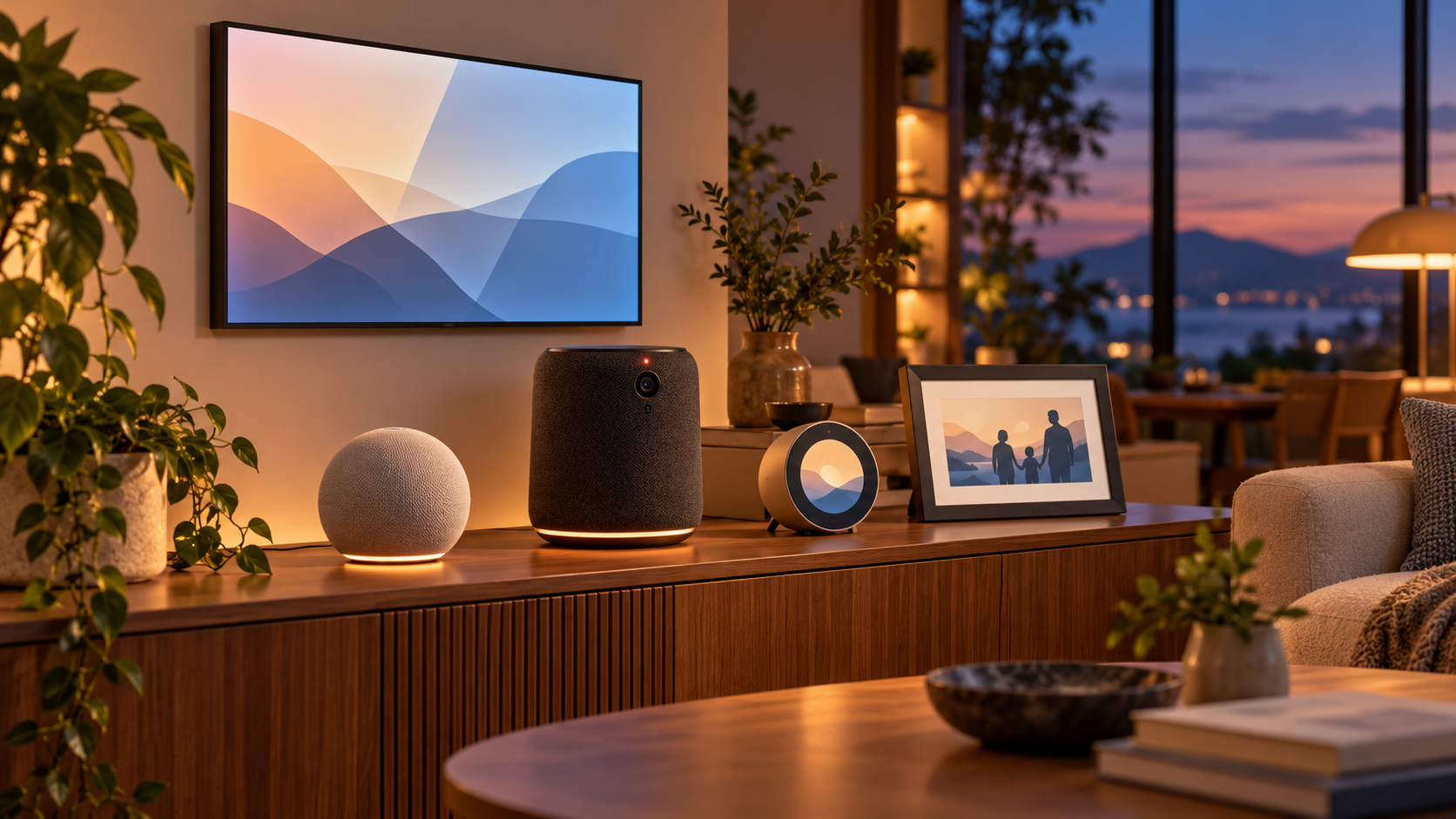
Five smart-home device types arranged in a warm modern living room, including a smart display, compact speaker, premium speaker, bedside clock and photo frame

Amazon has launched five Alexa devices that cover very different jobs: a $99.99 Echo Dot, a $249.99 Echo Studio with Home Camera, a $199.99 Echo Time bedside clock, a $199.99 Alexa Photo Frame and a $499.99 Echo Show 16. Four are on sale in the United States now; the Echo Show 16 is available for preorder and is due later in 2026.

The useful story is not simply that Amazon made Alexa hardware faster. The company is turning entry-level speakers into smart-home infrastructure, putting cameras into premium audio products, using ultrasound for sleep sensing and moving its largest display closer to a wall-mounted family dashboard. Those changes make the buying decision more practical—and more privacy-sensitive—than a list of specifications suggests.

Amazon’s five new Alexa devices at a glance

  • Echo Dot — $99.99; on sale now. Adds a built-in Zigbee, Matter and Thread smart-home hub, an eero Wi-Fi extender, AZ3 silicon, four microphones and 50 percent more bass than the previous generation.
  • Echo Studio with Home Camera — $249.99; on sale now. Combines Dolby Atmos audio, room adaptation, Live View and visual intelligence. The camera-free Echo Studio remains available for $219.99.
  • Echo Time — $199.99; on sale now. A camera-free 3.2-inch circular smart clock with optional sleep sensing, sunrise-style wake-up lighting and a smart alarm window of 10 to 60 minutes.
  • Alexa Photo Frame — $199.99 in black or $229 in birch or walnut; on sale now. Uses a 10-inch anti-glare touchscreen, Amazon Photos sync and Alexa-assisted photo search and selection.
  • Echo Show 16 — $499.99, or $569.99 with a Nanomatte display; preorder now with a $100 launch discount. Adds a 16-inch screen, Fire TV, night vision, a 13-megapixel camera and new family, photo and smart-home Screen Styles.

Amazon’s U.S. announcements say certain functions require Alexa+, which is included with Prime. International availability and pricing were not announced consistently across the launch pages, so buyers outside the United States should wait for a local listing rather than convert U.S. prices.

Which new Alexa device fits your room?

Which new Alexa device fits your room?

Echo Dot: the best value if you are building a smart home

The new Echo Dot is the most consequential upgrade for the broadest group of buyers. Its built-in hub supports Zigbee, Matter and Thread, which can reduce the need for a separate bridge when adding compatible bulbs, plugs, locks and sensors. The built-in eero extender can add up to 1,000 square feet of coverage, but that benefit applies to an existing compatible eero network—not every Wi-Fi setup.

At twice the traditional $50 entry price of many older Dots, it is no longer an impulse speaker. It makes the strongest case when the hub or eero function replaces something you would otherwise buy. If you only want timers, weather and background music, compare sale prices on earlier Echo models before paying $99.99.

Echo Studio with Home Camera: premium audio with a bigger trust decision

The camera-equipped Studio is the most unusual product in the lineup. Amazon says the camera enables Live View, object recognition, visual questions and future Fire TV video calling. Advanced Room Adaptation continuously tunes audio for the space, while Adaptive Volume adjusts playback as a listener moves around the room.

That combination may make sense in a living room where one device can serve as a music system, room monitor and Alexa interface. It is a poor fit for anyone who is uncomfortable with an always-present camera in an audio-first product. Amazon keeps the standard $219.99 Echo Studio in the range, so camera-free buyers do not need to accept the sensor to get the premium speaker.

Echo Time: a bedside choice for people who want no camera

Echo Time is deliberately camera-free and uses Omnisense sensors plus ultrasound to estimate sleep and breathing patterns. Its optional smart alarm can wake a user during lighter sleep within a selected 10- to 60-minute window before the target time. The screen can dim below typical daytime brightness and gradually brighten like a sunrise alarm.

The limitation is fundamental: sleep-stage estimation from a nightstand is not the same thing as a clinical sleep study. Treat it as a convenience feature, not a diagnosis or medical measurement. Couples and people with pets should also wait for independent testing to see how reliably it distinguishes the intended sleeper from movement nearby.

Alexa Photo Frame: best for households already using Amazon Photos

The Photo Frame is the simplest device to understand. It syncs with Amazon Photos, can surface images based on people, time and context, and accepts voice requests for a person, pet or trip. Prime members receive unlimited full-resolution photo storage, while every frame includes 90 days of Alexa+ according to Amazon.

Its value depends on the photo library you already maintain. A household using Google Photos, Apple Photos or a local server should consider the work and lock-in involved before switching. Because facial and contextual search touches personal memories, owners should review shared albums, household access and voice-note permissions before gifting a preconfigured frame.

Echo Show 16: the family dashboard and Fire TV option

Echo Show 16 is the most capable—and most expensive—device. The 16-inch display is larger than the Echo Show 15, while the redesigned chassis is nearly 40 percent thinner. Its 13-megapixel camera adds night vision and a wider field of view, and the audio system uses eight micro woofers and two tweeters. Fire TV and a remote are included.

The new Screen Styles are the reason to buy it: a family organizer, a photo display or a smart-home dashboard with Alexa Home Map. Amazon says Home Map can show connected devices in their rooms and, with compatible cameras, surface activity around a property. Some camera-map functions require additional Ring subscriptions, and the map preview is scheduled to roll out later rather than arrive fully formed on day one.

At $499.99 before stands, this is closer to a small TV or household control panel than a countertop assistant. The $100 preorder discount is meaningful, but independent testing of the Nanomatte screen, night vision and Home Map would be more useful than buying simply to secure the discount.

What Alexa+ changes—and what still costs extra

Amazon says the latest Alexa can hold more natural conversations, reason across several sources, ask clarifying questions and organize ongoing topics into Cards. The Echo Show 16 can generate visual layouts during a conversation, while the speaker products rely on voice responses. Alexa+ is included with Prime, but Amazon repeatedly notes that only certain features require it.

That wording matters because the hardware purchase does not guarantee every advertised experience forever or in every country. Prime membership, Ring plans, Kids+ and optional accessories can all change the real cost. Before ordering, list the functions you expect to use and confirm which subscription, account and compatible hardware each one needs.

Camera and sleep-sensing privacy questions to answer first

Amazon says camera-equipped Echo devices include a button that disables microphones and cameras, plus visible indicators when a camera stream is active. Echo Time sleep sensing is opt-in and can be disabled in the Alexa app or by muting the microphones. Those controls are useful, but they do not replace household consent and account security.

  • Decide whether every person using the room is comfortable with the camera, Live View, Visual ID or sleep sensing before enabling it.
  • Review every phone and household profile that can access the Alexa account, and remove devices that no longer need control.
  • Use a unique Amazon password and multi-factor authentication, then audit voice history, camera settings and saved profiles.
  • For Echo Time, start with the shortest acceptable alarm window and verify that ultrasound sensing works reliably in the actual bedroom.
  • For Echo Show 16 and Studio, place the device so the camera does not cover private areas or neighboring property.
  • Prefer the camera-free Echo Studio or Echo Time when the visual features do not solve a problem you actually have.

A verified Amazon option

The new Echo Dot is the most broadly useful entry in this lineup because its hub and networking functions may replace separate hardware. Readers can check the 2026 Echo Dot on Amazon (ASIN B0FXN2JWST) for current color, stock and shipping details. Confirm that the listing identifies the 2026 model before ordering.

Affiliate disclosure: ReaderSpice may earn a commission from qualifying Amazon purchases made through the link above, at no additional cost to you.

Should you buy now?

The Echo Dot is the clearest day-one recommendation for households that need a smart-home hub or already use eero. Echo Time is a reasonable camera-free bedside option for people who value a smart wake-up window and accept that consumer sleep sensing needs real-world validation. The Alexa Photo Frame is strongest for families already committed to Amazon Photos.

The Echo Studio with Home Camera and Echo Show 16 deserve more caution. Both add cameras to rooms where people may not expect them, and their most ambitious functions depend on Alexa+, account permissions or future software. Buy either for the audio, display and controls available now—not for a promised feature you cannot test yet.

Sources

Sony XYN Spatial Capture Is Live: Pricing, Compatible Cameras and Who It Is For

Creator uses a mirrorless camera and mounted smartphone to scan a sculpture into a glowing 3D spatial mesh

Sony has opened its XYN Spatial Capture Solution to customers in the United States and Canada, turning an April preview into a product creators can actually buy. The suite converts photographs of rooms, locations and physical objects into 3D computer-graphics assets for virtual production, games, product visualization and digital-twin work.

The new availability matters because Sony is no longer pitching XYN only as an enterprise demonstration. A free tier, monthly subscriptions starting at $20 and online token purchases lower the entry cost. The practical barrier is hardware: the guided capture app requires a supported Pro-model iPhone and a compatible Sony Alpha or Cinema Line camera, so this is not a phone-only scanning app.

This is a launch analysis based on Sony’s published specifications, pricing pages and capture documentation, not a hands-on review. The key buying question is whether XYN’s guided camera workflow and cloud generation are worth a recurring token system for the number and quality of 3D assets a team needs.

Sony XYN is now available in the United States and Canada

Sony announced commercial availability on October 27, 2026. The service is available in the United States, excluding U.S. territories, and Canada. Customers can register online, choose a plan, buy additional generation tokens and pay by credit card. Sony also lists Japan in the pricing terms, but the new North American announcement is specifically about U.S. and Canadian availability.

XYN is pronounced “zin.” It is a suite rather than one application, and the components divide the job into capture, cloud processing and display. That separation is important: the iPhone app guides the photography, but Sony’s cloud service does the computational work of turning the image set into a 3D asset.

What the three XYN applications do

XYN Spatial Scan Navi

Spatial Scan Navi is the capture assistant. A compatible iPhone mounts with a supported Sony camera and shows framing, coverage and distance guidance while the user photographs a location or object. The free plan limits Navi to three projects and up to 200 guided images per project; paid plans raise the image limit to 500 and remove the project cap.

XYN Spatial Scan

Spatial Scan is the cloud application that runs Sony’s Venus generation algorithm. It processes the uploaded photographs into a 3D computer-graphics asset. Generation consumes tokens, and the amount varies with the number of input images and the quality preset. Every listed plan includes 15GB of Scan storage.

XYN Spatial Renderer Plugin

The Renderer Plugin displays generated assets in virtual-production environments. Sony lists Unreal Engine, Disguise RendererStream and Aximmetry support. The commercial plugin is included only with the $209.05-per-month Creation 2000 + Renderer plan; lower tiers receive a watermarked trial that Sony says is not for commercial use.

How the Sony XYN capture workflow works

How the Sony XYN capture workflow works

The user connects a supported iPhone and Sony camera, selects a location or object workflow, and follows on-screen guidance while taking overlapping photographs from multiple angles. For object capture, the assisted mode sets a scan region based on subject size and helps the operator maintain a consistent distance around the full circumference.

After the capture is uploaded, Spatial Scan uses the selected quality and color settings to generate the asset. Sony says the object workflow can preserve transparency and gloss, while background assets can be prepared for virtual-production displays with HDR and color-management options. In the Renderer Plugin, splat editing, splat processing and flicker suppression are intended to make Gaussian-splat-style assets more usable on green-screen and LED-wall stages.

A sensible first test

  • Choose a matte, medium-size object with distinct surface detail and space to walk around it safely.
  • Use even, soft lighting and avoid moving shadows, reflections or background people during capture.
  • Complete the guided circuit without changing zoom, exposure or the object’s position.
  • Generate at Basic or Enhanced quality before spending tokens on a high-end preset.
  • Inspect thin edges, glossy areas, transparent parts and the underside before approving the asset for production.

XYN pricing and what the token math means

Sony offers a free plan, three fixed-price Creation plans and a custom enterprise option. Prices on the U.S. portal exclude tax and can change.

  • Free: $0 per month, no included tokens, three Navi projects, up to 200 guided images and 15GB of Scan storage. Additional tokens cost $20 per 500.
  • Creation 500: $20 per month with 500 tokens, unlimited Navi projects, up to 500 guided images and the Renderer trial.
  • Creation 2000: $67.32 per month with 2,000 tokens and the same capture limits, aimed at ongoing professional production.
  • Creation 2000 + Renderer: $209.05 per month with 2,000 tokens plus the commercial Renderer Plugin.
  • Custom: negotiated pricing and token volume for larger production pipelines.

The $20 plan does not buy one maximum-quality scan. Sony estimates that 500 tokens produce about three Basic assets or two Enhanced assets using 110 input images, but zero Advanced or Extreme assets. A 2,000-token allocation is estimated to cover about 13 Basic, 10 Enhanced, one Advanced or one Extreme asset.

Generation time also scales with quality. Sony estimates roughly 15 minutes for Basic, 30 minutes for Enhanced, one hour for Advanced and three hours for Extreme under its reference conditions. Input count, resolution and server congestion can change both token use and processing time.

Unused tokens expire six months after issuance and are nonrefundable. Subscriptions renew automatically unless canceled before renewal. Teams should treat expired token value, cloud storage and renderer licensing as part of the cost, not compare the monthly fee with a desktop photogrammetry license in isolation.

Compatible iPhones and Sony cameras

Spatial Scan Navi currently requires an iPhone 15 Pro, 15 Pro Max, 16 Pro, 16 Pro Max, 17 Pro or 17 Pro Max running iOS 18, iOS 26 or later. Standard iPhones and Android phones are not listed as compatible. The App Store description is equally explicit that the app cannot be used by itself.

Sony’s specification page lists the Alpha 1 II, Alpha 1, Alpha 9 III, Alpha 7R V, Alpha 7 IV, Alpha 7C II, Alpha 7CR, Alpha 7 V, Alpha 7R VI, FX2, FX3 and FX3A. The FX3 and FX3A require manual focus adjustment. Compatibility can change, so confirm the current model and firmware list before purchasing equipment around the workflow.

The dual-device requirement is the central tradeoff. A supported Pro iPhone provides guidance and monitoring while a Sony camera captures the image set. That can deliver more controlled photography than a quick phone scan, but it adds mounting, pairing, battery, storage and lens decisions to every job.

What object scanning adds to the original XYN pitch

Sony introduced XYN around location and background capture for virtual production. The commercial release expands the Venus algorithm to isolated physical objects such as props, consumer products, vehicles and industrial assets. Users can define the generation range, select quality and color workflows, and export an asset with transparency for use in a larger scene.

That makes XYN relevant beyond film stages. A game studio could digitize a practical prop, a product team could create a visualization model, a museum could document an artifact, and a production crew could preserve a location or object for later reshoots. Sony plans Lab apps by the end of 2026 so creators can test developing features, but those future tools should not be counted as current capability.

The biggest limitations to understand before subscribing

  • The free tier is a trial route, not free generation. It includes no tokens, and the Renderer trial adds watermarks and cannot be used commercially.
  • The capture app supports a narrow list of Pro iPhones and Sony cameras. Existing equipment outside that list does not qualify just because it can shoot high-resolution photos.
  • Cloud generation introduces upload time, service availability, storage and account-dependency risks that a local workflow may avoid.
  • Token use varies by image count, resolution and quality. A nominal monthly allocation does not guarantee a fixed number of deliverable assets.
  • Reflective, transparent, featureless, moving and very large subjects remain difficult capture cases. Sony’s guidance notes size limits, and marketing examples do not replace a workflow test.
  • The public material is primarily Sony’s own documentation and launch announcement. Independent production testing is still limited at launch.

Teams evaluating XYN should compare it with the workflow they already use, including camera time, cleanup labor, software licensing, local compute, revision speed and export requirements. A low monthly price can be attractive while the full production cost remains high if assets require extensive repair.

Who should try Sony XYN

Good candidates

  • Small virtual-production teams that already own supported Sony cameras and Pro iPhones.
  • VFX and game artists who want guided capture without building a photogrammetry pipeline from scratch.
  • Product-visualization teams that can standardize lighting and object setup.
  • Studios that need to preserve locations or props for later pickup shots and reshoots.

Who should wait

  • Casual users expecting a one-device phone scanner with instant local output.
  • Teams whose cameras or phones fall outside the compatibility list.
  • Projects involving confidential spaces that cannot be uploaded to an external cloud service without review.
  • High-volume pipelines that need predictable per-asset cost, automated batch processing or a broader choice of cameras.

The safest path is to start with the free account and a small token pack, generate representative assets at Basic and Enhanced quality, and measure capture time, upload time, processing time, cleanup and final usability. A successful demo scan is less important than a repeatable result on the hardest object or location the team handles regularly.

Buying note for a compatible Sony camera

Sony lists the Alpha 7 IV as compatible with XYN Spatial Scan Navi. It is a 33-megapixel full-frame hybrid camera and a reasonable existing-market option for teams that also need general stills and video work. Check the Sony Alpha 7 IV body on Amazon (ASIN B09JZT6YK5). Confirm the exact seller, included accessories, warranty and return policy before ordering.

Disclosure: ReaderSpice may earn a commission from qualifying purchases made through the Amazon link above, at no additional cost to you.

Do not buy the camera solely for XYN without confirming the current compatibility page, required phone, mounting hardware and the lenses Sony recommends for the subject sizes you plan to capture.

Bottom line

Sony XYN Spatial Capture is now a purchasable creator platform rather than a concept. Its strongest idea is a guided workflow that combines a Pro iPhone, a supported Sony camera, cloud generation and virtual-production rendering. Object capture makes the suite more versatile, while plans starting at $20 give small teams a realistic way to test it.

The apparent affordability needs context. Tokens expire, high-quality generations can consume a full 2,000-token allocation, the commercial renderer sits behind the $209.05 plan, and the hardware list is narrow. XYN is most compelling for creators who already own compatible gear and need repeatable 3D assets. Everyone else should test a difficult real project before committing to the subscription and cloud workflow.

Sources

Sony Electronics – XYN Spatial Capture commercial availability announcement, October 27, 2026

Sony XYN – Pricing, token estimates and plan comparison

Sony XYN – Spatial Scan Navi supported phones and cameras

Sony XYN – Object capture workflow guide

Apple App Store – XYN Spatial Scan Navi requirements and version history

Inline image alt text: Mirrorless camera and smartphone capturing a tabletop object while spatial points form a 3D mesh

M6 MacBook Pro Starts at $1,999: Price, Specs and Who Should Upgrade

Dark professional laptop with blue and violet abstract display on a sunlit wood desk

Apple has refreshed the entry-level 14-inch MacBook Pro with its M6 chip, Wi-Fi 7 and Bluetooth 6. The laptop starts at $1,999 in the United States with 16GB of unified memory and a 1TB SSD. Preorders open October 28, and deliveries and store availability begin November 6.

This is a focused performance update, not the touchscreen OLED redesign that has been reported for other MacBook Pro models. The aluminum chassis, Liquid Retina XDR display, camera, speakers and port selection remain familiar. That makes the buying decision less about appearance and more about whether the base M6 chip, memory ceiling and Thunderbolt 4 connectivity fit the work.

M6 MacBook Pro price and release date

Apple sells the M6 model only in the 14-inch size. It sits below the M5 Pro and M5 Max configurations that remain in the MacBook Pro lineup.

The M6 launch details are:

  • The 14-inch M6 MacBook Pro starts at $1,999.
  • The education price starts at $1,899.
  • Preorders open Wednesday, October 28, 2026.
  • Deliveries and retail availability begin Friday, November 6, 2026.
  • Space black and silver finishes are available.
  • The standard configuration includes 16GB of memory and 1TB of storage.

Memory can be configured to 24GB or 32GB. Storage choices are 1TB, 2TB and 4TB. The starting configuration is generous enough for many office, development and creative workflows, but neither memory nor internal storage can be upgraded later. Buyers should price the machine they will need several years from now, not only the least expensive checkout option.

What the M6 chip changes

The M6 has a 12-core CPU with two super cores, four performance cores and six efficiency cores. Its 12-core GPU includes Neural Accelerators and hardware ray tracing, while a dual 16-core Neural Engine handles machine-learning work. The media engine accelerates H.264, HEVC, ProRes and ProRes RAW, and it can decode AV1 video.

Apple claims up to 30 percent faster graphics and up to 25 percent faster AI workloads than the M5 MacBook Pro. The company also cites up to 1.2 times faster multithreaded CPU performance. Those are manufacturer-controlled comparisons, so results will vary by application, project size and sustained workload. Independent testing will be especially important for fan noise, long exports, game performance and local AI models.

Memory bandwidth is another configuration detail. The 16GB version is listed at 153GB/s, while 24GB and 32GB models reach 170GB/s. A larger memory configuration therefore provides both capacity and bandwidth, which can matter for large photo libraries, code builds, virtual machines and on-device models.

The display and design stay familiar

The 14.2-inch Liquid Retina XDR display remains a major strength. Apple lists a 3024-by-1964 resolution, ProMotion refresh rates up to 120Hz, one billion colors, P3 wide color and up to 1,600 nits of peak HDR brightness. A nano-texture option is available for bright rooms and glare-sensitive work.

There is no OLED panel, touch input or major chassis redesign on this model. The 12-megapixel Center Stage camera, six-speaker audio system, three-microphone array, Magic Keyboard and Force Touch trackpad continue. Space black and silver are the only finishes.

That continuity is useful for buyers who already like the 14-inch design, but it reduces the case for replacing a recent MacBook Pro. An M5 owner will see a faster processor and newer wireless standards, not a fundamentally different screen, keyboard, camera or travel experience.

Ports and external displays remain a strength

Ports and external displays remain a strength

The M6 model includes MagSafe 3, HDMI, an SDXC card slot, a 3.5mm headphone jack and three Thunderbolt 4 ports rated up to 40Gb/s. It does not receive the Thunderbolt 5 ports found on the M5 Pro and M5 Max configurations. Photographers and video creators should account for that distinction when choosing high-speed docks, storage arrays and capture hardware.

Apple supports up to two external displays while the built-in screen remains active. The published combinations include two displays at up to 6K 60Hz or 4K 165Hz, or one display at up to 8K 60Hz, 5K 120Hz or 4K 240Hz. Buyers who need three or four external monitors should move to a Pro or Max configuration rather than assuming every 14-inch MacBook Pro has the same display limits.

The N1 wireless chip brings Wi-Fi 7, Bluetooth 6 and Thread. Wi-Fi 7 can improve throughput and latency on a compatible network, but the laptop cannot make an older router or slow internet connection faster. Thread is relevant mainly to compatible smart-home accessories.

The inline image above is an editorial illustration of a laptop using two external displays, a dock, storage and a memory card. It is not an Apple diagram, and actual accessories are sold separately.

Battery life and charging

Apple rates the M6 model for up to 24 hours of video streaming and up to 16 hours of wireless web use. The 72.4-watt-hour battery can charge through MagSafe or USB-C. Apple recommends at least a 60W power source for charging and specifies a 96W or higher USB Power Delivery source for fast charging.

Apple says a compatible 96W adapter can reach about 50 percent charge in 30 minutes. Real battery life will depend on display brightness, connected devices, background activity and whether the CPU and GPU remain under sustained load.

The Apple 96W USB-C Power Adapter is available on Amazon under ASIN B081FVQCHQ. It does not include a charging cable, and Amazon inventory can mix older packaging or sellers, so confirm the model, condition, seller and return terms before ordering. The MacBook Pro already includes a 70W adapter and MagSafe cable; a separate 96W unit is only relevant for buyers who want the faster charging option.

Disclosure: ReaderSpice may earn a commission from qualifying Amazon purchases made through the link above, at no additional cost to you.

Who should upgrade from an Intel MacBook Pro

Intel owners have the clearest reason to move. The practical benefits extend beyond benchmark claims: current macOS support, Apple silicon efficiency, a much stronger media engine, longer battery life, modern wireless connectivity and quieter performance in everyday work.

Before switching, audit specialized software, plug-ins, drivers and peripherals. Rosetta can run many Intel applications, but it does not guarantee that an old audio interface, printer, security tool or business application will behave exactly as it did on the previous machine. Check each critical vendor before retiring a working Intel system.

The M6 model is a strong replacement for an aging 13-inch or 15-inch Intel MacBook Pro when 32GB of memory and two external displays are enough. Workflows that need more memory, additional displays or Thunderbolt 5 should be priced against M5 Pro and M5 Max models instead.

Should M1, M2 or M3 owners upgrade?

M1 owners can gain a faster CPU and GPU, improved media handling, longer stated battery life, newer wireless standards and a more capable external-display setup. The decision becomes stronger when 8GB or 16GB of memory is already limiting the work, or when an older battery has lost substantial capacity.

M2 and M3 owners should identify a specific bottleneck first. Routine browsing, documents, streaming and video calls may not feel dramatically different. A large codebase, local AI model, 3D project or repeated video export can justify the upgrade, but a benchmark percentage by itself is not a reason to replace a functioning laptop.

Why most M5 owners should wait

The M5 MacBook Pro shares the same display, chassis, camera, speakers, port layout, 1TB starting storage and up-to-24-hour video-streaming claim. M6 adds CPU and GPU cores, newer wireless connectivity and a higher memory-bandwidth ceiling on larger-memory configurations, but the daily experience remains similar.

An M5 owner should upgrade only if independent testing proves that M6 saves meaningful time in a workload that is already slow, or if Wi-Fi 7, Bluetooth 6 or the revised external-display support solves a real requirement. Otherwise, keeping the M5 avoids spending at least $1,999 for an incremental refresh.

Which configuration makes sense

  • Choose 16GB and 1TB for office work, school, web development, music playback and moderate photo or video projects.
  • Choose 24GB when multitasking, development tools, creative apps or local AI work regularly push beyond 16GB.
  • Choose 32GB for heavier virtual machines, large media projects and models that fit within the base chip’s limits.
  • Add internal storage only after comparing Apple’s upgrade price with a reliable external SSD and the inconvenience of carrying it.
  • Choose M5 Pro when Thunderbolt 5, more memory or three external displays matter more than having the newest base-generation chip.
  • Wait for independent reviews when sustained performance, thermals, battery endurance or fan noise is central to the purchase.

The bottom line

The 14-inch M6 MacBook Pro is a capable, well-equipped entry to Apple’s professional laptop line. Its 12-core CPU and GPU, 1TB starting storage, excellent XDR display, useful ports and up-to-24-hour battery claim make it a strong replacement for an Intel Mac or an older Apple silicon model.

It is also a conservative update at a high starting price. The unchanged design, 32GB memory ceiling and Thunderbolt 4 ports mean buyers with demanding professional needs should compare the M5 Pro and M5 Max lineup carefully. Most M5 owners can wait. For everyone else, the right decision depends less on the M6 name than on memory, storage, external-display and connectivity requirements.

Sources

Apple Newsroom: Apple introduces the new 14-inch MacBook Pro with M6 — October 27, 2026

Apple: MacBook Pro technical specifications

The Verge: Apple updates the MacBook Pro with M6 chips — October 27, 2026

Macworld: Apple’s M6 MacBook Pro is here — October 27, 2026

Reuters: Apple launches M6 MacBook Pro and iMac — October 27, 2026

Amazon: Apple 96W USB-C Power Adapter (ASIN B081FVQCHQ)

M6 iMac Starts at $1,499: What Changed and Who Should Upgrade

Slim blue all-in-one desktop with colorful abstract display, matching keyboard and mouse on a light wood desk

Apple has updated the 24-inch iMac with its M6 chip, faster storage and newer wireless connectivity. The desktop starts at $1,499 in the United States, opens for preorder on October 28 and reaches customers and stores on November 6.

This is a performance and connectivity refresh rather than a redesign. The colorful enclosure, 24-inch 4.5K display, camera, speakers and basic desk-friendly concept remain familiar. That makes the buying decision unusually straightforward: the M6 iMac is most compelling for people replacing an Intel model or building an all-in-one workspace, while recent M4 owners have fewer reasons to move.

M6 iMac price and release date

Apple is selling two main processor and port configurations. Memory, storage, nano-texture glass and accessories can raise the final price, so the starting figure should not be treated as the likely total for every buyer.

  • The 10-core CPU and 10-core GPU model starts at $1,499.
  • The 12-core CPU and 12-core GPU model starts at $1,699.
  • Preorders begin Wednesday, October 28, 2026.
  • Retail availability begins Friday, November 6, 2026.
  • Seven colors remain available: blue, green, pink, yellow, purple, orange and silver.
  • Both starting configurations include 16GB of unified memory and a 256GB SSD.

The entry model can be configured with up to 24GB of memory and 1TB of storage. The higher configuration can reach 32GB and 2TB. Anyone planning to edit large photo libraries, keep local video projects or run on-device models should price the memory and storage they actually need before comparing the iMac with a Mac mini and separate display.

What the M6 chip changes

The new chip is the center of the update. Apple offers a 10-core CPU and GPU in the entry version and a 12-core CPU and GPU in the higher model. Both include a dual 16-core Neural Engine, Neural Accelerators in the GPU cores, hardware ray tracing and a media engine for H.264, HEVC, ProRes, ProRes RAW and AV1 playback.

Apple claims up to twice the graphics performance of the M4 iMac and up to five times faster on-device AI performance in selected tests. Those figures come from Apple-controlled comparisons and will not translate evenly to every app. Short office tasks may feel only modestly different, while GPU-heavy editing, games and local AI workloads have more opportunity to benefit.

The company also says SSD read and write performance can be up to twice as fast as the previous generation. Faster storage can improve app launches, large project loading and swap-heavy work, but capacity still matters. A fast 256GB drive can fill quickly when a machine is used for video, RAW photos or local model files.

The display and design barely change

The 24-inch 4.5K Retina display remains one of the iMac’s strongest reasons to exist. Apple lists a 4480-by-2520 resolution, 500 nits of brightness, P3 color and True Tone. The actual diagonal measurement is 23.5 inches. Nano-texture glass is available only on the higher processor configuration.

The limitation is that buyers do not get a larger screen, mini-LED, OLED or higher refresh rate. The enclosure, colors and most exterior hardware are also essentially unchanged from the M4 generation. That is good for a clean desk and predictable accessories, but it means the M6 model does not solve requests for a 27-inch Apple all-in-one.

The 12-megapixel Center Stage camera, six-speaker system and three-microphone array continue. Those integrated parts are useful for family calls, remote work and a simple office setup, yet they are not a new reason for an M4 owner to upgrade.

Port count matters more than the color

Port count matters more than the color

The entry configuration has two Thunderbolt ports. The higher model has four Thunderbolt 4 ports and is the more flexible choice for external storage, capture hardware, docks and multiple displays. Both keep a 3.5mm headphone jack.

Apple also adds its N1 wireless chip with Wi-Fi 7, Bluetooth 6 and Thread. The practical value depends on compatible routers, accessories and network conditions. A Wi-Fi 7 label cannot make an older router faster, and Thread support matters mainly when the iMac is used around compatible smart-home devices.

Apple lists 2.5 Gigabit Ethernet as available in the lineup. Verify the exact store configuration because wired networking and port count differ by model. Creators moving large files to a NAS should confirm that the computer, switch, cabling and storage system all support the intended speed; one slower component can cap the connection.

The inline image above is an editorial illustration of a multi-port desktop using a hub, Ethernet, SD card and external storage. It is not a manufacturer diagram, and actual accessories are sold separately.

Who should upgrade from an Intel iMac

Intel-based owners receive the clearest benefit. Apple claims performance can be up to 18 times faster than its comparison Intel system, but the more dependable reasons to upgrade are broader: current macOS support, Apple silicon efficiency, faster media engines, modern wireless standards and a quieter integrated workspace.

Before replacing an Intel iMac, audit software and peripherals. Older plug-ins, drivers, printers, audio interfaces and specialized business tools may need updates or replacements. Rosetta can help with many Intel applications, but it does not guarantee compatibility with every driver or workflow.

Move to the M6 iMac if the old machine no longer receives required updates, struggles with current creative work or has become unreliable. If it still handles the workload and remains secure, the new model is an upgrade opportunity rather than an emergency.

Should M1 or M3 iMac owners upgrade?

An M1 owner can expect a meaningful jump in CPU, graphics, connectivity and supported memory. The case becomes stronger when 8GB of memory or limited storage is already constraining the machine. The unchanged display and enclosure mean the experience will still feel familiar, so performance needs should drive the decision.

M3 owners should be more selective. M6 is faster, but ordinary browsing, documents, streaming and video calls may not expose enough difference to justify replacing a relatively recent computer. Upgrade when a specific workload, memory limit or network requirement is costing time.

Why most M4 owners should wait

The M4 iMac already has the same overall design, display size, camera concept and color choices. The M6 improves processor performance, storage speed and wireless connectivity, but it does not transform the everyday all-in-one experience.

An M4 owner should upgrade only when independent testing shows a meaningful gain in a workload that is already slow, or when a required configuration such as faster wired networking, additional external-display capability or more memory changes the job. Otherwise, keeping the M4 avoids spending $1,499 or more for improvements that may be difficult to notice in routine use.

Magic Mouse and accessory costs

Apple includes color-matched input devices, but configuration choices can change the total. A buyer who prefers a trackpad, needs more USB-A ports, imports SD cards or keeps large local media libraries should budget for those accessories before ordering.

The current white Apple Magic Mouse with USB-C charging is available on Amazon under ASIN B0DL72PK1P. It is compatible with Mac and uses a rechargeable battery and Multi-Touch surface. Confirm the seller, model number and return terms because pricing and availability can change, and do not buy it merely because an iMac already includes a mouse.

Disclosure: ReaderSpice may earn a commission from qualifying Amazon purchases made through the link above, at no additional cost to you.

Which configuration makes sense

  • Choose the $1,499 model for family use, schoolwork, office apps, streaming and light photo editing when two Thunderbolt ports are enough.
  • Choose the $1,699 model when four ports, higher CPU and GPU counts, more memory or larger storage ceilings matter.
  • Add memory before storage when long-term multitasking and creative workloads are the priority, but remember that neither can be upgraded internally later.
  • Budget for external storage if 256GB will not hold the local library; a fast external SSD can be more economical than a large internal upgrade.
  • Verify Ethernet and display support in the exact configuration before checkout rather than assuming every M6 iMac has the same connections.
  • Wait for independent tests if sustained performance, fan noise, gaming or local AI speed is central to the purchase.

The bottom line

The M6 iMac keeps the all-in-one formula intact and improves the parts that affect heavy work: processor speed, graphics, AI acceleration, storage and networking. The $1,499 starting price is unchanged from the prior entry point, but the base 256GB storage and two-port layout still require careful configuration.

For Intel owners, small businesses and families that want one clean desktop package, the M6 iMac is a strong modern replacement. M1 and M3 owners should upgrade for a specific bottleneck. Most M4 owners can wait, because the screen, enclosure and everyday experience remain too similar to make this an automatic purchase.

Sources

Apple Newsroom: Apple unveils new iMac with M6 — October 27, 2026

Apple: iMac technical specifications

The Verge: Apple refreshes the iMac with M6 chips — October 27, 2026

Ars Technica: Apple refreshes the iMac and entry-level MacBook Pro with M6 — October 27, 2026

Macworld: iMac gains M6 performance boost but little else changes — October 27, 2026

Amazon: Apple Magic Mouse USB-C (ASIN B0DL72PK1P)

iOS 27.2 Fixes 160+ Security Flaws: How to Update Safely

Smartphone and tablet installing a security update beside a charging cable on a blue-lit desk

Apple released iOS 27.2 and iPadOS 27.2 on October 26, 2026, with a large security package for supported iPhones and iPads. Independent reporting counted more than 160 addressed vulnerabilities, while Apple’s advisory documents risks involving images, fonts, web content, privacy permissions, Mail, Siri, HomeKit, the kernel and other system components.

This is not an update to postpone for a cosmetic reason. Many of the listed issues concern files or content that a person could receive during ordinary use, and several could expose sensitive information, corrupt memory or let an application cross a privacy boundary. Apple has not flagged the iOS 27.2 entries as actively exploited, but that does not make the update optional. Installing a supported release closes known paths before attackers have more time to study them.

Why the iOS 27.2 security update matters

Apple’s security notes describe a broad maintenance release rather than one single headline bug. The practical risks fall into several groups:

  • Malicious images, fonts, 3D models and other files could trigger crashes, memory disclosure or memory corruption.
  • Applications could access sensitive user data, bypass certain privacy preferences or learn information about other installed apps.
  • Web content could expose sensitive information, while certificate-validation and cross-site protections received fixes.
  • Mail, Messages, HomeKit, Shortcuts, Siri, Spotlight, Photos Storage and Safety Check all appear in the advisory.
  • Kernel and low-level storage issues could cause unexpected termination, reveal system information or corrupt memory.
  • Nearby or local-network attackers could affect Thread, media or networking components in specific circumstances.

A security bulletin lists possible impact, not proof that every flaw is easy to exploit. Some entries require a malicious app, crafted content, local access, physical proximity or a privileged network position. The breadth still matters because an iPhone or iPad handles all of those inputs during normal life.

What Apple fixed in images, fonts and files

Media parsers are prominent in the advisory. Apple lists multiple ImageIO fixes for out-of-bounds reads and writes, buffer overflows, uninitialized memory and integer handling. A maliciously crafted image could cause an application to terminate, disclose process memory or corrupt memory.

Font handling also received numerous fixes. CoreText and FontParser entries describe crafted fonts that could disclose memory, crash a process, corrupt memory or expose sensitive data. These are meaningful because fonts and images can arrive inside webpages, messages, documents and other content rather than through a traditional app installation.

Other file-processing components are included as well. Apple’s notes identify problems involving archives, disk images, 3D models and webarchive files. The important lesson is simple: avoiding unfamiliar apps is useful, but it cannot replace an operating-system patch when the vulnerable code sits inside system frameworks used by many apps.

Privacy and account protections also changed

Several fixes focus on privacy boundaries instead of conventional code execution. Apple says applications could have accessed sensitive information through components including HomeKit, MediaAnalysis, Shortcuts, Siri and Safety Check. Photos Storage received a fix for bypassing certain privacy preferences, while Spotlight entries include privacy bypass and data-access issues.

Mail received a particularly understandable correction: Apple’s advisory says a user’s original email address could be exposed while using Hide My Email. Another entry addresses a remote denial-of-service risk, and a third concerns a maliciously crafted message. Updating is the only supported way to receive these system-level fixes.

The release also repairs an issue that could let an app identify other installed applications and another that could fingerprint a user. Individually, those problems may sound less dramatic than memory corruption. Together, they show why point releases matter even when a device appears to work normally.

Which iPhones and iPads can install it?

Apple lists iOS 27.2 for iPhone 11 and later. iPadOS 27.2 is available for iPad Pro 12.9-inch (4th generation and later), iPad Pro 11-inch (2nd generation and later), iPad Air (4th generation and later), iPad (9th generation and later), and iPad mini (6th generation and later).

Apple also released iOS 26.7.2 and iPadOS 26.7.2 on October 26 for devices or installations staying on that branch. The listed iPad support reaches some earlier models, including iPad Pro 12.9-inch (3rd generation), iPad Pro 11-inch (1st generation), iPad Air (3rd generation), iPad (8th generation) and iPad mini (5th generation).

For still-older hardware, iOS 18.7.11 and iPadOS 18.7.11 cover iPhone XS, iPhone XS Max, iPhone XR and iPad (7th generation). Do not choose a version by copying someone else’s screen. Open Software Update on the device and install the newest supported release Apple offers for that exact model and current software branch.

How to update iPhone or iPad safely

How to update iPhone or iPad safely

Before starting, allow enough time for a backup, download, installation and restart. Avoid beginning just before travel, a work call or another moment when the device must remain available.

  • Connect the iPhone or iPad to reliable Wi-Fi.
  • Connect it to power or confirm that the battery has a comfortable charge.
  • Open Settings, tap your name, choose iCloud and open iCloud Backup.
  • Select Back Up Now and wait for the latest-backup time to update.
  • Return to Settings, choose General and select Software Update.
  • Review the exact version offered for the device, then choose Download and Install.
  • Keep the device connected to power and do not force it to restart during installation.
  • After the device restarts, return to Software Update and confirm that it reports the current version.

A backup is protection against an interrupted installation, storage failure or an unrelated device problem; it is not a substitute for the update. People who cannot update wirelessly can use Finder on a trusted Mac or Apple Devices/iTunes on a trusted Windows PC, following Apple’s supported instructions.

What to do if the update will not install

A failed download does not mean a device is unsupported. Work through the likely causes in order:

  • Check available storage under Settings, General, iPhone Storage or iPad Storage.
  • Restart the device and check Software Update again.
  • Use a stable private Wi-Fi connection rather than an unreliable public hotspot.
  • Disable a VPN temporarily only if its provider documents an update conflict, then re-enable it afterward.
  • Confirm that Apple’s system-status page does not show a current update-service outage.
  • If the update file appears under device storage, remove that downloaded update and request it again.
  • Use Finder or Apple Devices on a trusted computer if wireless updating continues to fail.

Do not download unsigned firmware or configuration profiles from unfamiliar sites. A security update should not require disabling core protections or trusting an unknown certificate. Managed work or school devices may follow an administrator’s deployment schedule; contact the administrator rather than attempting to bypass management.

Security fixes are separate from the new features

iOS 27.2 is not only a security package. Apple’s release notes also describe Siri AI improvements that can retain useful context from previous interactions and use a wider range of personal context on compatible devices. Messages gains suggestions that can offer quick actions in apps such as Calendar and Reminders based on conversation context.

Apple also lists changes across apps and experiences, while Shortcuts receives new automations and updated actions. Those features vary by hardware, language, region and account configuration. An eligible phone can receive the security fixes even when a particular Siri AI feature is unavailable.

That distinction matters during troubleshooting. If Software Update shows iOS 27.2 but a promoted AI feature does not appear, the security installation may still be complete. Confirm the installed version first, then check Apple’s feature-availability requirements separately.

Are any of these vulnerabilities already being exploited?

Apple normally adds explicit wording when it is aware that a vulnerability may have been exploited. The iOS 27.2 security page does not include that warning, and independent reporting says Apple had not identified active exploitation for the listed fixes at publication time.

That is reassuring but should be interpreted narrowly. It does not prove that exploitation is impossible, and public disclosure gives researchers and attackers more information to study. The safer response is to install promptly rather than wait for evidence of attacks.

Users at elevated risk—including journalists, activists, public officials, executives and people who believe they may be individually targeted—should also review Lockdown Mode and Apple’s security-notification guidance. Most people do not need Lockdown Mode, but everyone benefits from current software, a strong device passcode and two-factor authentication on the Apple Account.

Power and charging considerations

The update is safest when the device has stable power. Apple’s compact 20W USB-C adapter is a straightforward option for compatible iPhones and iPads, but it does not make the update faster and it is not required if another reputable USB-C Power Delivery charger already works correctly.

Amazon’s Apple 20W USB-C Compact Power Adapter listing uses ASIN B0DJFW7PNM. Readers who need a spare can compare the Apple 20W USB-C power adapter on Amazon, checking the seller, plug style, compatibility and return policy before ordering. The adapter does not include a charging cable, so verify what is already in the box or available at home.

Disclosure: ReaderSpice may earn a commission from qualifying Amazon purchases made through the link above, at no additional cost to you.

How to verify protection after the restart

Open Settings, choose General and select About. Confirm that the iOS Version or iPadOS Version field shows 27.2, or the newest security release offered for the device’s supported branch. Then return to Software Update and check once more.

Update apps from the App Store as a separate step. Operating-system patches repair Apple components, while app updates repair third-party code and compatibility issues. Review important permissions under Privacy & Security if the update prompts an app to request access again.

A security update should not erase normal data. If something appears missing, allow Photos, Messages and iCloud time to finish syncing before assuming data is lost. Check the recent backup and avoid repeated restores until the issue is understood.

Bottom line

iOS 27.2 and iPadOS 27.2 are substantial security releases. The more-than-160-fix count is notable, but the more useful detail is the range: images, fonts, files, web content, Mail, Siri, HomeKit, privacy permissions, the kernel and networking components all received corrections.

Back up the device, connect to reliable Wi-Fi and power, install the newest release Apple offers, and verify the version after the restart. There is no confirmed active-exploitation warning in Apple’s iOS 27.2 advisory, but known vulnerabilities should still be closed promptly.

Sources

Apple Support: About the security content of iOS 27.2 and iPadOS 27.2

Apple Support: Apple security releases

Apple Support: About iOS 27 updates

Apple iPhone User Guide: Update iOS on iPhone

Apple Support: Back up iPhone or iPad with iCloud

The Times of India: iOS 27.2 fixes more than 160 security vulnerabilities

Amazon: Apple 20W USB-C Compact Power Adapter